Inspiration
When the pandemic hit, my kitchen became the center of daily life. I cooked at home more, but also realized how much food I was wasting — buying the same ingredients, then forgetting them until they spoiled. It felt like throwing money straight into the bin, especially with grocery costs climbing. Most of the waste came from not knowing what to cook with what I already had, or simply losing track of expiry dates.
I wanted a solution that was effortless — something as simple as snapping a photo and letting AI handle the rest. But every app I tried only solved part of the problem: meal logging here, calorie tracking there, but nothing that brought it all together.
That’s when I saw the gap for an all-in-one kitchen companion: track your inventory, reduce food waste, personalize nutrition, and make home cooking easier and more inspiring. For a long time, it stayed just an idea, but now with the help of AI and ready made services like RevenueCat, I shipped my first ever iOS app to the app store.
What it does
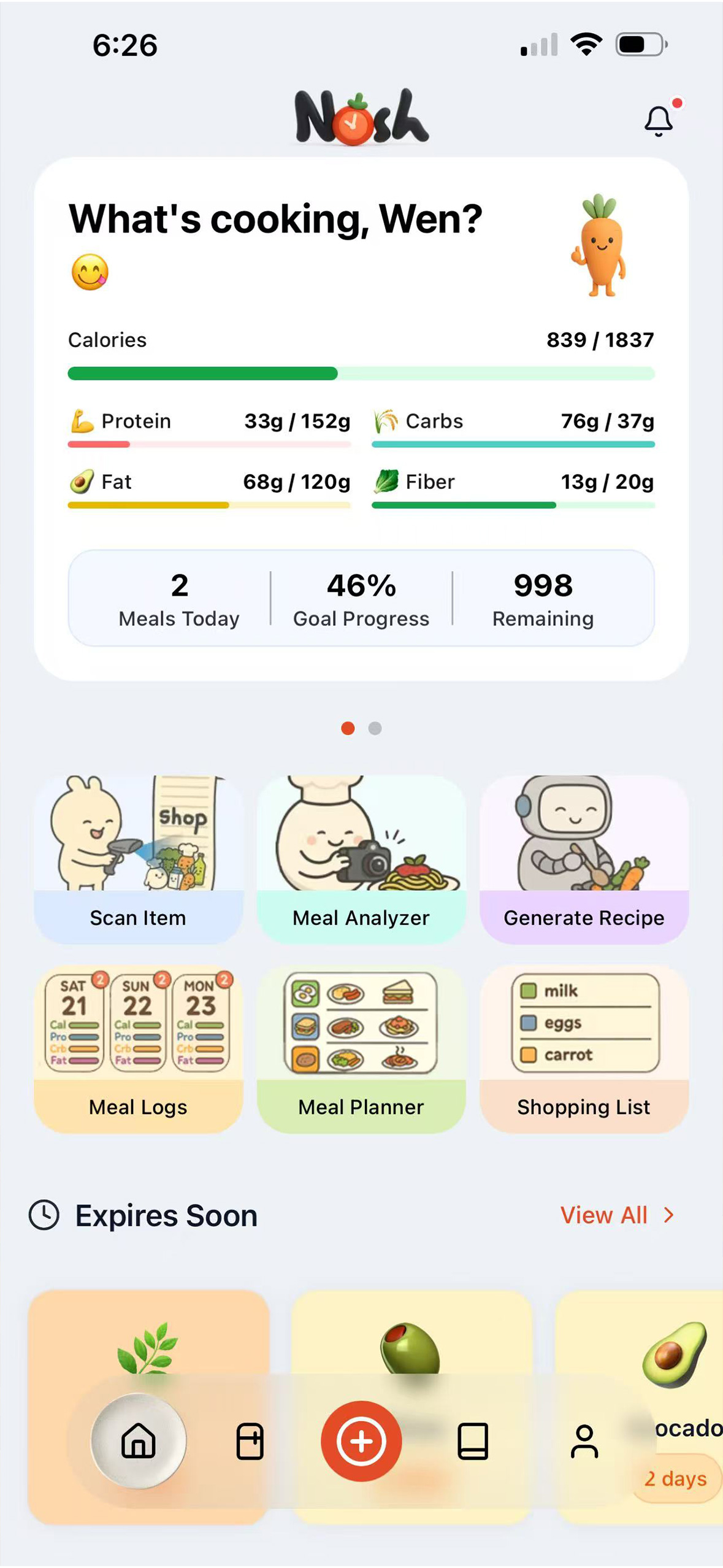
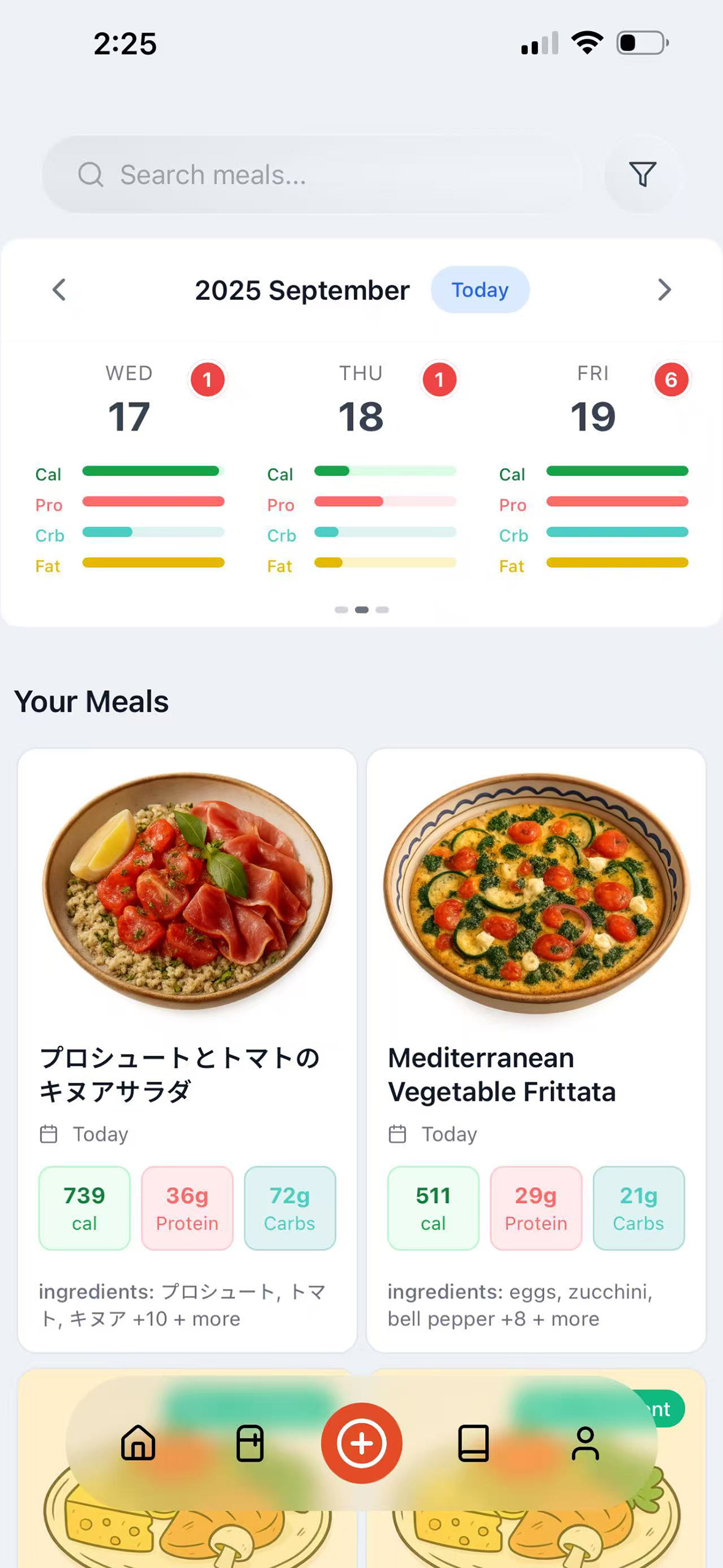
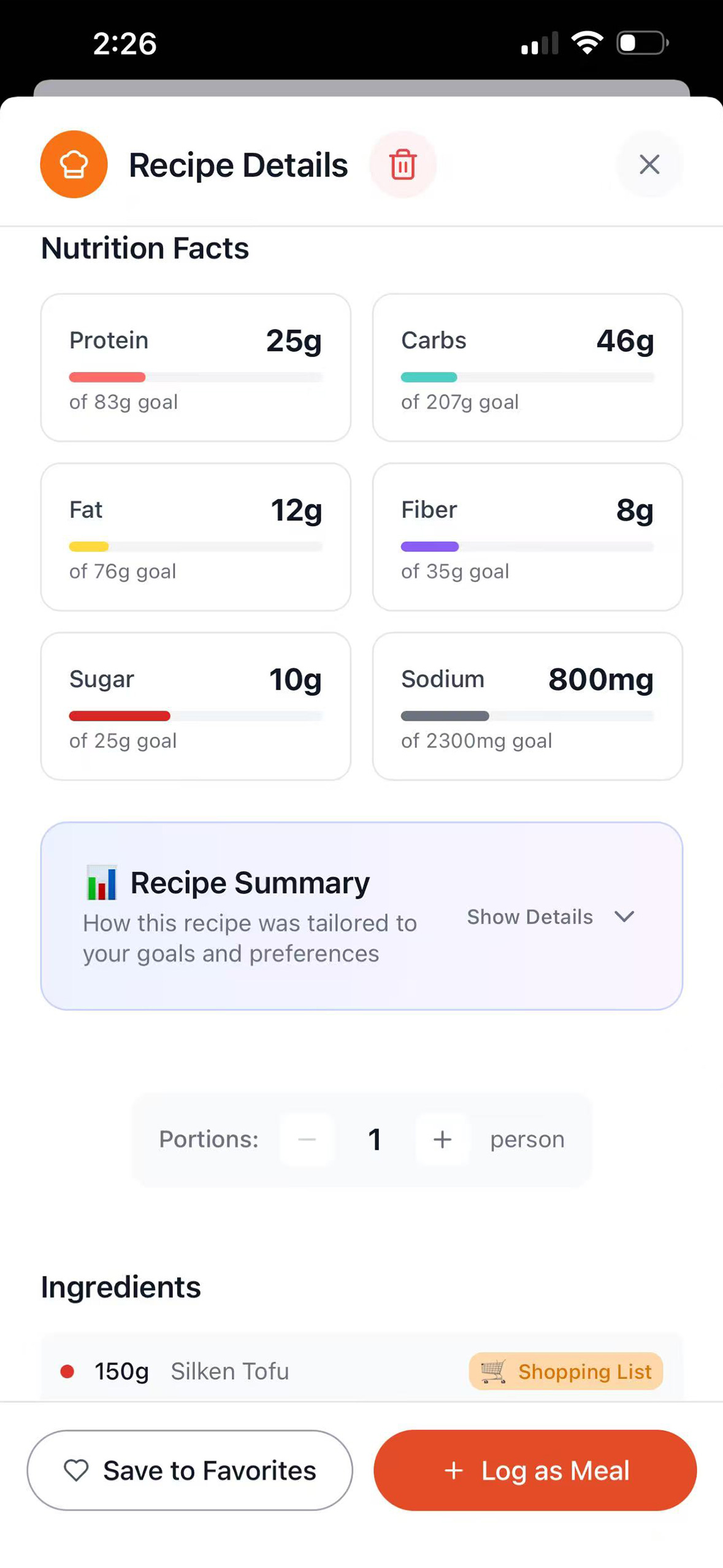
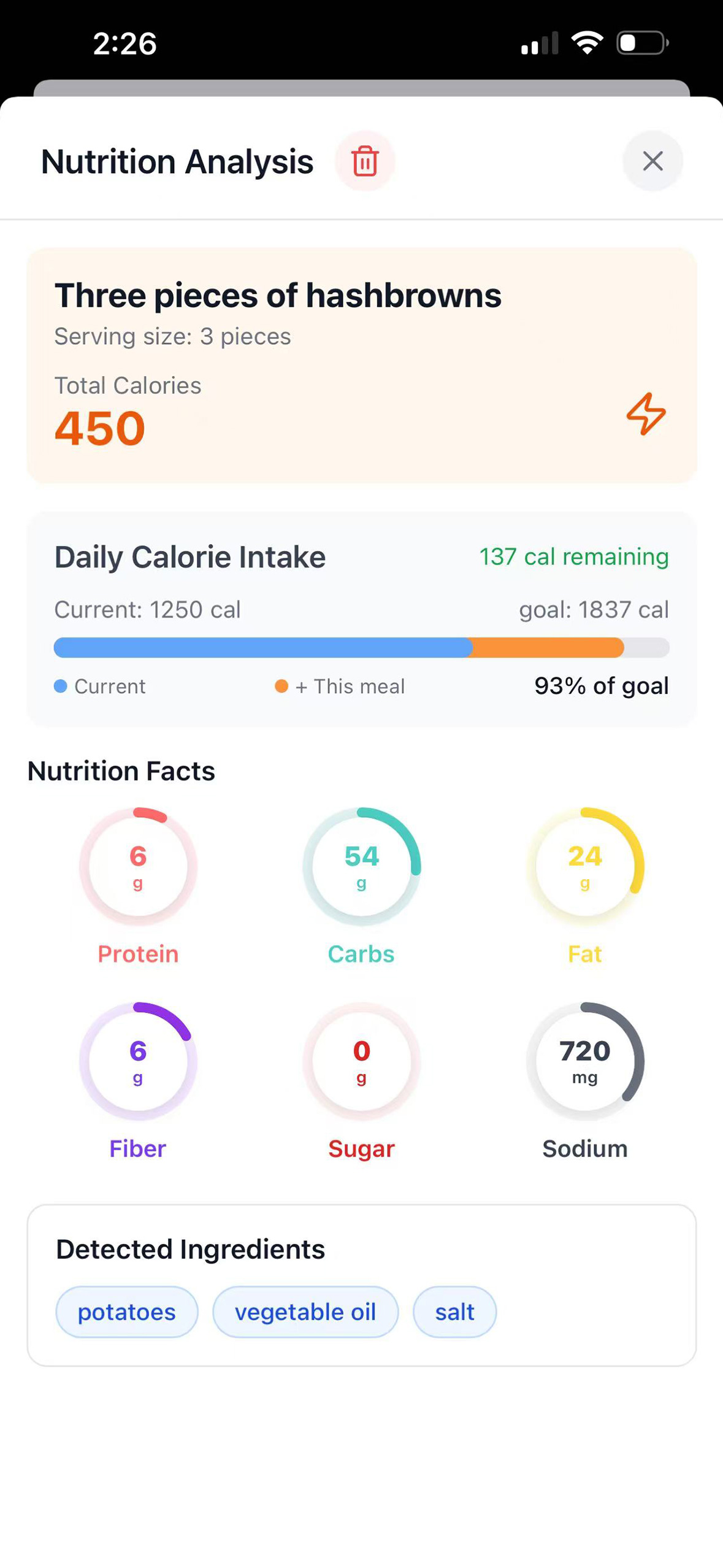
Nosh is your AI-powered kitchen companion that brings food and nutrition management into one seamless app. Track your pantry, fridge, and freezer with smart expiry alerts, and skip manual entry with AI that detects items from photos or grocery receipts. Scan your meal to instantly analyze its nutrition, log it automatically, and keep your food history organized.
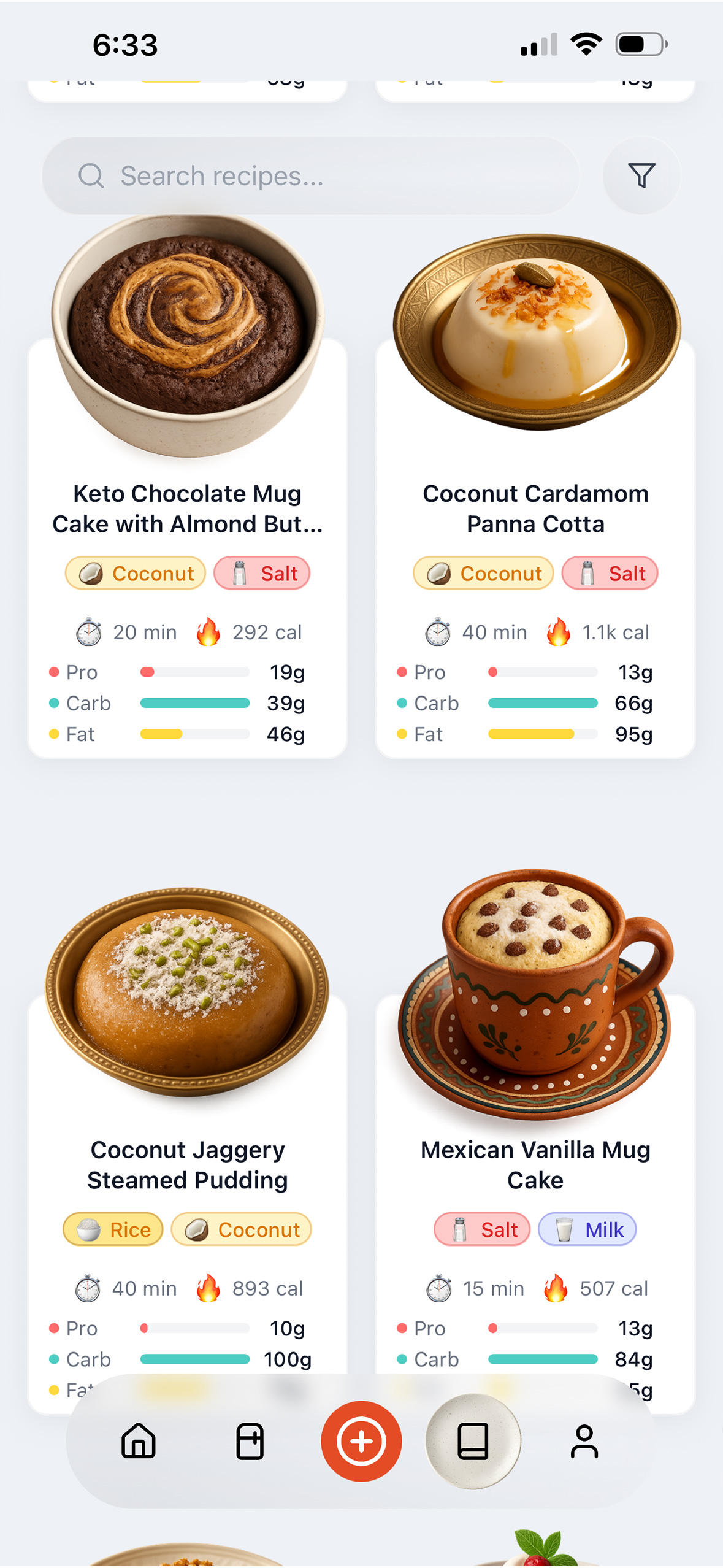
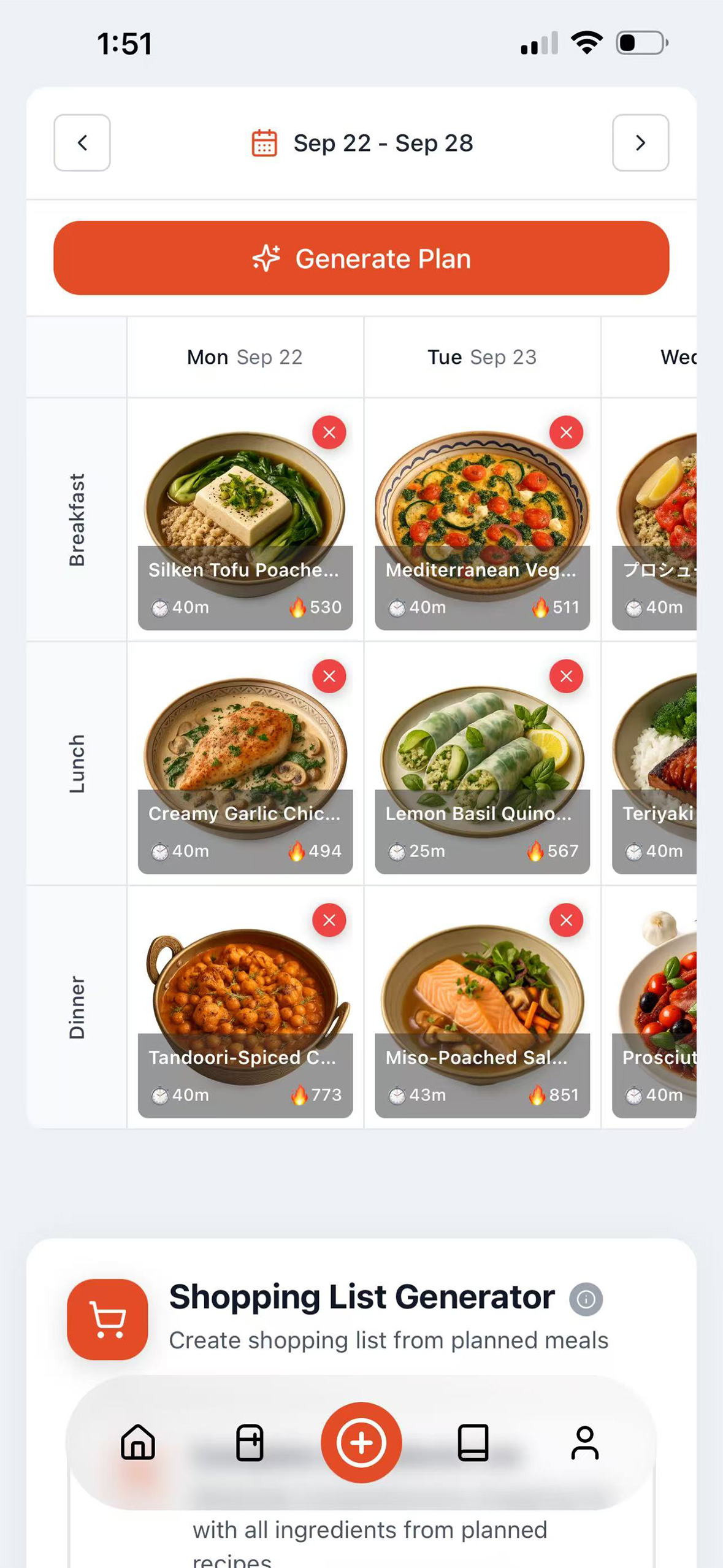
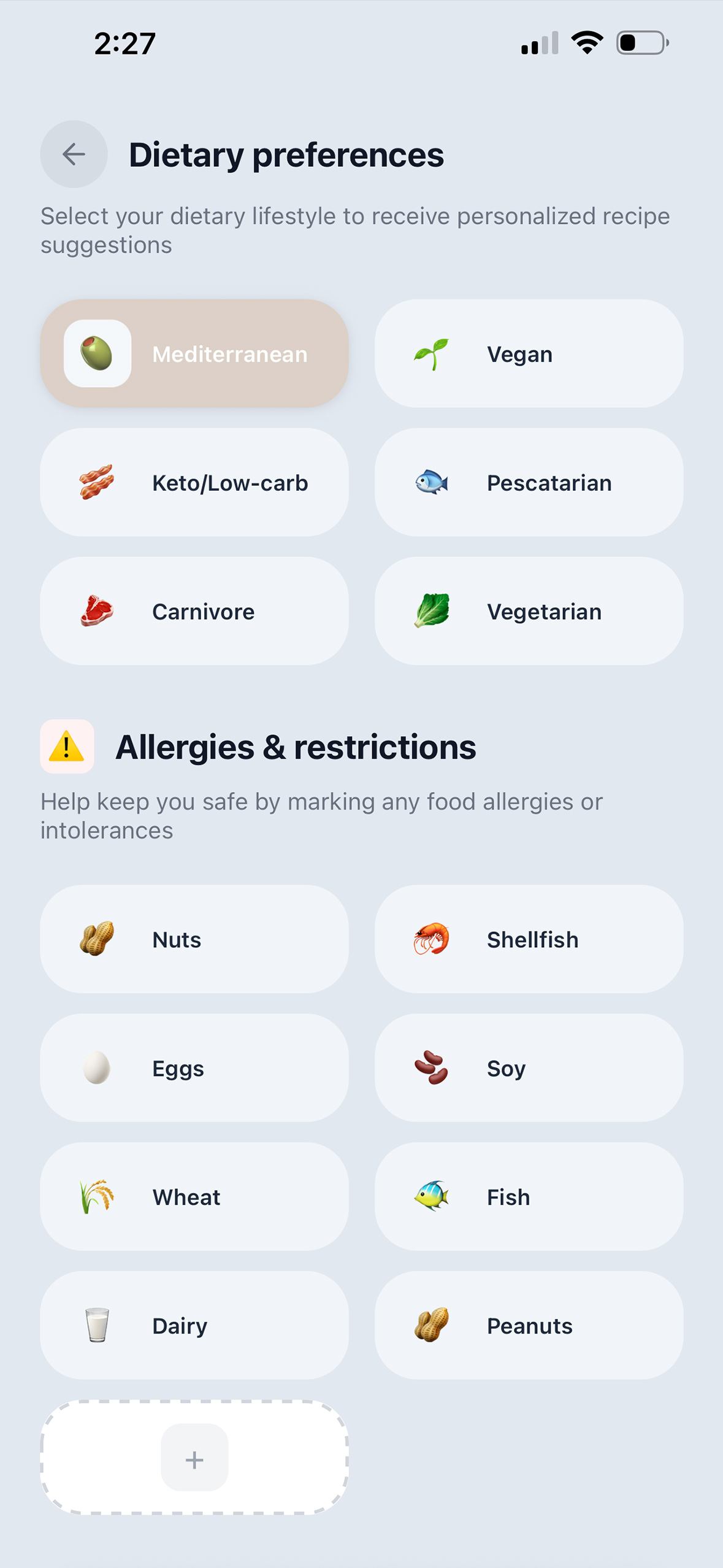
Discover personalized recipes tailored to your ingredients, diet, and allergies — helping you cook smarter, save money, and reduce food waste. Plan meals with daily calorie and macro goals designed for your age, gender, weight, and activity level. Explore an AI-generated recipe collection with advanced filters, track your nutrition progress, batch-add groceries, manage storage locations, and get weekly insights to make cooking simple, inspiring, and sustainable.
How we built it
I initially created this project as a browser-based webapp. When I discovered the Shipaton hackathon, I saw the perfect opportunity to develop an iOS version. I immediately began researching how to convert a webapp into an iOS app. After my initial investigation, I decided to use Expo service with React Native for development.
I primarily used Cursor and Claude Code to transform my webapp into an iOS app, writing code with AI on a feature-by-feature basis. First, I had the AI create the main structure of the app including tabs, pages, and the floating island bar. I provided screenshots of my webapp and had the AI convert them into React Native versions. This required numerous iterations to achieve my desired design.
During development, I added several new features and improvements compared to my original webapp:
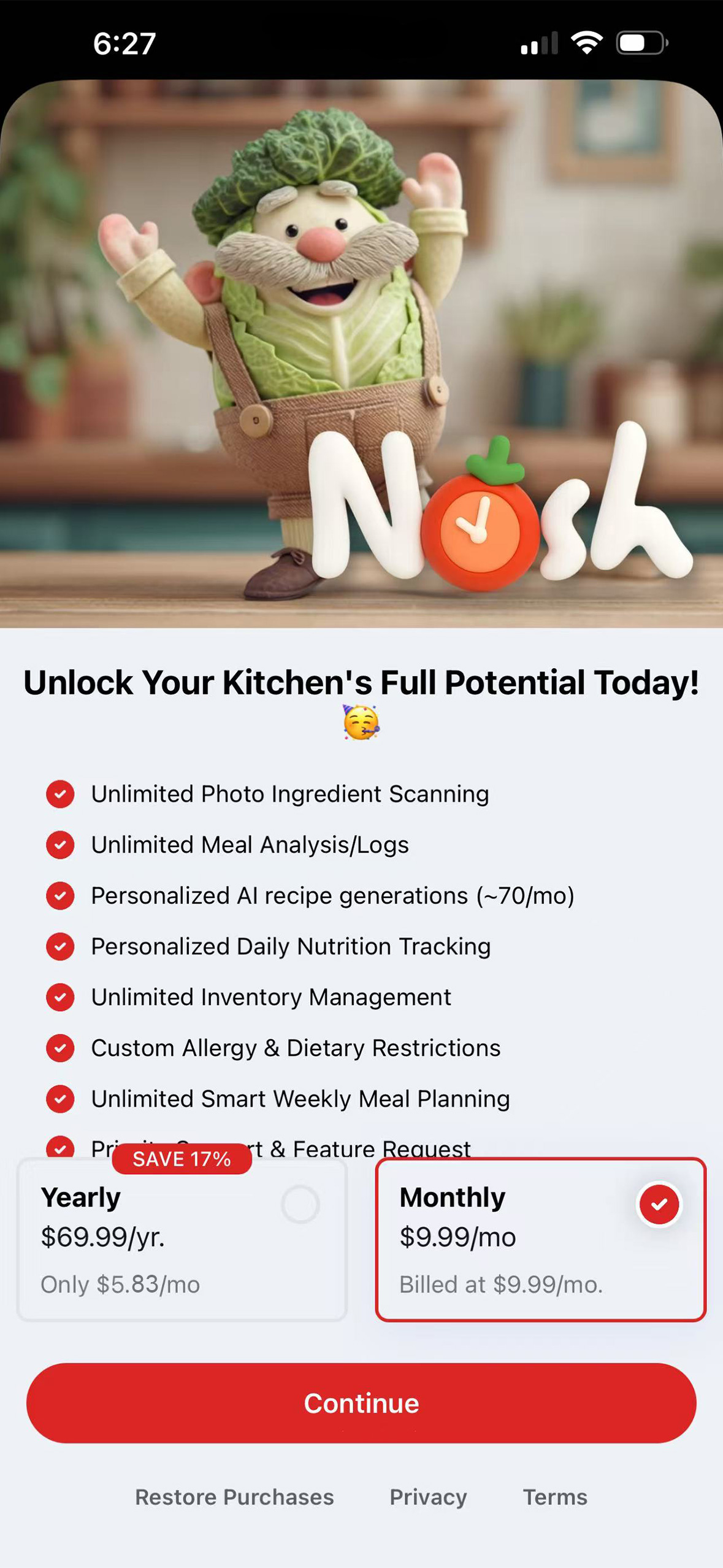
- RevenueCat SDK and paywall implementation
- Bento box recipe generation
- Multi-language support (English, Japanese, German, French, Italian, Spanish)
- Enhanced recipe generation
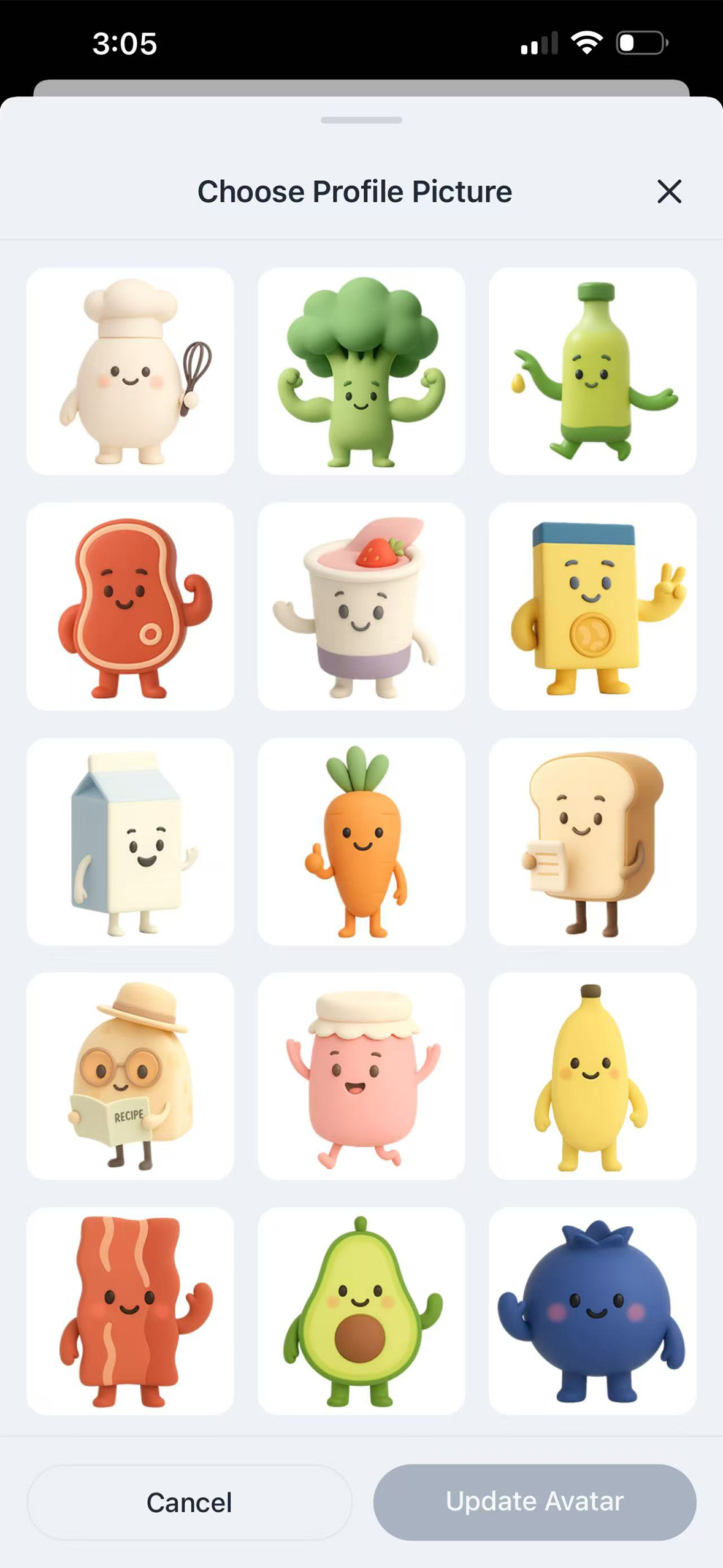
- Additional user profile images
- Text-to-meal logging (Nosh AI can now analyze meals from text input only)
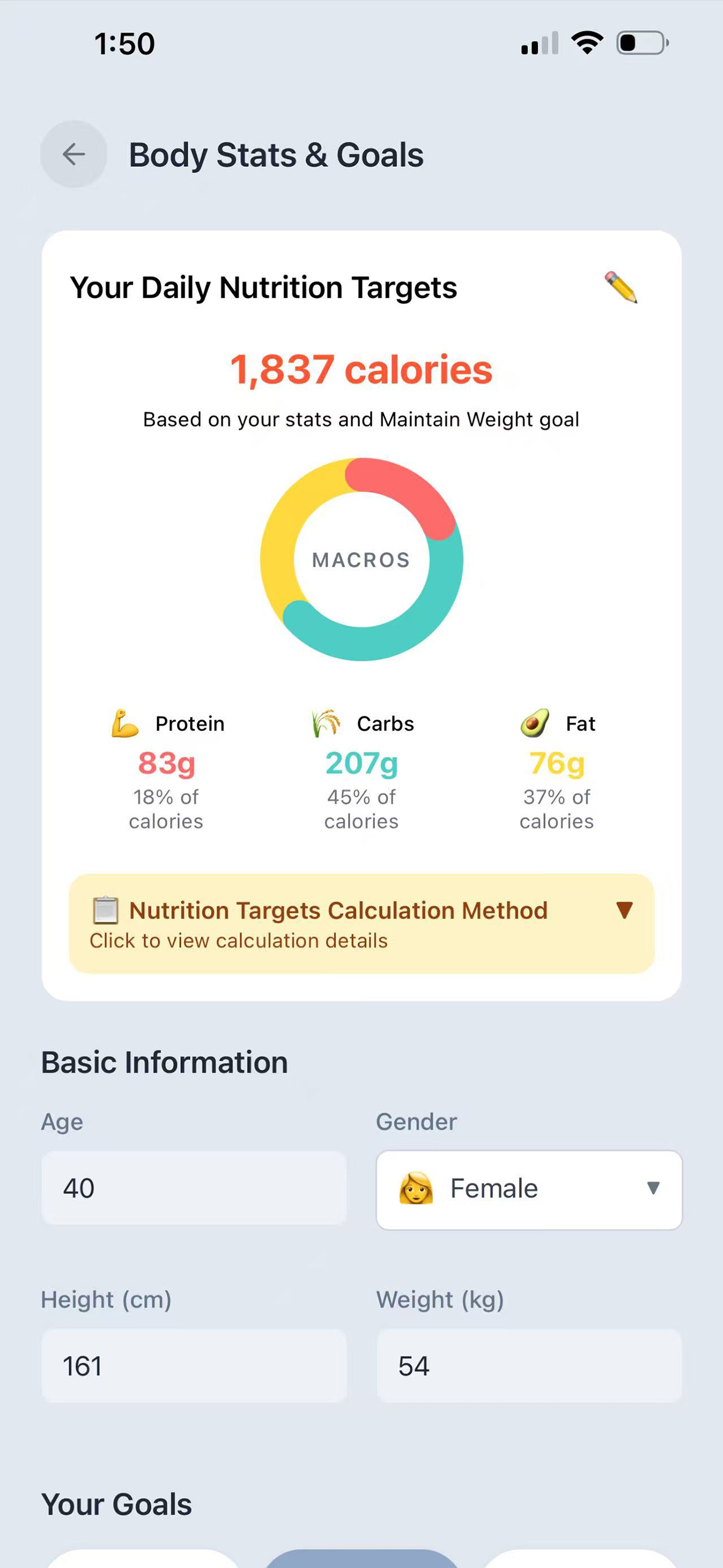
- Redesigned daily nutrition targets
- Improved personalized nutrition calculation
- Redesigned onboarding experience
- Redesigned meal analysis
- Redesigned personalization options
- Redesigned overall app UI
🎨 App Design Highlights
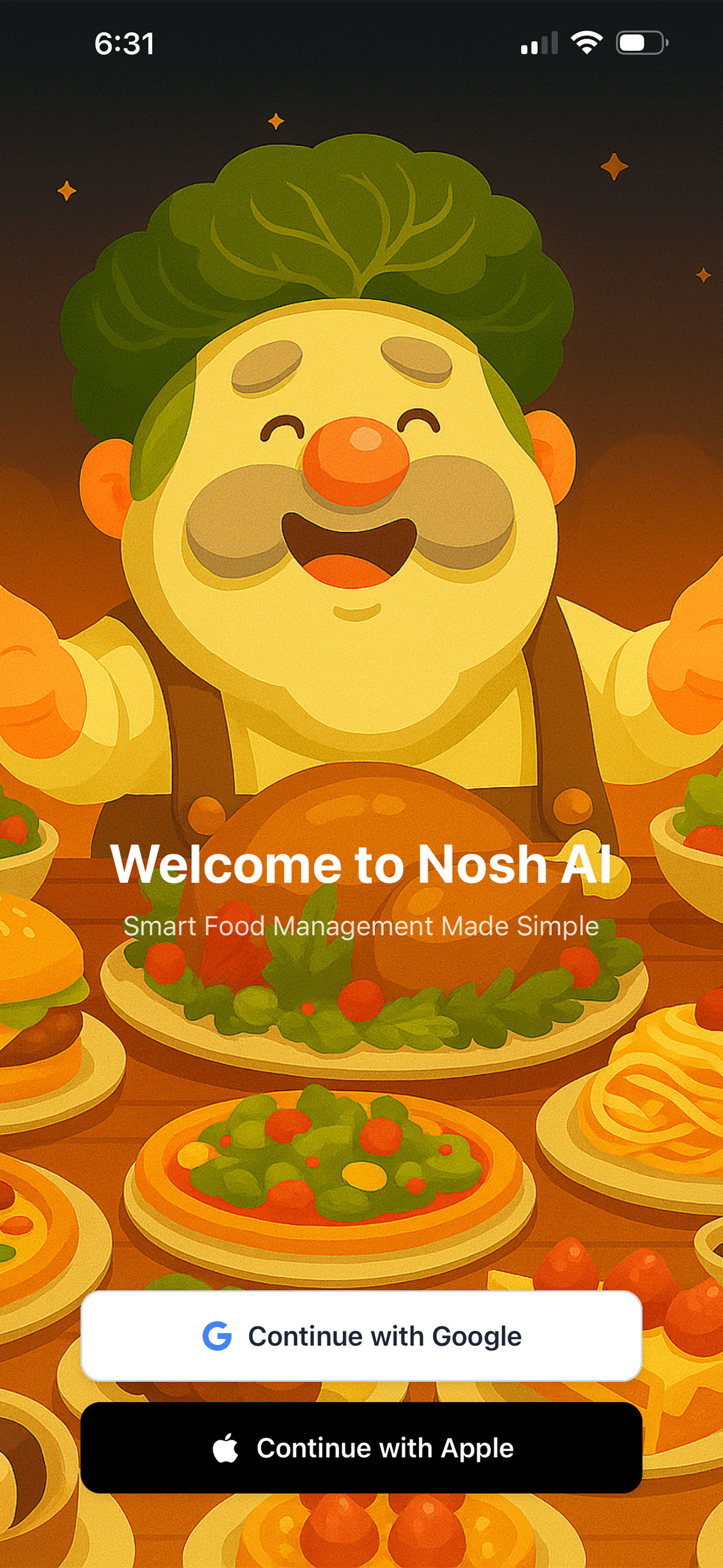
Nosh AI isn’t just functional — it’s crafted to delight users with playful, friendly, and intuitive design choices that make cooking fun.
Custom Characters
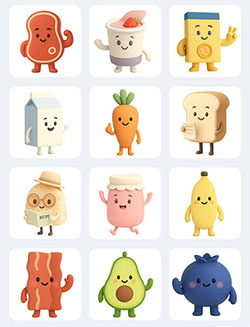
I created a set of soft 3D characters that appear throughout the app:

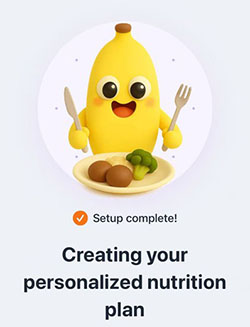
- Animated character buttons
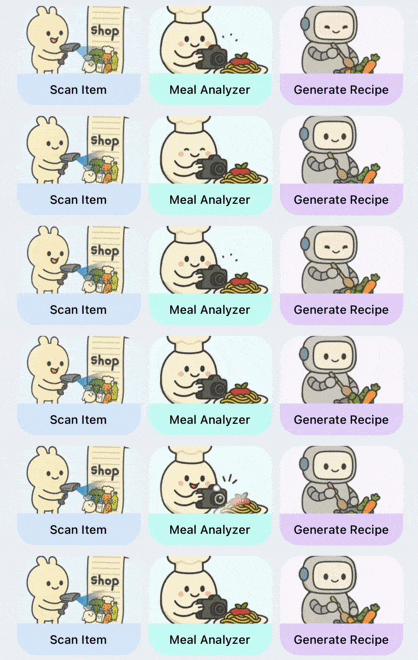
- Animated GIFs for recipe image loading

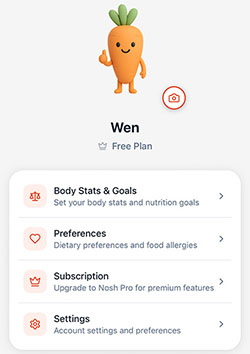
- A variety of profile picture avatars to choose from
Recipe Presentation
Nosh AI uses unique image generation with transparent backgrounds that seamlessly integrate into the recipe cards. This design keeps the focus on the food itself, with no distracting backdrops.


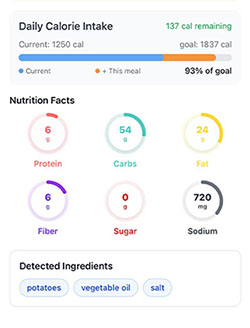
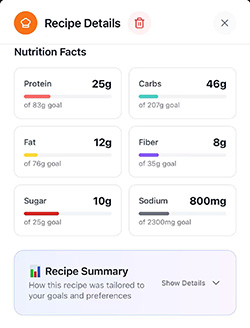
Clear Nutrition Tracking
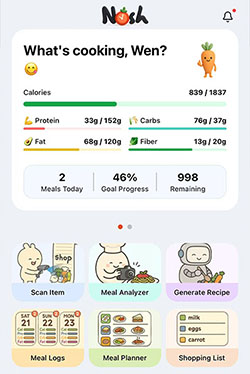
Nutrition and progress tracking is displayed in a friendly and approachable UI with simple icons and soft visuals, so users instantly understand their health goals without overwhelm.
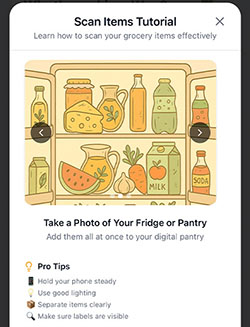
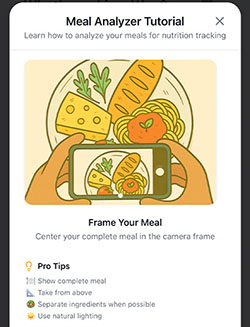
Tutorial Popups & Guides
Easy-to-understand illustrations guide users during onboarding and tutorials, making the experience approachable for anyone.

💡 Every design element in Nosh AI is intentional: making healthy cooking not just practical, but playful and engaging.
Challenges we ran into
One of the biggest challenges was porting code logic from webapp to React Native. During development, I relied heavily on Expo Go and browser-based iPhone simulators. However, I kept encountering import.meta issues where AI imported certain file logic from the webapp that was built for web only. Once ported to React Native, these components simply wouldn't work. This caused significant difficulties. Eventually, I had to instruct the AI to avoid importing these "broken logic" files to the iOS project and instead rewrite the code entirely.
Another challenge involved the database architecture. I created a complex database flow where upon user registration, the system automatically adds the user to different tables such as profiles table, copies AI usage data to the user, and sets free user limits. It simultaneously tracks user AI usage and checks subscription status. When users subscribe to a paid plan, the database must apply the correct usage limits both in the database and frontend. This flow is so complex that if one component breaks, I have to trace the entire pathway to identify where the failure occurred.
Accomplishments that we're proud of
As a designer, I often imagine developing my own iOS app. Now with the help of AI and tools like RevenueCat, Supabase, Cursor, etc, this dream came true. Reading that email from Apple saying my app is ready for distribution, was a huge achievement. The joy can’t be described with words.
What we learned
I learned so much about app development, the process involved, and the tools needed. My experience ranged from building React Native apps to integrating the RevenueCat SDK, OneSignal API, improving edge functions, working with Supabase databases, and using different types of AI at each stage.
I discovered how to create a paywall in RevenueCat, utilize its various tools, connect a React Native app to Expo and App Store Connect, build apps with EAS service, and integrate OneSignal with the app. All this knowledge is essential for my future app development projects.
What's next for Nosh AI - Recipes & Nutrition
I'm planning to enhance Nosh AI with a more detailed cuisine style picker. Rather than broadly selecting "Asian cuisine," users will be able to choose specific options like Chinese, Japanese, or Thai cuisine.
Another upcoming feature will allow users to describe what they want to eat through text input (using built-in voice recognition). Nosh AI will then create recipes matching users' exact preferences with their available ingredients, providing more customized cooking options.
A digital recipe book is also in development, where users can upload their personal recipes. Nosh AI will convert these into an organized digital collection for easy management.
The community feature has always been on my roadmap. I plan to create a blog page where users can showcase their creations, share recipes, and copy recipes from others—encouraging more creativity with less stress.
Finally, I'll add a daily check-in feature that rewards users with points they can redeem for recipe credits, simply by opening the app each day.
Built With
- claude
- codex
- cursor
- revenuecat
- supabase

Log in or sign up for Devpost to join the conversation.