-
-
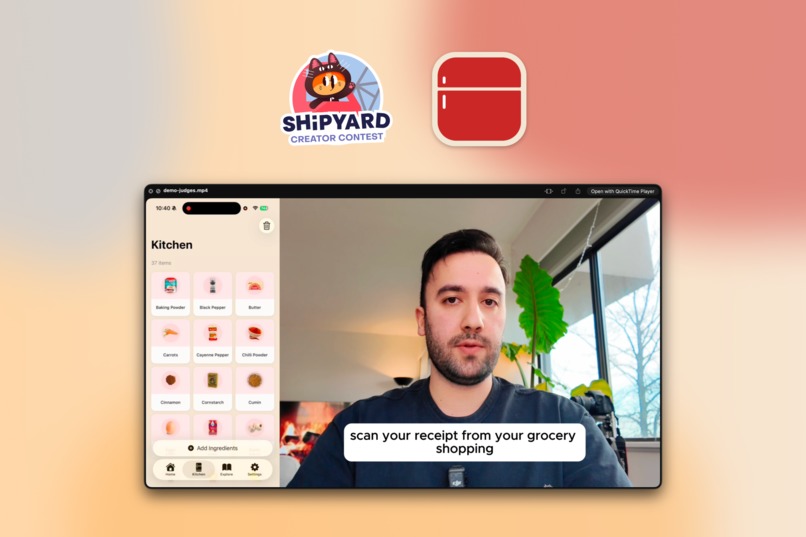
https://youtu.be/H9qrE4NM2Ss
-
-
Inspiration
Definitely Eitan's brief, when I heard it, I knew I found something that I needed but I didn't know, I kept saving recipes on Instagram and TikTok but never actually cooked them, mostly because I didn't know if I had the right ingredients. I wanted an app that imports recipes from social media and matches them to what's already in my fridge.
What it does
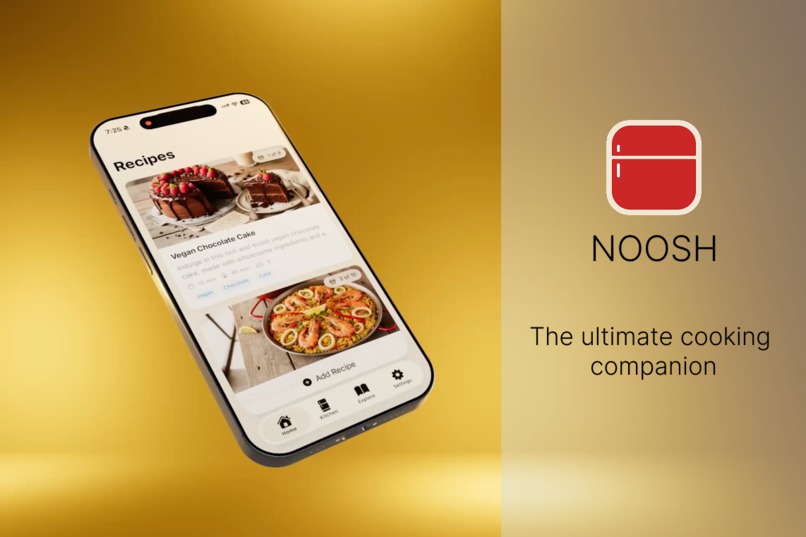
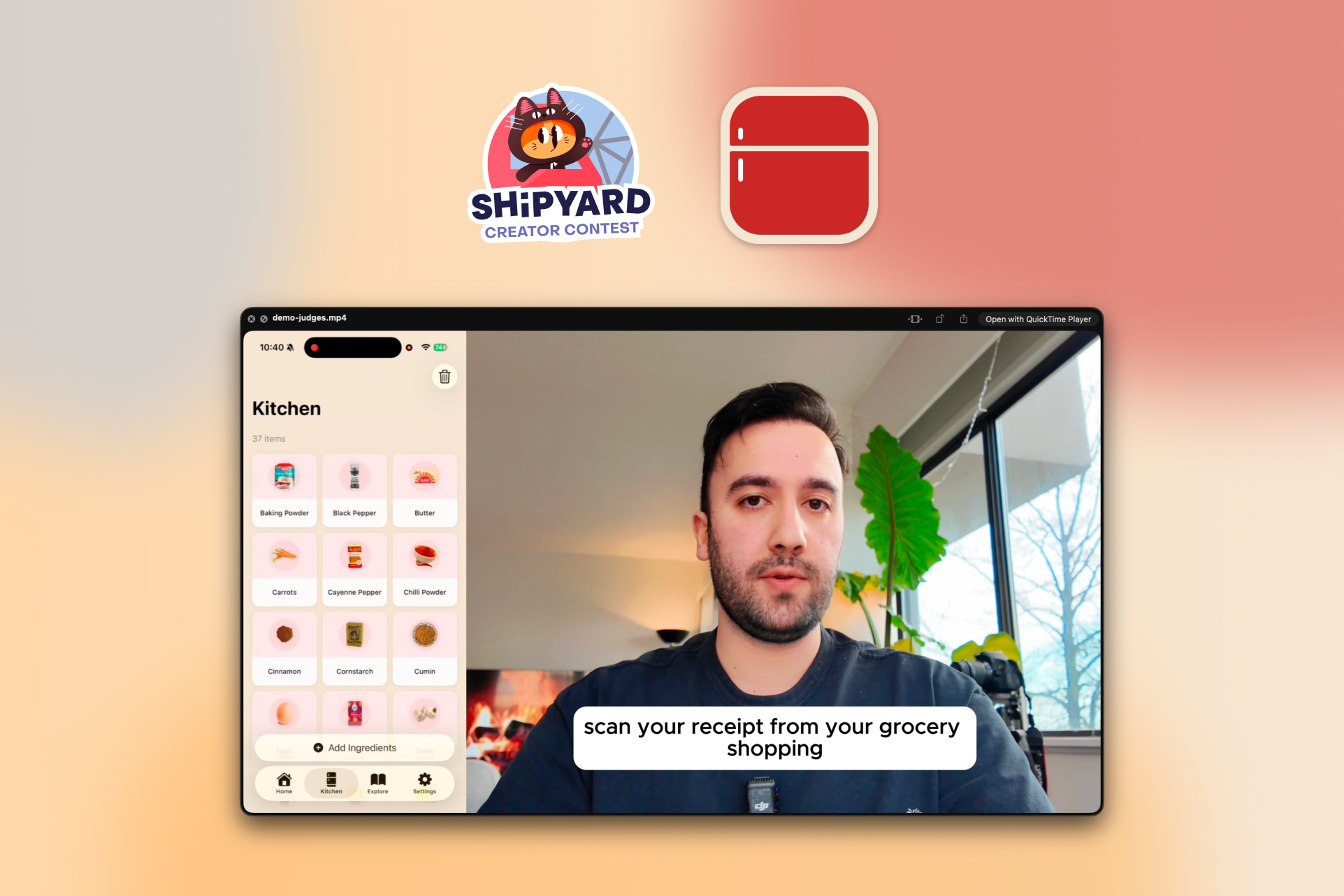
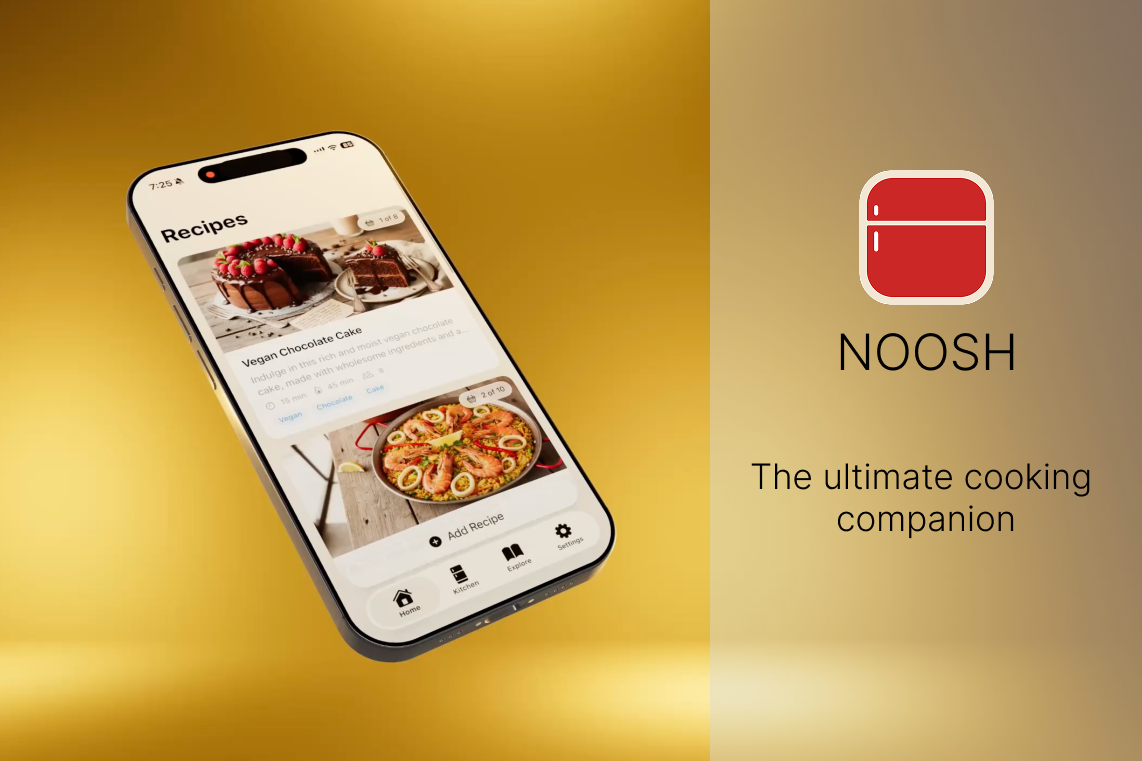
Noosh lets you import recipes from Instagram, TikTok, YouTube, or any website, or scan a cookbook page with your camera. It tracks what's in your kitchen and shows you which recipes you can make with the ingredients you already have. You can also browse recipes, get AI-generated meal ideas, and follow step-by-step cooking instructions. You can browse the discover section of the app and find recipes based on their main ingredients, You can also easily keep track of ingredients you already own by taking a picture of the fridge, shopping bags, receipts or searching through our database. https://youtu.be/H9qrE4NM2Ss
How I built it
I used Cursor along with XCode, I mostly used Opus 4.6 model and planning mode, This app is a native SwiftUI app (iOS 17+) using SwiftData for persistence. There is no Login required, as the app used CloudKit integration. Recipe imports go through a pipeline: first the raw content is extracted from the URL or image, then AI parses it into structured data (ingredients, quantities, steps), each ingredient is normalized against a database for matching, and finally a cover image is generated. The same normalization pipeline runs on kitchen inventory items so the app can reliably compare what a recipe needs to what you have on hand.
Challenges I ran into
The hardest part was ingredient matching, "basil," "fresh basil," and "basil leaves" all need to map to the same thing. I built a multi-layered normalization system with Levenshtein distance, plural stripping, and word-subset matching. AI reliability was another challenge, models don't always return clean JSON, so I needed robust error handling and retry logic. Keeping the UI responsive while running multiple AI calls in the background required careful use of Swift's concurrency model.
Accomplishments that I'm proud of
The ingredient normalization engine ended up working surprisingly well, it reliably matches across plurals, synonyms, and modifiers with very few false positives. I'm also proud of how seamless the import flow feels: paste a link, and seconds later you have a fully structured recipe with ingredients already matched to your inventory. Building a polished end-to-end experience from URL extraction to cooking mode in a tight timeline was a challenge I'm glad I took on.
What I learned
As someone already deep in the iOS ecosystem, the biggest learning area was orchestrating AI services in a real product. Designing prompts that reliably return structured JSON, handling partial failures in a multi-step AI pipeline, and knowing when to retry vs. fall back, none of that is in any documentation. I also gained a new understanding for how messy food data is and why ingredient normalization is a hard problem worth solving.
What's next for Noosh: Recipe Tracker
- Speed & efficiency : optimize the import pipeline and overall app performance, daily jobs to pre-import most viral social media recipe videos for instant import.
- Pre-imported cookbooks : ship with popular cookbooks already parsed and ready to browse
- Curated recipe collection : build our own library of tested, high-quality recipes
- Ingredient-based browsing : let users search recipes filtered by what they have on hand
- Social features : follow other users and discover their saved recipes
- Meal planner : plan the week's meals and auto-generate shopping lists
- General grocery list : a standalone list beyond just recipe ingredients
- AI chatbot : a conversational cooking assistant for substitutions, tips, and meal ideas

Log in or sign up for Devpost to join the conversation.