-
-
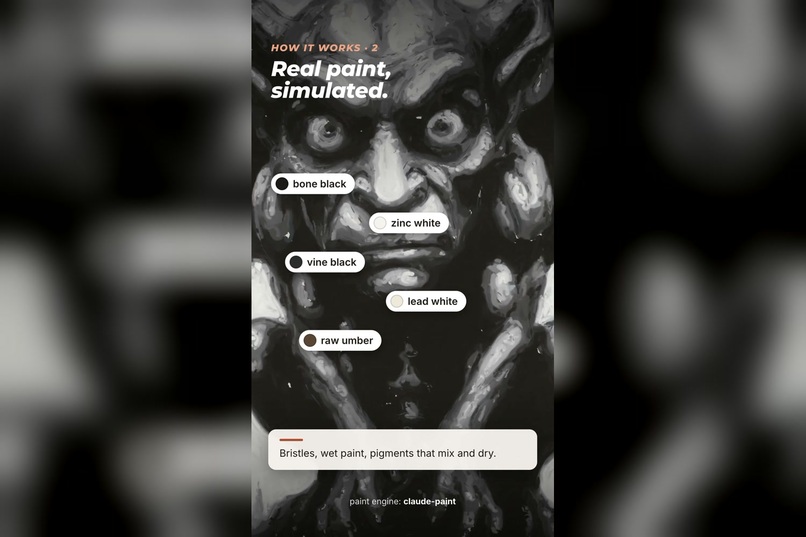
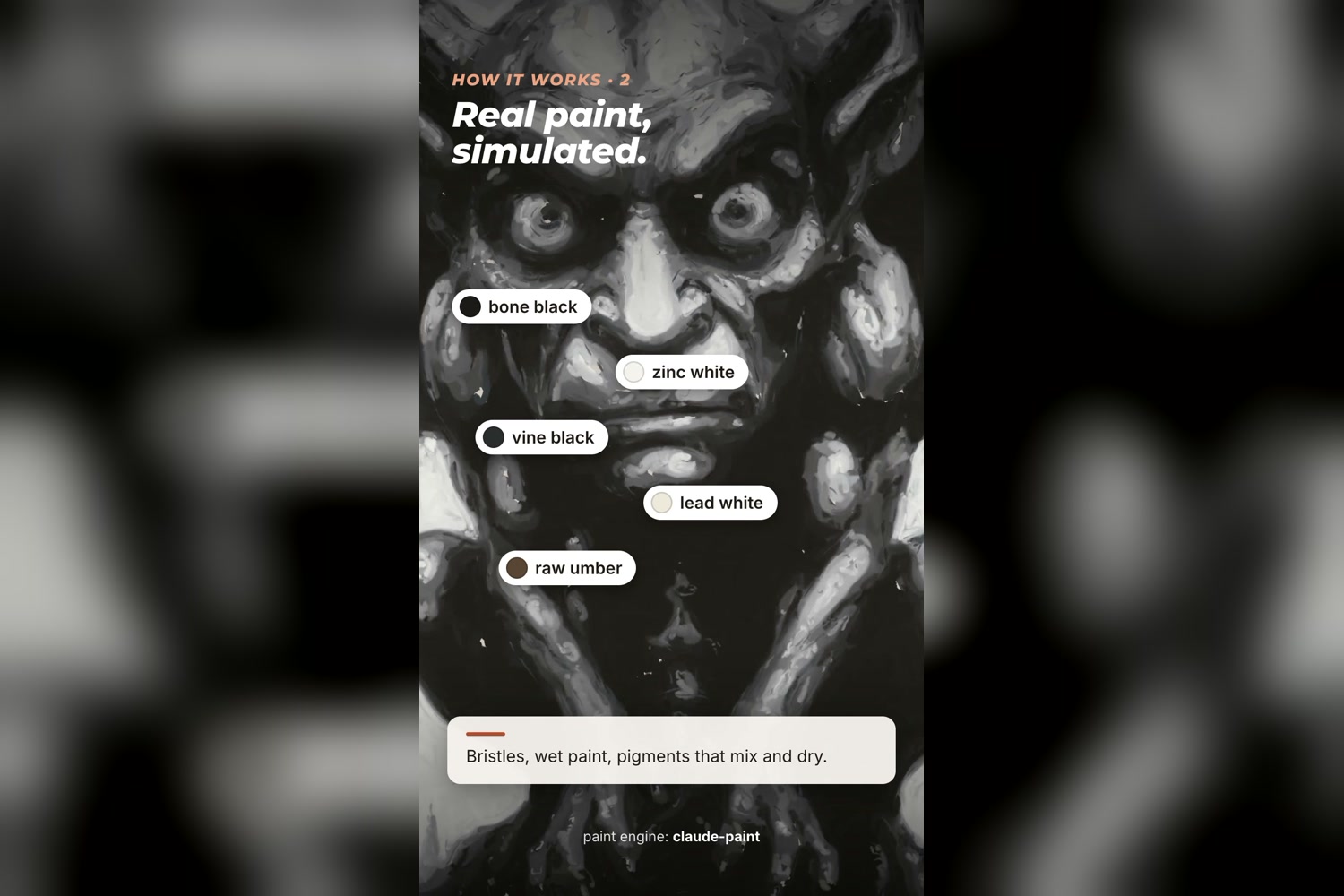
Real paint, simulated: the gargoyle being painted stroke by stroke
-
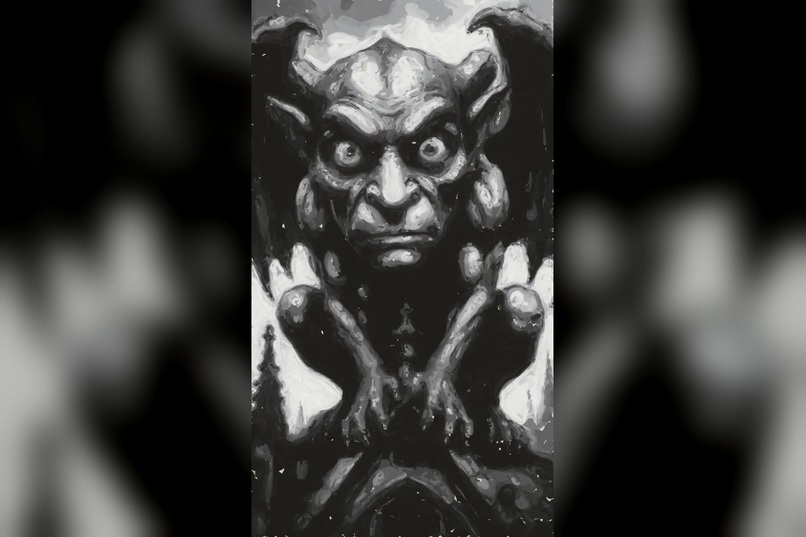
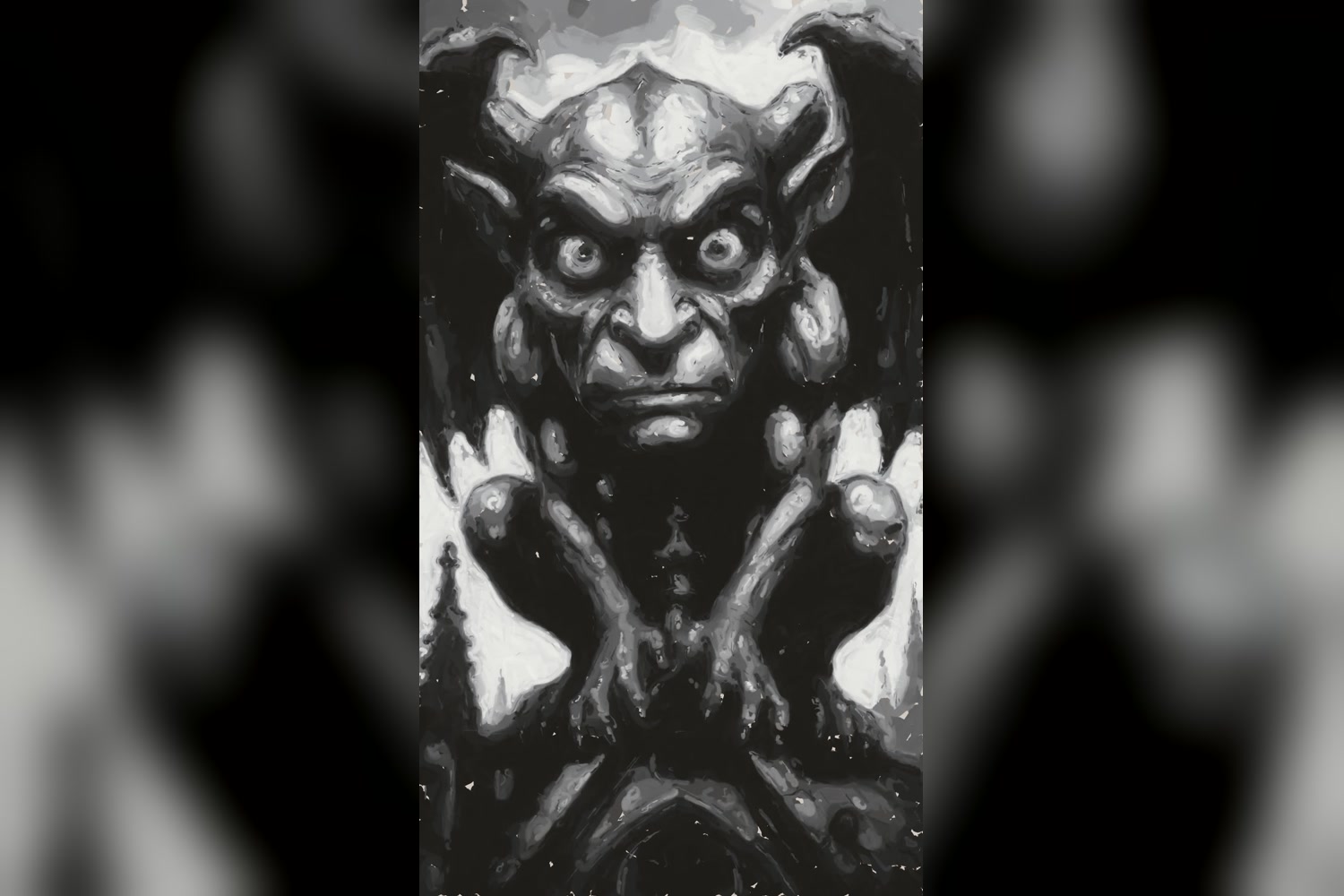
The finished gargoyle: 8,292 strokes, big brush to small
-
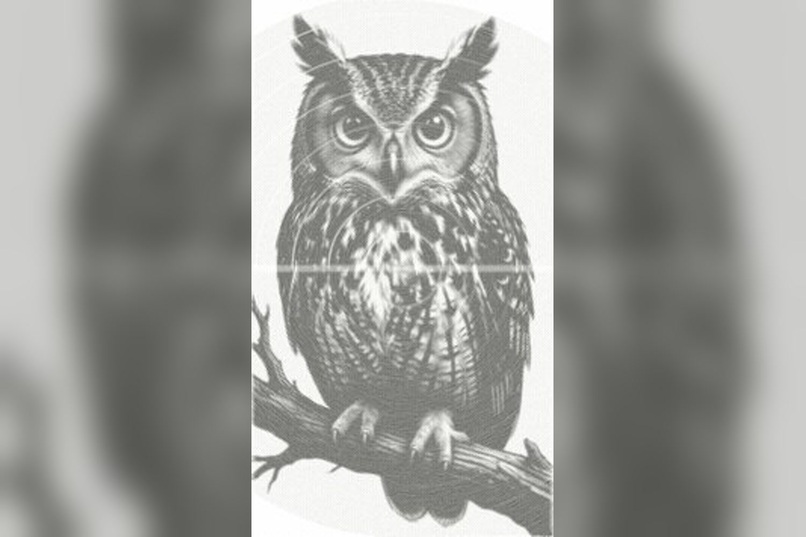
One continuous spiral drawn with a compass
-
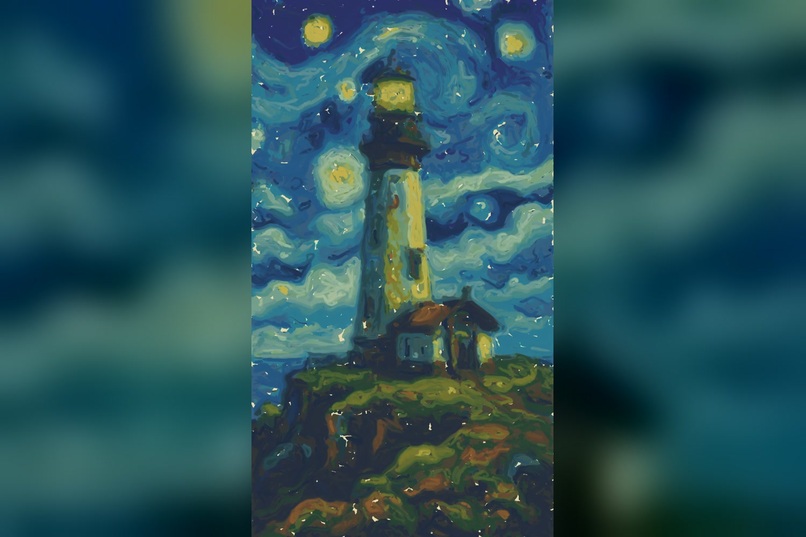
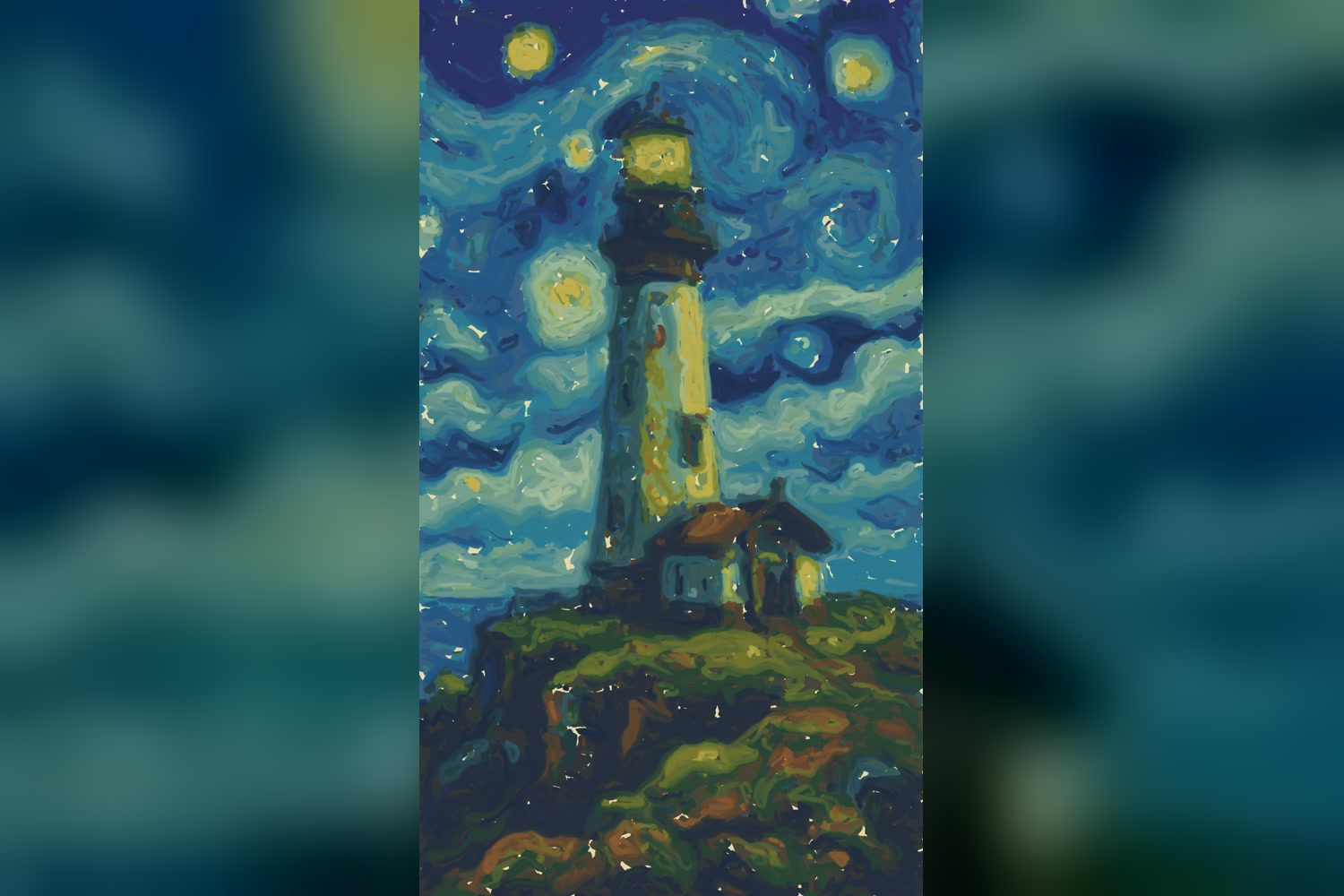
No picture? Describe one: a local image model drew this lighthouse, then it was painted
-
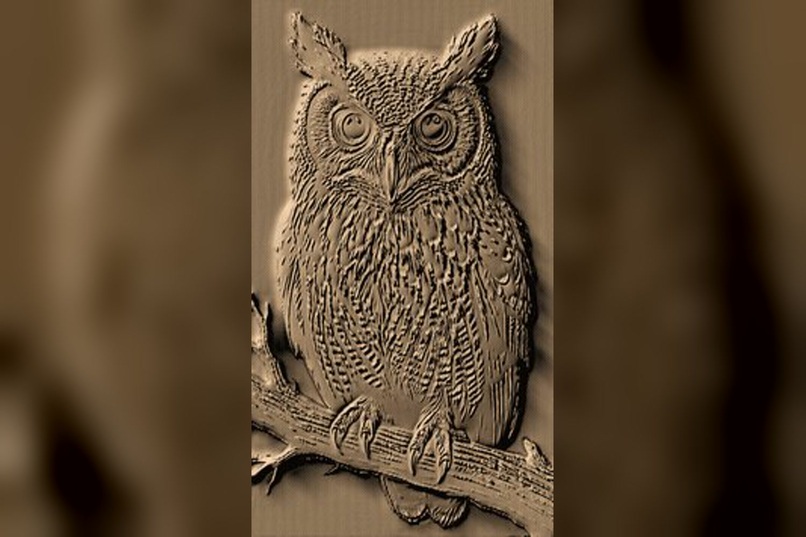
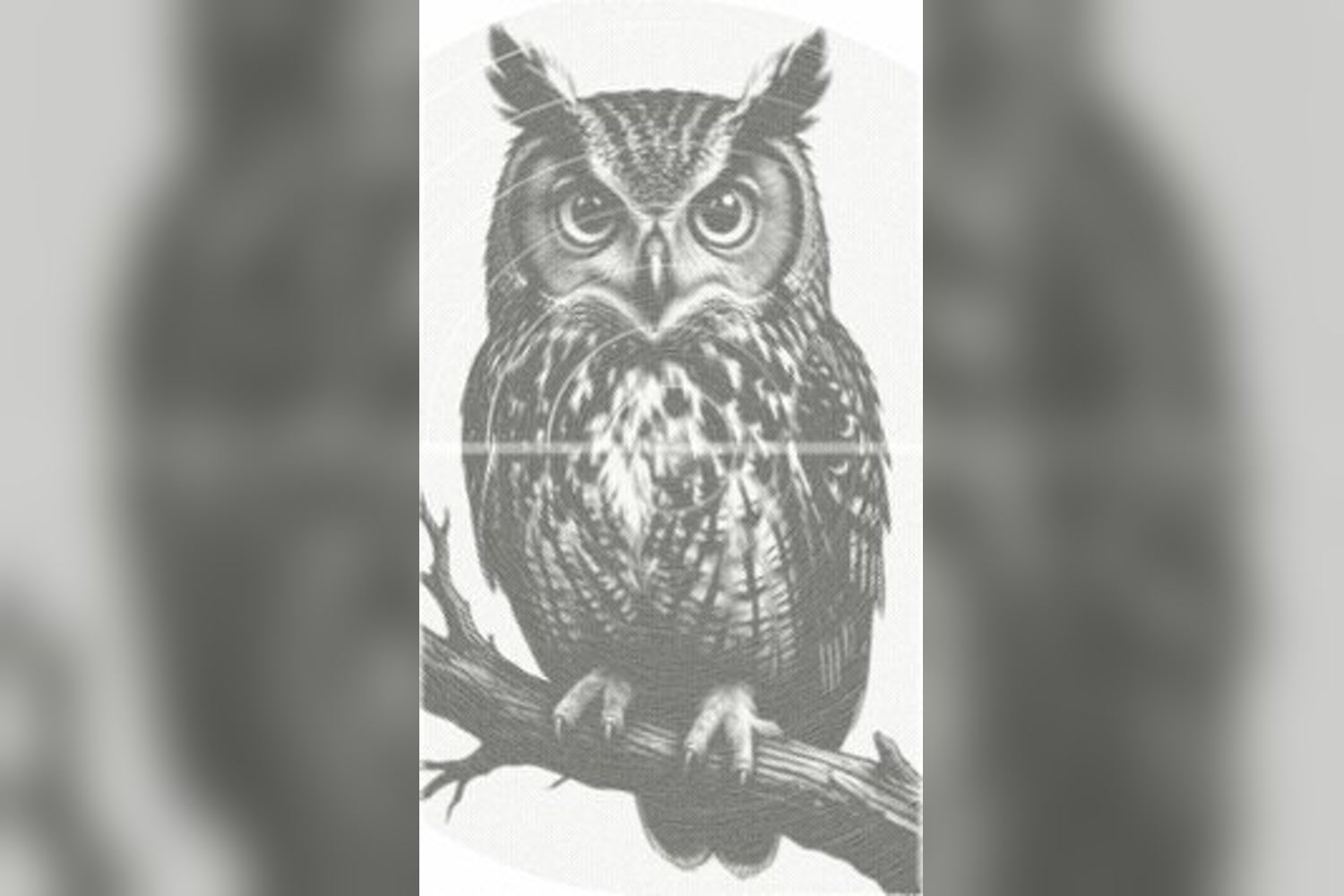
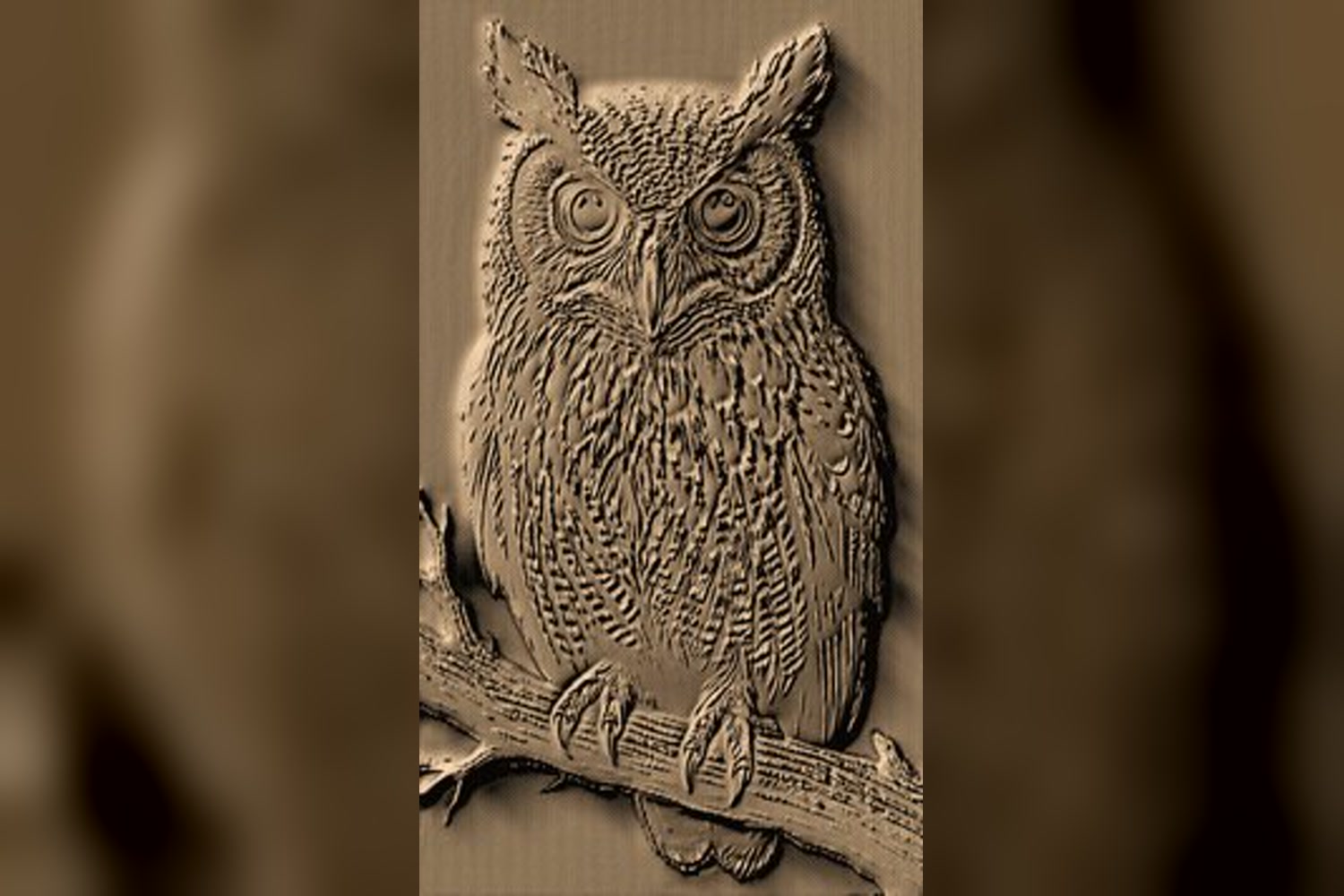
Carved in 3D and rendered in Blender: an owl in wood
-
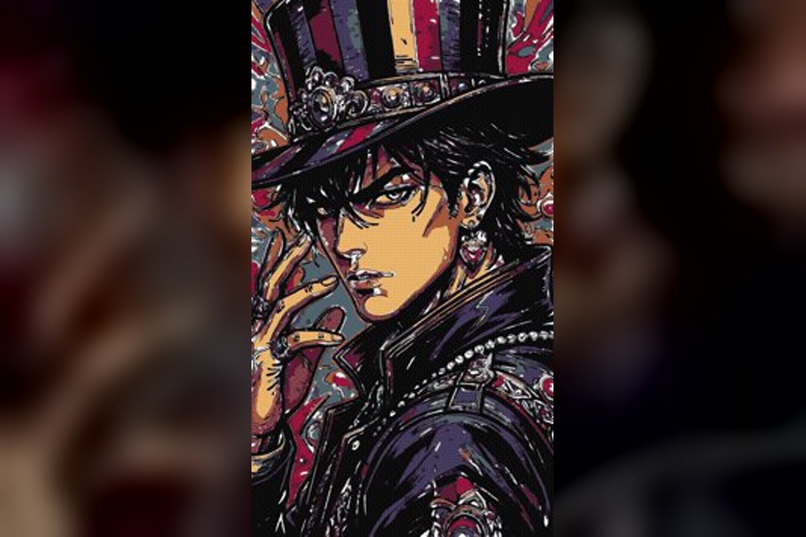
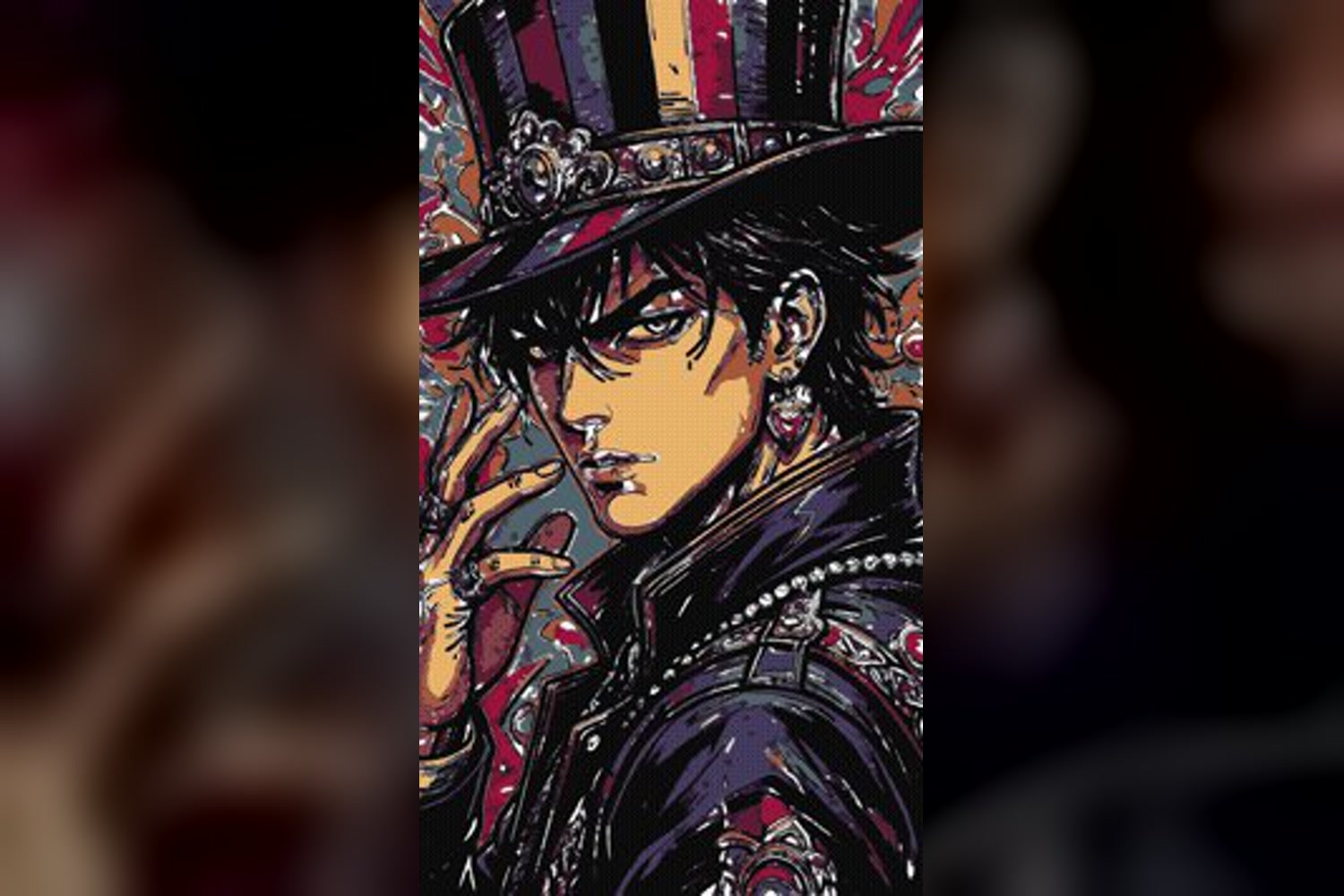
Manga: pencil rough, ink, then colour
Inspiration
Most "AI art" tools jump straight to a finished image. You never see how it was made, and nothing about it resembles how an artist works. I wanted the opposite: a program that works the way a painter does, from a big brush down to a fine one, so you can watch every stroke go down. Watching a painting take shape is half the joy of art, and most people never get to see it.
What it does
You give it a picture, or type an idea and a local image model draws one first. It then paints that picture stroke by stroke and records the whole thing as a video in your picture's own shape.
- Oil painting in styles from Impressionist and Van Gogh to Old Master and Baroque, using simulated paint: bristles, named pigments that mix the way real pigments do, thick and thin paint, paint that dries.
- Other materials, same idea: pencil and ruler, a single pen maze, a compass spiral, manga (pencil rough, ink, then colour), and wood, marble or clay carving rendered in 3D in Blender.
- Moving paintings: a picture or a video clip repainted frame by frame, about 12 paintings a second, like the film Loving Vincent.
- An optional hand that holds the brush, pen or chisel and follows each recorded stroke.
- A simple app: pick a picture, pick a style, press Paint. Everything runs on your own computer.
Built with Claude
This project wasn't done alone. I built it with the help of Claude, Anthropic's AI assistant, which wrote much of the code and helped me design, debug and document it, and make the videos. The idea, the direction, the choices about how each style should look, and all the testing were mine.
How I built it
- Paint engine: claude-paint by Alice (MIT), which simulates real oil paint. My part decides where every stroke goes and turns the result into video.
- Painting like a painter: it compares the canvas with the reference picture, blocks in big shapes with a big brush, then refines with smaller brushes. Each pass only adds strokes where the canvas still doesn't match. The gargoyle in the demo took 8,292 strokes, with five brushes from a flat 40 down to a round 3.
- Every stroke is recorded with where it went and when, so the video can follow the brush and the hand can trace each stroke exactly.
- Carving and clay: a 3D block is carved away (or clay built up) bit by bit and rendered in Blender under raking light.
- Local image model: Qwen-Image 2512 (via ComfyUI) draws a picture from a typed idea, entirely offline.
- App and video: Python, a small local web app, ffmpeg. One-line installers for macOS, Linux and Windows.
Challenges I ran into
- Making it look painted, not filtered: strokes have to follow the shape of what they paint, and big-to-small ordering matters more than any single stroke.
- Keeping everything local on an ordinary laptop: the image model, Blender and video encoding all compete for memory.
- Making the hand overlay follow thousands of recorded strokes believably.
Accomplishments that I'm proud of
- 20 styles across oil, pencil, pen, compass, manga, carving and moving paintings, all from the same idea.
- It's honest: every video says it was made by a simulation, not a human artist.
- Anyone can install it with one line and run it on their own computer, for free.
What I learned
How painters actually work (blocking in, refining, glazing) and how much of a painting's character comes from the order of the strokes, not just their colours.
What's next for NoobPainterSimulation
More materials (watercolour, charcoal), tested Linux packages, and a classroom mode that slows down and explains each stage, so students can learn how a painting is built.

Log in or sign up for Devpost to join the conversation.