-
-
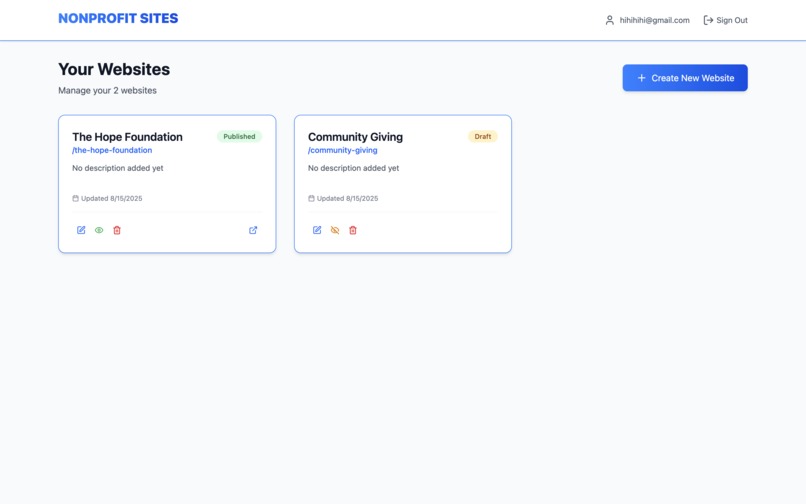
Dashboard
-
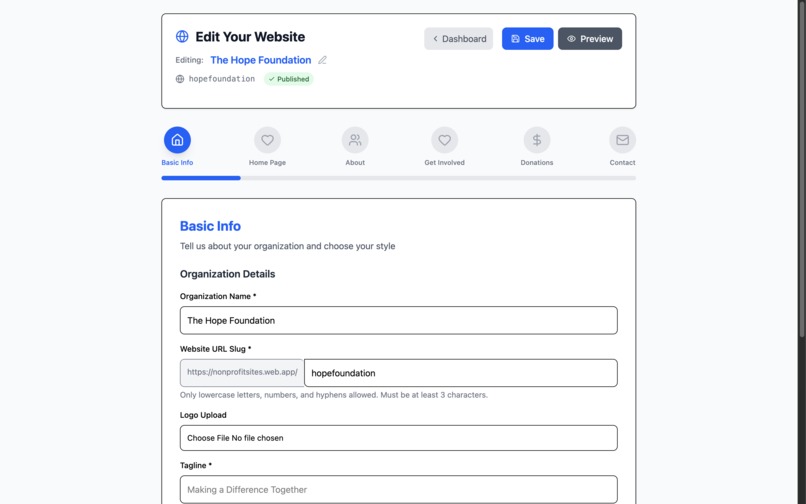
Website Builder
-
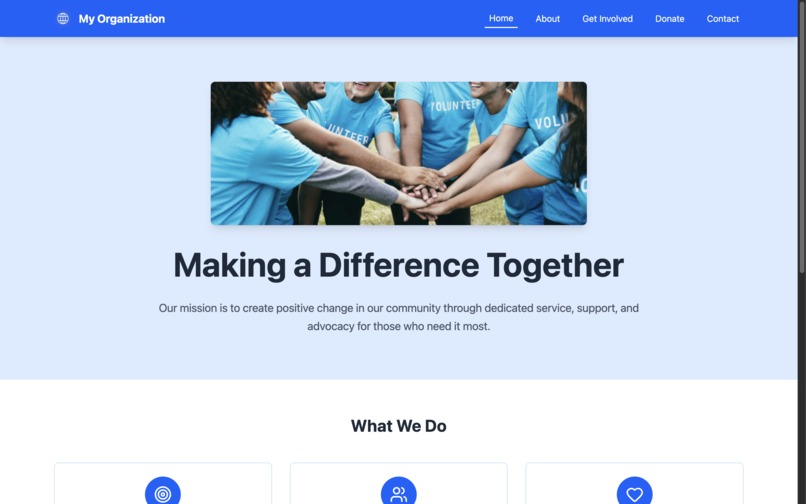
Example Website
-
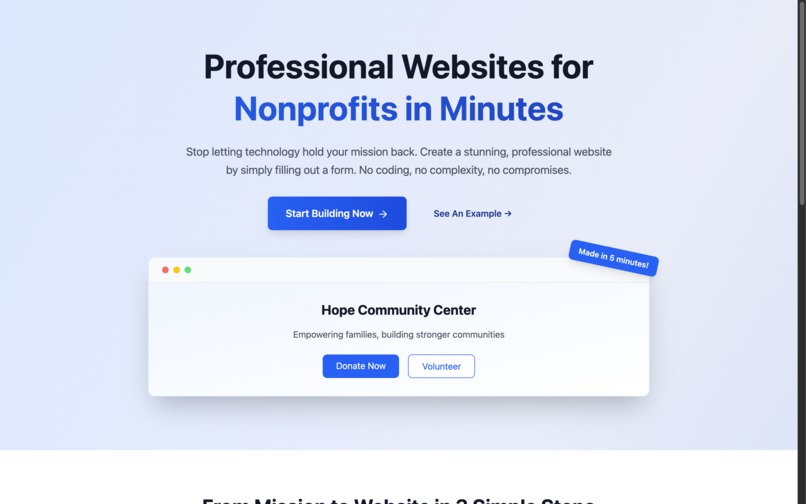
Landing Page
Inspiration
As a freelance web builder I have websites for many small nonprofits. Over the years I realized that most of these organizations had the same problem. They didn't have the resources, time, or tech skills to build a website. Furthermore, all they wanted was a clean looking website that presented their missions, provided volunteer sign up, and their donation links.
Popular website builders were too expensive, too technical, and over all not accessible to these nonprofits. Most require that you have good internet, a computer, and the patience to navigate settings, templates, hosting, and pricing tiers.
So I thought: what if launching a website could be as easy as filling out a short form?
What It Does
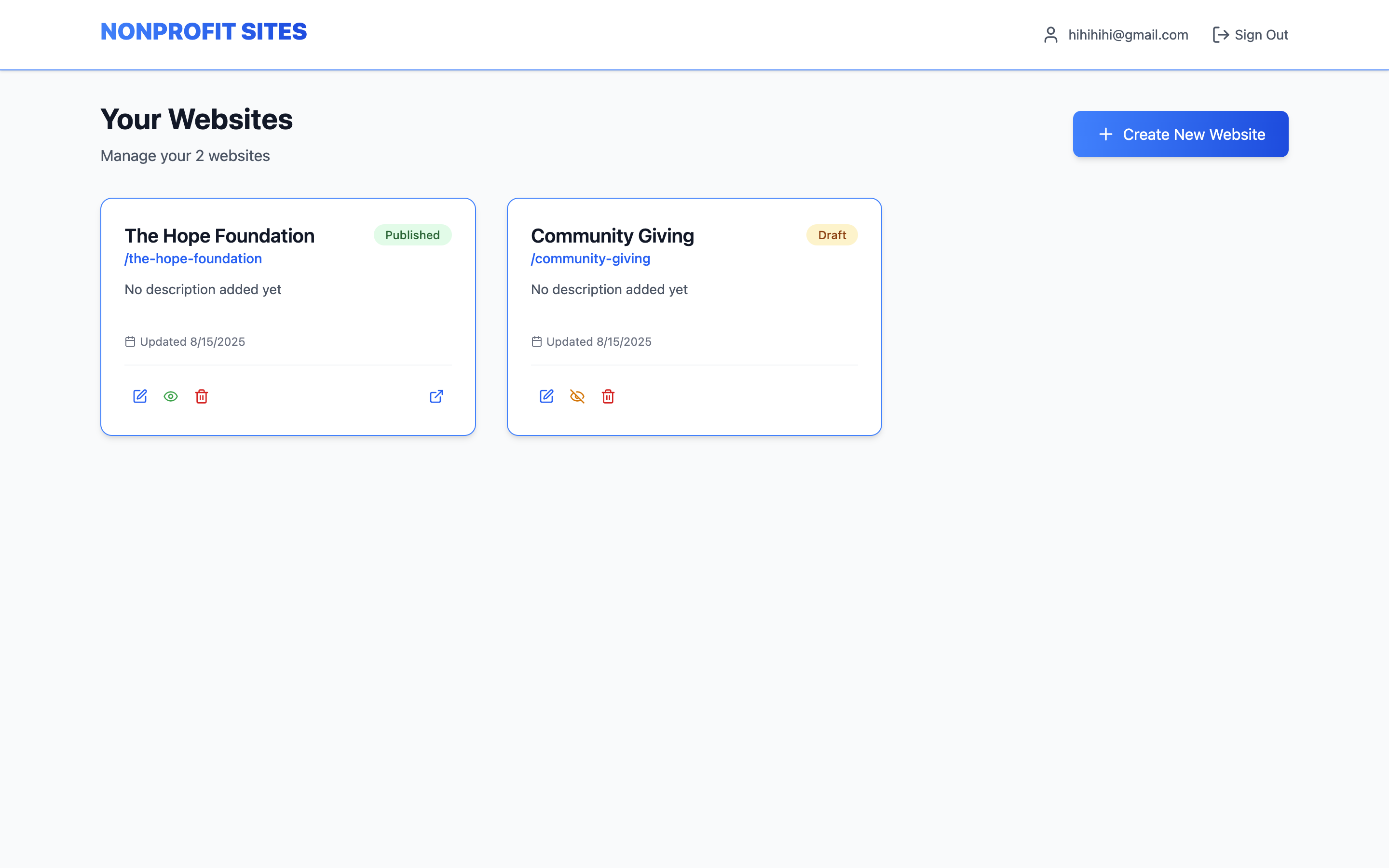
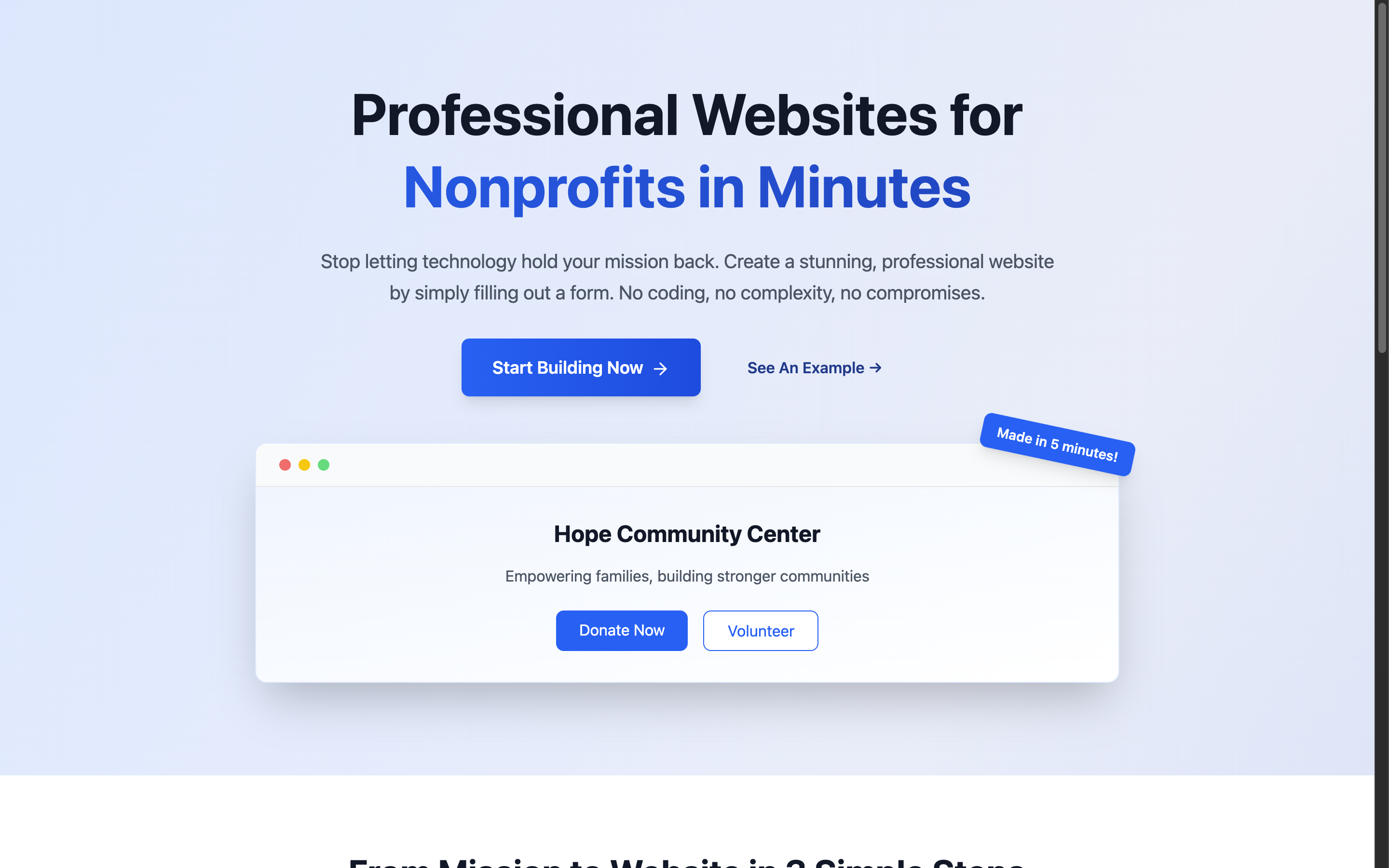
Nonprofit Sites lets anyone build and launch a website in 3 simple steps—no technical experience required.
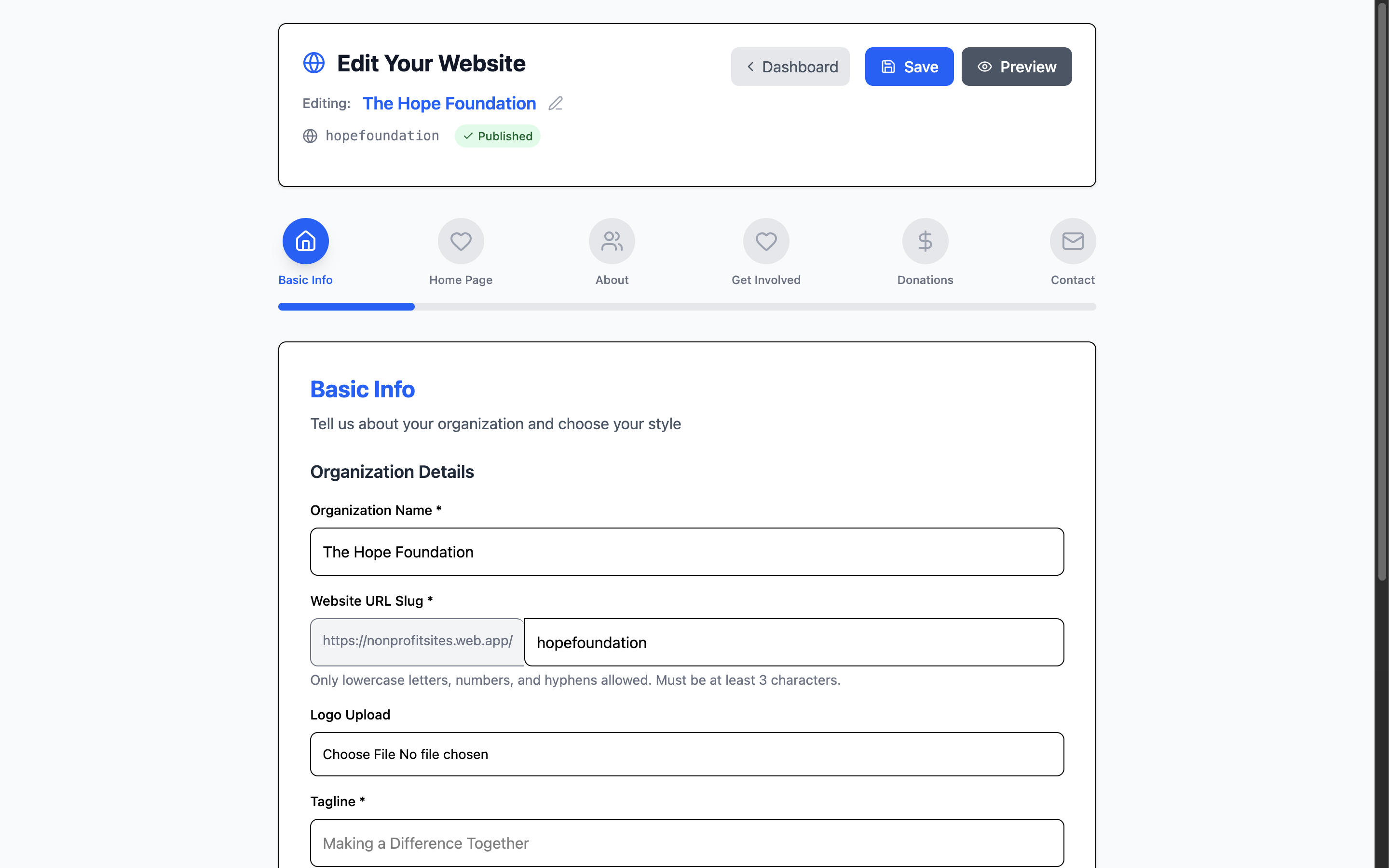
- Fill out a form: The user tells us about their nonprofit—name, mission, services, etc.
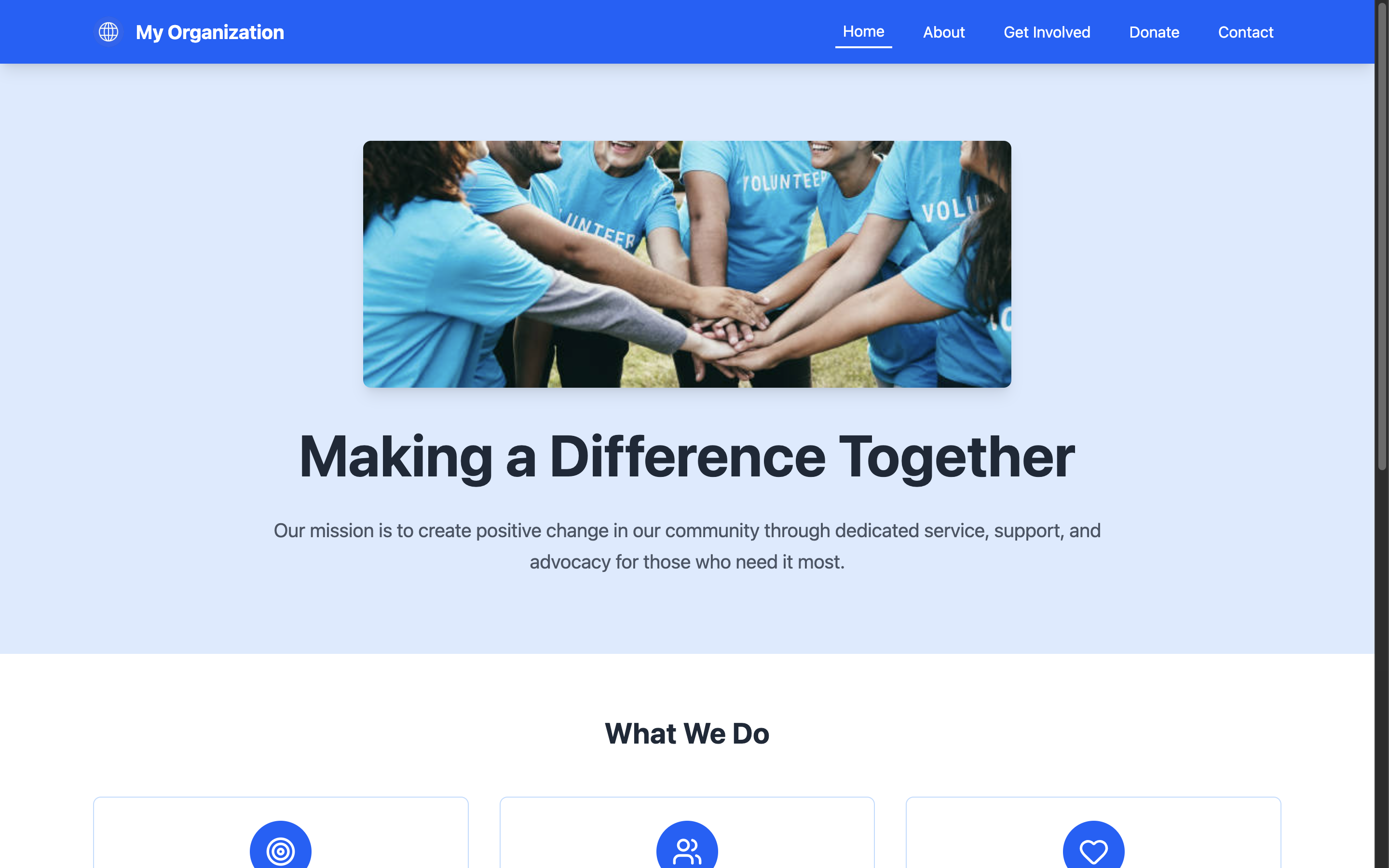
- We build the site instantly: Our system generates a clean, responsive site based on their inputs.
- Launch & grow: The website is live and ready to accept donations and volunteer sign ups immediately.
It’s built specifically for small, local, or low-budget nonprofits who just need want to create a digital presence for themselves.
How I Built It
I built this web app using Vite + React with TypeScript to ensure a fast and modern development environment that is scalable. For styling, I used Tailwind CSS, which helped me design a clean and responsive user interface that will help the user navigate my web app.
For the backend, I used SupaBase for implementing a secure and fast login system with proper user authentication. I also used it for the database so that the user's website can be stored and accessed properly. Finally, I used Firebase for hosting.
Challenges & What I learned
- Trying to keep it truly simple and designing a flow that works for anyone, especially those with no web experience, was harder than expected. It was tempting to add cool or excessive features, however I tried to stick to what nonprofits actually need.
- This was my first time using an SQL database like SupaBase. There was a learning curve and it took some trial and error to sort it all out.
- We really wanted to ensure that the UI was seamless so that it made the user experience as easy as possible. I learned a lot about how to make the UI look good on both mobile and web in the process of making sure users can build websites from their phones.
What's next for Nonprofit Sites
- Custom domains – Let users connect their own .org or .com.
- More Customization – All users to select a more customizable website template if they want to add more pages while keeping the main website creation option simple.
- Donations Integration – Add easy connections to Stripe or other donation tools. Allows users to donate directly on the website.
We're also exploring ways to keep the platform free long-term through sponsorships, open-source contributions, or optional paid upgrades but without compromising on accessibility
Built With
- firebase
- react
- supabase
- tailwindcss
- typescript


Log in or sign up for Devpost to join the conversation.