-
Noni Intro
-
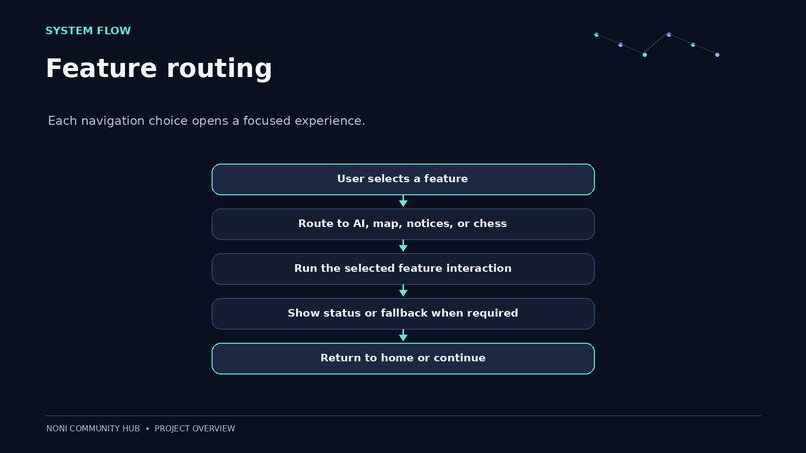
Noni Pipeline
-
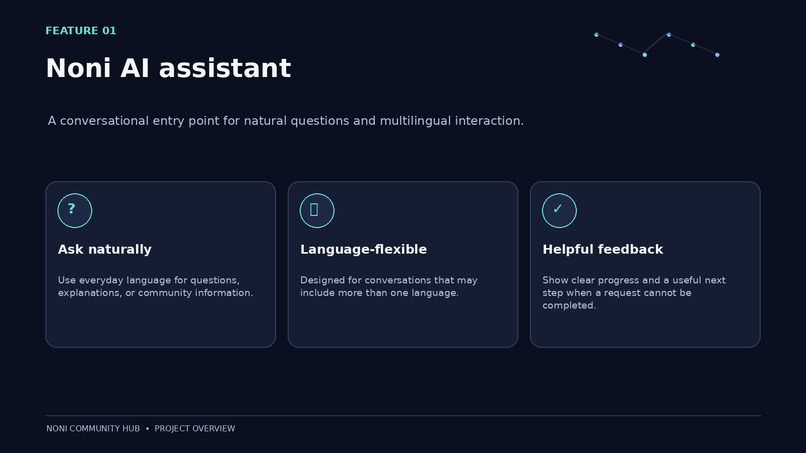
Noni AI Assistant Workflow
-
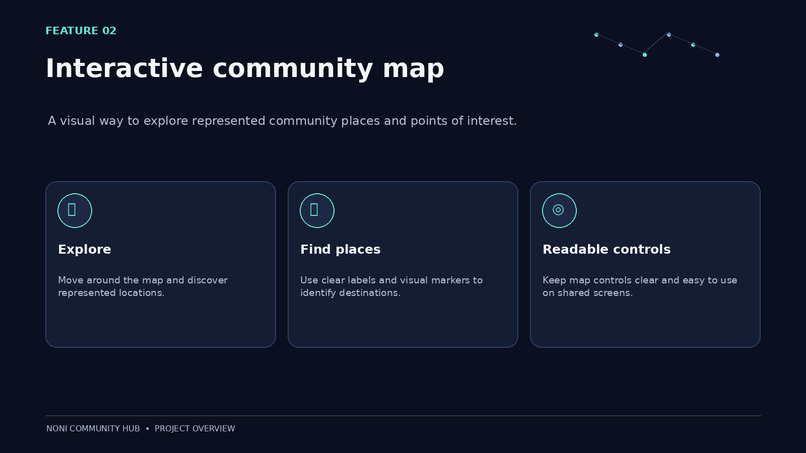
Noni Community Map Workflow
-
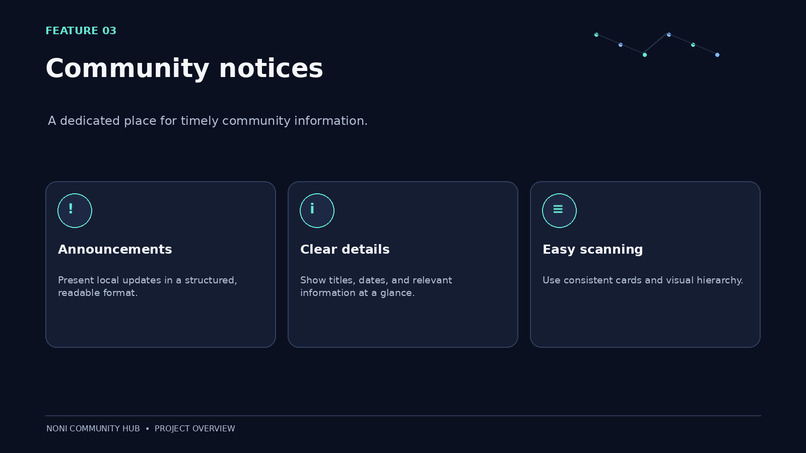
Noni Notices Workflow
-
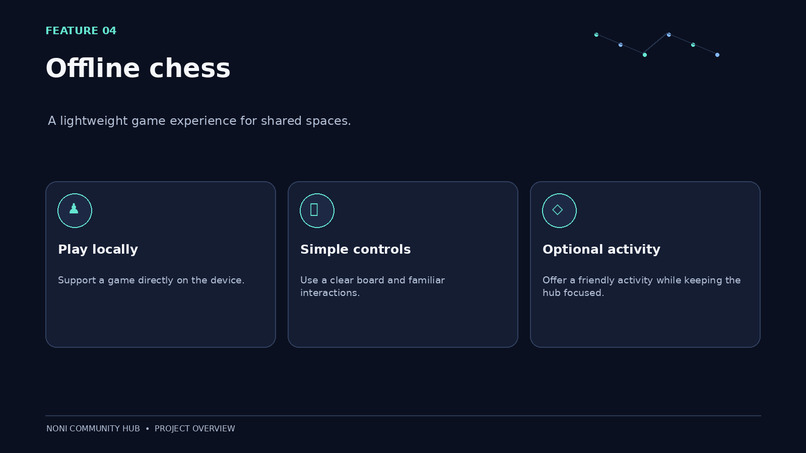
Noni Chess Workflow
-
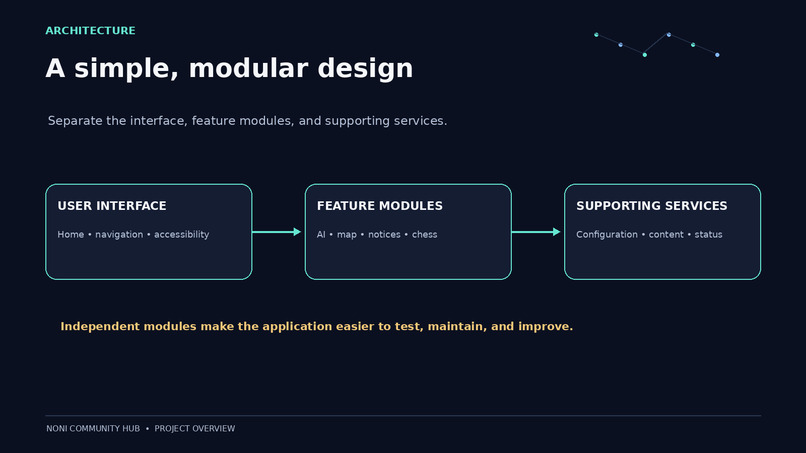
Overall Design Of Noni
-
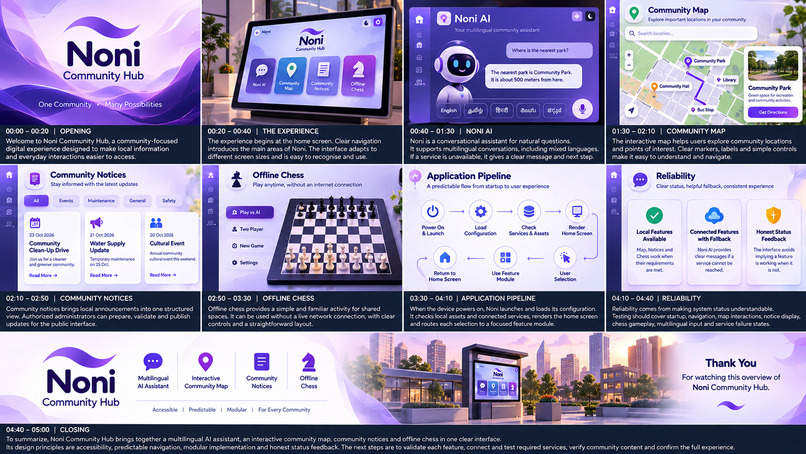
Noni Overview
Inspiration
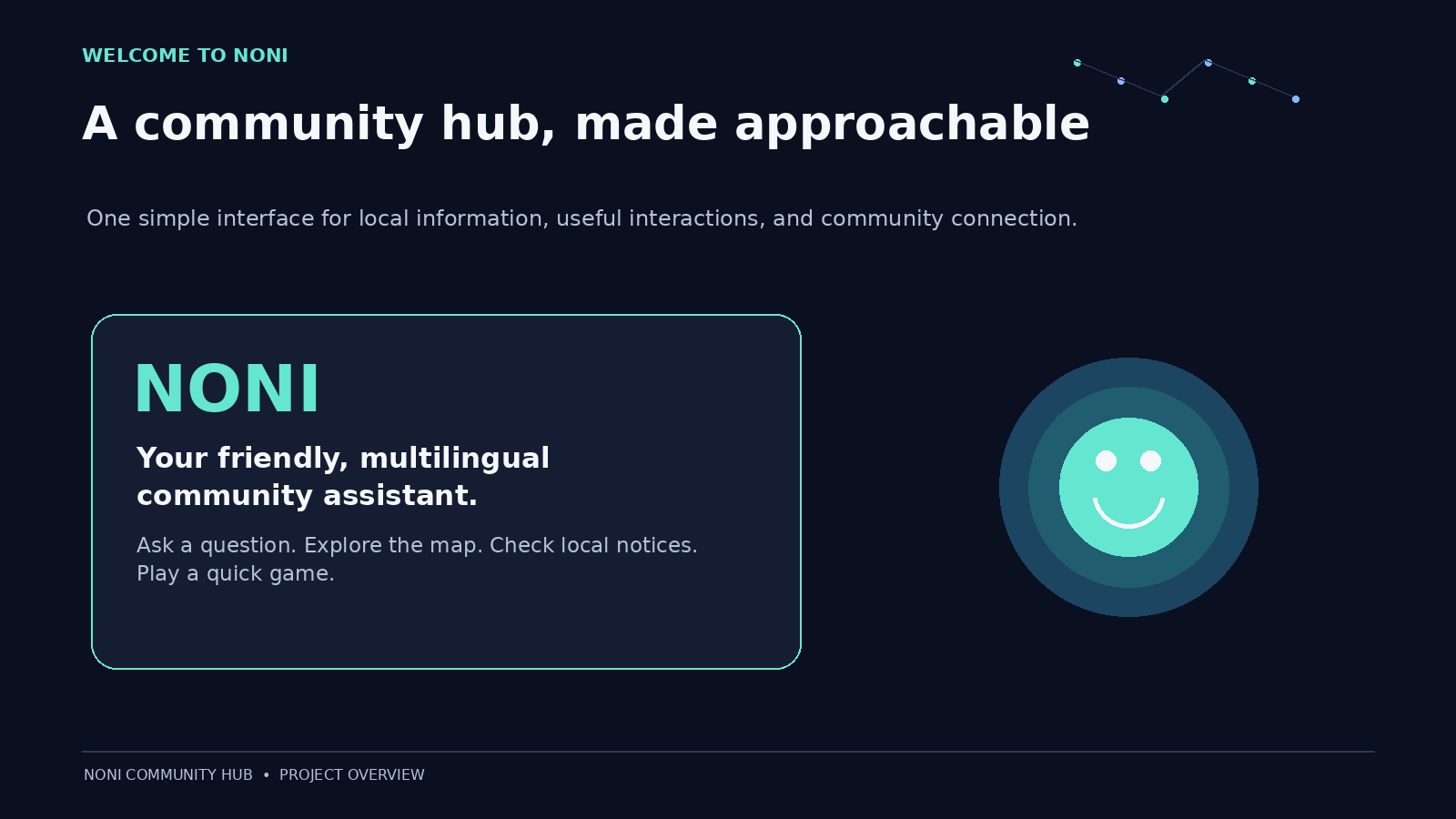
Noni was inspired by the idea of making technology more accessible, inclusive, and useful for everyday community life. Many people struggle to access digital services because of language barriers, complicated interfaces, or limited digital literacy. I wanted to create a platform that brings useful community features together in one place, making technology easier for everyone to use.
The vision behind Noni is to build a community hub where people can interact with AI naturally, explore their neighbourhood, and access engaging digital experiences through a simple interface.
What it does
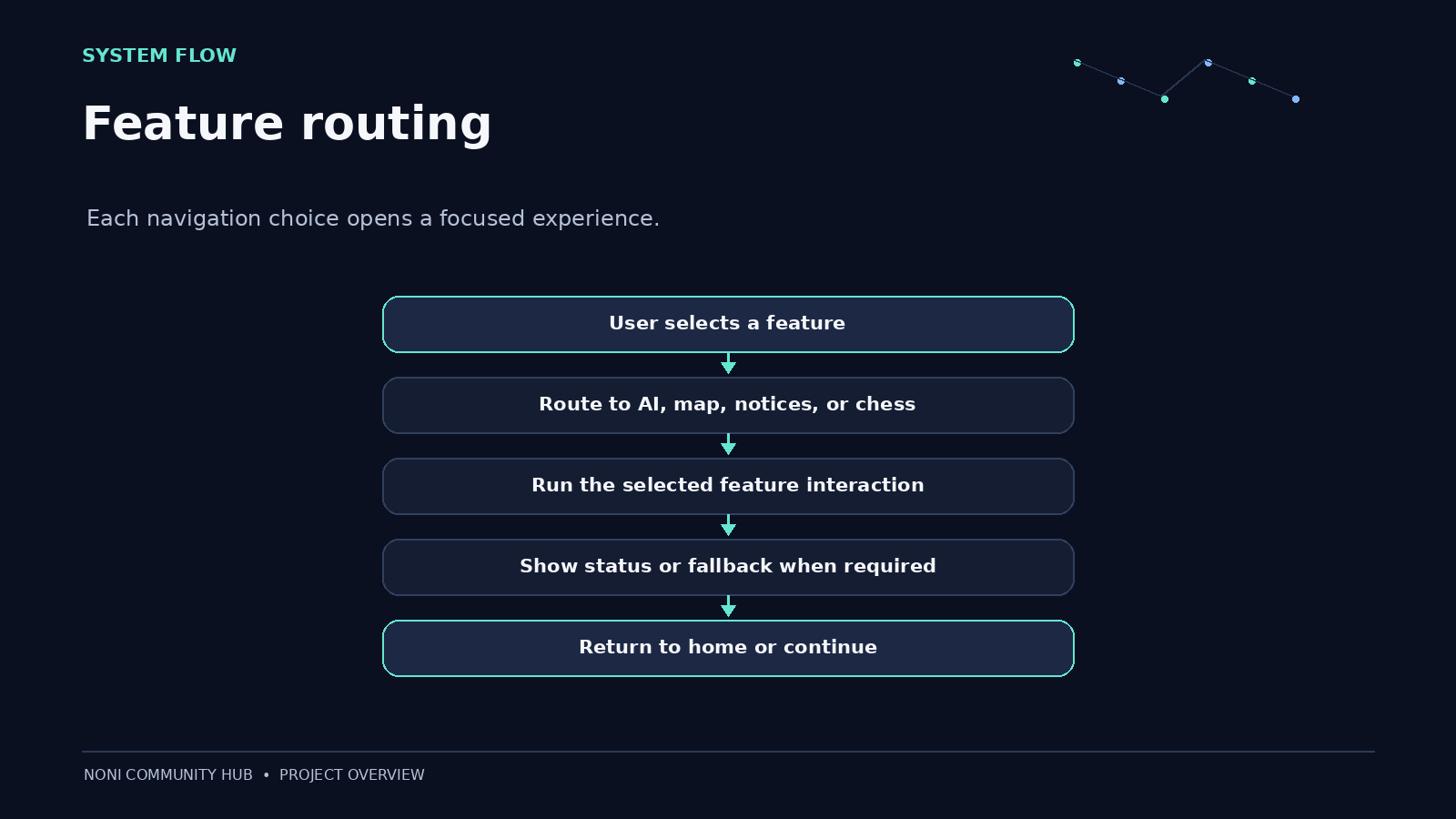
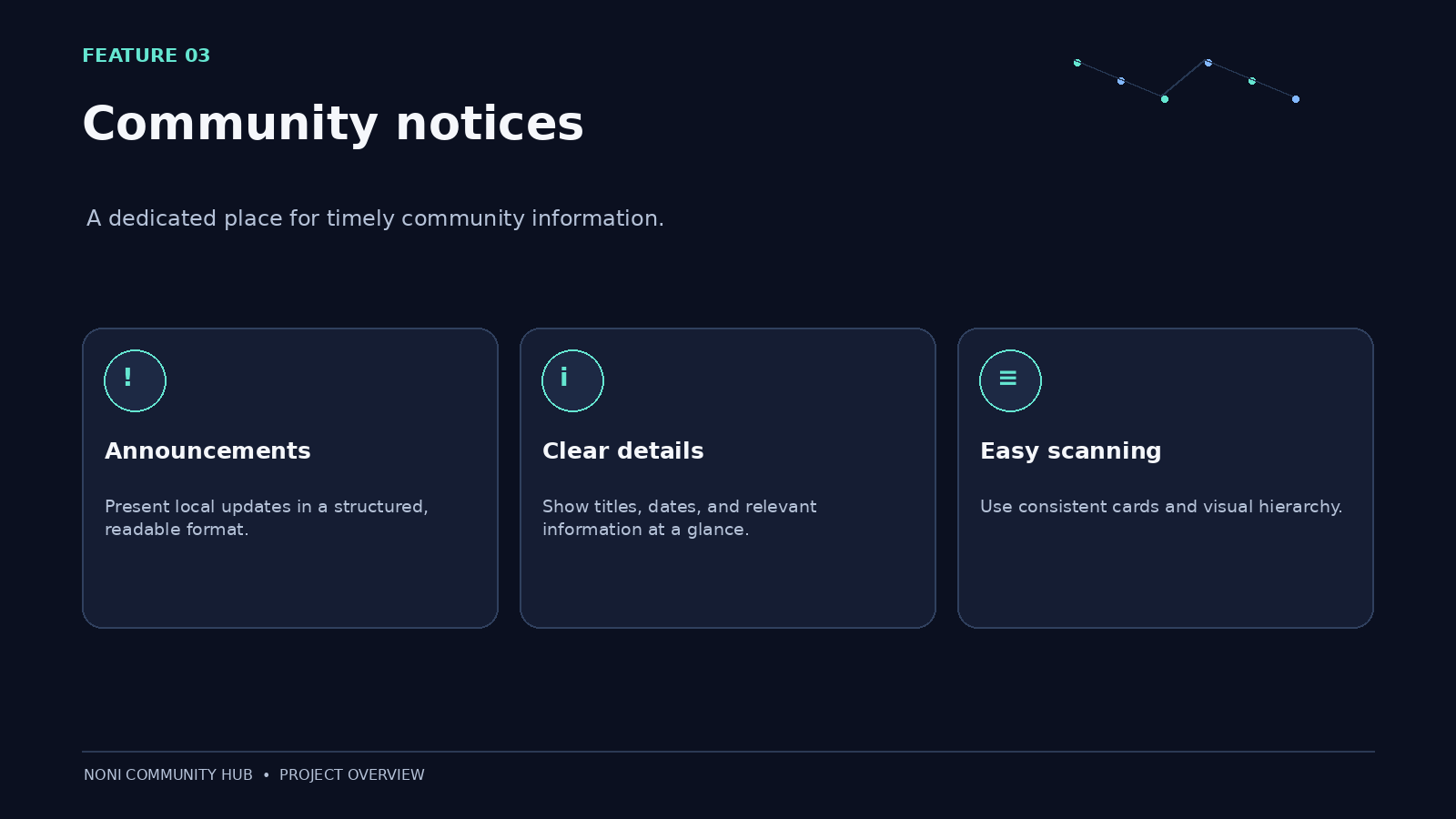
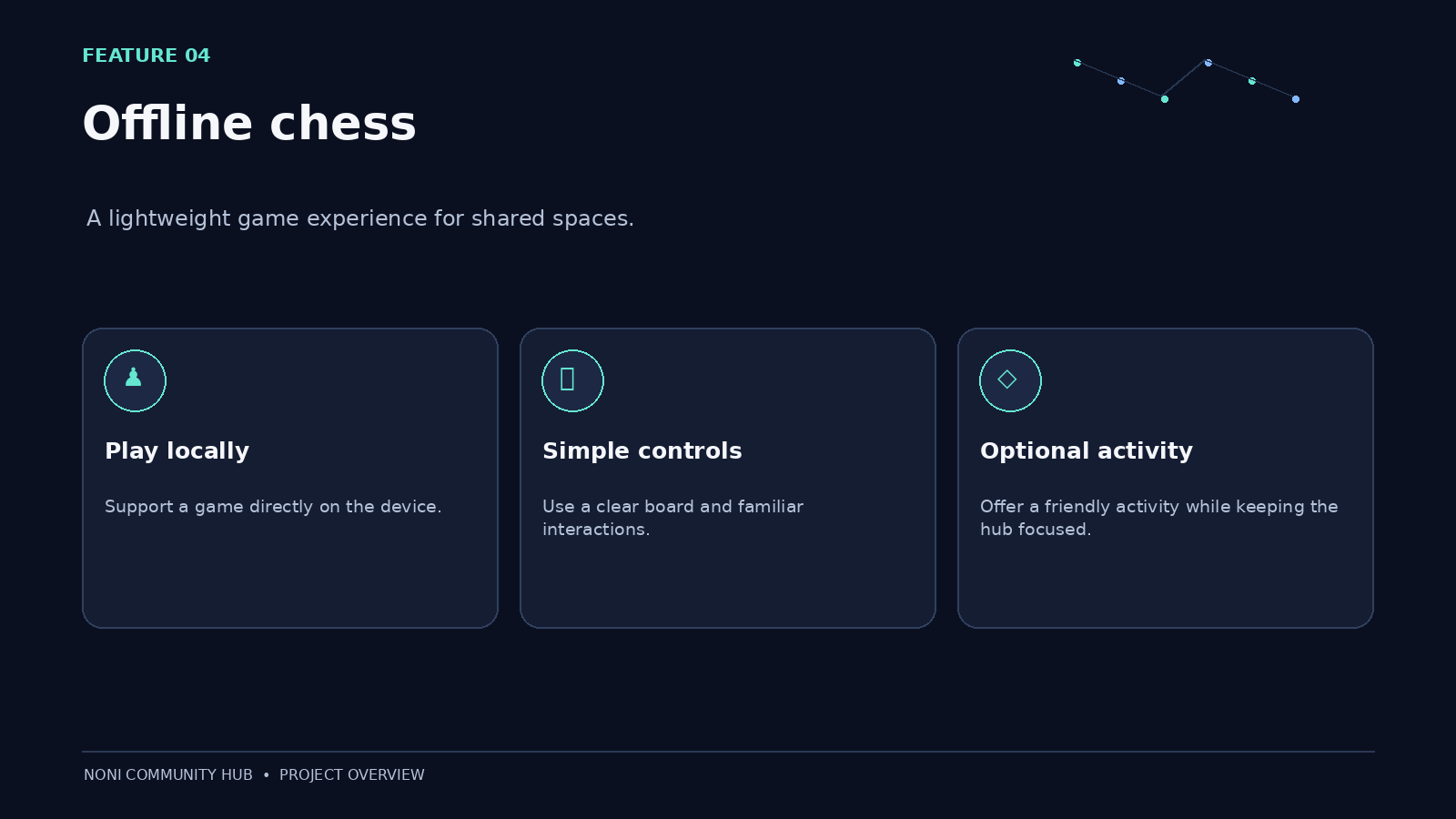
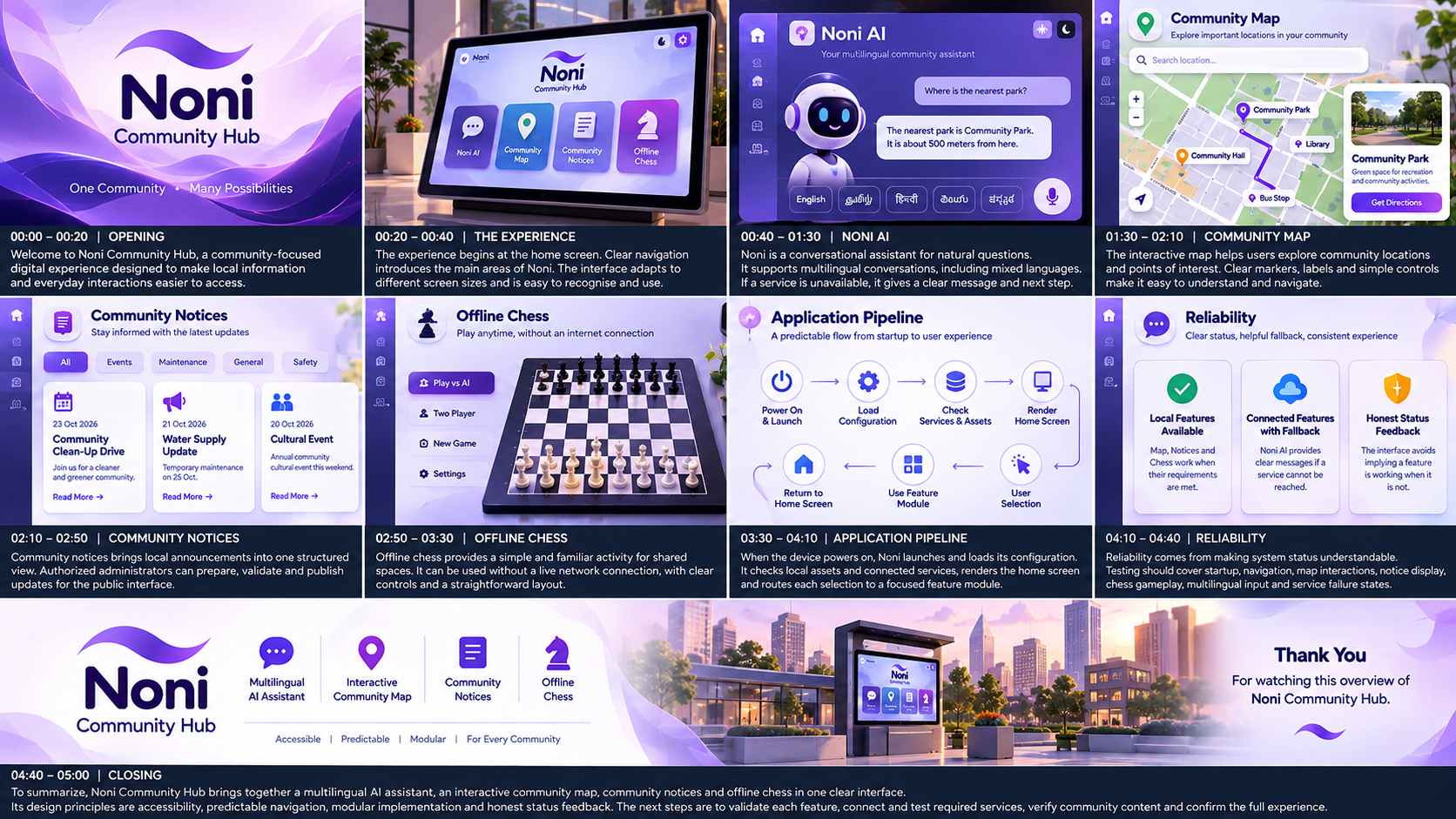
Noni is an AI-powered community hub designed to bring interactive digital services into a unified platform. Its intended features include:
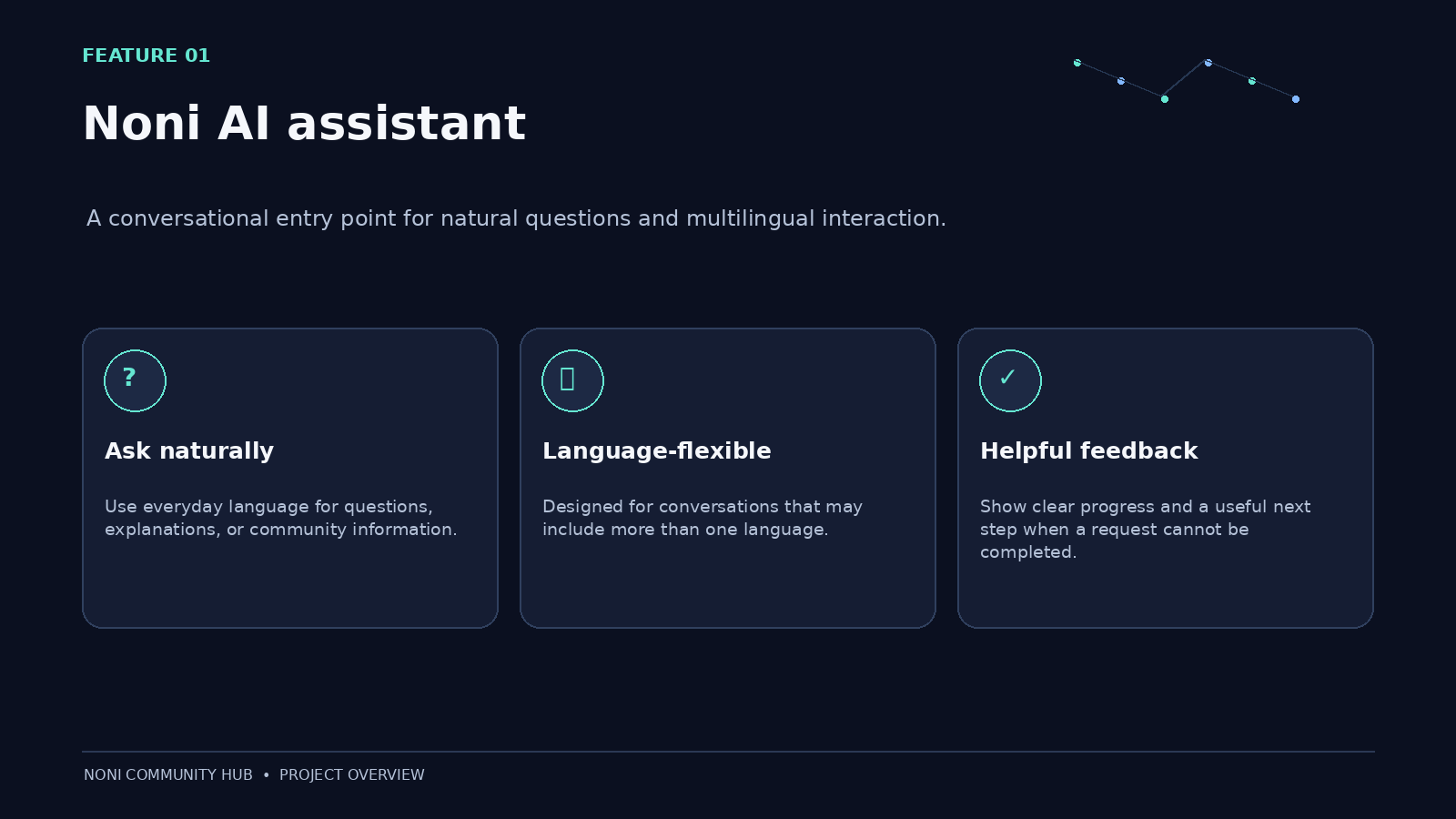
- Noni AI Assistant: An AI-powered conversational assistant designed to help users interact naturally.
- Multilingual Interaction: A vision for supporting conversations across different languages, including mixed-language communication.
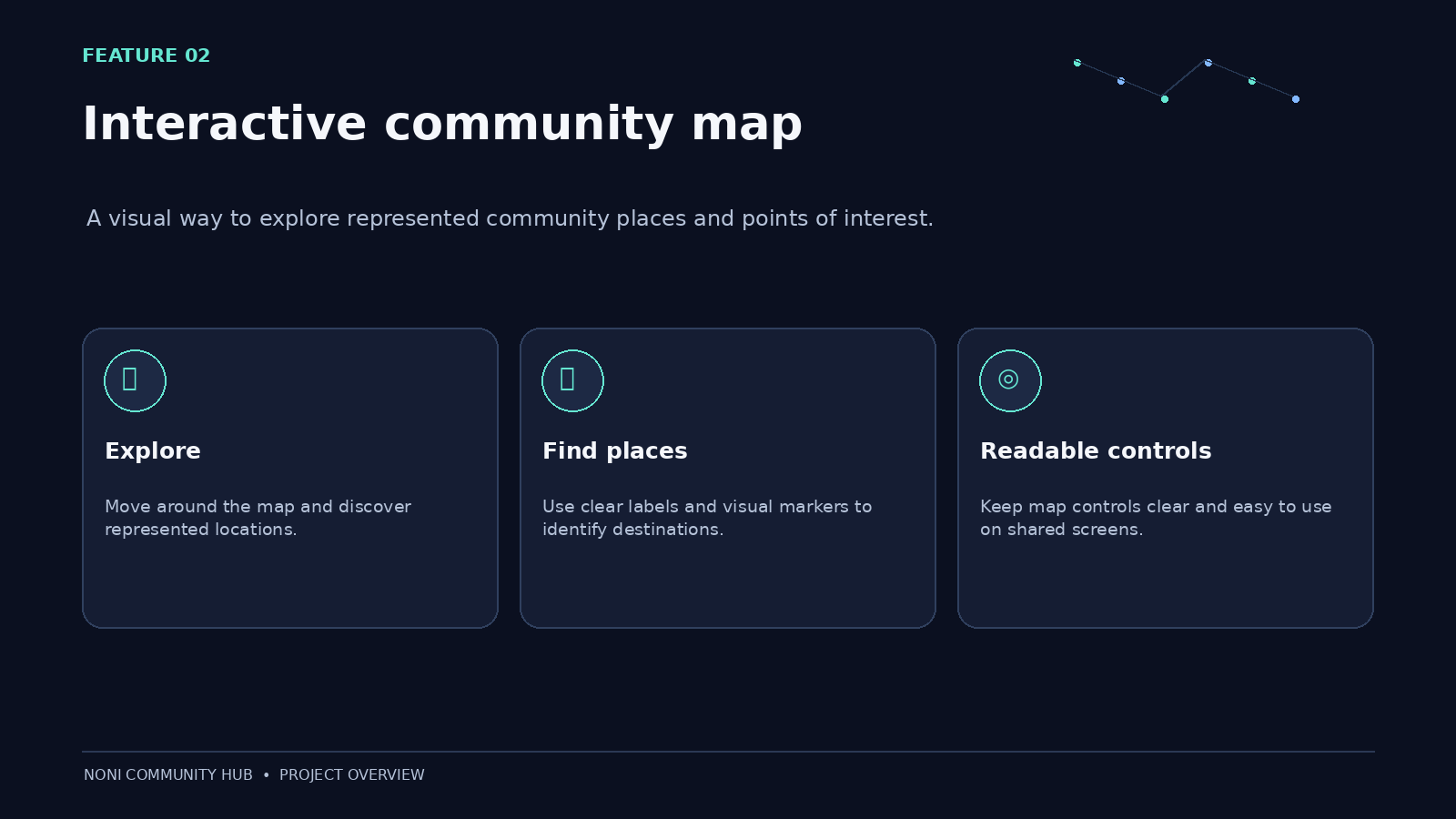
- Interactive Community Map: Helps users explore community locations and neighborhood information.
- Community Administration: Provides administrative functionality for managing community information and platform content.
- Digital Accessibility: Aims to make technology easier to access through a user-friendly interface.
The platform is designed to evolve into a more comprehensive digital companion for community spaces.
How I built it
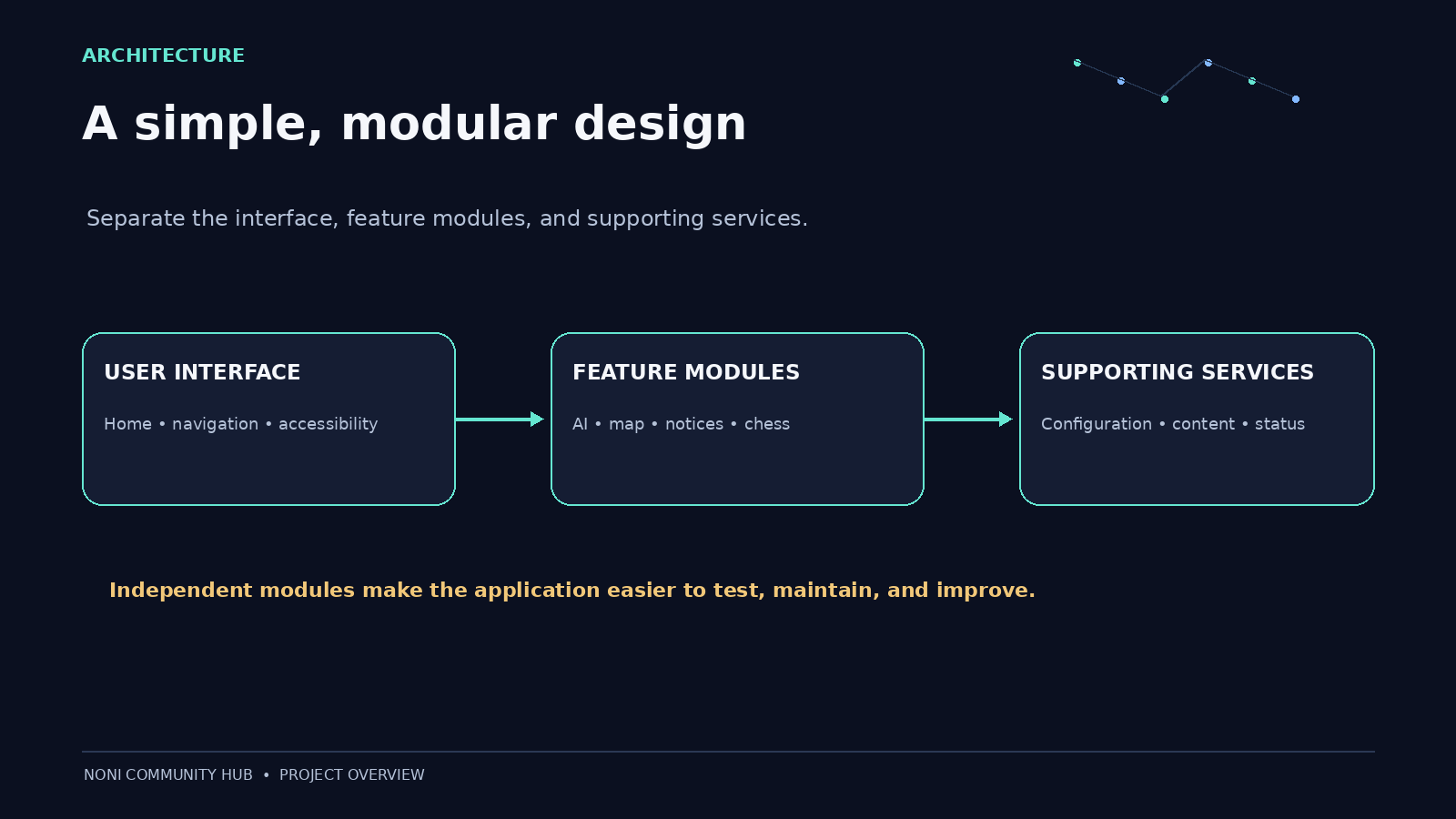
Noni was developed as a web-based application with a separate frontend and backend.
- Frontend: React, TypeScript, and Vite for building the user interface.
- Backend: Python and FastAPI for handling API requests and application logic.
- AI Integration: Configurable API credentials, base URL, and model settings through environment variables.
- API Testing: FastAPI's interactive Swagger documentation for testing backend endpoints.
- Version Control: Git and GitHub for source code management.
- Deployment: Render for hosting the backend and frontend services.
I configured the backend deployment, connected the project to GitHub, and set up environment variables on Render. After resolving deployment configuration issues, I successfully deployed the backend service.
Challenges I ran into
One of the biggest challenges was deploying the application correctly and ensuring that the frontend and backend could communicate.
Other challenges included:
- Resolving TypeScript errors during frontend deployment.
- Configuring the correct root directories and build commands.
- Setting up environment variables for AI integration.
- Understanding backend API routes and testing them through Swagger.
- Debugging unsuccessful API requests and interpreting deployment logs.
- Ensuring that sensitive API credentials remain in the backend environment rather than being exposed in frontend code.
These challenges helped me understand that building an application involves much more than writing code. Configuration, integration, testing, and deployment are equally important.
Accomplishments that I'm proud of
I am proud of turning the concept of Noni into a deployed web application with a live backend.
Some of my key accomplishments include:
- Developing a community-focused application that combines AI and neighbourhood services.
- Structuring the application with separate frontend and backend components.
- Integrating a configurable AI backend.
- Managing the source code using GitHub.
- Successfully deploying the backend on Render.
- Learning to troubleshoot deployment issues independently and systematically.
Most importantly, I am proud of the vision behind Noni: making digital experiences more accessible and useful for communities.
What I learned
Building Noni strengthened my understanding of full-stack development and the practical challenges of deploying AI-powered applications.
I learned how to work with frontend and backend technologies, configure environment variables, manage code using Git and GitHub, deploy services on Render, and inspect application logs to diagnose problems.
I also learned the importance of API integration, secure secret management, error handling, and testing individual components before considering an application complete.
This project reinforced an important lesson: a successful application requires not only a strong idea but also careful implementation, integration, and continuous improvement.
What's next for Noni
The next phase of Noni focuses on improving reliability, completing integrations, and expanding its usefulness.
Planned improvements include:
- Reliable AI Conversations: Test and improve the assistant's responses, error handling, and integration with the configured AI provider.
- Multilingual Support: Develop and test natural conversations across multiple languages and mixed-language inputs.
- Community Map Enhancements: Expand interactive map functionality and improve the management of community locations.
- Improved User Experience: Make the interface more accessible, responsive, and intuitive across different devices.
- Community Administration: Strengthen administrative controls and improve the management of community content.
- Deployment and Performance: Test frontend-backend communication, monitor errors, and improve reliability.
- Future Integrations: Explore additional community services and features based on real user needs.
The long-term vision is to make Noni a practical, inclusive, and intelligent digital hub that connects people with AI and useful community services through one accessible platform.


Log in or sign up for Devpost to join the conversation.