-
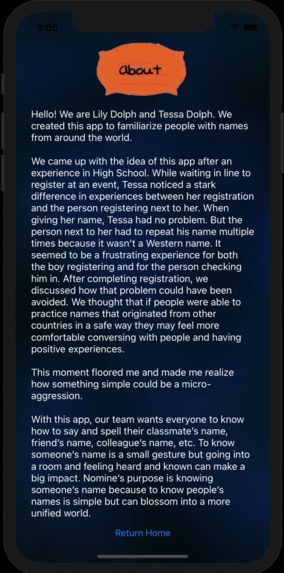
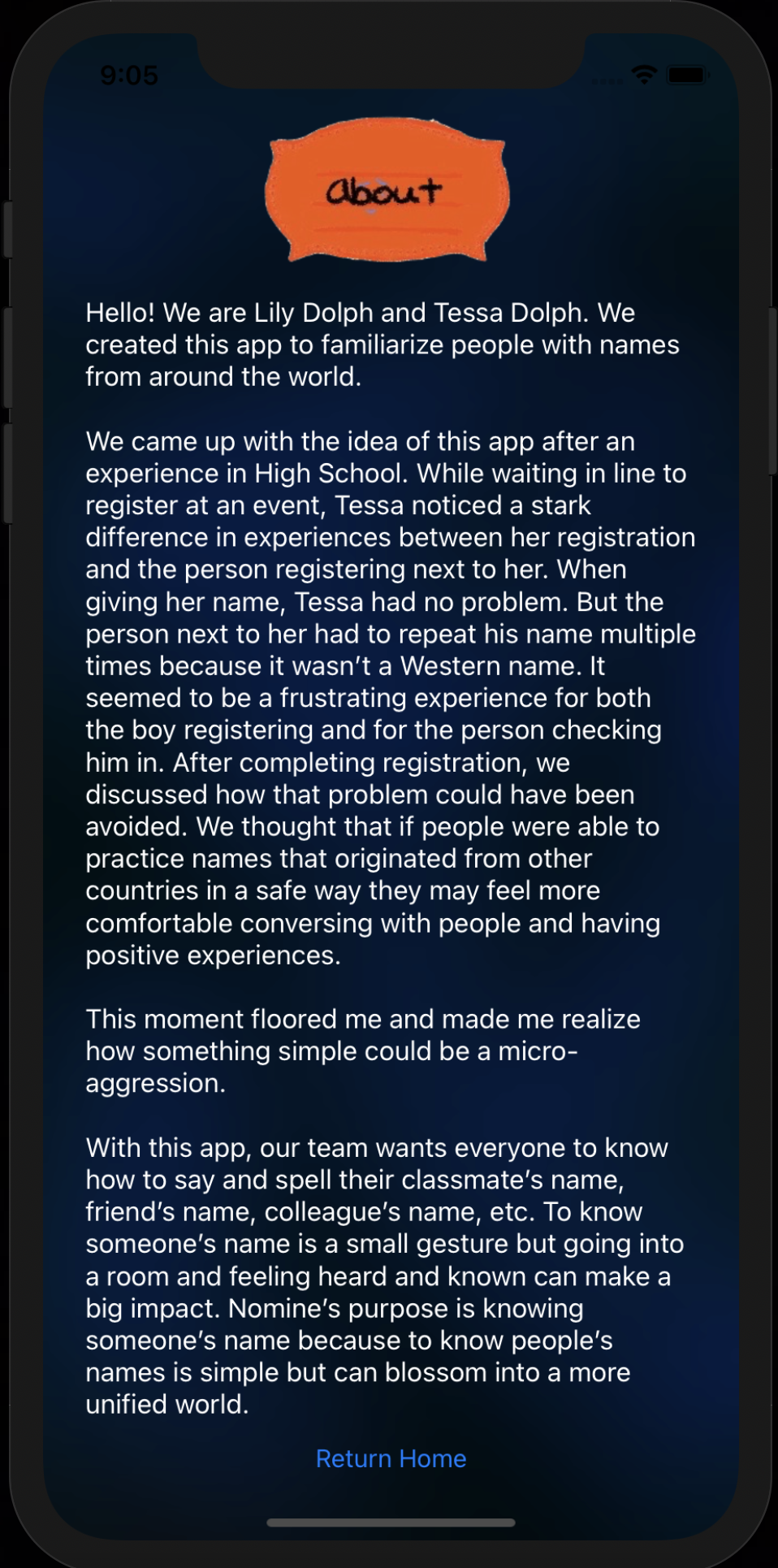
About Page
-
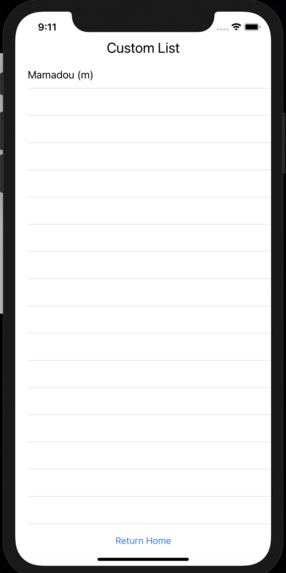
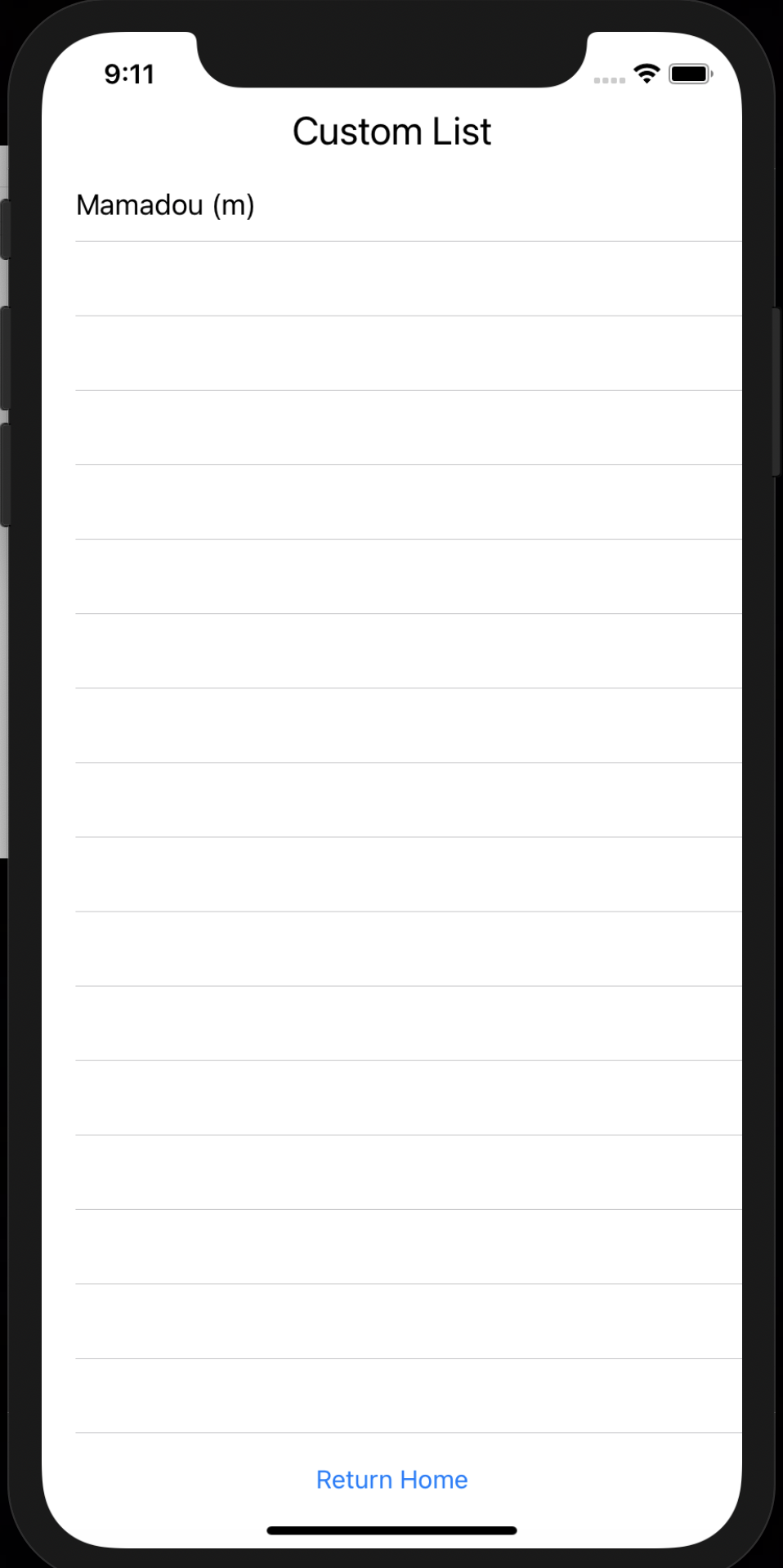
Personal List Page
-
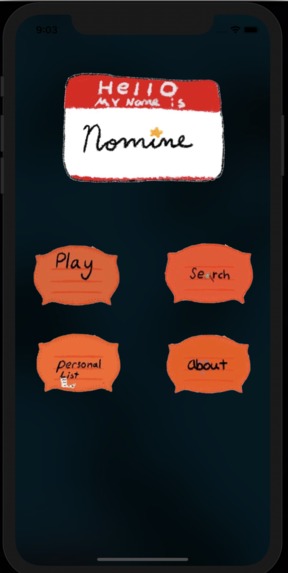
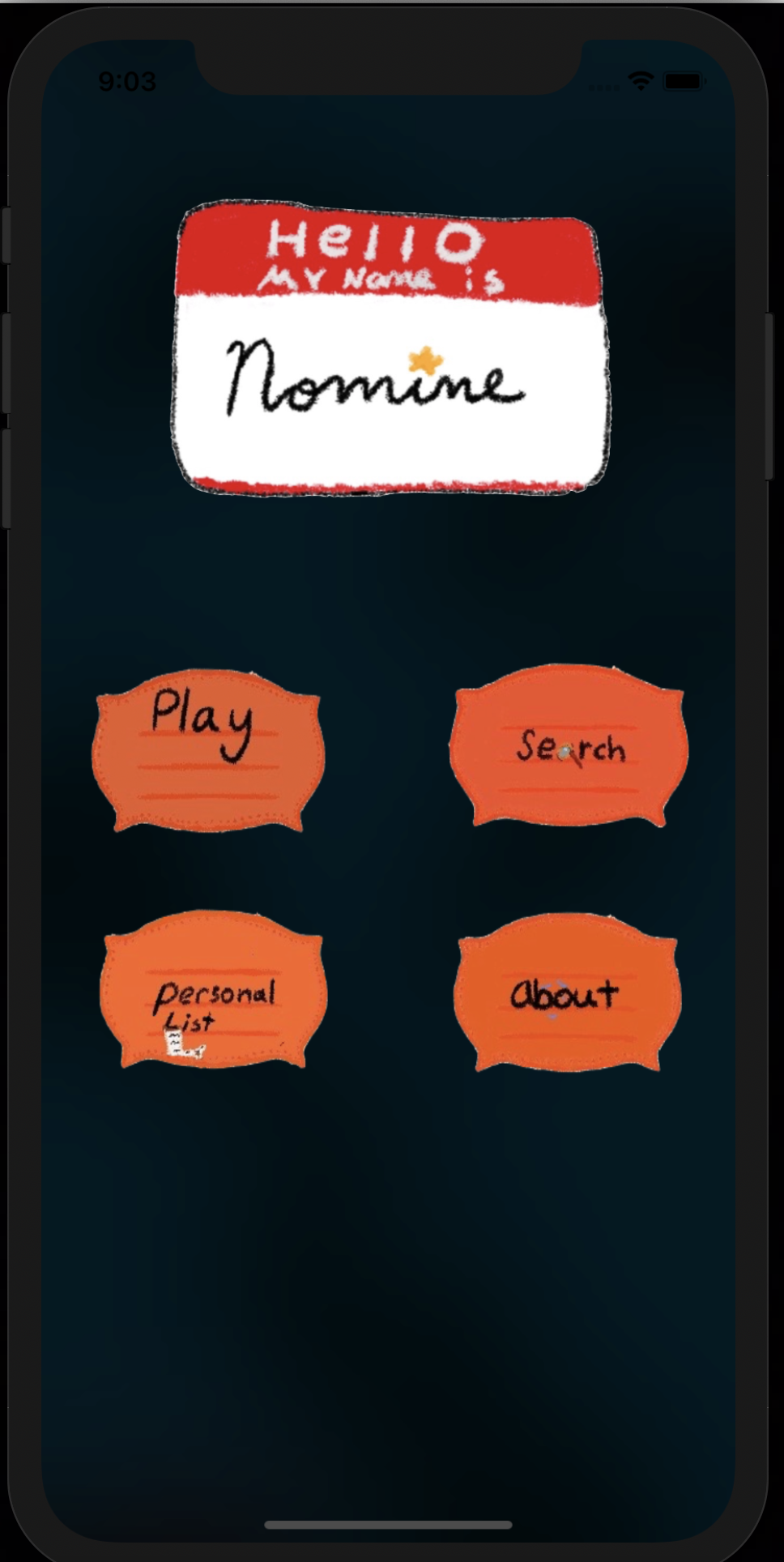
Home Page
-
Game Page (sample)
-
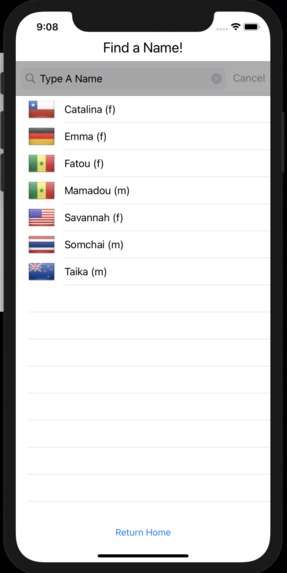
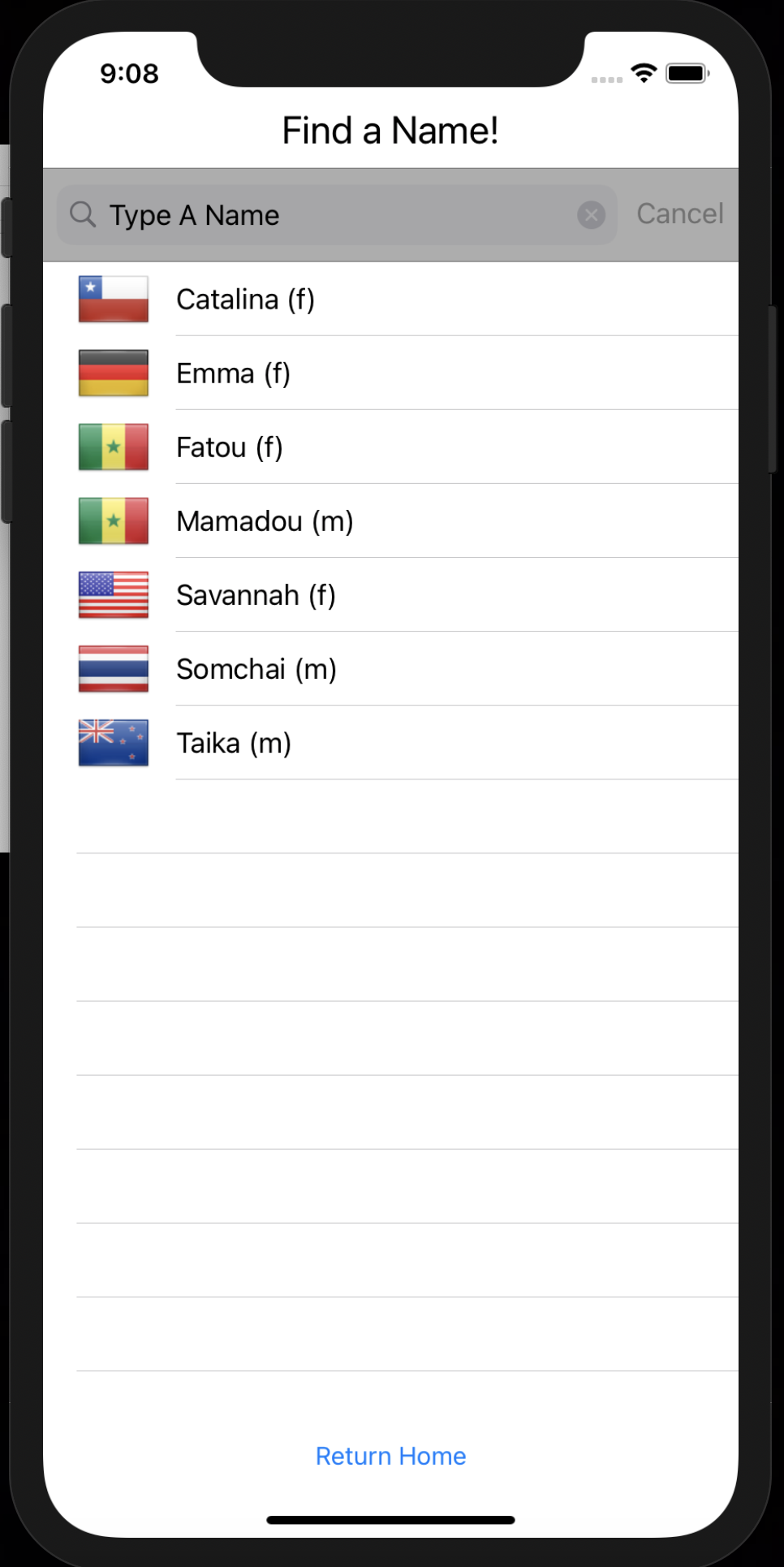
Search Page
-
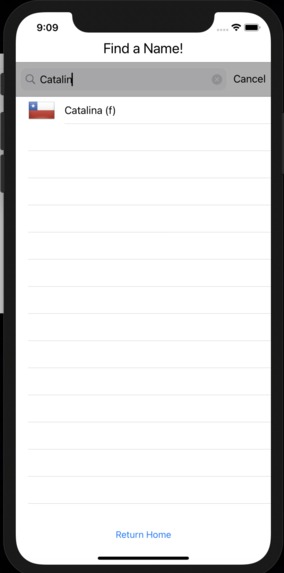
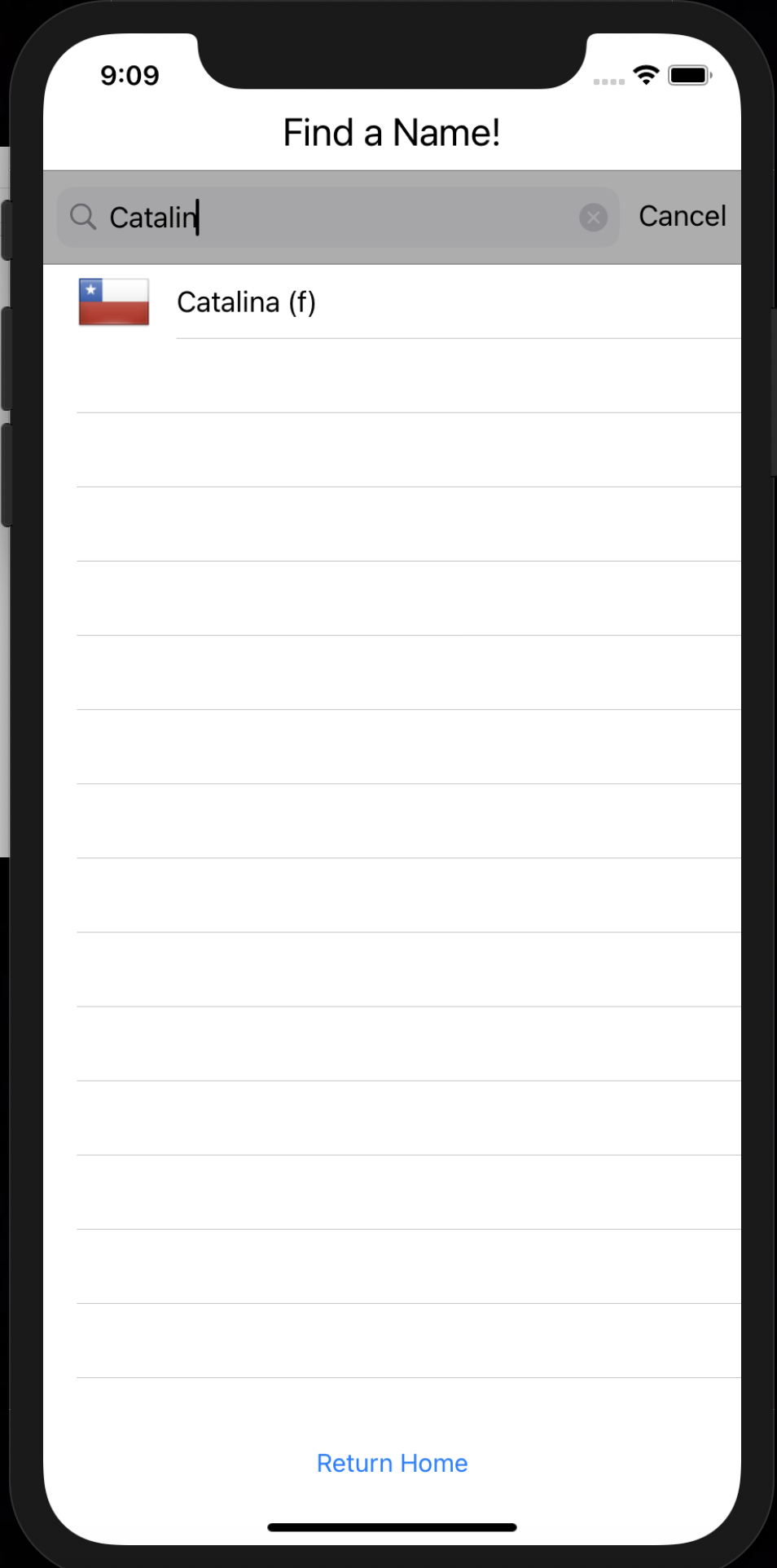
Search Feature Example
-
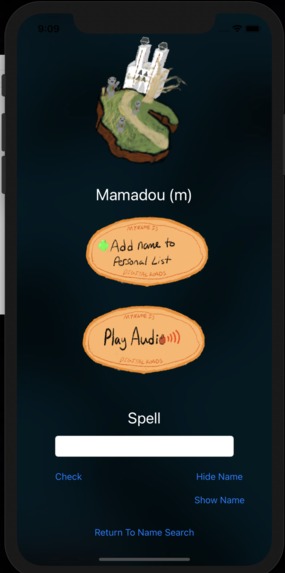
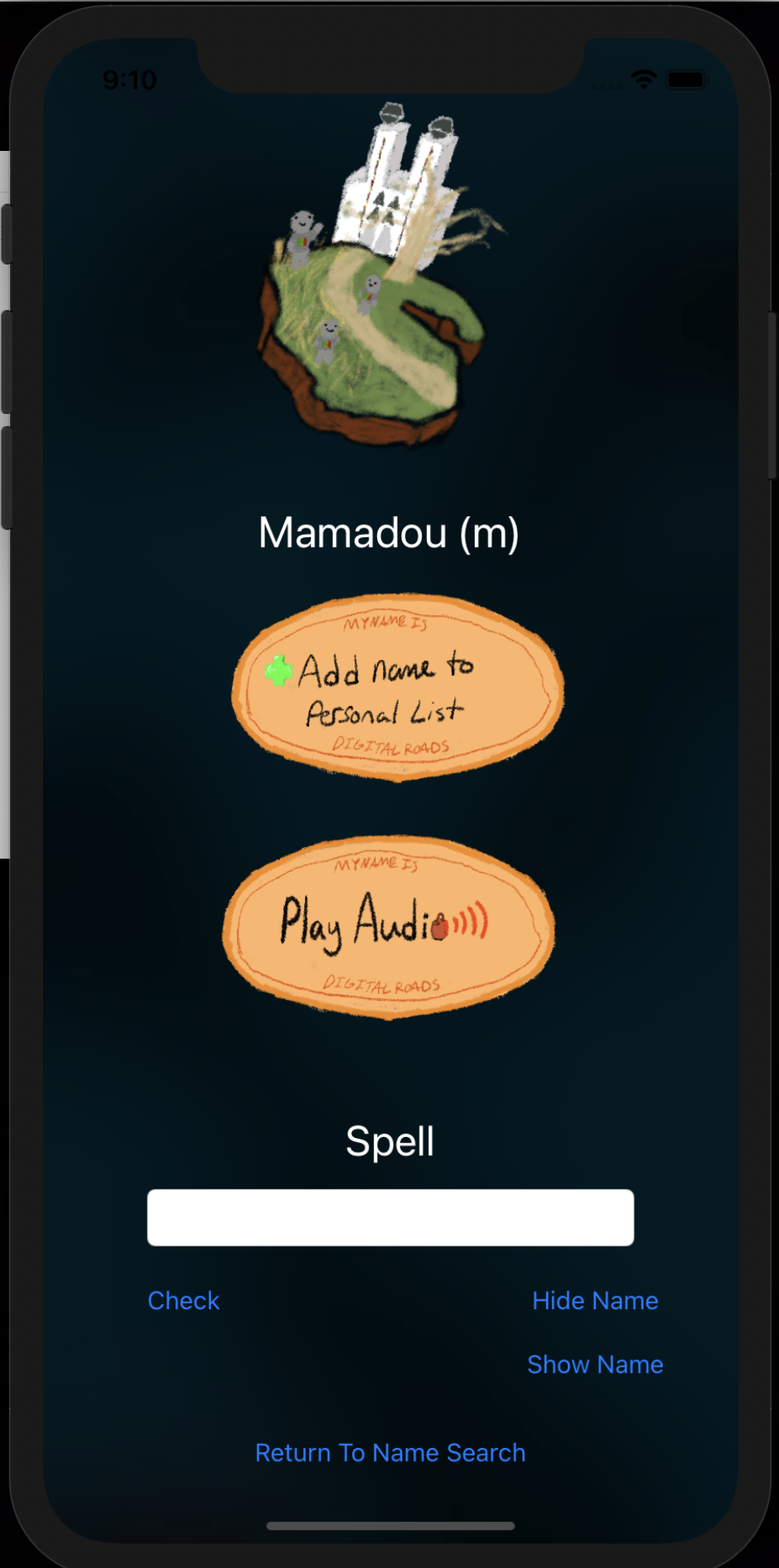
Specific Name Page
-
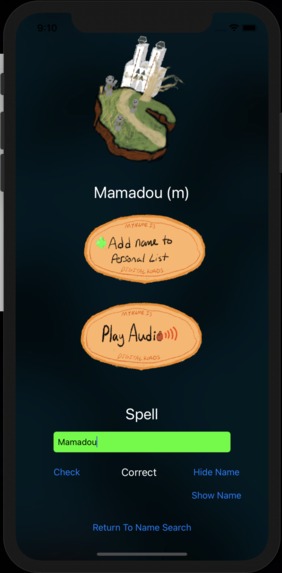
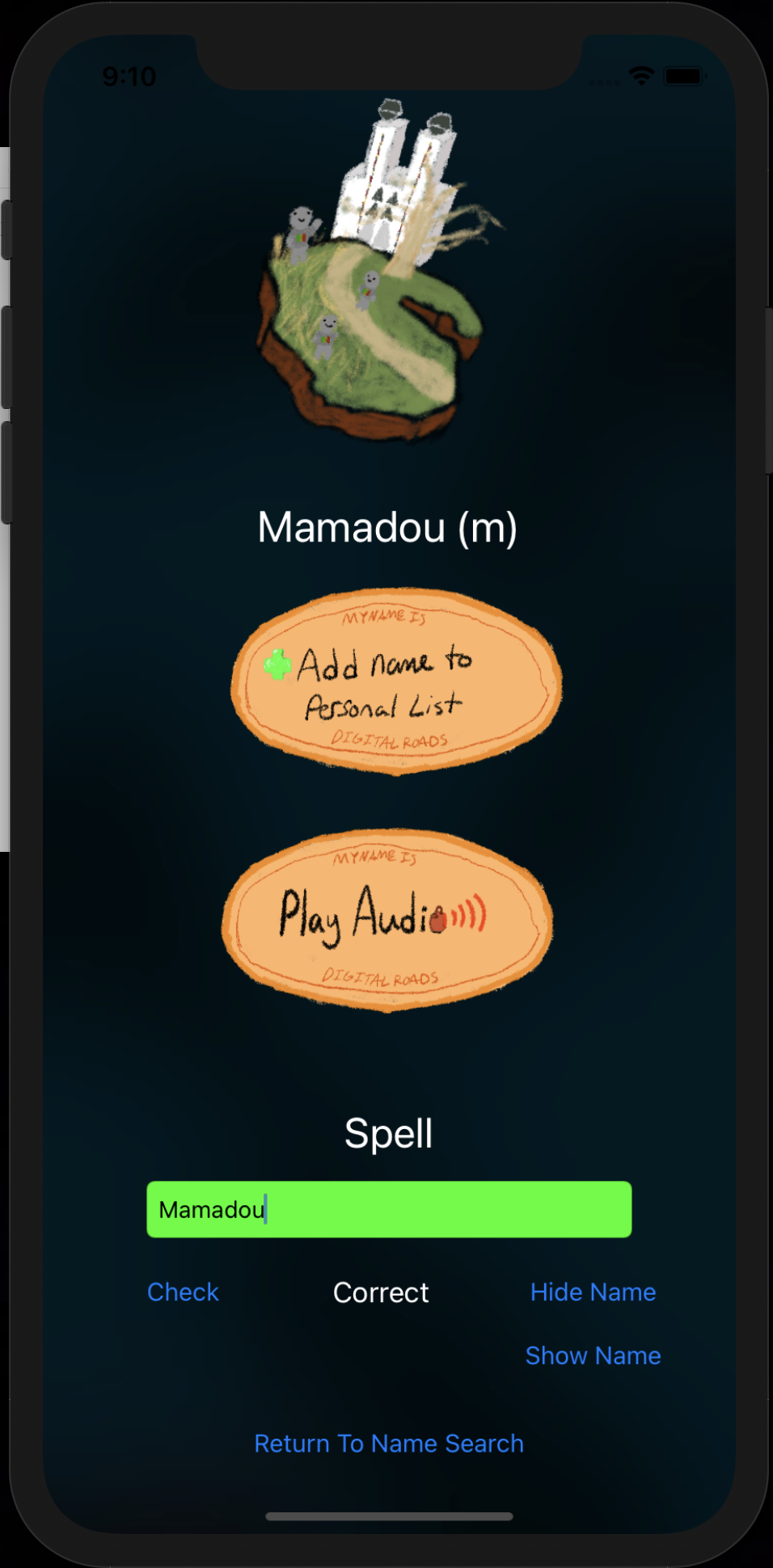
Spell Check Correct Example
-
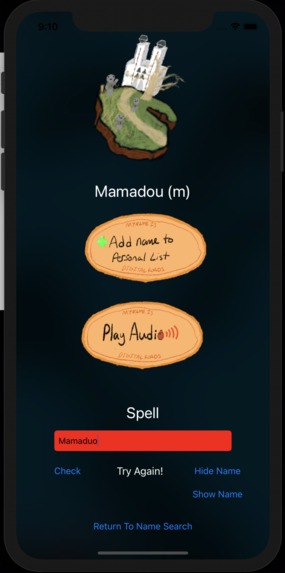
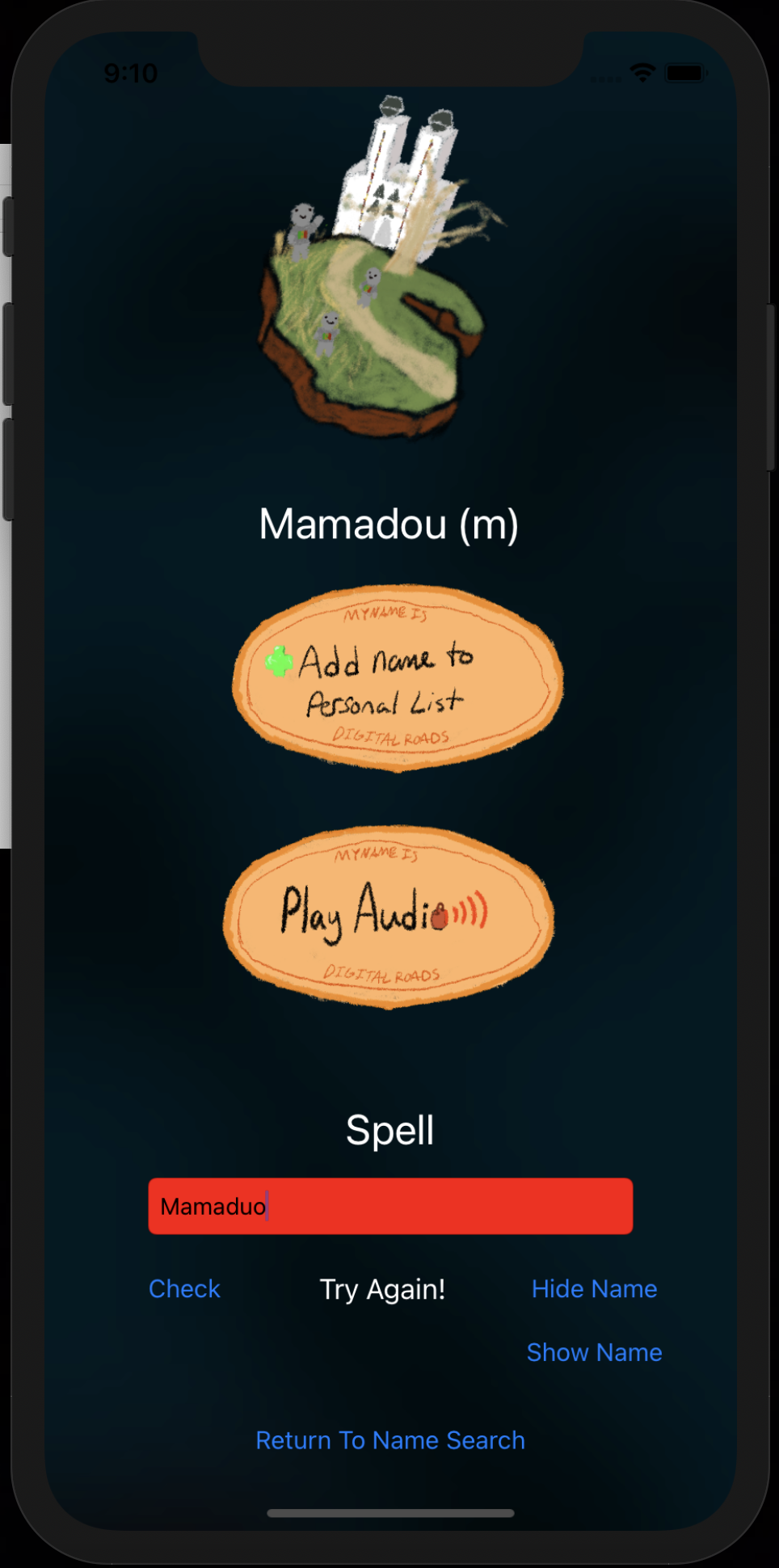
Spell Check Incorrect Example
-
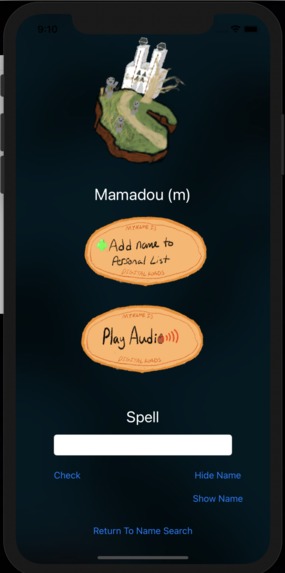
Show Name Example
-
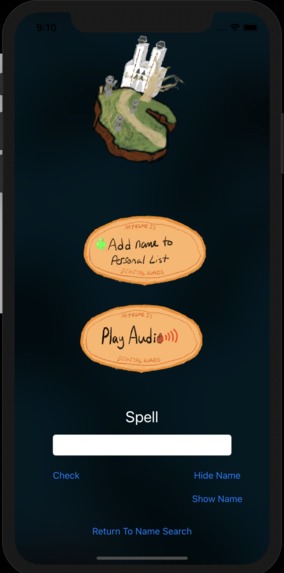
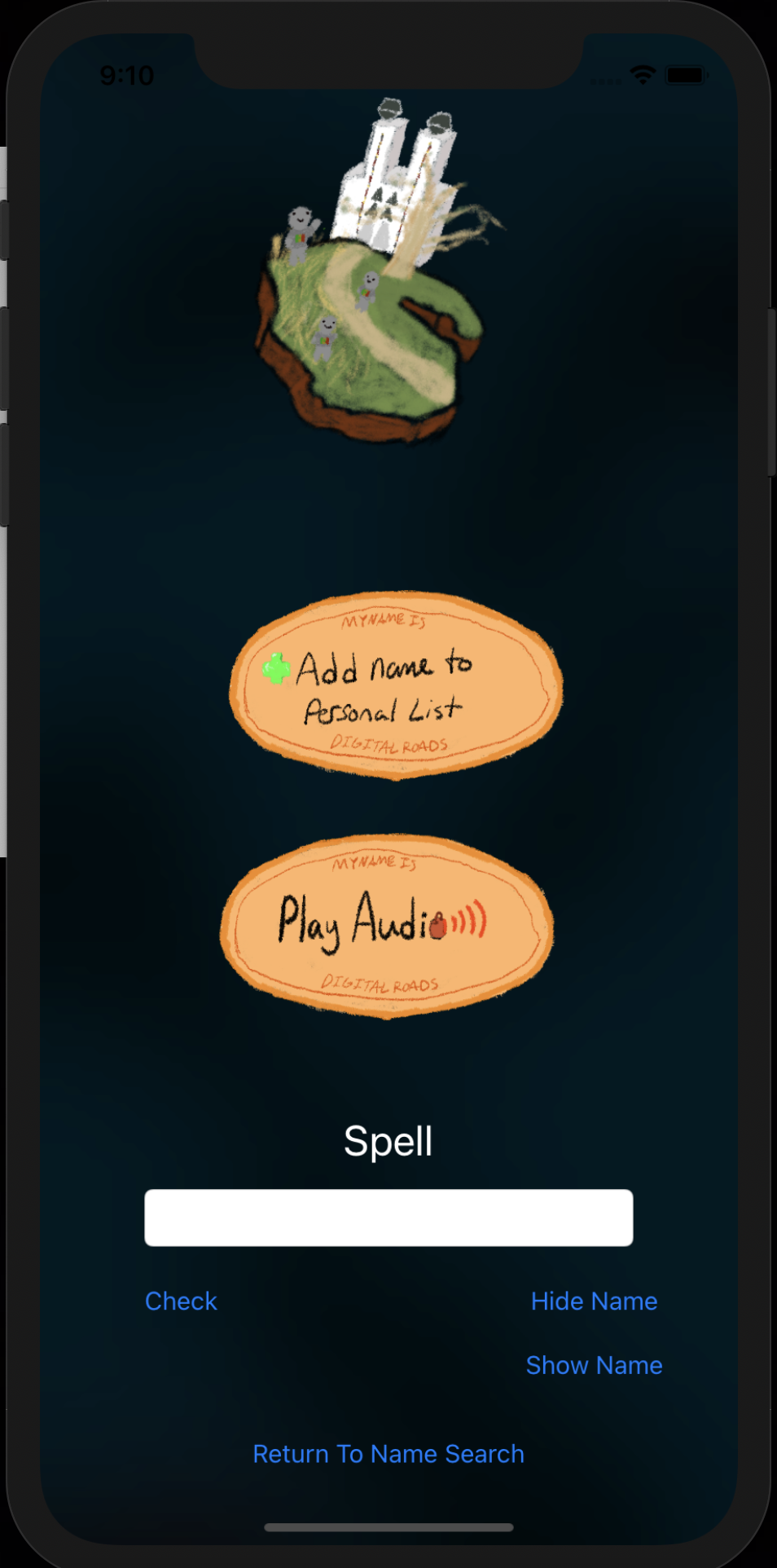
Hide Name Example
-
Logo
-
Add Name to Personal List Button
-
Play Audio Button
-

About Page Button/Logo
-

Personal List Page Button
-

Search Page Button
-
Game Page Button
-

Background #1
-

Background #2
-
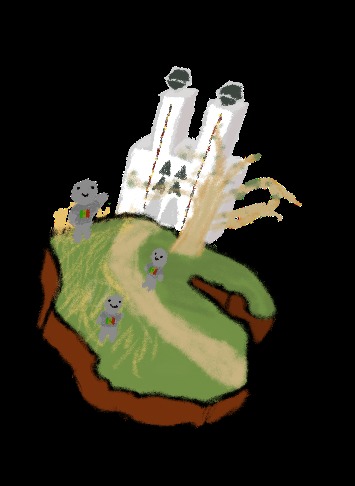
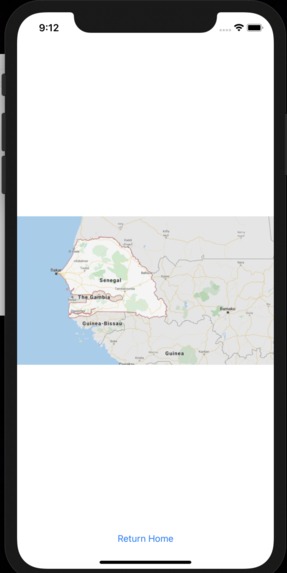
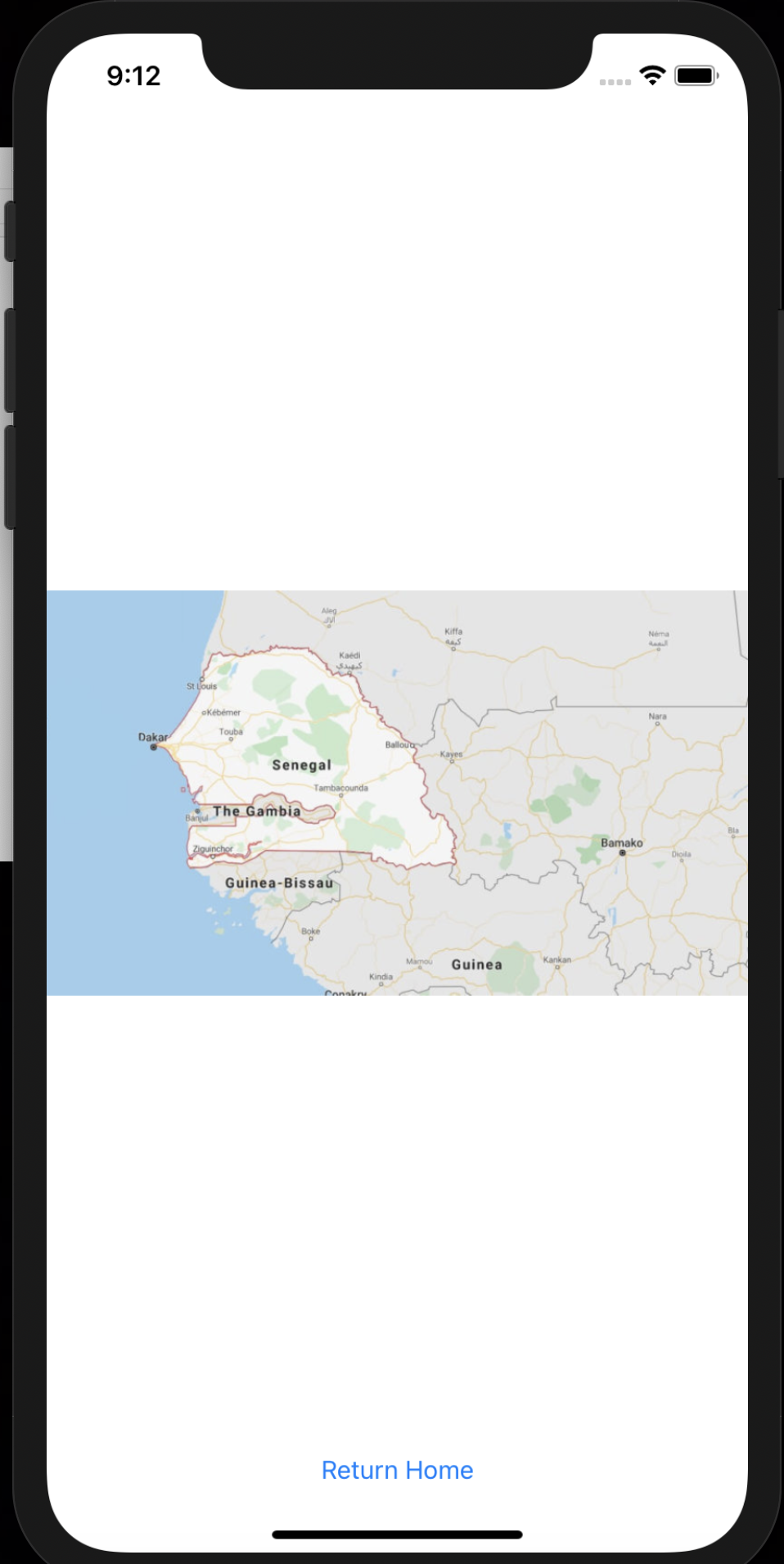
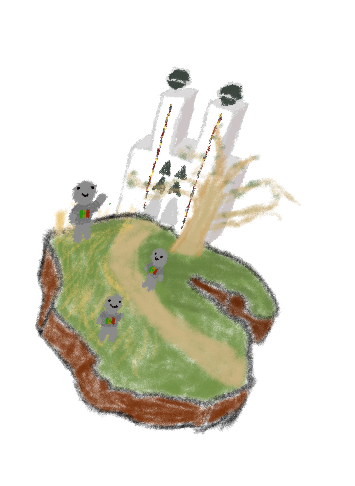
Senegal Drawing






Inspiration
We came up with the idea of this app after an experience in High School. While waiting in line to register at an event, Tessa noticed a stark difference in experiences in between her registration and the person registering next to her. When giving her name, Tessa had no problem. But the person next to her had to repeat his name multiple times because it wasn’t a Western name. It seemed to be a frustrating experience for both the boy registering and for the person checking him in. After completing registration, we discussed how that problem could have been avoided. We thought that if people were able to practice names that originated from other countries in a safe way they may feel more comfortable conversing with people and having positive experiences.
What it does
This app allows the user to look up a name from from a list of names, from different countries. The user can then select into that name and are shown a page where they can practice pronouncing, spelling, and hearing the name. If the user wishes they can add the name to a personal list that will allow them easier access to specific names. In future implementation there will be a game feature where the user can select a country on a black and white map and be prompted with given names to practice. If they gain enough understanding of the names from that country the color will fill in and they can try to color in the world.
How I built it
We used Xcode and swift to build this application.
Challenges I ran into
A challenge we ran into was figuring out how to transfer data from one page to another. When the user selects a specific name from the search list a new page pops up with practice for that name. We wanted it to be only two pages here where the second page updates depending on what name the user chooses. At first this was not working and the name was not showing up on the second page, but through research with some trial and error we finally found the solution.
Accomplishments that I'm proud of
We are proud that we were able to make a way to transfer data from one page to another page. We are also proud of the spell check feature we implemented. The user can practice spelling the name the selected. This was difficult because the names are labelled with feminine (f) or masculine (m) and this was causing issues with the spell check. We researched how to implement substrings in Swift, and we were able to solve the issue.
What I learned
We learned how to use Xcode and the process of making an iPhone application from the beginning.
What's next for Nomine
We hope to implement the game feature in the next version and fix any bugs that we find!


Log in or sign up for Devpost to join the conversation.