Inspiration
I kept noticing the same gap every time I used an AI assistant: I would ask it something, it would answer with words, and then I still had to go do the actual work myself. Open the file, click through the settings, write the message, remember to follow up later. The assistant never touched my computer, it only described what I should do to it.
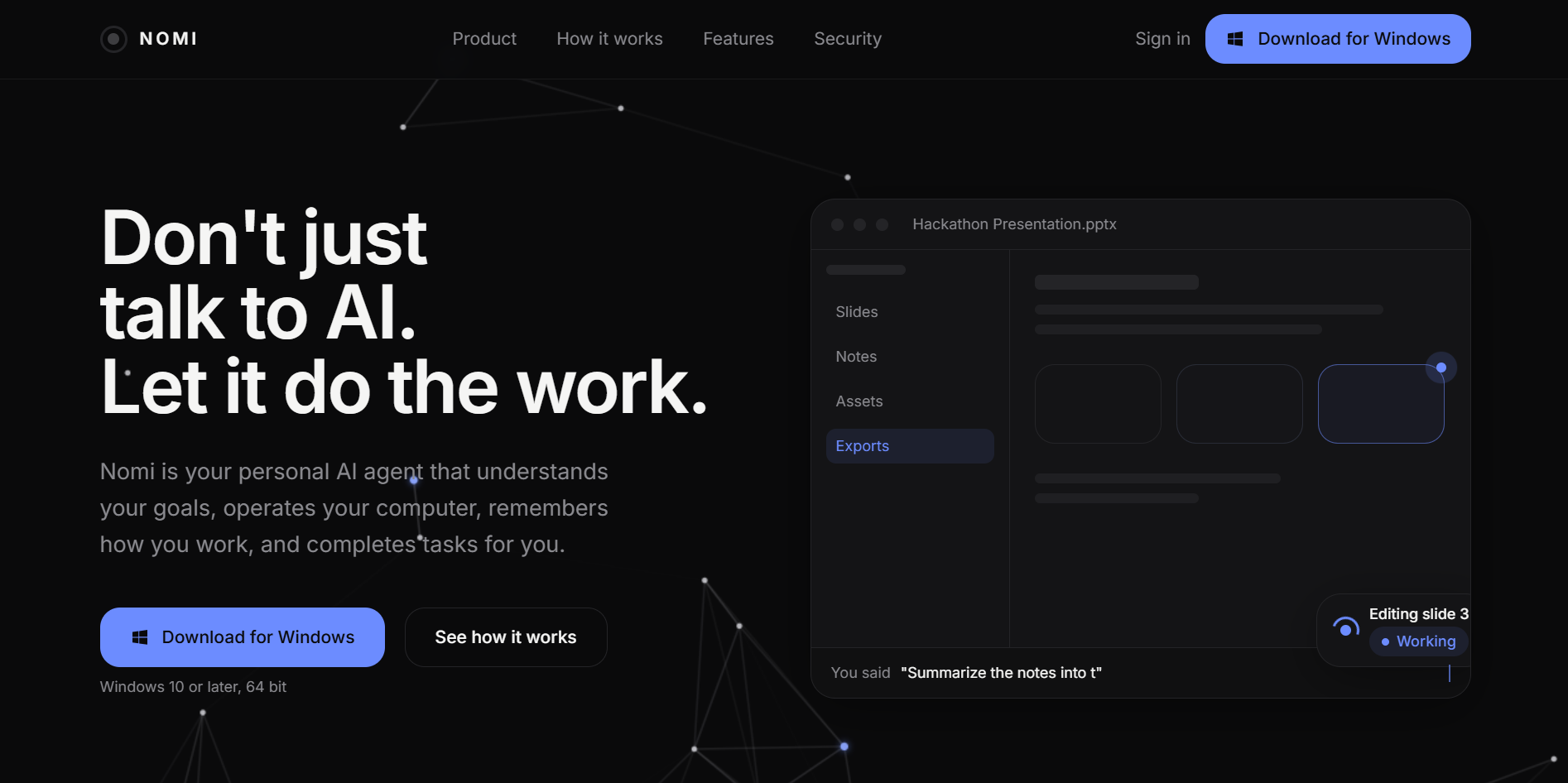
What I actually wanted was something closer to a real assistant: someone I could hand a task to who would go do it, ask me a question if my instructions were unclear, remember how I like things done the next time, and check with me before doing anything risky. So I set out to build that, a personal AI agent named Nomi that plans a task, executes it on my own computer through a set of real tools, and reports back honestly about what it did and did not manage to do.
What it does
Nomi is built as two halves that talk to each other continuously over a WebSocket connection: a web dashboard where I manage everything, and a desktop agent that can actually act on my machine.
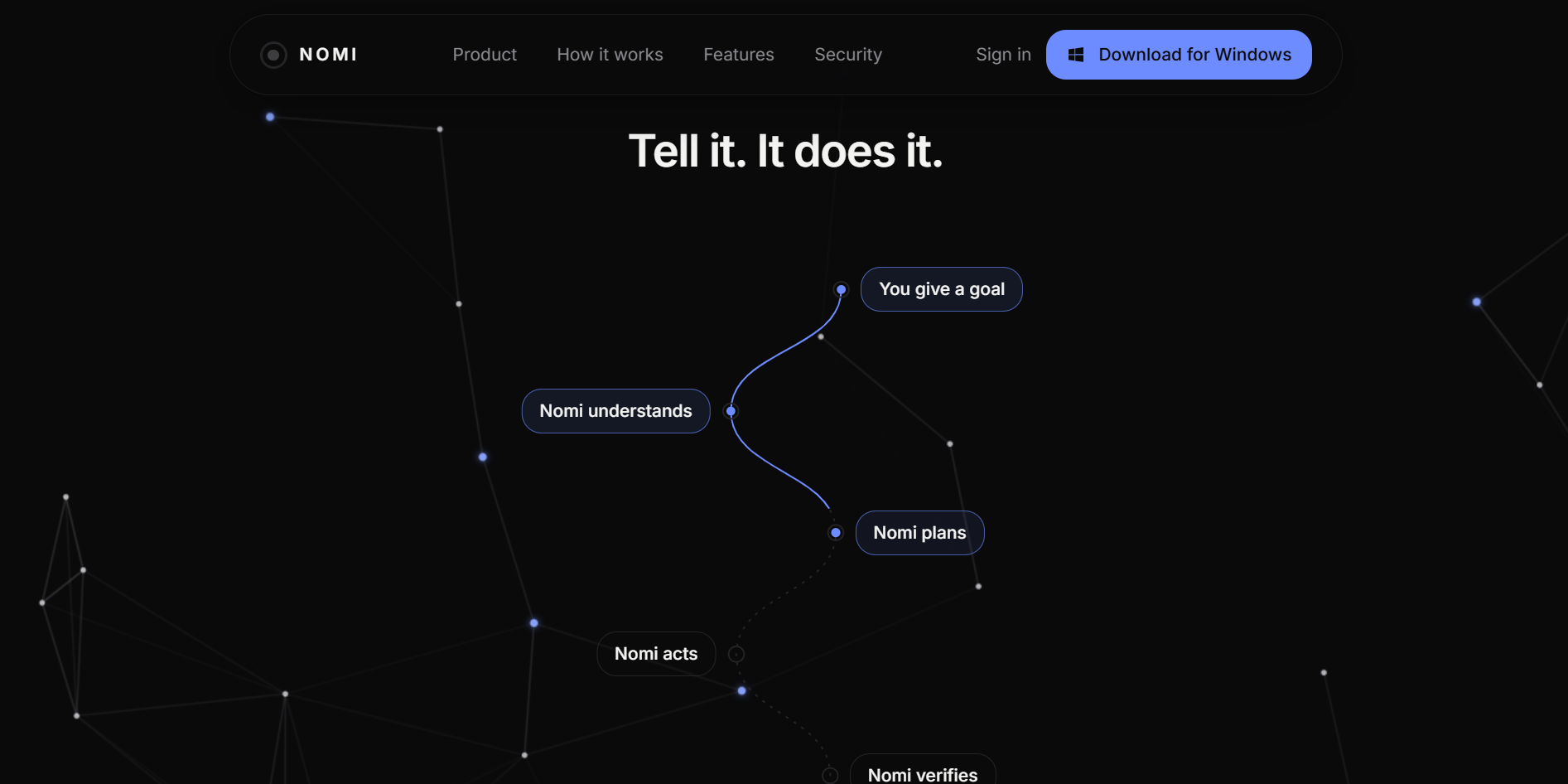
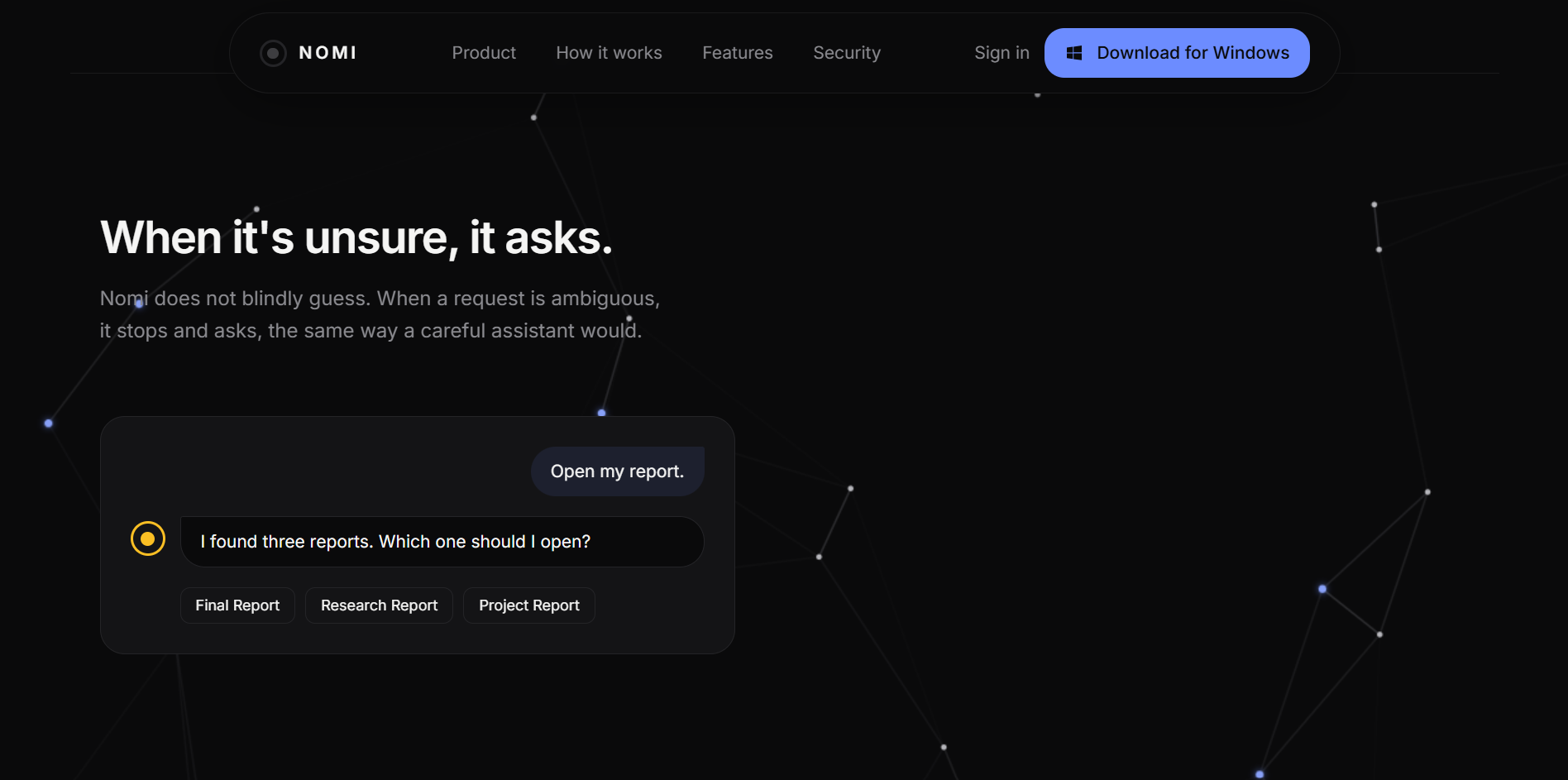
When I give Nomi an instruction in plain language, it first plans. A planning module breaks the instruction into an ordered list of steps, each one tagged with a category (computer control, application control, file access, browser actions, messaging, memory, or scheduling), a specific action, and a risk level of low, medium, or high. If my instruction is ambiguous, for example if I mention "my project" without saying which one, Nomi pauses and asks me a clarifying question with concrete options instead of guessing.
Every step then passes through a permission layer before it is allowed to run. Low risk steps like opening an application execute immediately. Medium and high risk steps, like deleting a file or sending a message, stop and wait for my explicit approval, and I can override the default behavior for any specific resource and action pair so Nomi learns what I am comfortable letting it do on its own. If a step fails, Nomi genuinely retries it once before giving up and reporting an honest failure rather than pretending it worked.
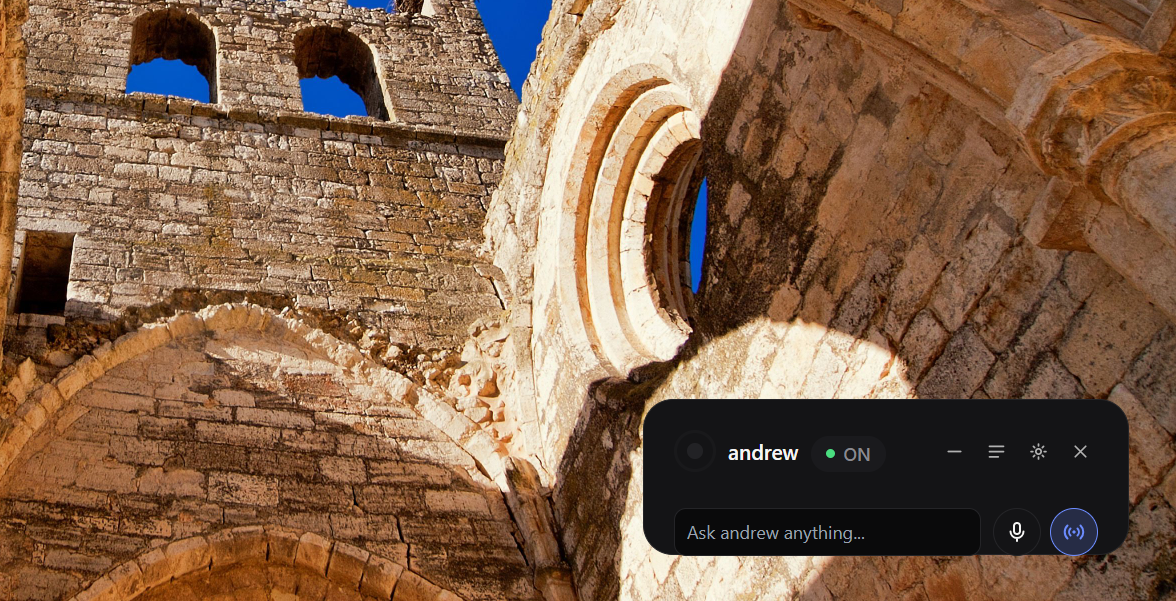
On the desktop side, the tools are real, not just simulated for demo purposes. Nomi can open and close applications, read, create, delete, move, copy, and rename files, open a URL in my actual default browser, and take a screenshot, click, type, or scroll on my real screen. Every one of these requests travels from the backend to my desktop app over the WebSocket connection, and the desktop app is the one that actually performs it and reports back whether it succeeded.
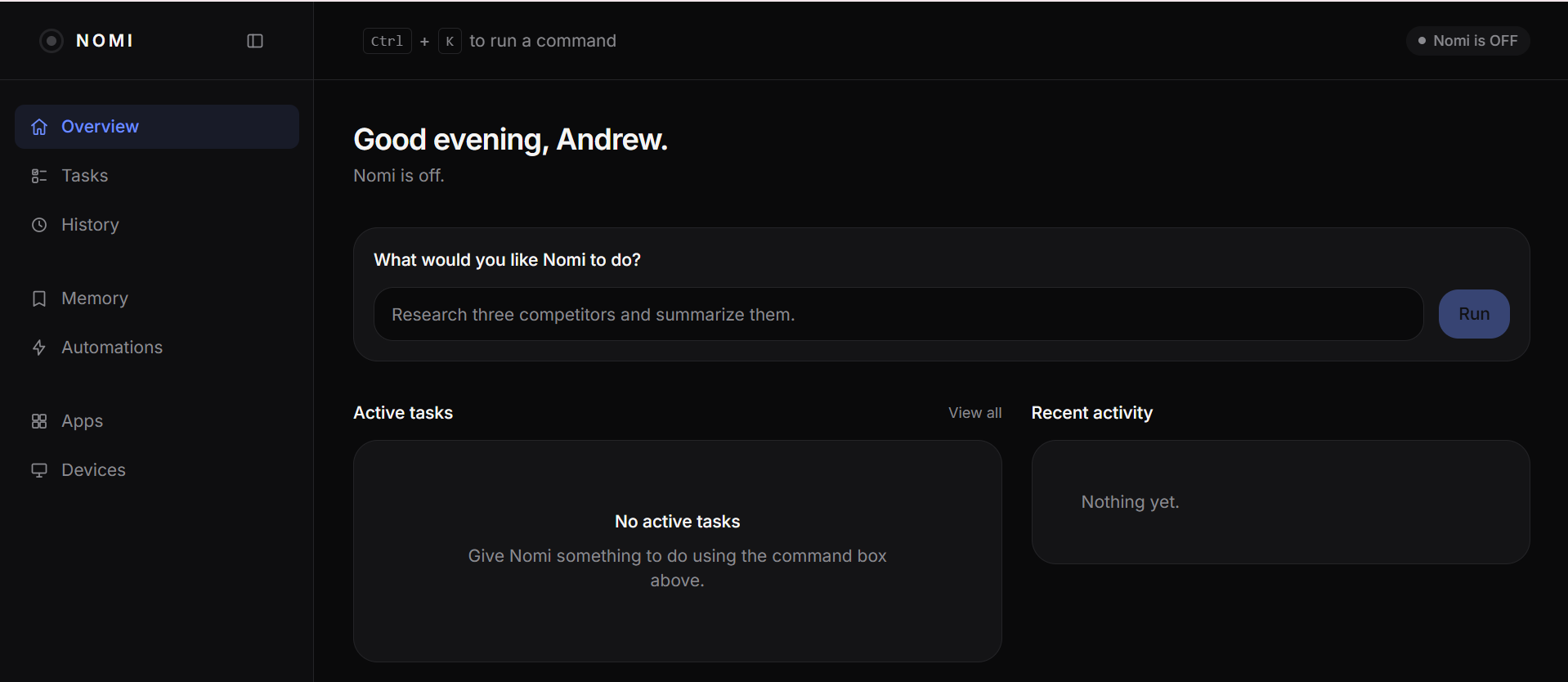
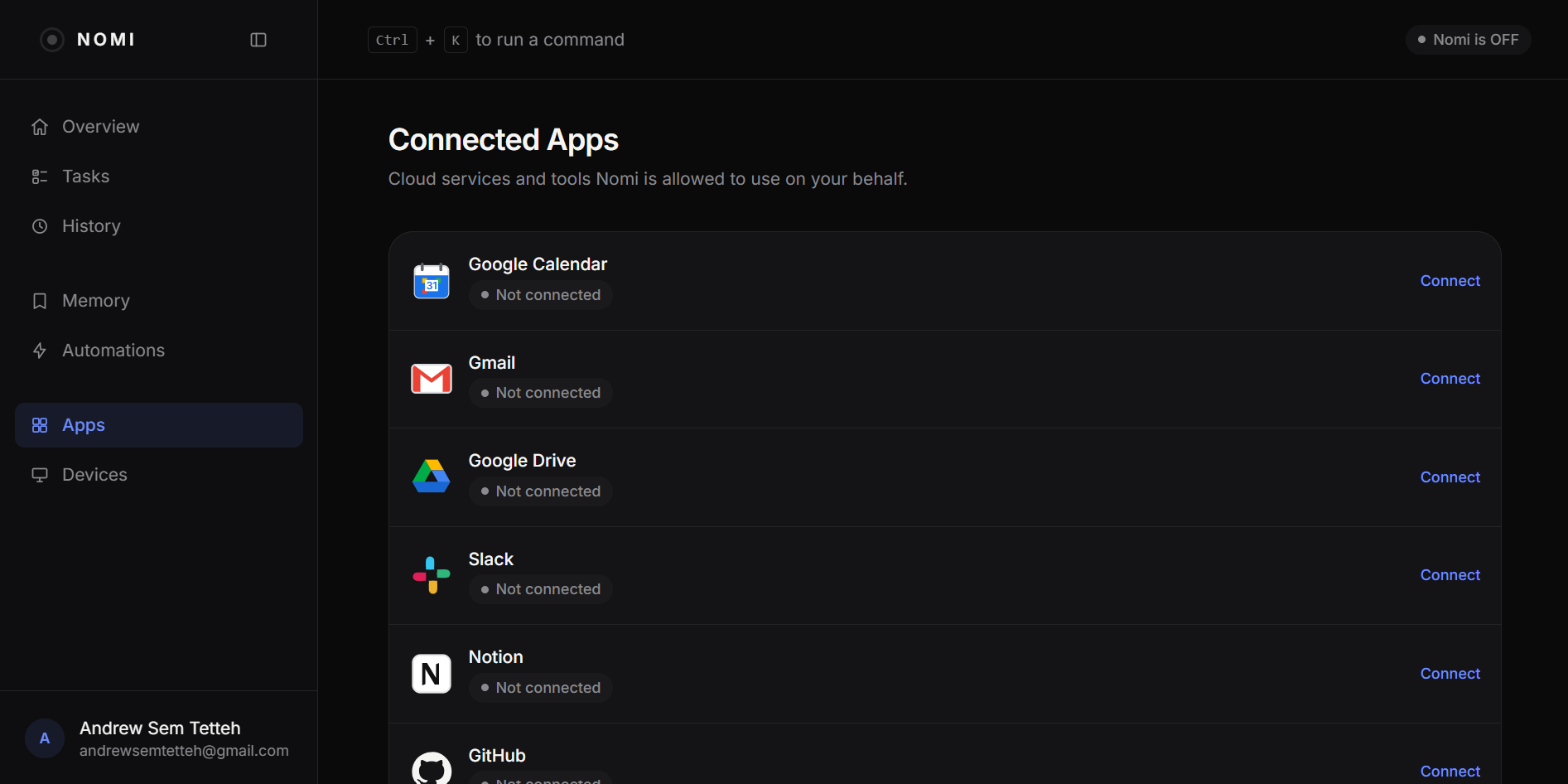
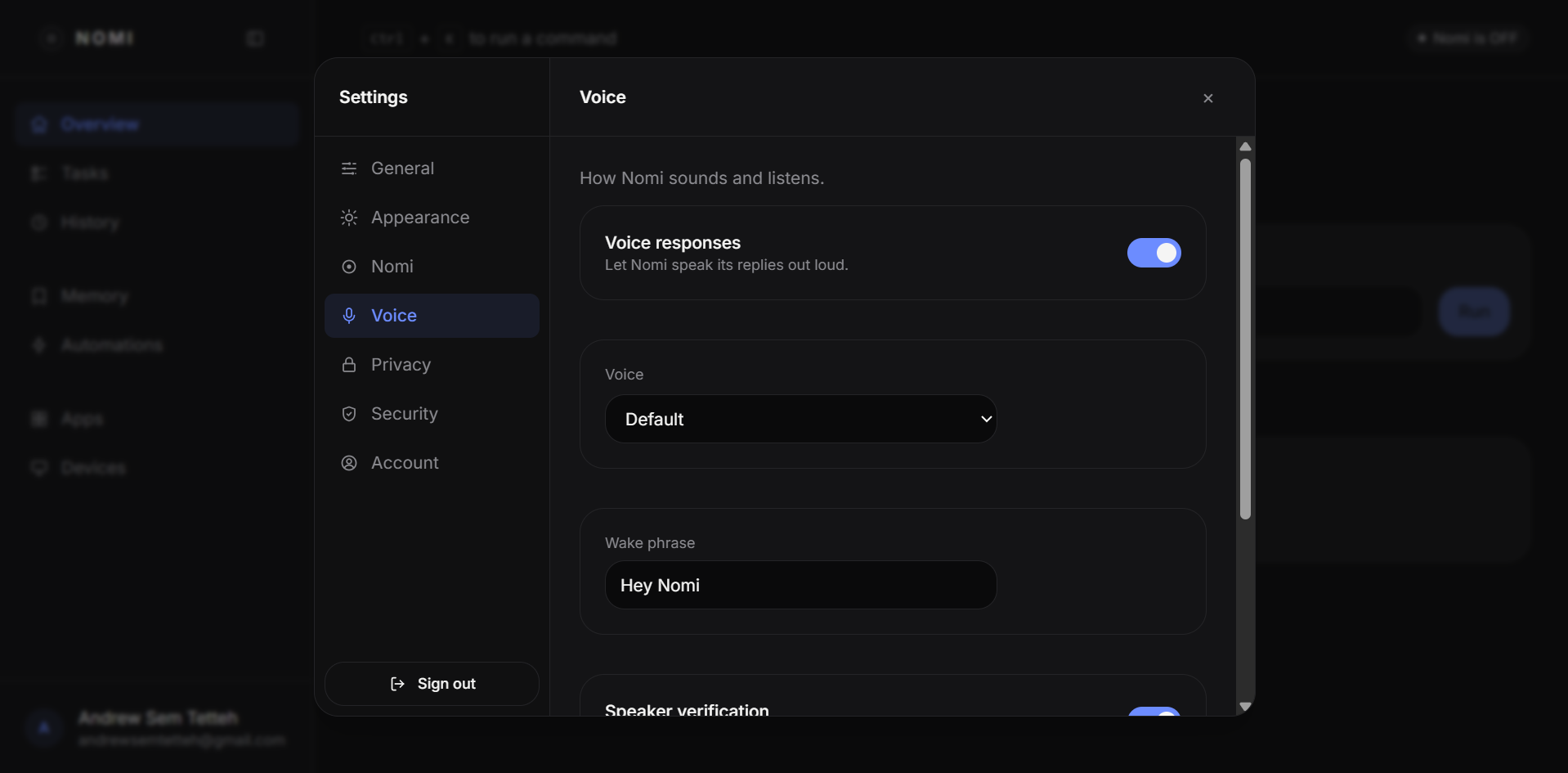
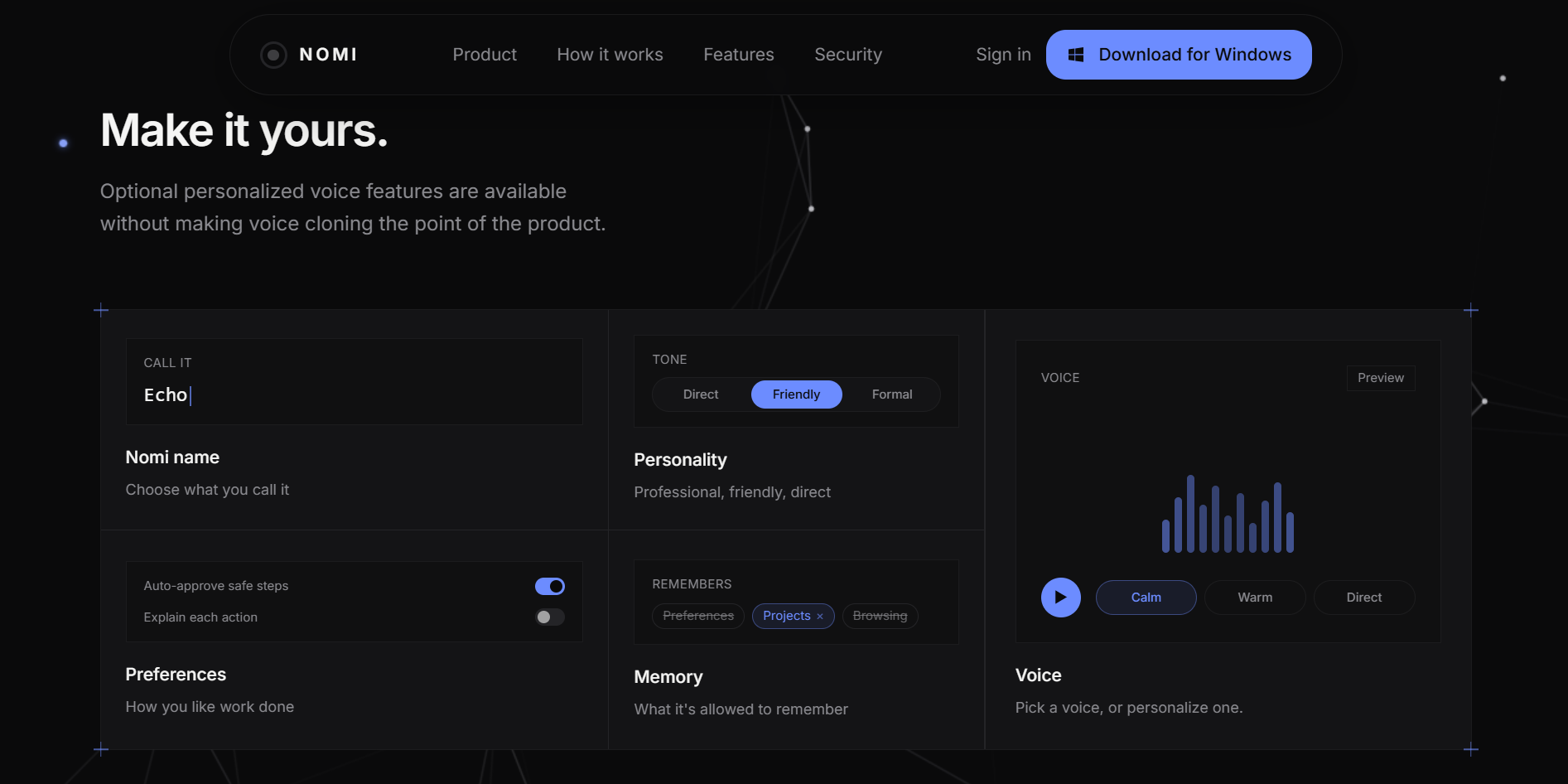
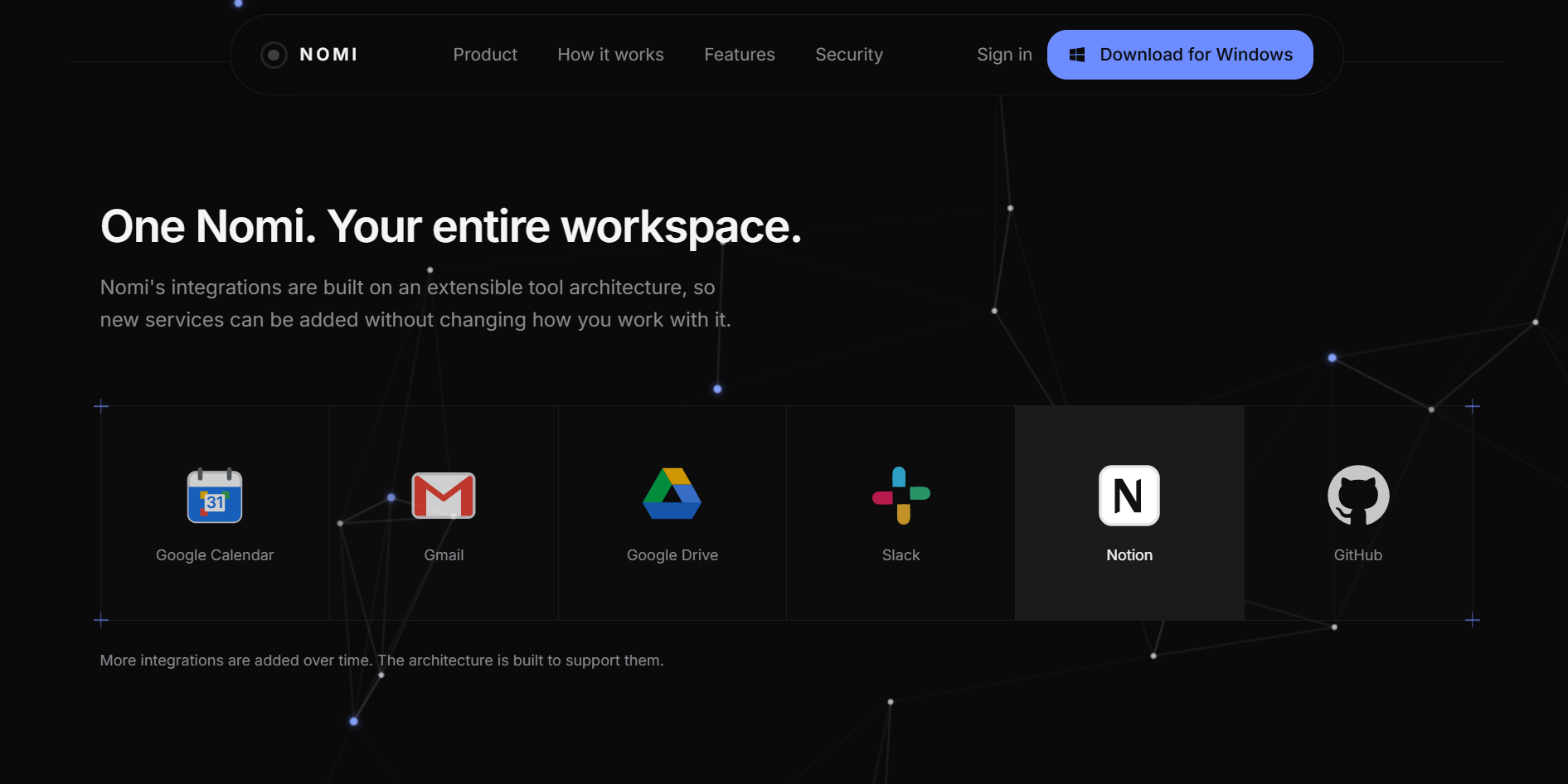
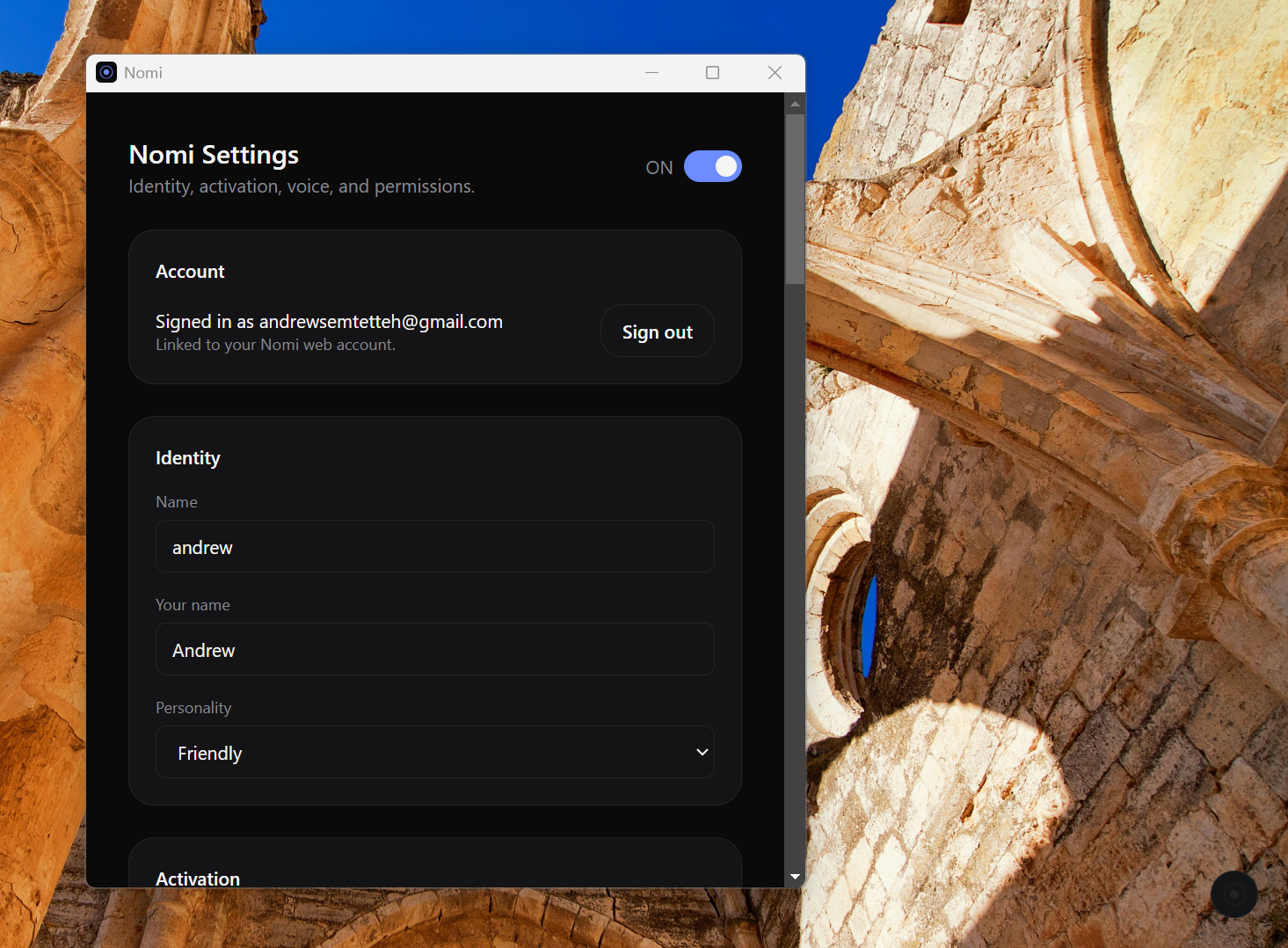
The dashboard is where I watch and control all of this. I can see a task's status update live while it runs (created, planning, waiting on me, running, paused, completed, or failed), browse the full history of everything Nomi has ever done, look through what it remembers about me and correct or remove anything wrong, connect other apps and integrations, manage which devices are linked to my account, review and adjust every permission it holds, and check a full activity log. Nothing happens behind my back.
How I built it
The frontend is a Next.js and TypeScript application that serves both the public marketing site and the authenticated dashboard. I used Clerk for authentication, and I made sure the whole dashboard also runs against a fixture user when no Clerk credentials are configured, so I could develop the entire interface locally without ever touching a real account.
The backend is a Python service built on FastAPI. I organized it around a clear separation between planning and execution. The planning module calls Google's Gemini model through the google genai client to turn a natural language instruction into a structured JSON plan, and I also wrote a fully deterministic mock planner that pattern matches on the instruction's wording (searching, opening an app, sending a message, saving a memory, deleting something, setting a reminder) and produces a realistic multi step plan on its own. Whenever a Gemini key is not configured, or the call to Gemini fails for any reason, the system falls back to the mock planner automatically, so the whole product still works with zero external credentials.
Execution is handled by a task manager that owns a proper state machine for every task, moving it through created, planning, an optional waiting on user state, running, an optional paused state, and finally completed or failed. Each task runs as its own background process that keeps going even after the request that started it has returned, and every meaningful thing that happens gets appended to an event log as a short, honest, user safe status line, never the model's raw internal reasoning. Approvals and clarifying questions share one pending approval registry built around asyncio events, so the task loop can genuinely pause and wait for my decision before continuing.
For actions that need to happen on a real machine, the backend sends a tool request down the WebSocket connection to my connected desktop device, and the desktop client executes it and sends the result back. If no device happens to be connected, the same step falls back to a simulated result instead of just failing outright, which meant I could always test and demo the full flow, connected device or not. I deliberately made the messaging tool always report an honest failure right now, since there is no real OAuth integration wired up yet to actually send anything, and I would rather Nomi tell me the truth than pretend a message went out when it did not.
Data (tasks, task events, memories, permissions, and everything else) goes through a small storage abstraction I wrote, which runs on plain local JSON files during development and can be swapped for Firestore in production without changing a single line anywhere else in the codebase.
Challenges I ran into
Getting the permission model right took me several attempts. I wanted Nomi to feel genuinely capable and autonomous for everyday low risk actions, but I never wanted it touching anything sensitive, like deleting a file or sending a message, without me seeing that coming first. I ended up building a proper decision layer that resolves every single tool call to allow, ask, or block, checks my own stored overrides before falling back to a sensible default based on risk level, and treats this as a first class concern completely separate from the model itself, since I did not want Gemini ever directly authorizing something sensitive on its own.
Making the offline mock planner actually convincing was harder than I expected. It needed to branch correctly across many overlapping intents in a single instruction and still produce a coherent, ordered, multi step plan with sensible status lines, close enough to what Gemini would generate that nobody watching a demo could tell which planner had actually run.
Coordinating state across three moving pieces at once, the dashboard, the backend, and a WebSocket connected desktop device, forced me to think hard about failure modes I would rather not have thought about under time pressure. What happens if the desktop disconnects mid task. What happens if the whole backend process restarts while a task is still marked as running. I do not have durable step level checkpointing, so blindly resuming a half finished file deletion or an already sent message on restart would have been actively harmful. I settled on honestly marking any task still in a non terminal status as failed the moment the server comes back up, with a clear message explaining it was interrupted, rather than leaving it silently stuck forever.
I also ran into smaller but real polish problems while building the dashboard itself, like a header border sitting a single pixel off from the sidebar's border because one was applied to an inner flex row and the other to its outer wrapper. Nothing about building a product that is meant to feel trustworthy is really "small," even the pixel level details.
Accomplishments that I'm proud of
I am proud that the entire product runs genuinely end to end with zero configured credentials. Authentication, the dashboard, task planning, and a full simulated agent loop all work immediately in development mode, which let me iterate constantly without ever waiting on an API key or a cloud service.
I am especially proud of the risk based approval system. It would have been easy to skip and just let every action run automatically, but building it in from the very beginning is the single thing that makes an agent that can genuinely control my computer feel safe to actually use rather than reckless.
I am also proud that the desktop tools are real rather than only simulated. Opening applications, managing files, opening URLs, and controlling the screen all travel through an actual WebSocket protocol to a real device and come back with an honest result, not a scripted demo response.
Finally, I am proud of how complete the dashboard feels as a real product. A working sidebar and header, task history, memory management I can edit, device and integration management, and a permissions and activity view that ties the whole story together, not just one polished demo screen surrounded by nothing.
What I learned
I learned a great deal about agent architecture specifically: why it matters to separate planning from execution rather than treating a tool call as one opaque step, why every plan step needs its own category, resource, action, and risk tag rather than being a free text instruction, and how much a task's state machine benefits from being something a dashboard can actually observe live rather than something hidden behind a single request and response.
I also learned just how valuable genuine graceful degradation is. Building a real fallback path for the planner, for authentication, and for the data store, instead of assuming a fully configured production environment from day one, meant the whole project stayed demoable and testable at every single stage, instead of only working the moment every external service happened to be wired up correctly.
What's next for Nomi
The next thing I want to do is expand the desktop tool set further, so Nomi can do more inside applications themselves rather than just opening and closing them, and so browser actions can go beyond opening a URL into actually reading and interacting with a page.
I want to finish the real integrations layer too, with actual OAuth token exchange for messaging and other services, so the communication tools can stop being an honest "not yet" and start actually sending on my behalf once I explicitly connect an account.
I also want to build out automations and scheduling so Nomi can act proactively on its own schedule instead of only in response to something I type, and grow the memory system so it can learn from the corrections I make to it over time instead of only storing what it infers once.
Longer term, I would like a companion mobile app so I can hand Nomi a task or approve a high risk action from my phone wherever I am, and a much wider library of integrations so Nomi can act across every tool I actually use day to day, not only the ones running locally on my own desktop.

Log in or sign up for Devpost to join the conversation.