-
-
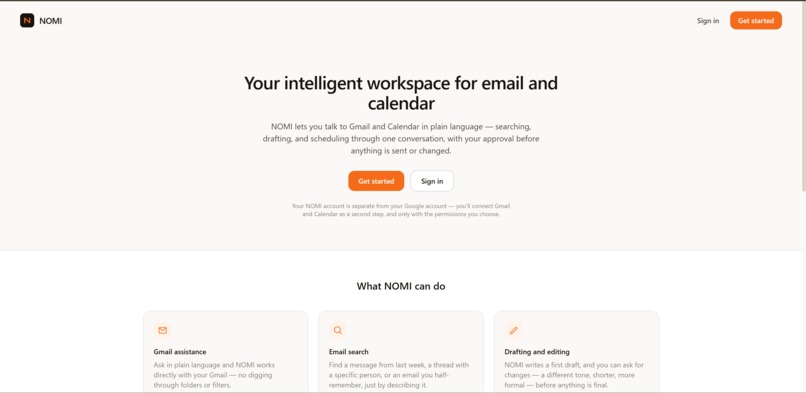
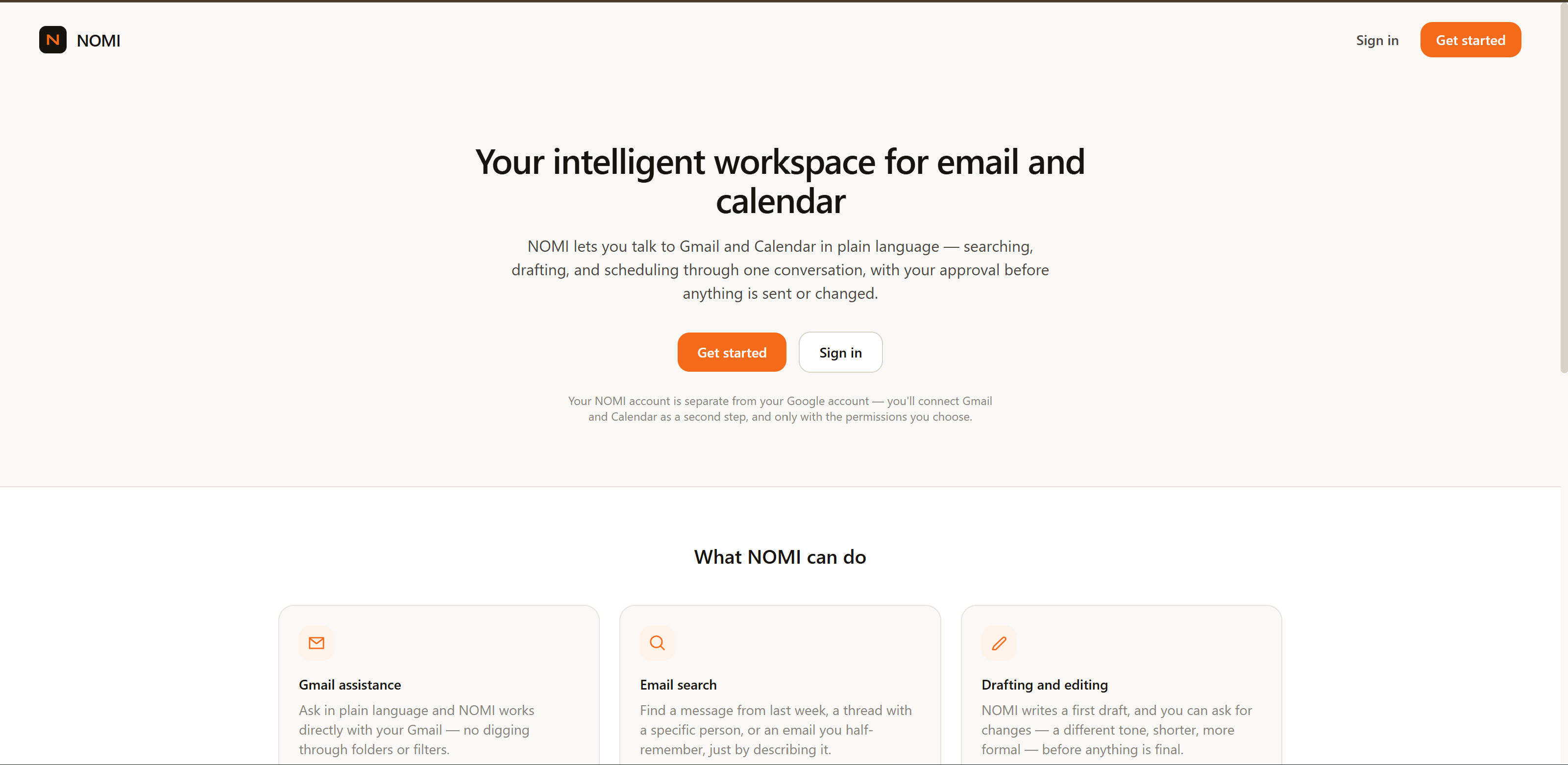
NOMI's landing page — an AI assistant for email and calendar.
-
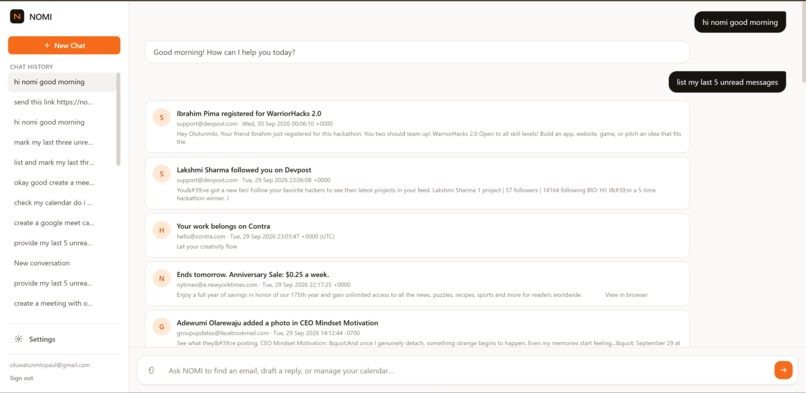
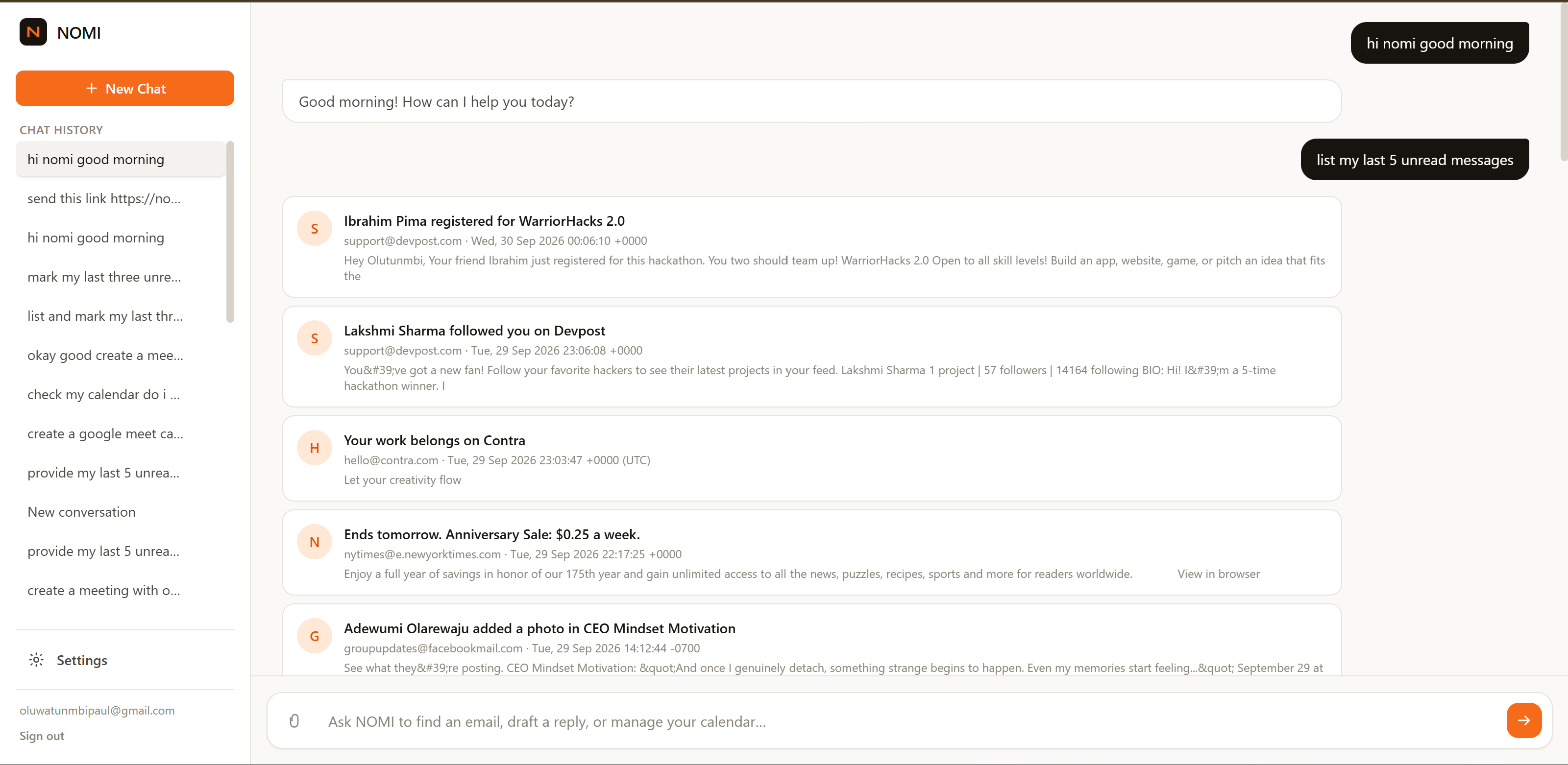
NOMI's AI workspace for managing email and calendar tasks.
Inspiration
The idea for NOMI started with a question: How can AI be genuinely useful with our emails and calendars without requiring people to hand over a permanent copy of their personal information?
As AI assistants become more capable, I realized that people may be uncomfortable giving an AI unrestricted access to personal conversations, sensitive emails, or important information that should never be unnecessarily stored or disclosed.
At the same time, I wanted the convenience that AI can provide. I wanted to be able to tell an assistant to find an email, read it, draft a reply, send a message, attach a file, create a calendar event, add a Google Meet link, or mark a message as read — without having to manually perform every step.
That became the idea behind NOMI: an AI assistant that can work with your email and calendar while minimizing how much of your personal data it retains.
NOMI is built around two principles: use AI to reduce repetitive work, but keep the user in control of their data and important actions.
What it does
NOMI is an AI-powered email and calendar assistant that lets users interact with Gmail and Google Calendar using natural language.
Depending on the request, NOMI can:
- Search and read emails
- Draft emails and replies
- Send emails with explicit user approval
- Attach files to emails
- Mark emails as read
- Create calendar events
- Schedule events with Google Meet links
- Manage calendar events
- Understand conversations and follow-up requests
- Authenticate users and connect their Google services
One of the most important parts of NOMI is how it handles user data.
NOMI is not designed to build a permanent copy of a user's inbox or calendar history in its own database. When a user makes a request, NOMI retrieves the relevant information from the connected Google service when it needs it instead of treating the user's email and calendar data as something that should permanently live inside NOMI.
This was an intentional design decision. I wanted NOMI to be useful enough to act on a user's behalf without turning the application itself into another permanent store of their most private communications.
For sensitive actions such as sending an email, NOMI also requires explicit user approval. The user can review and edit the proposed action before allowing it to happen.
How we built it
NOMI is a full-stack web application built with React, Vite, Node.js, Express, MongoDB, Firebase Authentication, and Google's Gmail and Calendar APIs.
The frontend provides the conversational interface and handles authentication and interaction with the user.
The backend is responsible for authentication, Google integrations, AI processing, permissions, action execution, attachments, conversations, and security controls.
A major part of the architecture is separating AI understanding from action execution.
The AI can interpret what the user wants to accomplish, but sensitive operations are not simply executed because the model generated an instruction. The server manages the actual action and permission state.
For example, when NOMI prepares an email to be sent, the action becomes a temporary pending action. The user can review or edit the recipient, subject, and body, and then explicitly choose Allow or Deny. There is no permanent "always allow" permission for sending email.
We also designed the system to minimize sensitive information in application logs and avoid unnecessarily storing email and calendar content in NOMI's database.
The frontend is deployed on Vercel, while the Express backend runs on Render, with MongoDB providing the application's persistent data layer.
Challenges we ran into
The hardest part wasn't simply connecting Gmail or getting an AI model to understand an instruction. The difficult part was deciding what the AI should be allowed to do and what the application should remember.
Email and calendar data can contain extremely personal information. We therefore had to think carefully about how information moves through NOMI and what should actually be persisted.
Another major challenge was building a reliable approval flow for sensitive actions. We wanted the user to remain in control without making the assistant frustrating to use.
For example, a user should be able to say:
"Send a good morning email to Paul."
NOMI should be able to understand the request and prepare the email, but sending it should still require explicit approval from the user.
We also had to deal with Google OAuth, Gmail and Calendar API behavior, authentication, attachment handling, conversation state, temporary actions, expiration, server-side validation, and deployment of a frontend/backend monorepo.
Accomplishments that we're proud of
We're proud that NOMI became more than an AI chatbot. It can interact with real Google services and perform useful actions on behalf of the user.
The part we're most proud of is the privacy and permission model.
Instead of designing NOMI around the idea that an AI should permanently know everything about a user, we designed it around the idea that the assistant should retrieve what it needs when it needs it and minimize what it retains.
We're also proud of building a system where sensitive actions such as sending email require explicit user approval.
We successfully integrated Gmail and Google Calendar, implemented authentication, email and calendar actions, attachments, conversation handling, and server-side permission controls, and deployed the application with the frontend on Vercel and backend on Render.
What we learned
One of the biggest things I learned is that building an AI agent is much more than connecting an LLM to an API.
The model can understand language, but the application needs to decide what happens next.
I learned about OAuth, API integrations, authentication, server-side authorization, temporary action state, data minimization, attachment handling, deployment, and security testing.
Most importantly, I learned that privacy needs to be part of the architecture from the beginning, rather than something added after the product is already built.
Building NOMI also changed how I think about AI assistants. The goal shouldn't necessarily be to give an AI access to everything. The goal should be to give it just enough access to be useful while keeping the user in control.
What's next for NOMI
NOMI is currently focused on Gmail and Google Calendar, but the idea can extend beyond the Google ecosystem.
With more resources, we would like to expand NOMI to support services such as Slack, allowing users to interact with workplace communication alongside their email and calendar.
We also want to support multiple Google accounts, so users could connect different personal, school, or work accounts and choose which account NOMI should use for a particular request.
Other areas we'd like to explore include:
- More productivity and communication integrations
- More advanced email organization and follow-up workflows
- Better calendar scheduling and availability handling
- Improved attachment understanding
- More granular permissions for different actions
- Stronger privacy and security controls
- Better conversation context while maintaining data minimization
- More powerful multi-account management
The long-term vision for NOMI is to become a personal AI productivity assistant that can work across the tools people already use — without requiring users to sacrifice control over their private information just to get the benefits of AI.
Built With
- api
- authentication
- calendar
- css
- express.js
- firebase
- gmail
- groq
- javascript
- mongodb
- node.js
- oauth
- react
- render
- vercel
- vite


Log in or sign up for Devpost to join the conversation.