-
Noise
-
inspiration
-
design goals
-
-
-
user journey
-
-
end product
-
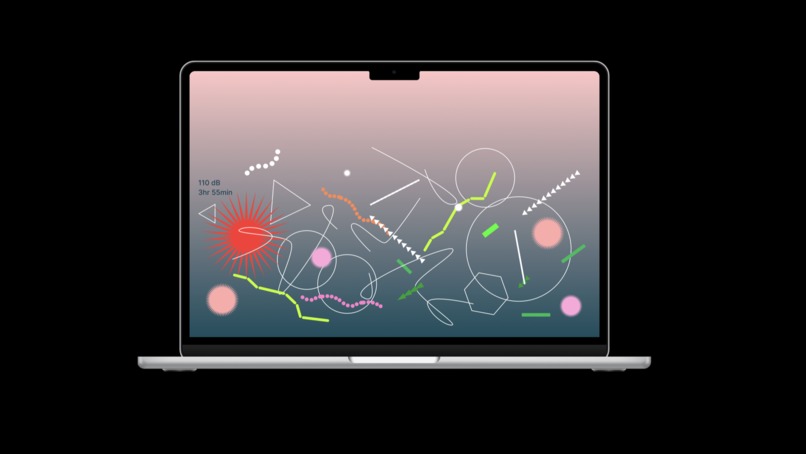
pc
Inspiration
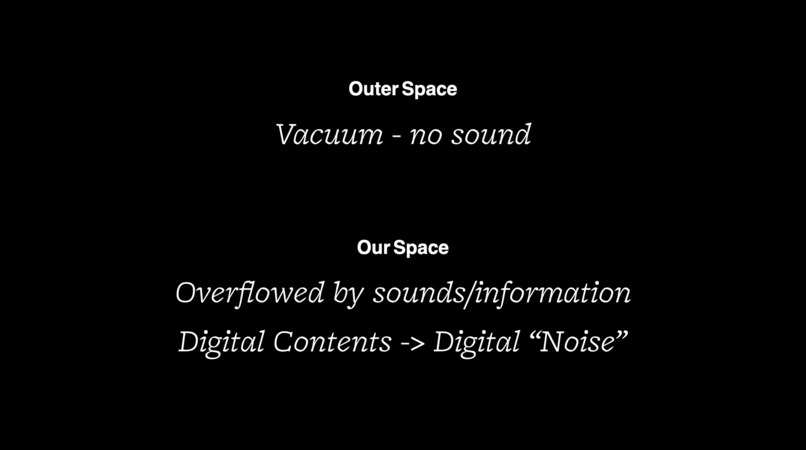
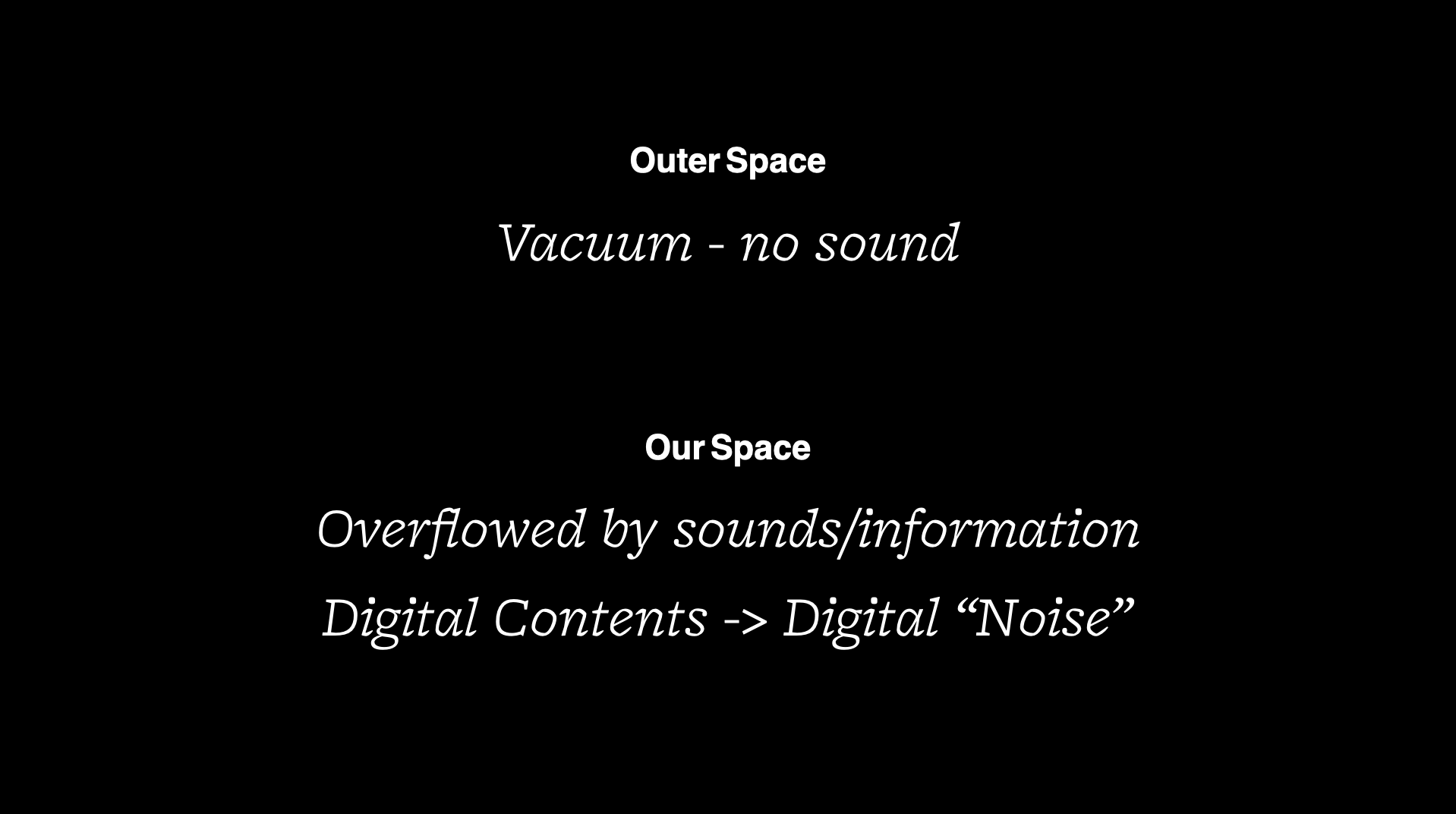
Sound doesn’t travel in outer space. In contrast, the space we live in has become overflowed by sounds and information. Messages, ads, pop-up notifications—we live in an era of countless distractions, often alongside anxiety and depression. Through visualization of “digital noise,” our team aspires to find a way out of this “digital space,” increasing awareness of digital consumption and intuitively reducing screen time.
What it does
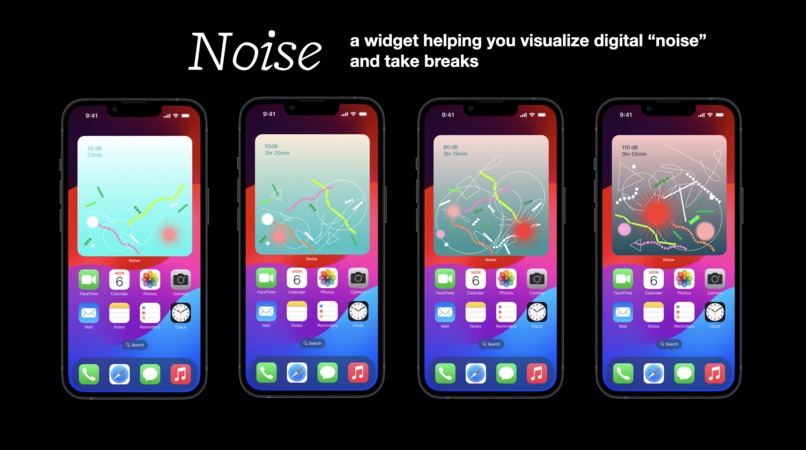
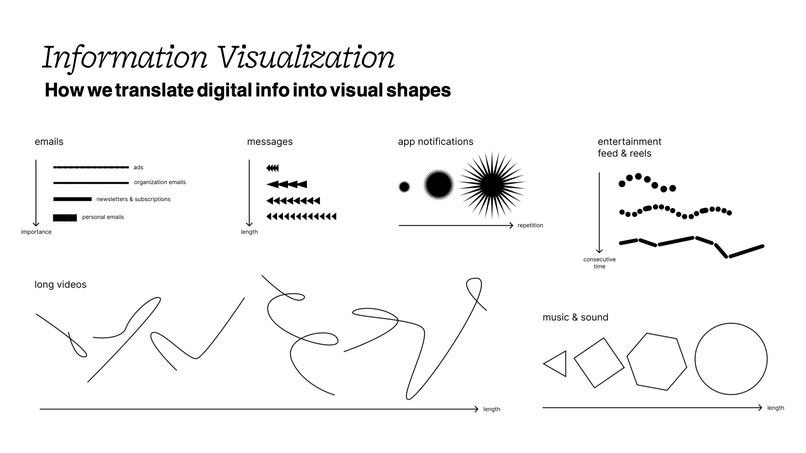
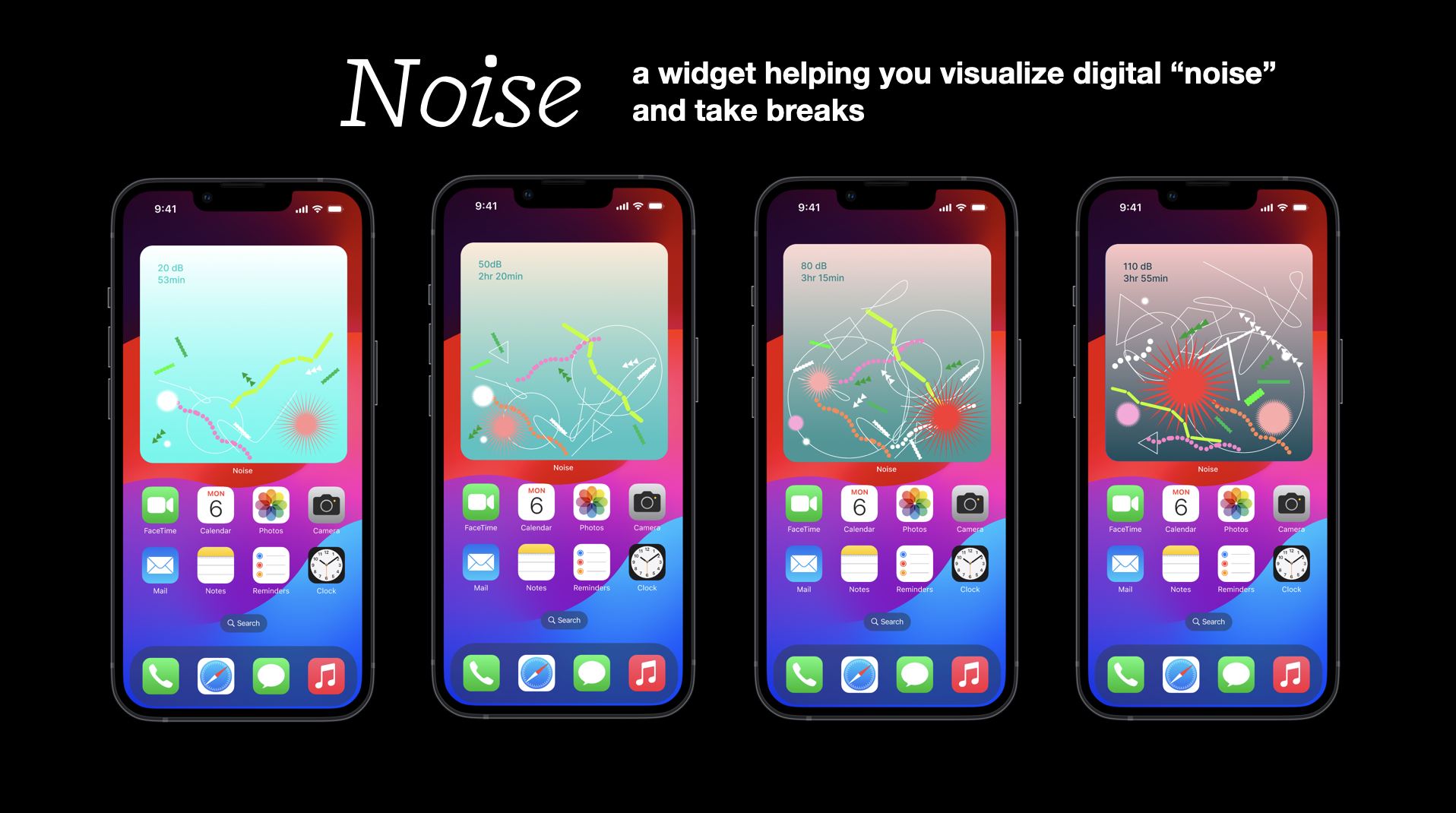
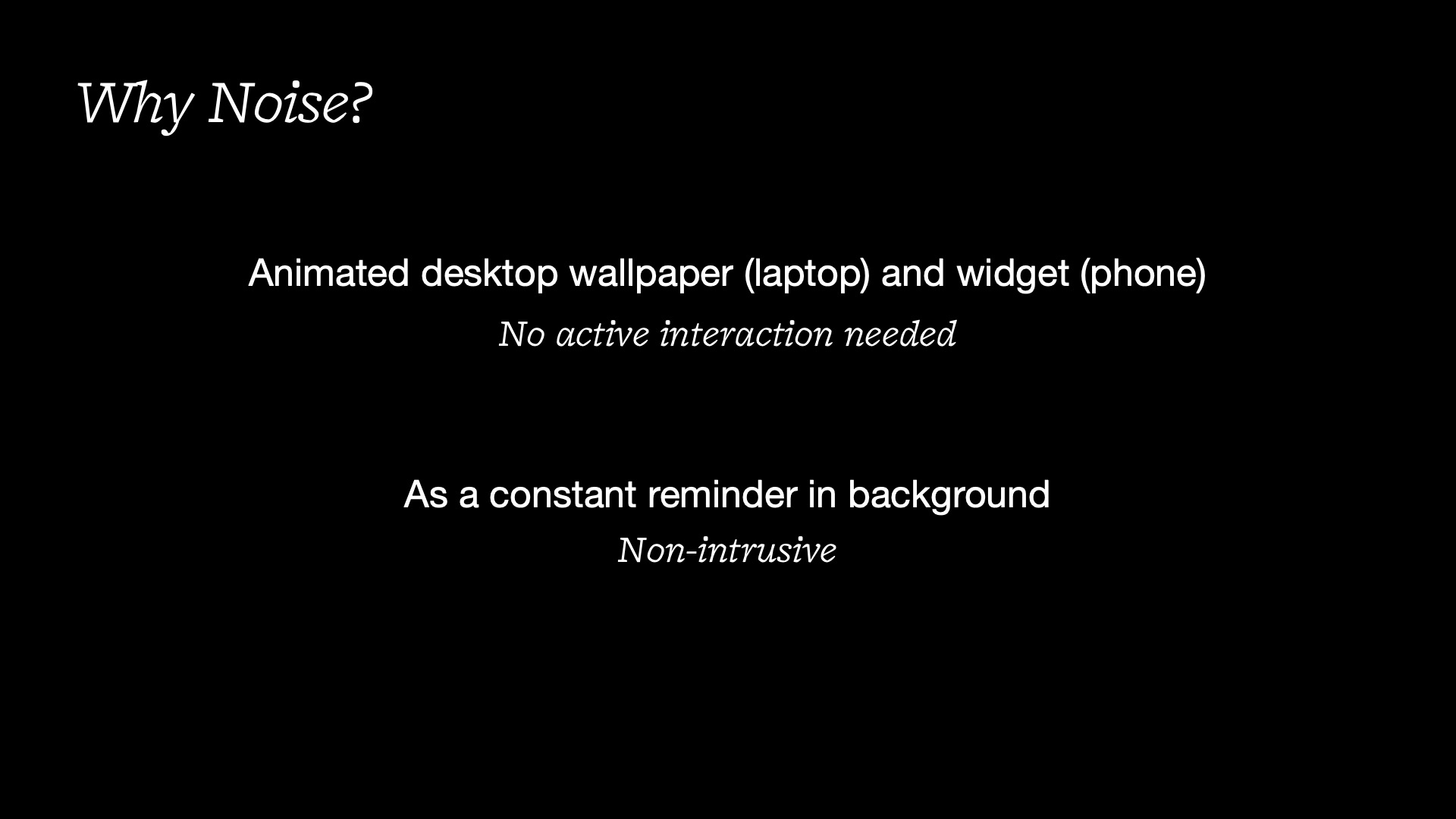
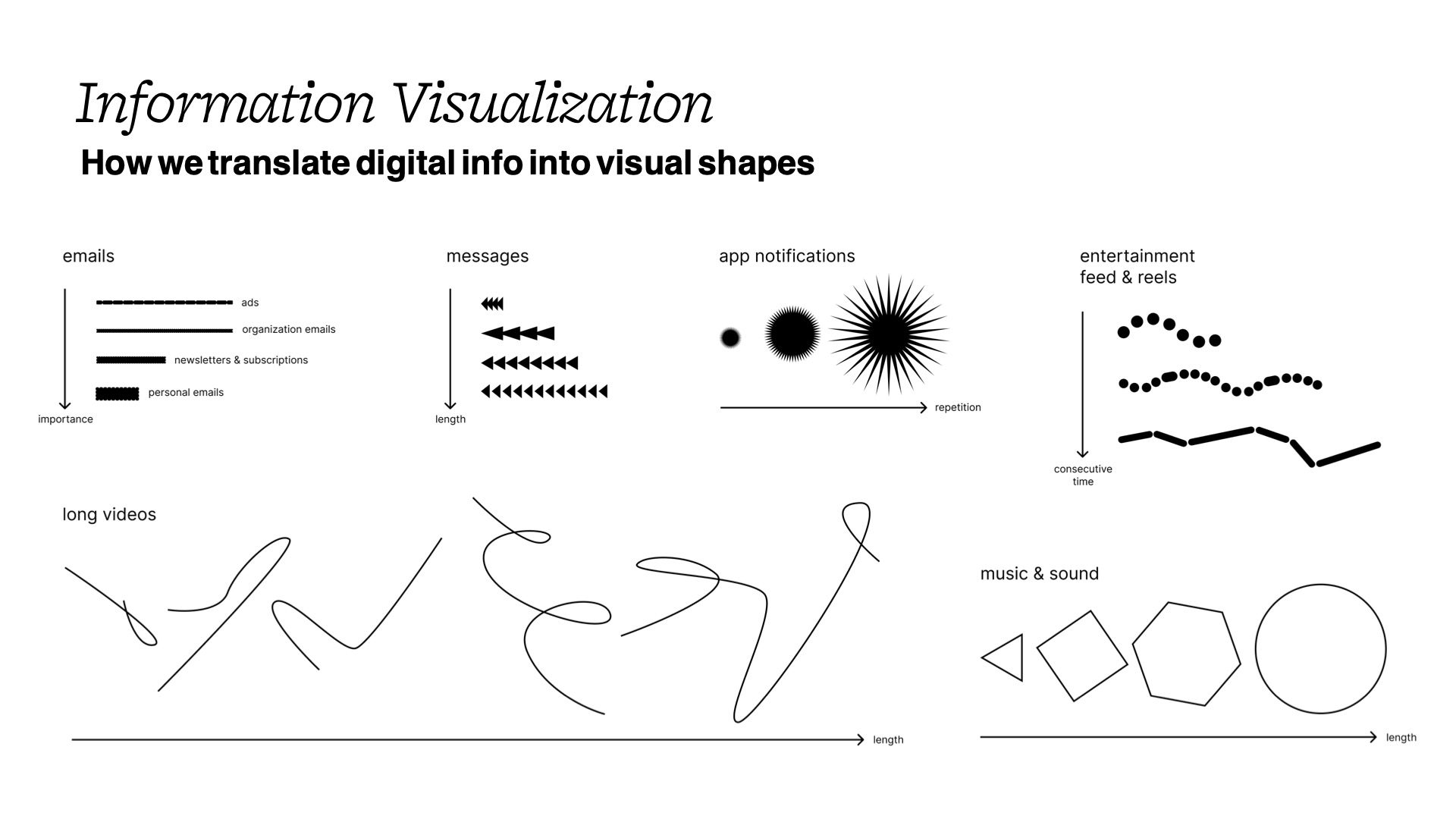
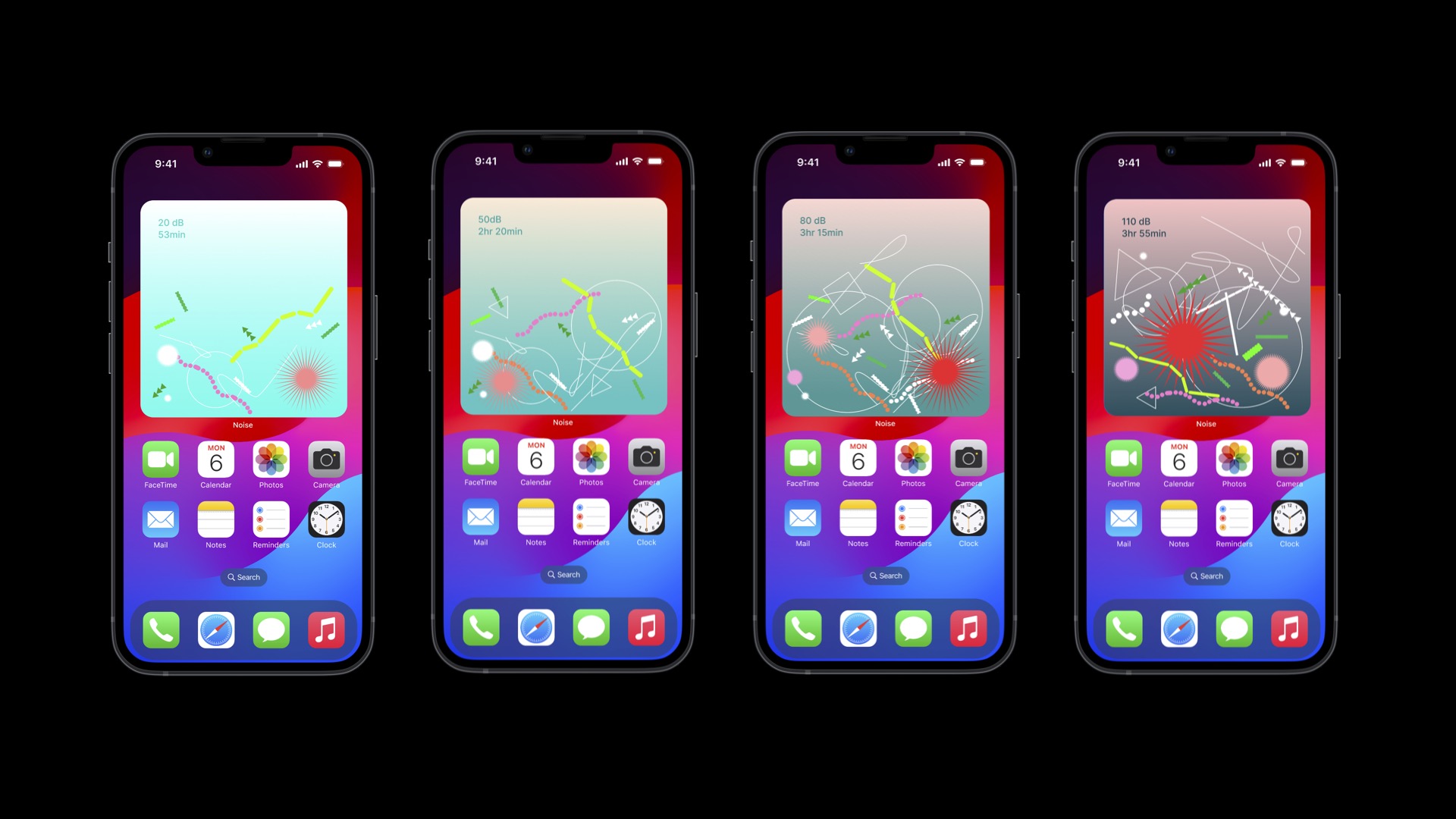
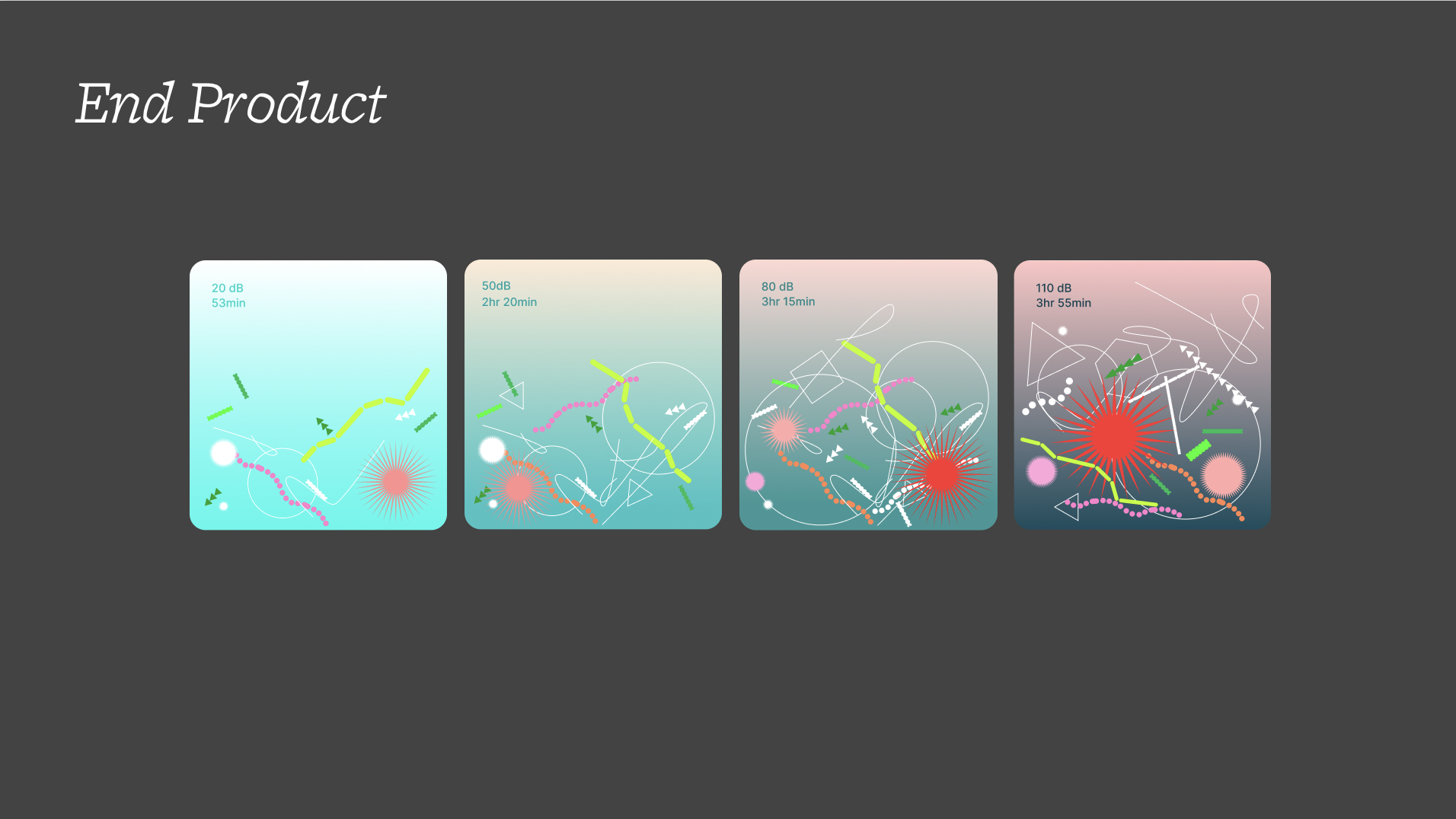
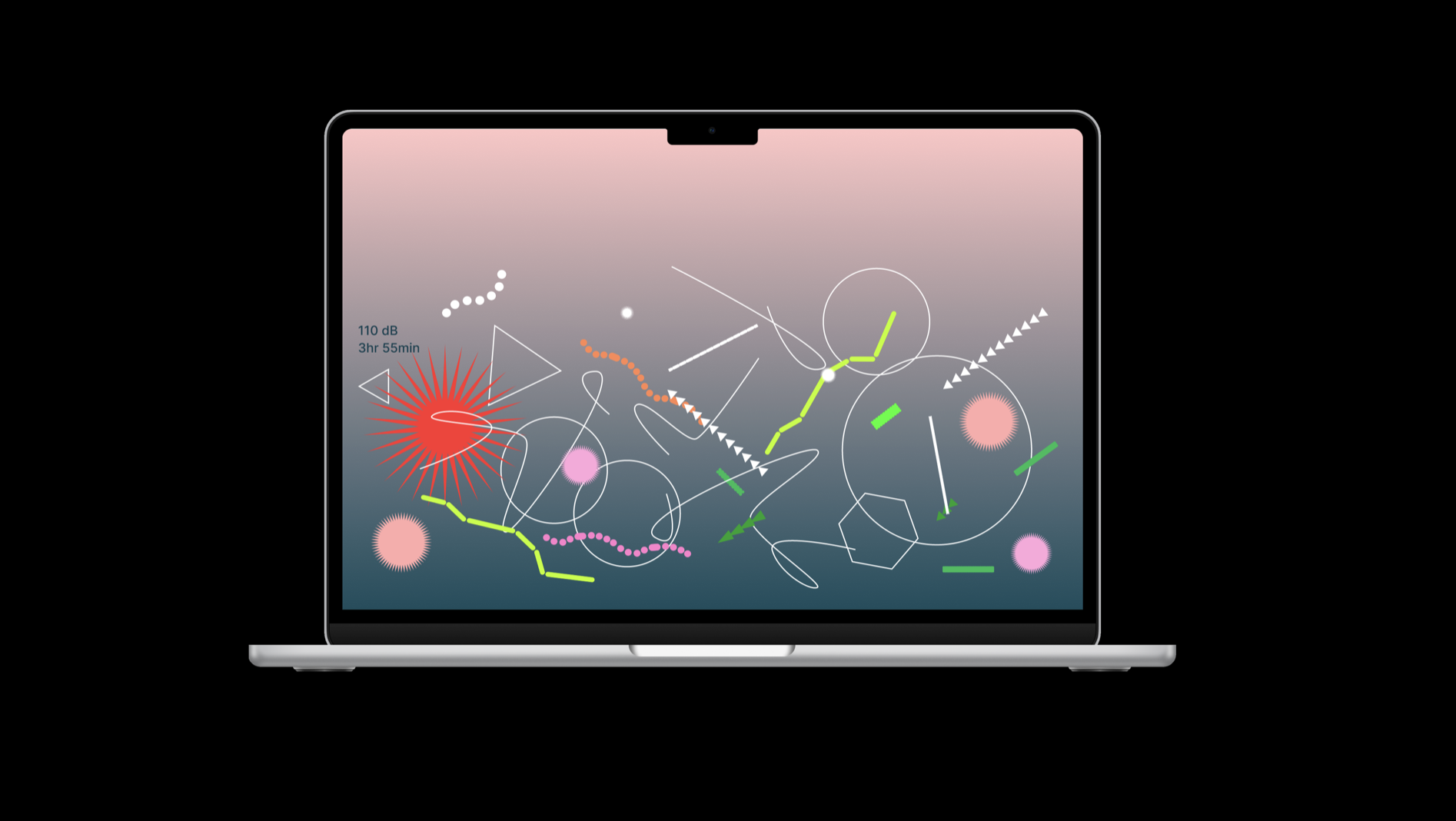
Noise is a dynamic wallpaper/widget that visualizes screen time. We transform digital interruptions into various shapes: dashes for emails, arrows for messages, blobs for app notifications, and larger shapes (triangles, circles, hexagons, and long lines) for significant exposure to digital content (music, reels, etc).
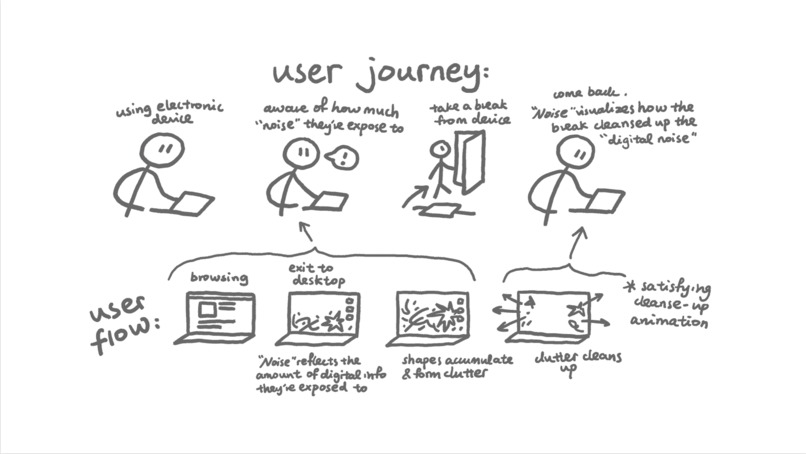
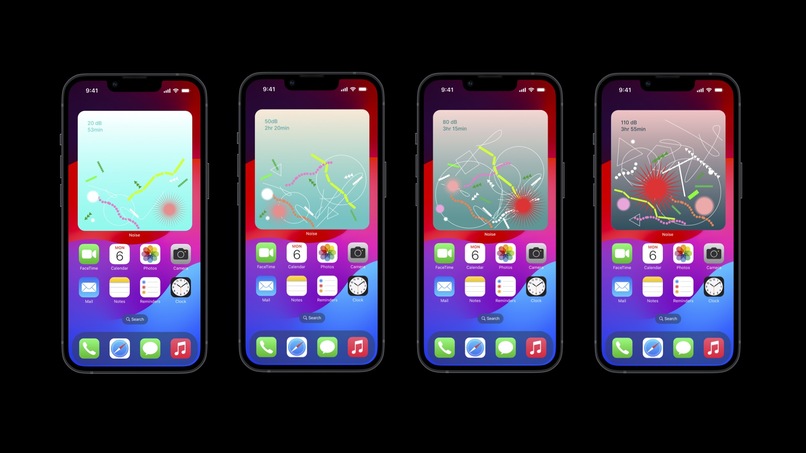
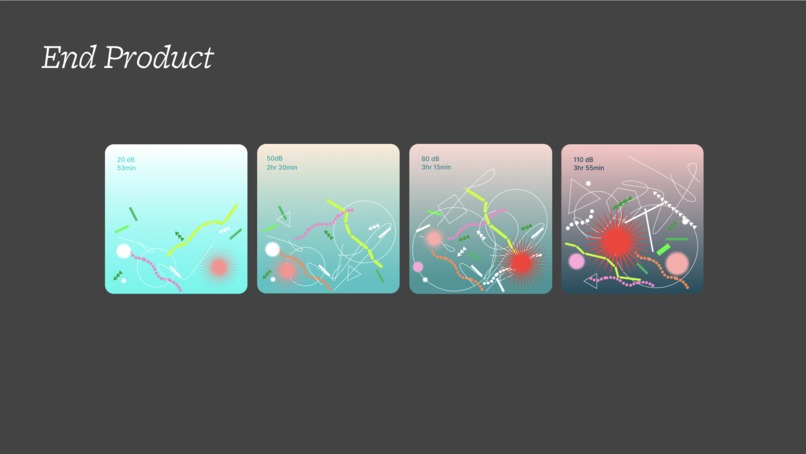
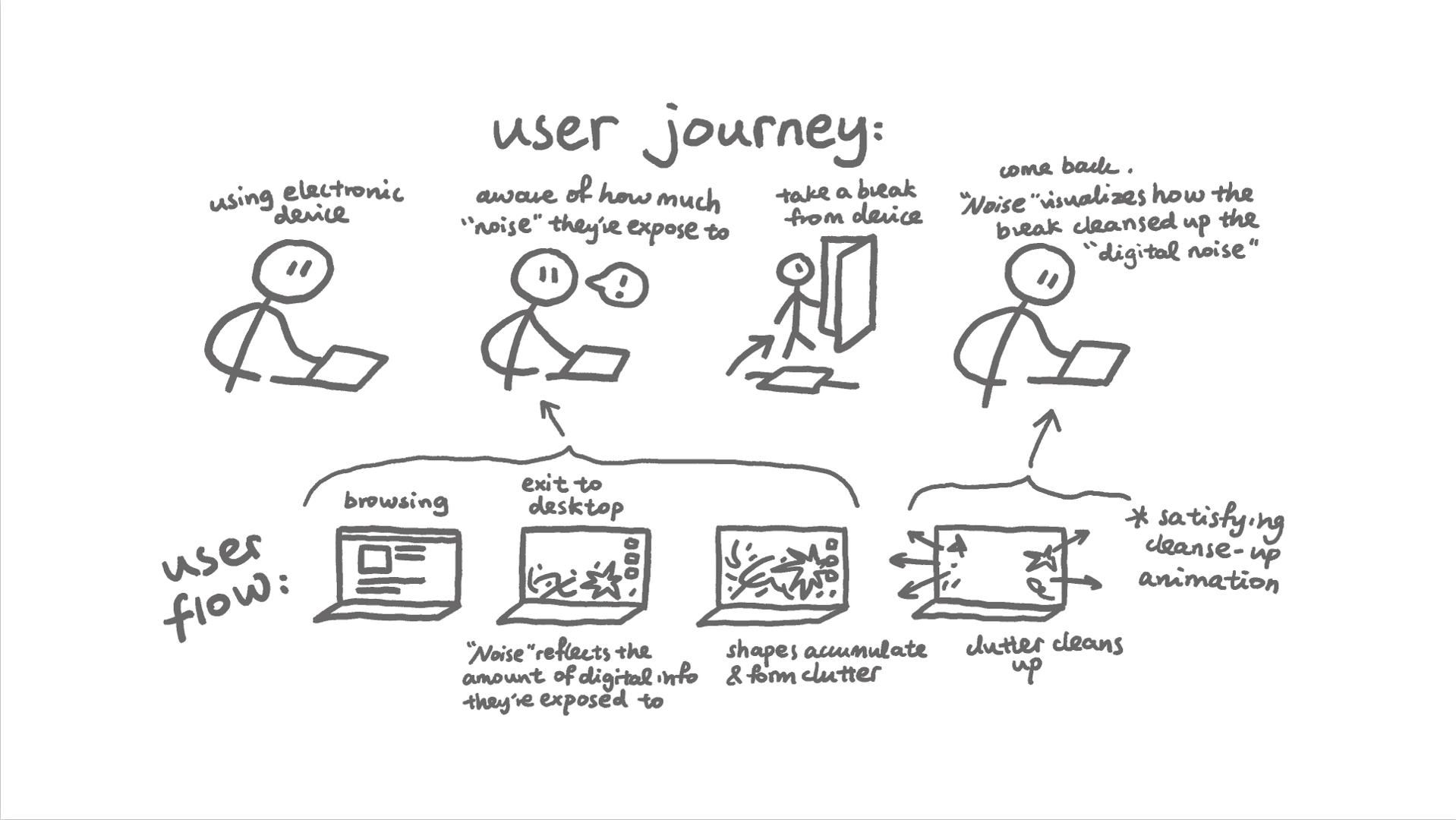
As digital interruptions(“noise”) increases, these shapes accumulate until the screen space gets filled, at which point the App will send a reminder.
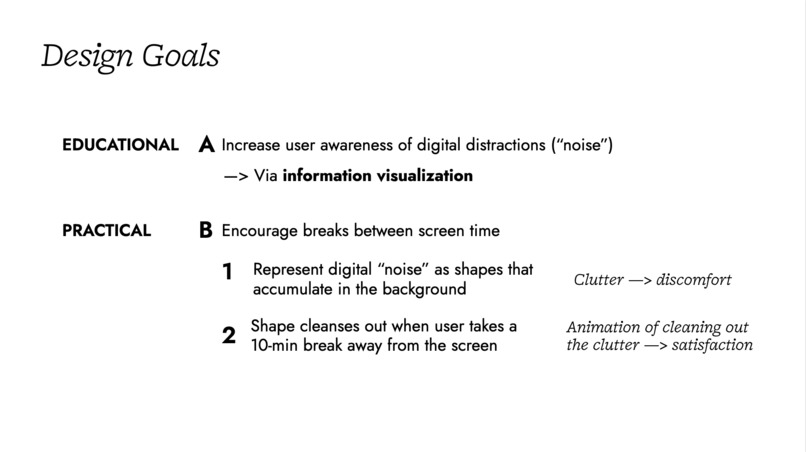
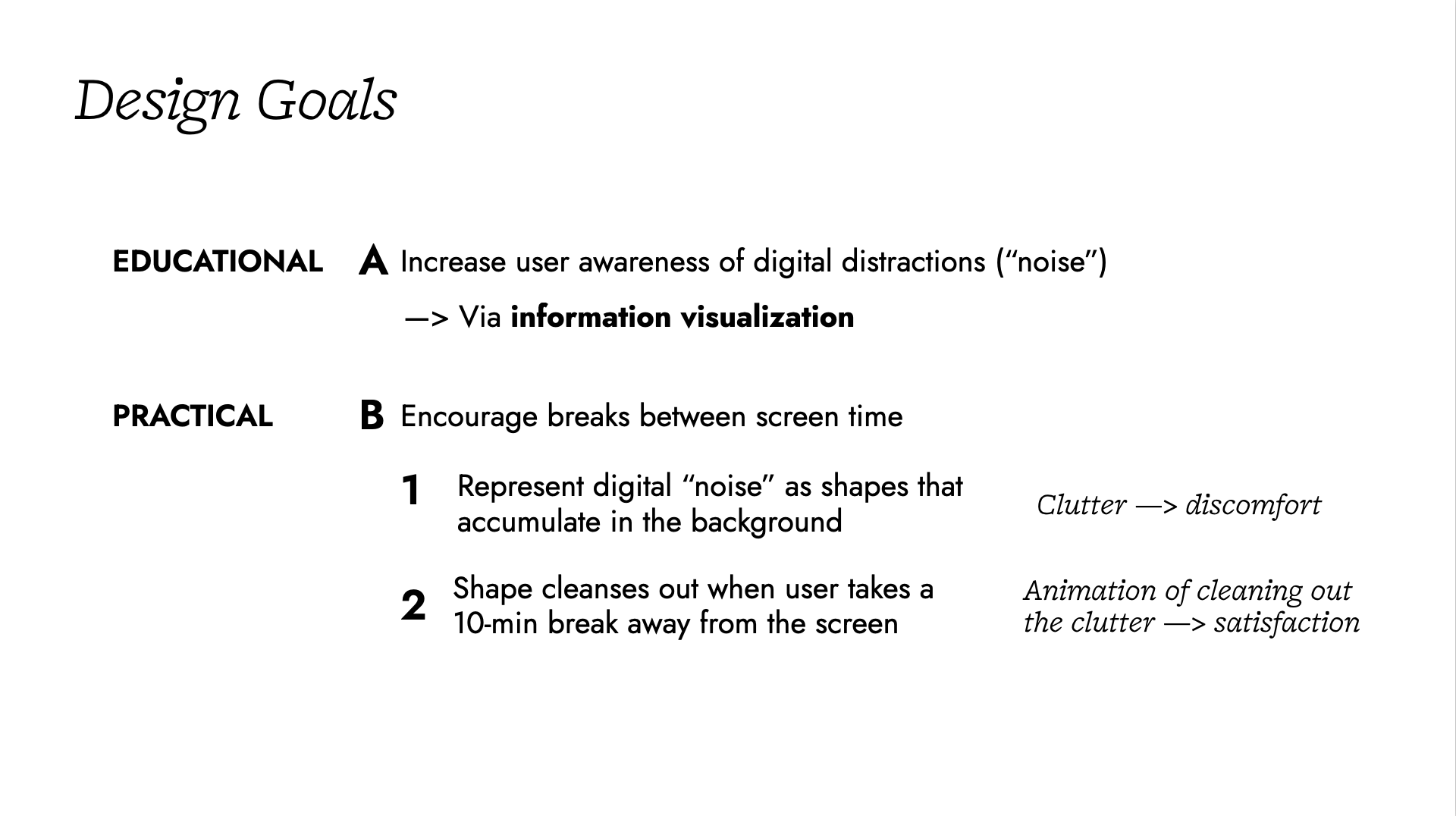
However, the shapes disappear with reduced screen usage. When the user takes a break away from the screen, the shapes start to disappear. The home screen wallpaper/widget will show a satisfying animation of clearing the shapes as the user picks up their phone again.
The logic behind
The educational purpose is to raise awareness regarding the overload of digital interactions. We believe that visualization is a powerful way of presenting the clutter of “digital noise,” whereas the disappearing act is a rewarding visual feedback for reducing screen time and taking breaks—our user-oriented goal.
What’s special
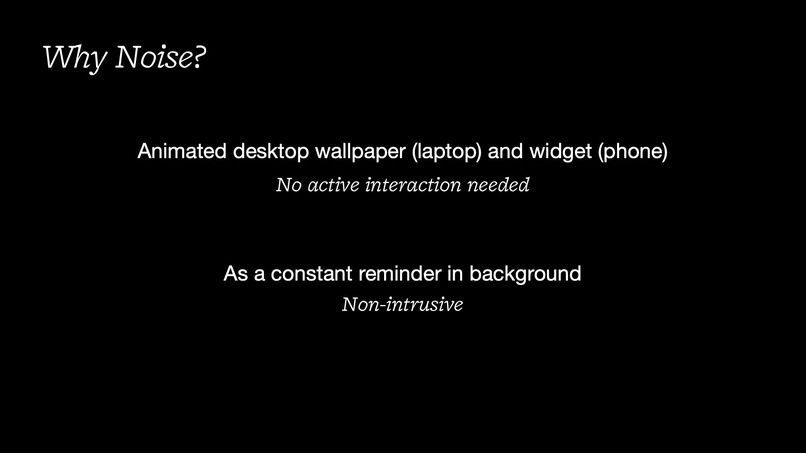
Compared to other existing productivity apps that require the user’s action to set a timer, Noise stands out with its innovative representation of the user’s digital distractions and minimized user interaction cost. Our product is incredibly easy to use—it simply stays in the background, requiring no active interaction.
How we built it
We used Figma for prototyping the visuals of the dynamic wallpaper and mobile widget UI.
Challenges we ran into
We started off with the idea of collecting sounds, but found it challenging to integrate sound into our existing demo. We also tried to use development tools like Xcode for iOS front-end building, but programming widgets in Swift proved to be more time-consuming than expected.
What we learned
We have learned about 1) iOS development 2) pinpointing a user need and validating the app concept 3) how to integrate Design and Coding workstreams 4) the importance of user experience and testing, making sure the app is intuitive and user-friendly.
Built With
- figma
- html


Log in or sign up for Devpost to join the conversation.