Problem & Inspiration
Modern translation apps are poorly suited for live conversations.
To communicate, people often have to pass a phone back and forth, install apps, manually configure languages on both sides, and constantly interact with the interface. All of this breaks the natural flow of dialogue.
NoBoundTalk was inspired by the idea of removing the interface from the conversation.
The goal was to let one person fully control the translation process, while the other simply joins the conversation — without settings, menus, or distractions.
What I built
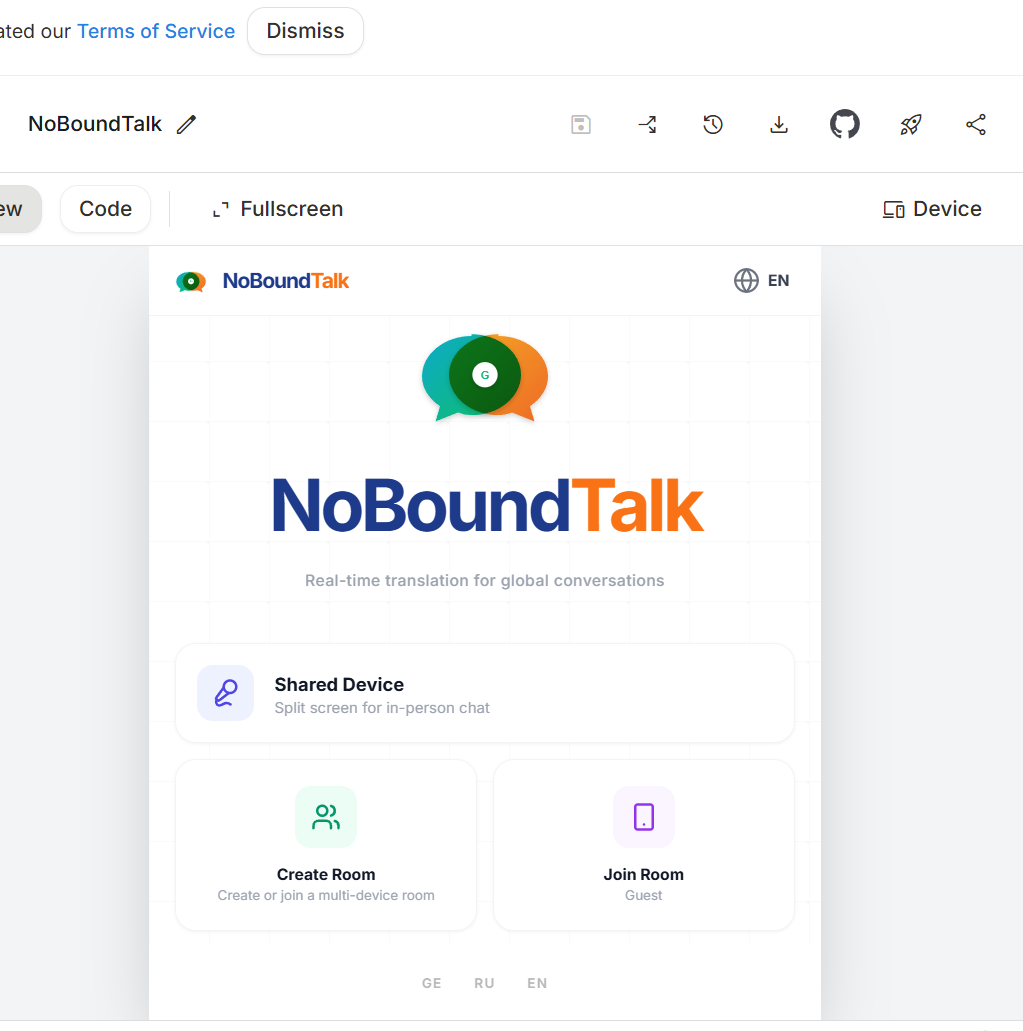
NoBoundTalk is a real-time, two-way speech and text translation web application built around the Zero-Config Guest concept.
The application supports two usage scenarios:
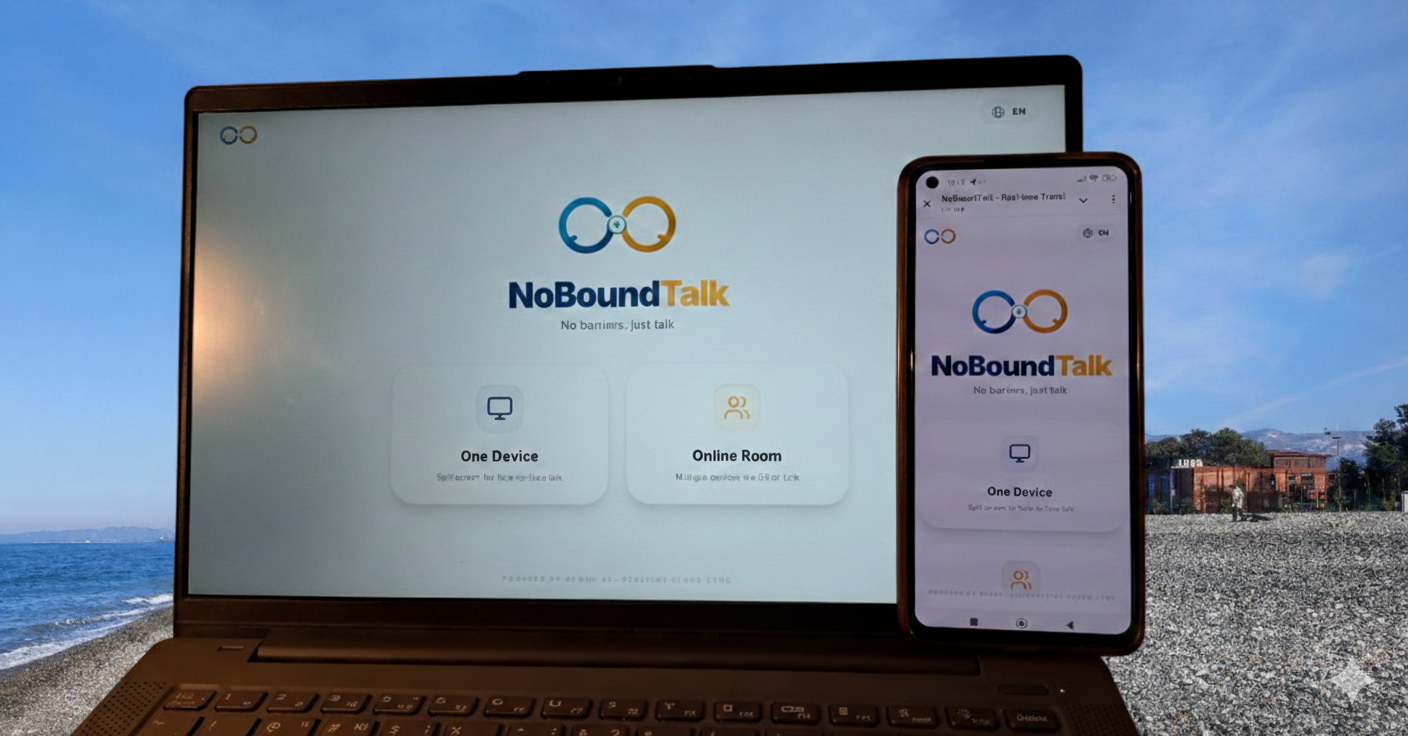
- Face-to-Face (Split Screen) — communication on a single device. The screen is split into two parts, with one half rotated toward the other speaker.
- Online Room (Multi-Device) — communication across different devices. I create a room, and the guest joins via a QR code. All language settings and changes are instantly synchronized through the cloud.
In both modes, the guest never interacts with settings — full control over languages and translation logic remains with the host.
How I built it
The project was implemented exclusively using Google tools, with no third-party AI services.
- Google Gemini API (gemini-3-flash-preview) — context-aware real-time translation
- Google AI Studio — configuration and testing of AI logic
- Google Web Speech API — in-browser speech recognition
- Firebase Realtime Database — real-time synchronization of messages and settings
- Google Cloud Run — application deployment and hosting
The frontend is built with React + TypeScript, with a strong focus on a clean and intuitive user experience.
Challenges
The main challenge was minimizing cognitive load for the user.
I moved away from traditional multi-step language selection flows and introduced a simplified
“host language ↔ guest language” model, combined with instant synchronization so the guest never needs to open settings.
Another challenge was creating the feeling of a single, continuous conversation across two devices, which required precise tuning of real-time interactions between clients.
What I learned
During the project, I encountered practical challenges related to integrating Google services into a single cloud-based solution.
The most difficult part was configuring deployment and connecting Google AI Studio, Gemini API, Firebase, and Cloud Run into a stable pipeline.
AI model + real-time database + cloud deployment
= production-ready prototype


Log in or sign up for Devpost to join the conversation.