-
-
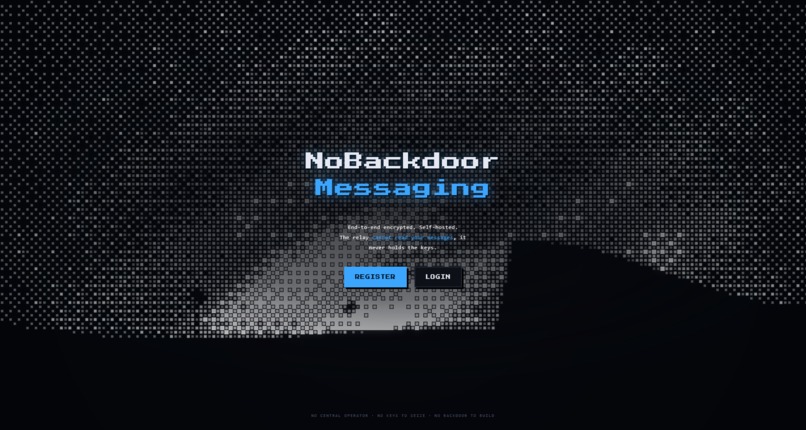
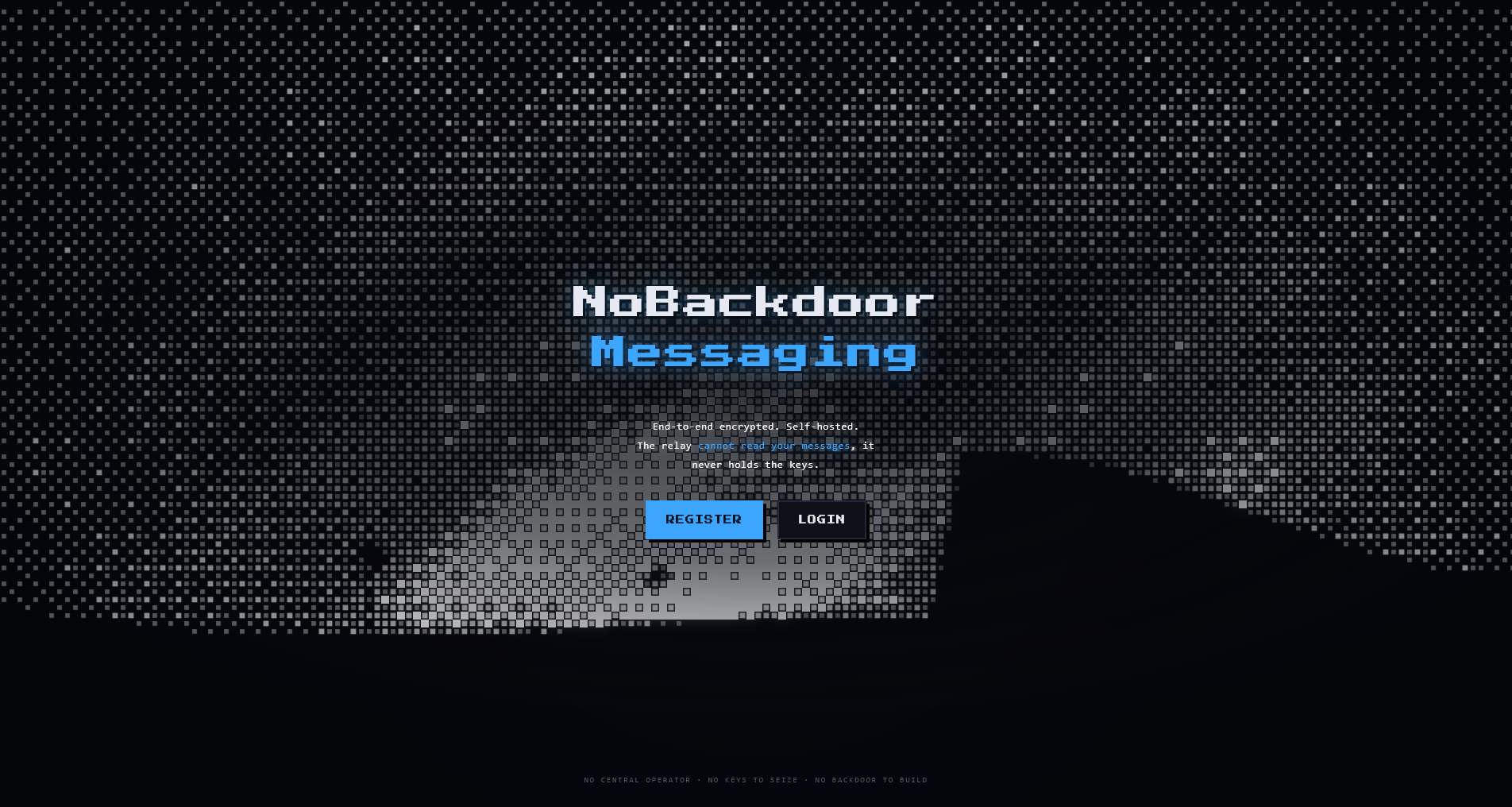
Main Page
-
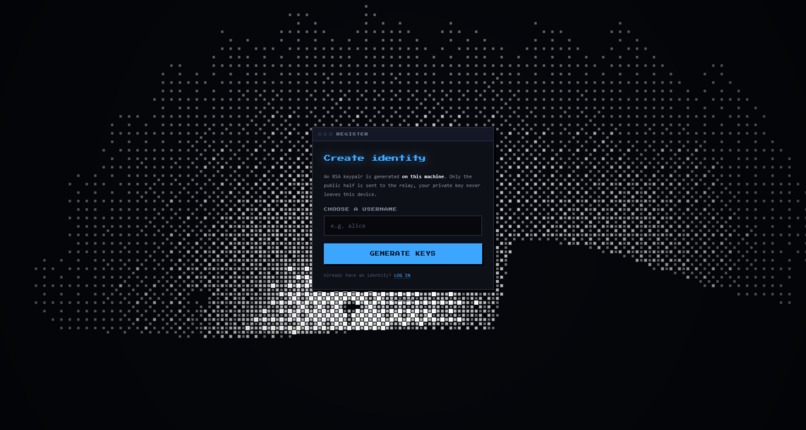
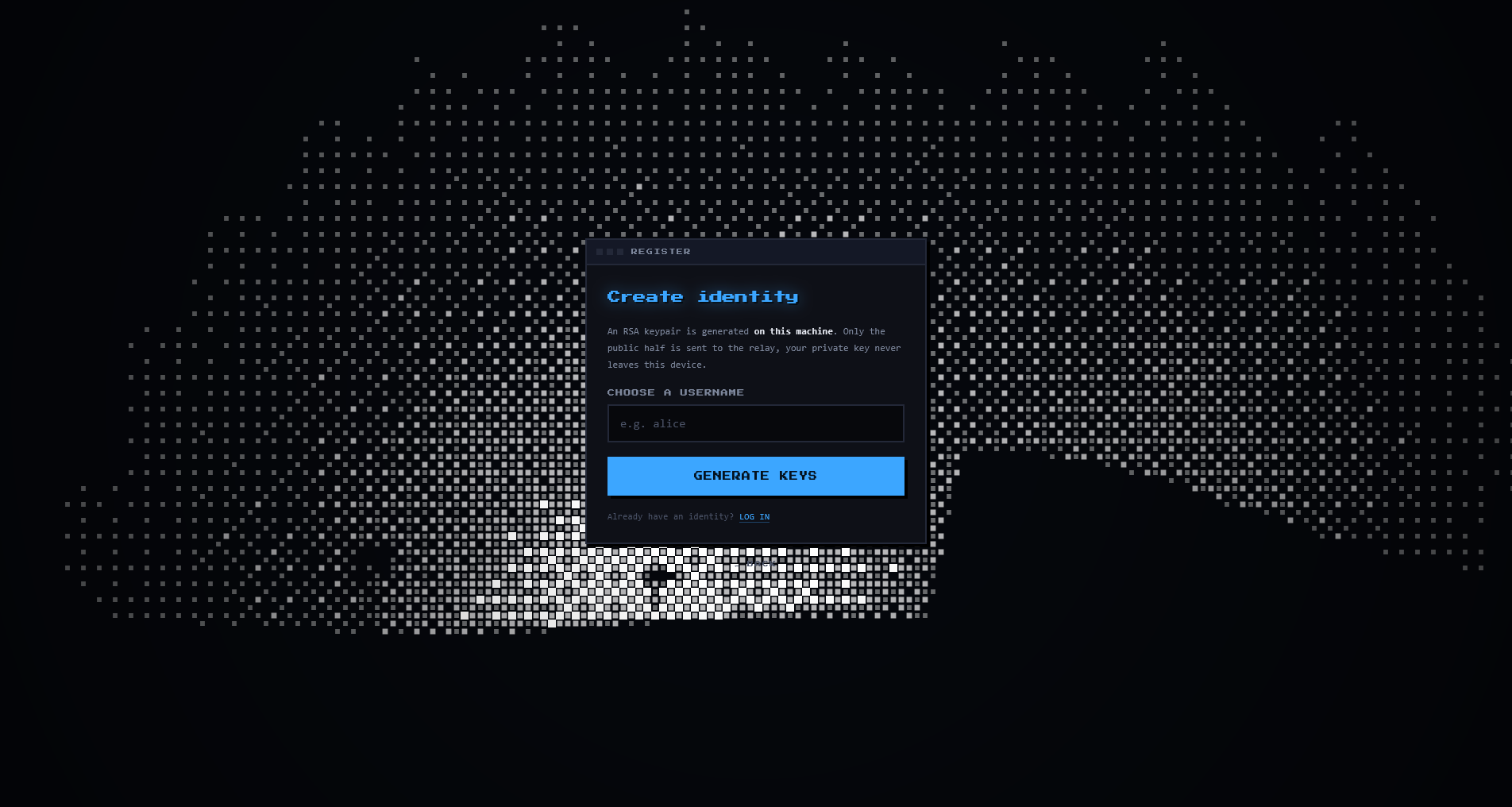
Register Page (Note: Login page is almost identical)
-
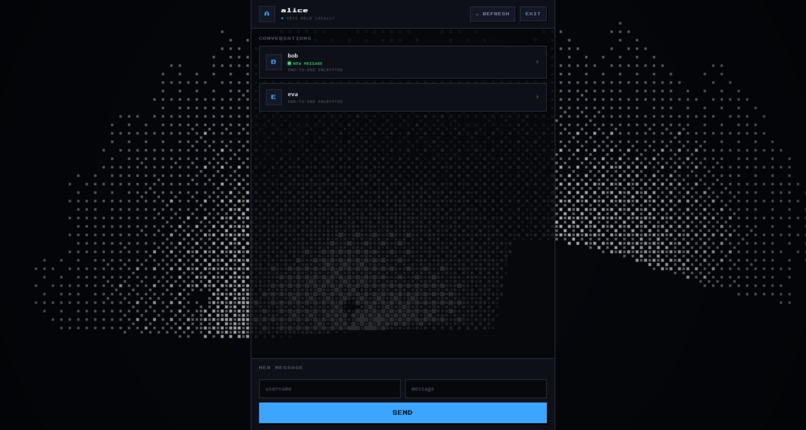
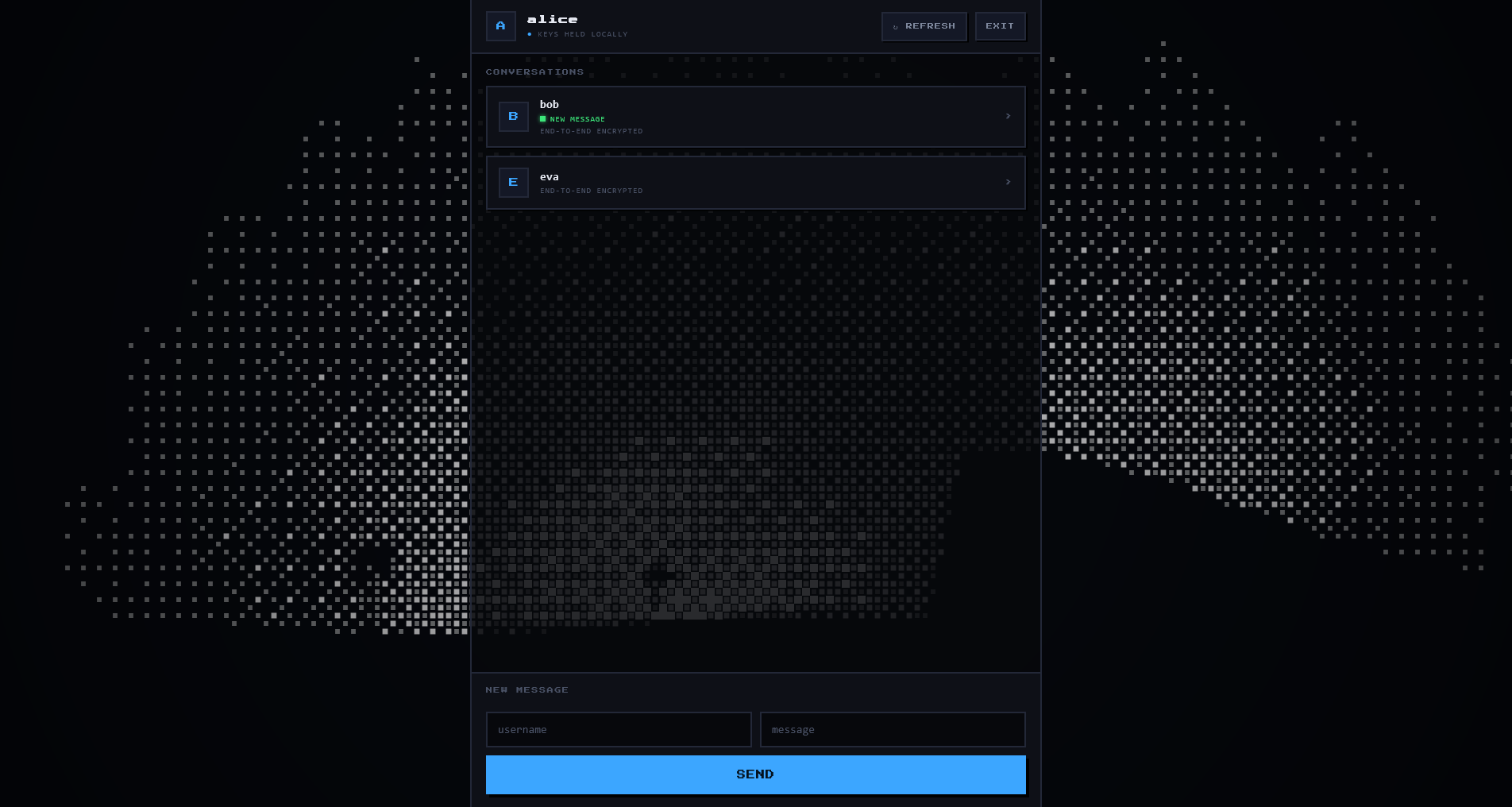
Chat Home, Bob has sent Alice a new message
-
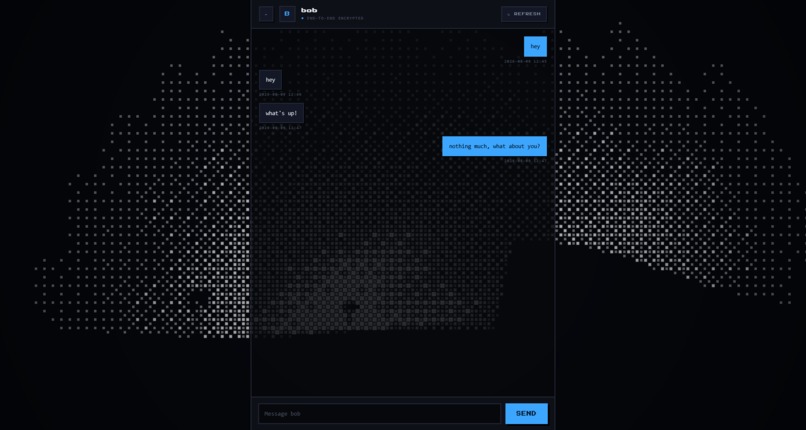
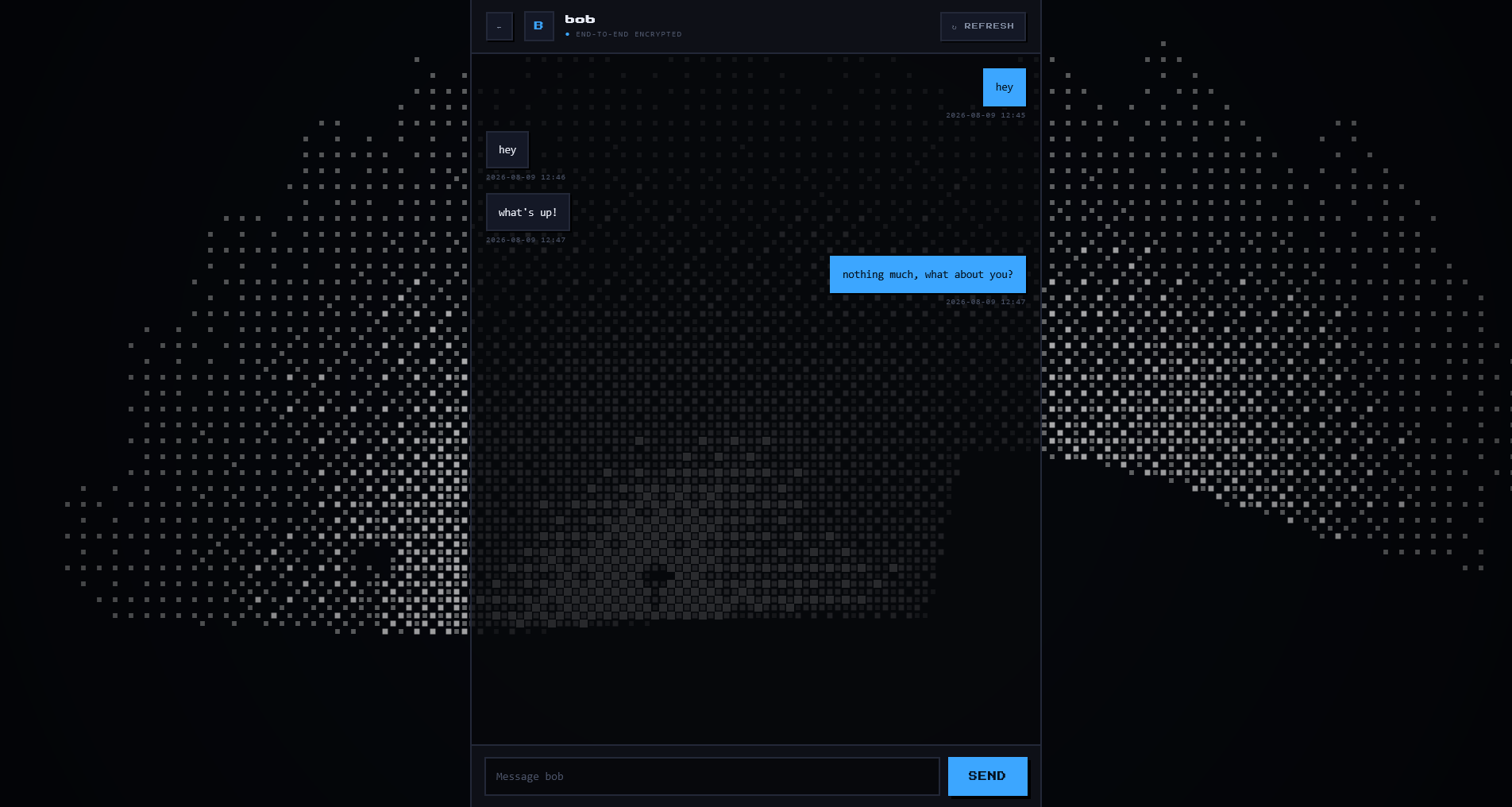
Message Example (Alice is messaging Bob)
Inspiration
Your data is never yours. Even services like WhatsApp, which boast about "end-to-end encryption", meaning they themselves cannot see your messages, still have access to metadata about your messages, including:
- Your contacts list
- When you message
- How often you message
- Who you message
That's the leverage governments actually use. The UK recently issued a legal order demanding Apple build a backdoor into its end-to-end encrypted iCloud backups; rather than comply, Apple pulled the feature from the UK entirely. The EU has separately spent years pushing "chat control" legislation that would scan messages before encryption even applies. The pattern is always the same: the weak point was never the encryption complexity, it's that there's one company a government can legally pressure.
Before 2021, WhatsApp messages weren't even end-to-end encrypted by default, meaning the company itself could read them too.
NoBackdoorMessaging changes that.
What it does
NoBackdoorMessaging is a Flask Python application that makes you keep all your data, whilst the server keeps none. Messages are encrypted using AES + RSA, meaning the relay server cannot read the contents of your message as it simply doesn't have the key to decrypt it.
You can send a message to any user as long as you know their username. All your message logs are saved locally, and deleted off the relay server as soon as they're collected by the recipient. Once a message is sent and received, you get 100% privacy over its content.
How we built it
Upon registration, your username is stored in the server's database, and using Python's cryptography library, your RSA public key is generated and stored alongside it. Your private key is stored on-device and never leaves it.
I won't go into how RSA works here, but your messages are encrypted with the Advanced Encryption Standard (AES), and the AES key itself is encrypted with the recipient's public key using RSA (Rivest–Shamir–Adleman). All of this is sent to the server, then collected by the recipient, who decrypts the AES key using their own RSA private key, stored locally, and uses it to decrypt the original message.
The relay server is hosted on Render, a free web hosting service, so the server does not have to be run locally.
Challenges we ran into
Server downtime was a major issue. When uploading the local relay server to Render, the free hosting provider NoBackdoorMessaging uses, we ran into the limitations of the free plan: the server would stop after a few minutes of inactivity. At the time, all messages were being stored in the project's memory, in a dictionary variable. This meant that if I sent a message to Alice and she didn't refresh within that few-minute window, she would never receive it.
To fix this, I moved all messages into a .json file, so the server could pick up where it left off on restart. The harder problem was actually getting that change live and it took a lot of fiddling to get the right commit pushed, deployed, and working correctly on the Render server.
Accomplishments that we're proud of
This is something I have never done before. I've been reading about cryptography recently and really wanted to build something meaningful and this project does both. Since it's a messaging app, the scope going forward is massive. There are a lot of directions I can take this given more time.
What we learned
I learned how to put all my cryptography theory into practice, which is an itch I've been wanting to scratch for a while. I also picked up a lot of styling tips for website design along the way. Beyond that, I learned how to build an end-to-end encrypted messaging app from scratch which is something I'd never come close to doing before. The relay server implementation stood out in particular: it started out running locally, and is now hosted on Render, a free web hosting service which means the server is no longer on-device, and is actually sitting on a server rack somewhere.
What's next for NoBackdoorMessaging
The main thing I want to fix is having to manually refresh to check for new messages as there wasn't enough time to build automatic polling in the 48 hours given, but it's high on the list for next time.
Beyond that, planned features include:
- Group chats: messaging multiple people at once
- Image uploads
- Blocking users
- Password-protected private keys: encrypting the key at rest instead of storing it in plaintext on-device
- Multi-device support
Built With
- api
- cryptography
- css
- encryption
- flask
- html
- javascript
- python
- webapp
- website

Log in or sign up for Devpost to join the conversation.