-
-
Architecture
-
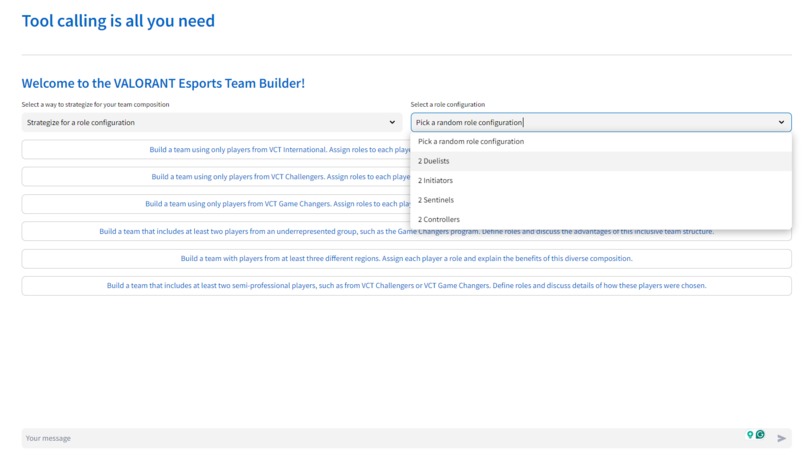
Image 1
-
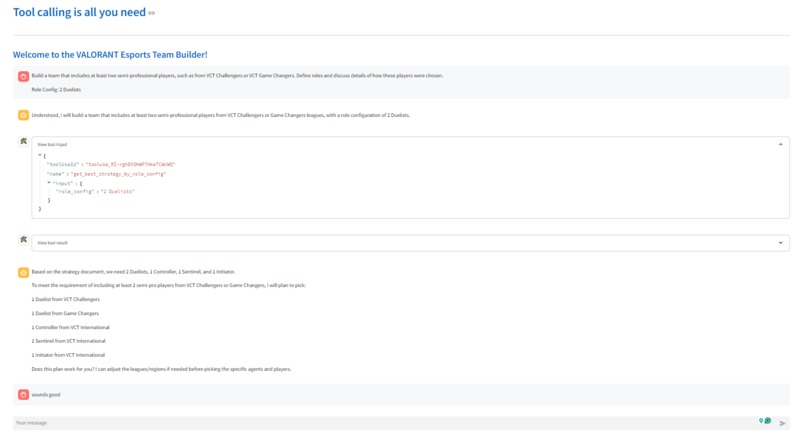
Image 2
-
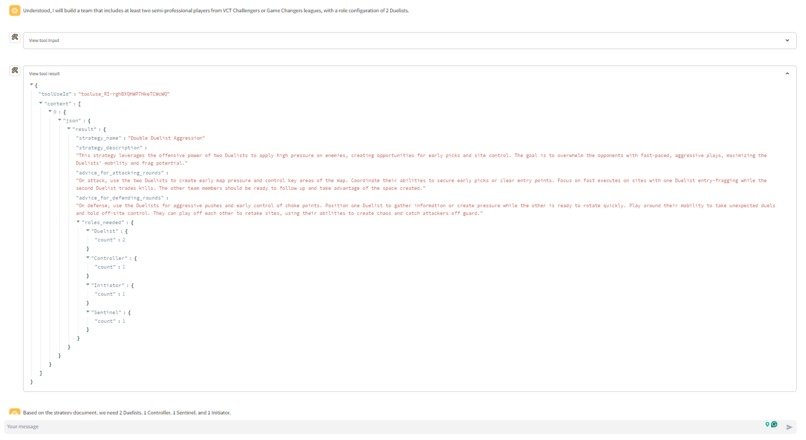
Image 3
-
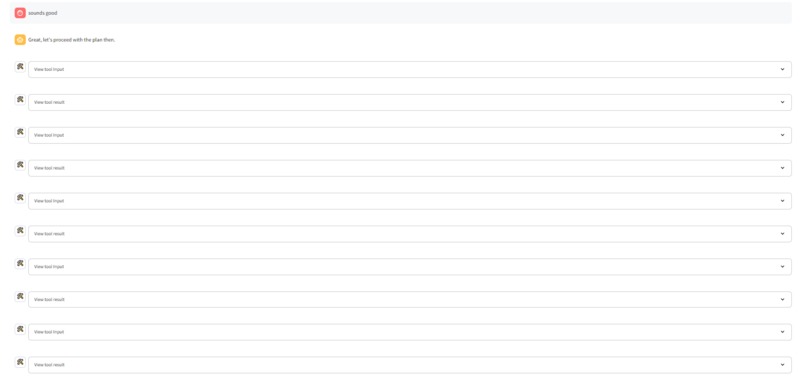
Image 4
-
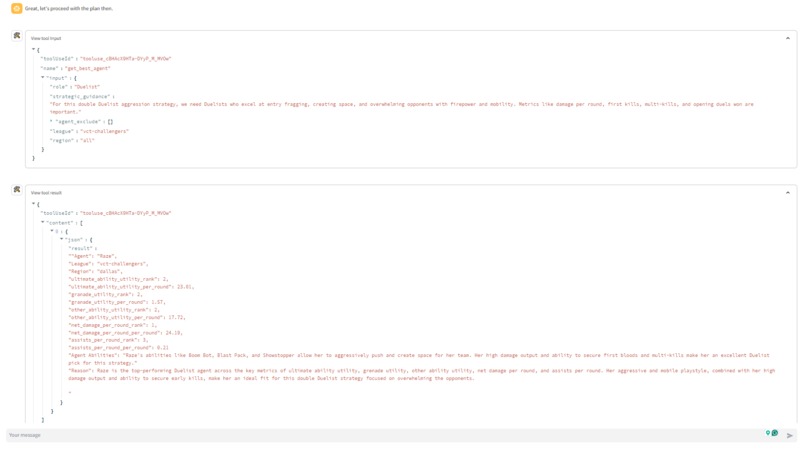
Image 5
-
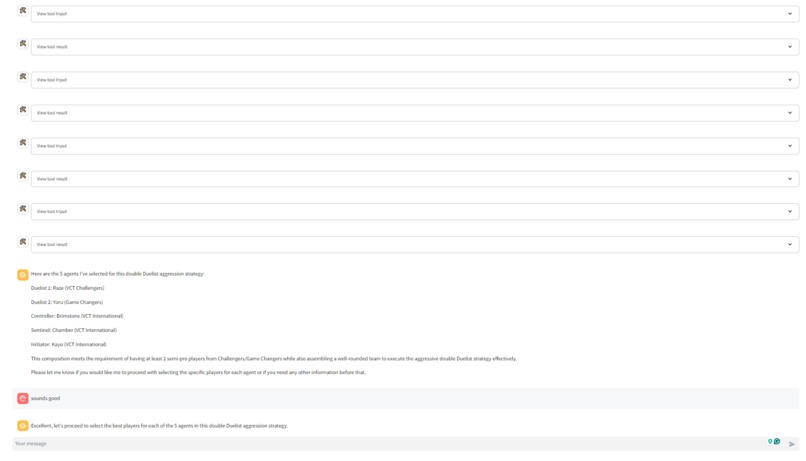
Image 6
-
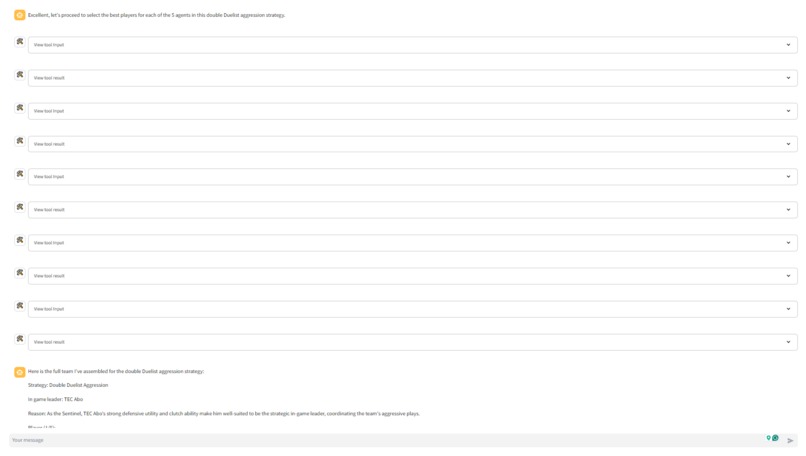
Image 7
-
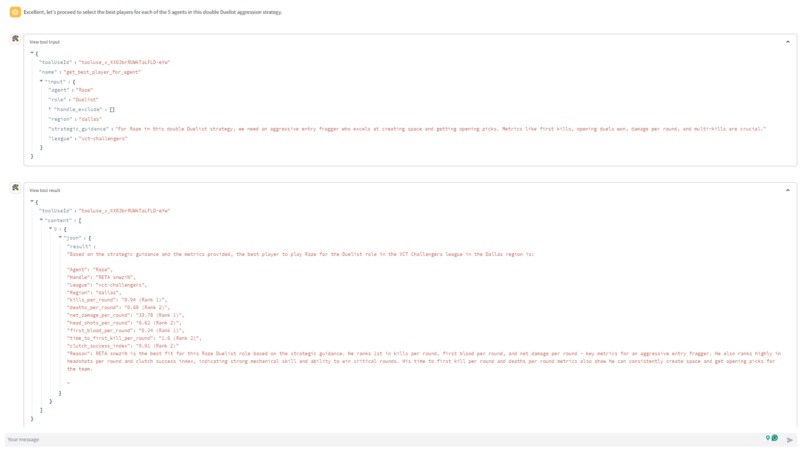
Image 8
-
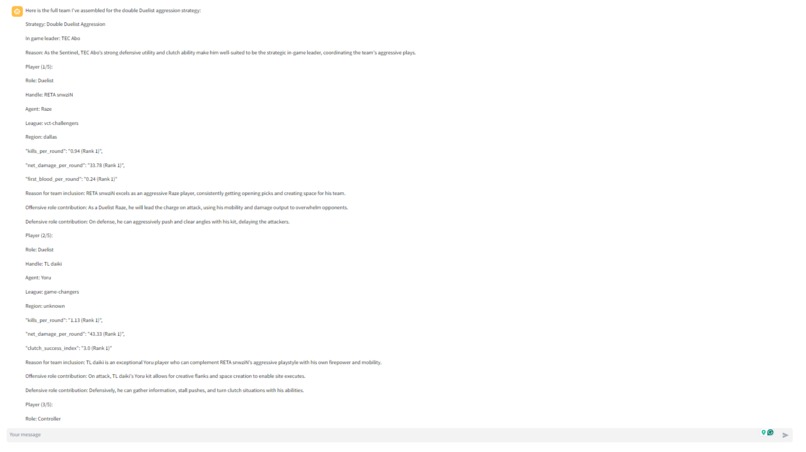
Image 9
-
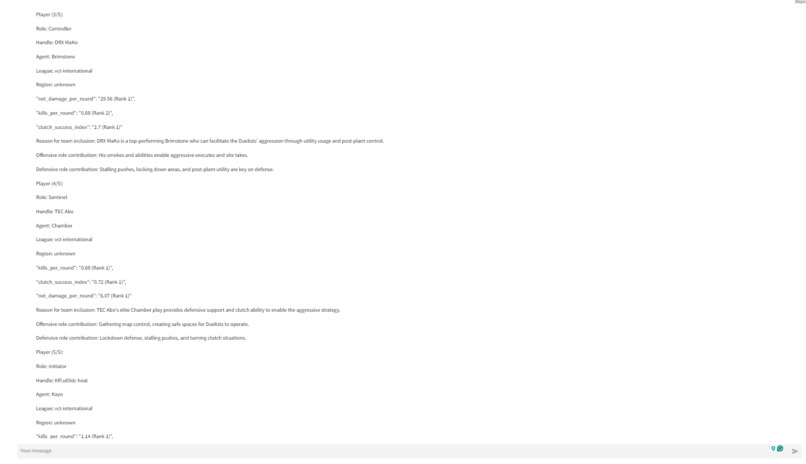
Image 10
-
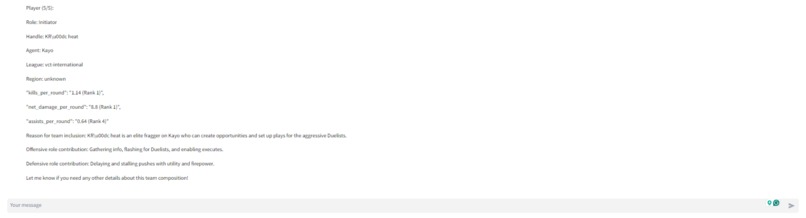
Image 11
Inspiration
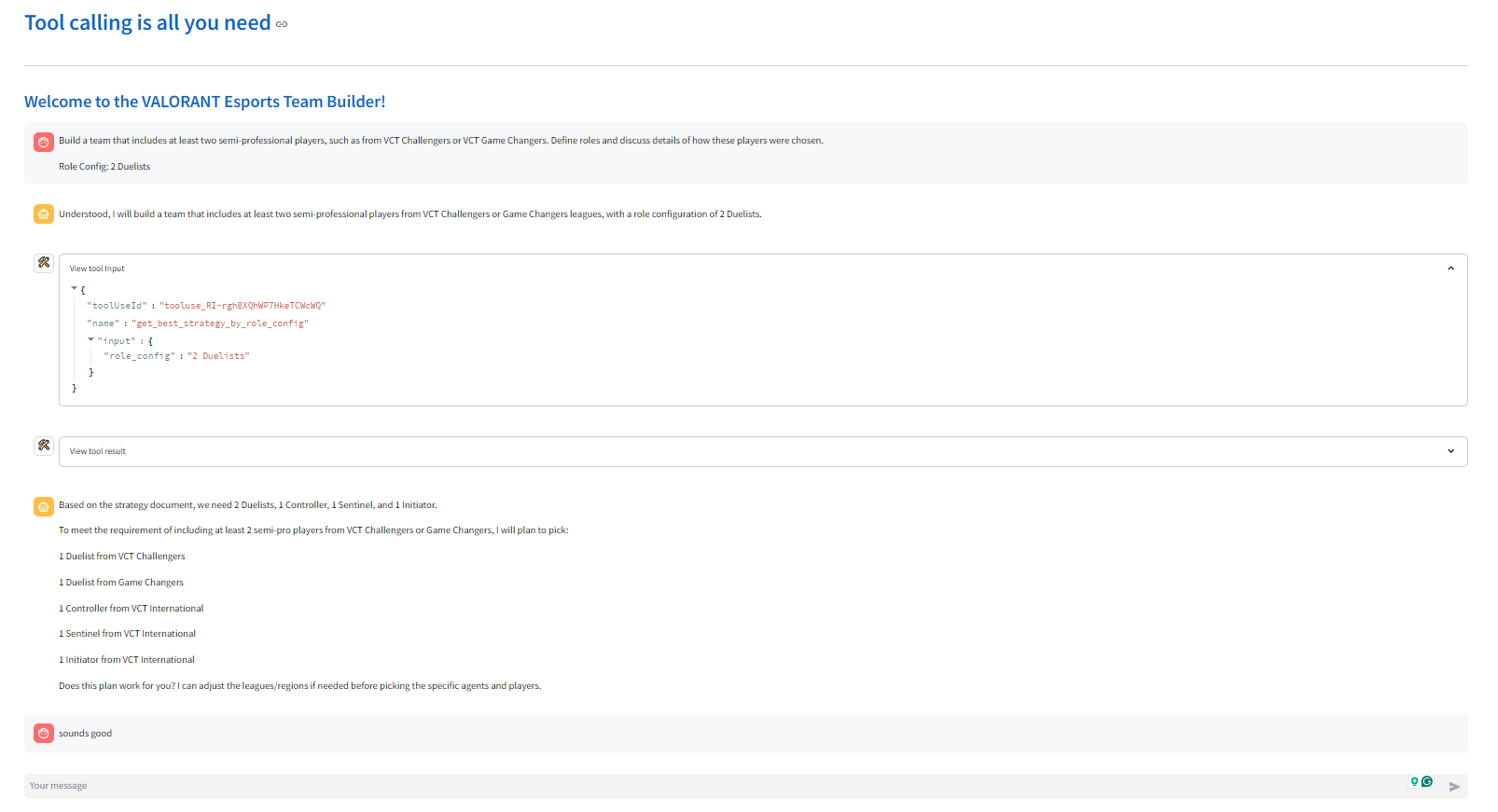
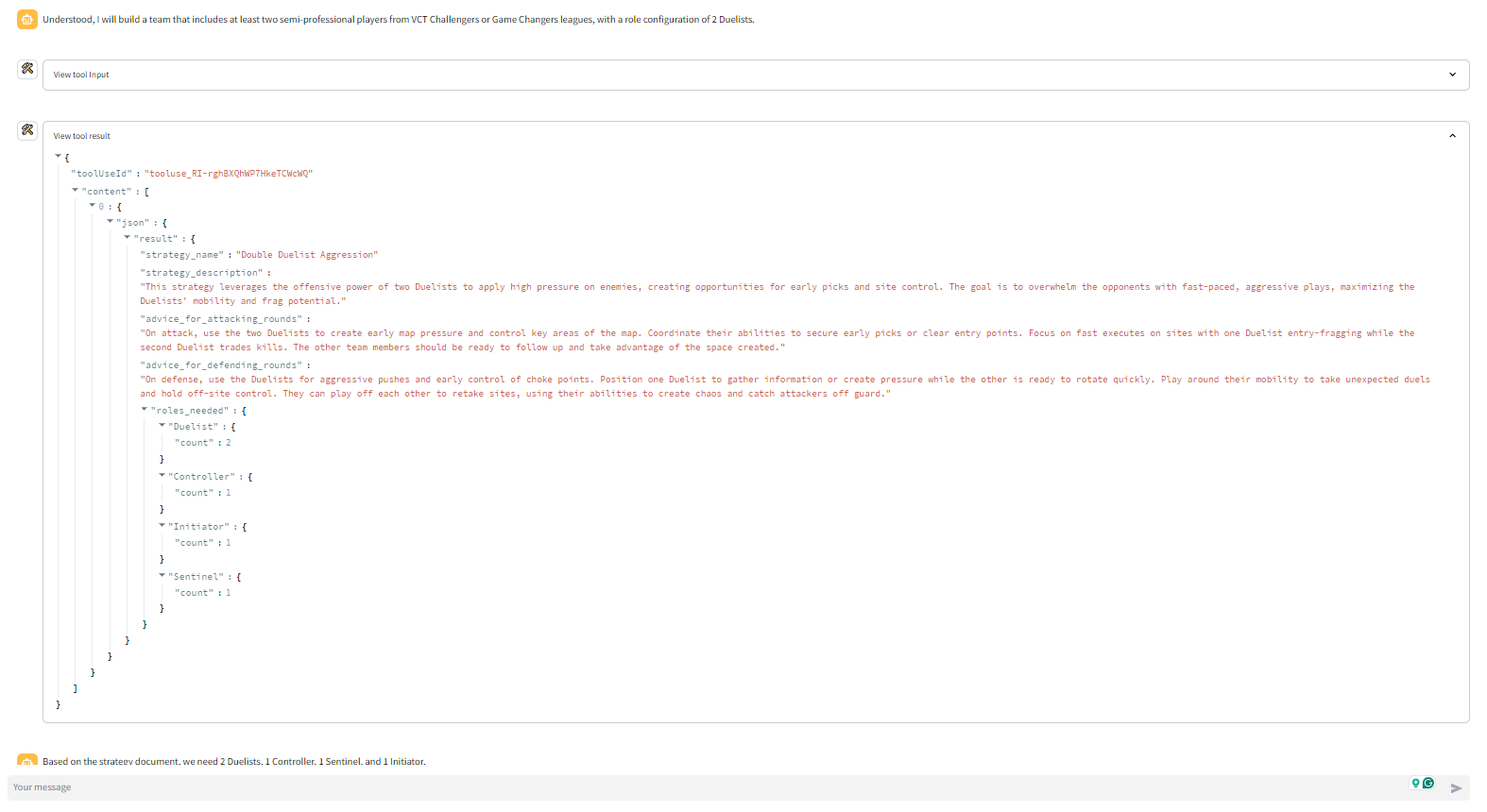
My Inspiration is to keep the framework simple and to have full control of the LLM-powered digital assistant. The tool calls made by the primary, and secondary digital assistants, and their results are available to the user within the UI. You can access the application here: https://esports-manager-challenge-tool-calling-is-all-you-need.streamlit.app/
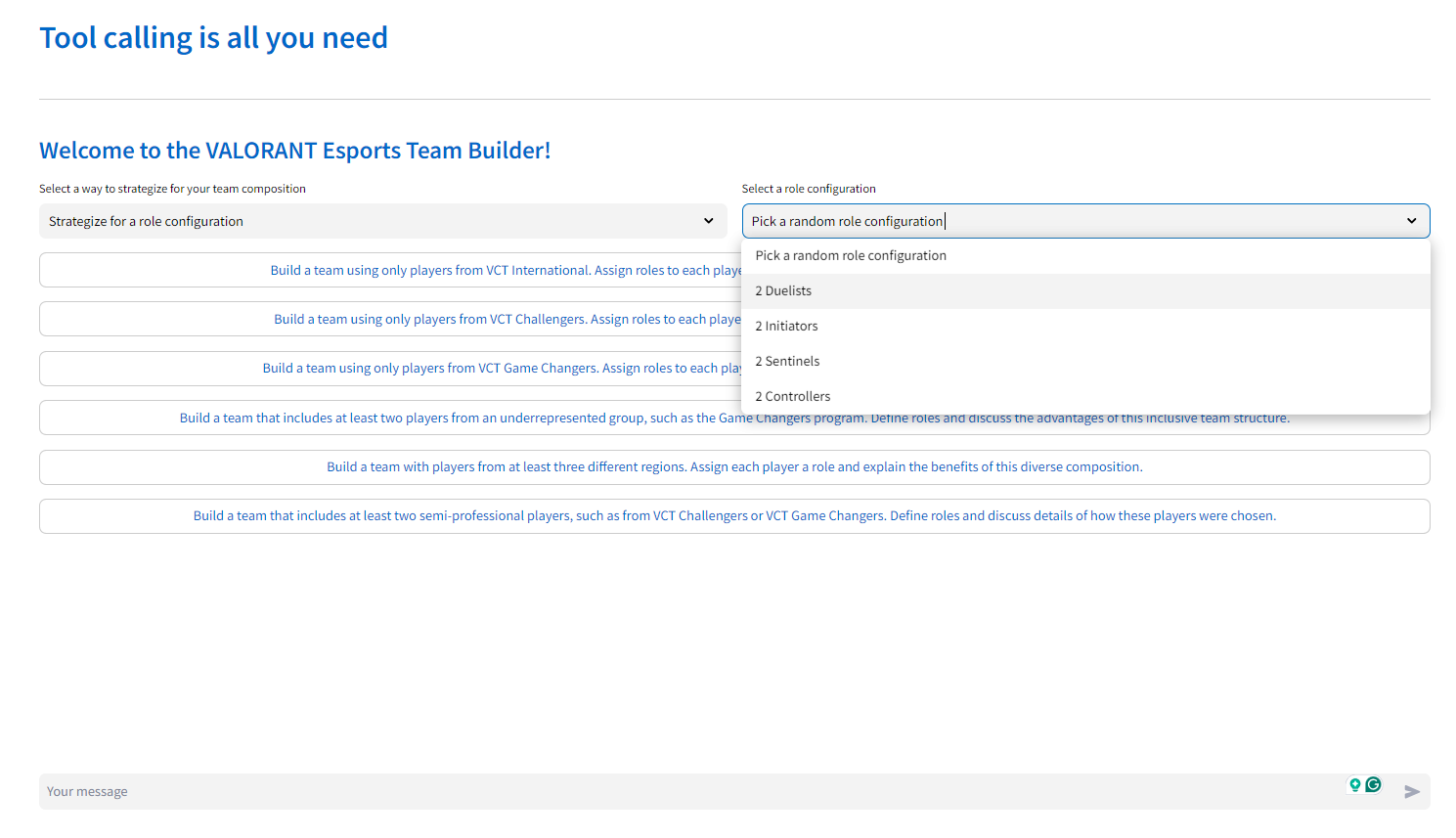
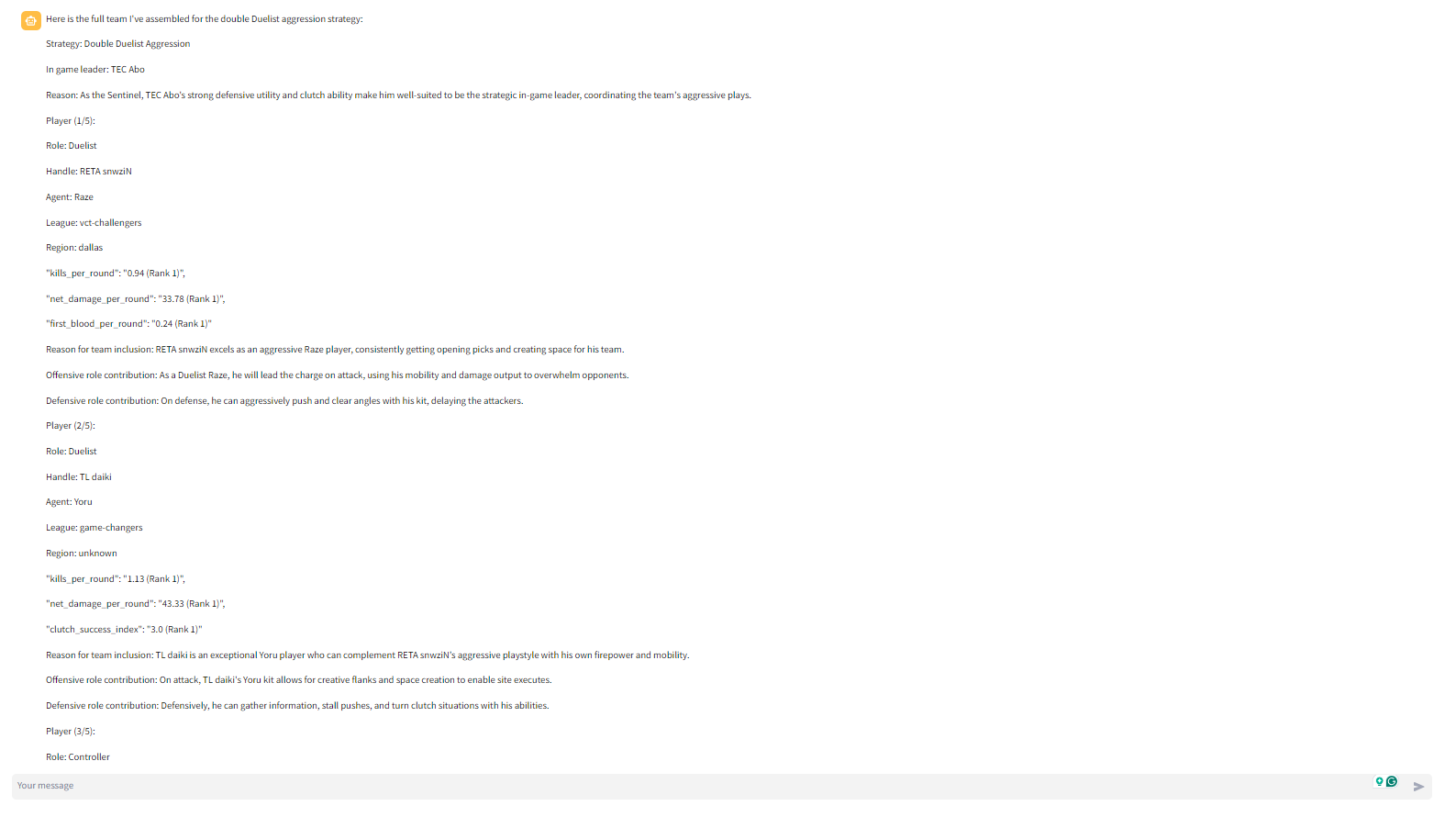
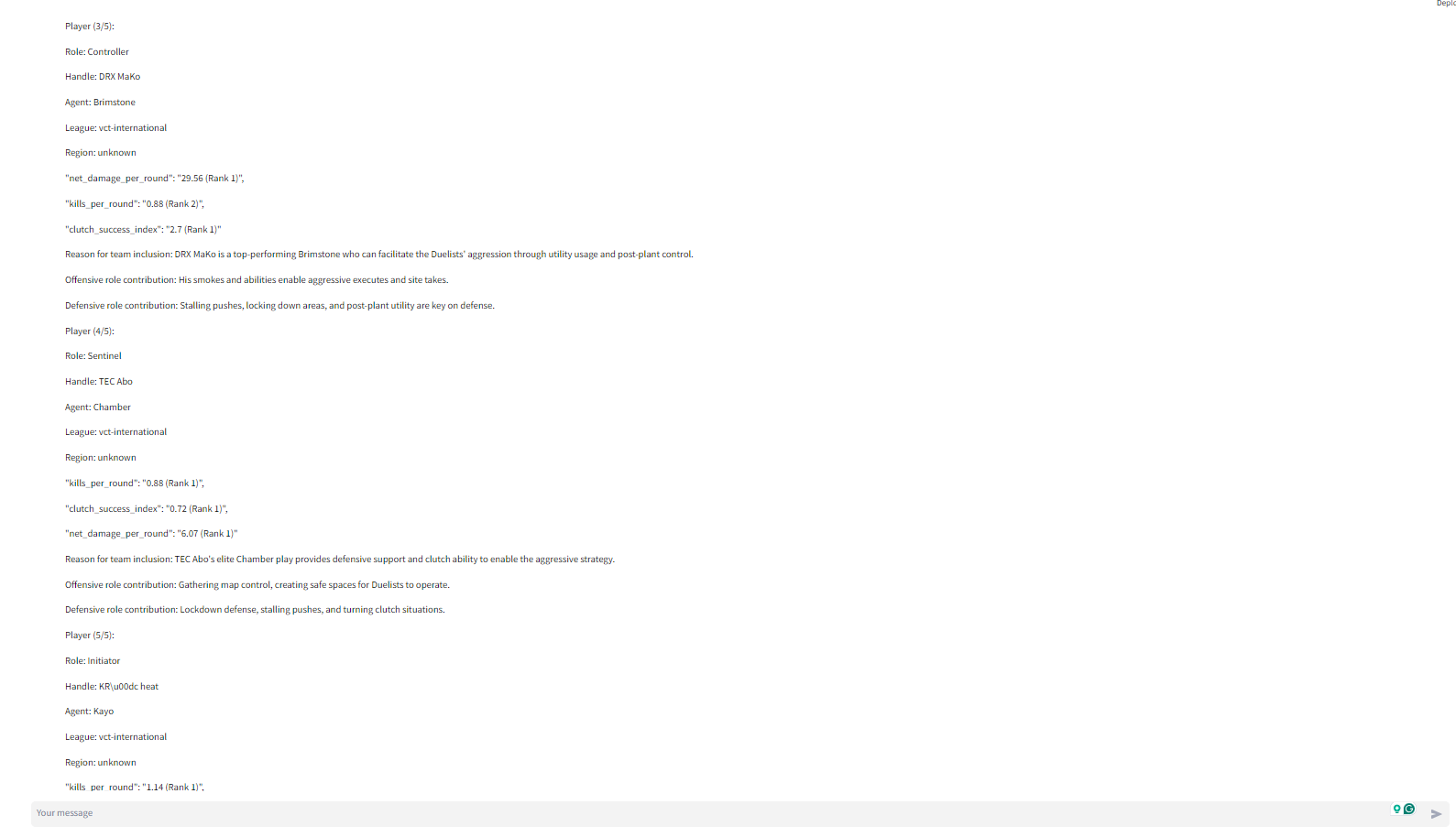
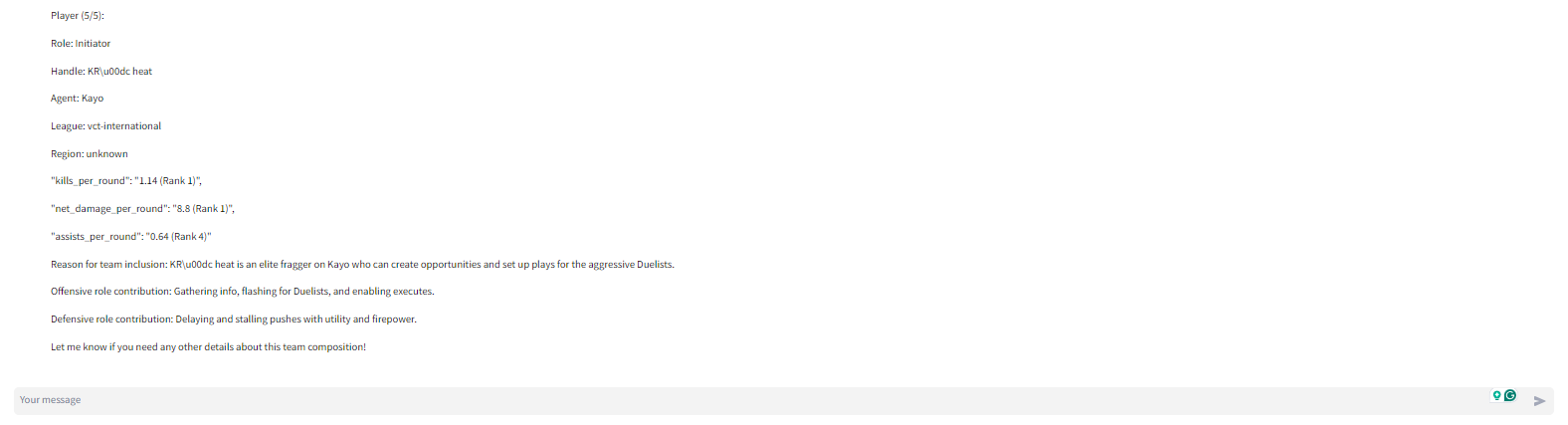
The application includes example outputs that I have pre-run for the 6 prompts outlined in the submission details. You can load them up and ask the assistant follow up questions.
What it does
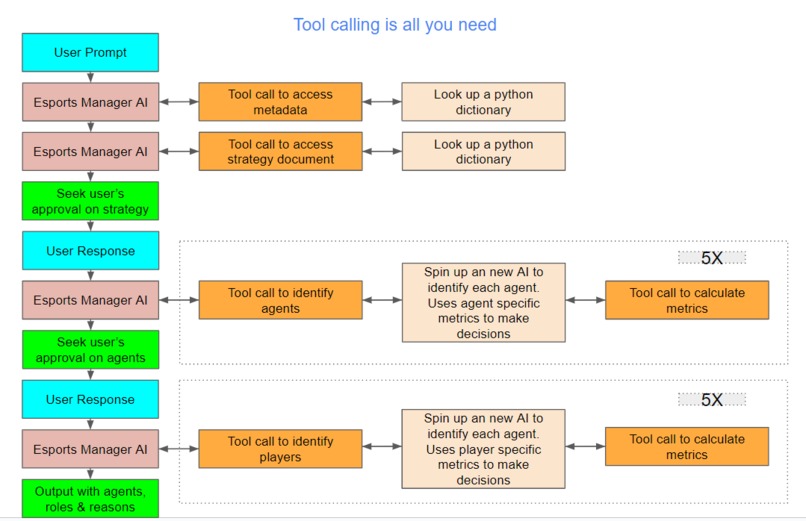
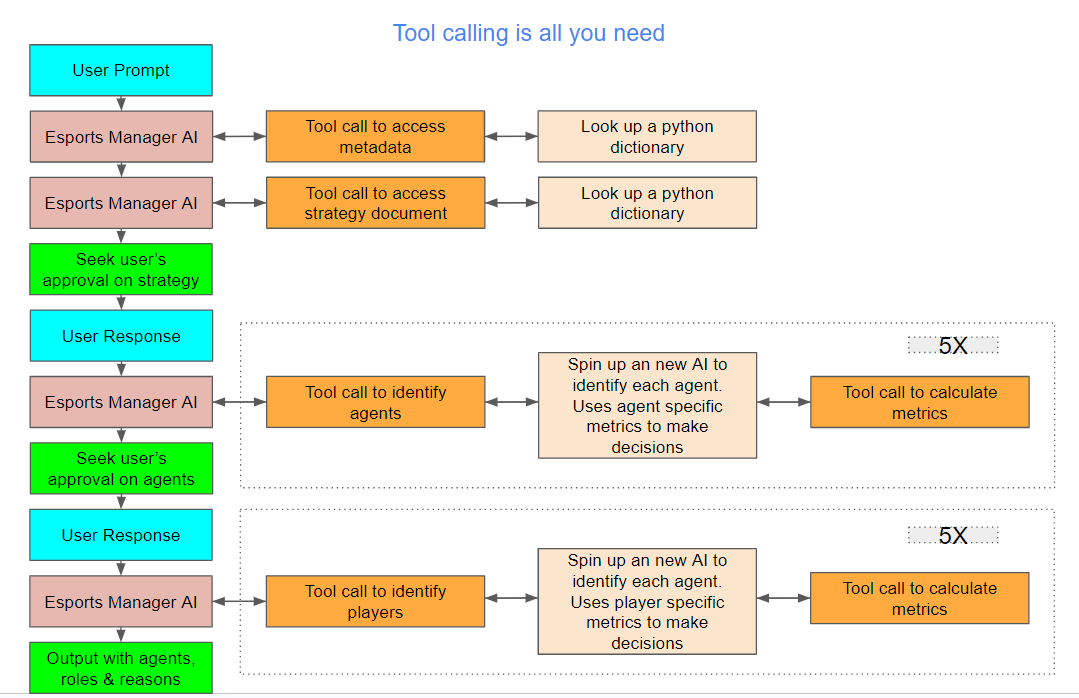
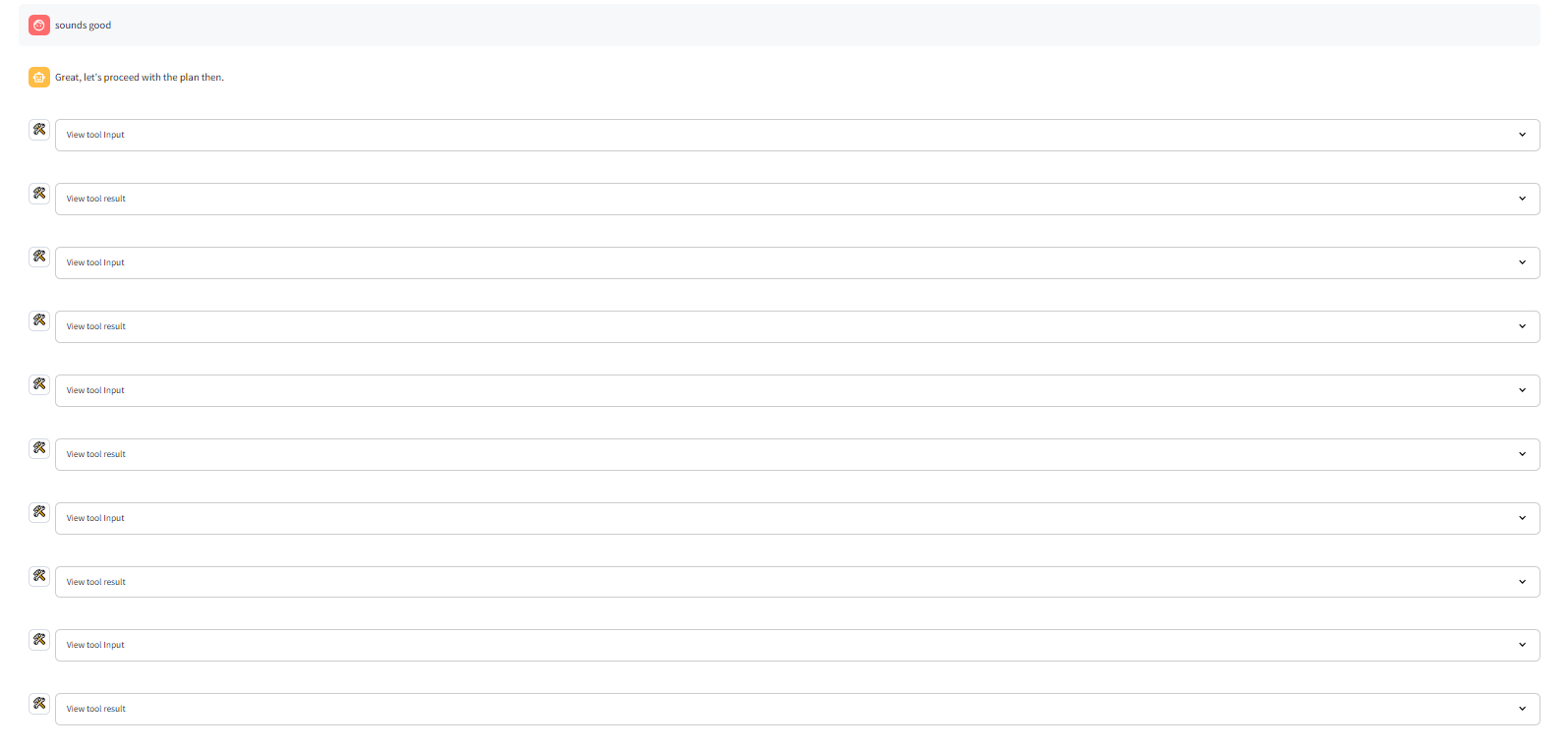
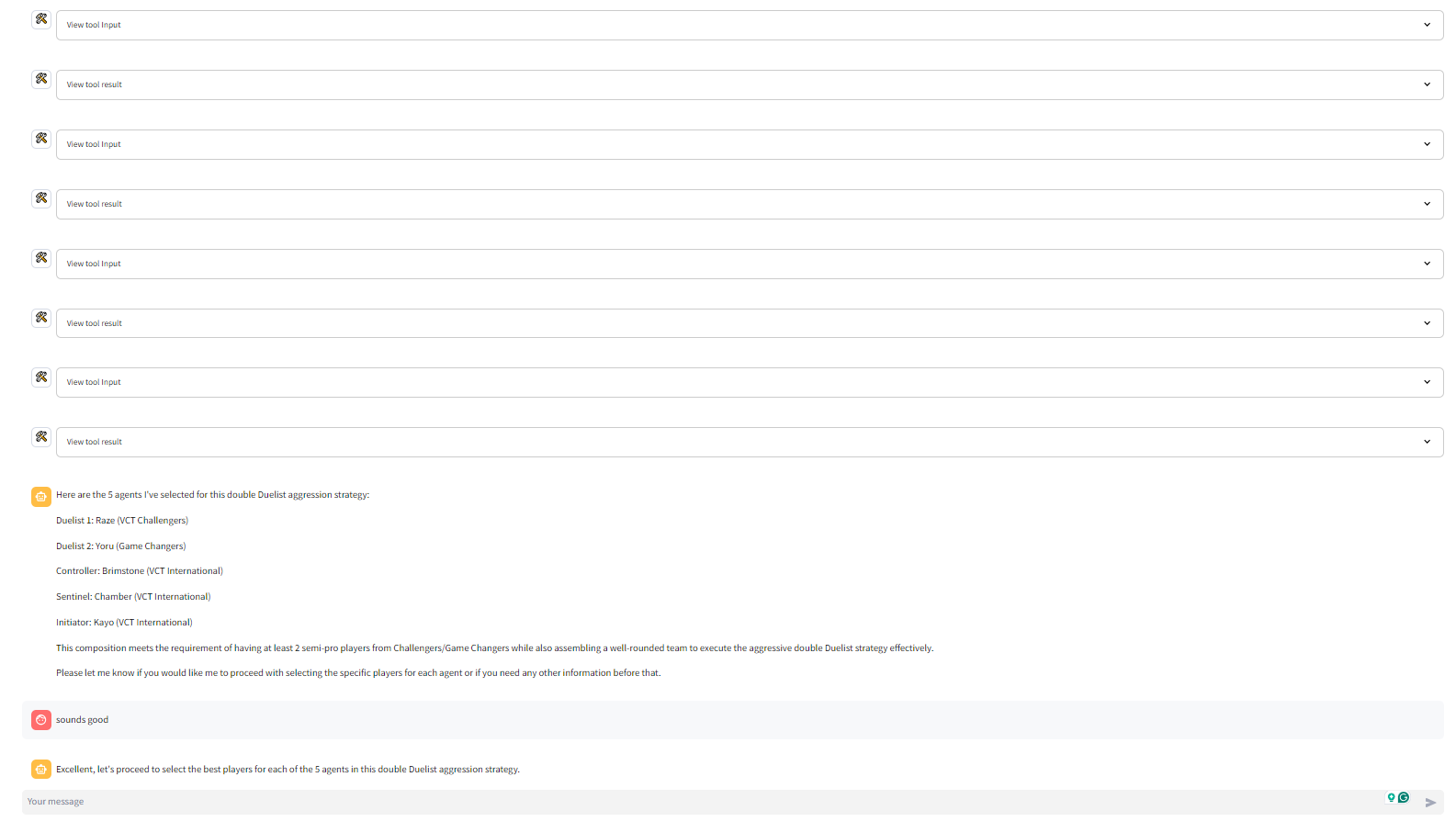
Tool calling is all you need uses a multi-agent-framework ("agent" refers to AI agent aka LLM-powered digital assistant) to build Valorant Teams. The primary digital assistant that interacts with the user makes several tool calls to form the team. Here are the tool calls it makes in chronological order
- get_league_metadata or get_region_metadata: These tools provide the digital assistant with the necessary metadata about the league or region
- get_best_strategy_by_role_config or get_best_strategy_by_map: These tools provide the digital assistant with strategy documents to help form a Valorant Team
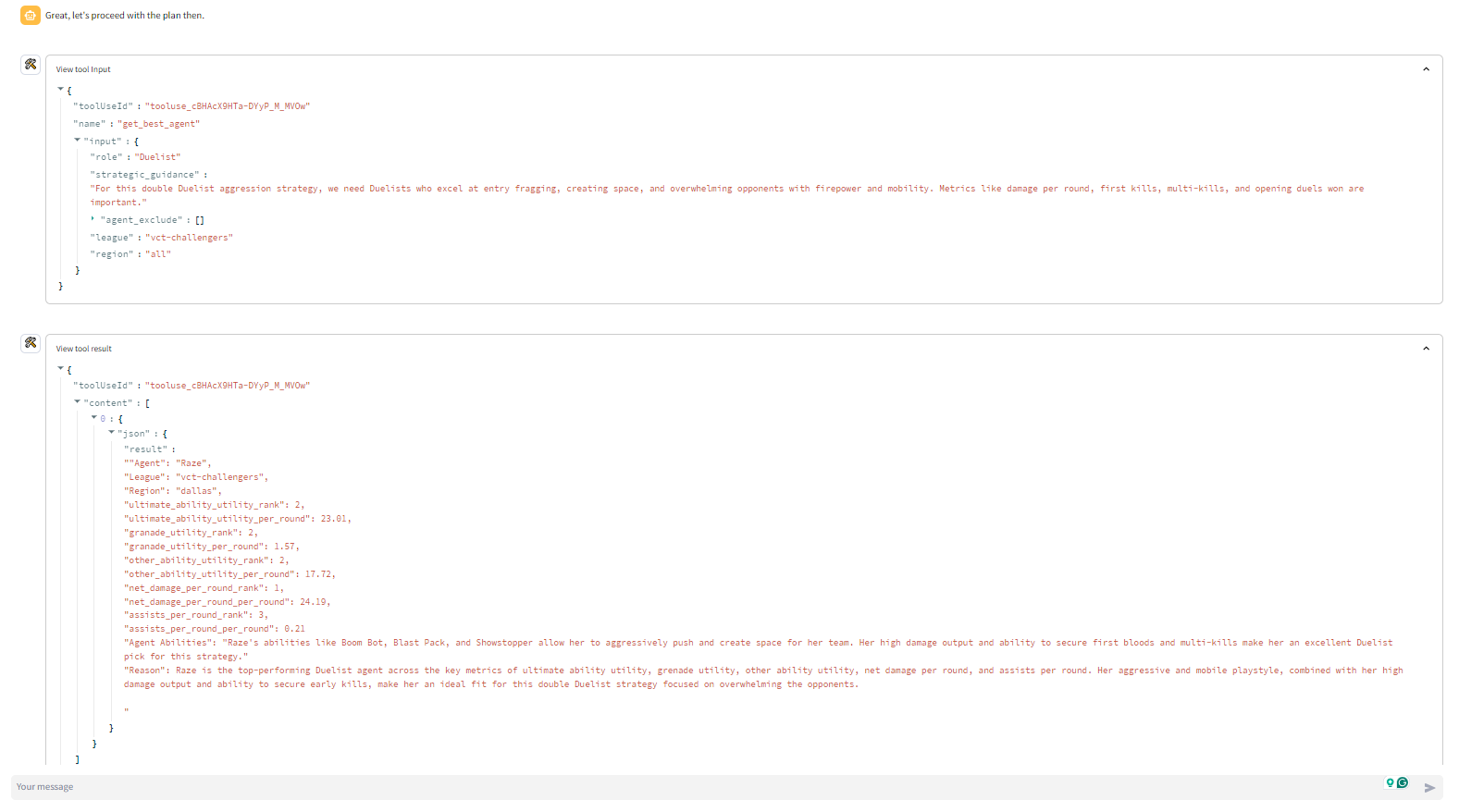
- get_best_agent: The get_best_agent ("agent" refers to Valorant's in-game playable characters) tool spins up another digital assistant. This secondary assistant uses the get_best_agents_by_metric tool to find the best agent for the selected strategy based on a number of agent-specific metrics. Each get_best_agent tool call returns 1 of the 5 needed agents. So the get_best_agent tool is run 5 times to identify the 5 agents
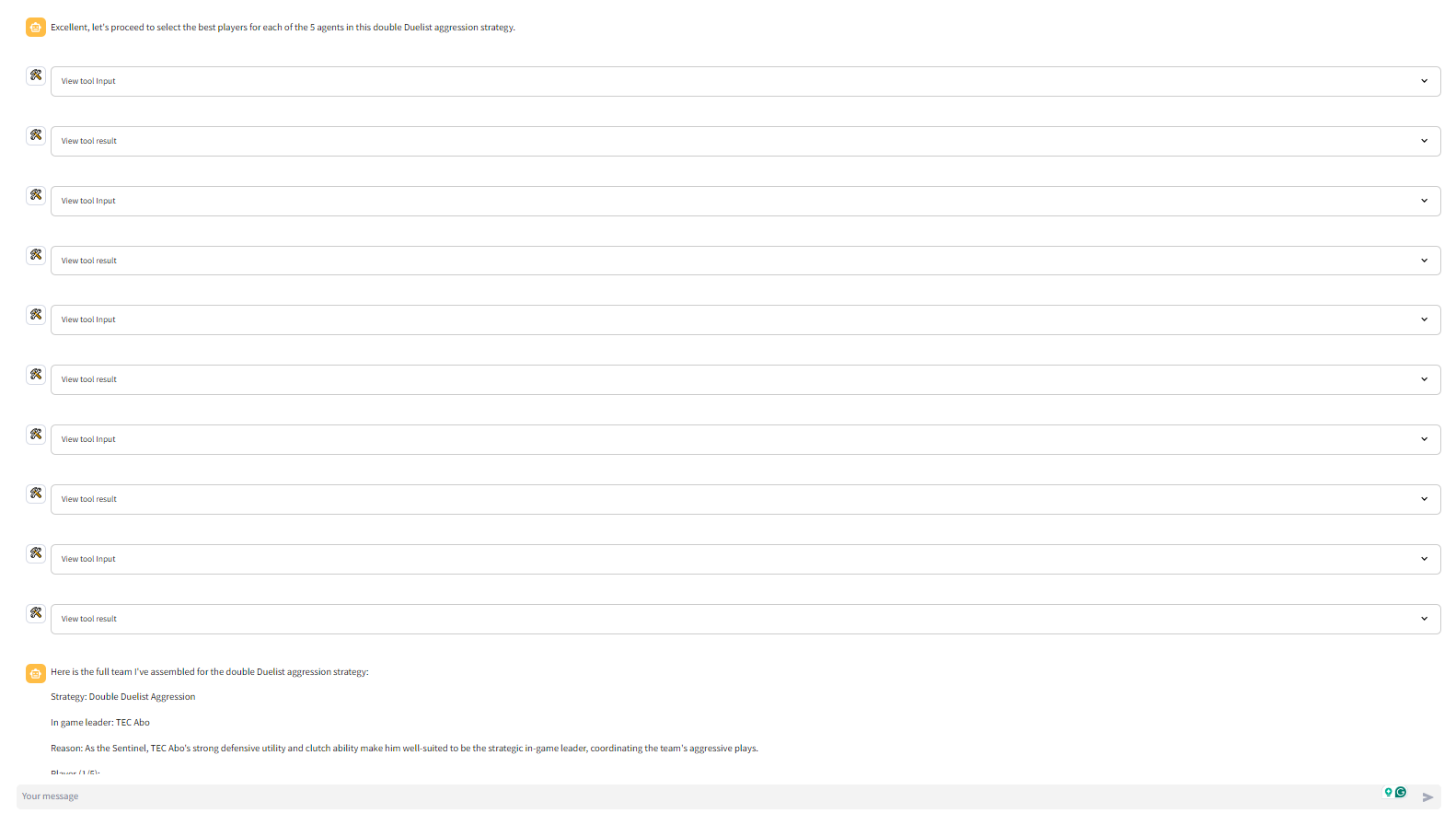
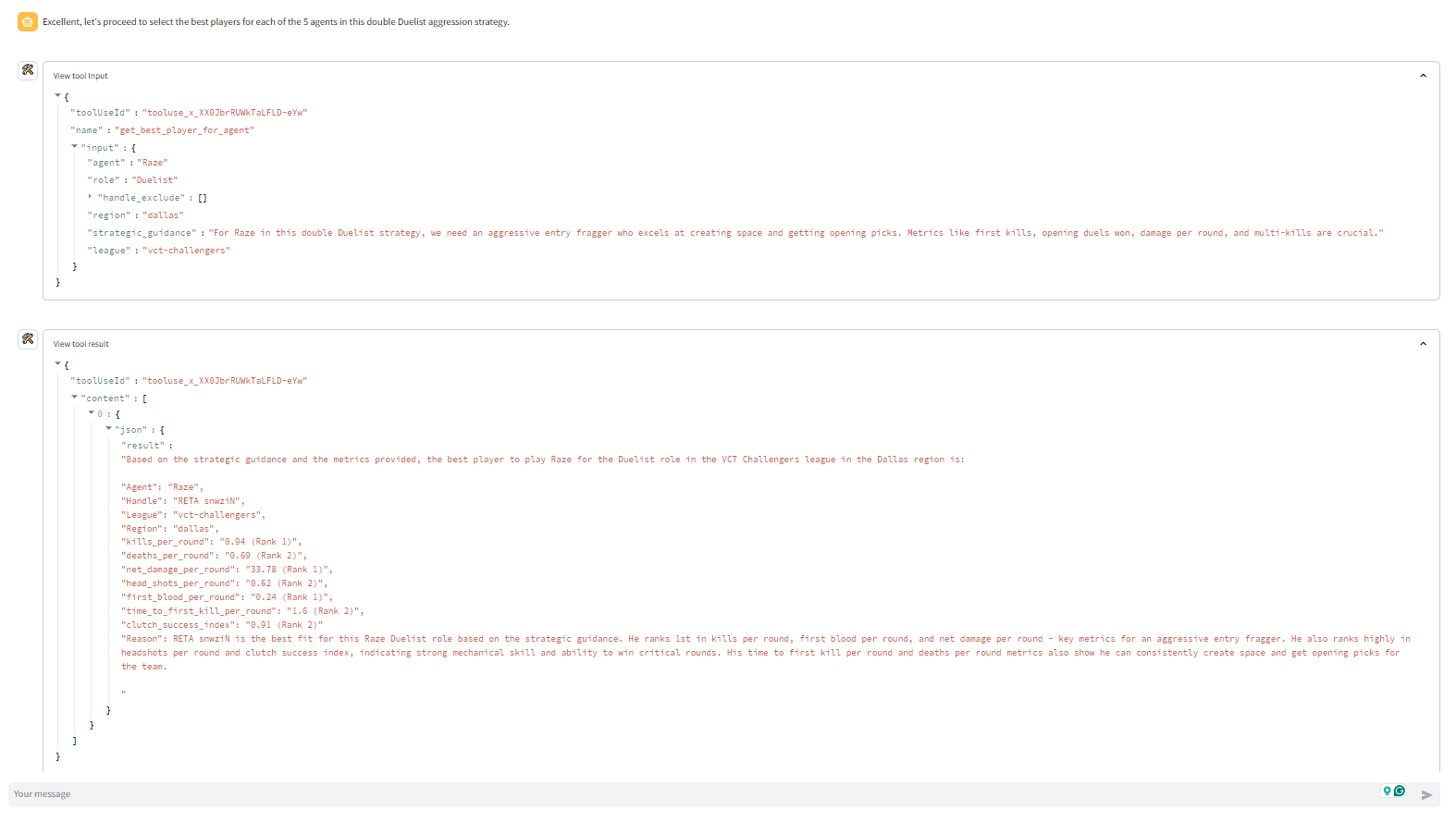
- get_best_player_for_agent: The get_best_player_for_agent ("agent" refers to Valorant's in-game playable characters) tool spins up another digital assistant. This secondary assistant uses the get_best_players_by_metric tool to find the best player for the selected strategy based on a number of player-specific metrics. Each get_best_player_for_agent tool call returns 1 of the 5 needed players. So the get_best_player_for_agent tool is run 5 times to identify the 5 agents
The primary digital assistant makes 12-13 tool uses to form a team. 10 of these tool calls trigger the creation of a secondary digital assistant each who makes 1 tool call each. So in total about 22-23 tool calls are made to form a team.
Why do we need 1 primary assistant and 10 secondary assistants?
The primary assistants is tasked with interacting with the user, obtaining the league/region metadata, obtaining the strategy document, and providing strategic advice to identify the best players and agents. The primary assistant runs on claude 3 sonnet (strikes the ideal balance between intelligence and speed).
The secondary assistants run on claude 3 haiku (compact model for near-instant responsiveness). Each of the 10 secondary assistants are tasked with using the strategic guidance and identifying 1 agent or 1 player that fits the strategy.
With the multi-agent framework, the task of identifying the agent and player is outsourced to another LLM-powered digital assistant. The benefit of this approach is that all the data about players and agents who didn't make the final cut are never included in the primary assistant's context window.
Before developing the multi agent frame, the primary assistant's tool calls returned all the data for all the players and the primary assistant had needs to identify the pick itself. This bloated up the context window of the primary assistant with unnecessary information leading to low quality outputs.
How I built it
The application is built using python, streamlit, and AWS bedrock. In particular, the AWS bedrock service used is the Converse API. The application also uses prompt engineering to influence the behavior of the primary and secondary digital assistants
Challenges I ran into
The 2 biggest challenges I ran into were
- The volume of the available input data was gigantic. With the limited storage available on my personal computer, I had to end up downloading and processing the data in pieces which took me way longer than expected.
- I experienced several challenges cleaning up the data. Many data points like spike_plants, spike_status, round_decedied, player_deaths and many others do not re-concile between themselves.
- The mapping data provided had many mis matches.
- I ended up making several assumptions to proceed with the hackathon.
- As the complexity and size of the inputs grow the models are less and less deterministic even after setting the temperature to 0.
- In the last few days of the hackathon many participants experienced issues with AWS bedrock services.
- It cost me about $60 in AWS credits to built this, I never received the the $100 credit for participating in this hackathon
Accomplishments that I am proud of
Compressing 887 giga bytes of raw data into a 2.88 mega bytes parquet file. This parquet file contains all the metrics of all the players. The tool calls slice, dice and aggregate this dataset to generate the outputs of the tool calls.
What I learned
- Learn't to use the AWS bedrock services.
- Perfected the use of Tool Calling for AI agents.
- Built my first multi-agent-frame from scratch.
- The AI systems work best when given information in smaller batches.
- The AI systems work best when they don't any unnecessary information in their context window.
What's next for Tool calling is all you need
The quality of the underlying dataset that the application uses that contains the metrics of all the players and agents needs to be improved, but it can used in a production environment
Currently, the application makes these types of mistakes which need to be fixed
- Sometimes the primary and/or the secondary digital assistants hallucinate a response without actually utilizing the tools they have been given access to (Happens rarely, but critical problem).
- Sometimes the primary assistant seems to forget that it needs to identify 5 assistant and 5 players to form a team. It sometimes thinks the tasks is completed after it identifies the 5 assistant. However, it does end up identifying the players when reminded (Happens occasionally, and easy fix).
- Even though the user does not ask for the players to be limited to a particular region, the primary assistant sometimes wants to limit itself to a particular region. When nudged not to do that it corrects itself and does not restrict it self to a particular region (Happens a lot, and easy fix).
- Sometimes the primary assistant does not seek the user's approval before proceeding (Happens occasionally, moderately critical problem depending on the quality of output).
- The formatting of the output is very inconsistent.
Most of these issues can be fixed by
- Run the application multiple times (20-50 times) with different prompts, role configs and maps and store the conversation history of the primary assistant
- Curate the messages and identify the conversations where the assistant did not exhibit any of the above behaviors.
- Fine-Tine a new model with this dataset and use it as the primary assistant in production environment
Built With
- aws-bedrock
- converse-api
- prompt-engineering
- python
- streamlit
- tool-calling

Log in or sign up for Devpost to join the conversation.