-
-
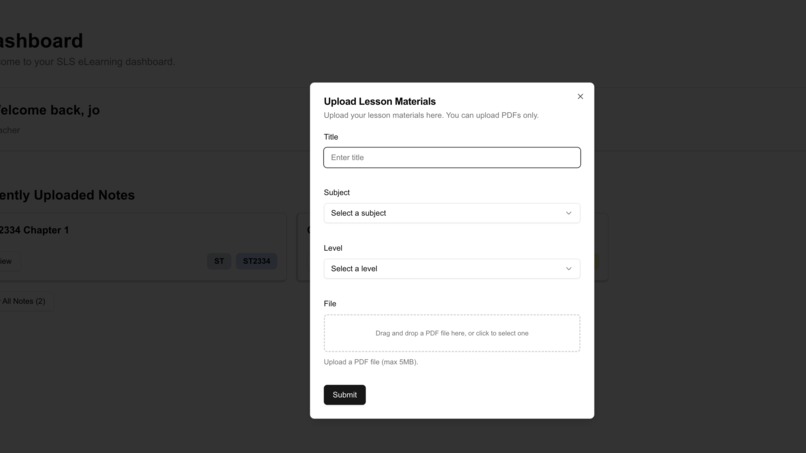
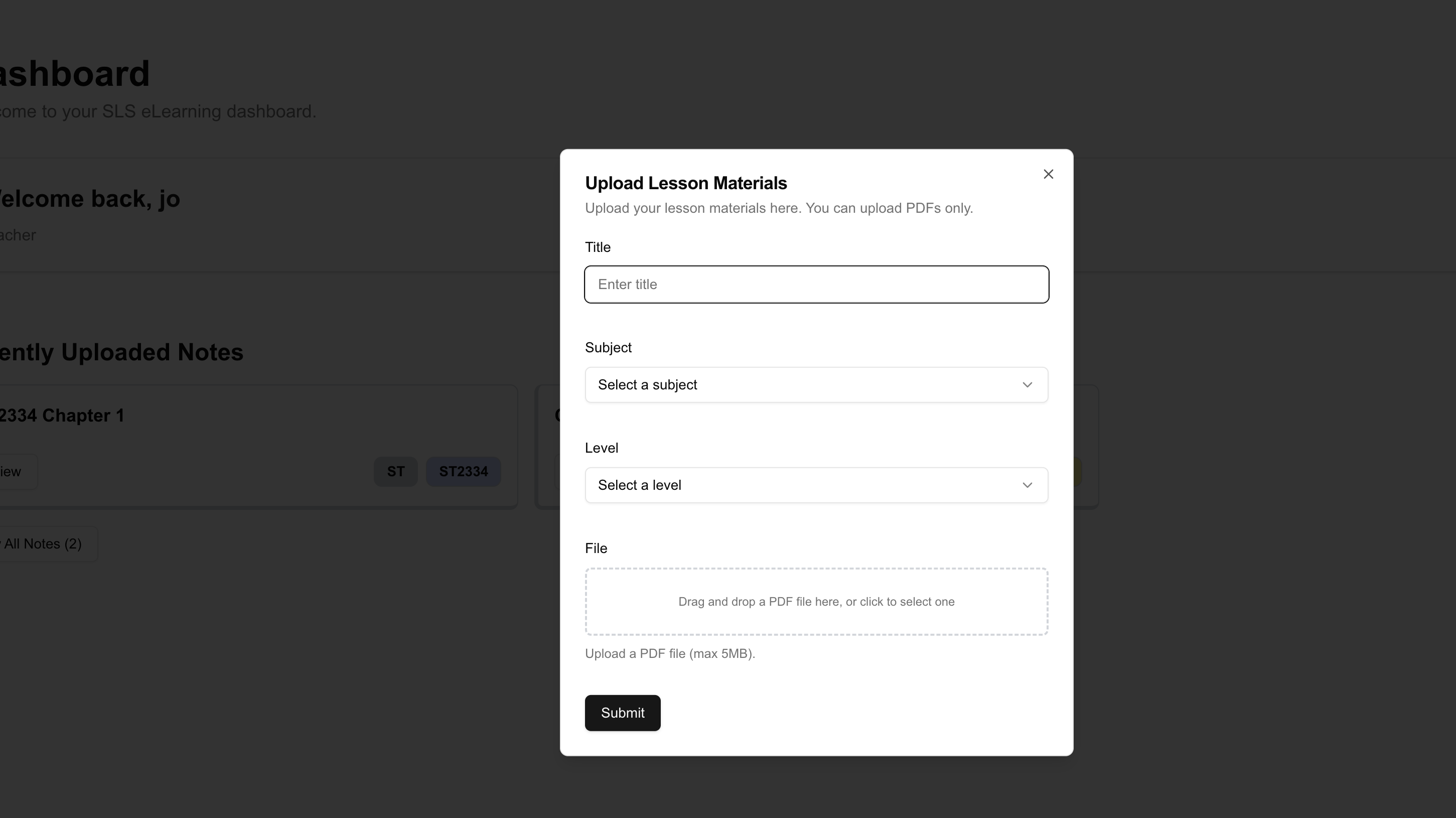
Add Notes
-
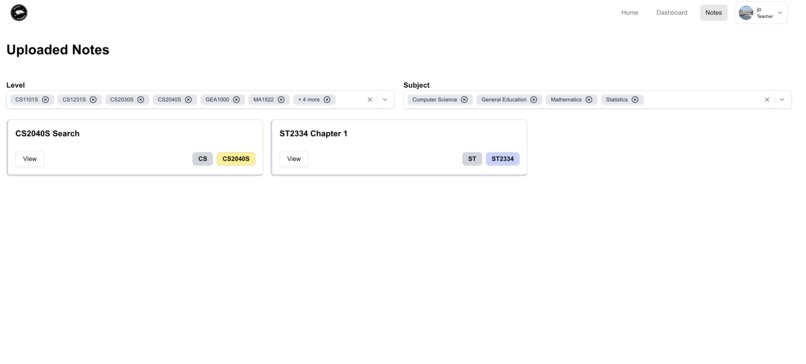
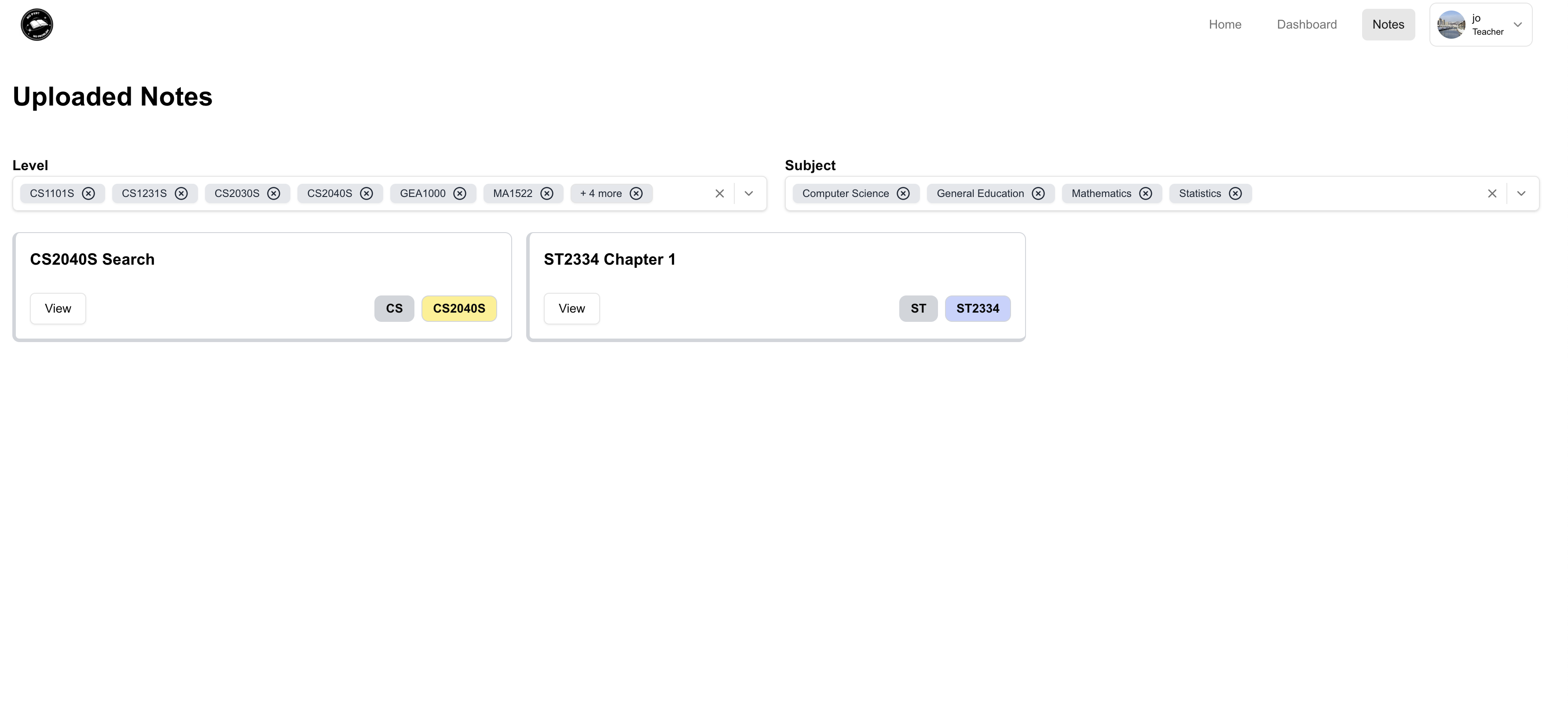
Notes Page
-
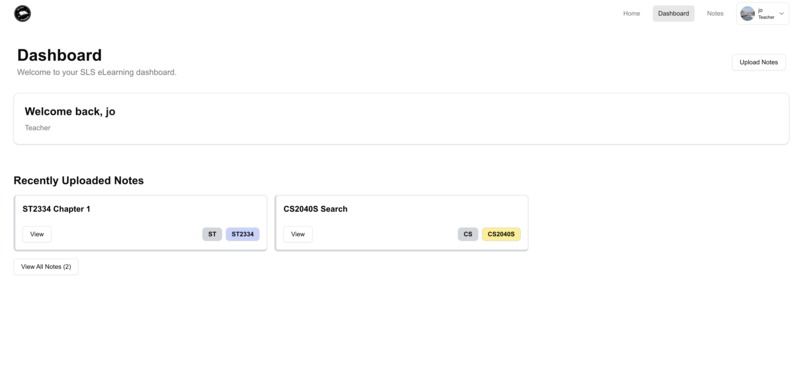
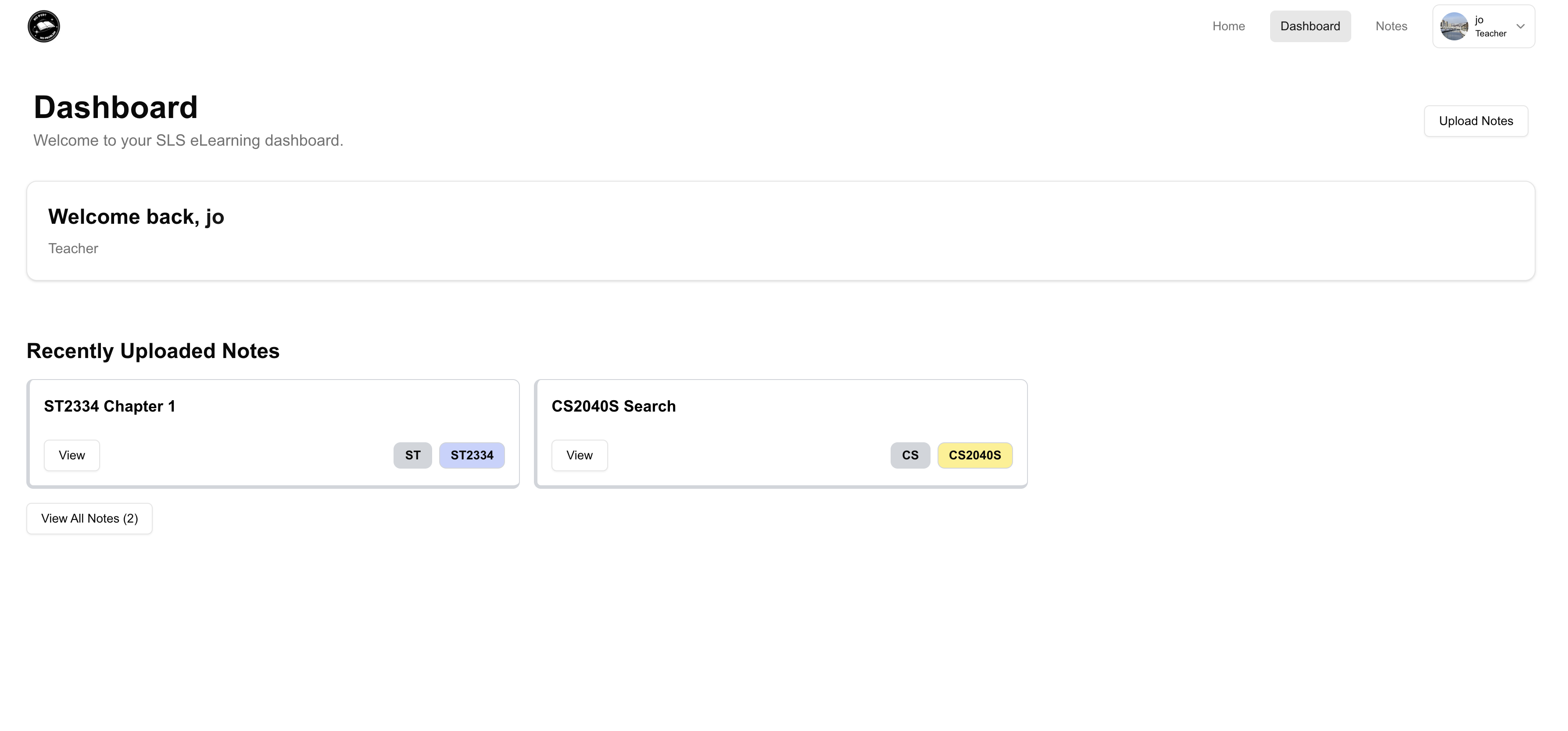
Dashboard
-
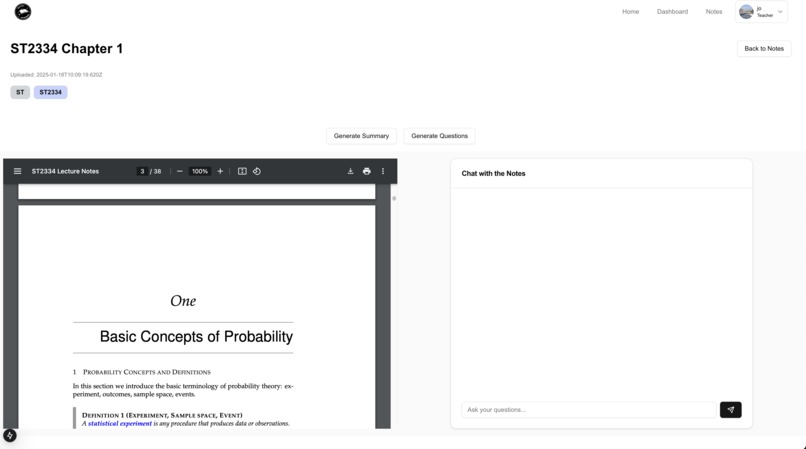
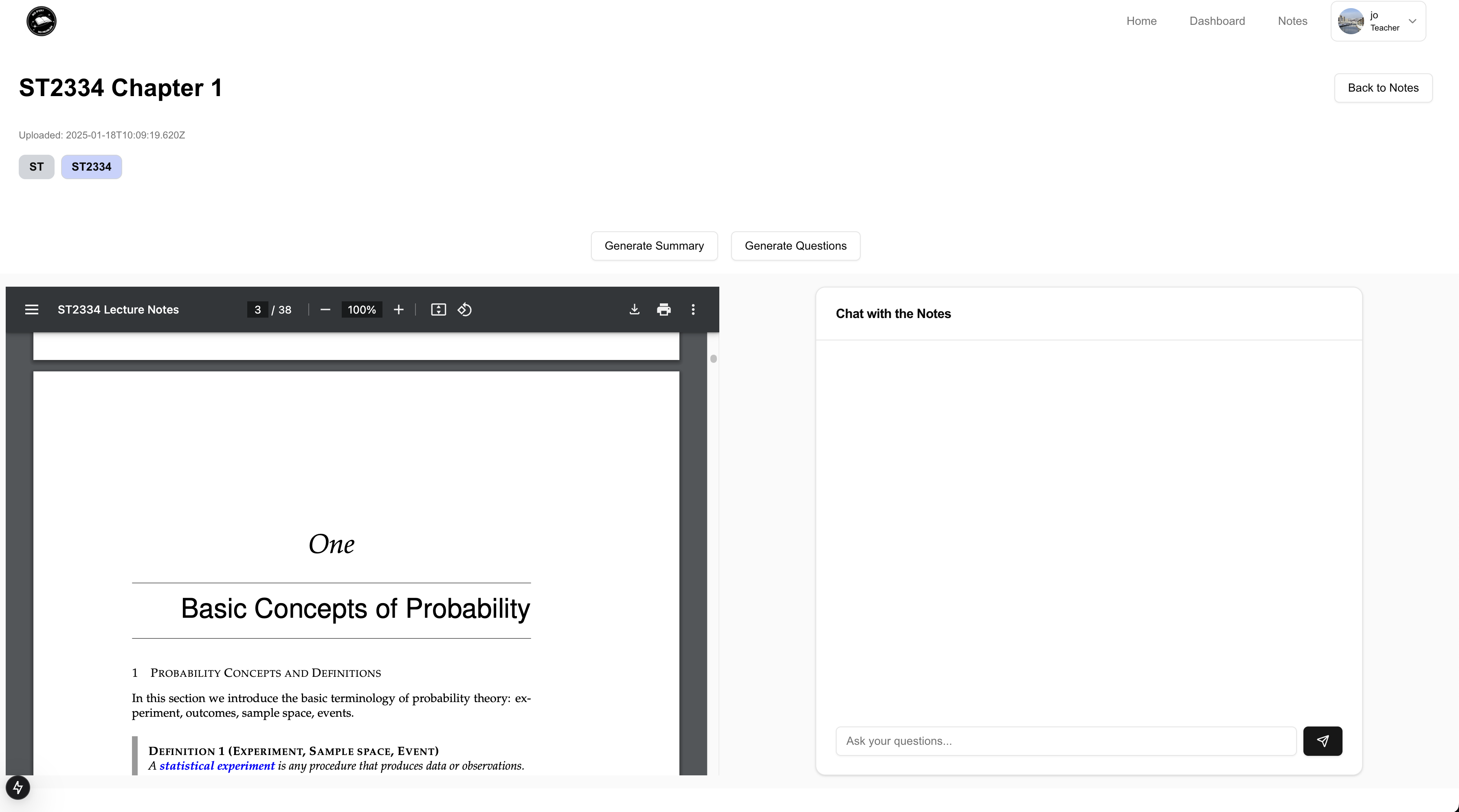
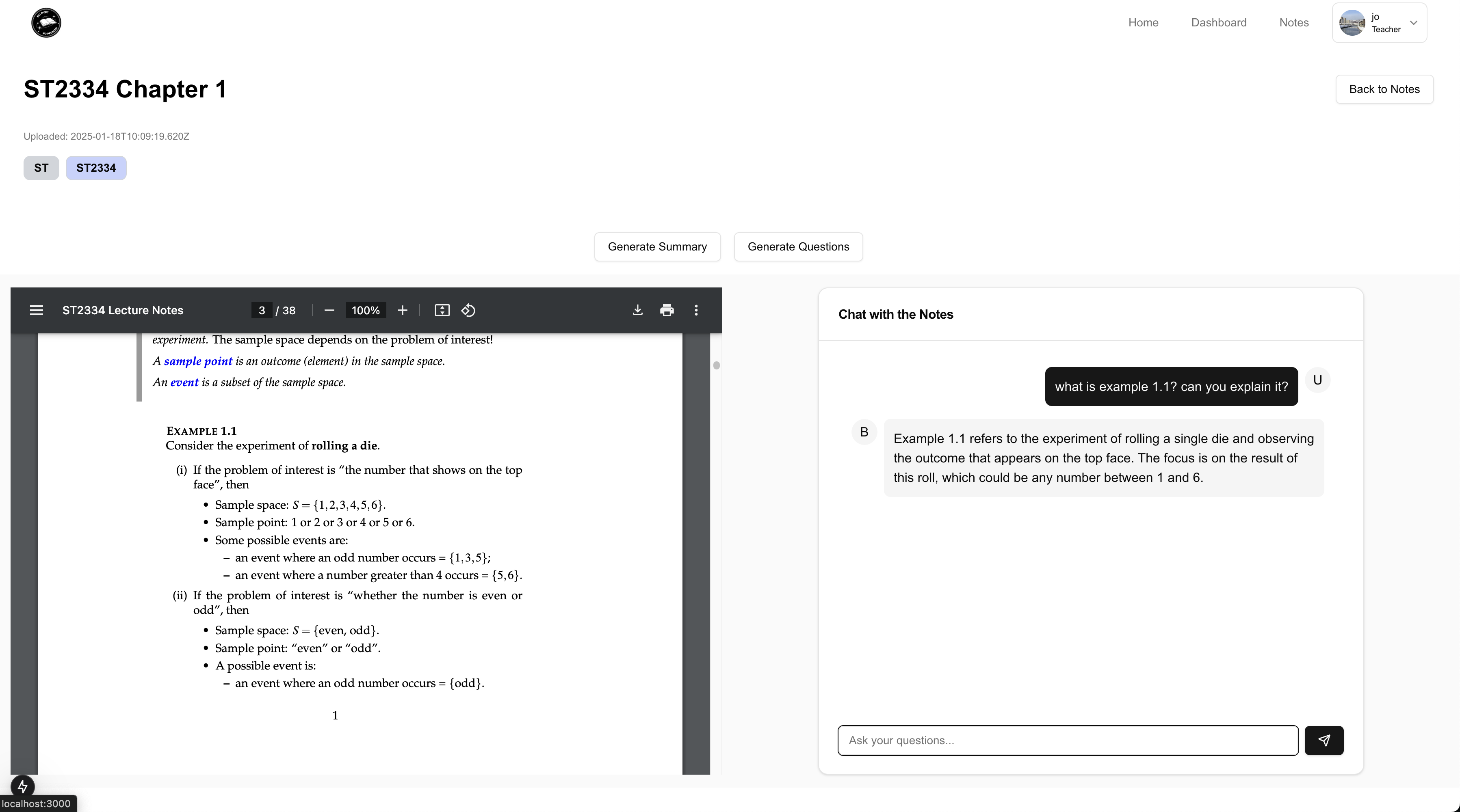
Chat with your notes
-
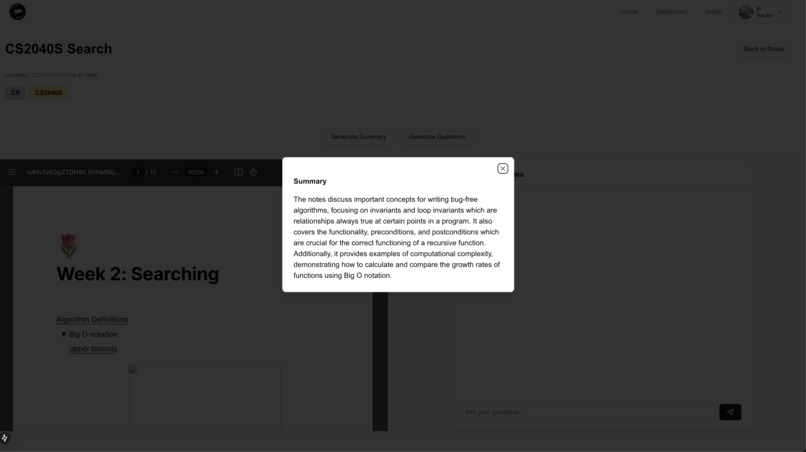
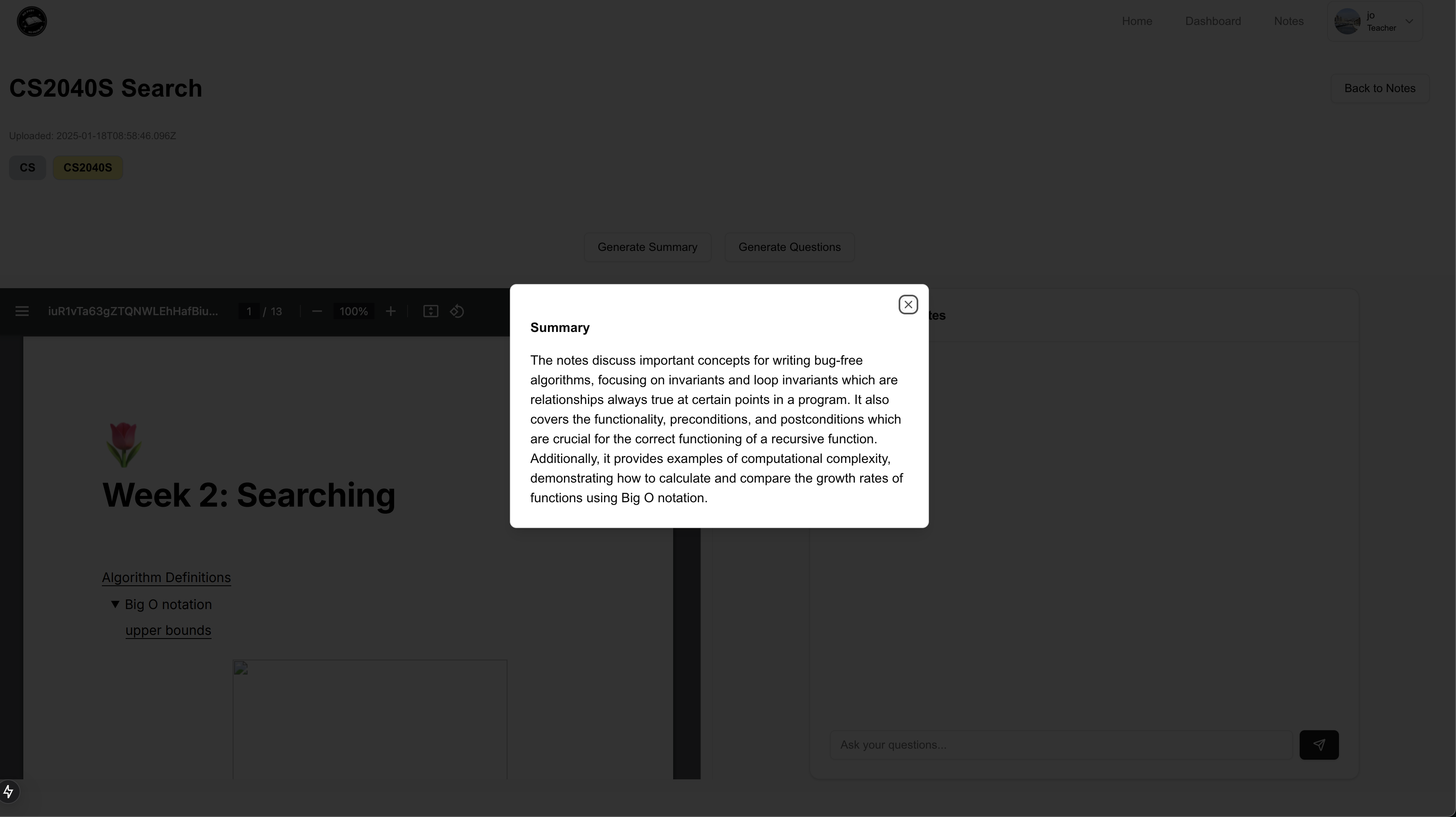
AI Generated Summary of Notes
-
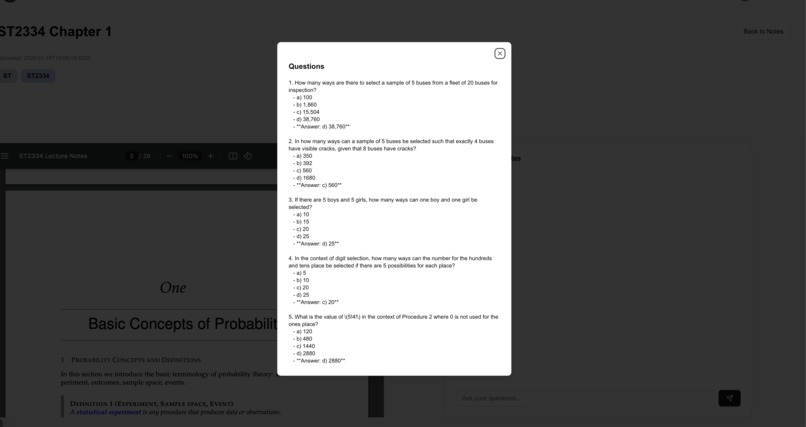
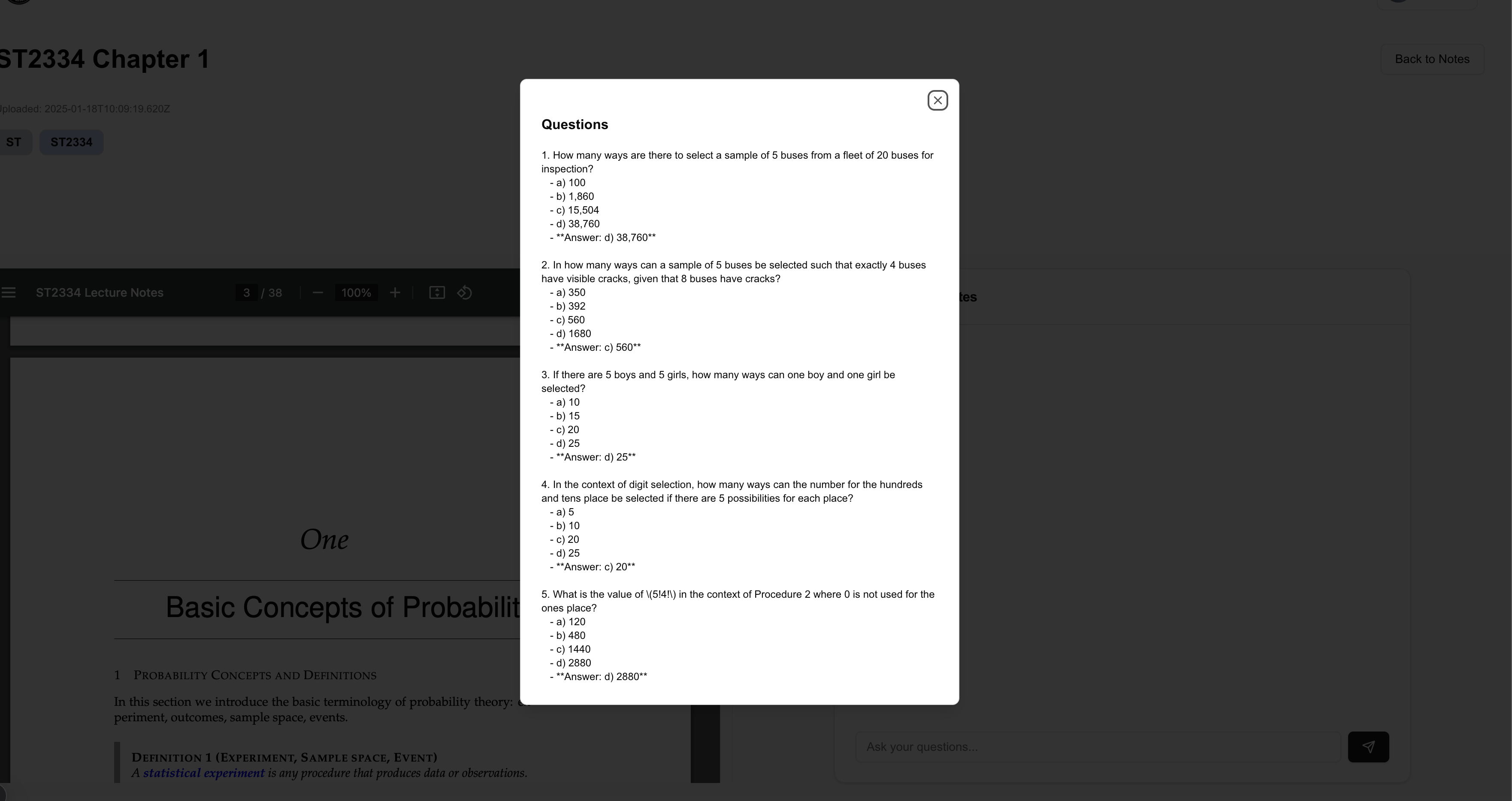
Question Generator based on Notes
-
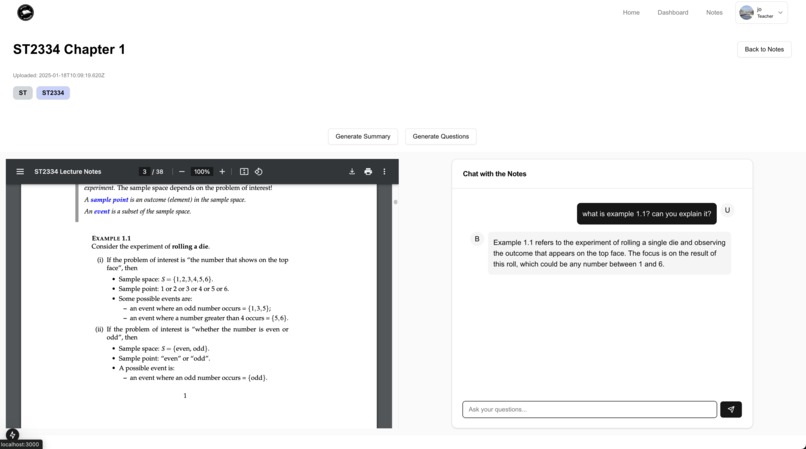
Answer your questions using RAG
-
Landing Page
Often, past year papers for higher-level modules (2k and above) are not readily available (behind paywalls), or are actively gatekept by Profs (ahem, CS2100?). We were tired of this and just want some extra practice before our finals. Furthermore, sometimes we have questions regarding lecture content, but don't want to trouble your professors, and just want quick clarification about the content.
Introducing, No PYP No Problem, your personal professor that allows teachers to upload their notes in PDF to the platform, and allows students to chat with the notes, generate summaries, and generate questions to test their understanding of the content.
How it works
- Teachers (or students) will upload their PDF notes to the platform
- Our backend will process all notes uploaded, by using Docling to parse the PDF files to markdown, then using OpenAI text-embedding-ada-002 to perform embeddings on the data, and store it inside a Qdrant vector database
- Students can ask questions regarding any lecture content, and it will answer based on the lecture content, and further elaborate on the lecture content if needed (using RAG techniques with langchain to ensure accuracy and consistency in answers generated)
Key Features
- Upload PDF notes (which will be parsed to markdown, undergo embeddings model, and stored in vector DB)
- Chat with PDF like its your professor (using RAG techniques and LLM)
- Generate Concise Summaries based on PDF notes
- Generate Questions based on PDF notes
Tech Stack
- NextJS with shadcn-ui, tailwind css for frontend / backend
- Flask API for backend
- LangChain for RAG
- OpenAI for LLM and text embeddings
What's next for No PYP No Problem
- Allow students to upload existing PYPs or exam format instructions (if any) to generate even more papers which mimic the actual format of the exam
- Allow students to upload lecture video recordings and chat directly with the voiceover / subtitles to clarify doubts on the physical lecture without being there in-person
Built With
- flask
- langchain
- nextjs
- openai

Log in or sign up for Devpost to join the conversation.