-
-
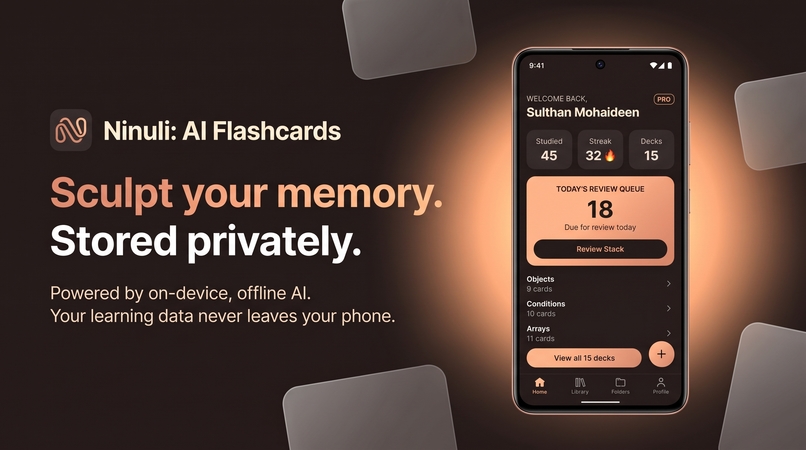
Artisanal Espresso Dark UI with a distraction-free home dashboard. All learning data remains completely private on your device
-
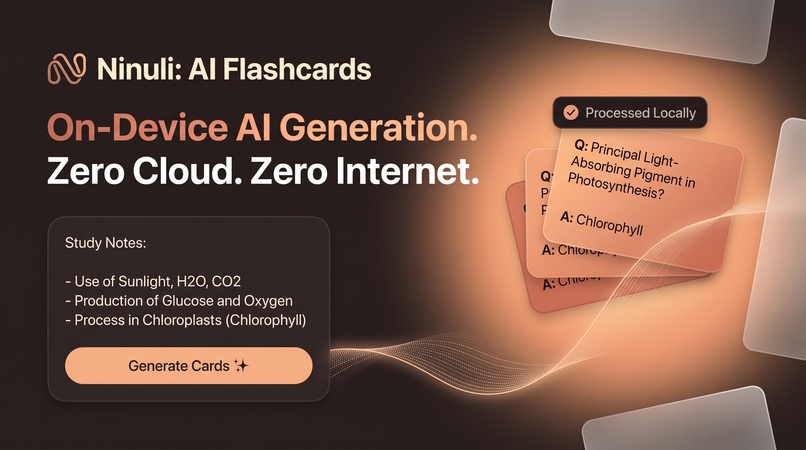
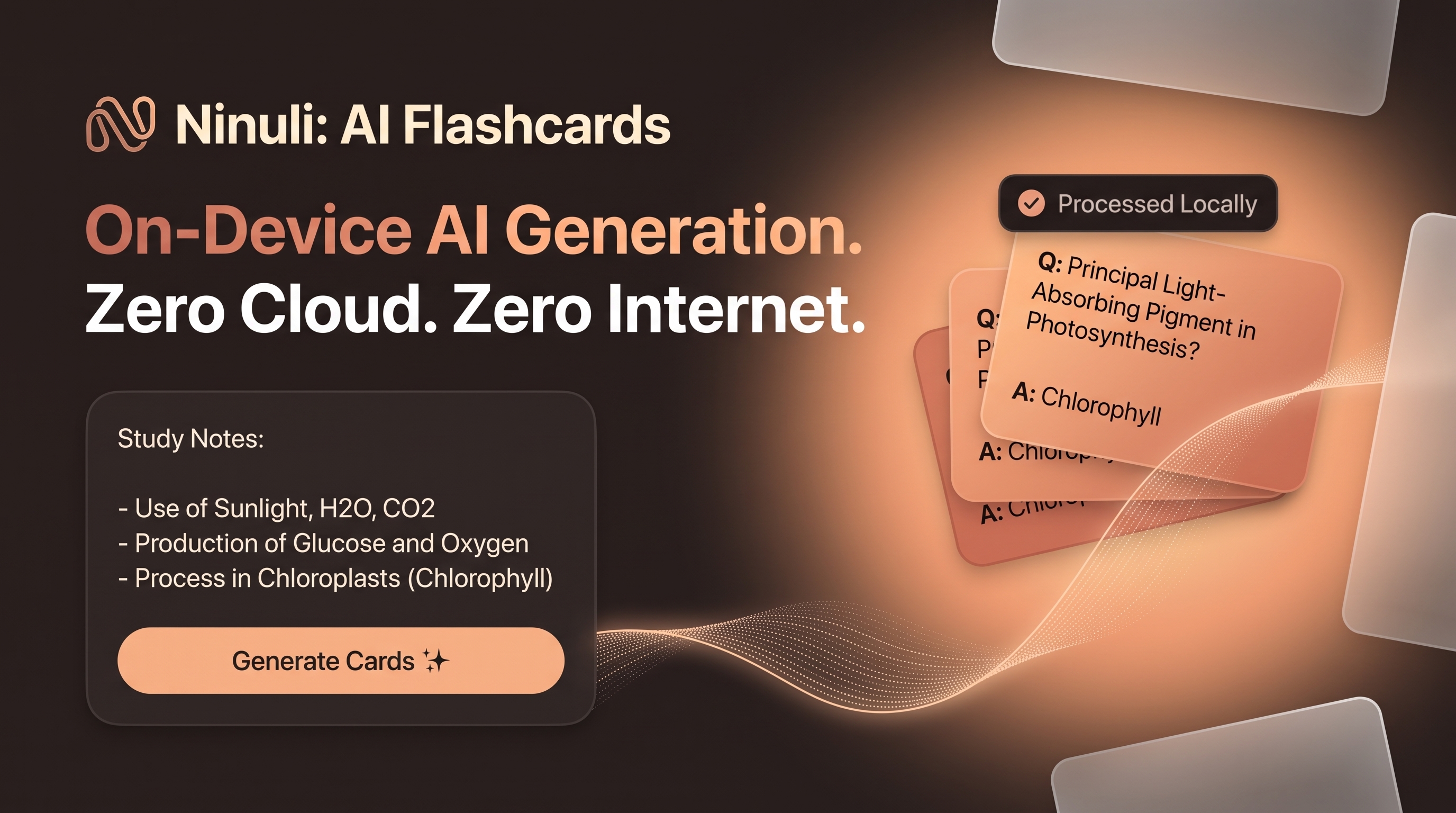
On-device AI generation using local Llama models. Turns raw study notes into flashcards with zero internet and $0 API costs.
-
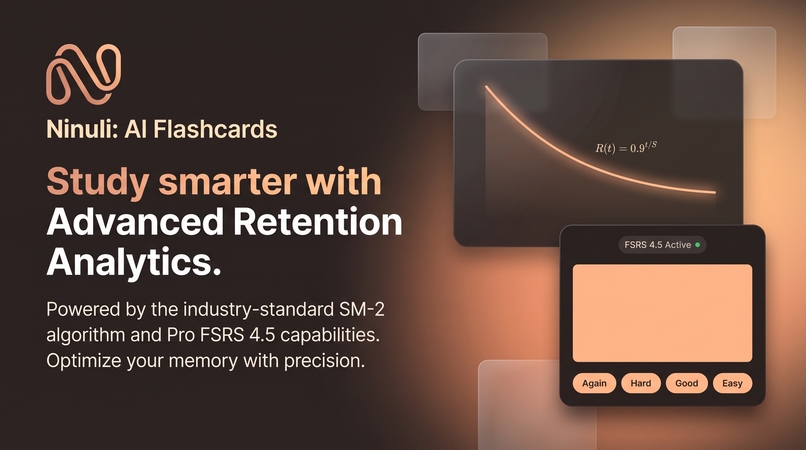
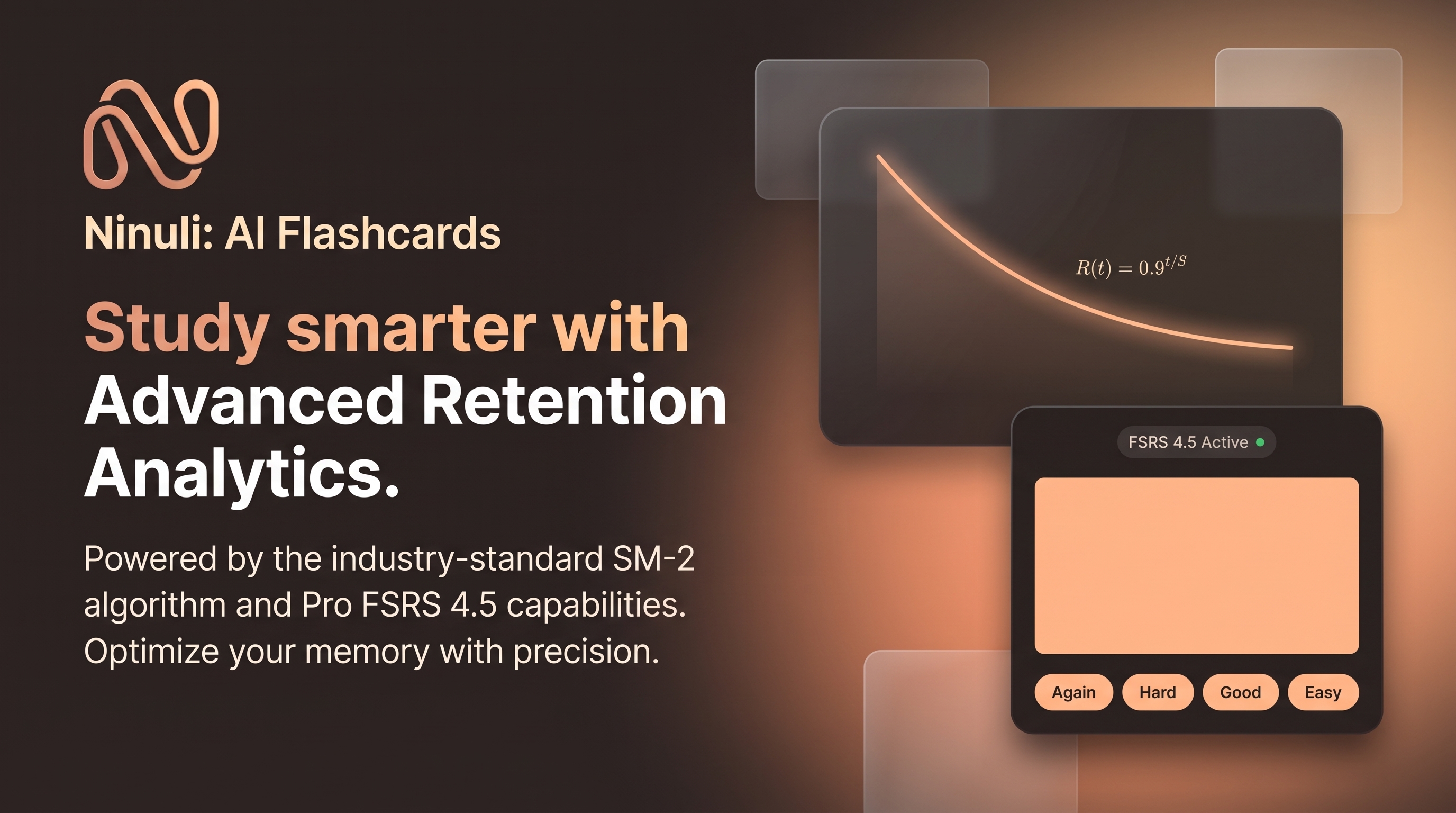
Dual-engine cognitive system powered by SM-2 and bleeding-edge FSRS 4.5 math for scientifically optimized memory retention.
-
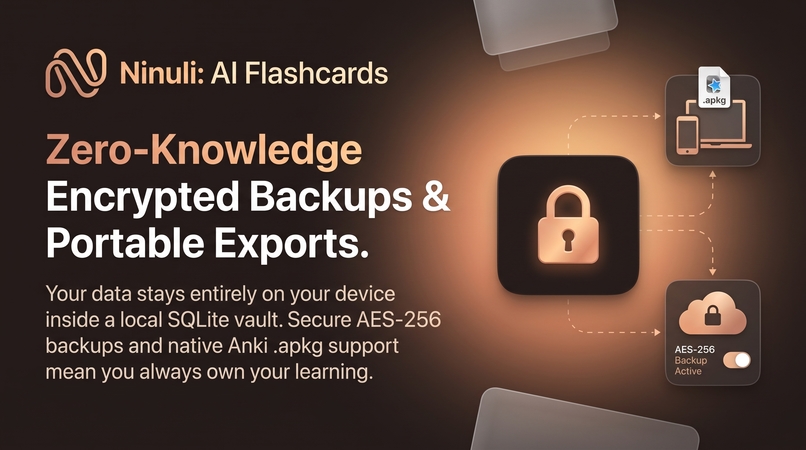
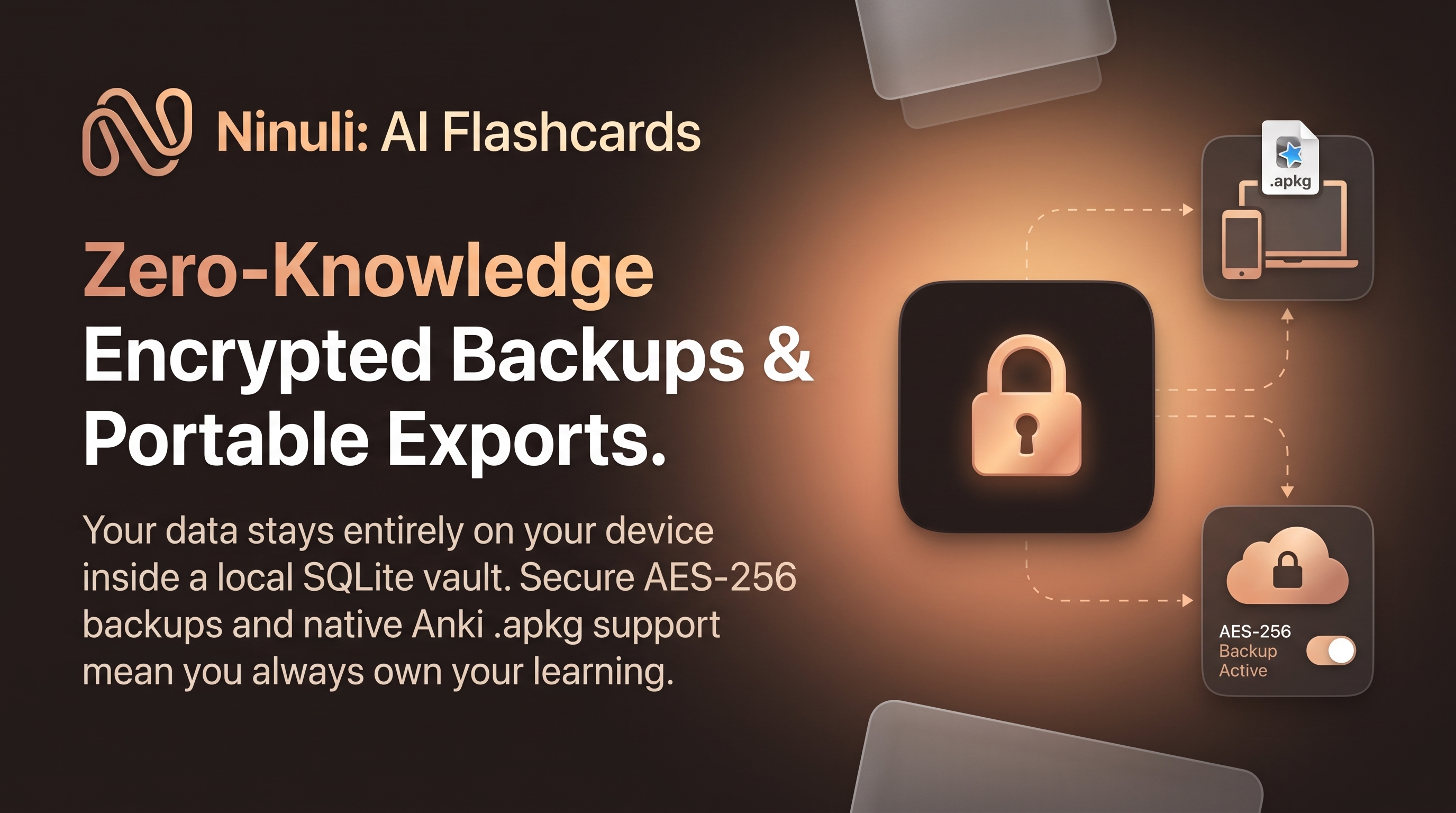
Local-first SQLite data vault featuring client-side AES-256 encrypted backups and native Anki .apkg import and export support.
-

Official app icon of "Ninuli", letter 'N' sculpted into an infinite loop, representing permanent memory retention through spaced repetition
-
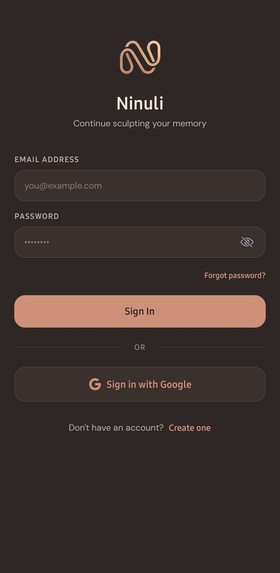
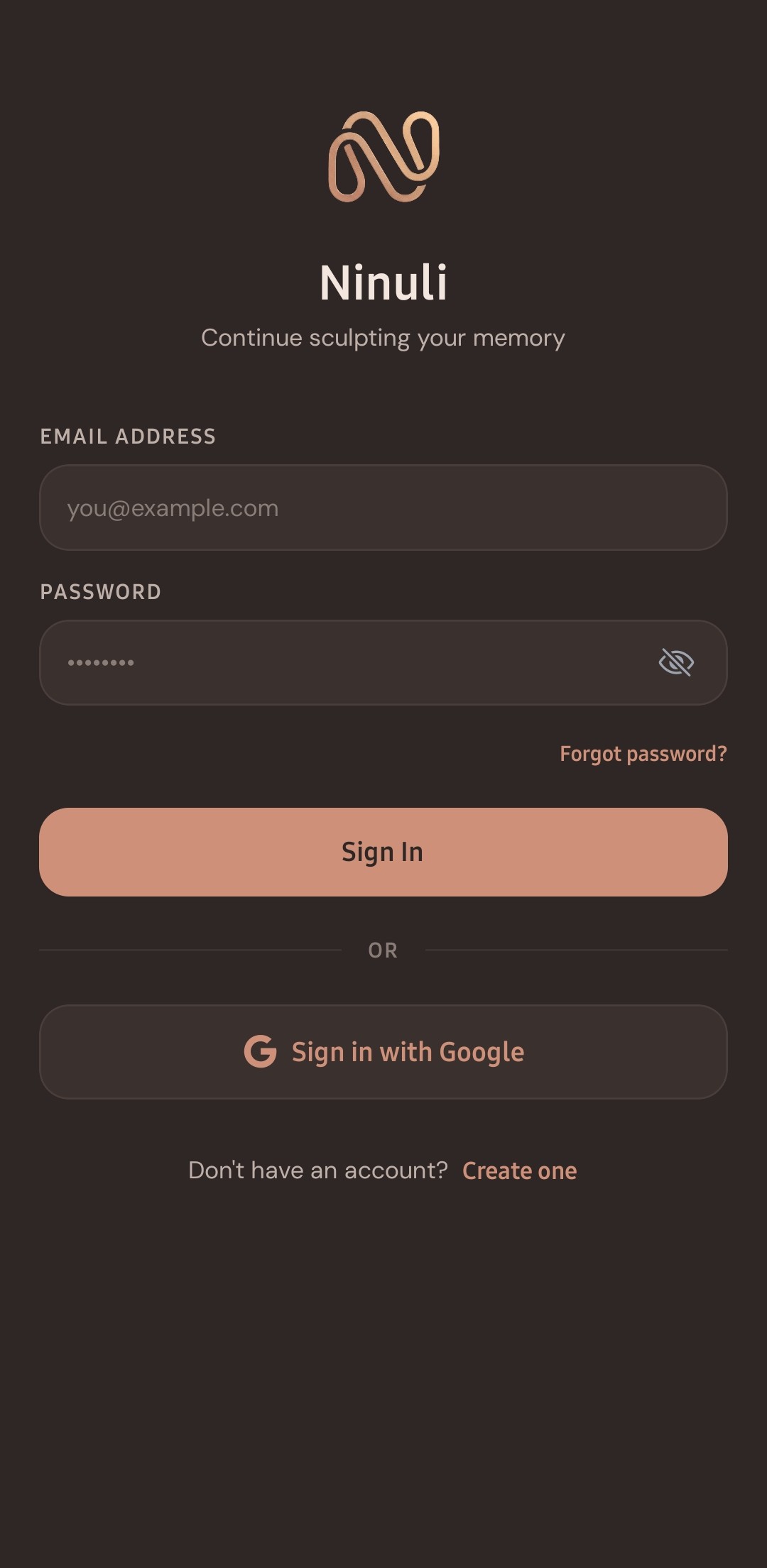
Authentication screen with Google Sign-In and local sync support.
-
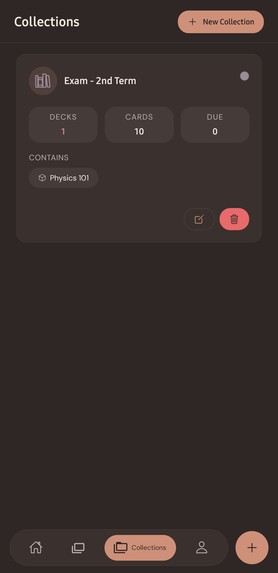
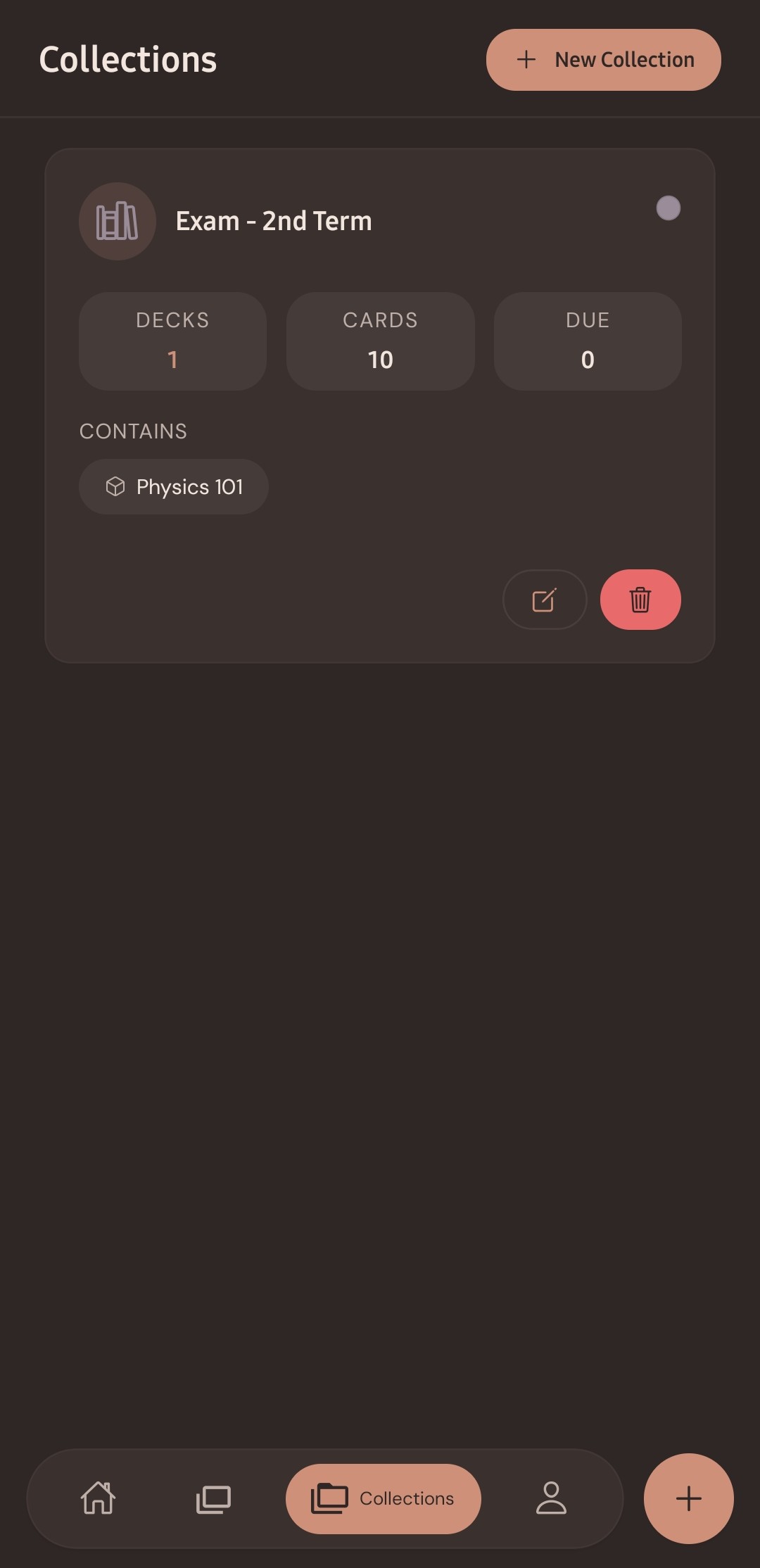
Deck grouping and multi-subject collection management.
-
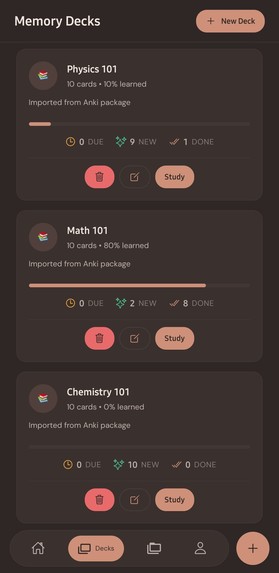
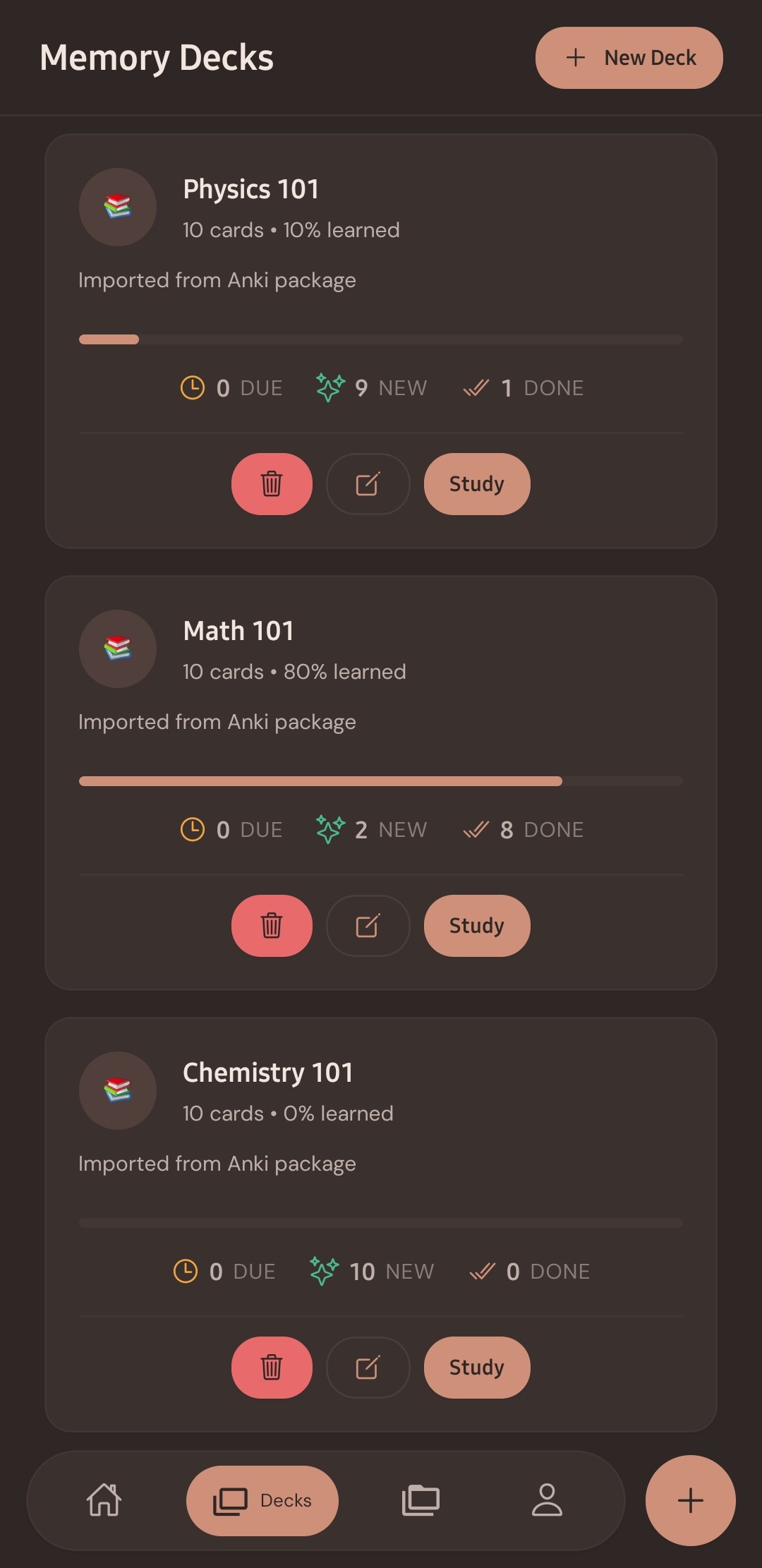
Memory decks dashboard with learning progress and status indicators.
-
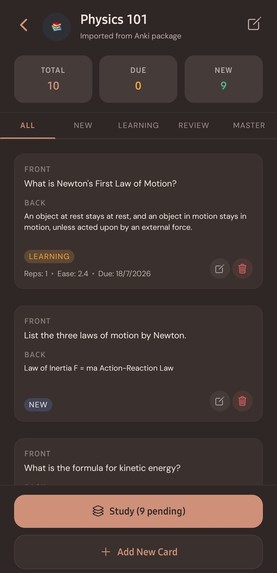
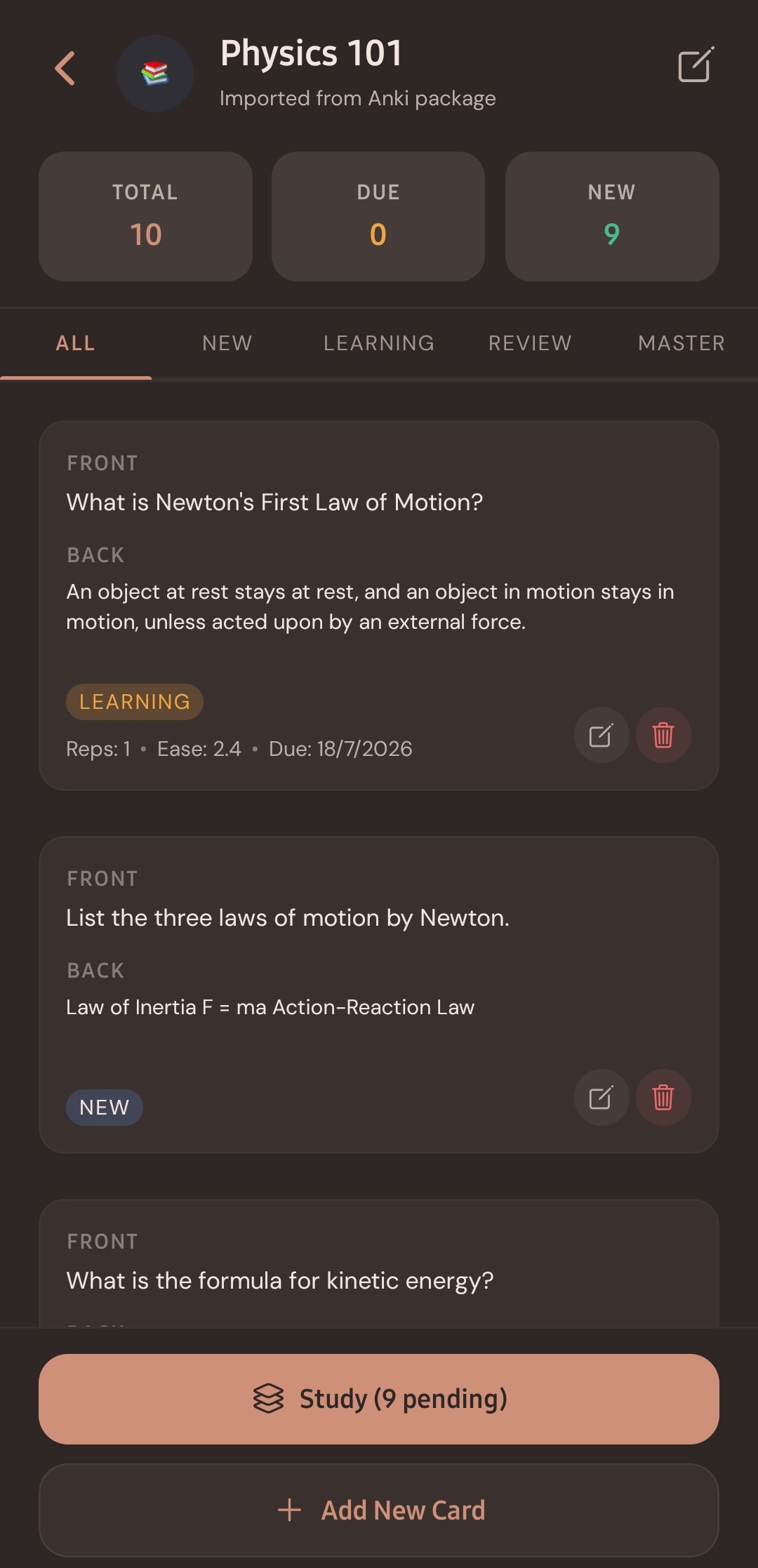
Deck card inspection with interval scheduling details.
-
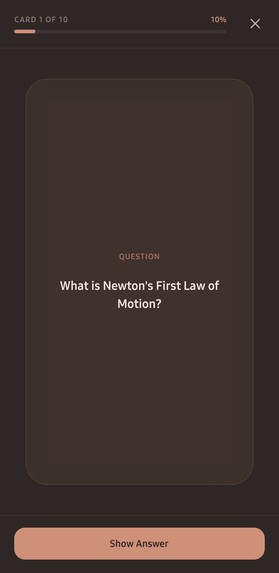
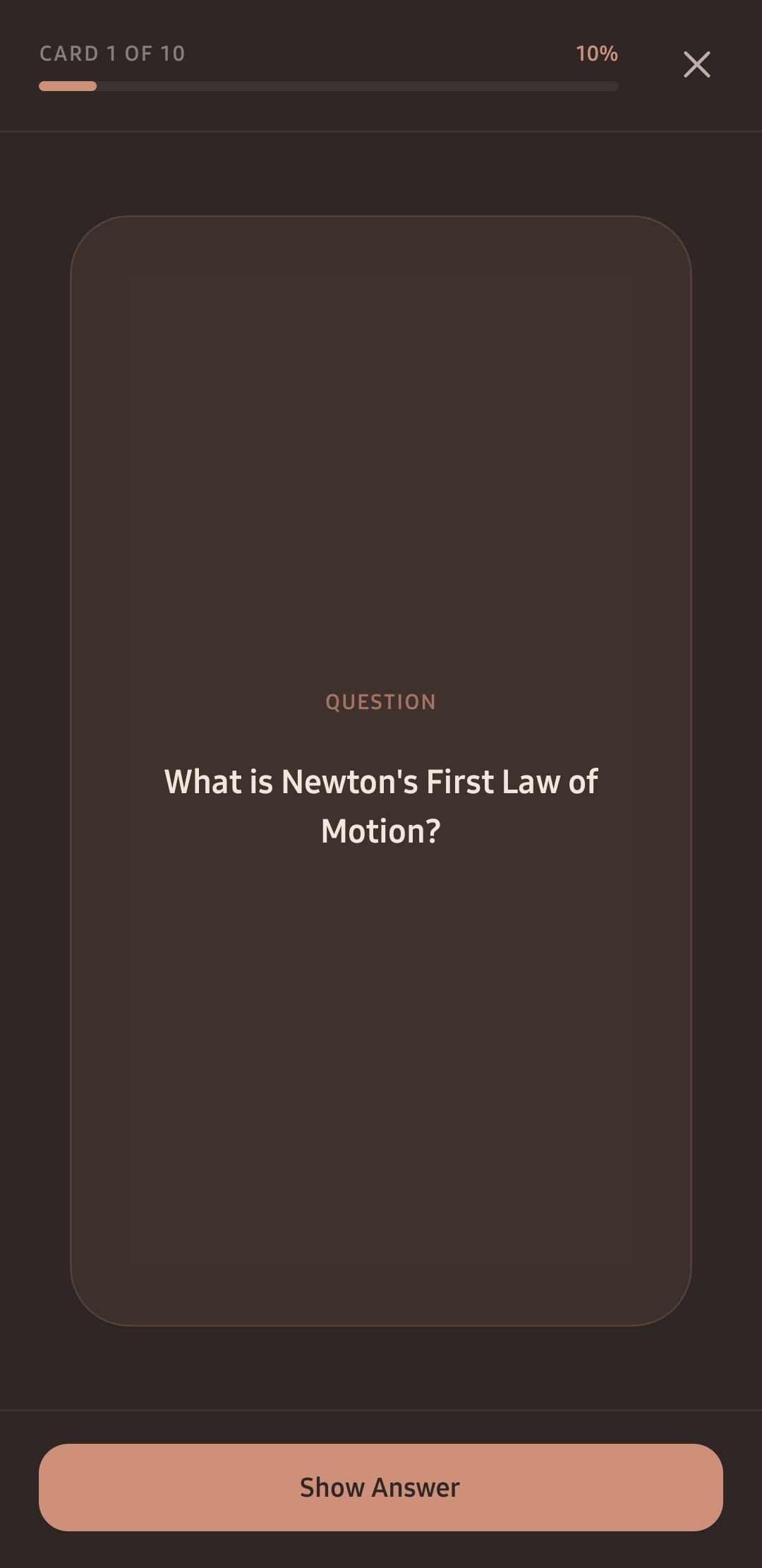
Active recall prompt screen prior to flipping the card.
-
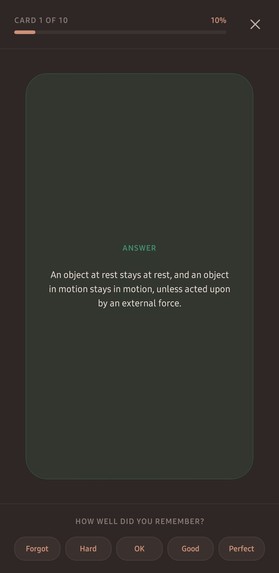
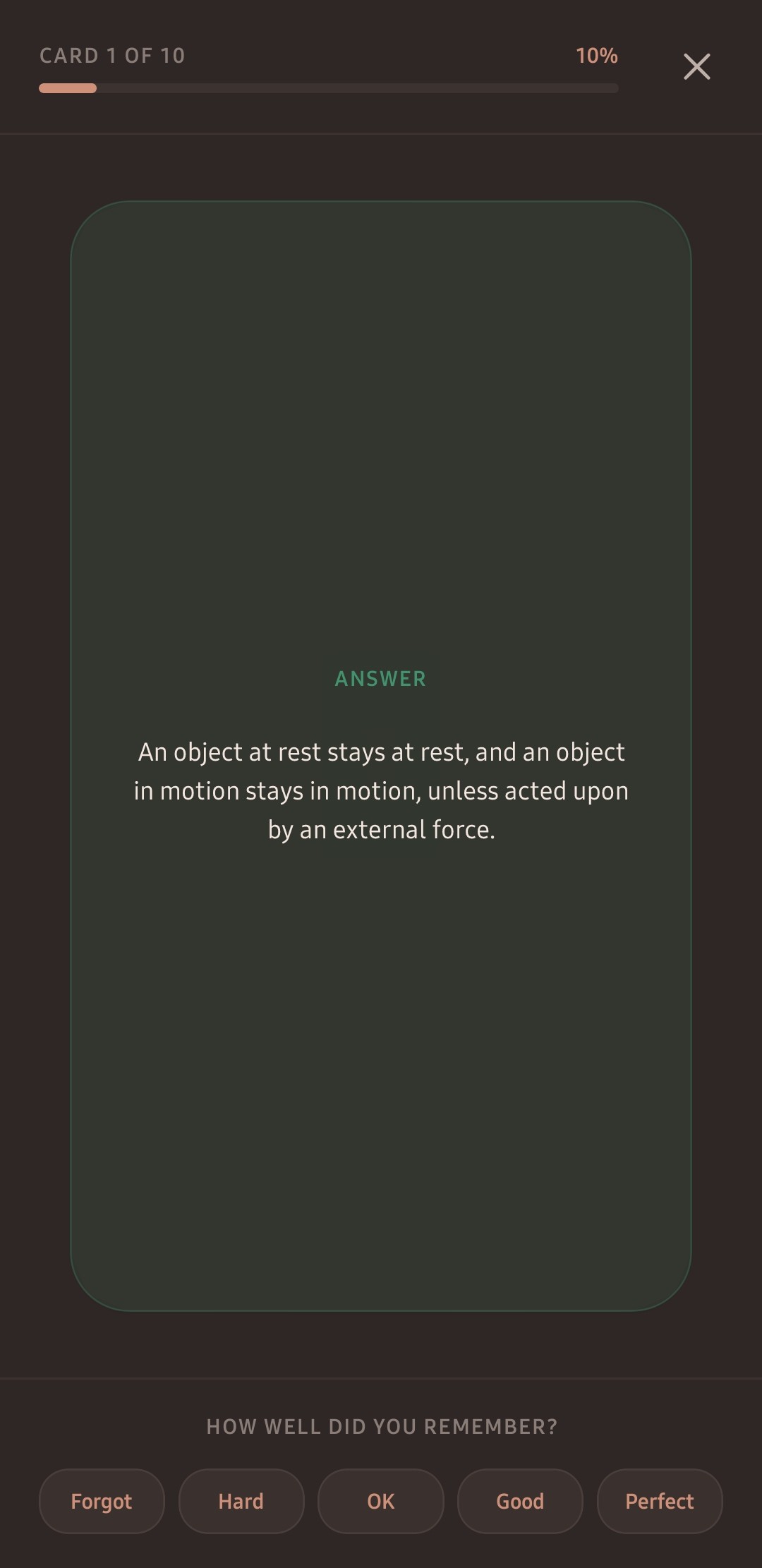
Native study card interface with spaced-repetition recall buttons.
-
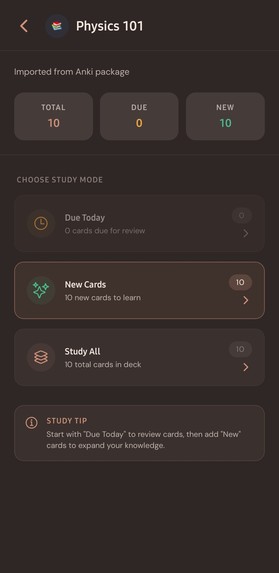
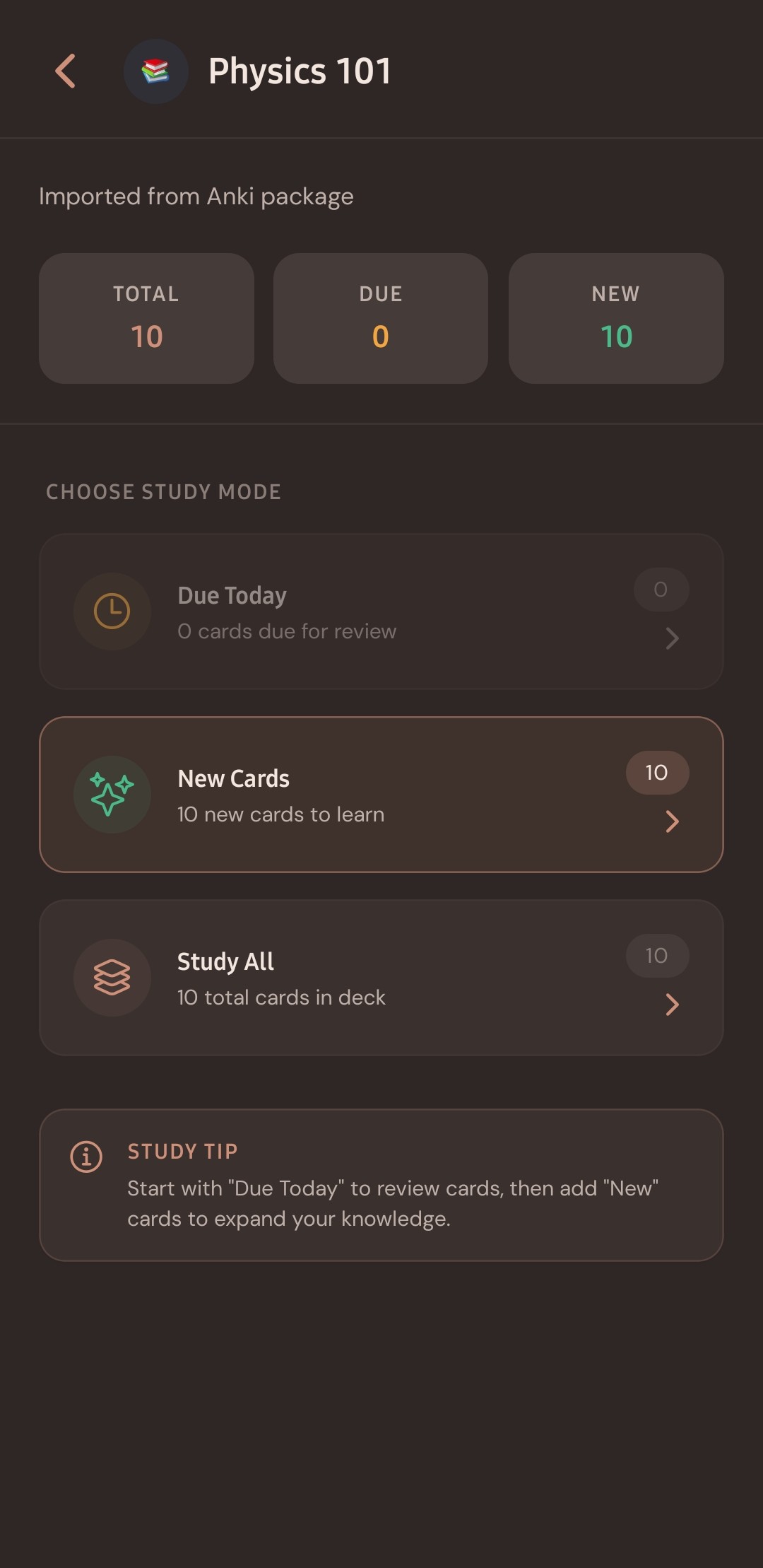
Study modes including Due Today, New Cards, and Study All.
-
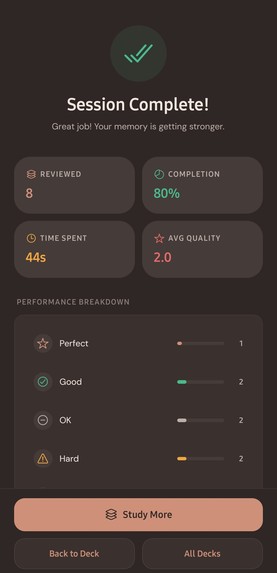
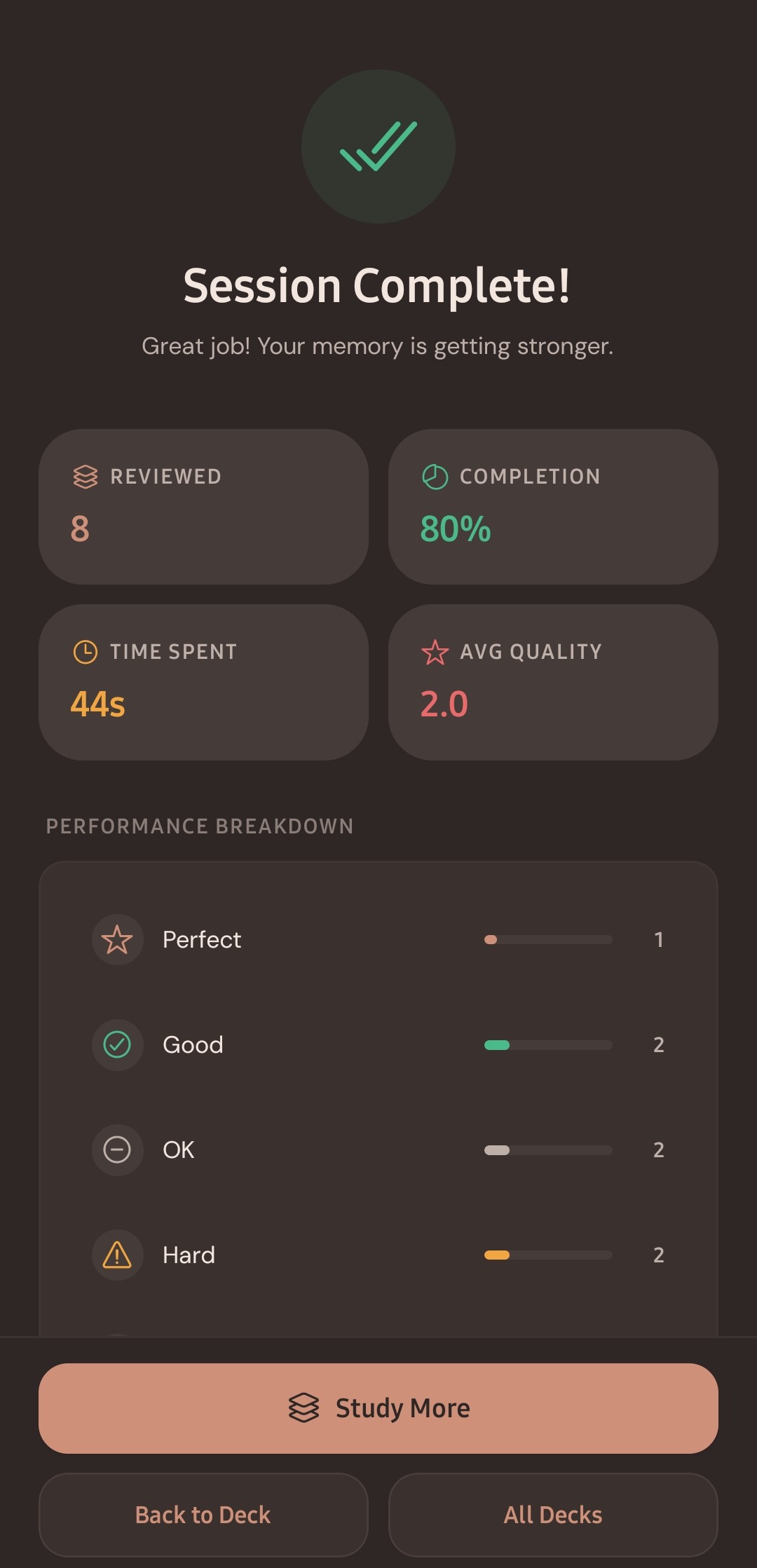
Session completion metrics and memory retention breakdown.
-
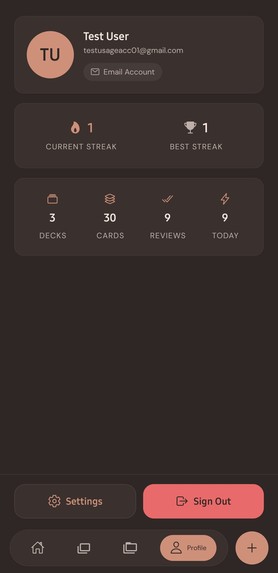
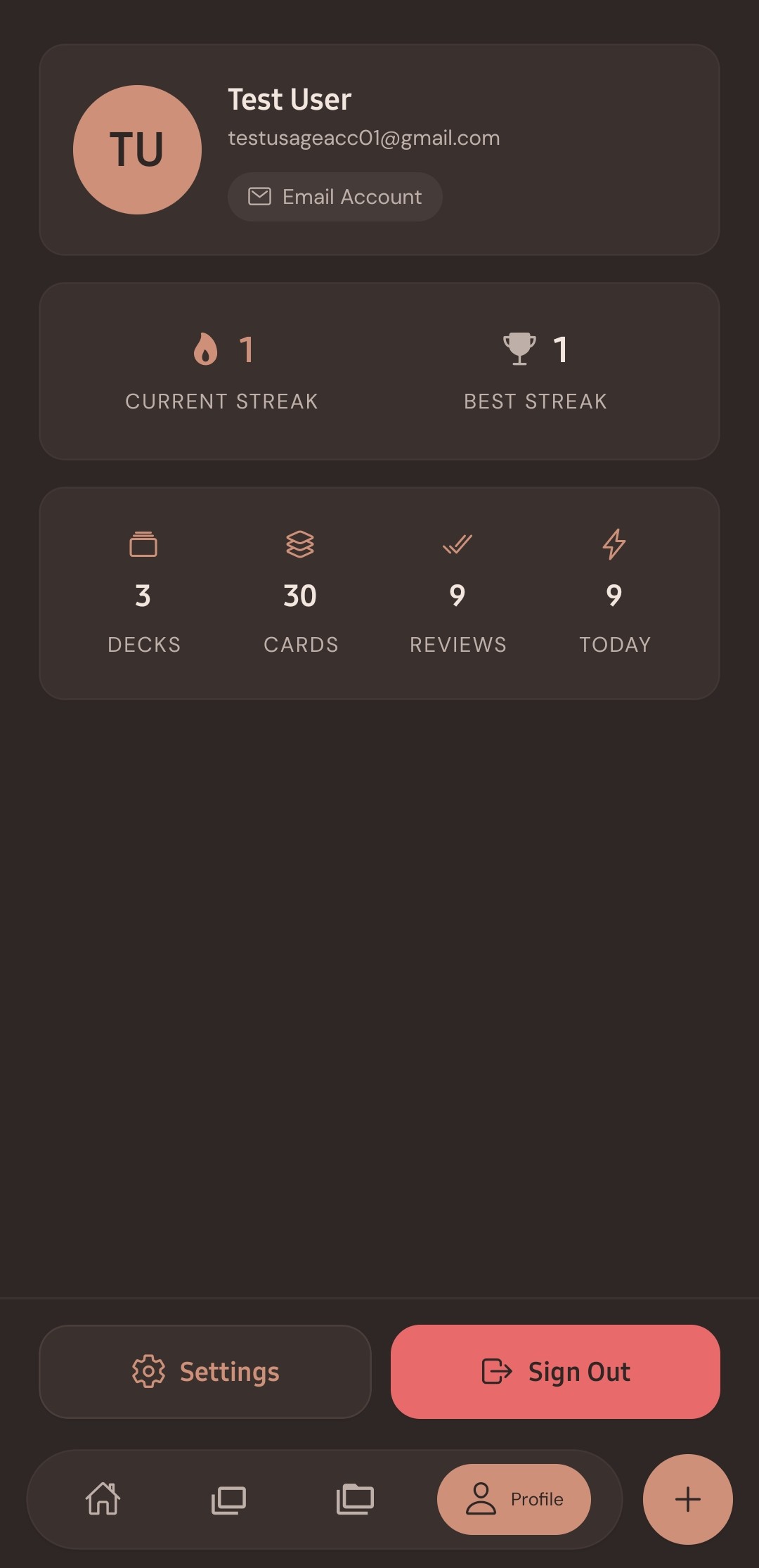
User profile dashboard tracking active streaks and total reviews.
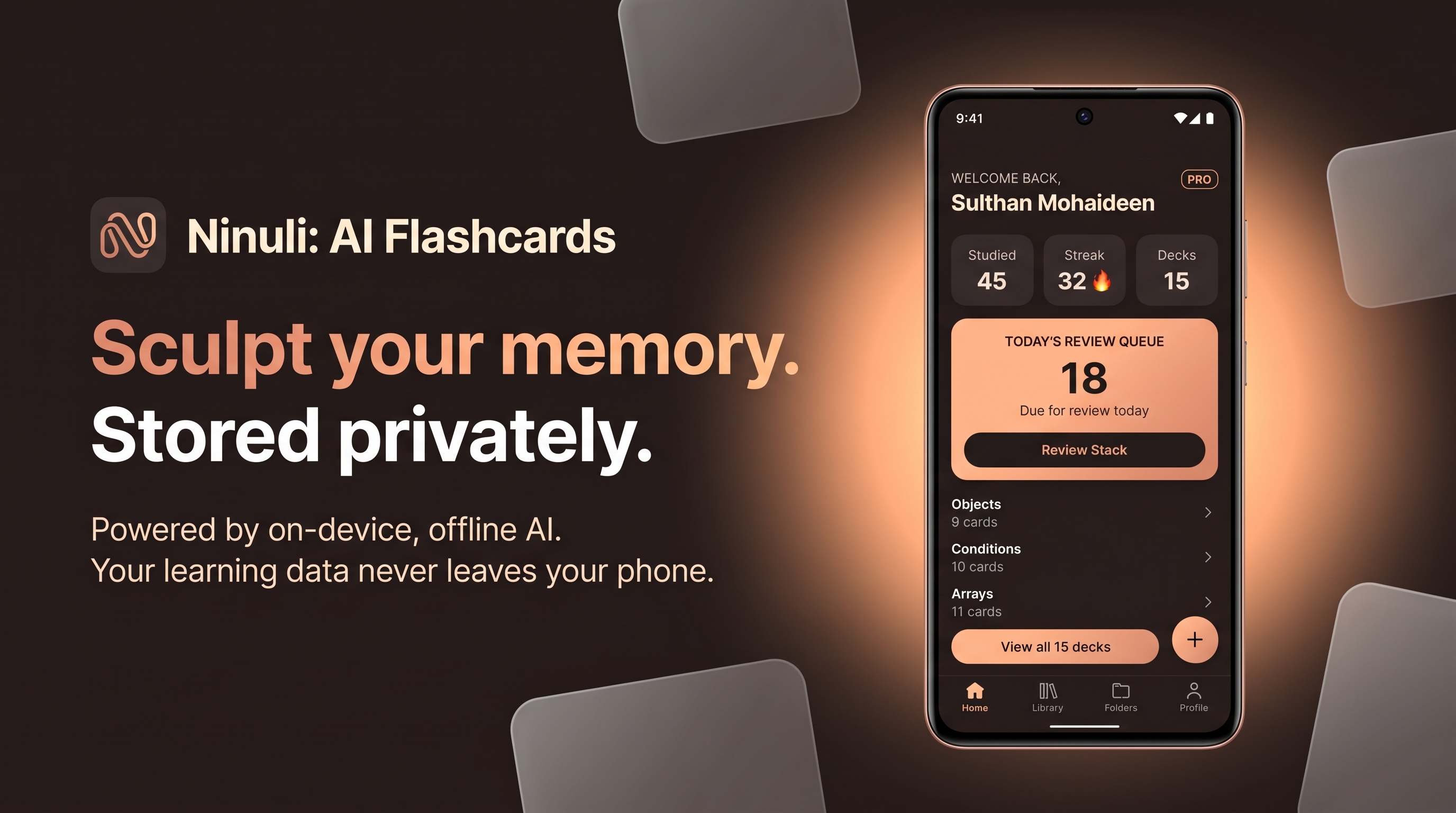

Sculpt your memory. Stored privately.
Ninuli is a premium, privacy-first flashcard and spaced-repetition app. It combines a distraction-free, artisanal UI with powerful on-device AI to help learners turn rough notes into permanent knowledge without ever compromising their data.
The Story Behind the Name
Ninuli (pronounced Nin-OO-lee) is derived from two classical Tamil words:
- Ninaivu (நினைவு): Memory or Thought
- Uli (உளி): Chisel
Together, they mean "The Memory Chisel." Just as an artist sculpts stone into a permanent masterpiece, Ninuli is designed to help users carefully and permanently carve knowledge into their minds.
Inspiration
I had been using legacy study apps like AnkiDroid for a while, and the frustration was mounting. The UI felt like it was built in 2008, creating cards was tedious, and the sheer clutter of the settings made the study loop feel mechanical. I kept dropping off. I realized that if a learning tool is intimidating, new learners spend all their energy fighting the system instead of focusing on the material.
At the same time, the AI boom happened—but it brought three massive pain points for students:
- Cost: Cloud AI subscriptions average $20/month, which eats a massive hole in a student's budget.
- Connectivity: Students study in dorms, library basements, or on commutes with spotty Wi-Fi. A tool requiring a constant high-speed connection is fundamentally flawed.
- Privacy: Pushing personal study materials and sensitive university or medical notes to a third-party cloud is a massive privacy violation.
I didn't want to switch to another app; I wanted to build the app I actually wished existed. I wanted a simple, elegant UI masking a cutting-edge cognitive engine, powered entirely by local, offline AI.
What it does
Ninuli is a premium, offline-first study companion.
Zero-Latency Local AI: Using Llama models running natively on-device via ExecuTorch, Ninuli generates flashcards from raw study notes instantly without an internet connection.
Distraction-Free Artisanal UI: We stripped away the visual clutter of traditional flashcard apps, creating a bespoke, highly polished aesthetic with custom "Espresso Dark" and "Blush Light" themes that let learners focus purely on recall.
Seamless Anki Ecosystem Import: Learners don't have to start from scratch. With 1-tap
.apkgimport support, users can migrate their existing Anki decks, tags, and media directly into Ninuli with zero friction.A Sustainable Freemium Model (The HAMM Angle): Ninuli is deeply integrated with RevenueCat to deliver a clean, transparent freemium breakdown:
Free Tier (100% Free Core Study):
- Unlimited cards
- Unlimited decks
- Unlimited collections
- Battle-tested SM-2 spaced-repetition algorithm
- 2 local AI flashcard generation sessions per day
- Zero advertisements, zero paywall popups, and complete offline functionality
Pro Tier ($3.99/month):
- Bleeding-edge FSRS 4.5 spaced-repetition algorithm
- 10+ local AI flashcard generation sessions per day
- Advanced Retention Analytics and cognitive stability insights
- Client-side End-to-End Encrypted (E2EE) Google Drive backups
Growth & Acquisition: We include a 7-day free trial for zero-friction onboarding, and are actively running a community launch campaign using "NINULIPRO60" promo codes (unlocking 60 days of full Pro access completely free directly through native Google Play billing).
80%+ Gross Margins: Most AI startups are crippled by recurring third-party cloud API token fees. Because our AI inference happens locally on user hardware, our variable token cost is $0. Even after factoring in storefront fees (15%), RevenueCat infrastructure (~1%), and fixed operational expenses, every Pro subscription yields a highly sustainable 80%+ profit margin.
How we built it
The Ninuli UI was crafted using a minimal, clean design system, allowing us to create our unique "Espresso Dark" and "Blush Light" colorways.
For on-device AI, we integrated a highly-optimized edge inference engine running quantized Llama models locally via ExecuTorch. For the cognitive engine, we engineered a dual-algorithm offline data vault capable of handling both legacy SM-2 math and the advanced ts-fsrs (Free Spaced Repetition Scheduler) package.
To handle our business logic, we used RevenueCat and
react-native-purchases-uito power our paywall, 7-day free trials, and Google Play promotional codes ("NINULIPRO60" for 60 days free Pro access) seamlessly integrated with native Android billing.
Challenges we ran into
The Hardware Tug-of-War: Balancing a high-performance 1B parameter model against low-end Android devices was an endless exploration. We had to heavily optimize memory usage to prevent Out-of-Memory (OOM) crashes while ensuring local flashcard generation remained stable.
The Database Architecture: Upgrading a user from the Free Tier (SM-2 algorithm) to the Pro Tier (FSRS 4.5 algorithm) under the same database schema—without losing a single byte of their historical study data—required massive decoupling and complex data migrations. As a solo developer, this was brutal.
Secure Cloud Backups: Building an End-to-End Encrypted (E2EE) pipeline to safely back up a user's private SQLite vault to their personal Google Drive (and seamlessly restore it) took serious engineering.
Hardware Constraints: I built this entire app on an 8-year-old 8th Gen Intel laptop, testing on a 5-year-old Android 12 device.
Accomplishments that we're proud of
I am incredibly proud of turning an 8-year-old laptop into a launchpad for a fully functioning, on-device AI app.
I am also thrilled by our "Testing Loophole" timing. Navigating Google Play's strict 14-day closed testing requirement was daunting, but our testing window perfectly overlapped with the Shipaton launch. The feedback from my 12 testers (mostly fellow developers and students) completely validated the "distraction-free premium" design system I spent weeks agonizing over.
What we learned
I learned that you do not need a massive server budget to build an AI startup. The hardware in our pockets is incredibly capable if you are willing to optimize for it.
I also learned that cognitive science is only as good as the UI it lives in. Advanced algorithms like FSRS 4.5 are useless if the user is too intimidated to open the app. By hiding the complex math behind a beautiful, seamless interface, users actually want to study.
What's next for Ninuli: AI Flashcards
Our roadmap for the next few months is packed:
Camera & Voice Processing: Allowing users to snap photos of textbook pages or record voice notes to generate local AI flashcards.
Tablet & Desktop: Optimizing the layout for Android tablets and building a Windows desktop app.
The Apple Ecosystem: Currently, I don't own a Mac or an iPhone. (Sorry about that 😬) My ultimate goal is to use the MRR generated by our RevenueCat Pro subscriptions on Android to finally buy a MacBook Pro, so I can bring the "Memory Chisel" to iOS and iPadOS.
Built With
- ai
- android
- edtech
- education
- executorch
- expo.io
- fsrs
- google-play
- jest
- llama
- machine-learning
- mobile
- nativewind
- offline-first
- privacy
- productivity
- react
- react-native
- reanimated
- revenuecat
- spaced-repetition
- sqlite
- tailwindcss
- typescript


Log in or sign up for Devpost to join the conversation.