-
-
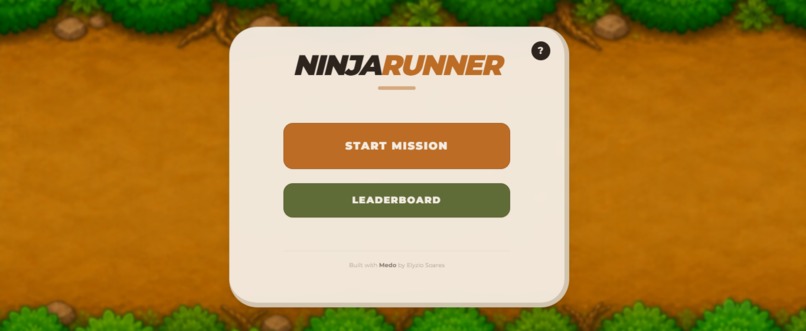
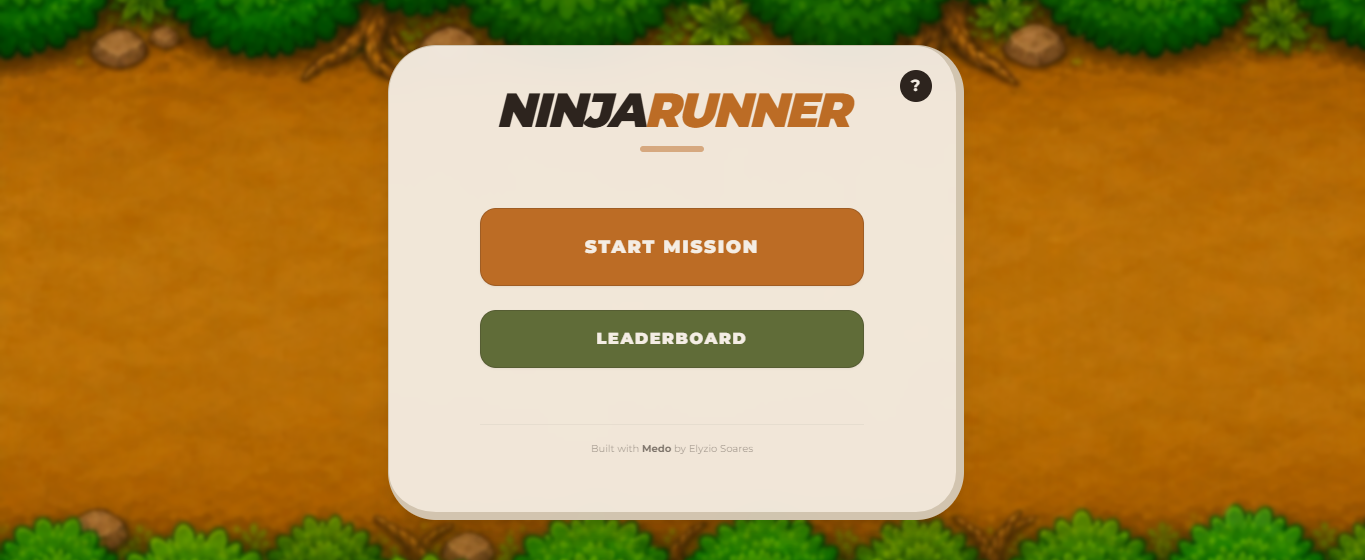
Home Page with Start Mission, Leaderboard, and Guide access.
-
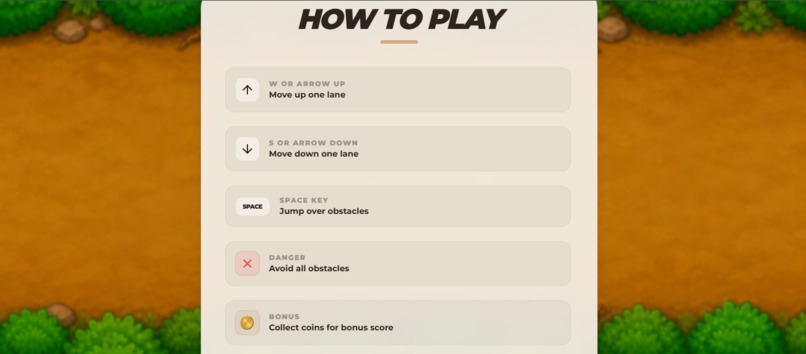
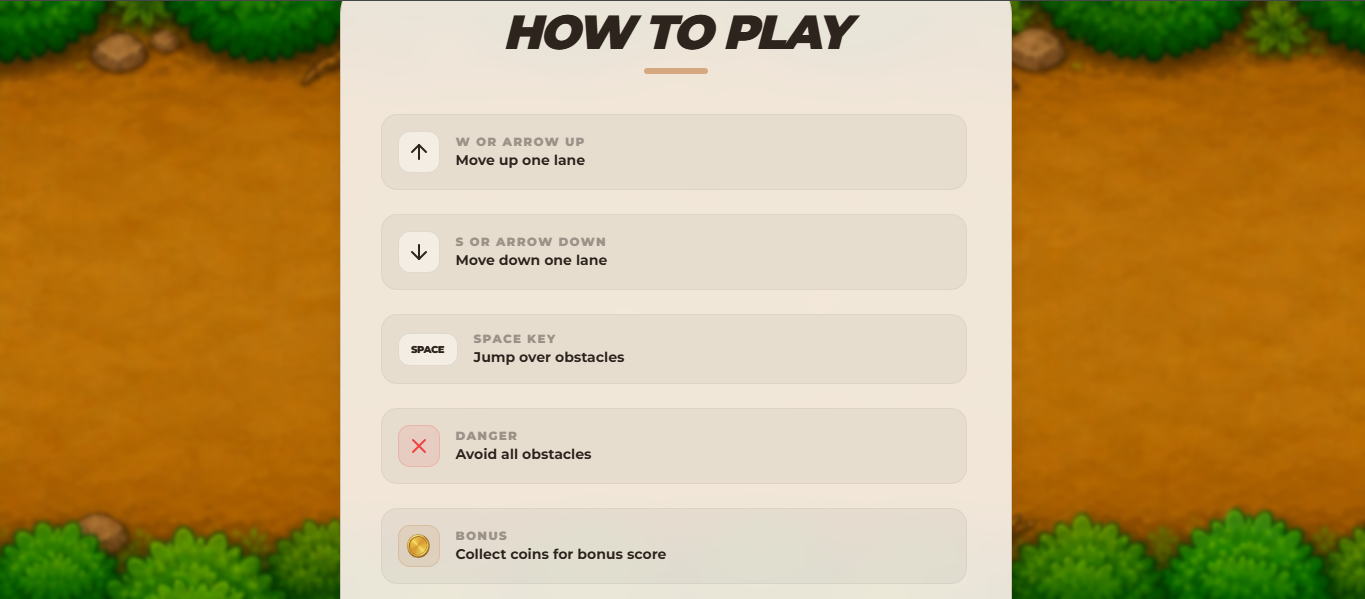
Guide page explaining controls, obstacles, power-ups, and shuriken warning.
-
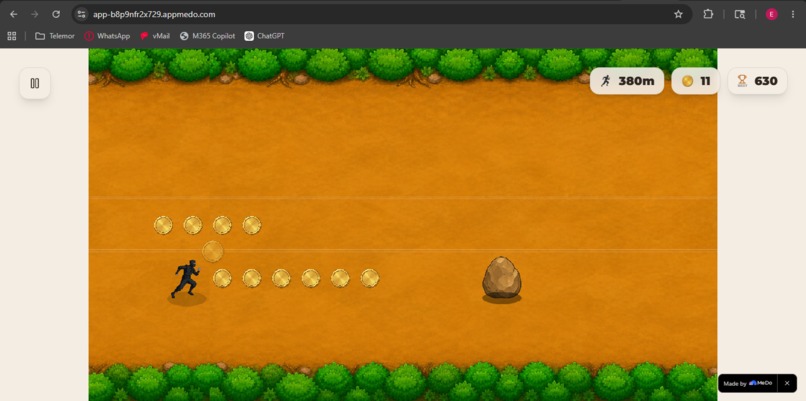
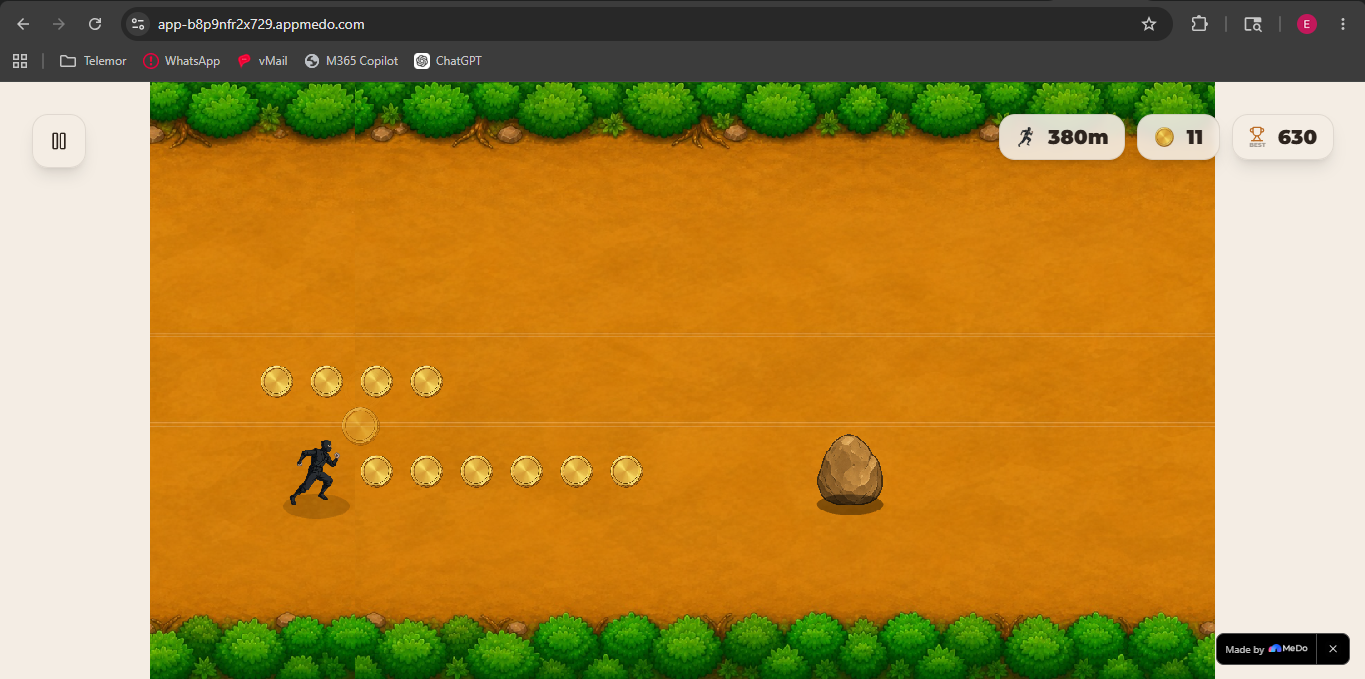
Three-lane ninja runner gameplay with distance, coins, and obstacle avoidance.
-
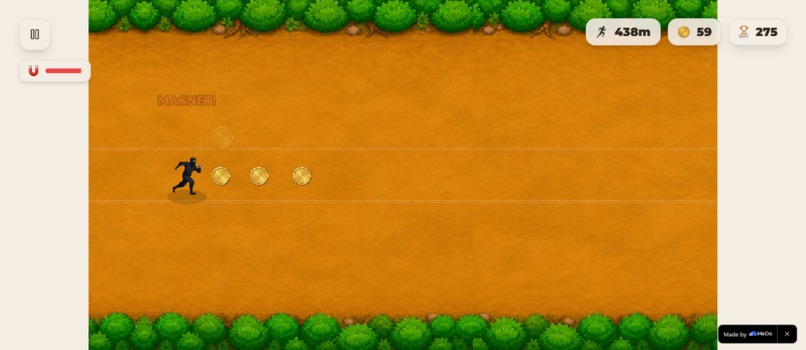
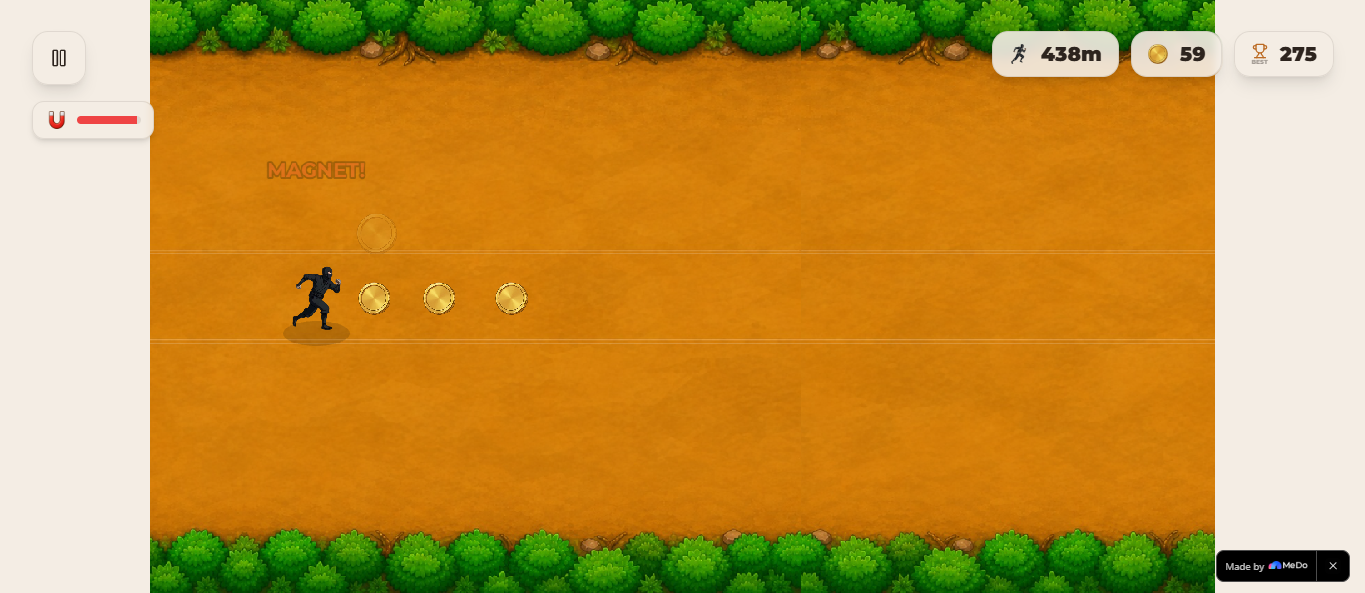
Power-up system with Shield, Magnet, and Double Coin duration bars.
-
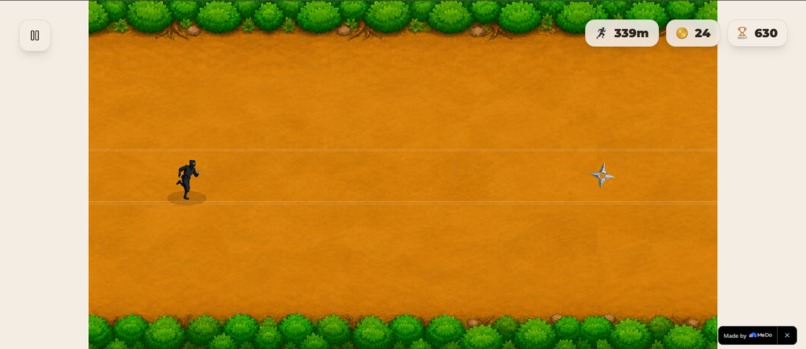
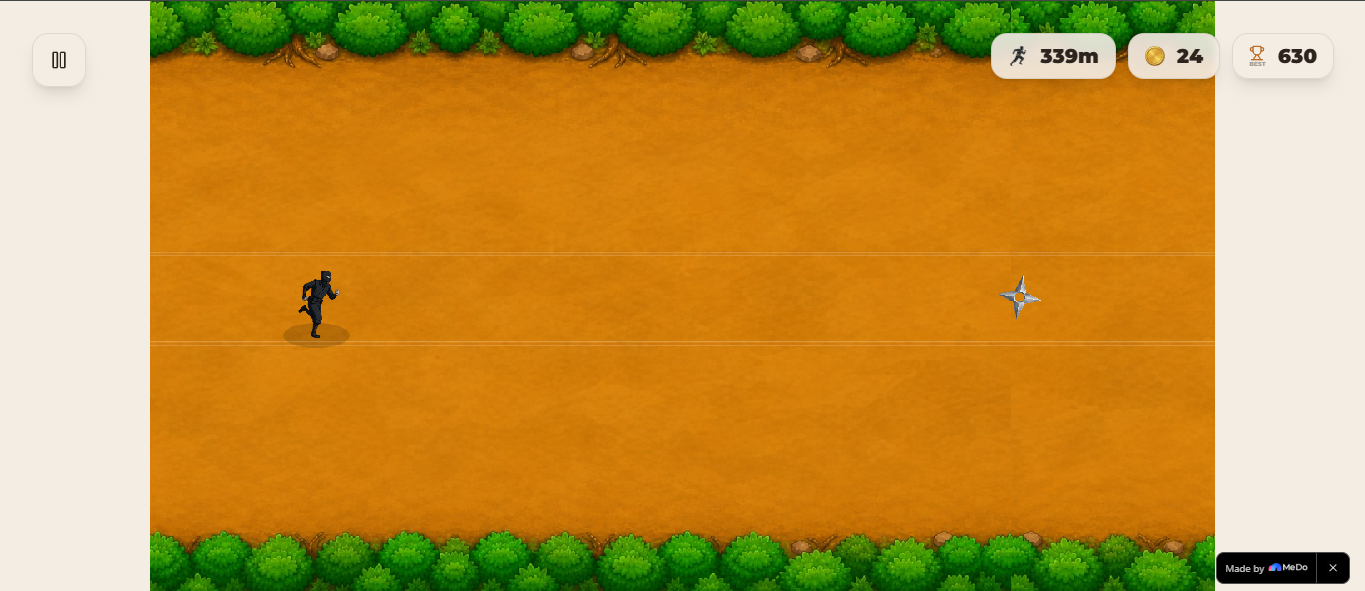
Spinning shuriken projectile.
-
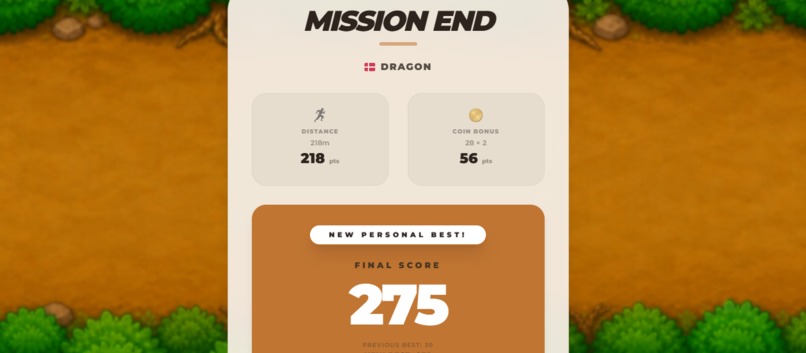
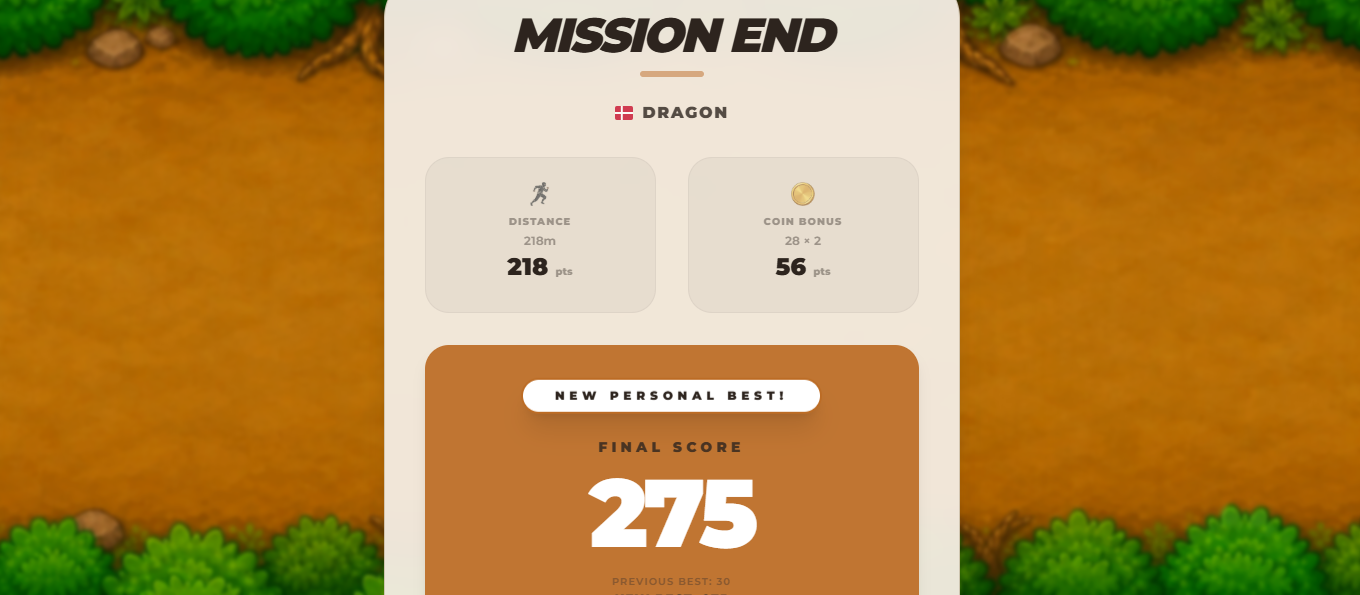
Mission End screen showing distance, coins, and final score.
-
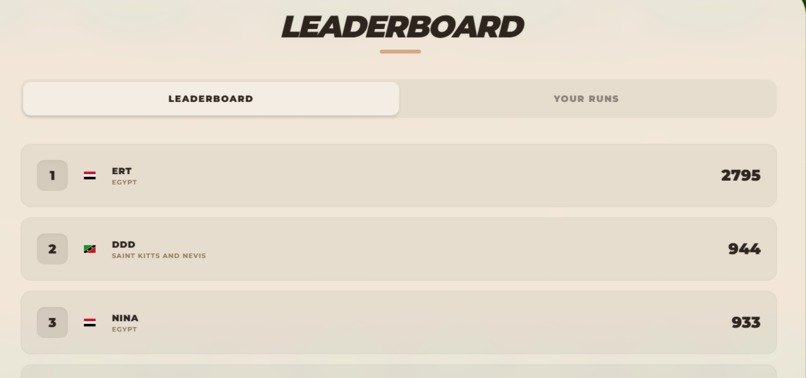
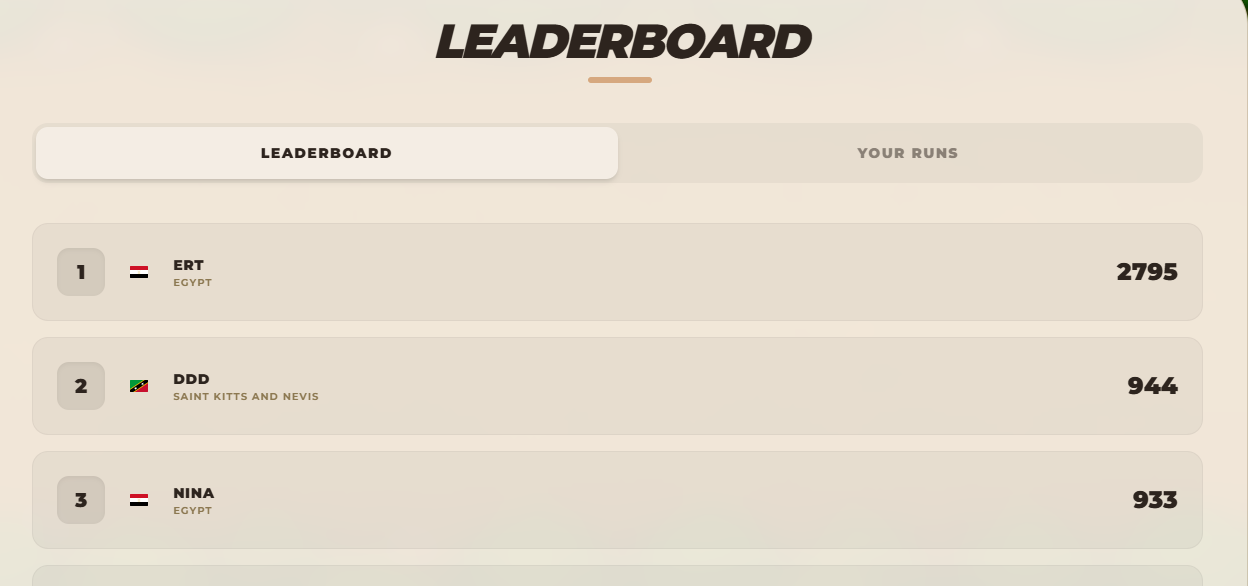
Global leaderboard and player run history powered by Supabase.
Ninja Runner
Category: Lifestyle & Game
Project URL: https://app-b8p9nfr2x729.appmedo.com
Inspiration
I wanted to build a simple game that is easy to understand but still fun to replay. My goal was to create a short-session endless runner with clear controls, fair obstacle warnings, useful power-ups, and leaderboard competition.
I also wanted to test how far I could use MeDo to turn an initial game idea into a complete playable project with gameplay logic, UI polish, database saving, assets, and debugging.
What it does
Ninja Runner is a browser-based 3-lane endless runner game. The player controls a ninja, moves between lanes, jumps over obstacles, collects coins, uses power-ups, and competes on a global leaderboard.
Main features include:
- Three-lane movement
- Jump action
- Keyboard controls
- Distance and coin score tracking
- Global leaderboard
- Player run history
- Game Over summary
- Guide page for controls, obstacles, and power-ups
The game includes several obstacle types:
- Stone obstacles block lanes and force the player to move or jump.
- Green falcons move quickly and require fast reaction.
- Blue falcons behave more intelligently by moving toward the player’s path.
- Shuriken projectiles show a red warning first, then fly straight or diagonally toward the player’s captured position.
The game also includes three power-ups:
- Shield protects the player from one crash.
- Magnet helps collect nearby coins.
- Double Coin increases coin value for a limited time.
Each power-up has a duration bar, so the player can clearly see how long the effect remains active.
How we built it
I developed the project through chat with MeDo using an iterative workflow:
- Planned the gameplay in text first: I described the running direction, 3-lane path, controls, jumping, scoring, obstacles, and power-ups.
- Let MeDo execute the plan: After the gameplay idea was clear, I asked MeDo to build each part step by step.
- Uploaded assets later: I added the ninja, background, obstacles, power-ups, and shuriken image after the core plan was ready.
- Iterated feature by feature: I improved movement, collision, leaderboard, guide page, background, obstacle behavior, and UI/UX polish through focused prompts.
- Debugged bugs one by one: When issues appeared, I used MeDo chat to fix specific problems instead of rewriting the whole project.
- Best generated feature: The dynamic obstacle system, especially the shuriken and blue falcon behavior. The shuriken shows a warning first, then flies straight or diagonally toward the player’s captured position, giving the player a fair chance to react.
I used Supabase as the main API integration for the global leaderboard and player run history:
- Leaderboard logic: The global leaderboard updates only when a player gets a new high score.
- Run history: Every completed run is saved so the player can review previous attempts.
- Assets: I used uploaded visual assets for the ninja, background, obstacles, power-ups, and shuriken, then connected them to gameplay through MeDo prompts.
- Plugins: I did not use a separate MeDo plugin; the main external integration was Supabase.
Challenges we ran into
- Balancing difficulty: I had to tune obstacle speed, spawn timing, warning duration, and collision distance so the game felt challenging but still fair.
- Collision feel: Some obstacles looked like they hit too early or too late, so I adjusted hitbox distance to better match what the player sees.
- Leaderboard saving: I fixed a first-run history bug by changing the save order so the leaderboard row is created before saving the game session.
- Asset publishing issues: Some assets worked in preview but not after publishing, so I simplified the gameplay background into one full scrolling image for better stability.
- Prompt workflow: I learned that small focused prompts are safer than large prompts, especially when fixing bugs close to the deadline.
Accomplishments that we're proud of
- I completed a playable endless runner game from an initial text plan.
- I built multiple obstacle types with different behaviors instead of only simple static obstacles.
- I added power-ups with visible duration bars so players can understand their active effects.
- I connected the game to Supabase for leaderboard and run history.
- I fixed the first-run save bug so new players can have their runs saved correctly.
- I polished the UI, guide page, Game Over flow, and gameplay background.
What we learned
- Game feel depends on small details like warning timing, collision size, movement speed, and UI feedback.
- Dynamic obstacles are more fun when they are dangerous but still fair.
- Saving leaderboard and history data needs careful database flow, especially when one table depends on another.
- Asset handling can behave differently in preview and published builds, so stability matters.
- Working with MeDo was more effective when I used short focused prompts instead of asking for too many changes at once.
What's next for Ninja Runner
Future improvements could include:
- More background environments
- Background music
- More obstacle patterns
- More power-ups
- More sound effects
- Challenge modes

Log in or sign up for Devpost to join the conversation.