-
-
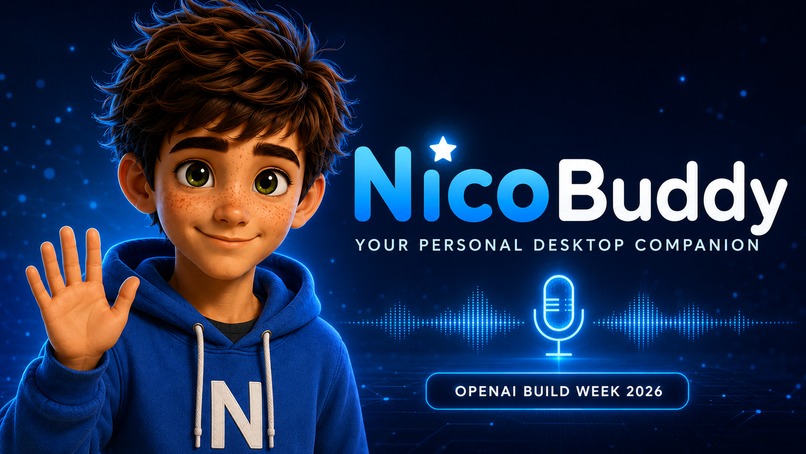
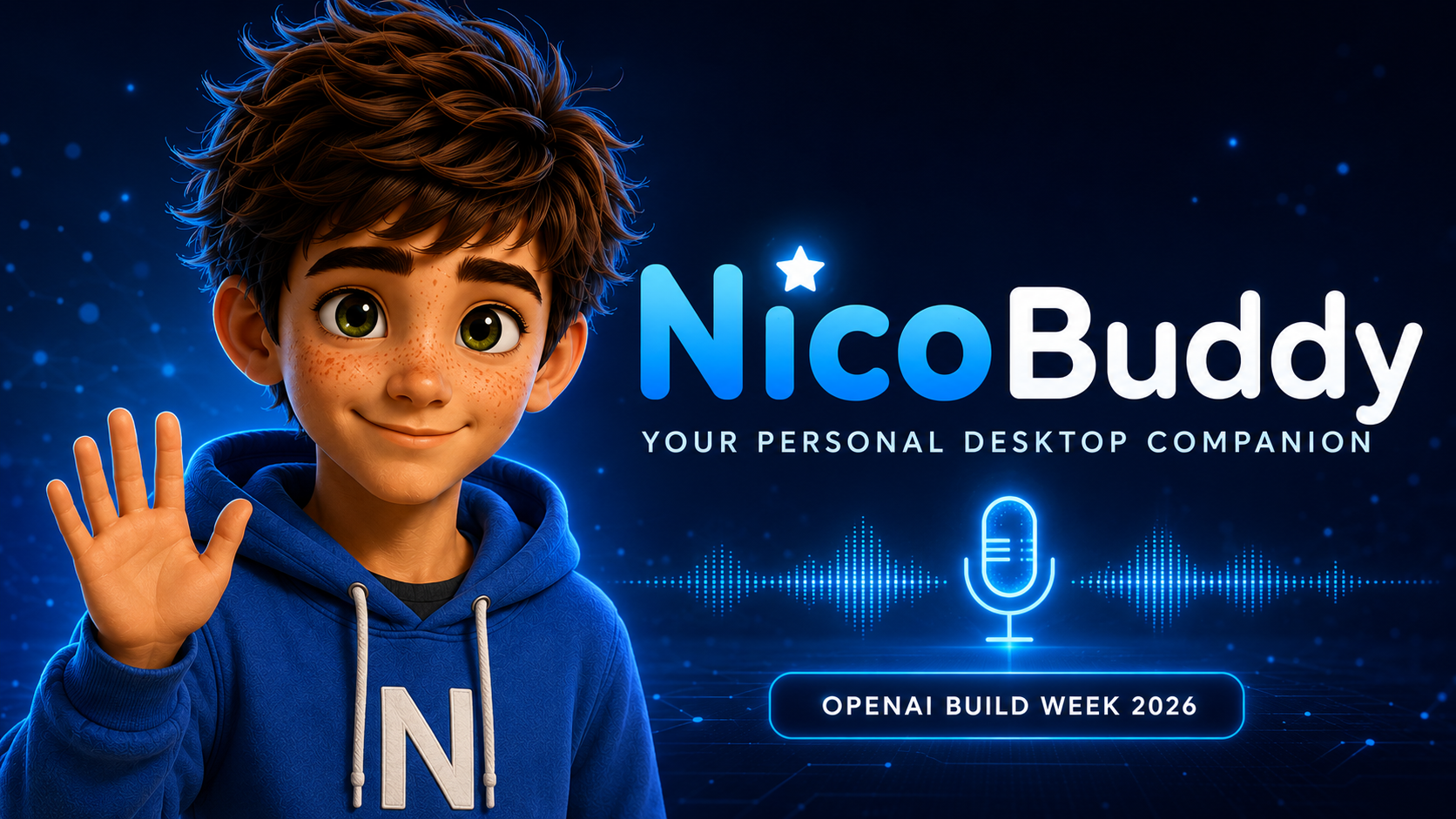
NicoBuddy — a friendly personal desktop companion.
-
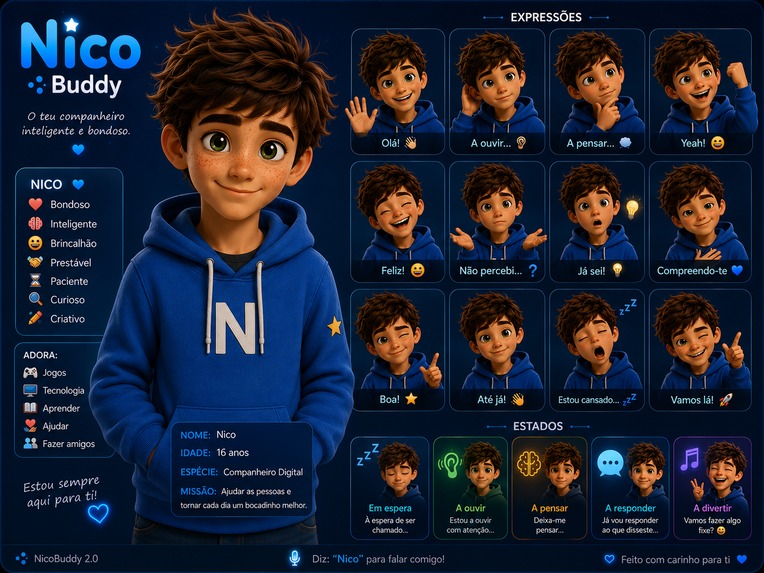
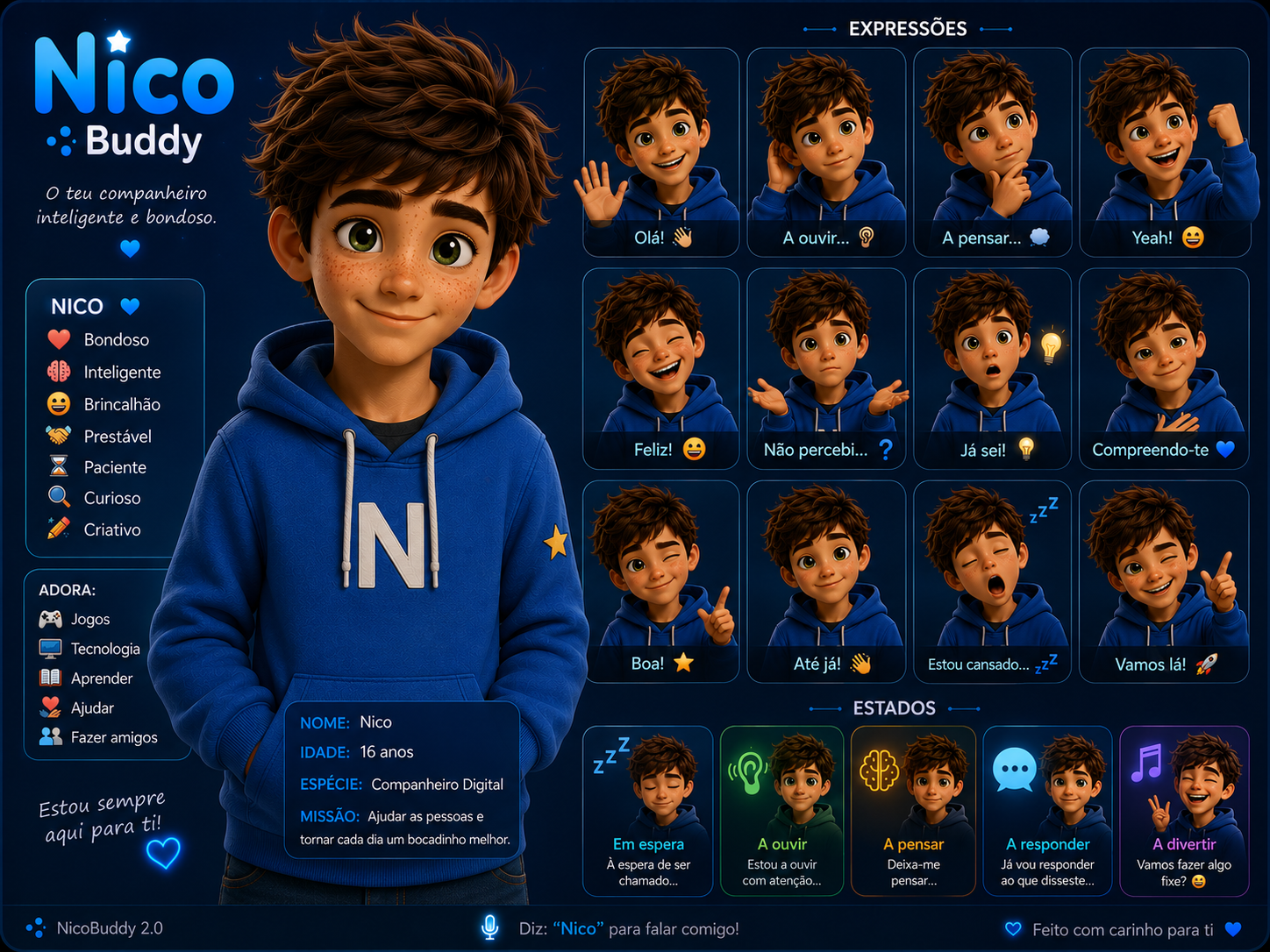
NicoBuddy’s personality, expressions, and interaction states.
Inspiration
NicoBuddy was inspired by the idea that technology can feel more personal, friendly, and accessible. I wanted to create a desktop companion that could listen, remember important personal details, and respond naturally in European Portuguese.
The goal was not to create another complicated assistant, but a small companion that feels present on the desktop and is simple enough for anyone to use.
What it does
NicoBuddy is an animated personal desktop companion.
The user clicks on the avatar and speaks naturally. NicoBuddy transcribes the sentence, understands supported requests, responds with a Portuguese voice, and can remember personal information such as family members, pets, favourite things, and other useful details.
Its main features include:
- Click-to-talk voice interaction
- Speech recognition in Portuguese
- Voice responses in European Portuguese
- An animated desktop avatar
- Local and persistent personal memory
- Commands for family, pets, favourites, and personal information
- A movable desktop window
- A privacy-conscious design that only listens when the user clicks
How I built it
NicoBuddy was built in Python as a Windows desktop application.
The interface and animated avatar use PySide6. Voice activity detection uses Silero VAD, while Faster-Whisper converts speech into text. Spoken responses are generated with a European Portuguese neural voice. Personal information is stored locally in JSON files.
The project is divided into independent modules for listening, speech, memory, commands, personality, wake-word processing, and avatar animation. This modular structure makes the application easier to test, repair, and expand.
I developed NicoBuddy as a solo project with Codex as my programming partner. Codex and GPT-5.6 helped me analyse errors, reorganise the code, improve the memory system, diagnose audio and interface problems, and turn experimental features into a more stable prototype.
Challenges
The biggest challenge was voice detection in a real home environment.
An early version listened continuously for NicoBuddy's name. However, it sometimes captured television audio and background conversations while failing to recognise the person directly addressing it. Continuous listening also created privacy concerns and made the application harder to stop safely.
After testing different approaches, I redesigned the interaction around click-to-talk. The user now decides exactly when NicoBuddy should listen. This made the experience more reliable, faster, and more private.
Other challenges included keeping the interface responsive while audio was being processed, preventing animation errors, handling microphone interruptions, and ensuring that memories remained available after restarting the application.
Accomplishments
I am proud that NicoBuddy grew from a simple question-and-answer script into a working animated desktop companion.
The current prototype can listen on demand, understand Portuguese speech, answer with its own voice, remember personal information between sessions, and remain responsive while running on the desktop.
I am especially proud of creating this project as a beginner and continuing through many technical problems until the essential experience became stable.
What I learned
This project taught me that a good assistant is not only about recognising speech. Timing, privacy, visual feedback, memory, error handling, and user control are equally important.
I also learned how useful modular code and version control are when a project changes quickly. Working with Codex helped me understand unfamiliar code, compare possible solutions, and make technical decisions while learning throughout the process.
What's next for NicoBuddy
Next, I want to improve speech recognition speed, expand natural-language memory, add safer memory management controls, and create more avatar expressions and animations.
Future versions could include optional OpenAI-powered conversations, reminders, accessibility tools, multilingual support, and a simple installer so that non-technical users can easily welcome NicoBuddy onto their own desktop.

Log in or sign up for Devpost to join the conversation.