-
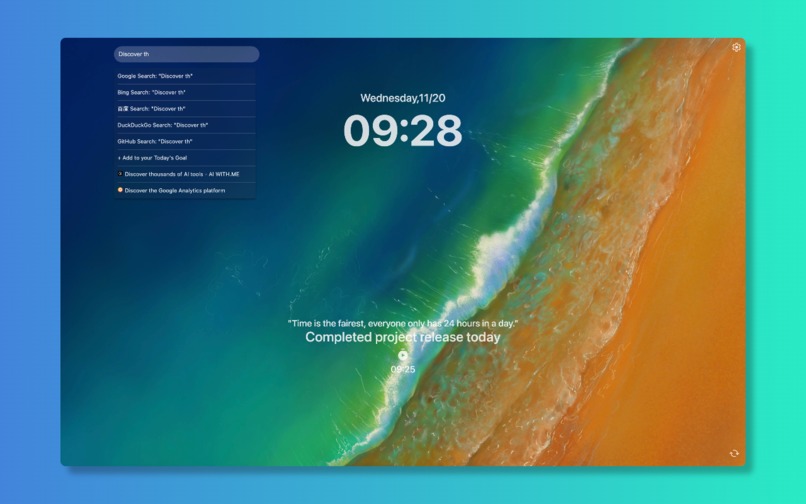
Nice NewTab - Everything You Need, One Tab Away
-
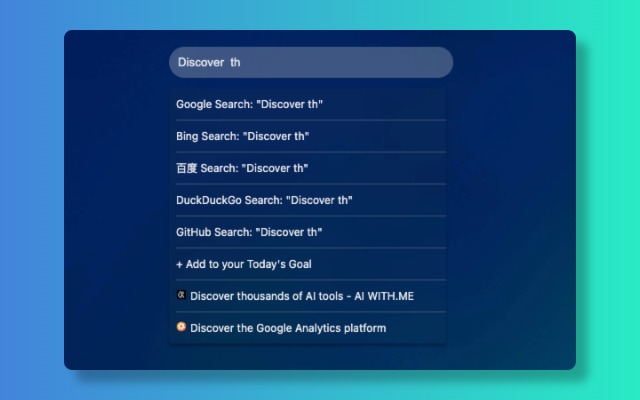
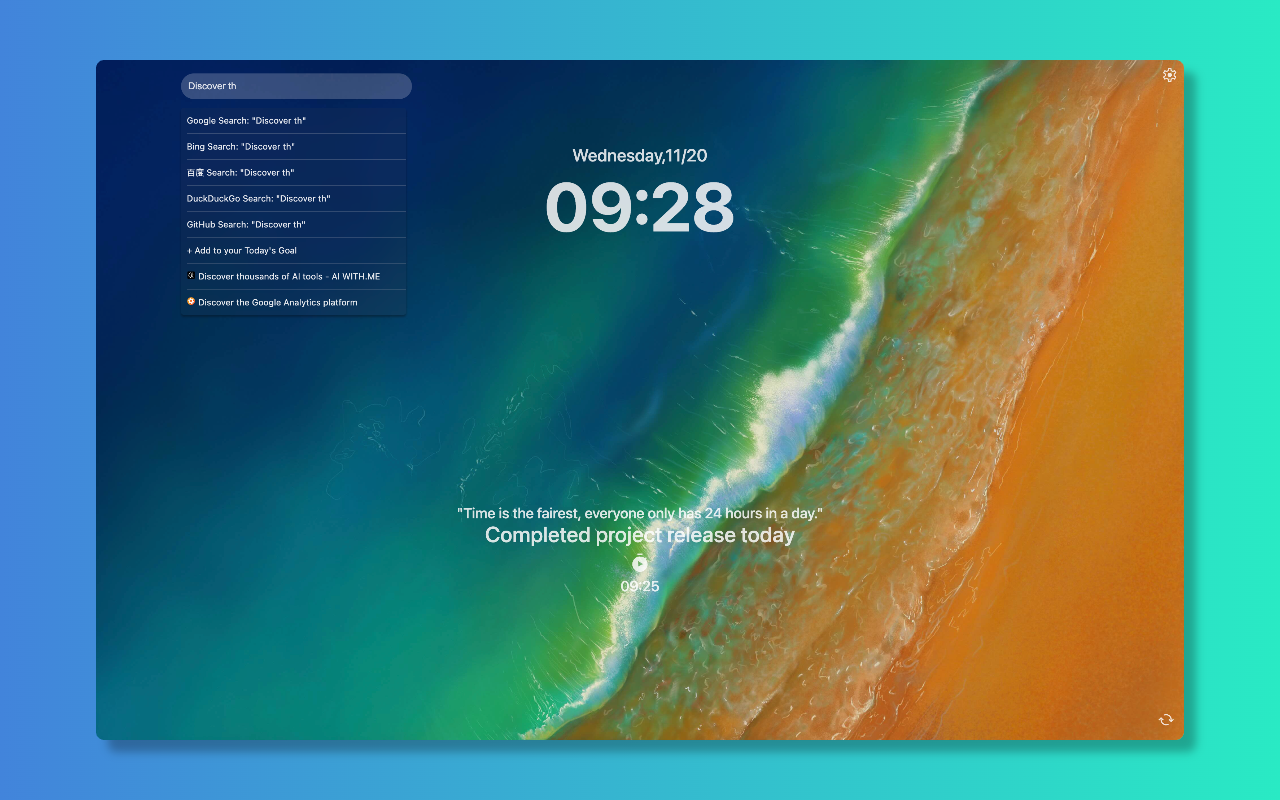
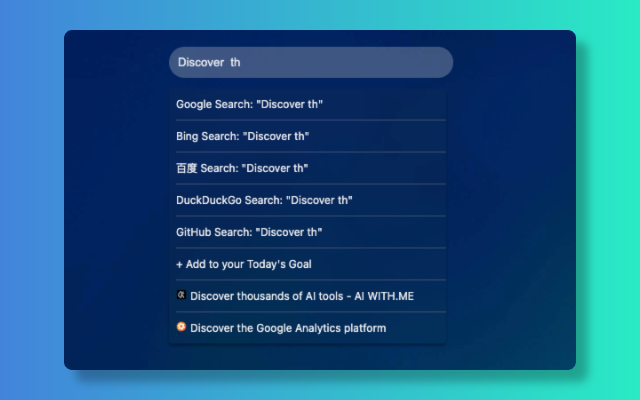
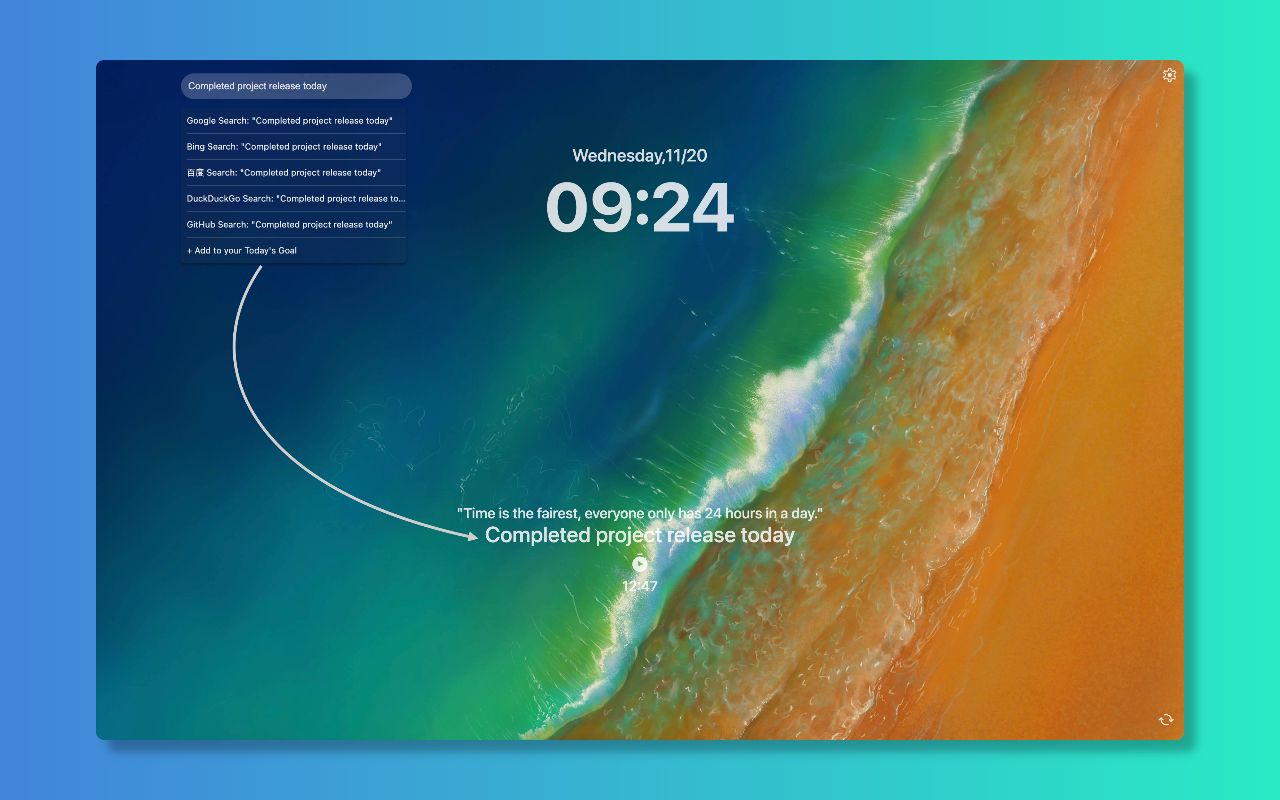
Nice NewTab - Fast Search
-
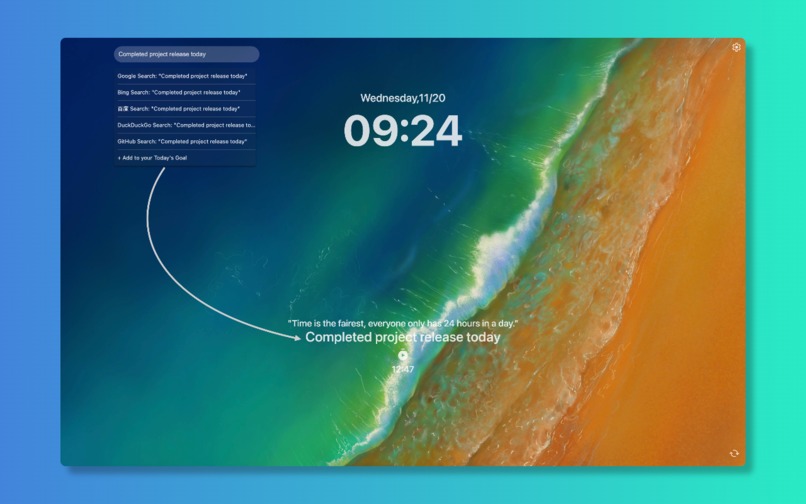
Nice NewTab - Daily Goals Tracking
-
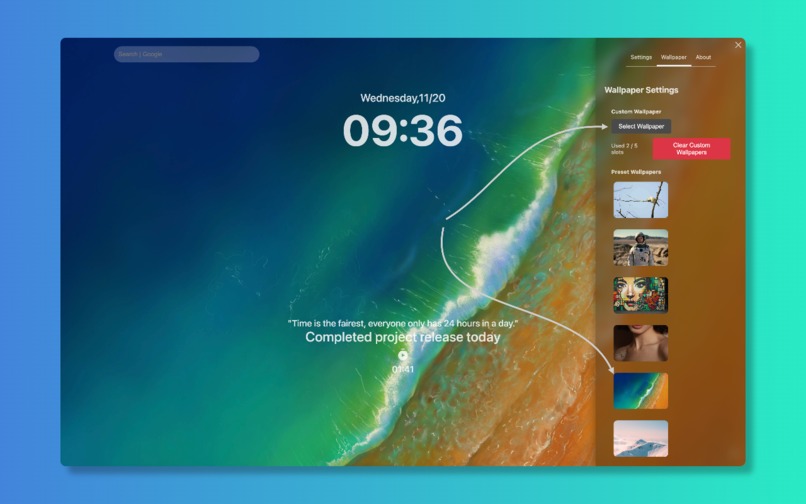
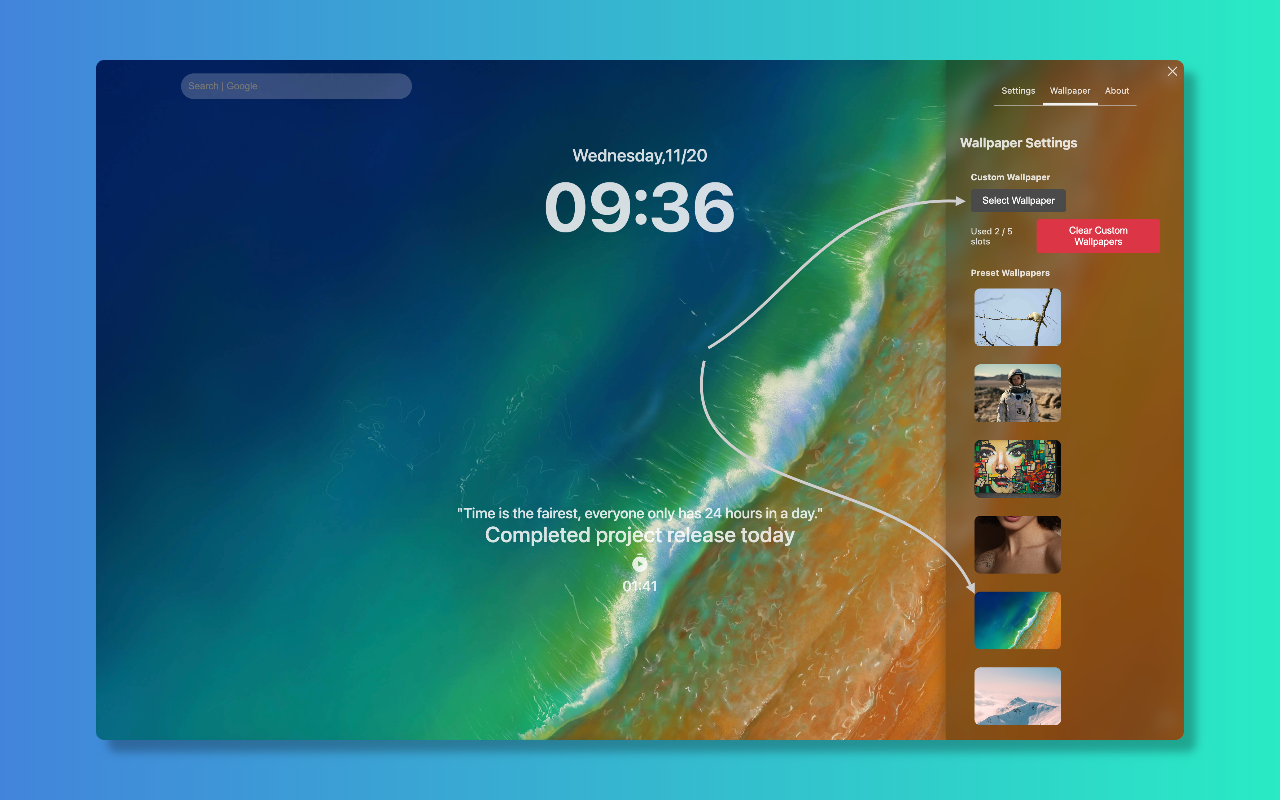
Nice NewTab - Beautiful Customization
-
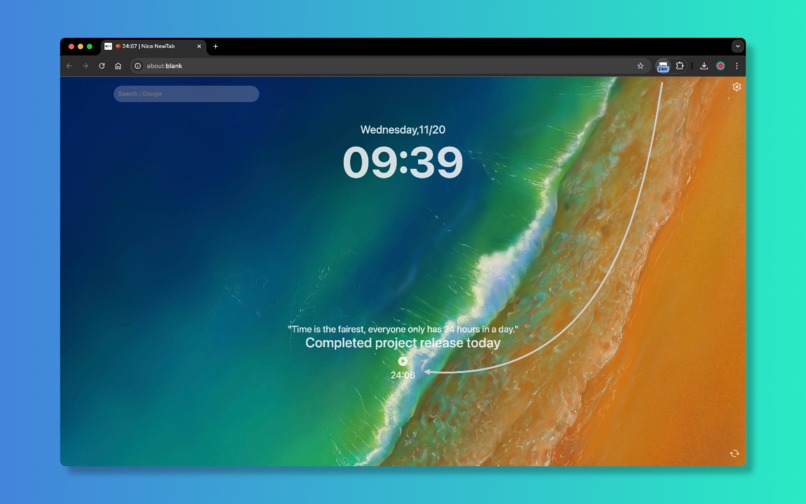
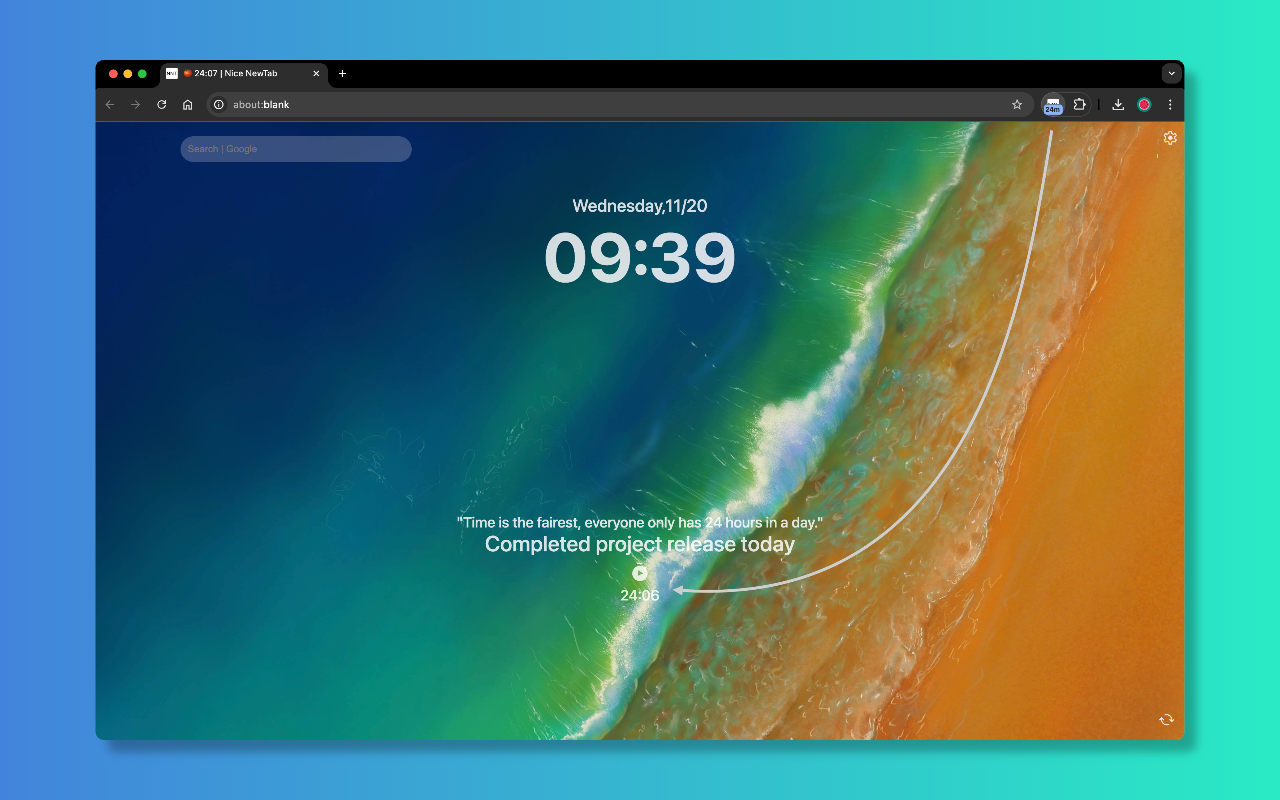
Nice NewTab - focus timer
-
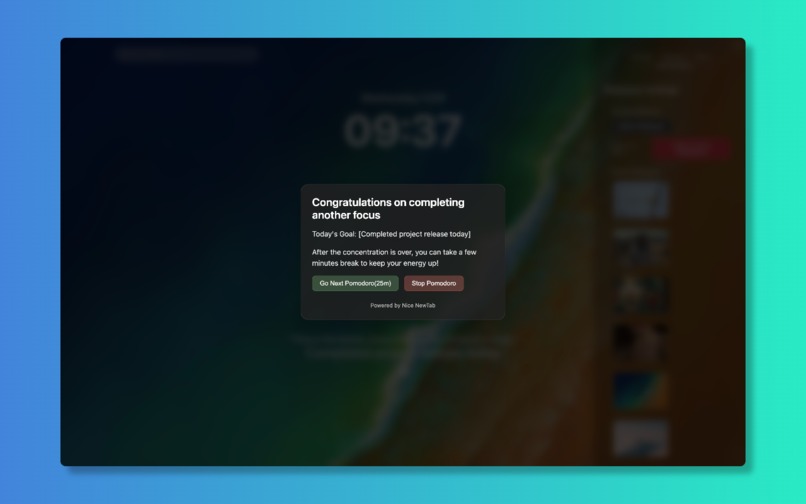
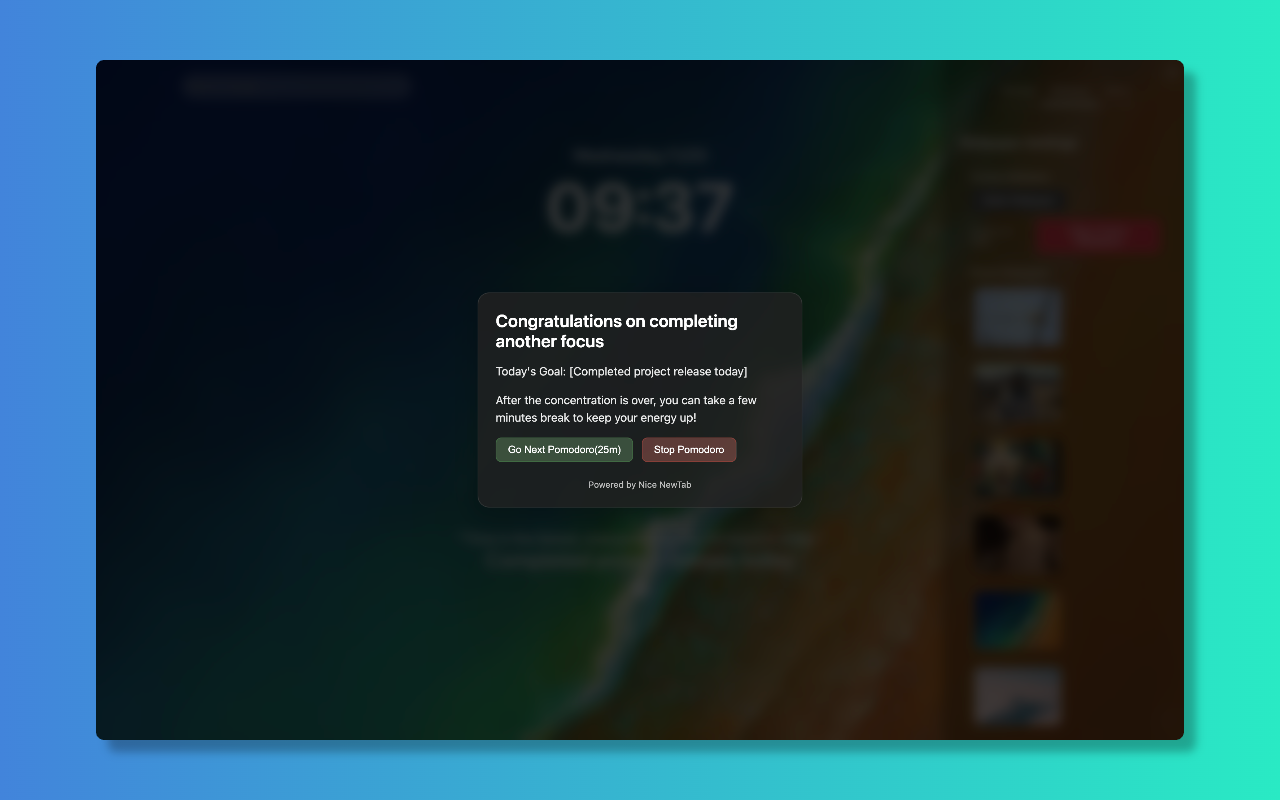
notifications
Inspiration
Most browser new tab experiences are either too cluttered or too empty, failing to strike the right balance between functionality and minimalism. As someone who opens dozens of new tabs daily, I wanted to create a solution that would transform this frequent action into an opportunity for increased productivity, without overwhelming the user with unnecessary features. The inspiration came from the principles of minimalist design and the Pomodoro Technique for time management.
What it does
Nice NewTab transforms your browser's new tab into a productivity command center that combines:
- A lightning-fast search system that learns from your browsing patterns
- An integrated Pomodoro timer for focused work sessions
- A simple but effective daily goals tracking system
- Customizable backgrounds and themes
- Smart bookmark and history search
- Minimalist interface that reduces distractions
How I built it
The extension was built using modern web technologies with a focus on performance and usability:
- Frontend: React with TypeScript for reliable component architecture
- State Management: Redux for handling complex application state
- Storage: Chrome Extension Storage API for persistent data
- Search: Custom-built search algorithm with learning capabilities
- Design: CSS Modules and CSS-in-JS for styled components
- Background Service: Service Workers for timer and notification handling
- Build System: Webpack for optimized bundle generation
Challenges I ran into
- Implementing a fast search system that works across bookmarks and history
- Managing timer state across multiple tabs
- Optimizing performance for instant tab loading
- Handling background synchronization between tabs
- Implementing reliable notifications across different OS platforms
- Balancing feature richness with simplicity
- Ensuring privacy while providing personalized features
Accomplishments that I'm proud of
- Created an intuitive interface that users love
- Achieved sub-100ms load times for new tabs
- Built a learning search system that improves over time
- Implemented a reliable cross-tab timer system
- Maintained a 4.8+ rating on Chrome Web Store
- Growing user base with minimal marketing
- Received positive feedback from productivity enthusiasts
What I learned
- Chrome Extension API best practices
- Performance optimization techniques
- User behavior patterns in new tab interactions
- Importance of progressive enhancement
- Cross-browser compatibility challenges
- Service Worker lifecycle management
- User privacy considerations in extensions
What's next for Nice NewTab
- AI-powered smart suggestions
- Integration with popular task management tools
- Advanced goal tracking analytics
- Custom timer templates
- Collaborative features for teams
- Cross-device synchronization
- More customization options
- Offline functionality improvements
- Integration with calendar services
- Enhanced productivity analytics

Log in or sign up for Devpost to join the conversation.