A confession
I can open an email I've been dreading for three weeks, stare at it for twenty minutes, and close it again. Not because I'm lazy — because I care so much it's frozen me. The first move is the heaviest thing in the world.
That's task-initiation paralysis — "I know exactly what I need to do, and I still can't start." Chronic procrastination touches about 1 in 5 adults, and for the millions of people with ADHD, anxiety, and executive-function differences, the starting is the hardest part of all — and honestly, for everyone on a bad day. And the entire productivity category gets it backwards:
- To-do apps hand you a *list to manage* — tagging, ordering, prioritizing. That's more executive load dumped on the person who has none to spare.
- "Break it into steps" tools help, but you still have to press the button, you decide the step is too big, you drive. When you're frozen, "you drive" is the whole problem.
What it does
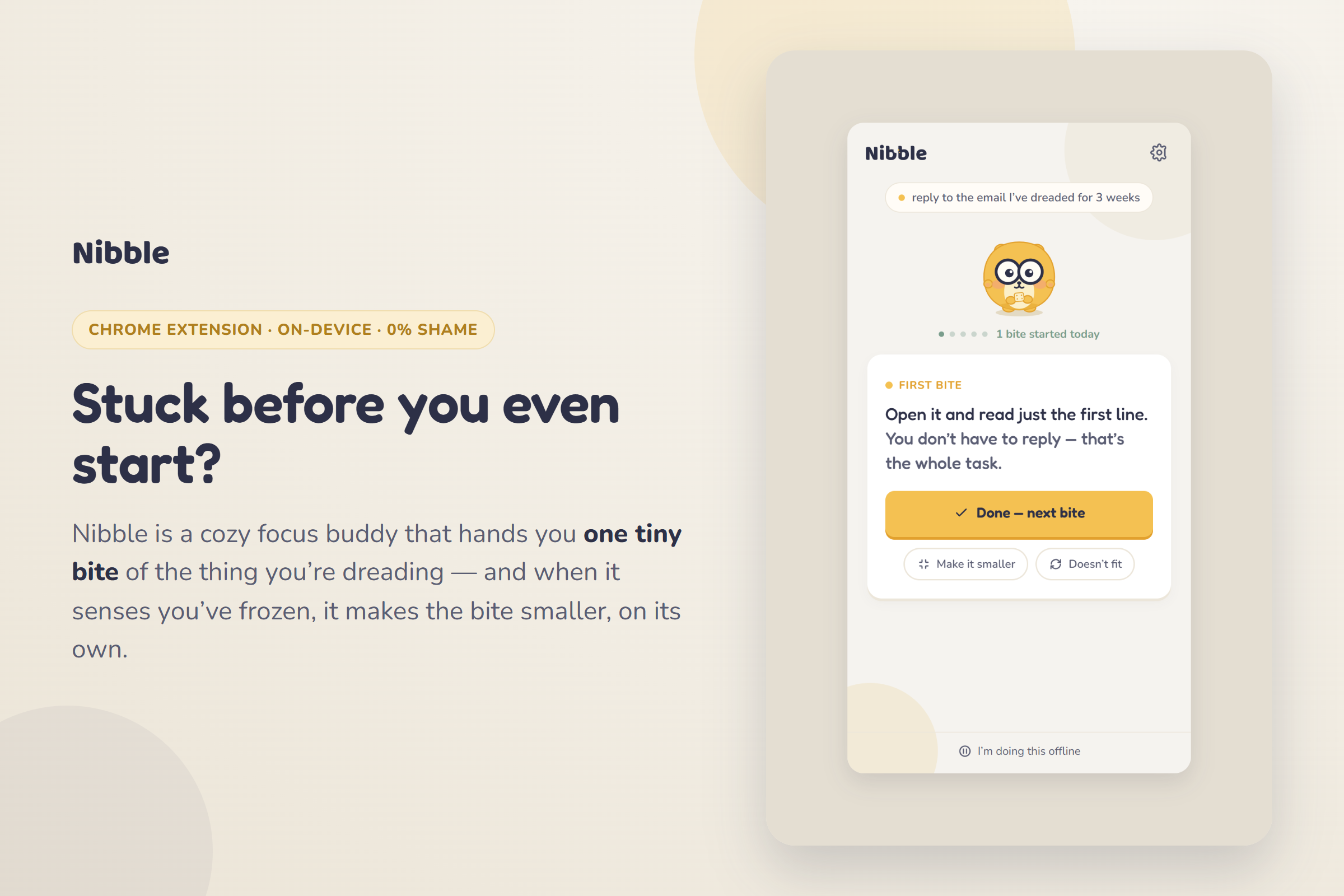
Nibble is a cozy little Chrome extension with a glasses-wearing critter. You give it one dreaded task. It never gives you a list. It gives you one absurdly small bite — "open the email and read just the first line. You don't have to reply. That's the whole task." You tap one big Done. That's the entire loop.
Unlike every to-do app, which hands you a list to manage, Nibble hands you one bite to do.
The one thing it does that no to-do app does
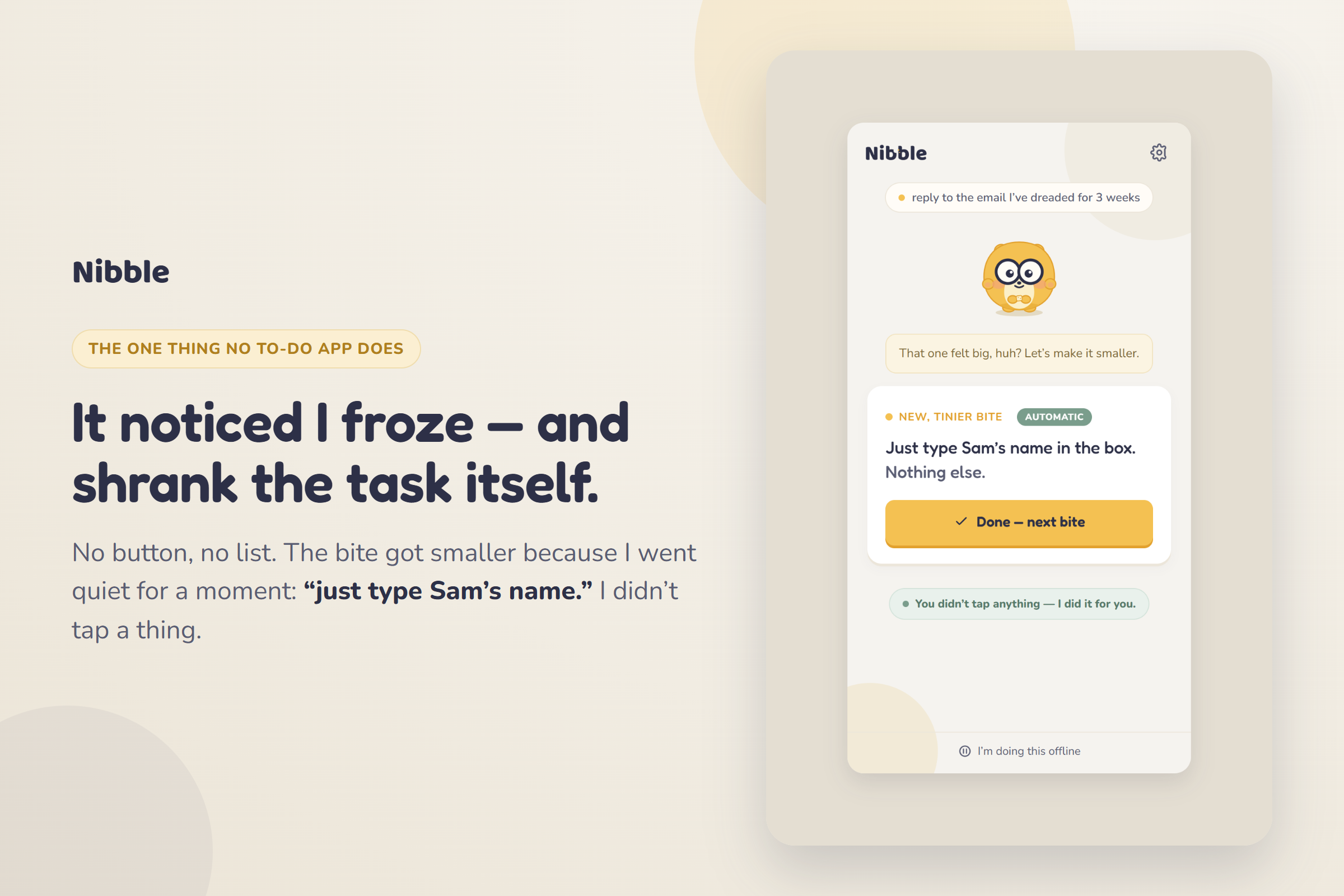
Here's the part I'm proud of. When Nibble notices you've frozen, it shrinks the bite for you — automatically, without you asking.
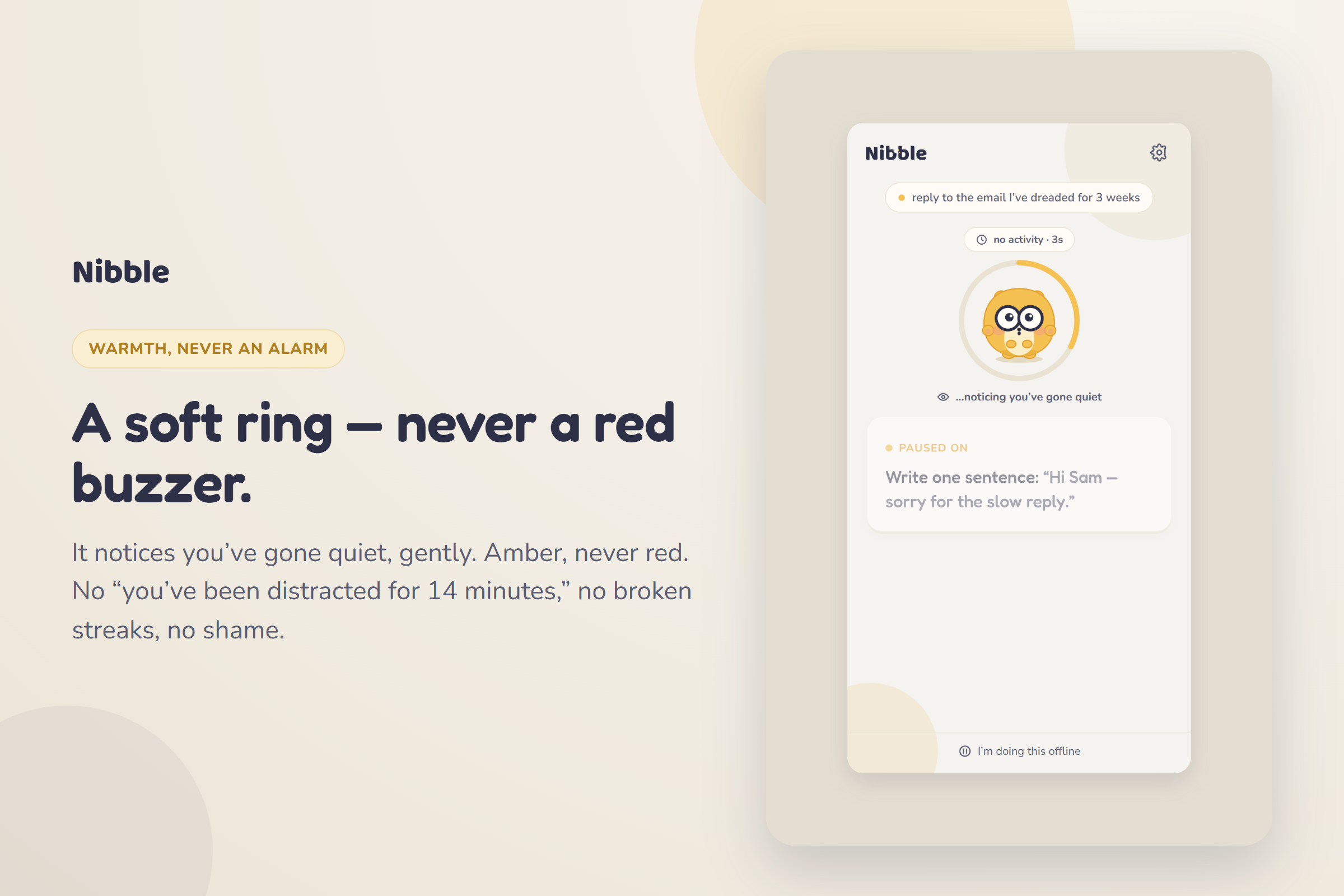
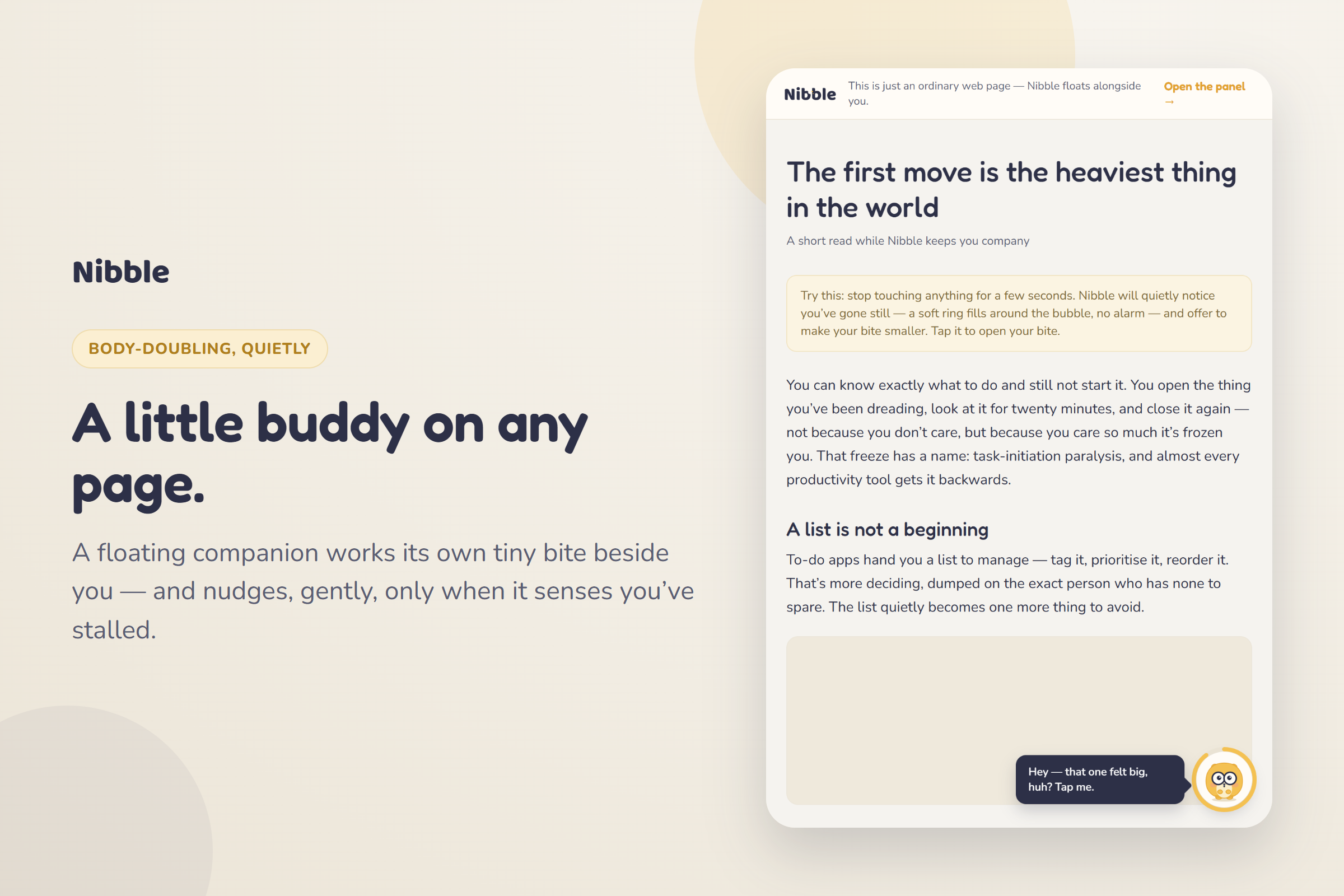
You sit. You flick to another tab. You don't progress. A soft amber ring quietly fills around the critter — "…noticing you've gone quiet." No alarm, no red, no guilt. And then, on its own, the bite halves: "that one felt big, huh? Just type Sam's name in the box. Nothing else."
The task got smaller because you froze — not because you clicked anything. That single, unfaked, on-screen moment is the whole pitch. Goblin.tools and every to-do list make you press "break it down." Nibble watches for the freeze and shrinks the task itself. That one verb — it notices — is the entire difference.
How I built it
Deliberately boring on the outside, honest on the inside — vanilla ES modules, HTML and CSS, no framework, no build step. One folder is both the installable web app / PWA and the unpacked Chrome MV3 extension, so the side panel and the floating page bubble run from the same code.
Three pieces do the work:
- The bite engine. A task is matched to one of a dozen hand-authored
families (email, write, call, study, tidy, admin…) and turned into a ladder
of single-verb, sub-90-second, decision-free bites, each with
tiny/tiniervariants. This curated path is the dependable, offline, demo-safe one. When Chrome's built-in Gemini Nano (Prompt API) is available, it enhances the first bite of unrecognised tasks — with a self-check "is this doable in 90 seconds without deciding anything? if not, halve it" pass and a hard timeout. The curated families and the freeze-triggered shrink stay fully deterministic, so the showcase never hangs on a cold model and the magic moment can't fail live. - The freeze sensor. A deliberately simple, 100% on-device 3-state read of your own in-page activity — engaged → idle → stuck — from passive signals (pointer, key, scroll, focus, tab-switch). Smoothed with a light EMA + hysteresis + a one-shot debounce so the critter never flickers or nags. It infers "stuck" only as engineering; the UI never says it — externally there's only warmth.
- The loop controller. Owns the screen state machine and fuses the hero into one synchronized beat: the ring completes, the critter softens, and the bite shrinks — all at once, with nothing clicked.
Everything persists to localStorage (mirrored to chrome.storage.local for the
extension), including a tiny bite-memory that remembers which bite sizes
un-froze you and starts smaller next time. A service worker precaches the shell so
it works in airplane mode. I drove every screen in real headless Chrome with
Puppeteer to screenshot the whole flow and assert zero console errors.
Challenges I ran into
The hardest part wasn't the AI — it was restraint. Every instinct said "add a list view, add progress bars, add a streak." But the moment a judge sees a checklist, the whole "this isn't a to-do app" thesis collapses. So the discipline is the product: exactly one bite card is ever on screen.
The second was making the freeze feel kind instead of creepy. A naïve detector either nags too soon or feels like surveillance. The EMA + hysteresis + debounce, plus making the whole thing opt-in and off by default, is what turns "we're watching you" into "I noticed you paused — want this smaller?"
What I learned
That the smallest possible feature set, done with taste, beats a feature grab-bag — and that the right place to spend your one hard engineering pillar is the one moment a judge can watch work live.
The honest part
The stall-detector is a deliberately simple on-device heuristic, not a mind-reader. I'd rather it be dead-simple, private, and right most of the time than clever and creepy. On a slow signal, a heavier filter would've been overkill. It can occasionally notice a beat early or late — and that's a fair trade for something that never sends a byte off your machine.
Privacy
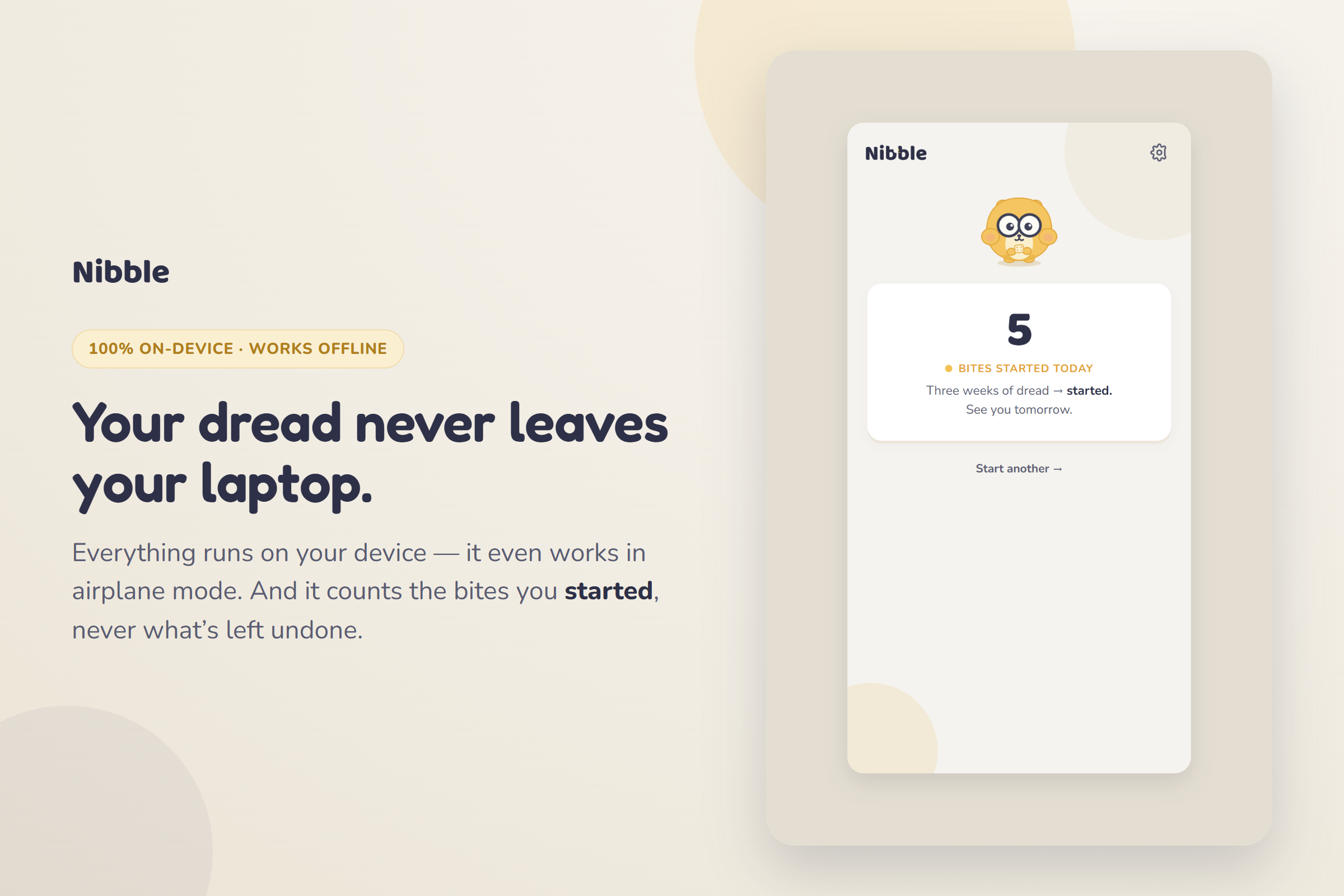
There is no server, no account, no analytics, and no network call. The task text, the activity read, the bite-memory, and every setting live only on your device. Your dread is yours. It works fully in airplane mode.
What's next
Per-family bite libraries tuned with people who actually live with executive- function differences; a calmer "co-focus" companion mode; and an option to let the on-device model take over more task types as Chrome's built-in AI matures.
Built With
- chrome
- chrome-built-in-ai
- css
- gemini-nano
- html
- javascript
- localstorage
- manifest-v3
- node.js
- on-device-ai
- prompt-api
- pwa
- service-worker
- svg


Log in or sign up for Devpost to join the conversation.