Inspiration
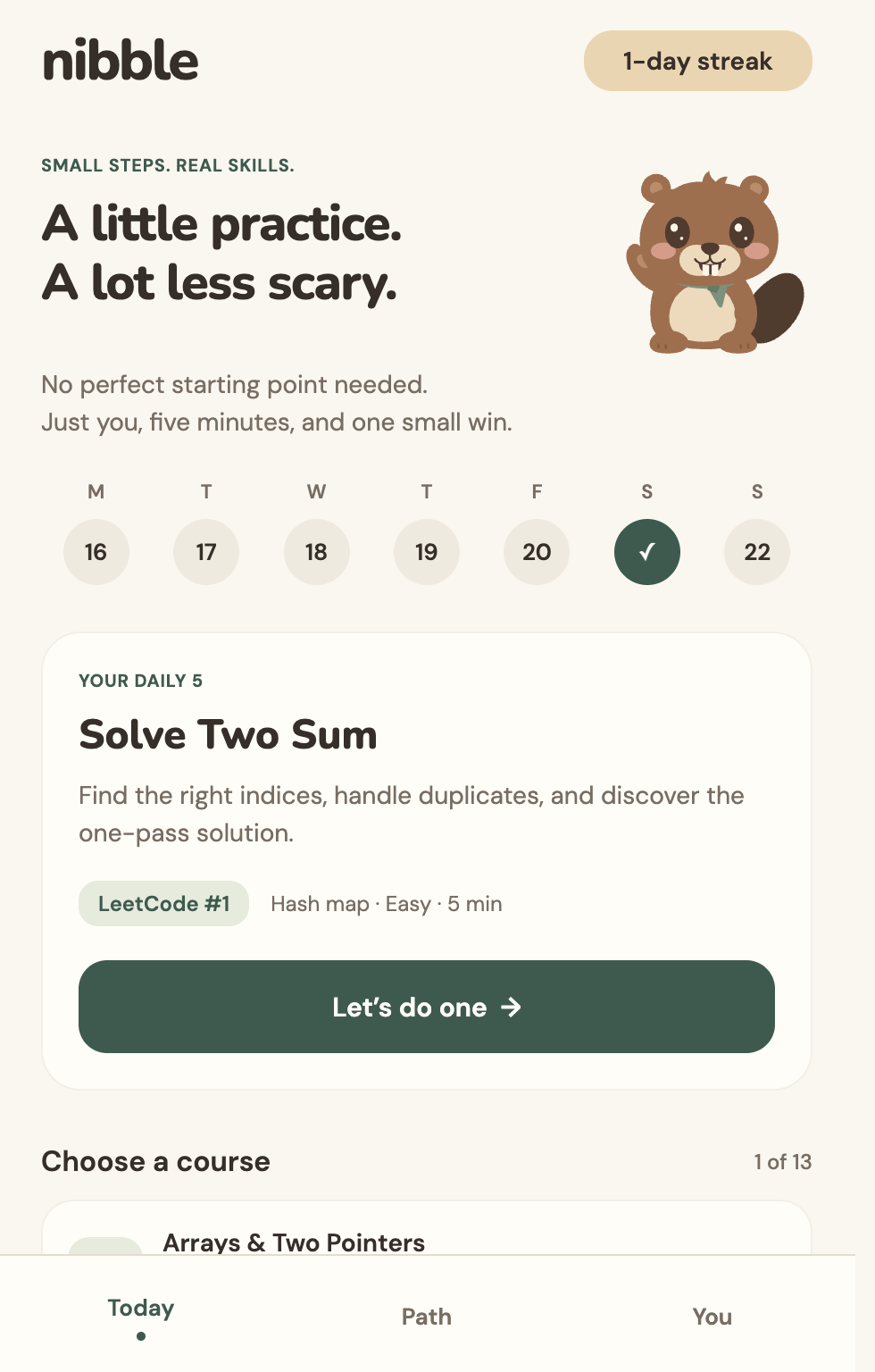
A lot of people want to practice coding interviews but put it off because opening a problem and facing a blank editor feels intimidating. And after a long day, students often don't want to open a laptop after being comfy in bed. I built Nibble to make starting easier: one small, useful step at a time. My app turns practice into a journey you can return each day for a streak.
What it does
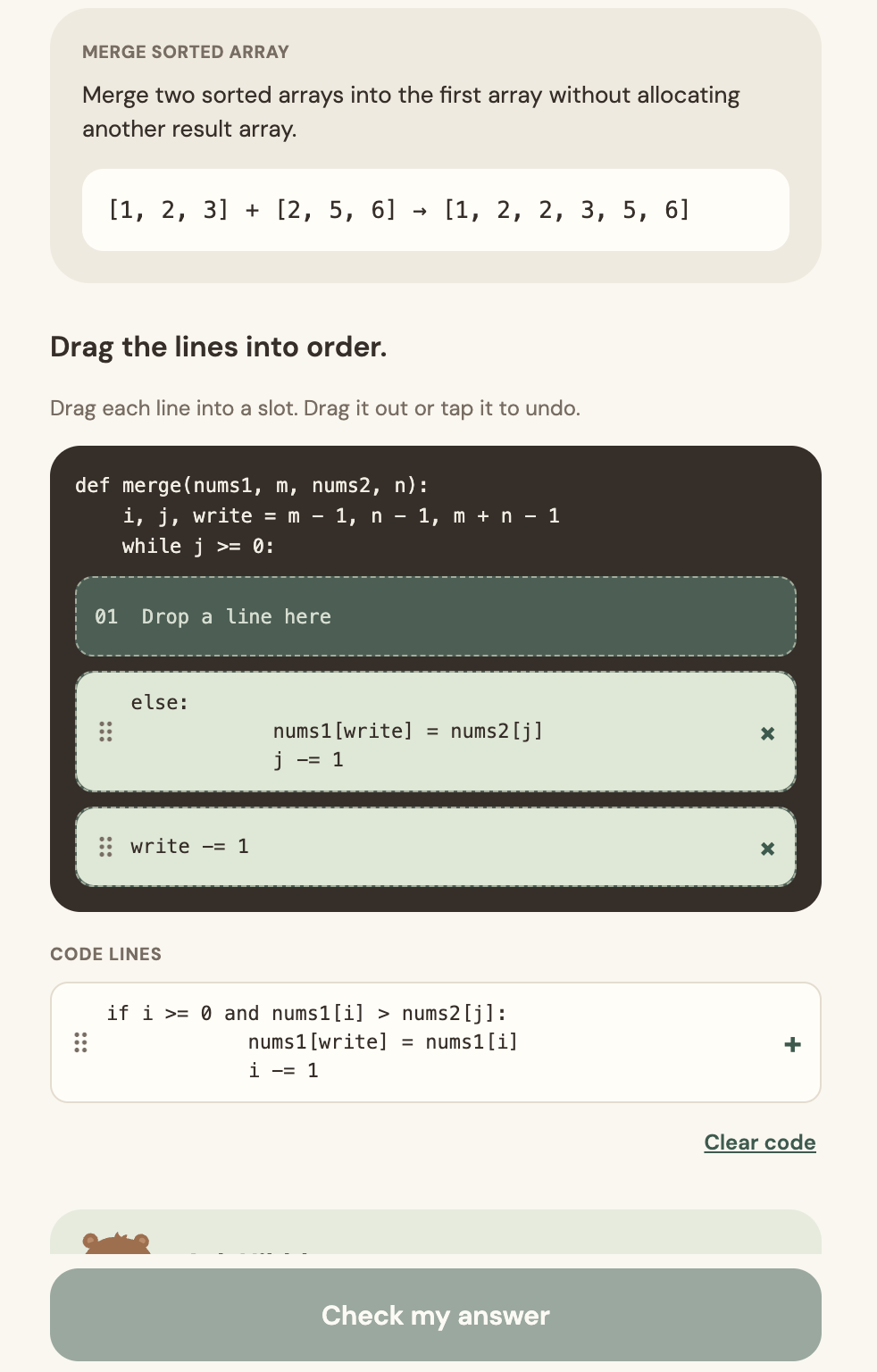
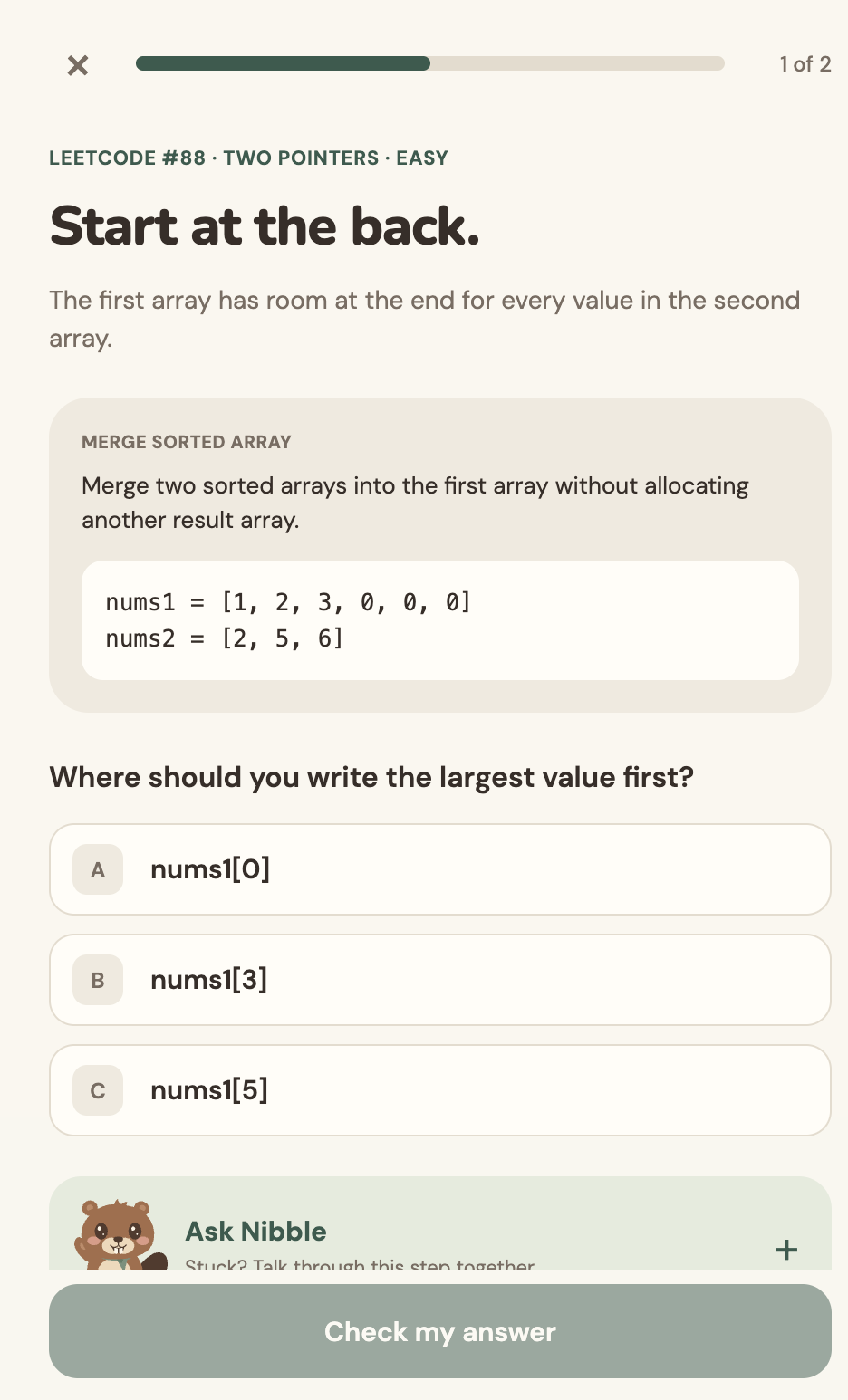
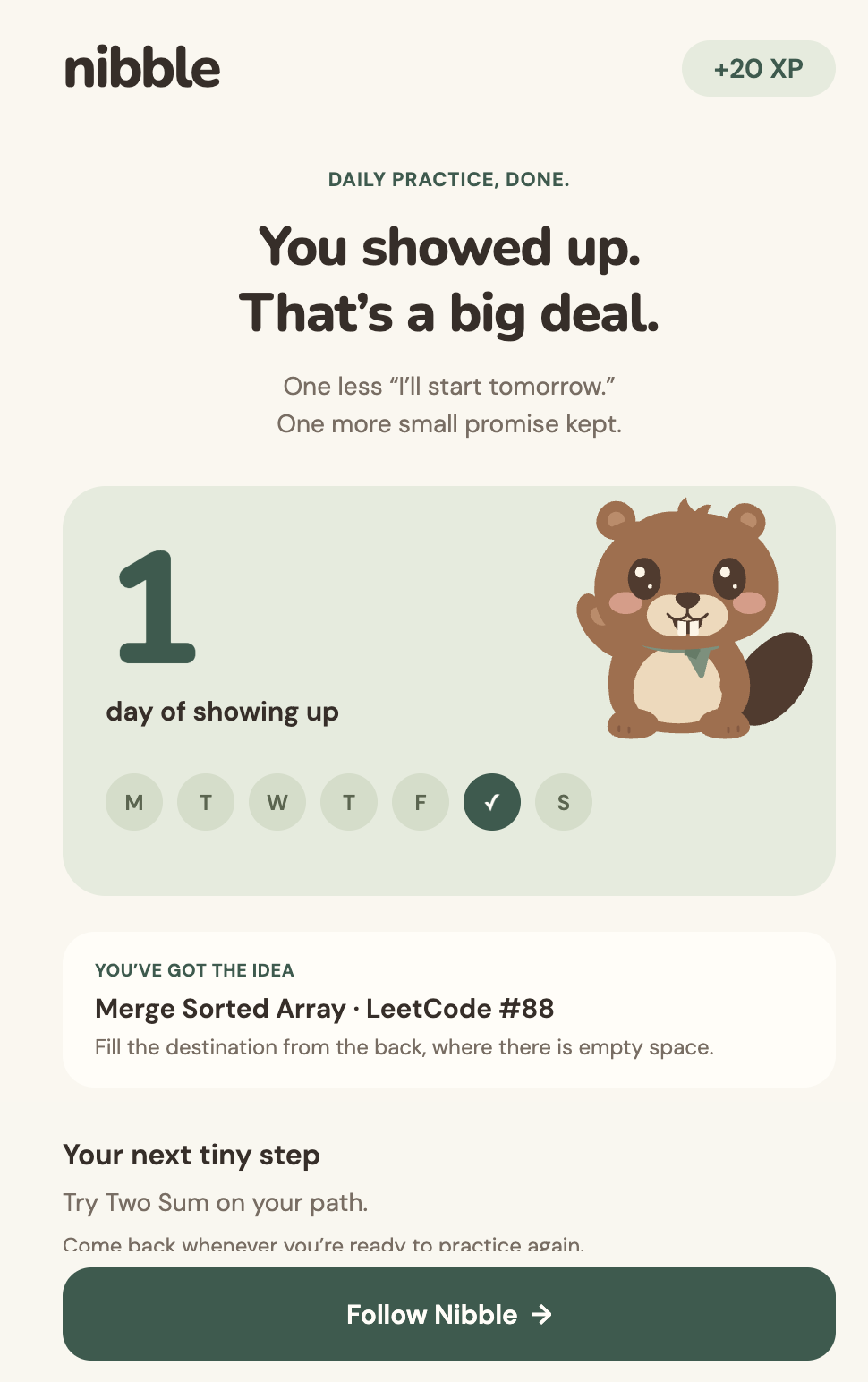
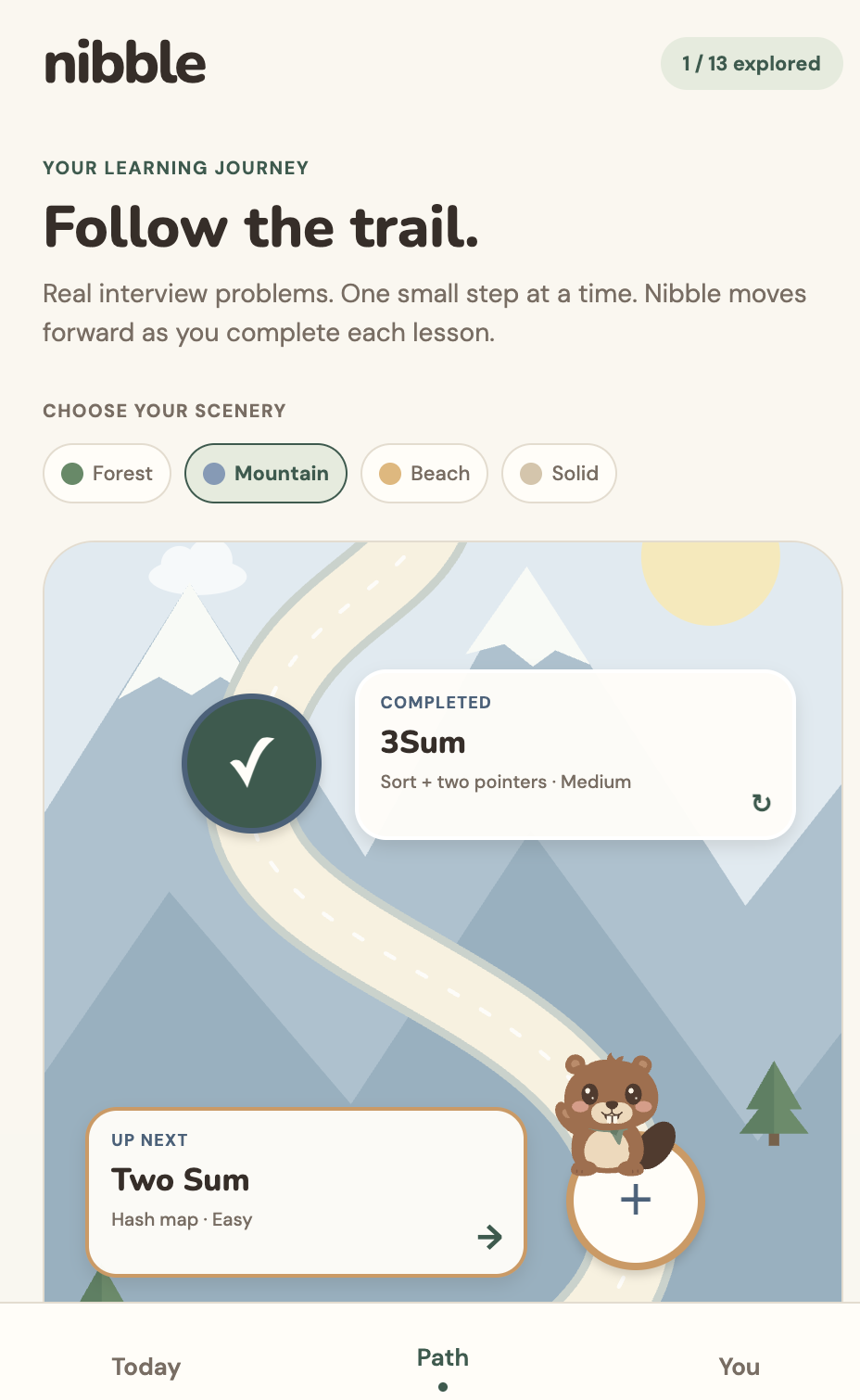
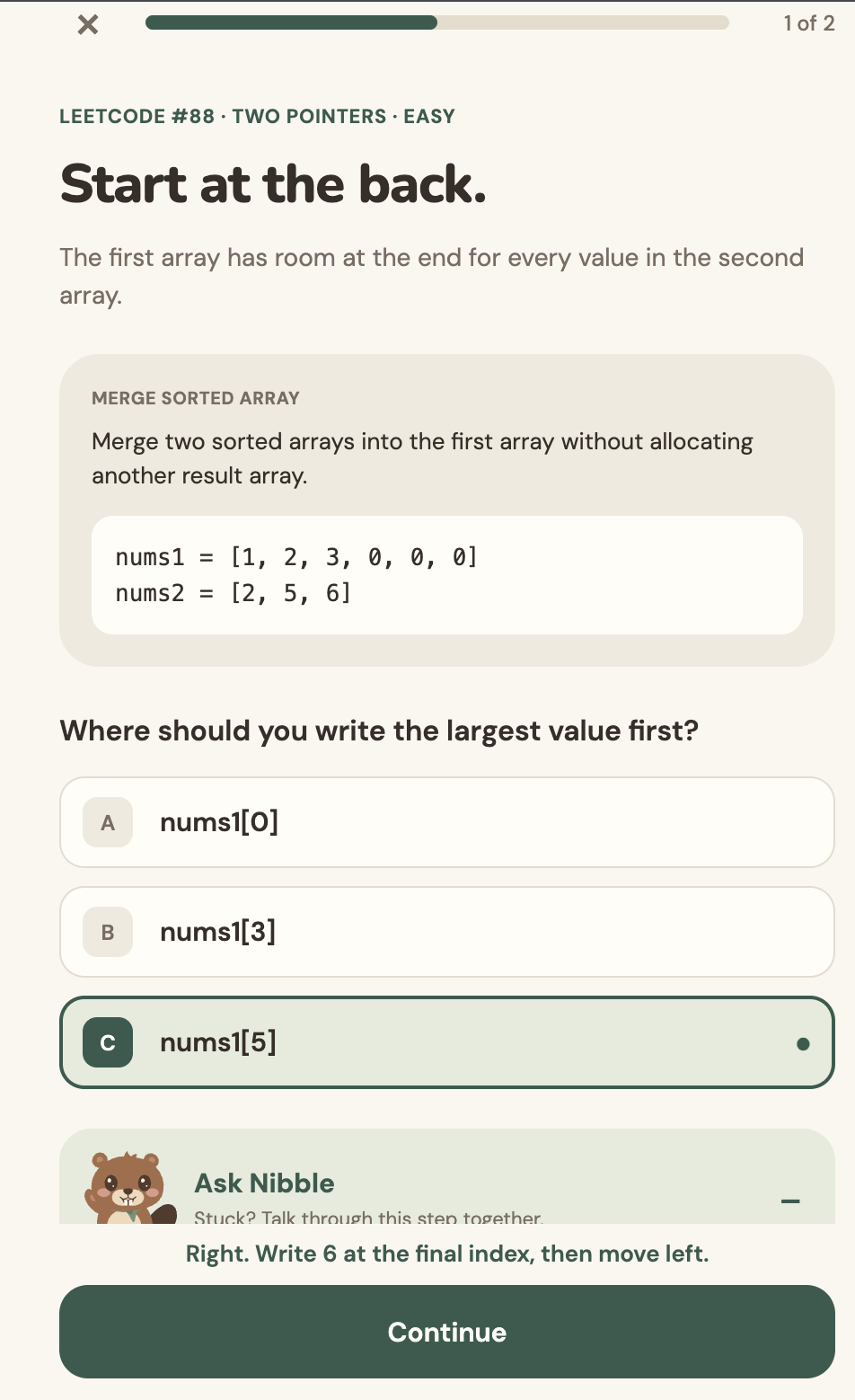
Nibble breaks real coding interview patterns into short, interactive lessons. You can arrange lines of code, tap tree nodes in traversal order, and work through visual questions before writing a full solution. Courses cover topics including arrays, strings, trees, search, and dynamic programming, with Easy, Medium, and Hard lessons. A journey map, XP, and streaks make progress visible.
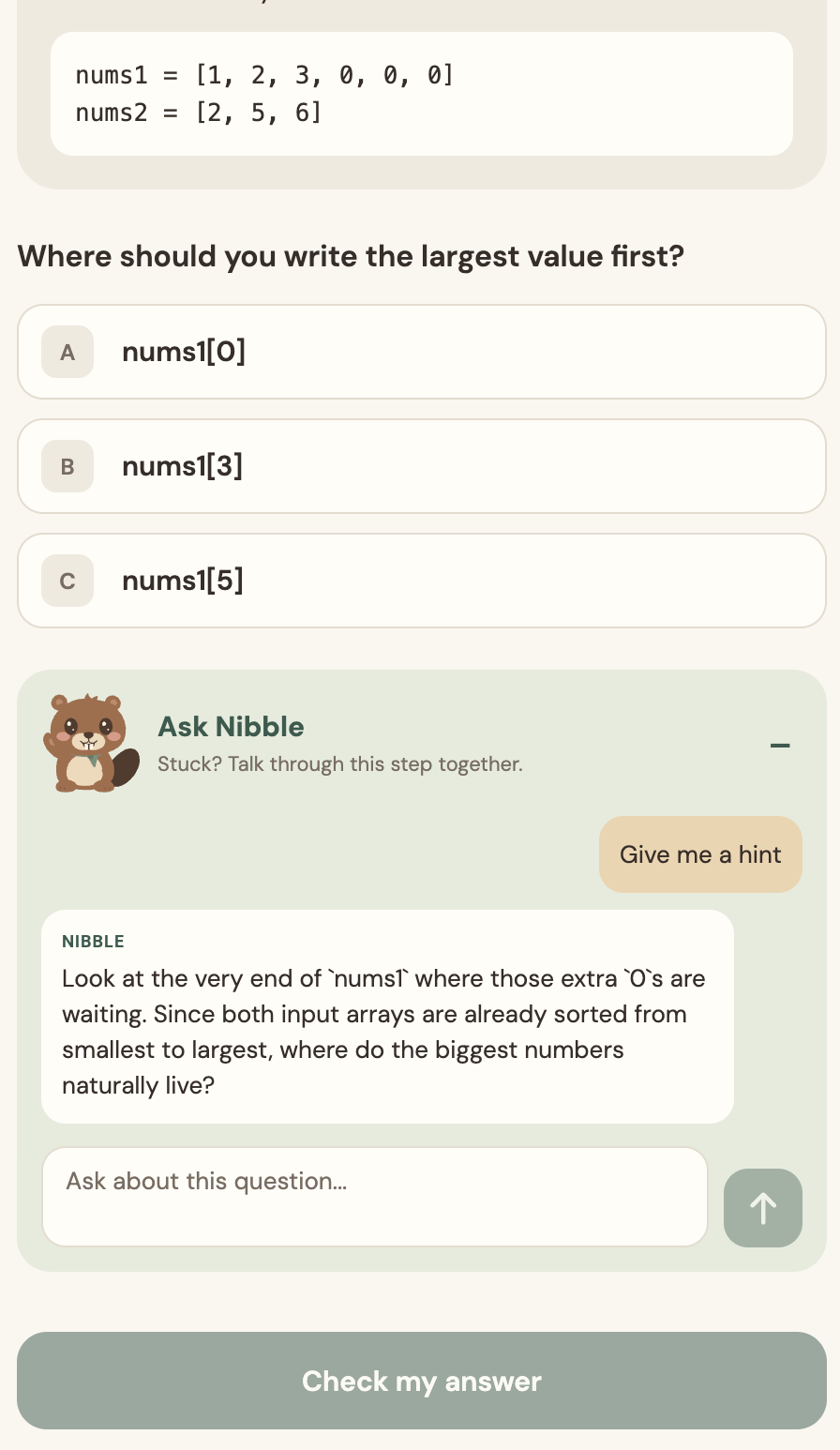
When you get stuck, Ask Nibble lets you chat with a Gemini-powered tutor that knows your current question and gives a next step without revealing the answer. Try Nibble.
How I built it
I built the frontend with React Native, Expo, and TypeScript, then deployed its web version on Vercel. I wrote the lesson questions and answers ourselves so the exercises stay reliable; Gemini powers the contextual tutoring. Auth0 handles web sign-in, and a Node.js API connects account progress to Tiger Data’s PostgreSQL database. Progress can also be saved on the device when account sync is unavailable. I based the visual style on our Figma designs and brought the beaver mascot into the lessons and journey map.
Challenges I ran into
The hardest design question was how to make coding practice work on a phone without reducing it to trivia. Code assembly and tappable tree traversals let learners practice the underlying reasoning with their fingers. I also had to connect sign-in, progress storage, AI tutoring, and deployment while keeping the demo dependable. This was challenging to consider but using MLH's sponsors I was able to get it connected.
Accomplishments that I'm proud of
I built 13 playable lessons across multiple algorithm patterns and difficulty levels. I'm especially proud of the tree traversal interaction, the code puzzles you can drag and undo, and the journey map that makes completed lessons feel like places you’ve traveled. Nibble is live at nibble.wiki.
What I learned
I learned that a small interaction can teach a substantial idea when it focuses on one decision at a time. I also learned to give AI a specific job: helping someone reason through an exercise, while keeping the questions and correct answers predictable.
What's next for nibble
I want to add more lessons, personalized review based on where learners struggle, and a native mobile release. I also want to make account sync more robust so a daily practice habit can follow learners across devices. Also more animations so users get an interactive feel. Finally I would love to add voice practice so you can talk through your answers with an AI chatbot.
Built With
- auth0
- expo.io
- figma
- gemini-api
- godaddy
- javascript
- node.js
- postgresql
- react-native
- tigerdb
- typescript
- vercel


