-
-
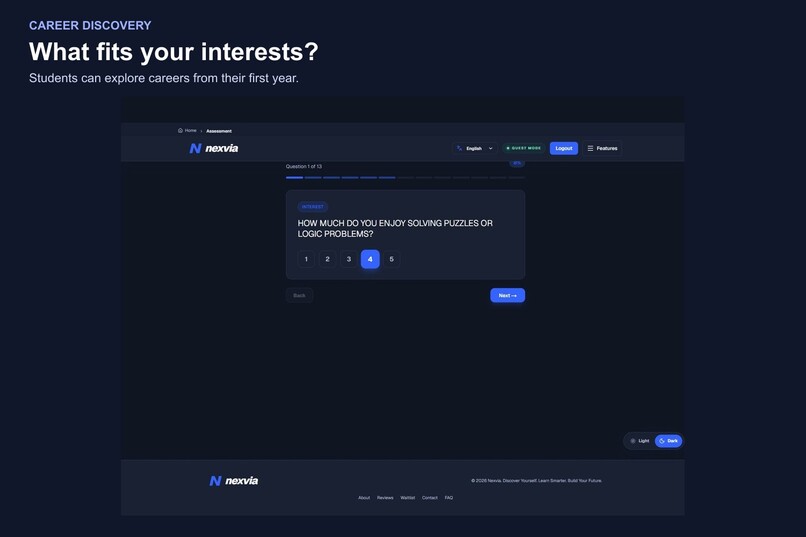
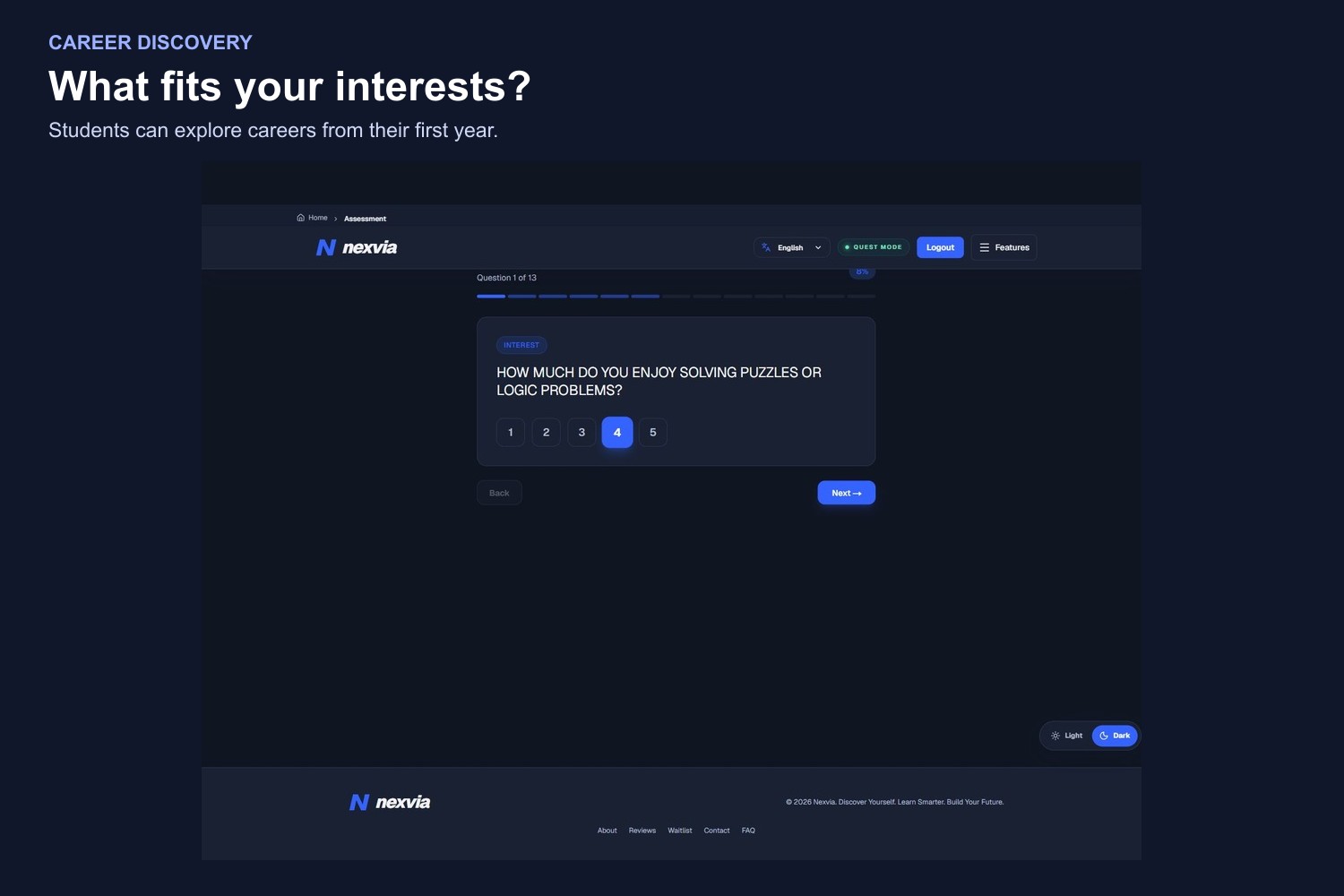
Career Assessment
-
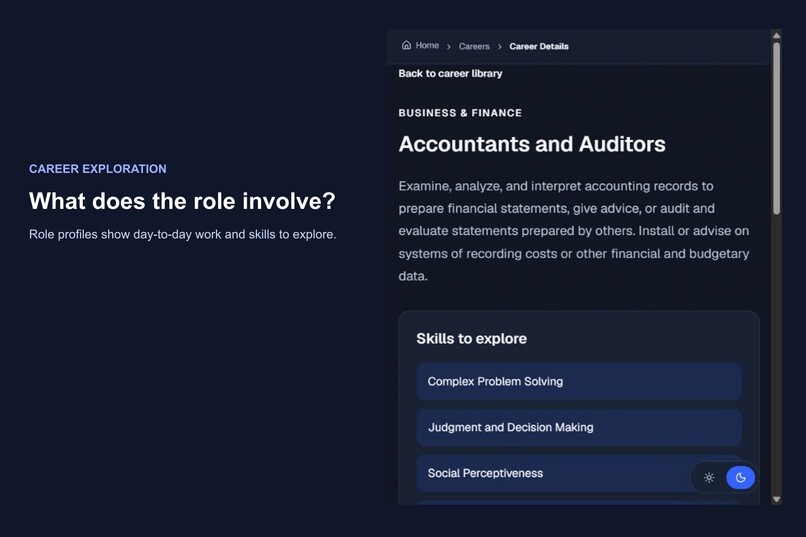
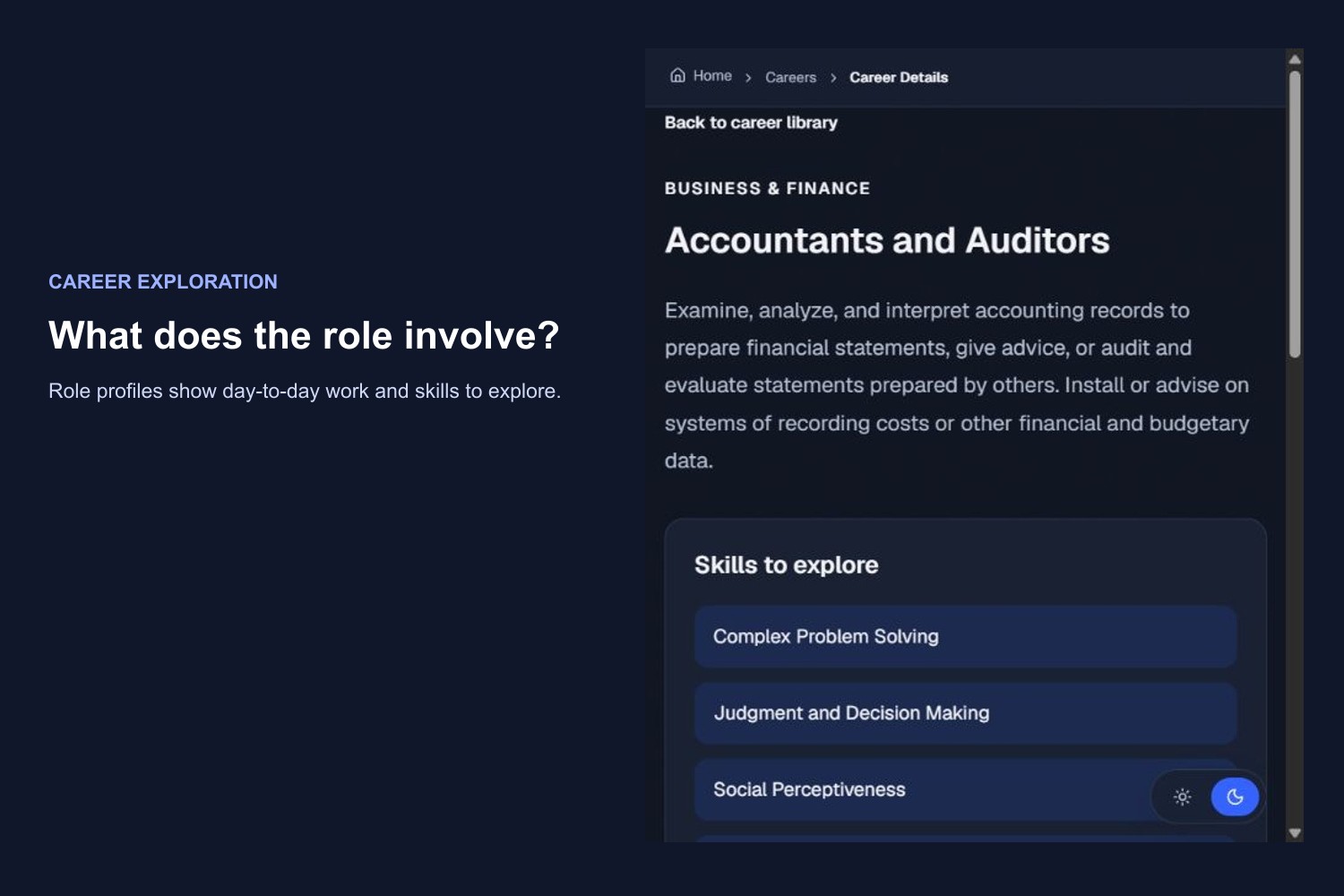
Career Catalog
-
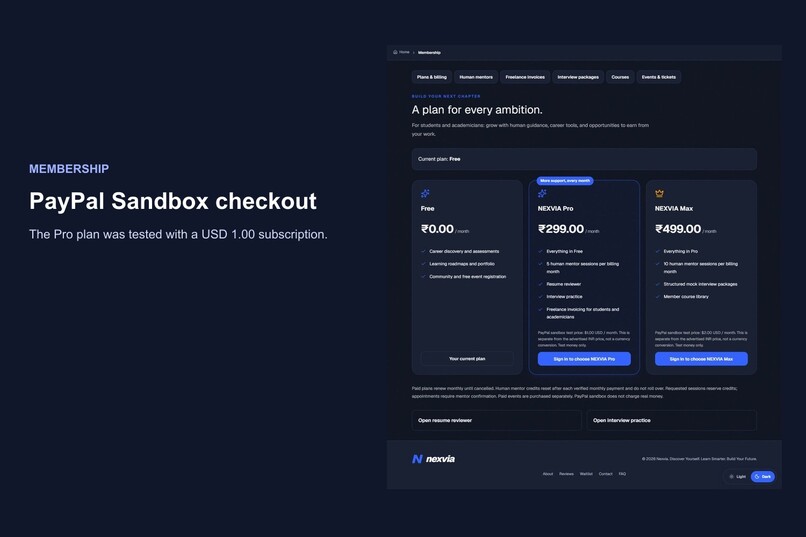
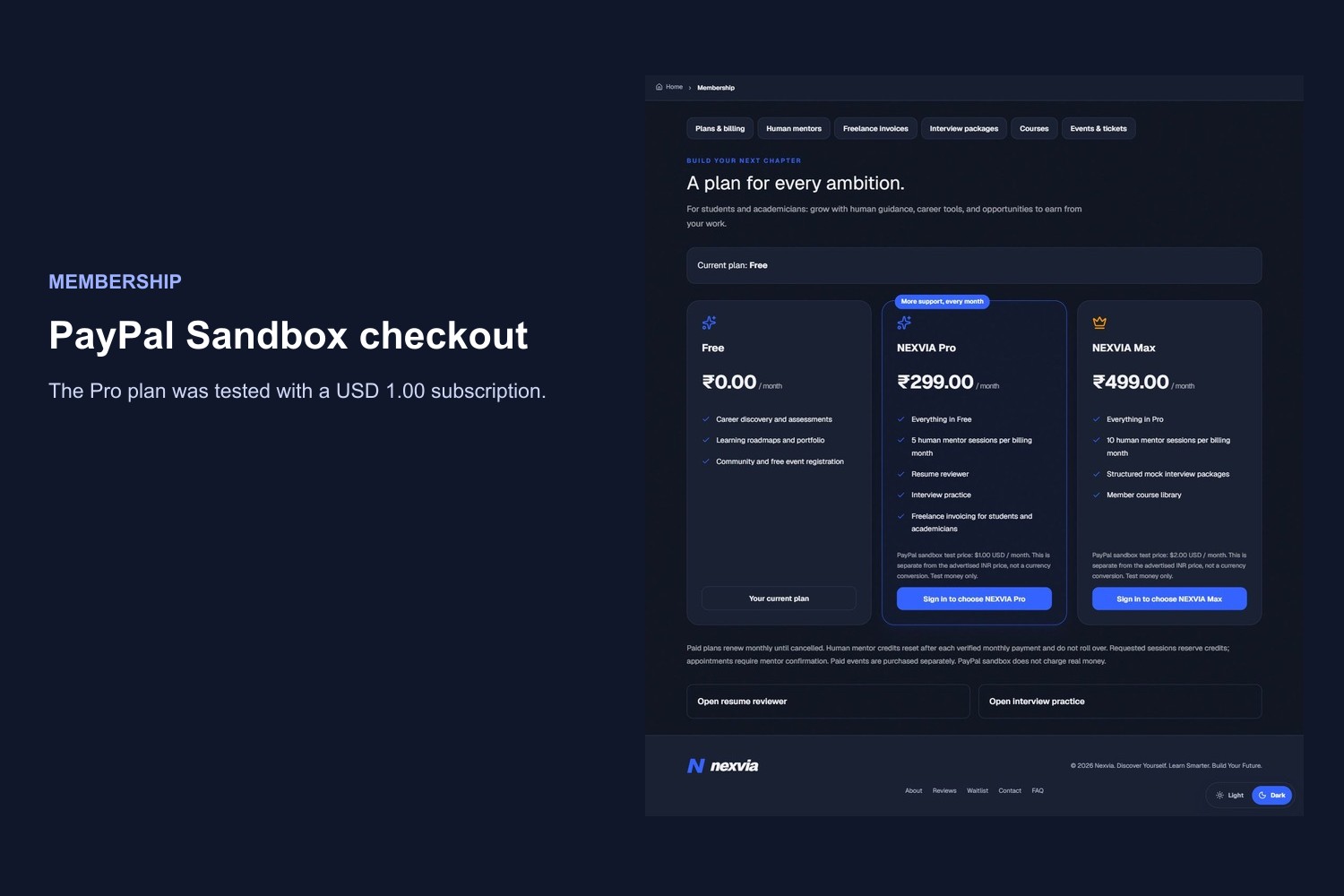
Pay Pal Sandbox
-
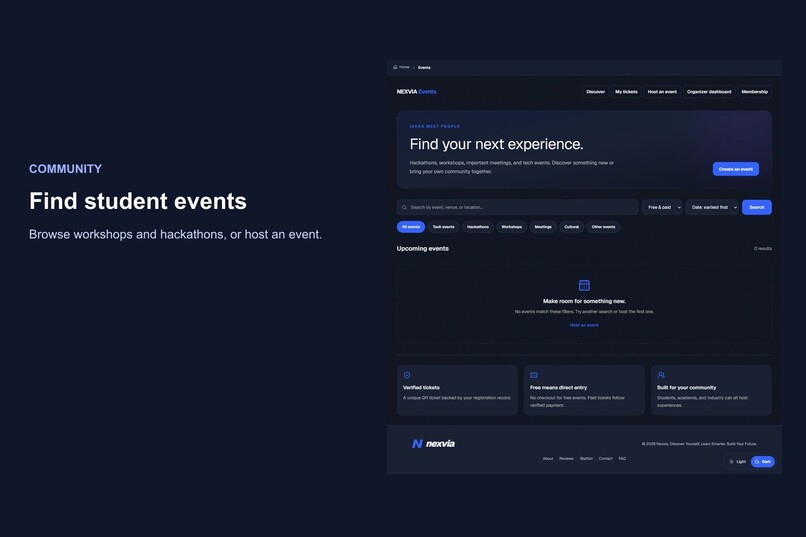
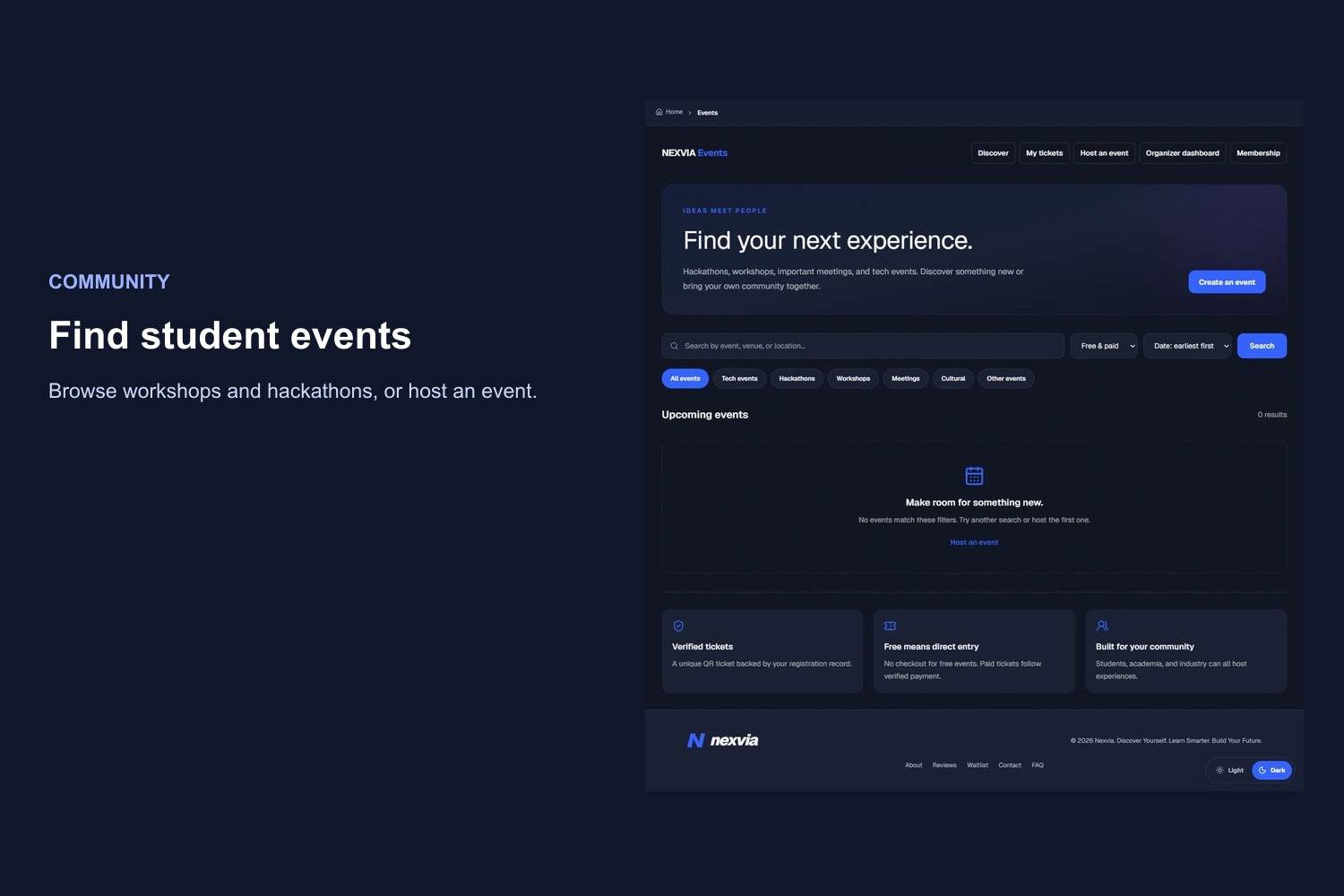
Events
-
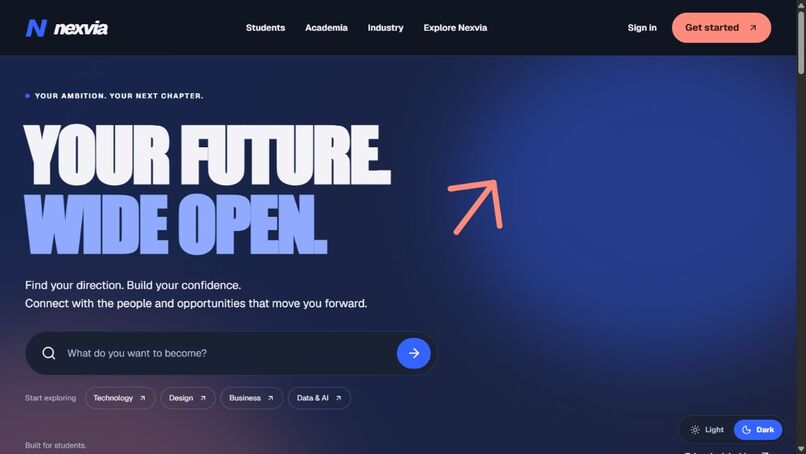
Homepage
-
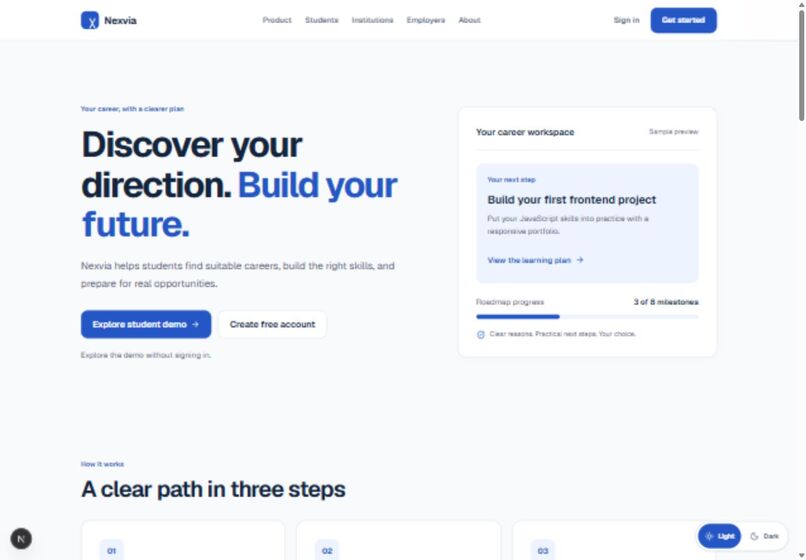
student workpace
-
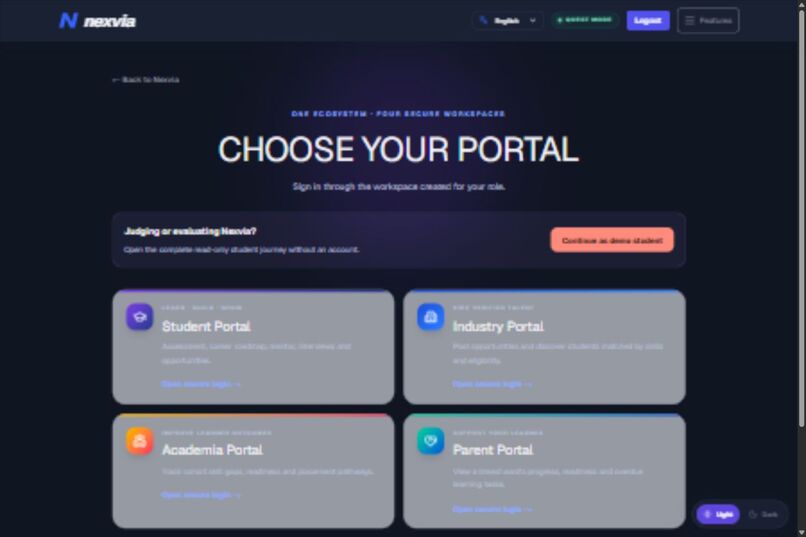
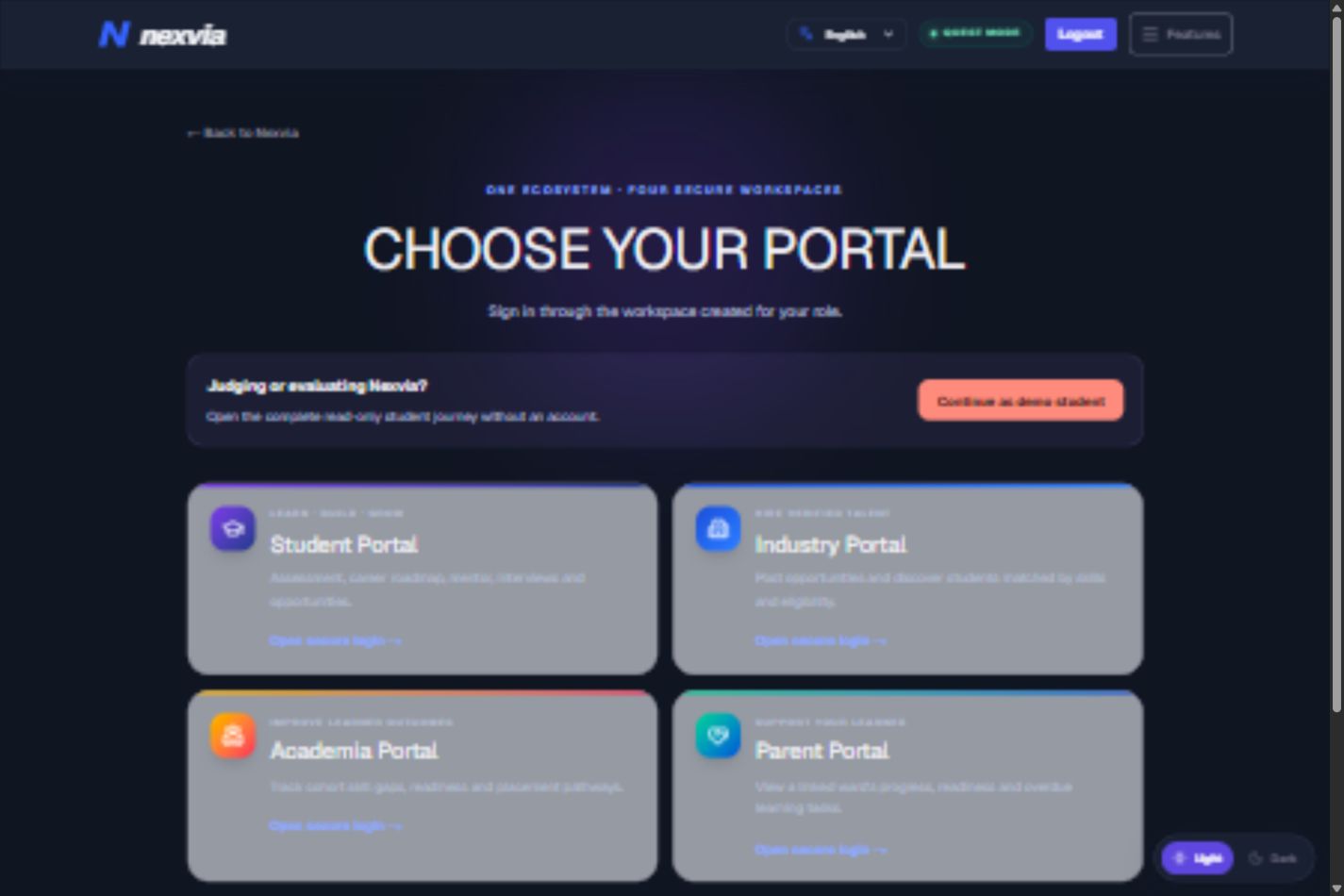
Login Portal
-
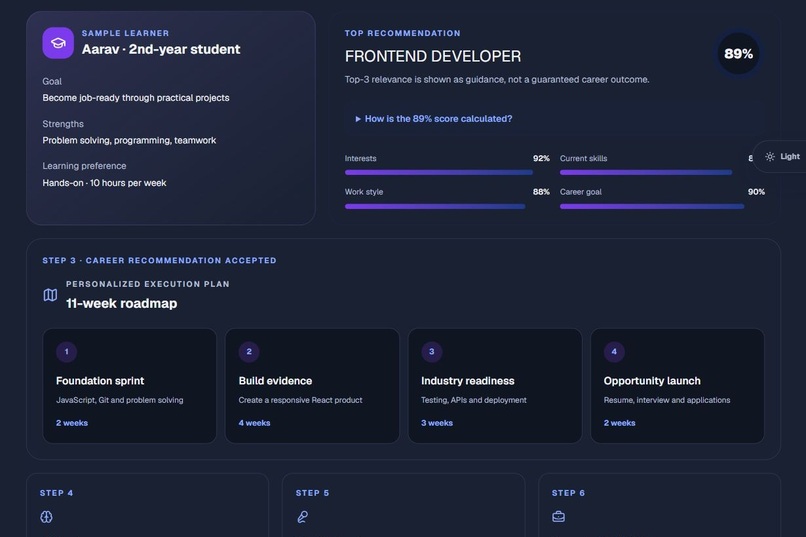
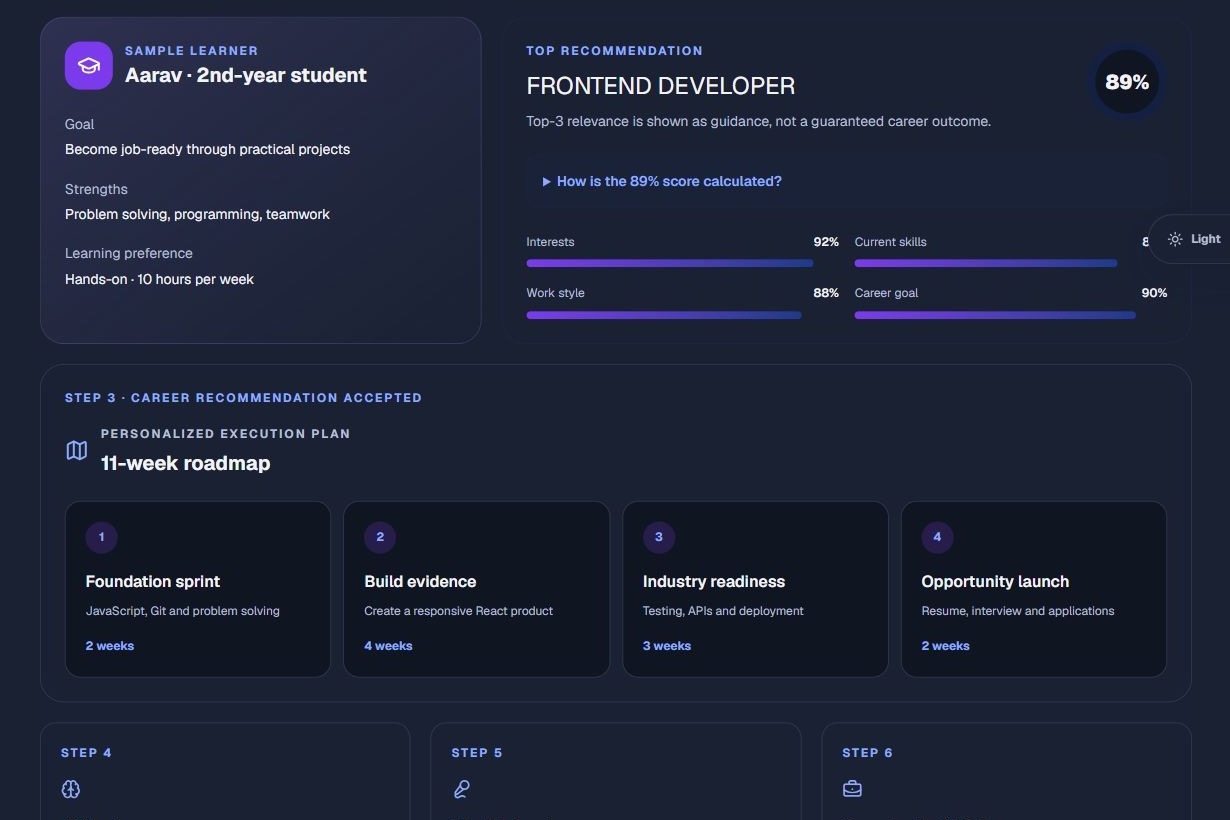
Career Roadmap
Inspiration
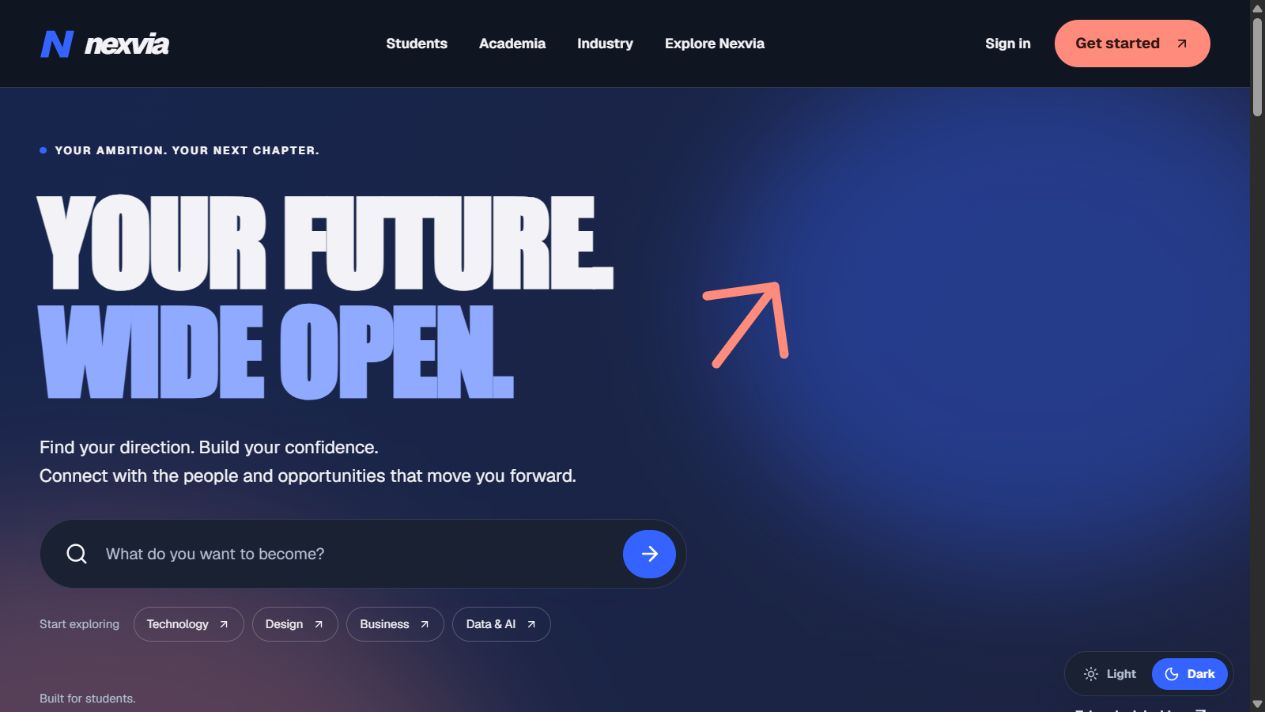
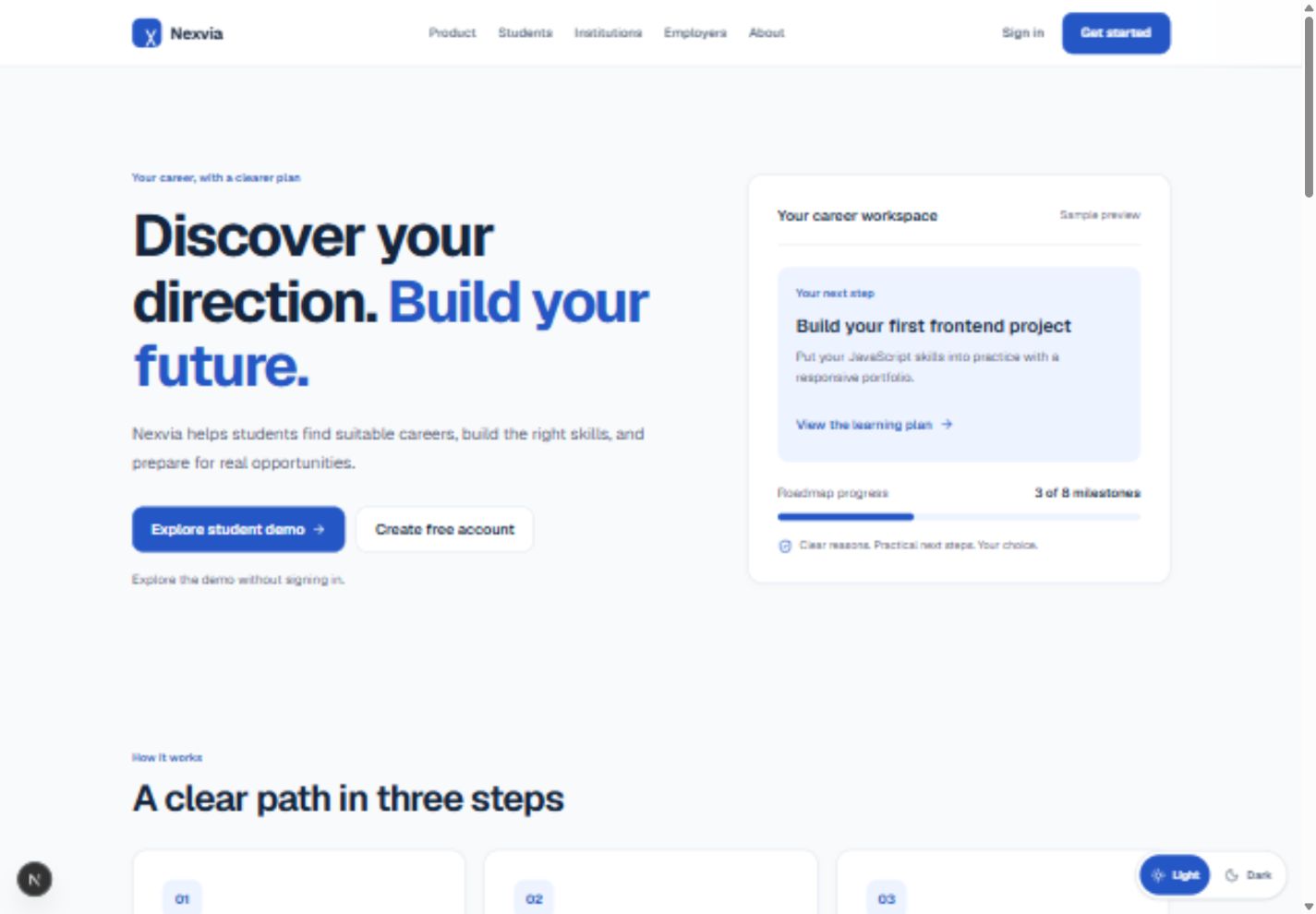
I built NEXVIA for college students who want to prepare for a career but aren’t sure what to do next. A career quiz might suggest a role, a course might teach a skill, and a job posting might list requirements. The student still has to figure out what to learn first, what to build, and how to show an employer what they can do.
I wanted NEXVIA to be useful from the first year of college. Early on, students can explore career paths and build foundational skills. As they get closer to internships and placements, they can use their projects to prepare for applications and interviews.
What it does
NEXVIA helps students explore careers, choose a target role, and follow a learning roadmap with skill milestones. They can track their progress, build a portfolio, get AI-powered resume feedback, and practice through mock interviews.
For example, a student interested in data analytics can work through SQL milestones, add a project to their portfolio, and practice explaining their approach in an interview.
For the hackathon, I added PayPal Sandbox subscriptions to the membership flow. A learner selects Pro, approves a test subscription in PayPal, and returns to NEXVIA. When they click Check subscription, NEXVIA verifies the completed transaction with PayPal before unlocking Pro access.
How I built it
I built the web app with Next.js, TypeScript, and Tailwind CSS. I used Supabase for authentication and application data, Gemini for resume and interview feedback, and the PayPal Subscriptions API for sandbox checkout and transaction verification.
Challenges I ran into
The first test subscription stayed pending after the buyer signed in to PayPal. I retried with a separate sandbox buyer and completed the $1 USD Pro test subscription. I verified that NEXVIA changed the test learner’s plan from Free to Pro after checking the transaction, then cancelled the test renewal.
What I learned
A checkout redirect is only one part of a subscription flow. The app also needs to verify the transaction and show the learner whether their access is ready. I learned to test that complete journey in the browser, from choosing a plan to seeing the membership change in NEXVIA.
Built With
- css
- gemini
- next.js
- paypal
- sandbox
- subscriptions
- supabase
- tailwind
- typescript
