-
-
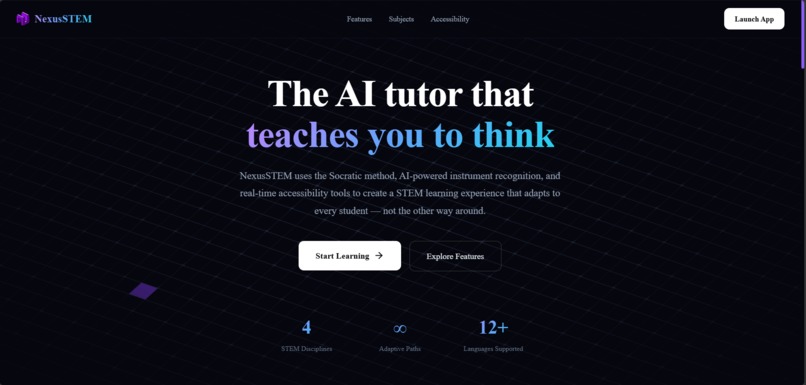
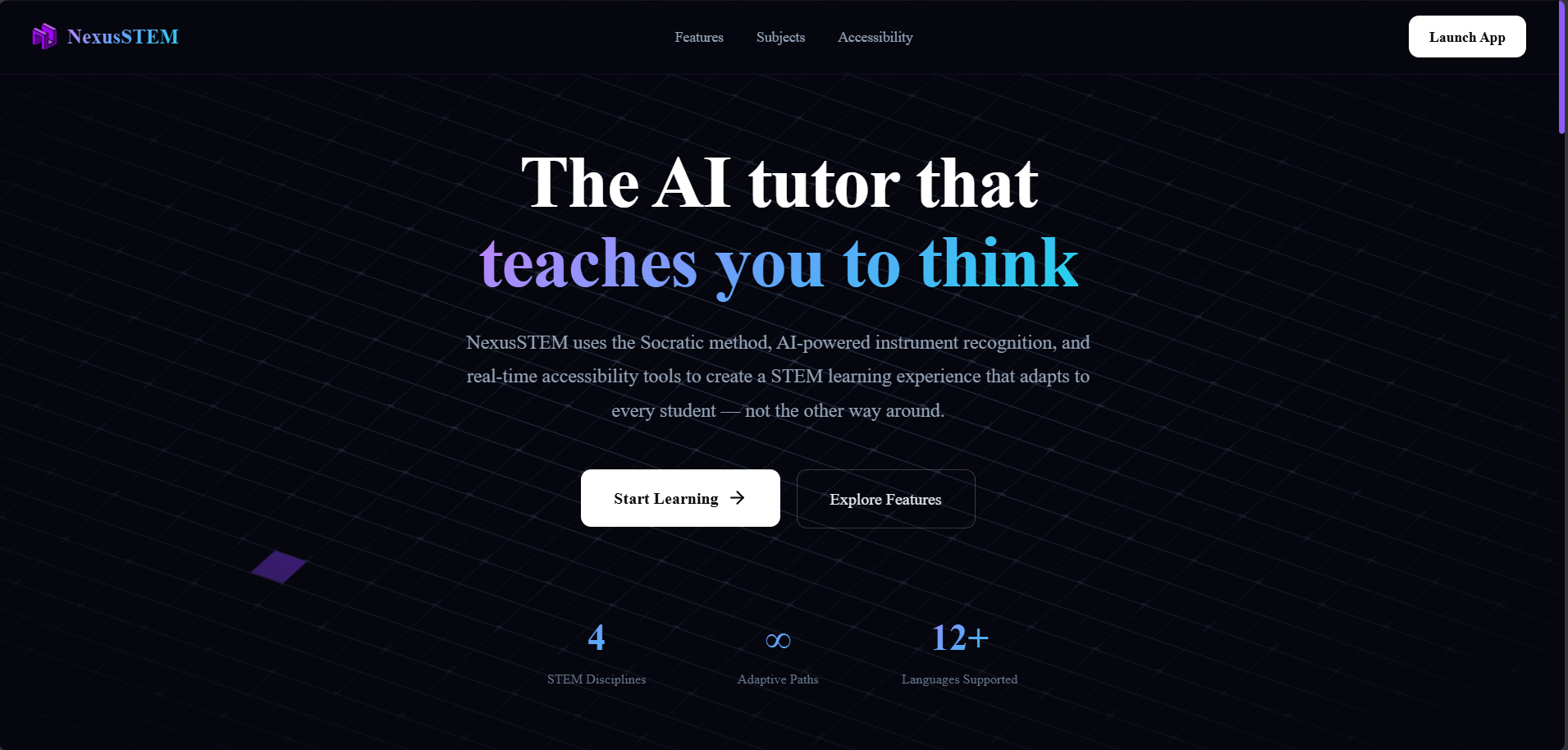
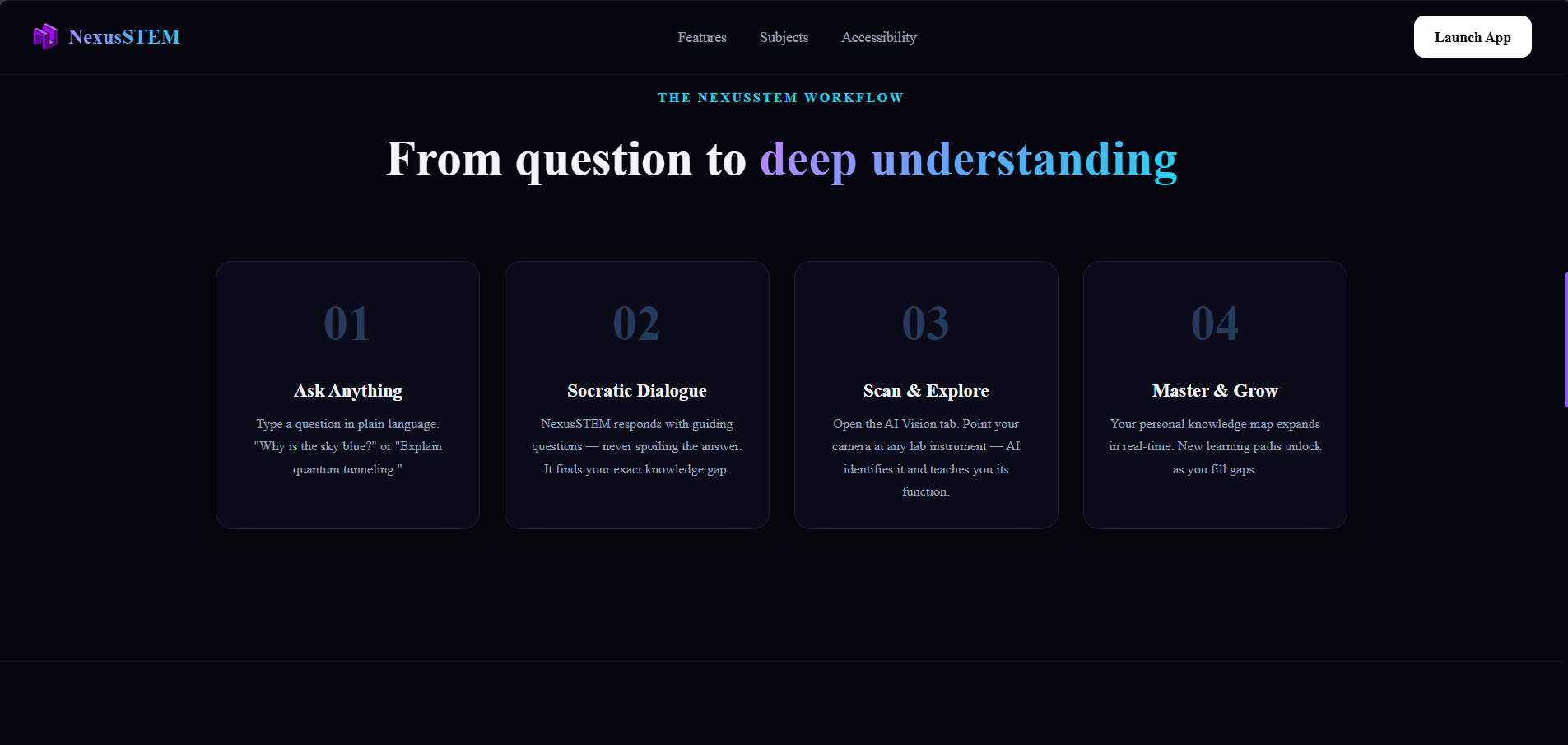
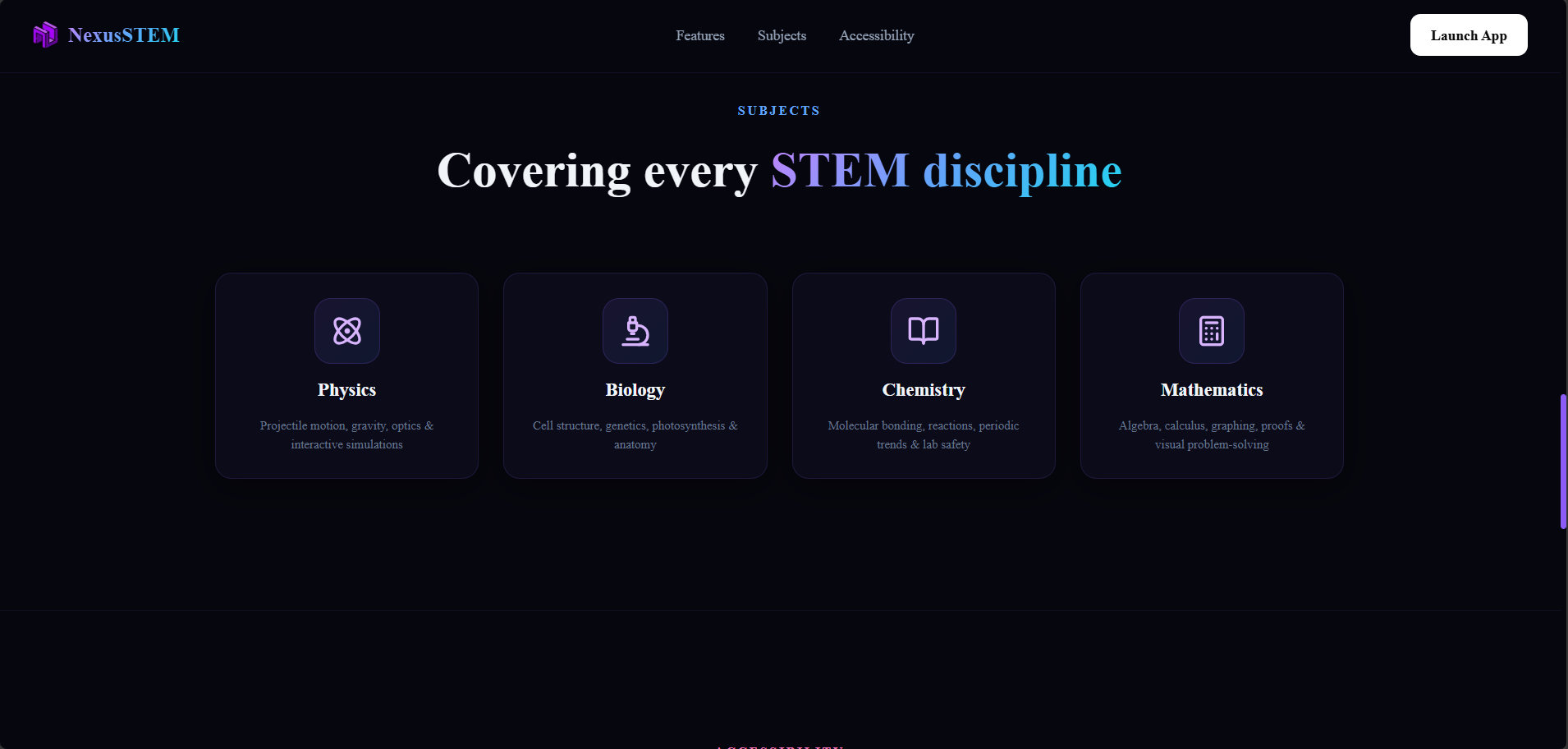
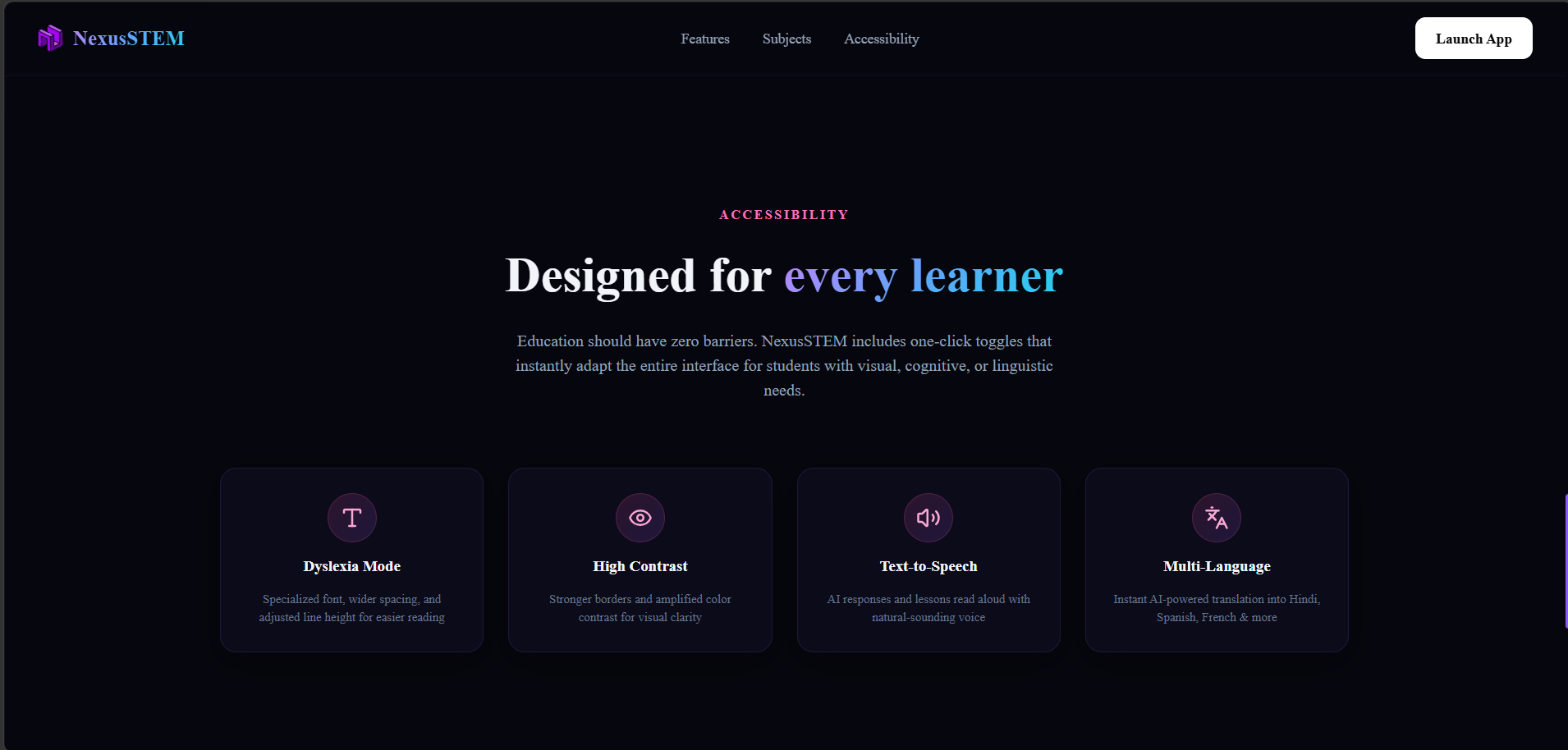
the landing page for the NexusSTEM
-
-
-
-
-
Inspiration
Growing up, we noticed a frustrating pattern in STEM education: students aren't taught how to think — they're taught what to memorize. A student who memorizes Newton's Second Law will forget it by next week. But a student who discovers it by asking the right questions? They carry that understanding for life.
That insight — rooted in the ancient Socratic method — became the heart of NexusSTEM.
We were also struck by how unequal access to quality STEM education is. A student in a well-funded school gets hands-on lab time with real equipment, expert tutors, and resources tailored to their learning needs. A student in an under-resourced school might have none of that. We asked: what if AI could close that gap?
The hackathon brief — leveraging AI to improve STEM education with a focus on accessibility and real-world impact — aligned perfectly with this idea. We set out to build not just a chatbot, but a full learning platform that thinks alongside the student.
What it does
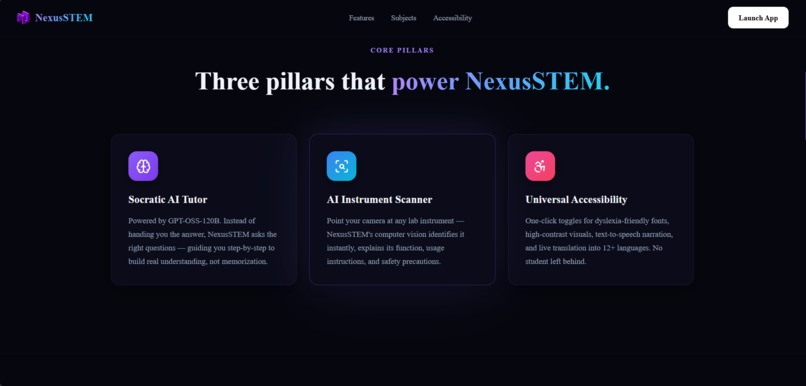
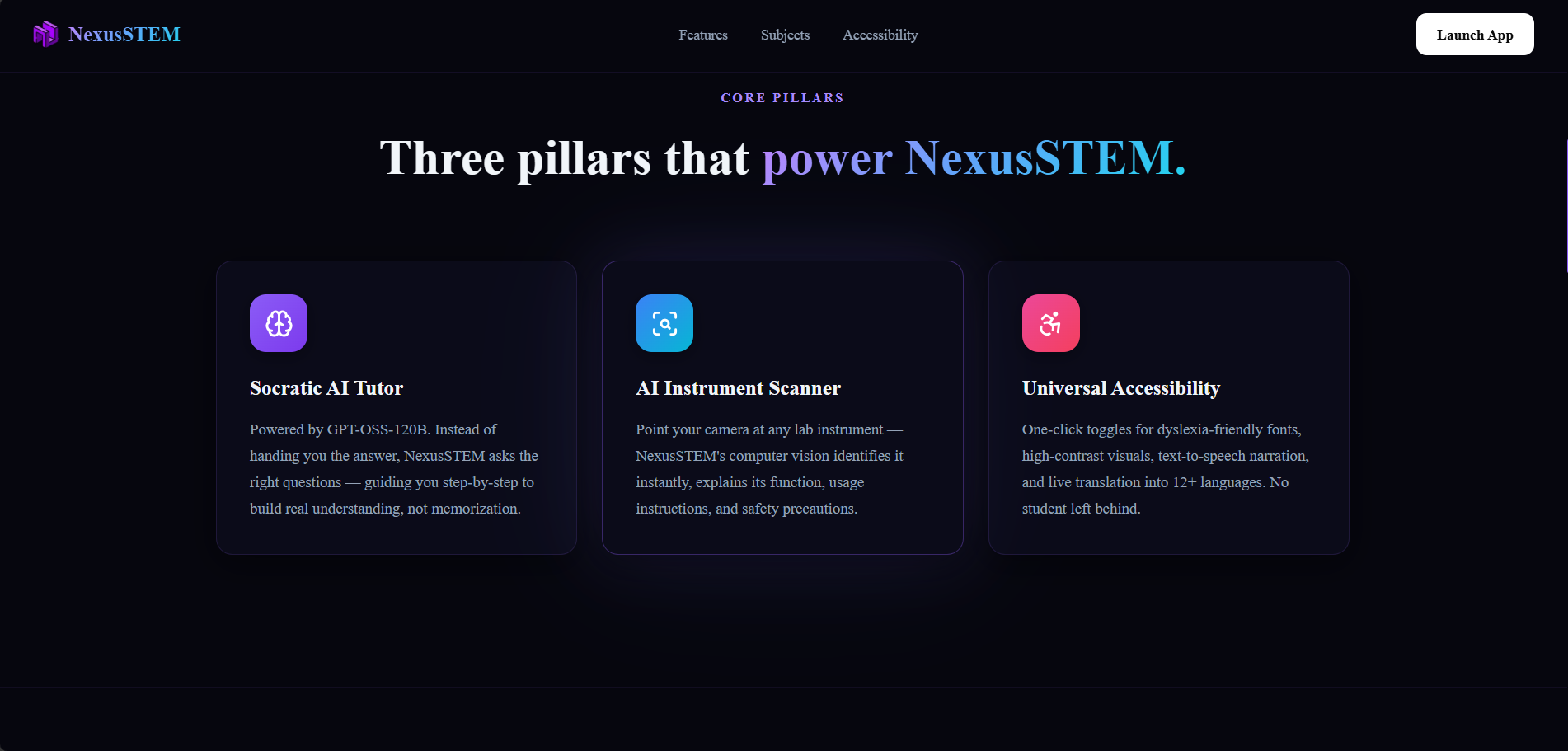
NexusSTEM is an AI-powered STEM education platform with three core pillars:
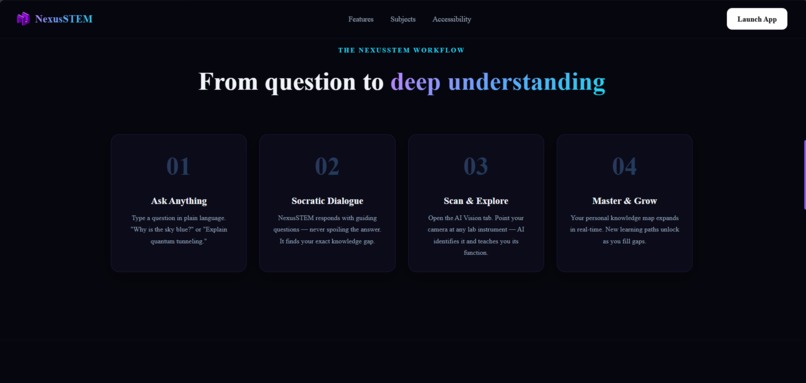
1. Socratic AI Tutor Instead of handing students the answer, our AI tutor asks guiding questions that lead them to discover it themselves. Ask "Why does a heavier object fall at the same speed as a lighter one?" and NexusSTEM won't tell you — it'll guide you through Galileo's thought experiments step by step. Powered by GPT-OSS-120B via Groq, responses are fast, markdown-rich, and include copy and text-to-speech options.
2. Interactive Science Labs (6 tabs)
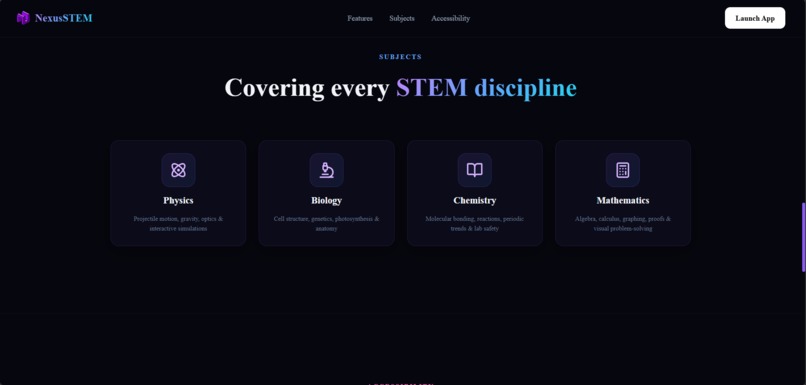
Physics Playground — Simulate projectile motion, pendulum SHM, free fall, and bouncing balls with real-time adjustable parameters (gravity, angle, velocity, damping).
AI Instrument Scanner (Computer Vision) — Point your camera at any lab tool. Our AI analyzes the image and instantly identifies the instrument, explains its function, shows step-by-step usage instructions, flags safety precautions, and lists related experiments.
Chemistry Reactor — Select any two substances from 30 options; AI predicts the balanced reaction equation, reaction type, energy change, lab observations, and safety notes.
Math Graphing Calculator — Plot up to 3 simultaneous mathematical functions with zoom and 8 presets.
Lab Tools Reference — Visual guide to 15 key instruments across Physics, Chemistry, and Biology.
Tests& Experiments — 16 real lab procedures (Phenolphthalein test, Silver Mirror test, Gram staining, DNA extraction, Ohm's Law, and more) with expandable step-by-step instructions
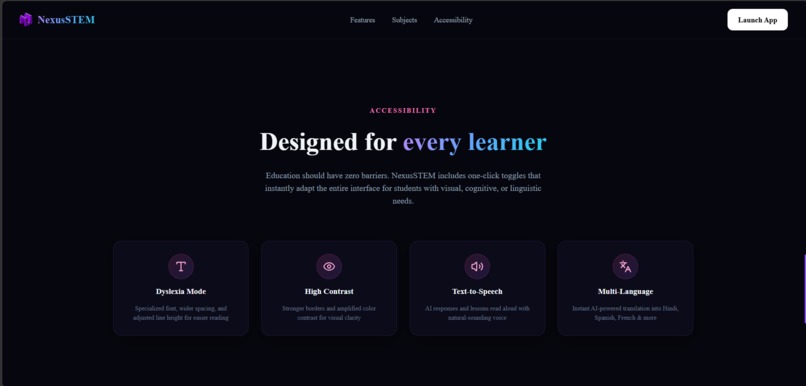
3. Universal Accessibility One-click toggles for: Dyslexia-friendly font mode, High contrast visuals, Text-to-speech narration, and multi-language translation — because no student should be left behind due to a learning difference or language barrier.
How we built it
We built NexusSTEM as a full-stack web application in a modular, iterative way:
Backend — Python / FastAPI We chose FastAPI for its speed and clean async support. The backend exposes REST endpoints and a WebSocket for streaming. All AI functionality is routed through the Groq API — it gives us near-instant inference speeds that make the chat feel alive. We used two separate models:
openai/gpt-oss-120b — for the Socratic tutor, chemistry reactions, text simplification, and translation
meta-llama/llama-4-scout-17b-16e-instruct — a multimodal vision model for the AI Instrument Scanner
For the computer vision endpoint, the frontend captures a video frame as a JPEG, encodes it to base64, and POSTs it to /api/vision/identify. The backend sends it to the vision model with a carefully engineered prompt that forces structured JSON output — instrument name, category, function, usage, fun fact, safety, and related experiments.
Frontend — Next.js 16 / React 19 We built the UI with Next.js using Tailwind CSS v4 for the design system. The entire aesthetic — deep dark background (#06060e), glassmorphism cards, purple/blue/cyan accent gradients — was designed to feel premium and futuristic without being distracting. We used:
Framer Motion for all page transitions, card animations, and chat bubbles
Aceternity UI background boxes for the animated hero section
math.js for the function graphing calculator (client-side expression evaluation)
Canvas API for all physics simulations — fully custom, no game engines
The AI Instrument Scanner uses the browser's getUserMedia API to access the webcam, draws a frame to a hidden , and exports it as a base64 JPEG. This all happens client-side before the image is sent to the backend — no raw video is ever transmitted.
System Prompt Engineering The Socratic tutor's behaviour is entirely shaped by a carefully crafted system prompt. It instructs the AI to never give direct answers, always trace back to the student's knowledge gap, use appropriate analogies for the student's level, and keep responses concise. The chemistry and vision prompts force strict JSON output so the frontend can render structured, beautiful results rather than raw text.
Challenges we ran into
Making AI truly Socratic (not just chatty) The hardest part wasn't building the chat interface — it was making the AI actually behave like a Socratic tutor. Early versions would just answer questions directly. We iterated extensively on the system prompt, adding explicit rules like "NEVER just give the answer directly" and "trace back to the foundational concept they are missing" until the behaviour felt genuinely pedagogical.
Structured AI output for dynamic UI Both the chemistry reactor and instrument scanner needed the AI to return clean, parseable JSON. LLMs often add markdown fences or extra text around JSON, which breaks JSON.parse(). We added a fallback parser in the backend to gracefully handle malformed responses, and tuned the prompts to minimize this.
Camera-to-AI pipeline for instrument recognition Getting the webcam capture, base64 encoding, and multimodal API call to work end-to-end — and then rendering the structured results beautifully — required careful coordination between frontend capture logic, backend parsing, and UI state management. The facingMode: "environment" hint was important so mobile users can point their rear camera at instruments rather than themselves.
Physics simulations without a game engine All four physics simulations (projectile, pendulum, free fall, bounce) are rendered on raw HTML5 Canvas. Managing animation frames, device pixel ratio scaling, DPR-aware coordinate systems, and clean state reset on parameter changes required careful engineering. The radial gradient ball rendering and grid background were iterative design decisions to make them look polished.
Next.js SSR compatibility with browser-only APIs The InstrumentScanner uses browser APIs (getUserMedia, canvas) that don't exist on the server. We solved this with Next.js dynamic(() => import(...), { ssr: false }) to defer loading until client-side hydration, preventing server-render crashes.
Accomplishments that we're proud of
The AI Instrument Scanner actually works. Point your phone's camera at a microscope, a burette, or a thermometer, and the AI identifies it correctly within seconds and gives you a full educational breakdown. This felt magical when it first worked.
A complete, polished product in one hackathon. NexusSTEM isn't a prototype with placeholder screens — it has 6 working lab tabs, a full Socratic chat system, 3 accessibility modes, 16 lab procedures, and a proper landing page.
The Socratic behaviour is genuinely different. Most "AI tutors" just answer questions faster than Google. NexusSTEM actually asks you questions back and guides you to think. Watching someone have that experience for the first time — realizing the AI isn't going to spoil the answer — is genuinely exciting.
Zero-dependency physics. No Matter.js, no Box2D, no p5.js. Every simulation is pure Canvas2D math. That felt like the right call for performance and bundle size.
Accessibility that's actually accessible. The dyslexia mode, high contrast, and TTS features work on all three pages seamlessly — not just bolted onto the homepage.
What we learned
Prompt engineering is real engineering. The difference between an AI that just answers questions and one that genuinely teaches is almost entirely in the system prompt. Getting it right took as much time as building the UI.
Multimodel AI changes what's possible. Being able to send a camera frame to a language model and get back structured educational content in under two seconds felt like a significant moment. Computer vision used to require training custom models; now it's an API call.
Great UX for AI products is hard. Loading states, streaming indicators, graceful error handling, empty states with suggested prompts — every detail matters more when the AI response takes 1–3 seconds. Users need constant feedback that something is happening.
Accessibility is a design constraint from day one, not a feature added at the end. Building dyslexia mode and high contrast as afterthoughts would have been painful. Baking them into the CSS class system from the start made them trivial to implement.
FastAPI + Groq is an incredible stack for AI hackathons. The backend was up and returning AI responses within the first hour. Having a clean async REST + WebSocket server with automatic OpenAPI docs meant we could focus almost entirely on product, not plumbing.

Log in or sign up for Devpost to join the conversation.