-
-
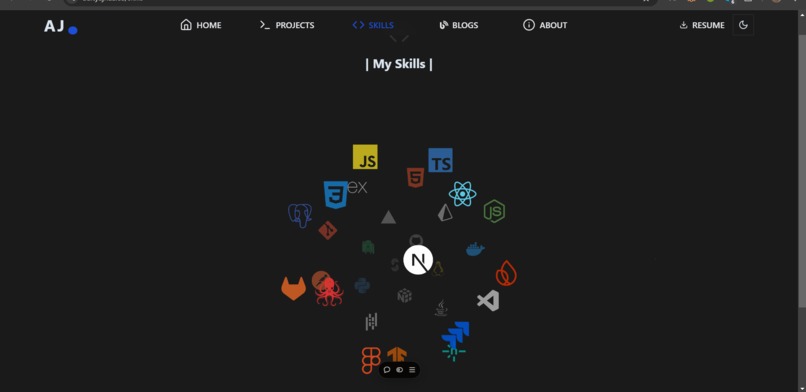
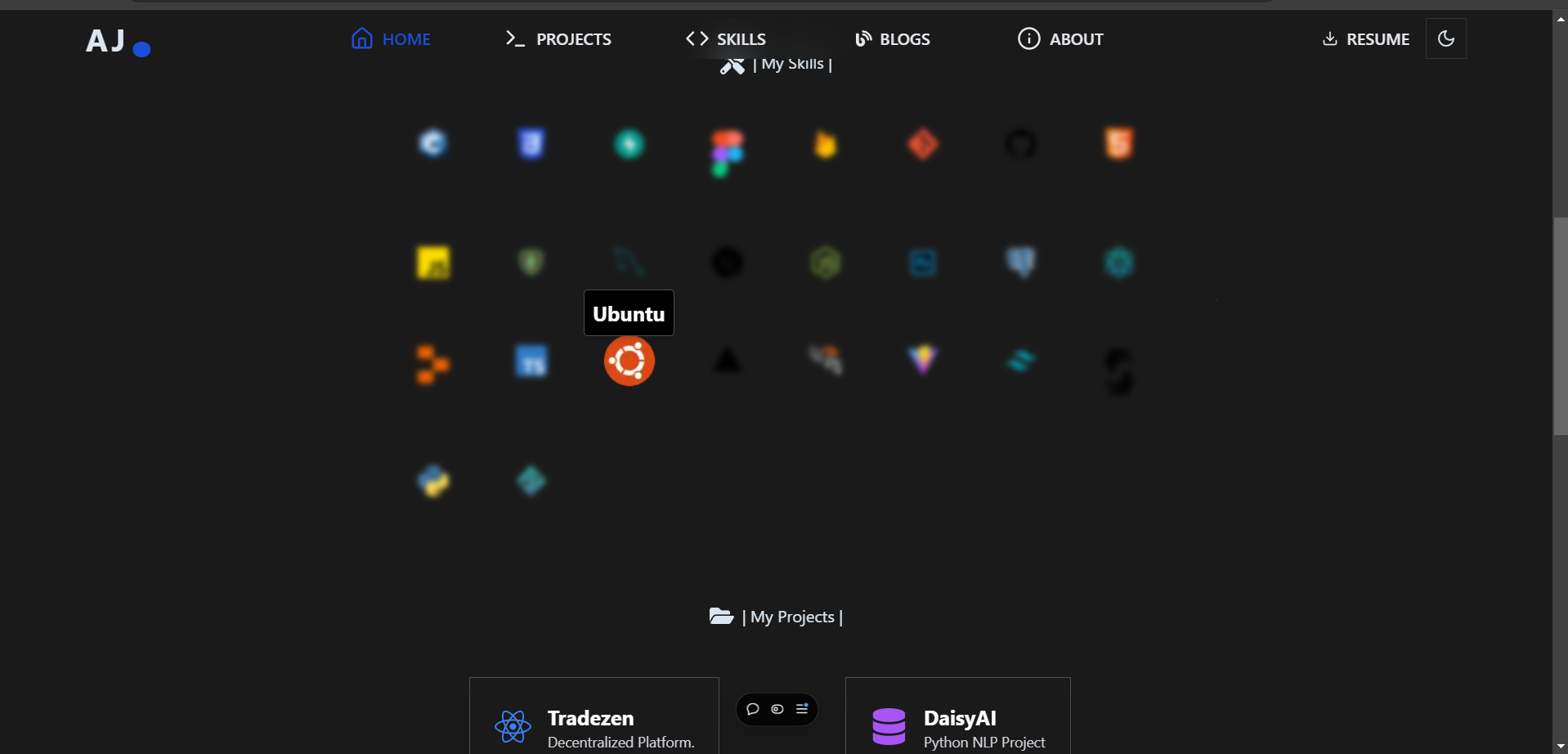
skills page
-
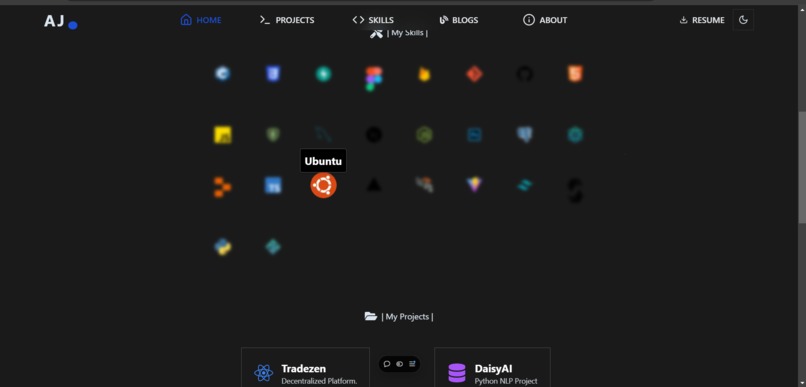
-
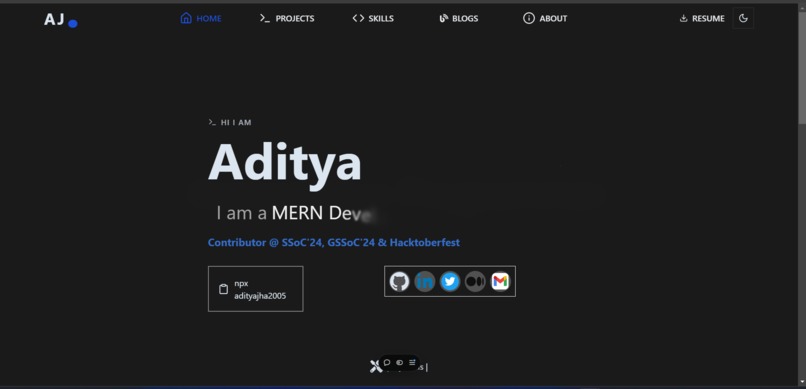
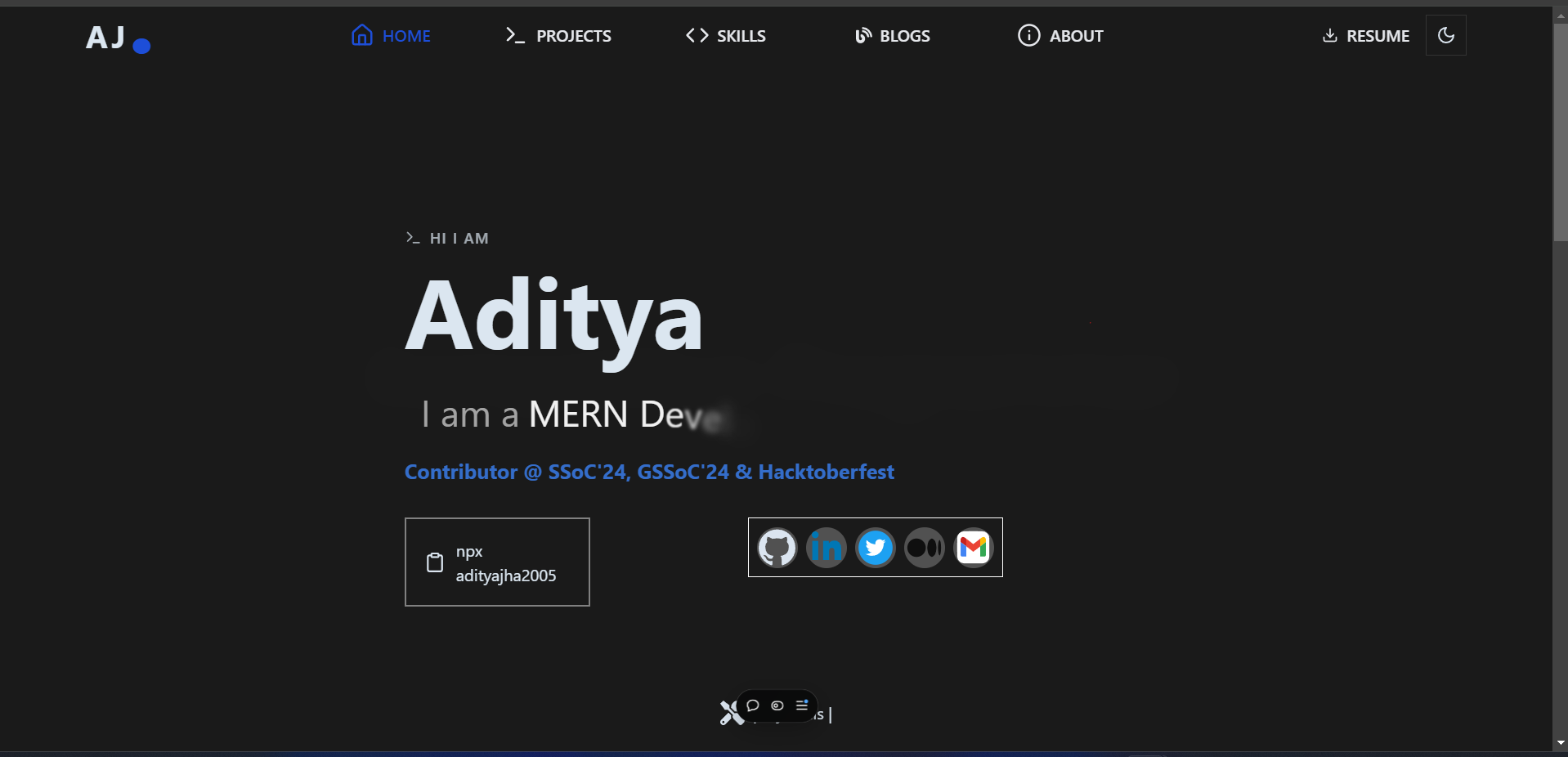
landing page
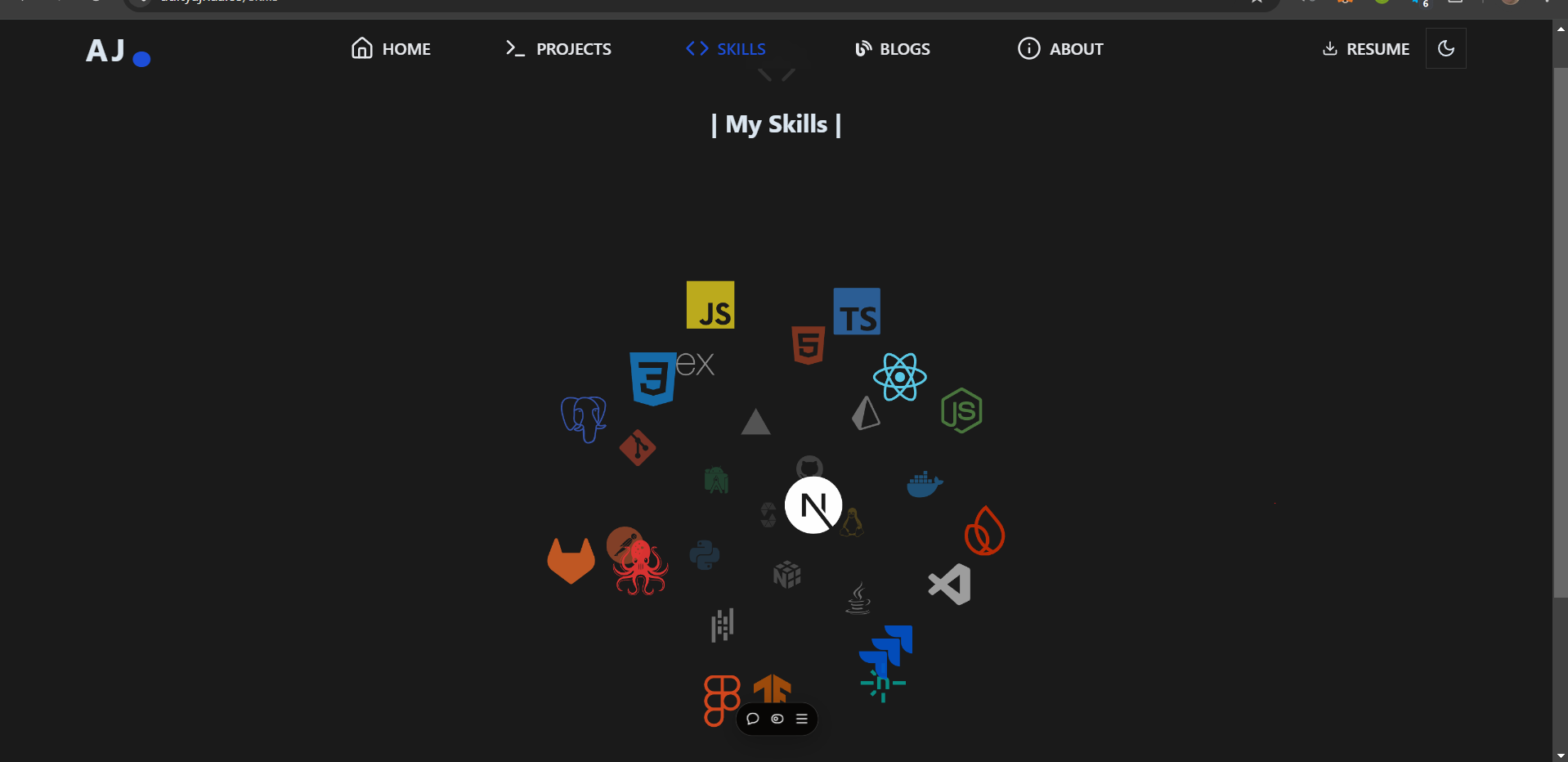
About the Project
Inspiration
As a developer passionate about creating impactful web applications, I wanted to build a platform that could serve as both a showcase of my technical skills and a gateway for potential collaborations. The idea of creating a personal portfolio stemmed from the need to establish a professional online presence that reflects my expertise, projects, and achievements in an engaging way.
What I Learned
Frontend Development:
- Strengthened my understanding of React.js, including functional components, hooks, and state management.
- Implemented React Router for seamless navigation between sections.
- Strengthened my understanding of React.js, including functional components, hooks, and state management.
UI/UX Design:
- Gained hands-on experience with modern UI libraries like Material-UI and custom CSS to achieve a polished look.
- Explored design principles like spacing, typography, and accessibility to enhance user experience.
- Gained hands-on experience with modern UI libraries like Material-UI and custom CSS to achieve a polished look.
Deployment and Hosting:
- Learned to deploy a React application using Vercel for fast and reliable hosting.
- Learned to deploy a React application using Vercel for fast and reliable hosting.
How I Built It
Planning and Design:
- Created a design blueprint for key sections such as About Me, Projects, Achievements, Blog, and Contact.
- Used tools like Figma to create wireframes and finalize the layout.
- Created a design blueprint for key sections such as About Me, Projects, Achievements, Blog, and Contact.
Development:
- Set up the project with Vite for a fast development environment.
- Used React.js for building reusable components like cards for projects and a responsive navbar.
- Integrated GSAP and Framer Motion to add engaging animations.
- Implemented a dark mode toggle to cater to user preferences.
- Set up the project with Vite for a fast development environment.
*Backend Features *:
- For contact forms, used Email.js to enable direct communication without a backend server.
- Added functionality to fetch blog posts dynamically using a CMS (e.g., Contentful or Sanity).
- For contact forms, used Email.js to enable direct communication without a backend server.
Optimization and Deployment:
- Optimized for performance using React.lazy and code splitting for faster loading.
- Deployed the site on Vercel with continuous deployment from GitHub.
- Optimized for performance using React.lazy and code splitting for faster loading.
Challenges Faced
- State Management: Managing the state for multiple interactive components required careful planning and debugging.
- Animations: Ensuring animations were smooth and performant across devices without slowing down the website.
- Cross-Browser Compatibility: Debugging and fine-tuning the UI to ensure consistent behavior across browsers like Chrome, Safari, and Edge.
This portfolio represents my journey as a developer, combining creativity, technical expertise, and a passion for building user-friendly applications. It is a dynamic project that continues to evolve as I learn and grow!
Live Demo: https://adityajhaa.co/


Log in or sign up for Devpost to join the conversation.