Inspiration
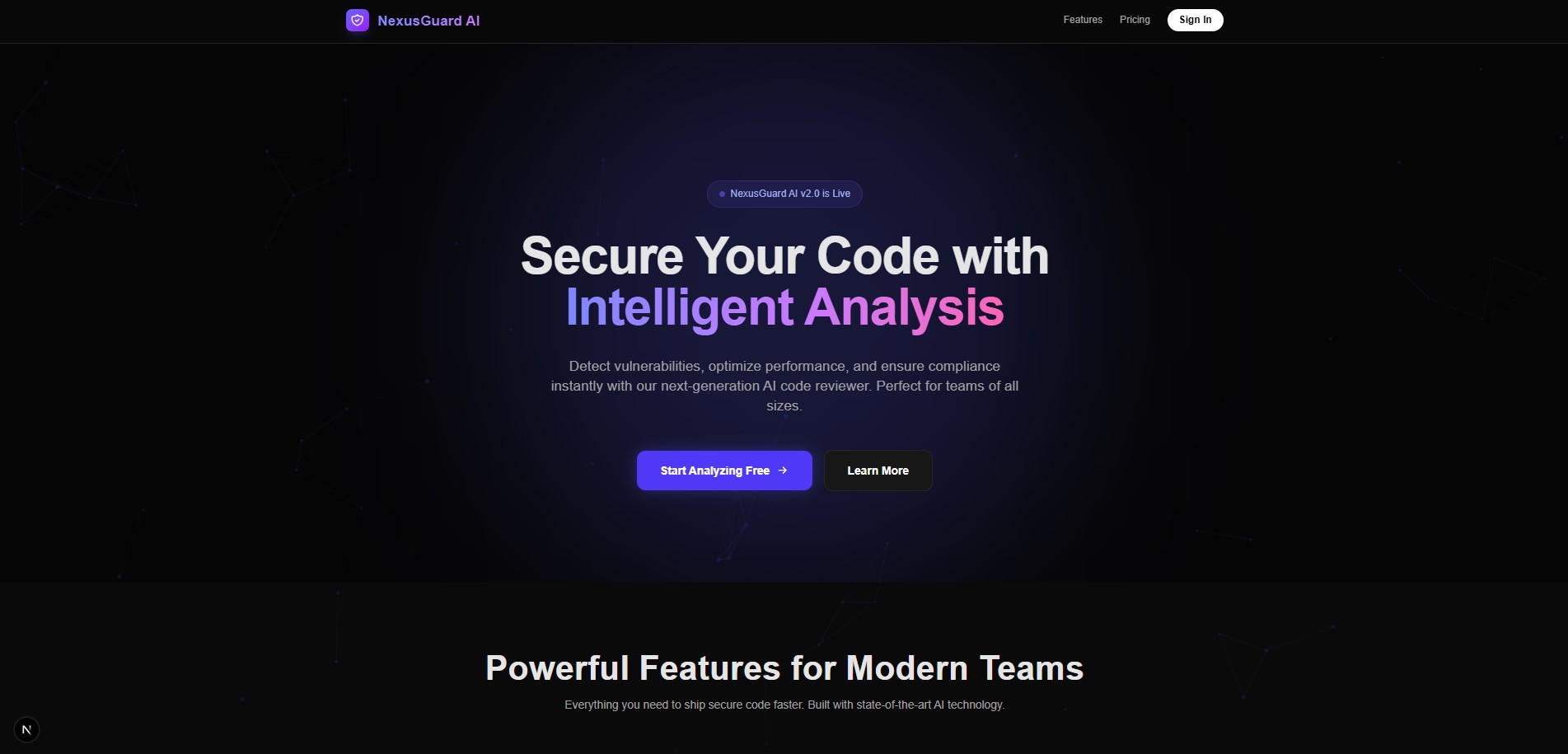
Security is often an afterthought for solo developers and small teams because enterprise security tools are expensive, clunky, and hard to set up. We wanted to change that. We were inspired to build NexusGuard AI to act as a "super-smart robot friend" that instantly reads your code and highlights hidden vulnerabilities, making secure coding accessible, interactive, and even fun.
What it does
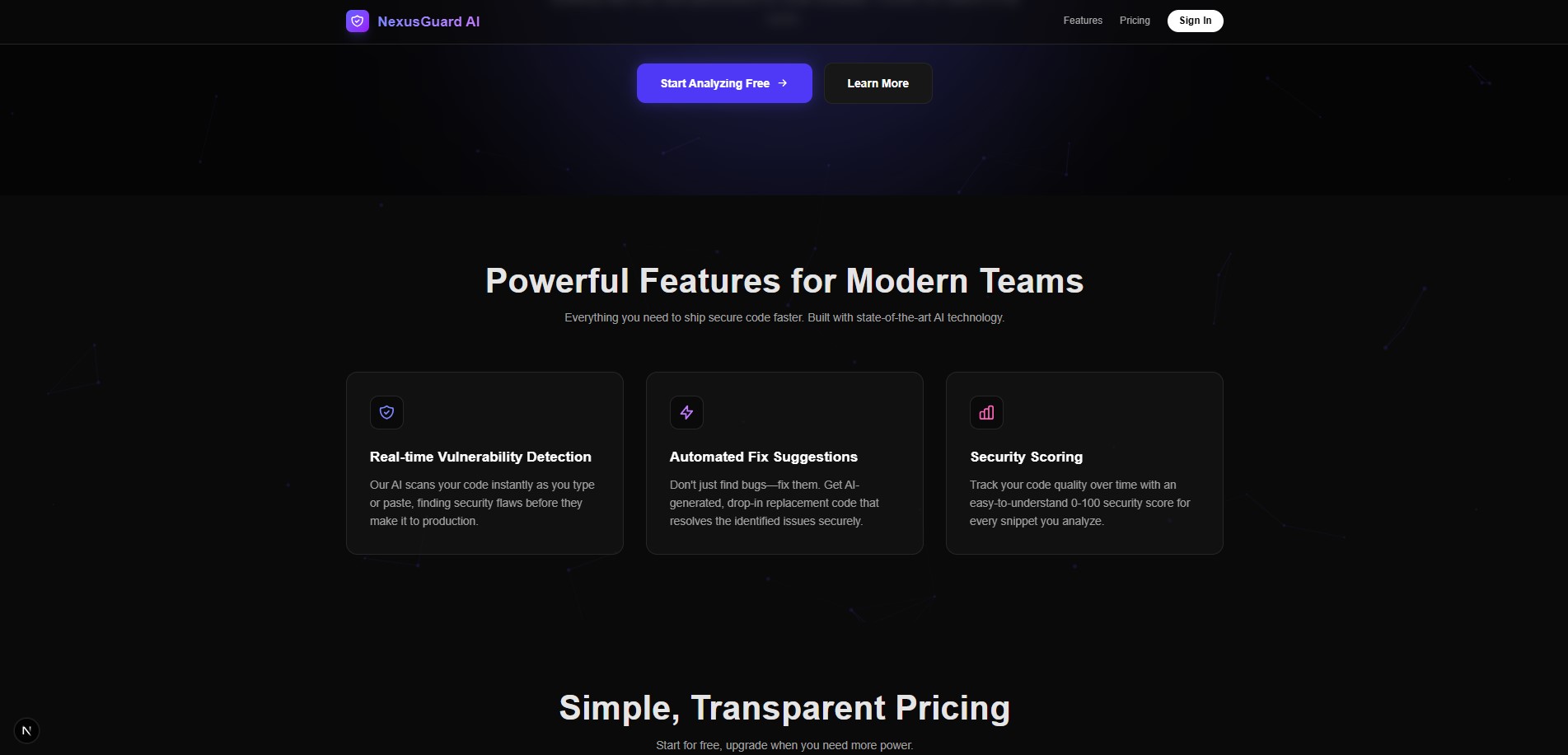
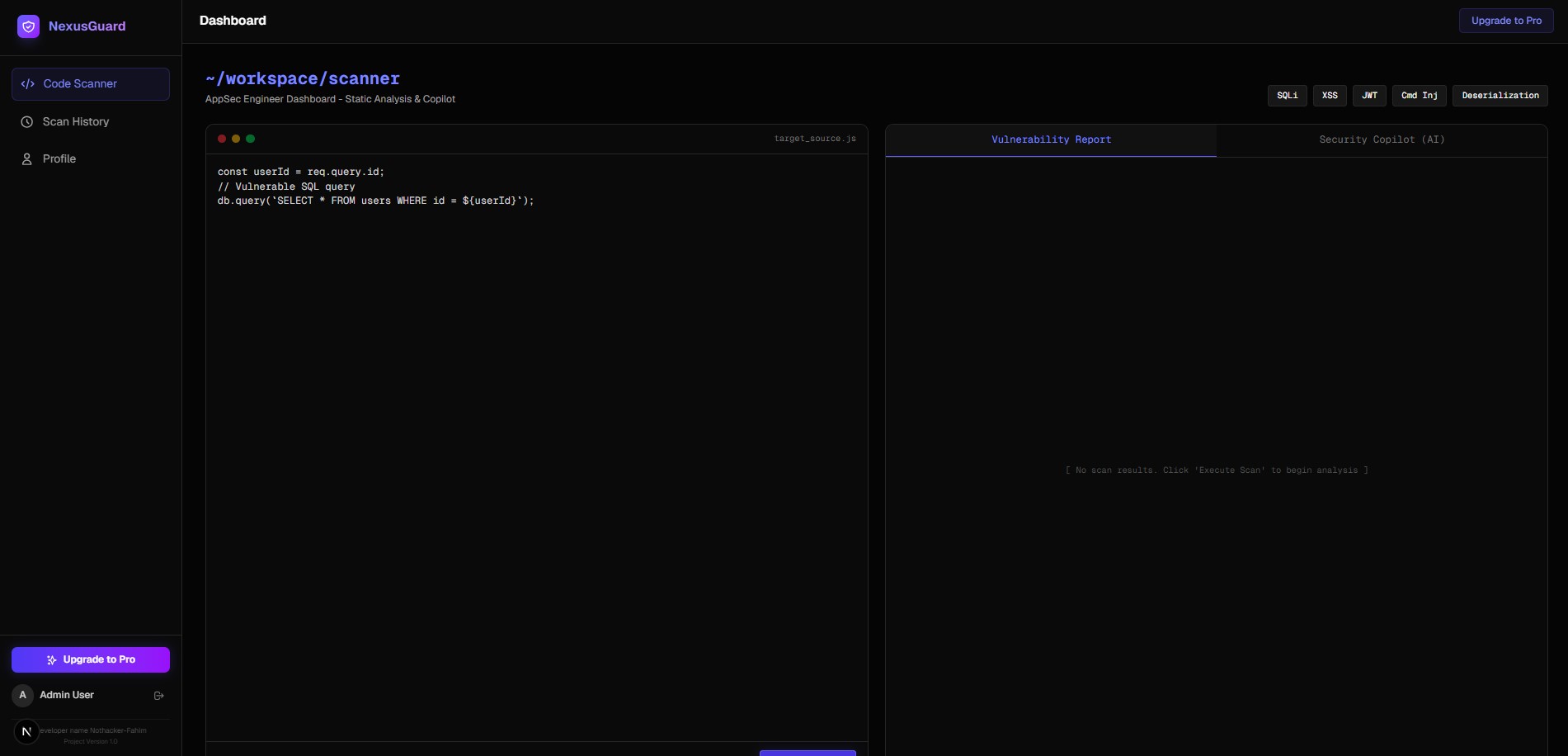
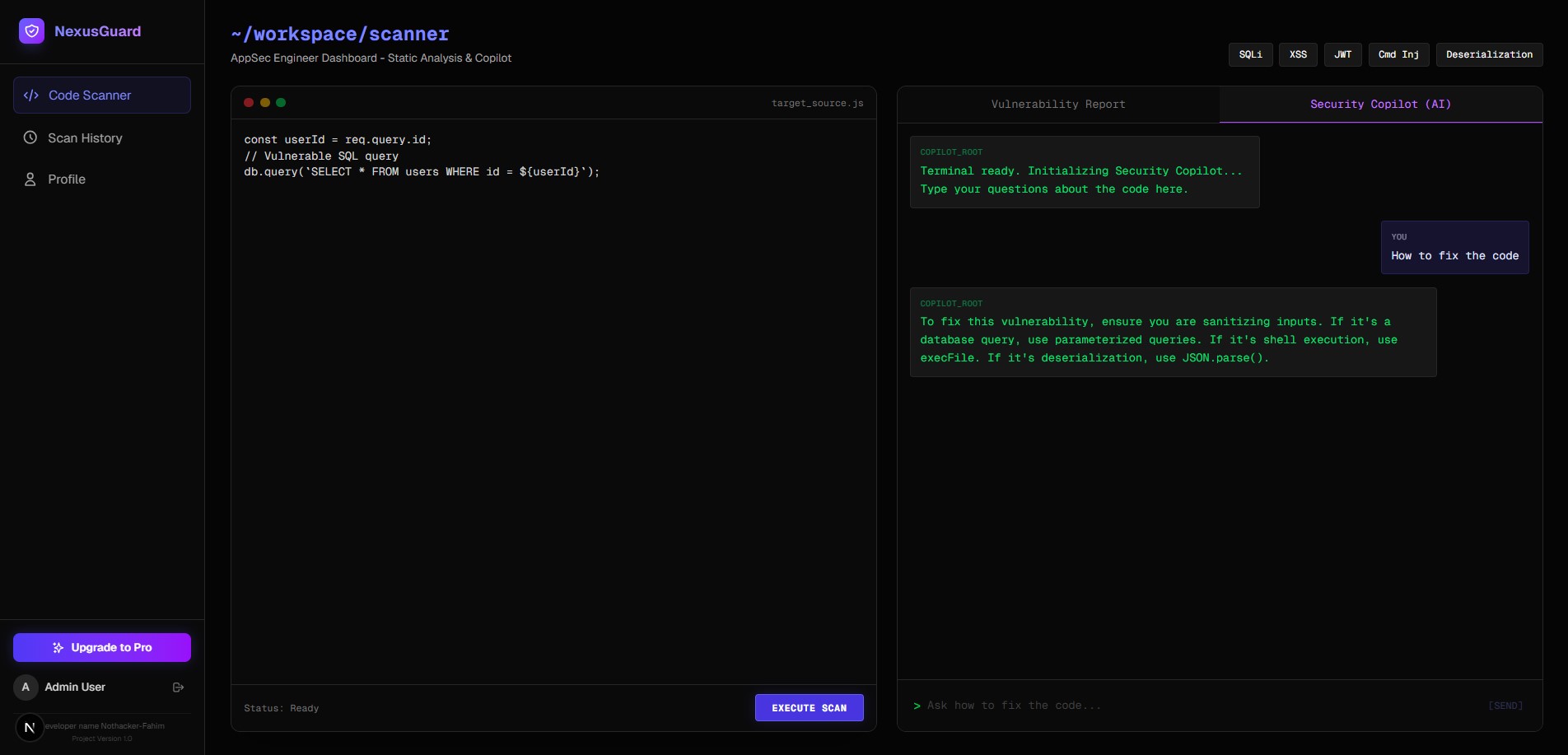
NexusGuard AI is an intelligent code security dashboard. It acts as an automated, AI-driven security reviewer:
- Interactive Studio: Developers paste their codebase or specific functions directly into a stunning browser-based editor.
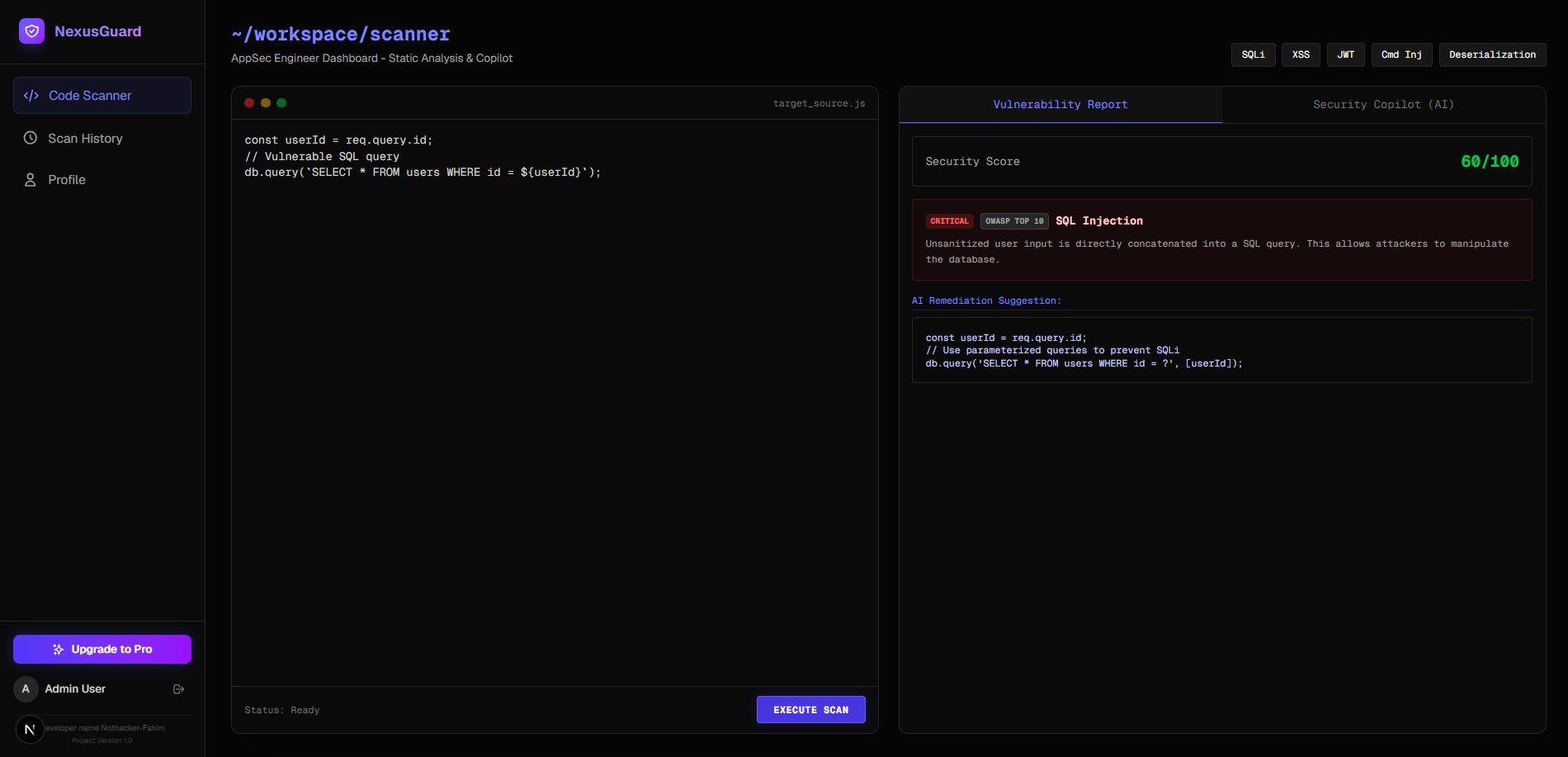
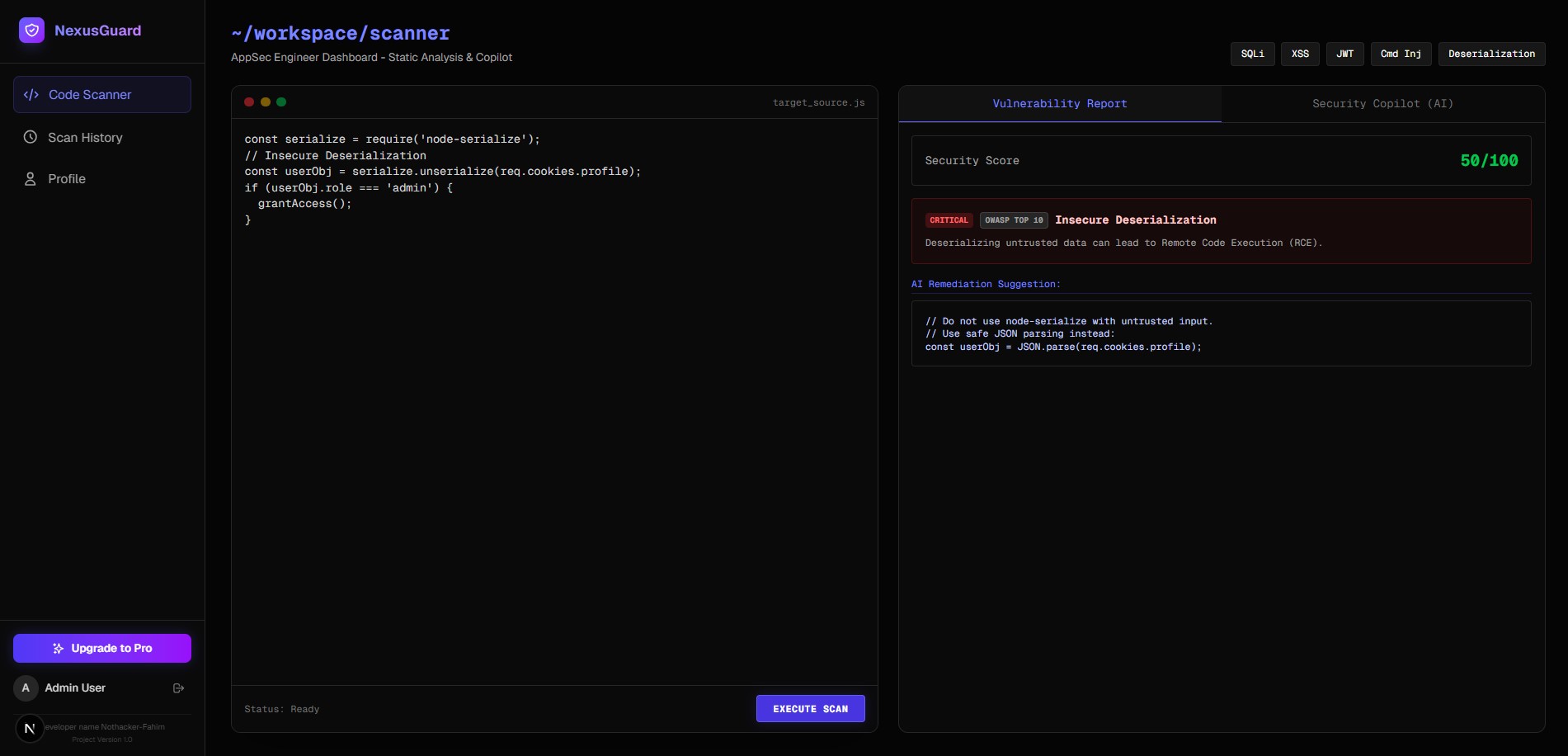
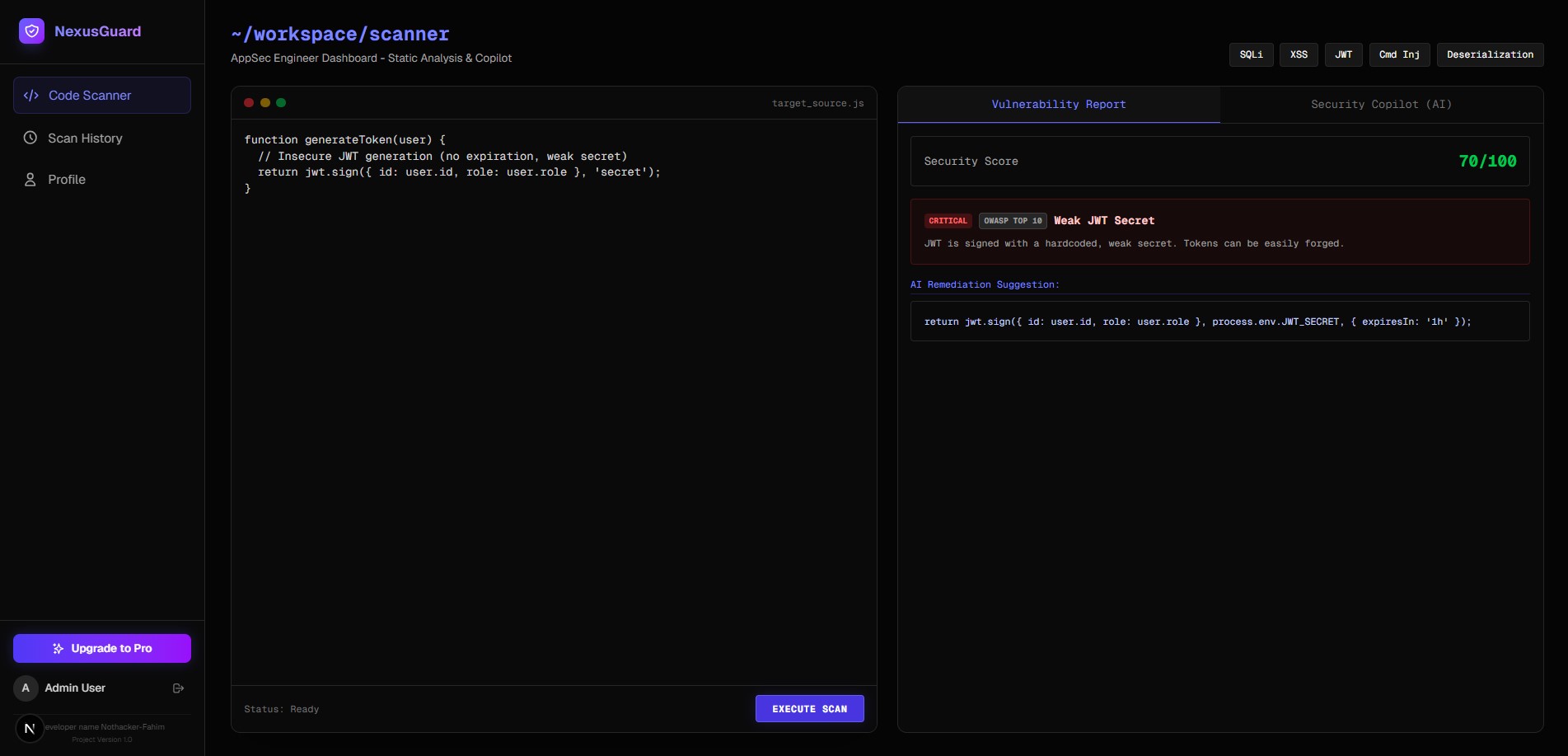
- Instant Analysis: The engine instantly analyzes the logic to detect vulnerabilities (like SQL injections, XSS, and insecure JWTs) and evaluates best practices.
- Actionable Reports: It generates a real-time security score (from 0 to 100), highlights critical issues, and provides secure, drop-in replacement code that developers can copy instantly.
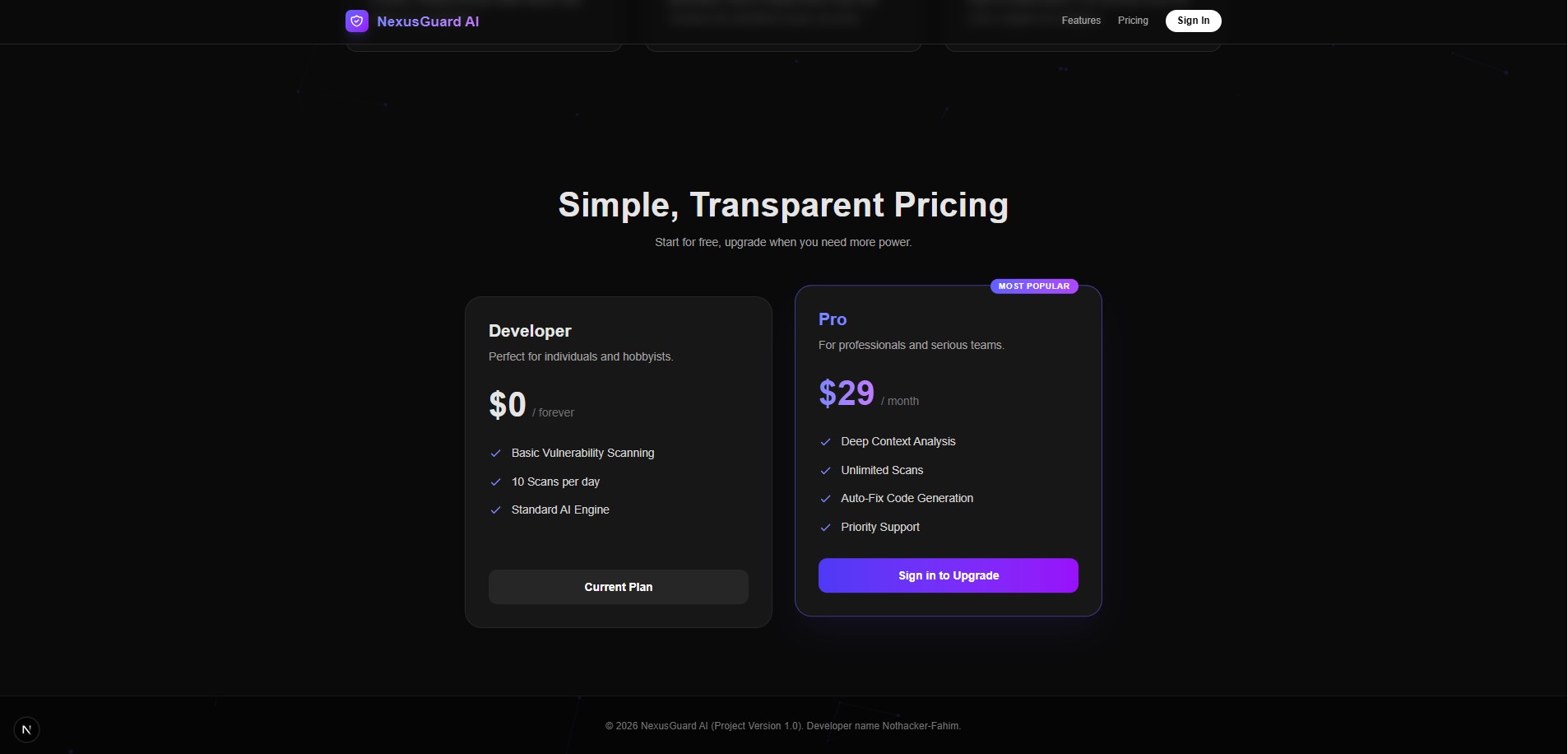
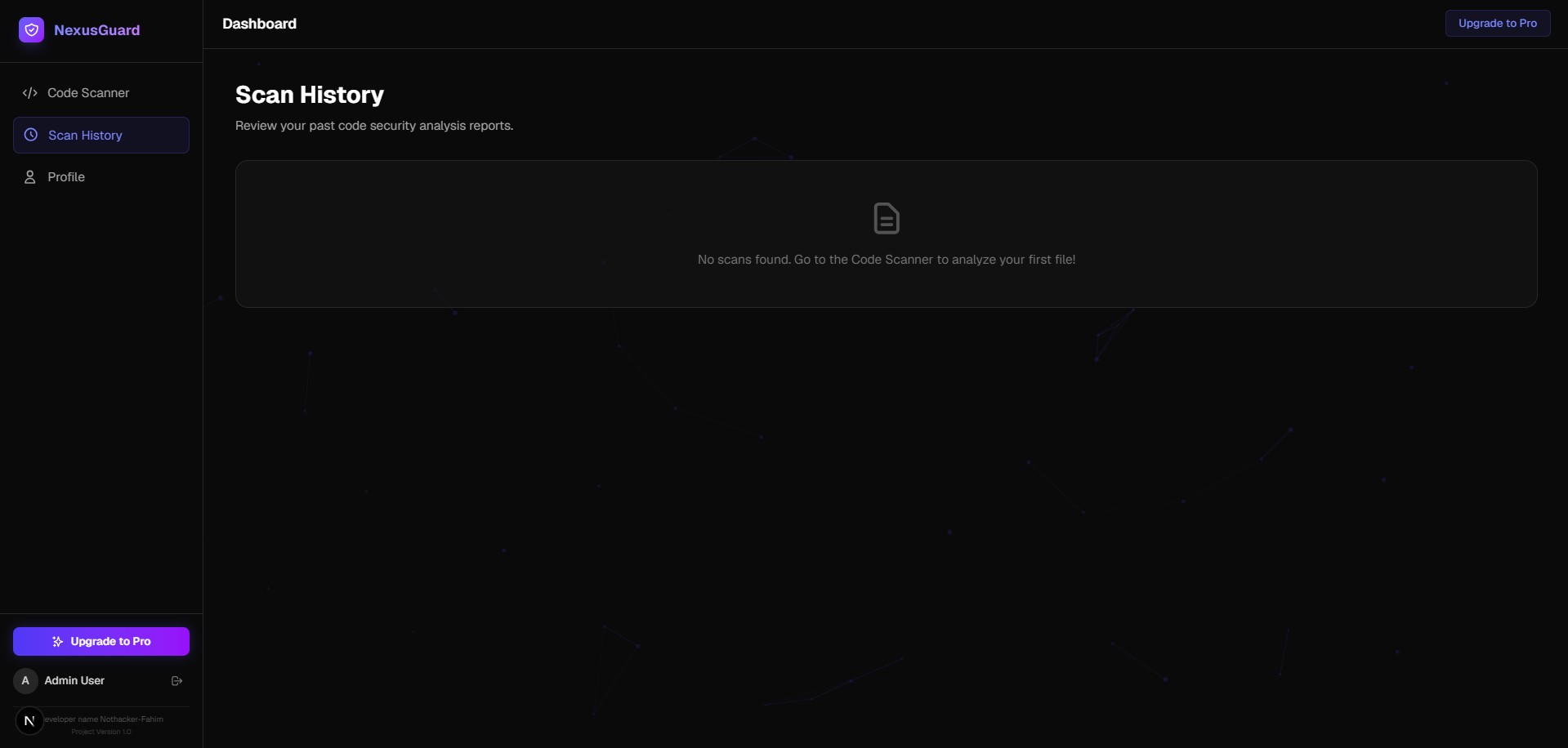
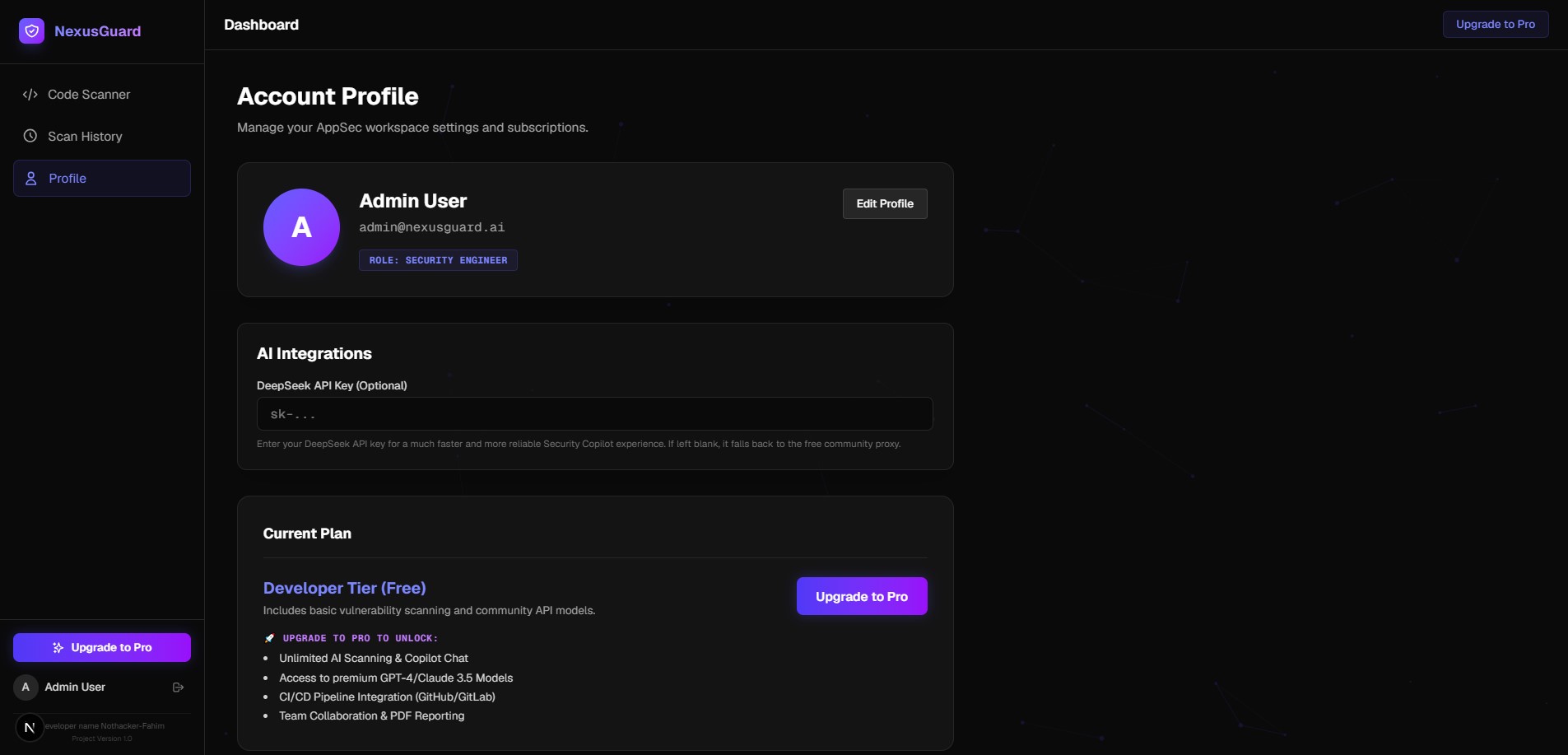
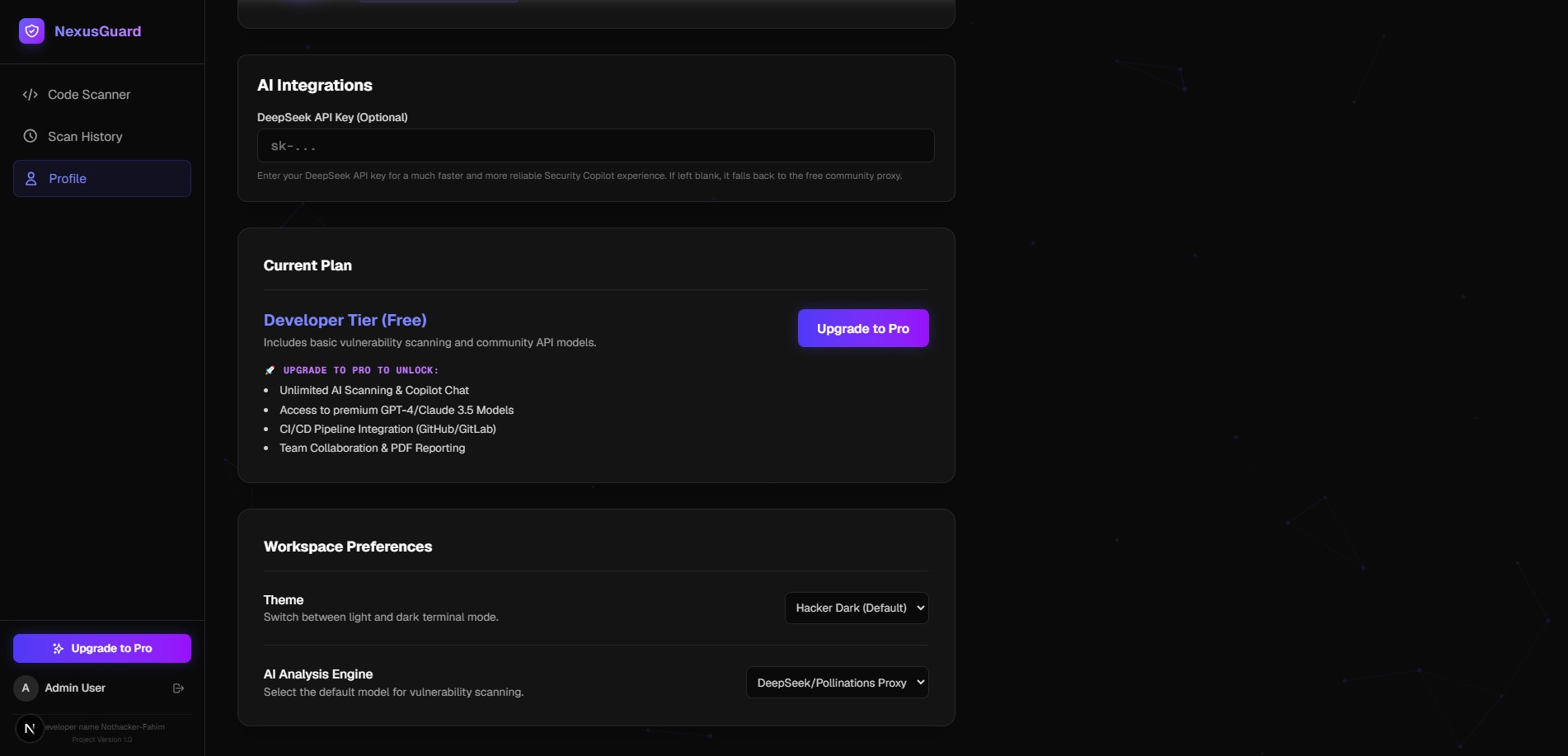
- Pro Tier & History: Users can securely upgrade their account via Stripe to unlock unlimited deep repository-wide scans and track how their code security score improves over time. ## How we built it We prioritized a modern, lightweight, and incredibly fast tech stack:
- Frontend & API: We used Next.js 16 (App Router) combined with Tailwind CSS v4 to create a stunning Glassmorphism UI with radial gradients and custom micro-animations.
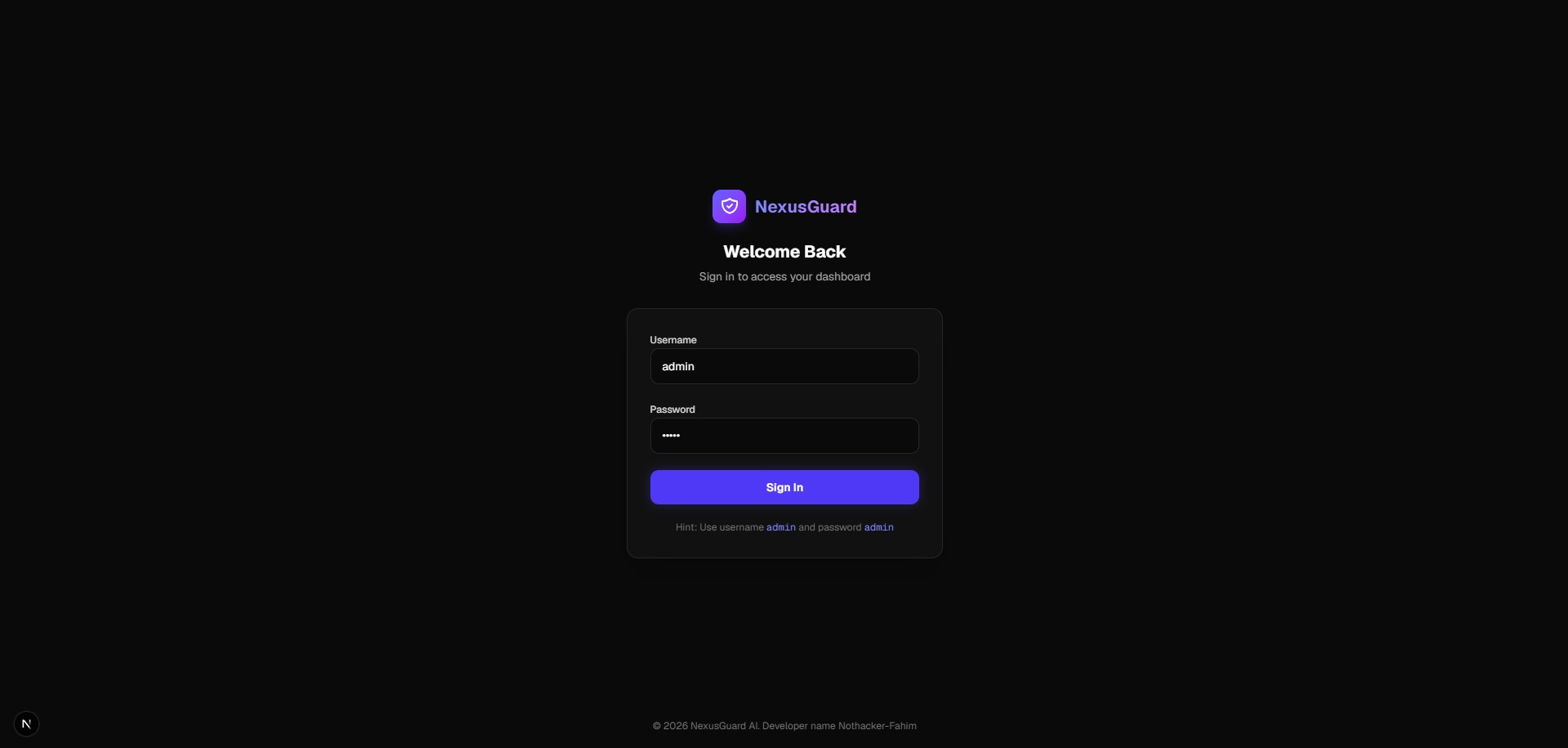
- Authentication: NextAuth.js handles robust user management and JWT sessions seamlessly.
- Database: We used MySQL coupled with Prisma ORM for type-safe database queries to store code audit histories securely.
- Payments: Stripe Checkout and Webhooks are integrated to process upgrades to the NexusGuard Pro tier.
- AI Engine: We connected OpenRouter / OpenAI APIs to power the deep vulnerability analysis and generate the suggested secure code fixes.
## Challenges we ran into
Building a real-time, responsive code editor in the browser required careful state management to ensure the UI remained buttery smooth even when pasting large blocks of code. Additionally, implementing secure Stripe webhooks (
/api/webhooks/stripe) to automatically update user subscription records required meticulous error handling and testing to ensure users always got access to their Pro features instantly. Finally, designing the AI prompt to consistently return structured, accurate vulnerability data without hallucinating false positives took several iterations. ## Accomplishments that we're proud of We are incredibly proud of the polished, premium feel of the Glassmorphism user interface—it truly makes code security feel approachable rather than intimidating. We're also proud of successfully integrating a full monetization loop with Stripe Checkout and webhooks, allowing the app to theoretically generate revenue from day one. Finally, bridging the gap between raw AI outputs and a structured, interactive security report was a huge win for the project. ## What we learned - Modern Full-Stack Patterns: We deepened our understanding of Next.js App Router and Edge functions for blazing-fast API routes.
- Monetization integration: We learned how to properly and securely set up Stripe Checkout Sessions and handle asynchronous webhook events.
- AI in Security: We discovered the immense potential (and the challenges) of using Large Language Models to perform static code analysis and suggest context-aware security fixes. ## What's next for NexusGuard AI We plan to build IDE extensions (like a VS Code plugin) so developers can get real-time NexusGuard AI feedback right as they type. We also want to implement GitHub integration for automated pull request security reviews!

Log in or sign up for Devpost to join the conversation.