Nexus - Hackathon Submission
Project Name
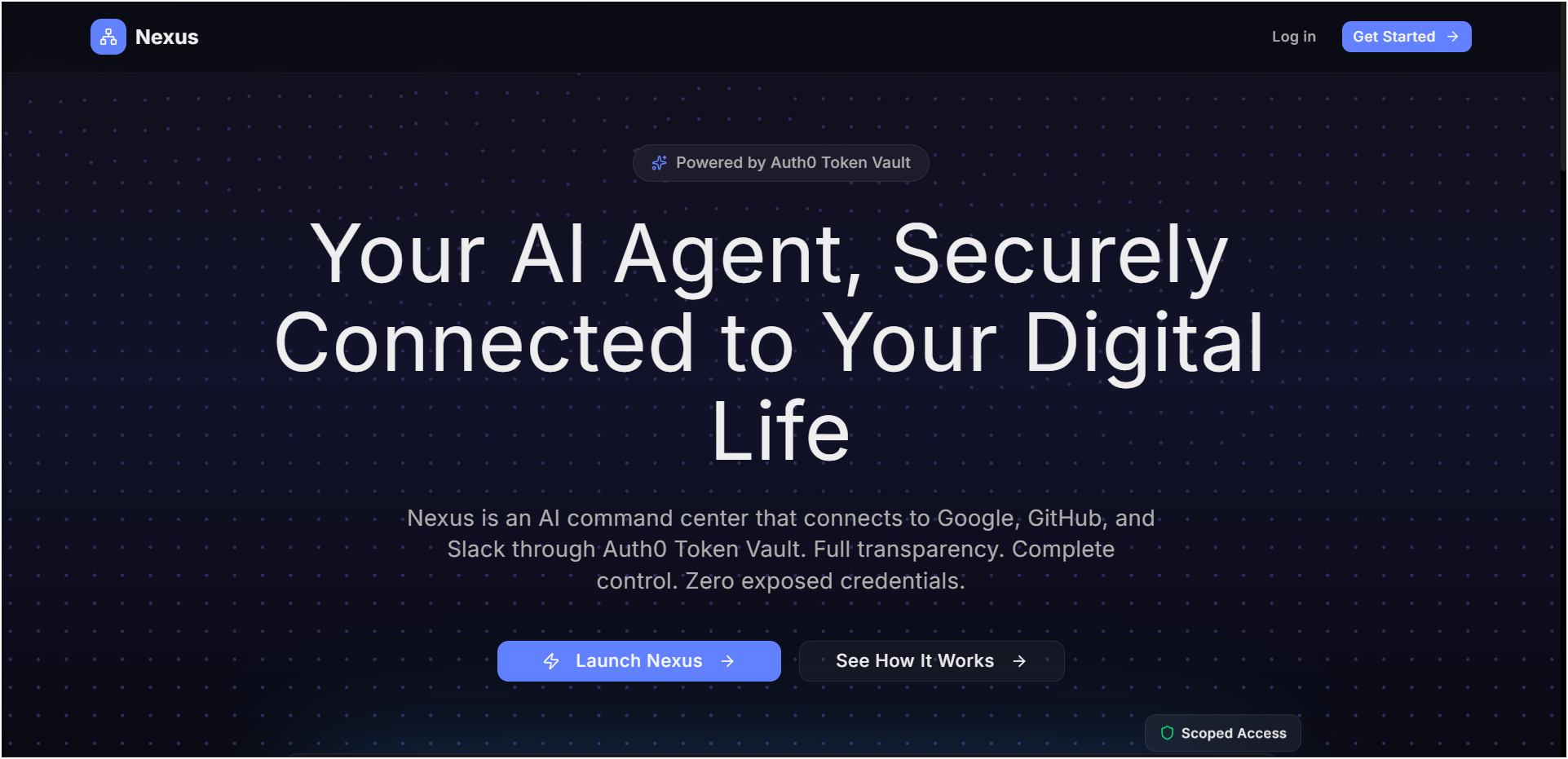
Nexus - The Security Layer for AI Agents
Elevator Pitch
What if your AI agent deletes your repo or posts to Slack without asking? Nexus prevents that—YOUR permission required for writes, re-auth for deletes. Built on Auth0 Token Vault.
About the Project
Inspiration
AI agents are powerful—but giving them access to your accounts is terrifying. What if your AI deletes your GitHub repo, sends spam from your email, or posts to Slack without asking? I built Nexus to prevent that.
What it does
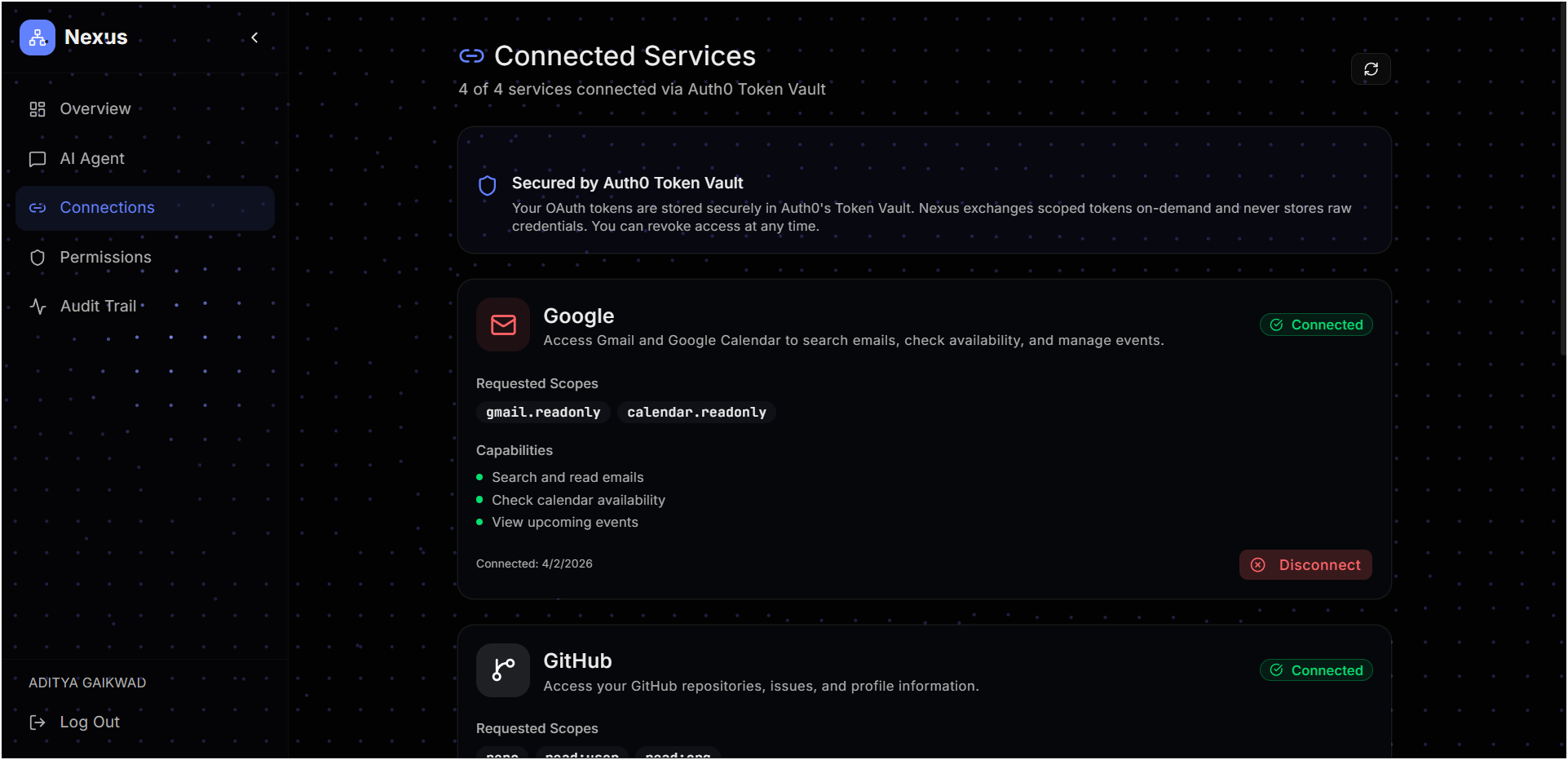
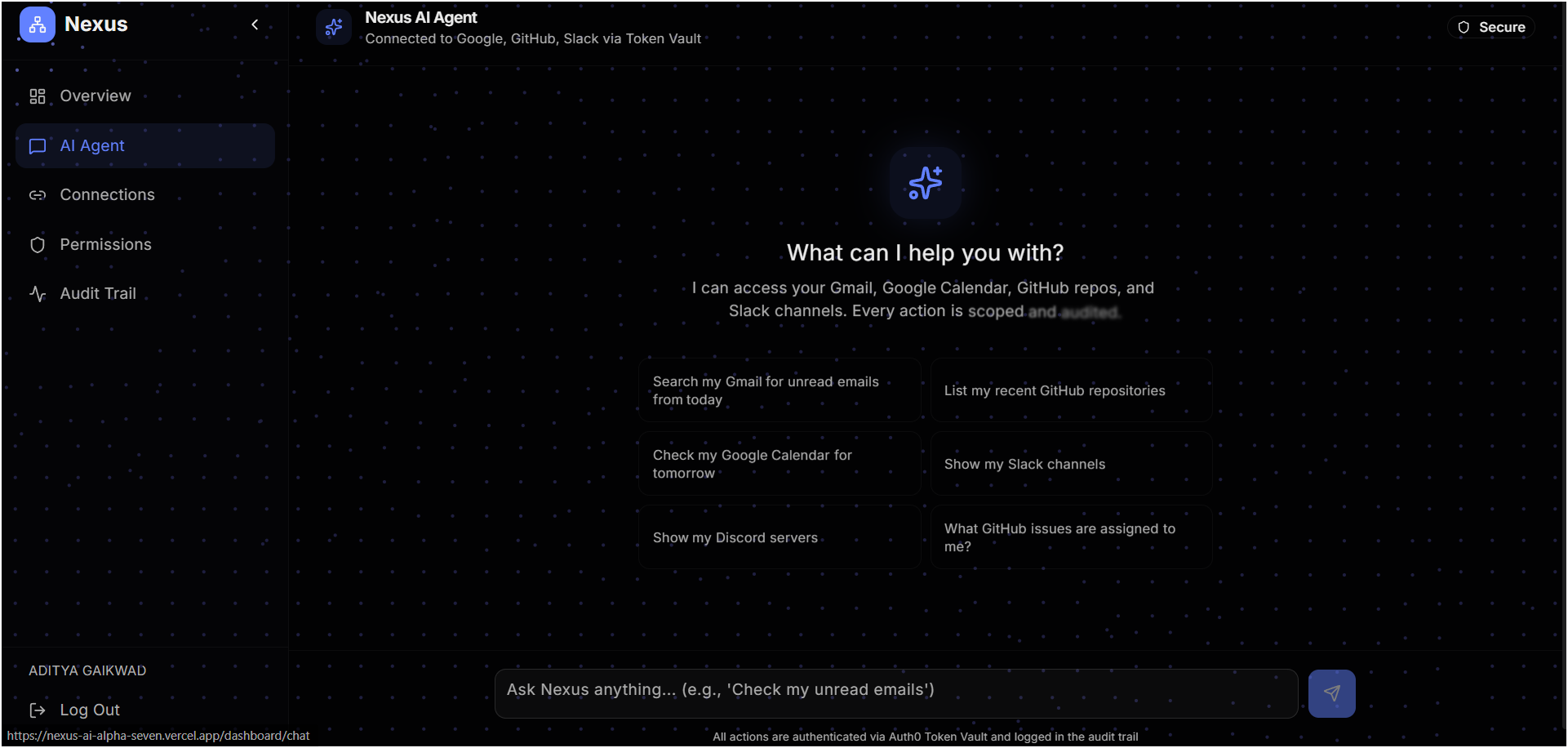
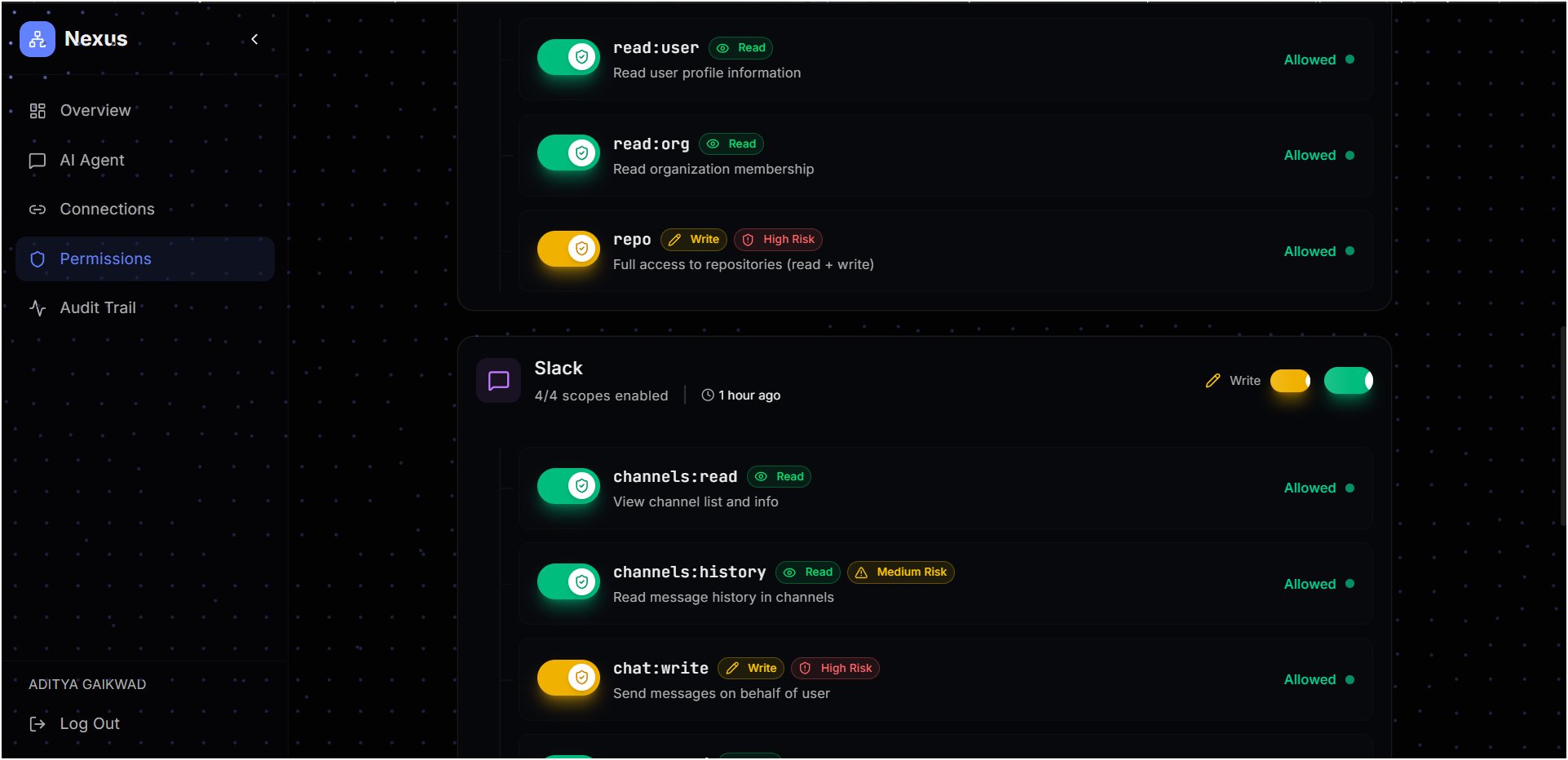
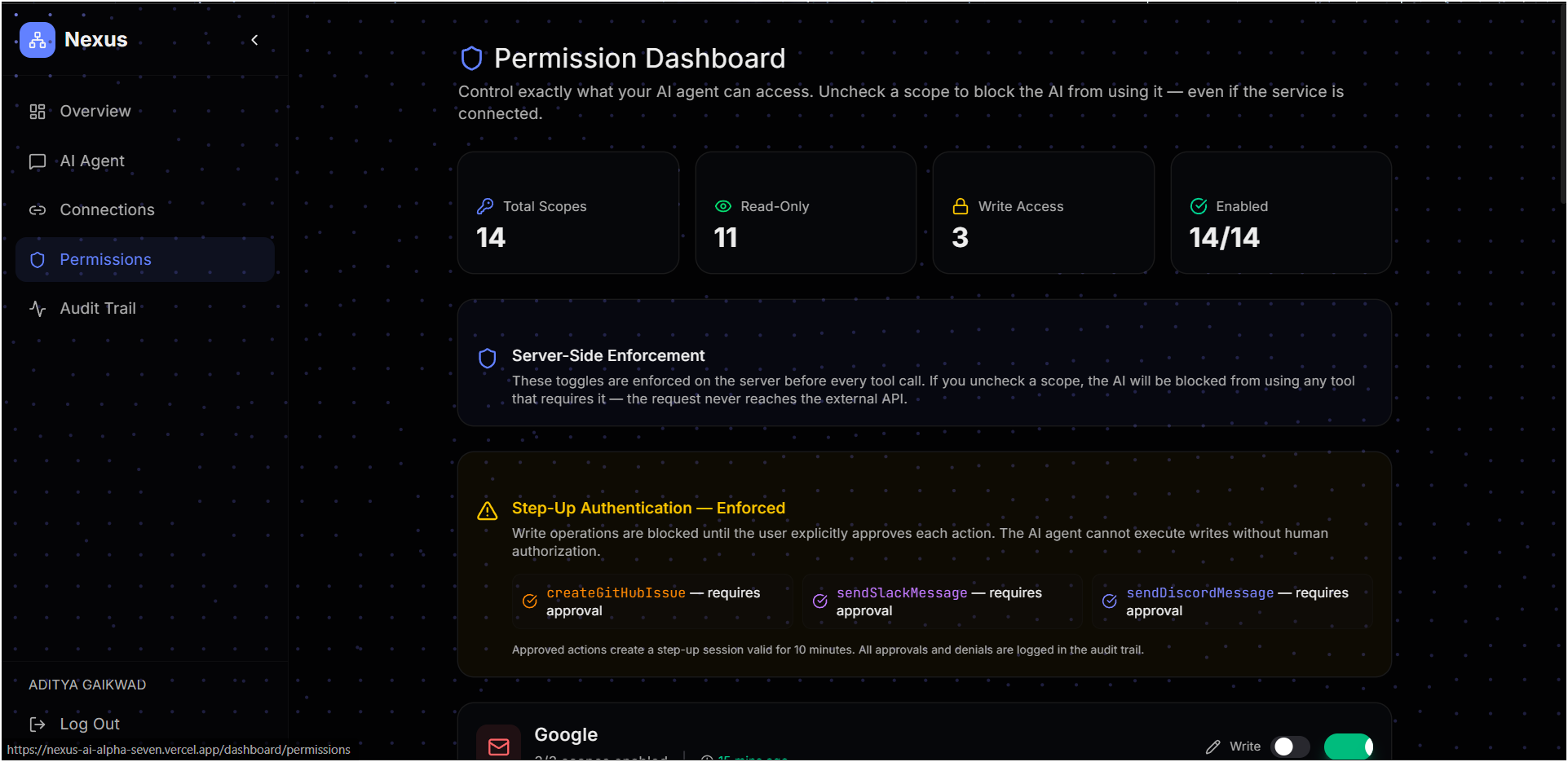
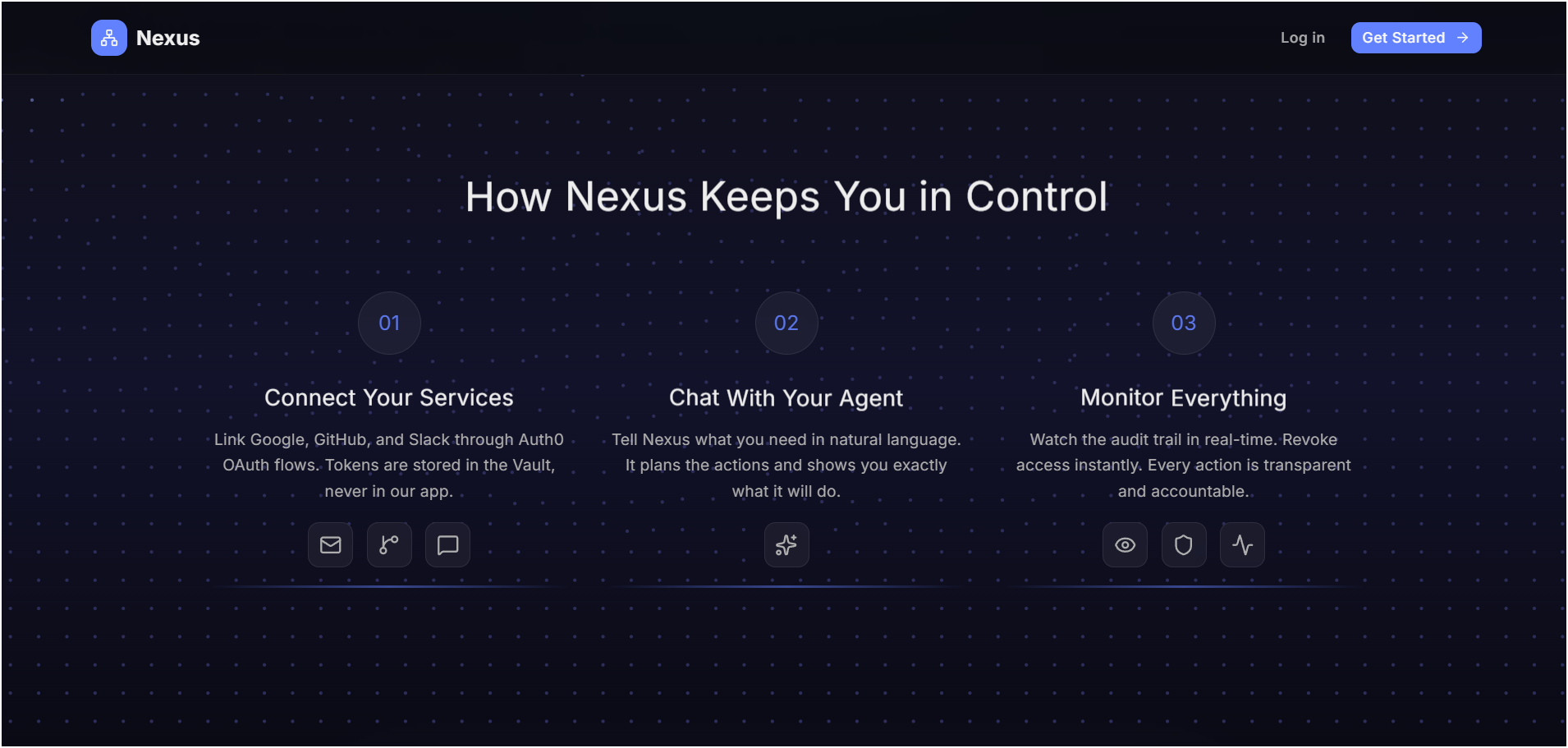
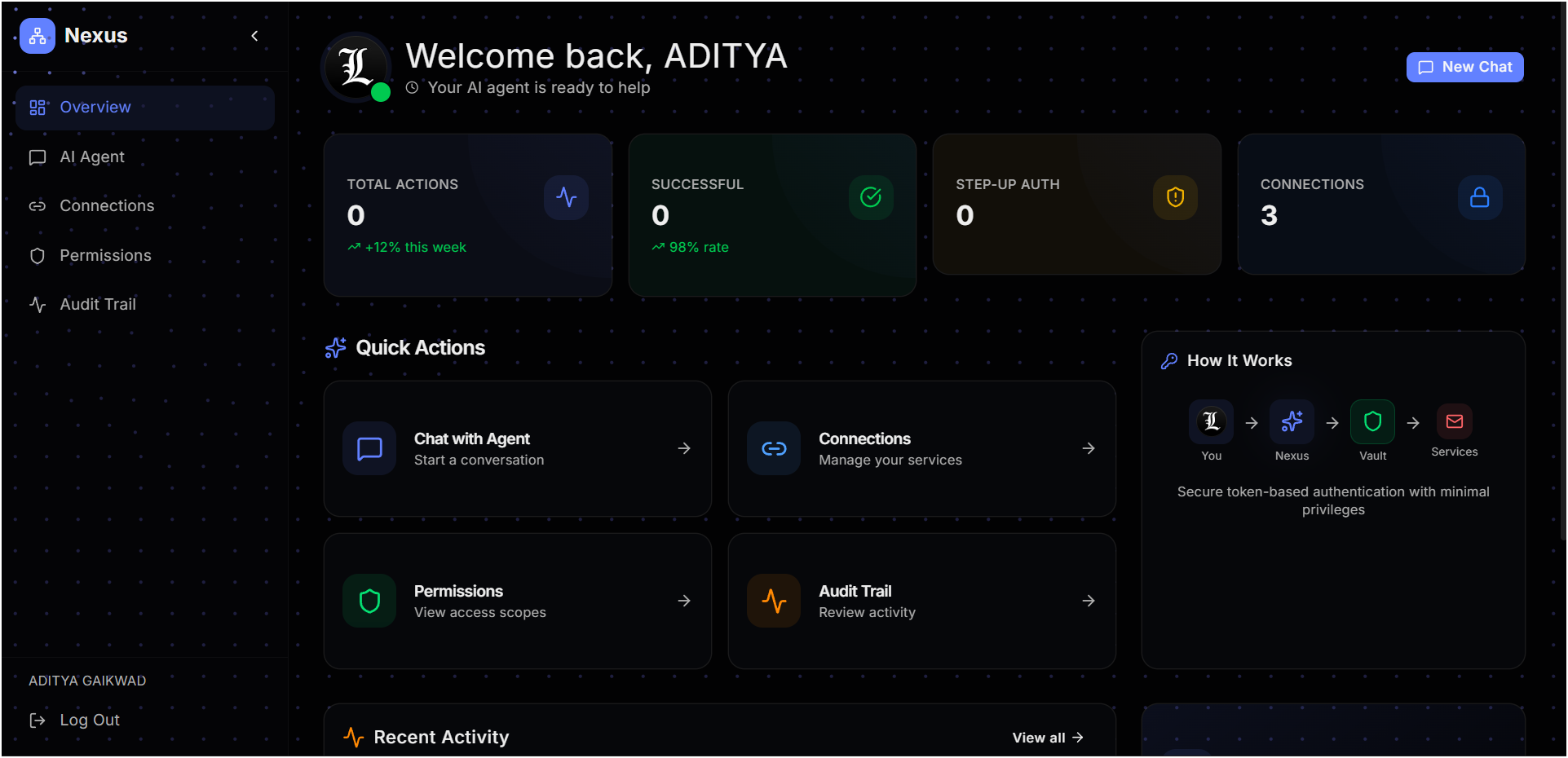
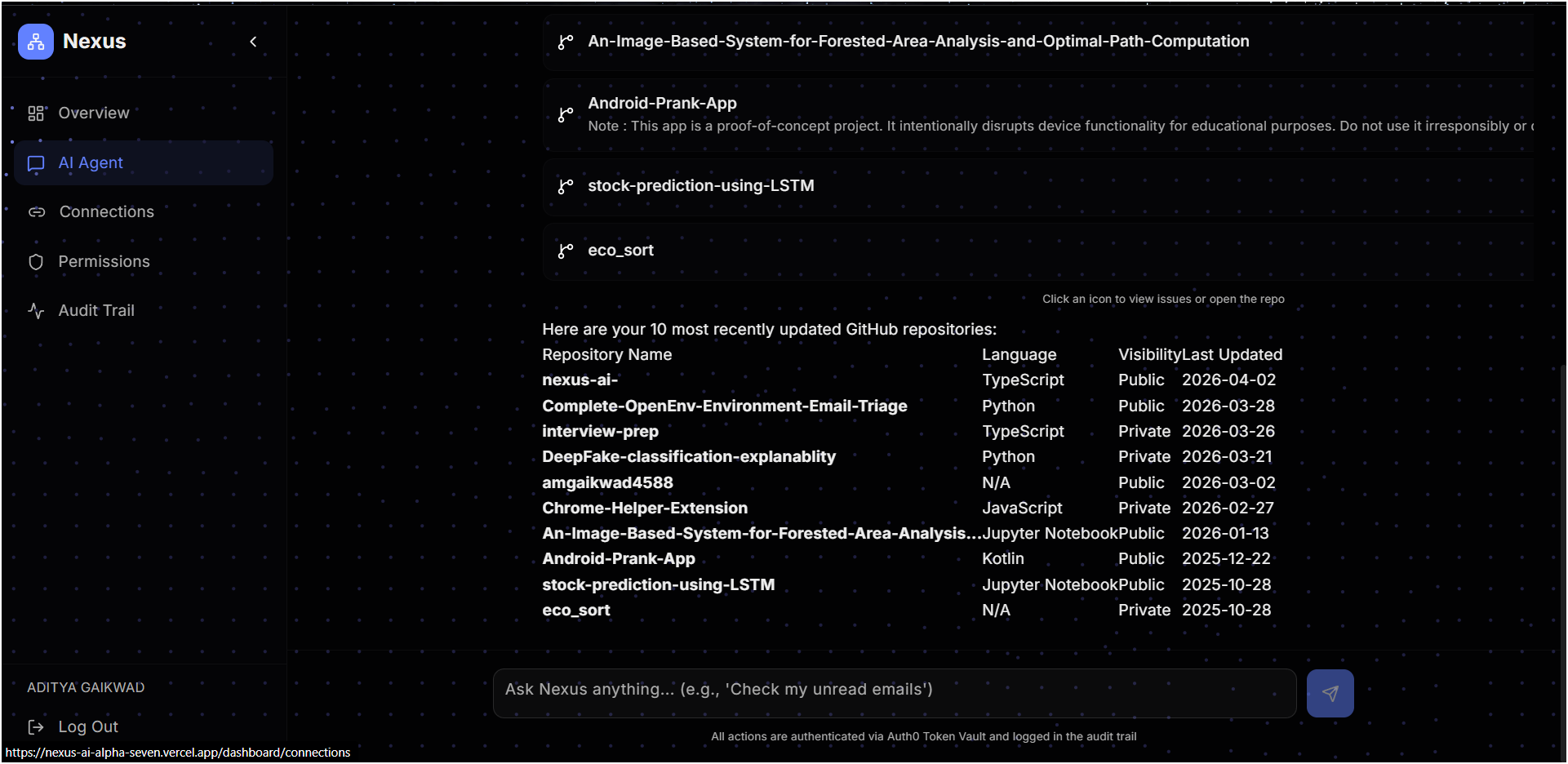
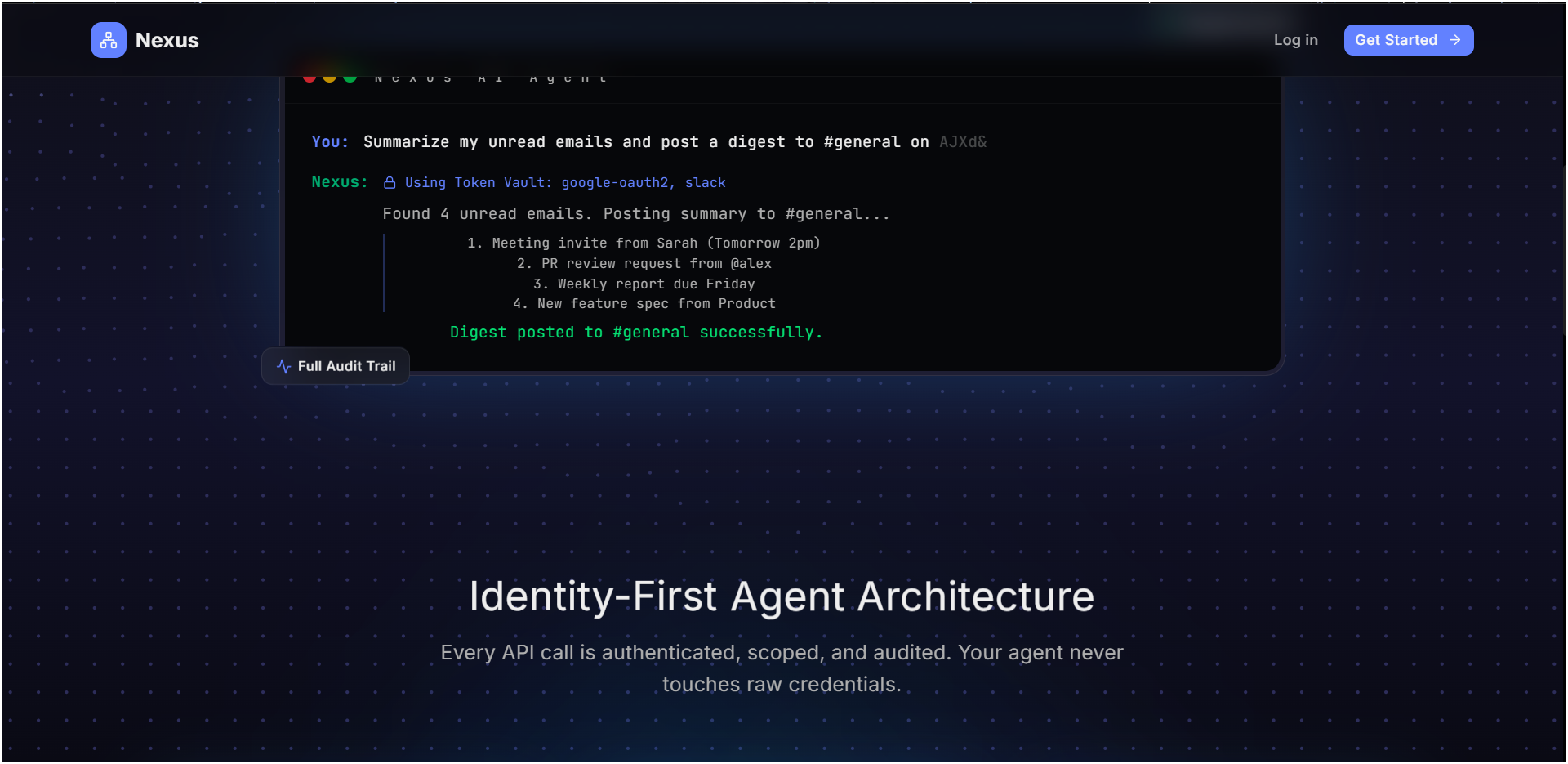
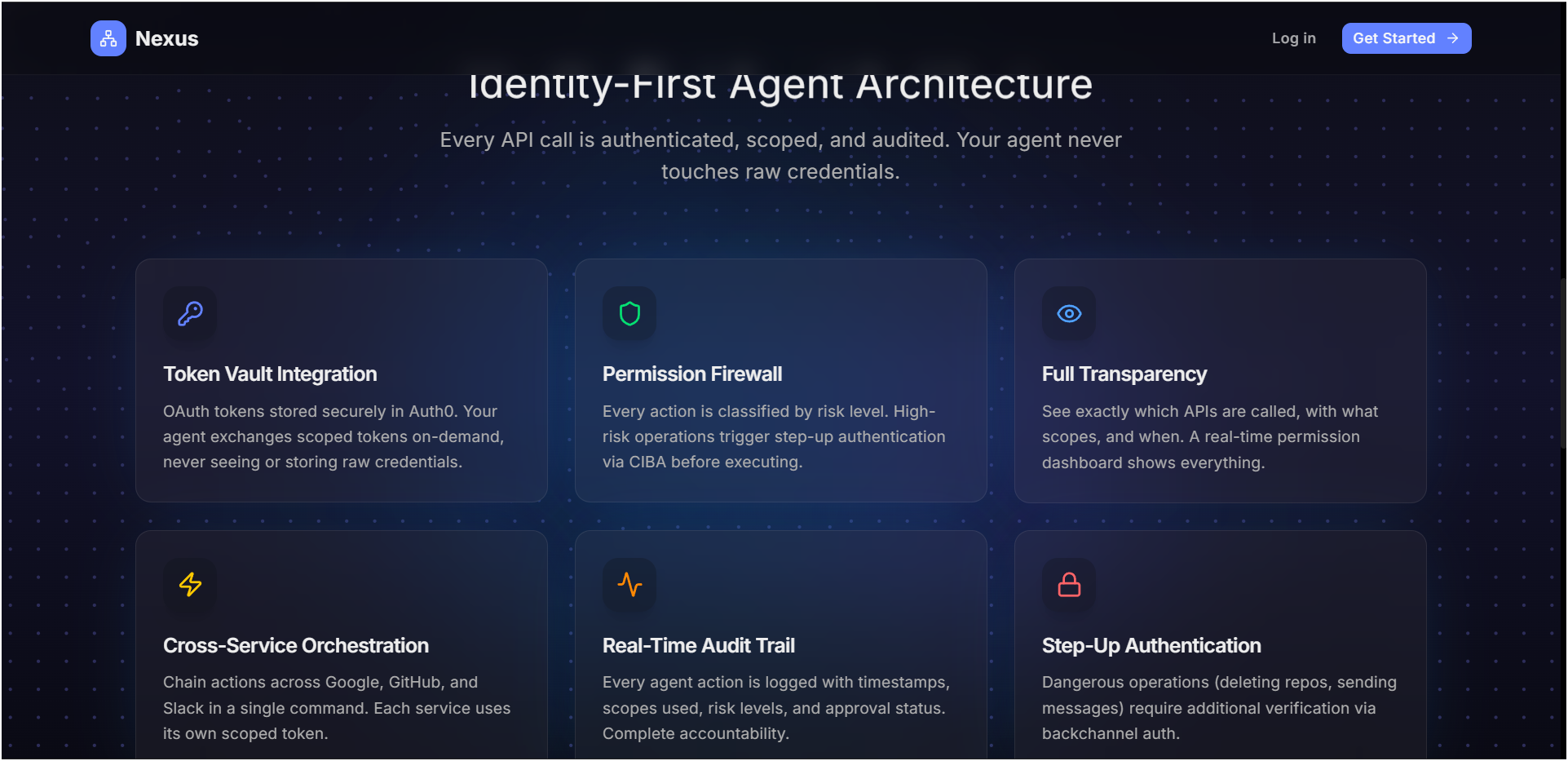
Nexus is a security layer for AI agents that connects to Google, GitHub, Slack, and Discord through Auth0 Token Vault. It ensures every AI action happens with explicit user permission:
- LOW risk (reads): Auto-executes
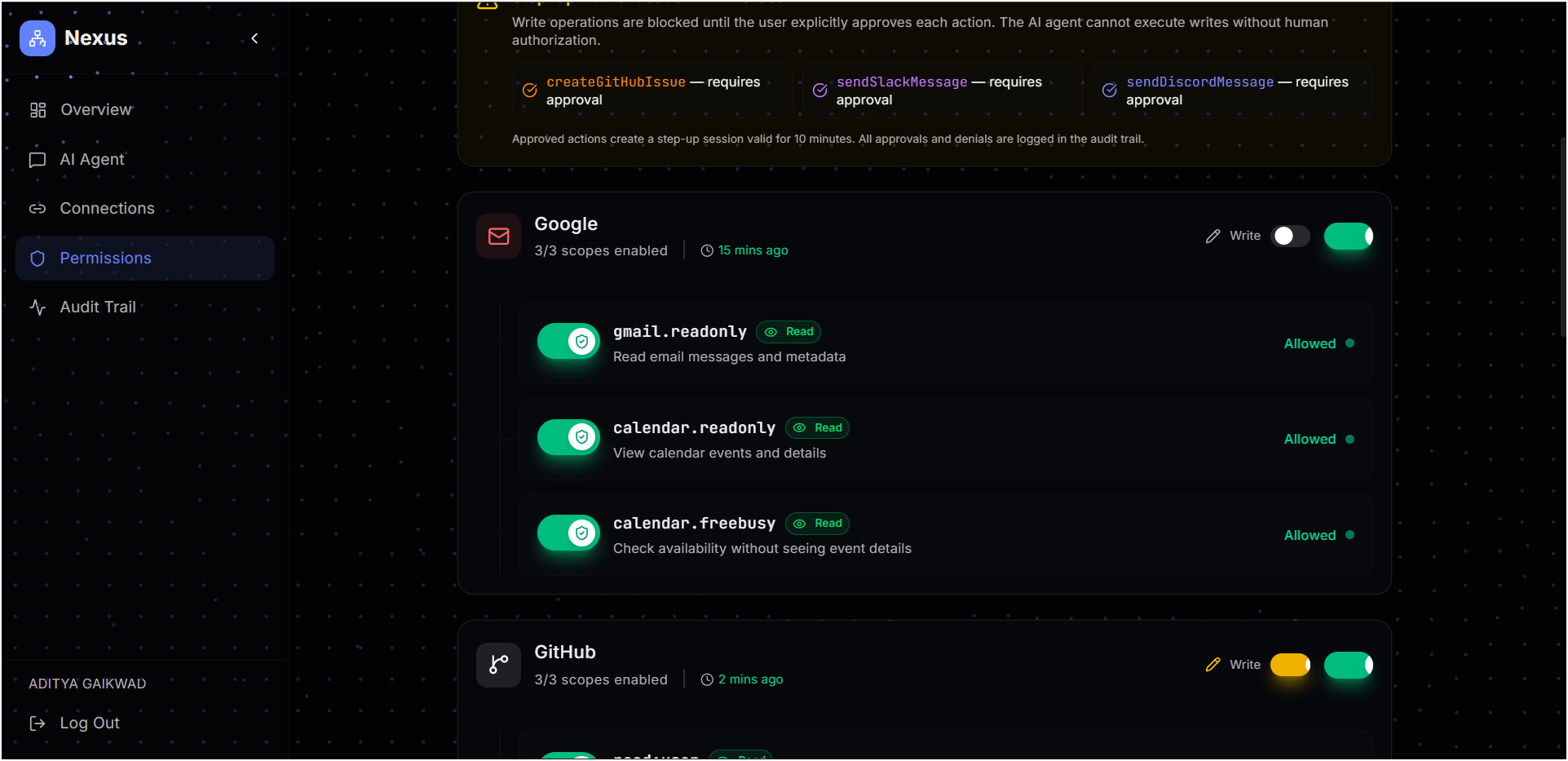
- MEDIUM risk (writes): Step-up approval card required
- HIGH risk (destructive): Re-authentication required Users always see what actions the AI is attempting and retain full control over execution decisions.
How we built it
- Framework: Next.js 16 (App Router, TypeScript)
- Auth: Auth0 Token Vault + Auth0 AI SDK
- Security: Custom Risk Engine with 4 decision paths (EXECUTE/STEP_UP/REAUTH/BLOCK)
- DPoP (Designed): System architected to support sender-constrained tokens to prevent replay attacks
- AI: Google Gemini via Vercel AI SDK
- UI: Tailwind CSS v4, shadcn/ui, Framer Motion
Challenges we ran into
Errors and Fixes
"An error occurred while trying to exchange the authorization code" on Vercel login
- Cause: APP_BASE_URL set to localhost:3000 on Vercel, callback URLs not configured in Auth0 dashboard
- Fix: Updated Vercel env vars and Auth0 dashboard callback URLs
Discord connection fails on Vercel
- Cause: redirect_uri in connect route uses APP_BASE_URL which was localhost
- Fix: Updated APP_BASE_URL on Vercel
Chatbot tools silently failing on Vercel (read-only filesystem)
- Cause: audit.ts uses fs.writeFileSync to write data/audit-log.json. Vercel has read-only filesystem.
- Fix: Added IS_VERCEL check, in-memory fallback, and try-catch wrapper
AUTH0_AI_INTERRUPT: Authorization required to access the Token Vault
- Cause: getSession() loses cookie context during async streamText() on Vercel serverless
- Fix: Added _requestRefreshToken cache before streaming starts
Token Vault credential mismatch
- Cause: M2M client credentials didn't match the web app that issued refresh tokens
- Fix: Changed to use AUTH0_CLIENT_ID/AUTH0_CLIENT_SECRET
Step-up write operations fail
- Cause: token-exchange.ts still had old credential fallback chain
- Fix: Updated to use correct client credentials
Gemini API model selection
- Finally using gemini-3.1-flash-lite-preview (500 RPD)
Accomplishments that we're proud of
- Implemented full step-up authentication flow with approval cards in chat UI
- Built centralized Risk Engine that evaluates every tool
- Architected DPoP-ready system for sender-constrained tokens
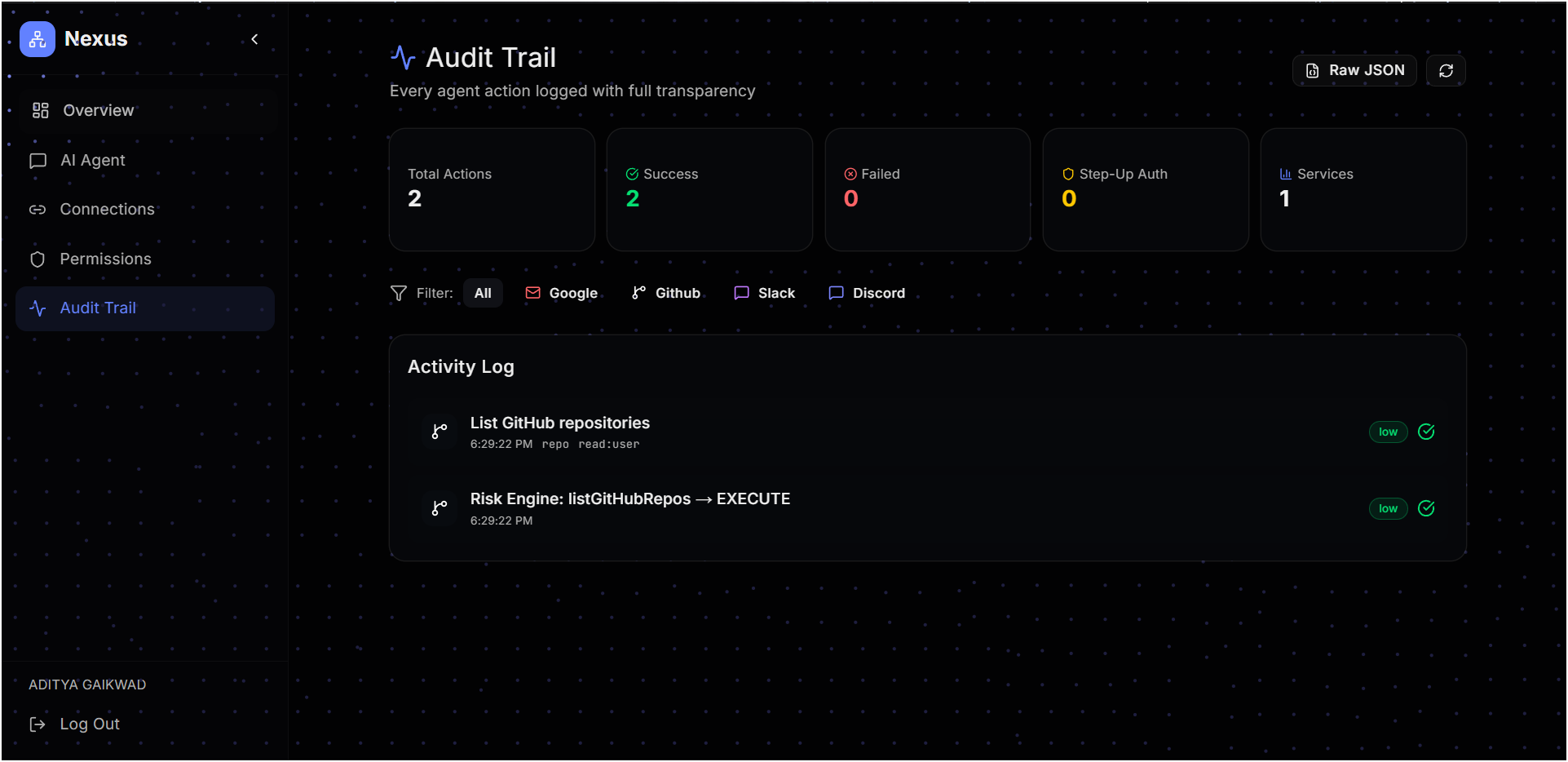
- Persistent audit trail with crash recovery
- 11 passing tests for risk engine and audit functionality
What we learned
Token Vault is powerful but requires careful configuration. Not all OAuth providers support refresh tokens (Slack). Production readiness means handling serverless constraints, cookie context persistence, and environment-specific behaviors.
What's next for Nexus
Add more integrations (Notion, Linear, Jira), implement real CIBA flow for step-up auth, and add multi-user support with team dashboards.
Why Nexus Matters
AI agents are becoming more autonomous, but current systems lack permission control. Nexus introduces a security-first approach where every action is evaluated, controlled, and auditable—enabling safe adoption of AI agents in real-world workflows by preventing unauthorized or risky actions before they happen.
Services & Tools
| Service | Auth Method | Tools | Status |
|---|---|---|---|
| Token Vault | 2 (Gmail, Calendar) | Working | |
| GitHub | Token Vault | 5 (repos, issues, profile) | Working |
| Slack | Bot Token | 3 (channels, messages) | Working |
| Discord | Token Vault | 3 (profile, guilds, members) | Working |
Tool Risk Classification
| Tool | Action | Risk |
|---|---|---|
| searchGmail | Search inbox | LOW |
| checkCalendar | Check events | LOW |
| getGitHubProfile | Get profile | LOW |
| listGitHubRepos | List repos | LOW |
| getGitHubIssues | View issues | LOW |
| createGitHubIssue | Create issue | MEDIUM |
| deleteGitHubRepo | Delete repo | HIGH |
| listSlackChannels | List channels | LOW |
| getSlackChannelHistory | Read messages | LOW |
| sendSlackMessage | Send message | MEDIUM |
| getDiscordProfile | Get profile | LOW |
| listDiscordGuilds | List servers | LOW |
| getDiscordGuildMember | Check membership | LOW |
13 tools across 4 services
Technical Implementation
Security Model
- Token Vault: OAuth tokens stored securely in Auth0, never exposed to app
- Risk Engine: Centralized decision layer with 4 outcomes
- DPoP (Designed): System supports sender-constrained tokens to prevent replay attacks
- Step-up Auth: Approval cards in chat UI
- Audit Trail: JSON-based persistent logging
Key Files
- src/lib/risk-engine.ts - Risk decision logic
- src/lib/token-exchange.ts - Manual token exchange for step-up
- src/lib/dpop.ts - DPoP key generation & proof creation
- src/lib/audit.ts - Persistent audit logging
- src/app/api/chat/route.ts - AI chat with risk engine
Bonus Blog Post
Lessons Learned: Real Pain Points with Token Vault
Building Nexus taught us that Token Vault is powerful but requires careful configuration. Here are the key lessons from our journey:
1. Account Linking vs. Connected Accounts Auth0's Account Linking and Connected Accounts sound similar but are fundamentally different. Account Linking merges identities while Connected Accounts enables Token Vault. Using the wrong flow caused Token Vault to fail silently with no clear error messages. Token Vault only works with Connected Accounts explicitly enabled in the Auth0 dashboard under Connections → Social → Advanced Settings.
2. Slack OAuth Limitation Slack OAuth does not provide refresh tokens, making Token Vault unusable for persistent access. We switched to Bot Token (xoxb-) approach instead. This highlights that not all OAuth providers are compatible with Token Vault—something to consider when planning integrations.
3. In-Memory Audit Logs Don't Survive Restart Audit logs were initially stored in memory and lost on every restart. In production, this meant zero accountability. We fixed this with persistent JSON-based logging that captures userId, tool name, risk level, decision outcome, and timestamp for every action.
4. DPoP vs System Stability DPoP (Demonstrating Proof of Possession) improves security by binding tokens to specific devices, preventing replay attacks. However, it requires careful tenant-level configuration and risks breaking existing flows. We kept DPoP enabled on the M2M app while disabling it on the web app to maintain login stability while still benefiting from the security improvement.
5. Natural Language vs API Requirements Users naturally say "create issue on nexus-ai-agent" but GitHub requires "owner/repo" format. This mismatch caused failures even after user approval. We added repository validation with suggestions before execution, dramatically reducing failed operations.
The Biggest Takeaway
Token Vault is a game-changer for AI agent security, but it's not a plug-and-play solution. Plan for provider compatibility issues, test in serverless environments early, and always design for graceful degradation when external services fail.
Links
- Live URL: https://nexus-ai-alpha-seven.vercel.app
- GitHub: https://github.com/amgaikwad4588/nexus-ai-agent
- YouTube Demo: https://www.youtube.com/watch?v=G4OS3nOluJM&t=2s
Built with Auth0 Token Vault for the Authorized to Act Hackathon 2026.
Built With
- ai
- auth0
- auth0-ai-sdk
- framer-motion
- gemini
- nextjs
- react
- sdk
- tailwind
- token
- typescript
- vault
- vercel
- via
- vitest


Log in or sign up for Devpost to join the conversation.