-
-
SOBER
-
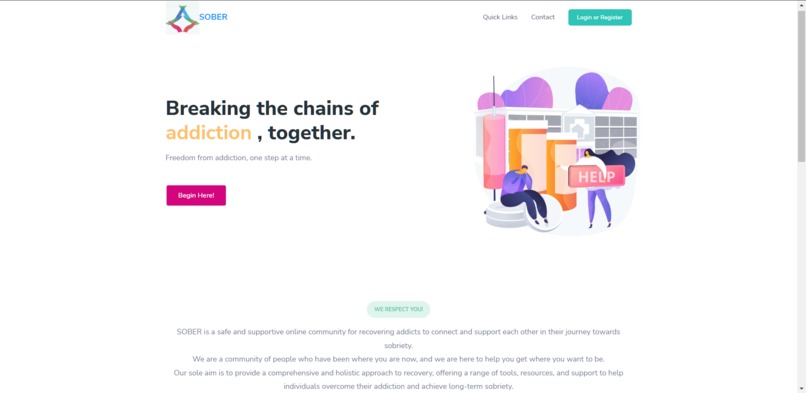
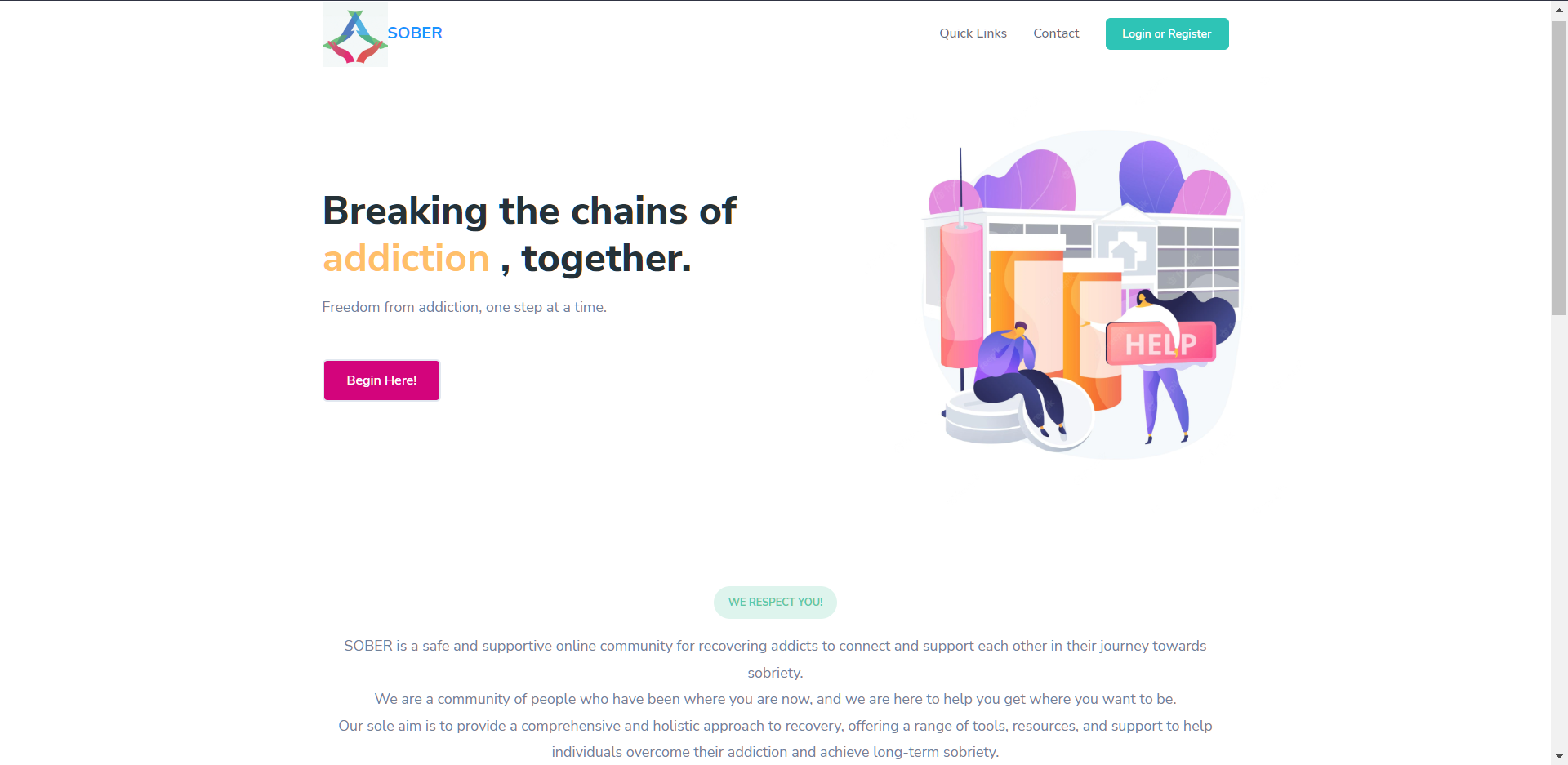
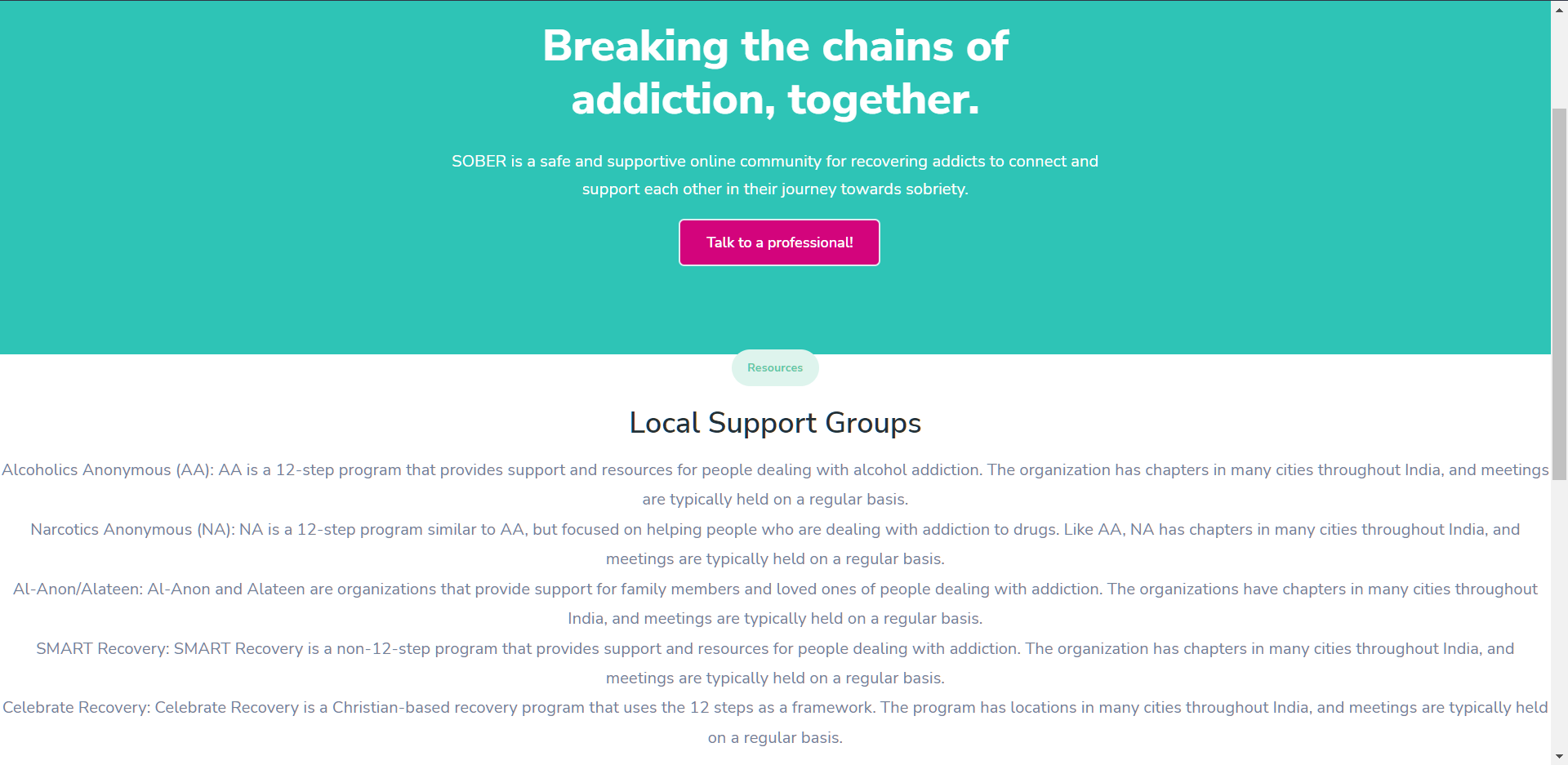
landing page
-
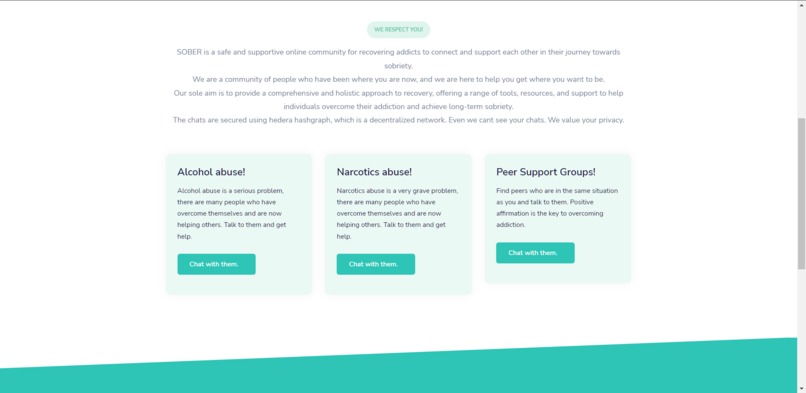
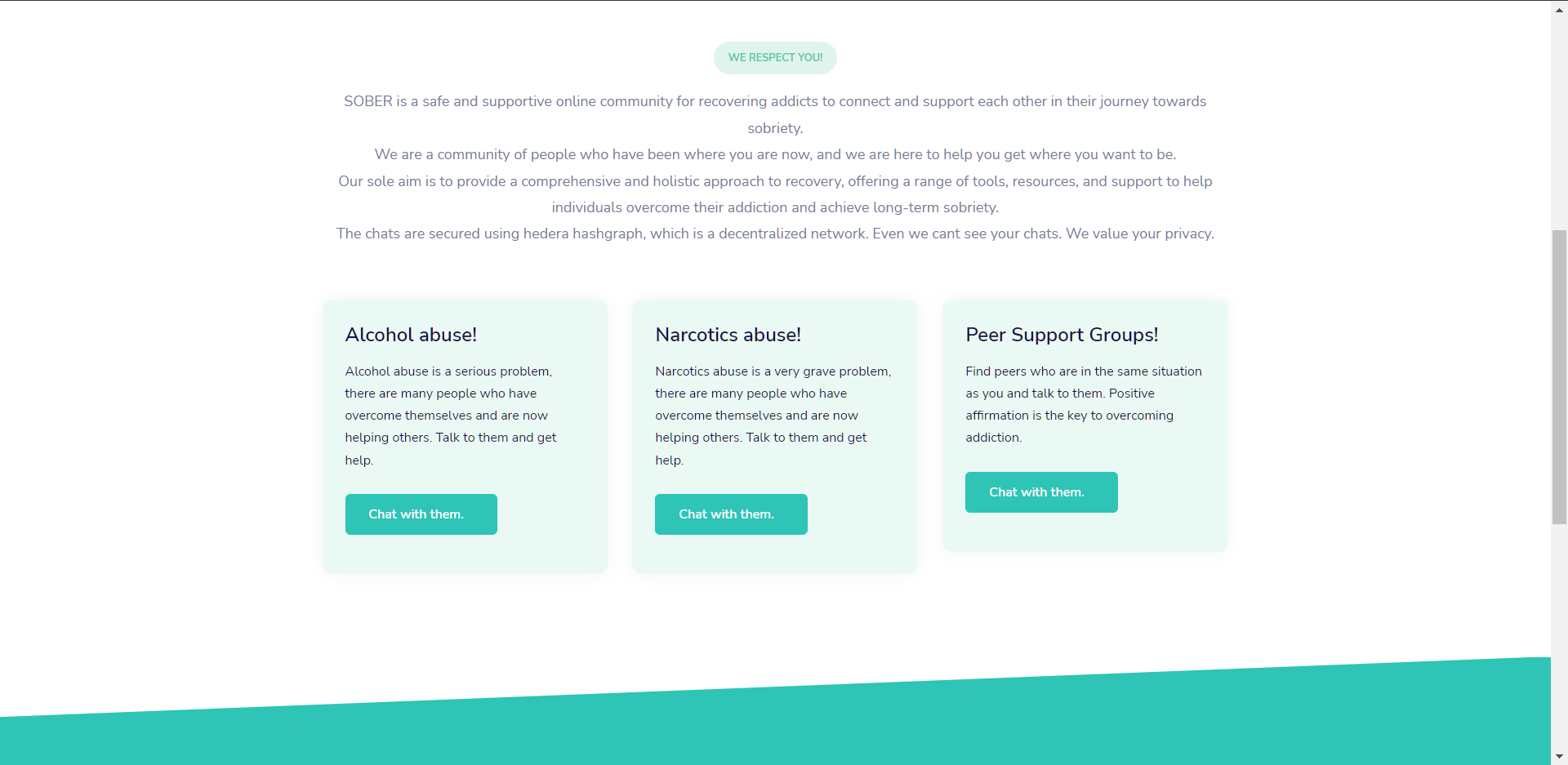
support groups
-
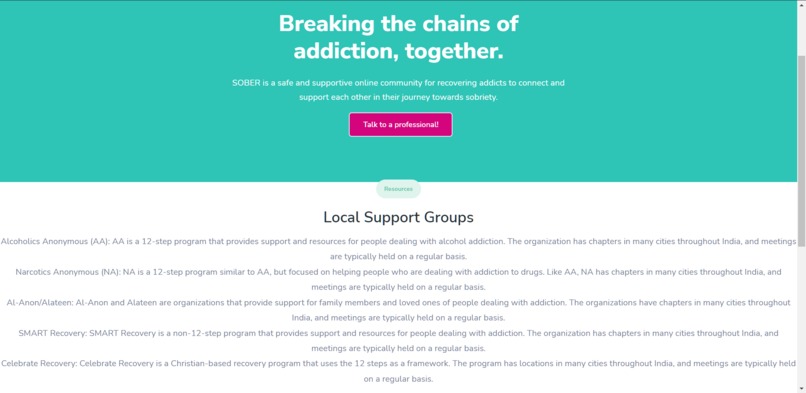
resources centre
-
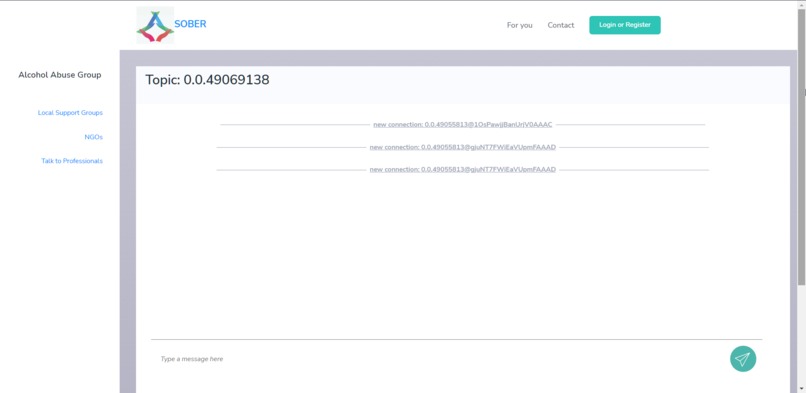
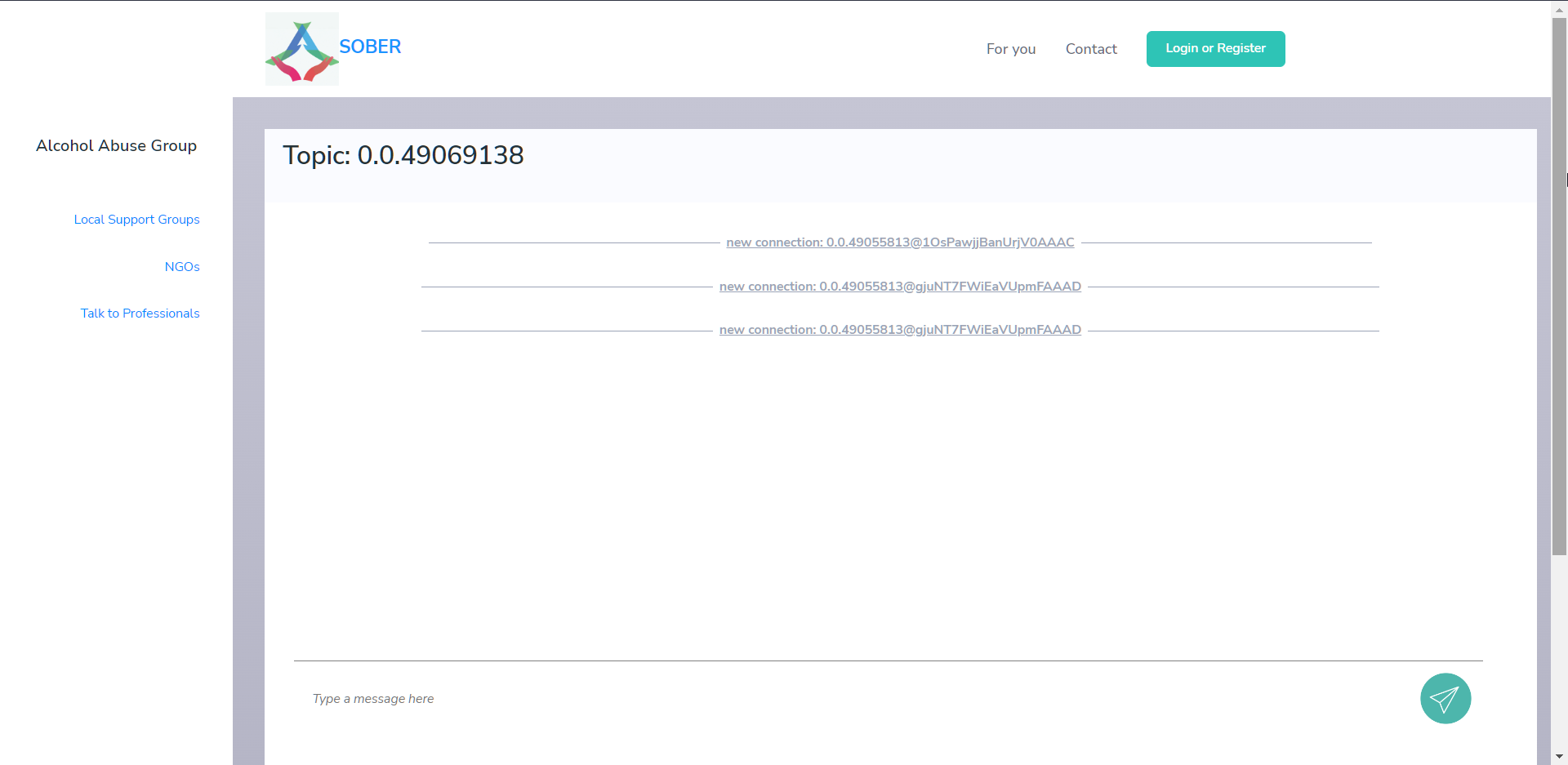
chat preview
Inspiration
The inspiration for SOBER came from the need for a secure and private platform for recovering addicts to connect and communicate with each other. We wanted to create a space where people in recovery could share their experiences, offer support, and find encouragement from others who understand their struggles.
What it does
SOBER is a chat app built using Hedera, a decentralized public network. The app allows users to connect and communicate with each other in a secure and private way. It acts as a peer-to-peer support system, where members can offer support and accountability to each other.
## How we built it We built SOBER using the Hedera Hashgraph platform, which provides a fast and secure way to build decentralized applications. We used the Hedera SDK to create the chat app, which allows users to connect and communicate with each other in real-time. We also used Express.js, Socket.io, HTML,CSS,JS in our project
Challenges we ran into
We had to overcome some technical challenges related to using the Hedera platform and building a decentralized app.
Accomplishments that we're proud of
We believe that SOBER provides a valuable resource for people in recovery, and we are happy that we were able to contribute to this community.
What we learned
Through the process of building SOBER, we learned a lot about the Hedera platform and decentralized app development. We also gained a deeper understanding of the needs and challenges faced by people in recovery, and we are grateful for the opportunity to contribute to this important cause.
What's next for SOBER
In the future, we plan to continue improving and expanding SOBER. We are already working on new features and enhancements that will make the app even more useful and user-friendly. We also plan to continue building our community and supporting people in recovery.
Getting Started
You can clone this repository by running the following command:
git clone https://github.com/arncv/SOBER.git
Copy the .env.sample file and rename the copy to .env
Then update the newly renamed .env file with your Hedera Testnet account info as indicated. For example:
ACCOUNT_ID=0.0.123456789
PRIVATE_KEY=302e020100300506032b657004220420f4361ec73dc43e568f1620a7b7ecb7330790b8a1c7620f1ce353aa1de4f0eaa6
TOPIC_ID=0.0.28583
The TOPIC_ID is used when connecting to an existing topic. If you don't have one, you can leave it as is.
After downloading and setting up our environment, we'll install our packages via npm.
npm install
If installing the dependencies was succesful, now try to run the server!
node server.js
After running your server, it will prompt you to configure your chat, e.g.
1. What mode do you want to run in?  <--- "Default", "Minimal", "Debug"
2. What's your account ID?           <---  defaults to the .env schema
3. What's your private key?          <---  defaults to the .env schema
4. Should we create a new HCS topic, or connect to an existing one?
If everything was configured properly, the chat should now open at a random port location.
You can additionally run another instance of the chat application by creating a new terminal, and running the application again. This will find another unused, random port location, and deploy multiple instances to your local machine. With the environment configurability, you can test out multi-client chats.
Built With
- css3
- dall-e
- express.js
- hedera
- hedera-sdk
- html5
- javascript
- socket.io

Log in or sign up for Devpost to join the conversation.