-
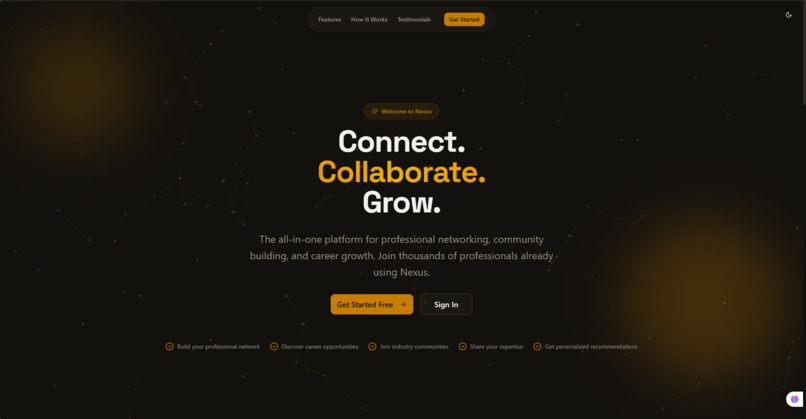
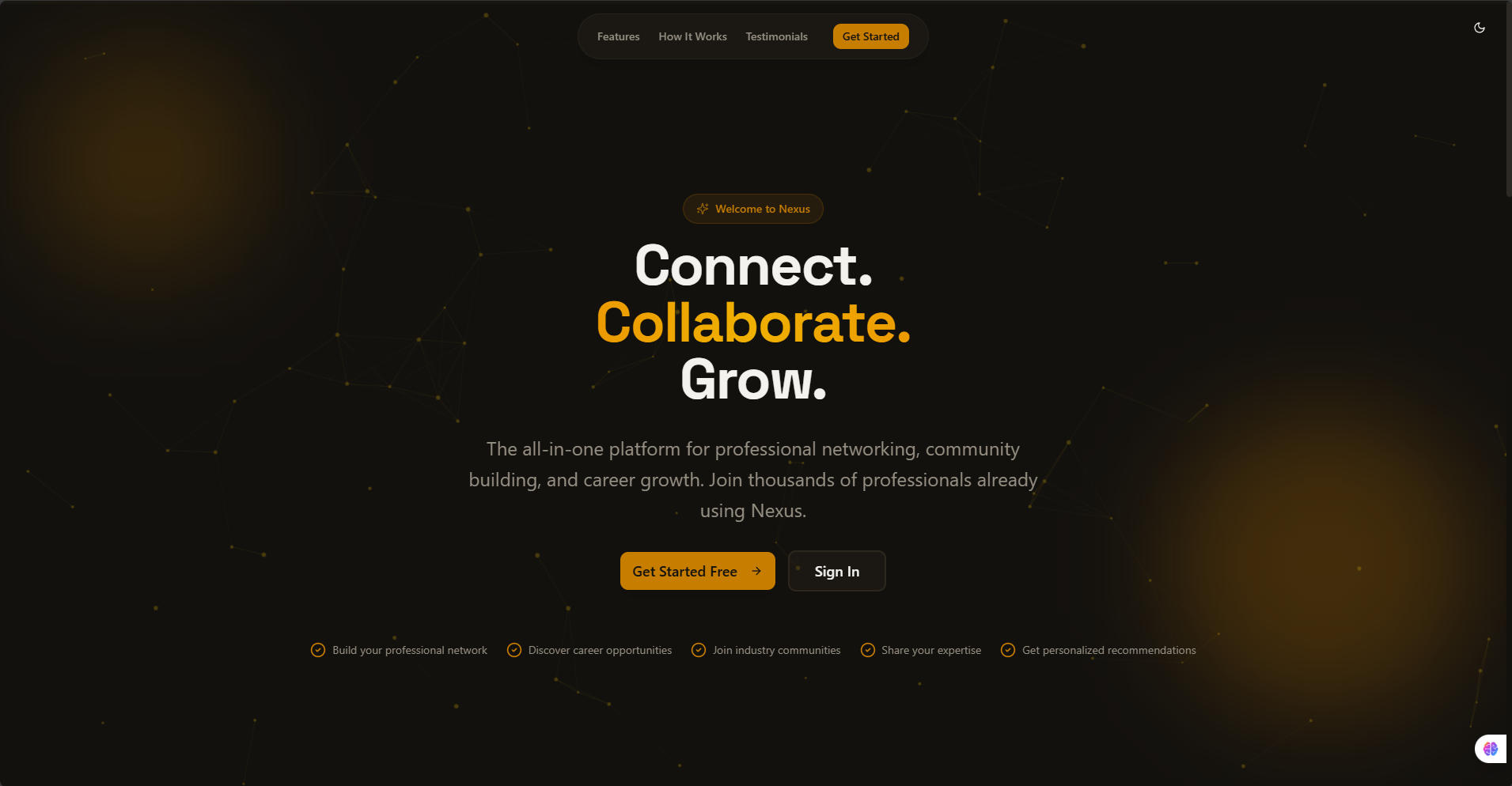
Landing Page
Nexus Platform Development
A comprehensive professional networking and community platform combining LinkedIn-style professional features with Discord-like community management, plus AI-powered voice generation.
✨ Features
🏢 Professional Network (LinkedIn-style)
- Professional profiles with experience, education, skills
- Social feed with posts and interactions
- Connection management
- Job listings and applications
- Analytics dashboard
- ATS-friendly CV download - Generate optimized resumes
- Premium CV Analysis (Premium feature)
💬 Communities (Discord-style)
- Community creation and management
- Real-time messaging channels
- Voice and video rooms
- Member management
- Public and private communities
- File sharing and media support
🎙️ AI Voice Features (Premium - ElevenLabs)
- Voice profile creation
- AI voice cloning from samples
- Text-to-speech with custom voices
- Voice-powered posts
- Voice message recording
💎 Premium Features
- Voice generation and cloning
- Advanced CV analysis
- Priority support
- Enhanced analytics
- Custom branding options
🛠 Tech Stack
- Frontend: Next.js 16, React 19, TypeScript, Tailwind CSS
- Backend: Convex (Real-time Database & API)
- Authentication: Custom Convex-based auth with sessions
- AI Voice: ElevenLabs API
- AI Text: Claude API (Anthropic)
- Styling: Tailwind CSS v4 with custom gold/purple theme
- Fonts: Inter (body), Space Grotesk (headings)
🚀 Getting Started
Prerequisites
- Node.js 18+
- npm (or pnpm/yarn)
- Convex account (convex.dev)
- ElevenLabs API key (elevenlabs.io)
- Claude API key (optional, for CV features)
Installation
Clone the repository
git clone <repository-url>
cd v0-nexus-platform-development
Install dependencies
npm installEnvironment Configuration
Create a .env.local file in the root directory:
   # Convex
   NEXT_PUBLIC_CONVEX_URL=your-convex-deployment-url
   CONVEX_DEPLOYMENT=your-convex-deployment-name

   # ElevenLabs (Required for voice features)
   ELEVENLABS_API_KEY=your-elevenlabs-api-key

   # Claude API (Optional - for CV analysis)
   CLAUDE_API_KEY=your-claude-api-key
- Set up Convex
First, install Convex CLI globally:
npm install -g convex
Then, initialize Convex in your project:
npx convex dev
This will:
- Create a Convex account (if you don't have one)
- Set up your local development environment
- Generate a deployment URL
- Update the
.env.localfile withNEXT_PUBLIC_CONVEX_URL
- Start the development server
In one terminal, run Convex:
npx convex dev
In another terminal, run Next.js:
npm run dev
- Open your browser
Navigate to http://localhost:3000
Project Structure
├── app/
│   ├── auth/              # Authentication pages (login, signup)
│   ├── professional/      # Professional networking platform
│   │   ├── feed/         # Social feed with posts
│   │   ├── profile/      # Profile management + CV download
│   │   ├── network/      # Connections management
│   │   └── jobs/         # Job listings
│   ├── communities/       # Community platform
│   │   ├── discover/     # Browse communities
│   │   ├── my-communities/ # User's communities
│   │   └── [id]/         # Community detail page
│   ├── api/              # API routes
│   │   ├── generate-cv/  # ATS CV generation
│   │   └── elevenlabs/   # Voice generation APIs
│   └── page.tsx          # Landing page
├── components/
│   ├── interactive-background.tsx  # Gold particle background
│   ├── theme-provider.tsx          # Dark/light mode
│   ├── convex-provider.tsx         # Convex client provider
│   ├── professional-nav.tsx        # Professional nav
│   ├── communities-nav.tsx         # Communities nav
│   └── ui/                # shadcn/ui components
├── convex/
│   ├── schema.ts          # Database schema
│   ├── auth.ts            # Authentication functions
│   └── users.ts           # User management functions
└── lib/
    └── utils.ts           # Utility functions
API Endpoints
CV Generation
POST /api/generate-cv- Generate ATS-friendly CV from profile data
Voice Features (Premium)
POST /api/elevenlabs/create-voice- Create voice profile from samplesPOST /api/elevenlabs/text-to-speech- Generate speech from text
Database Schema
The Convex database includes tables for:
- Users: User accounts and authentication
- Profiles: Professional profiles with bio, location, headline
- Experiences: Work experience entries
- Education: Educational background
- Skills: User skills and expertise
- Posts: Social media posts and updates
- Connections: Professional connections
- Jobs: Job listings and applications
- Communities: Community metadata
- Memberships: Community membership tracking
- And more... (see
convex/schema.tsfor full schema)
Available Scripts
npm run dev- Start Next.js development servernpm run build- Build for productionnpm run start- Start production servernpx convex dev- Start Convex development servernpx convex deploy- Deploy Convex functions to production
Production Deployment
See VERCEL_DEPLOYMENT.md for complete deployment guide.
Quick Deploy
Test build locally
npm run buildDeploy Convex to production
npx convex deploy --prodDeploy to Vercel
vercel --prodAdd environment variables to Vercel
NEXT_PUBLIC_CONVEX_URL(from Convex production)CONVEX_DEPLOYMENT(production deployment name)ELEVENLABS_API_KEY(your ElevenLabs API key)CLAUDE_API_KEY(optional, for CV features)
See PRODUCTION_CHECKLIST.md for detailed checklist.
Features Status
✅ Completed
- [x] Professional profiles with experience, education, skills
- [x] Social feed with posts and interactions
- [x] Connection management
- [x] Job listings
- [x] Community creation and management
- [x] ATS-friendly CV download
- [x] Voice cloning API integration (ElevenLabs)
- [x] Text-to-speech API integration
- [x] Dark/light mode theme
- [x] Responsive design
🚧 In Development
- [ ] Real-time messaging channels
- [ ] Voice/video calls
- [ ] Premium CV analysis (AI-powered)
- [ ] Voice-generated posts
- [ ] Advanced analytics dashboard
- [ ] File sharing in communities
Contributing
- Fork the repository
- Create a feature branch (
git checkout -b feature/amazing-feature) - Commit your changes (
git commit -m 'Add amazing feature') - Push to the branch (
git push origin feature/amazing-feature) - Open a Pull Request
Acknowledgments
- Next.js - React framework
- Convex - Real-time backend
- ElevenLabs - Voice AI technology
- Anthropic - Claude AI
- shadcn/ui - UI components
- Tailwind CSS - Styling framework
- Make your changes
- Submit a pull request
Built With
- convex
- next
- react
- tailwind


Log in or sign up for Devpost to join the conversation.