-
-
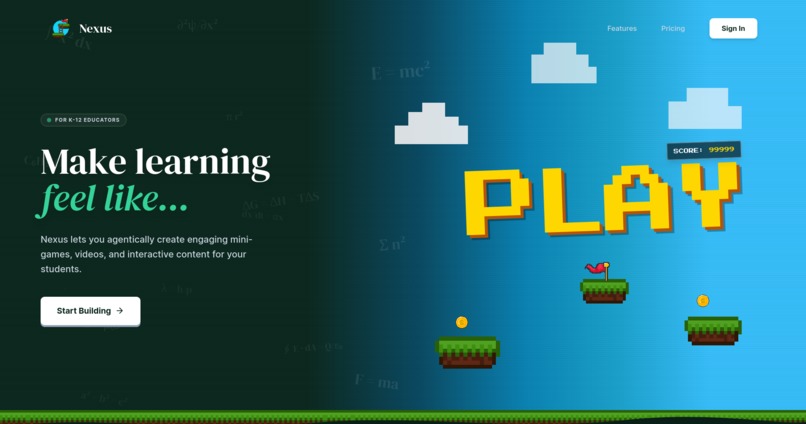
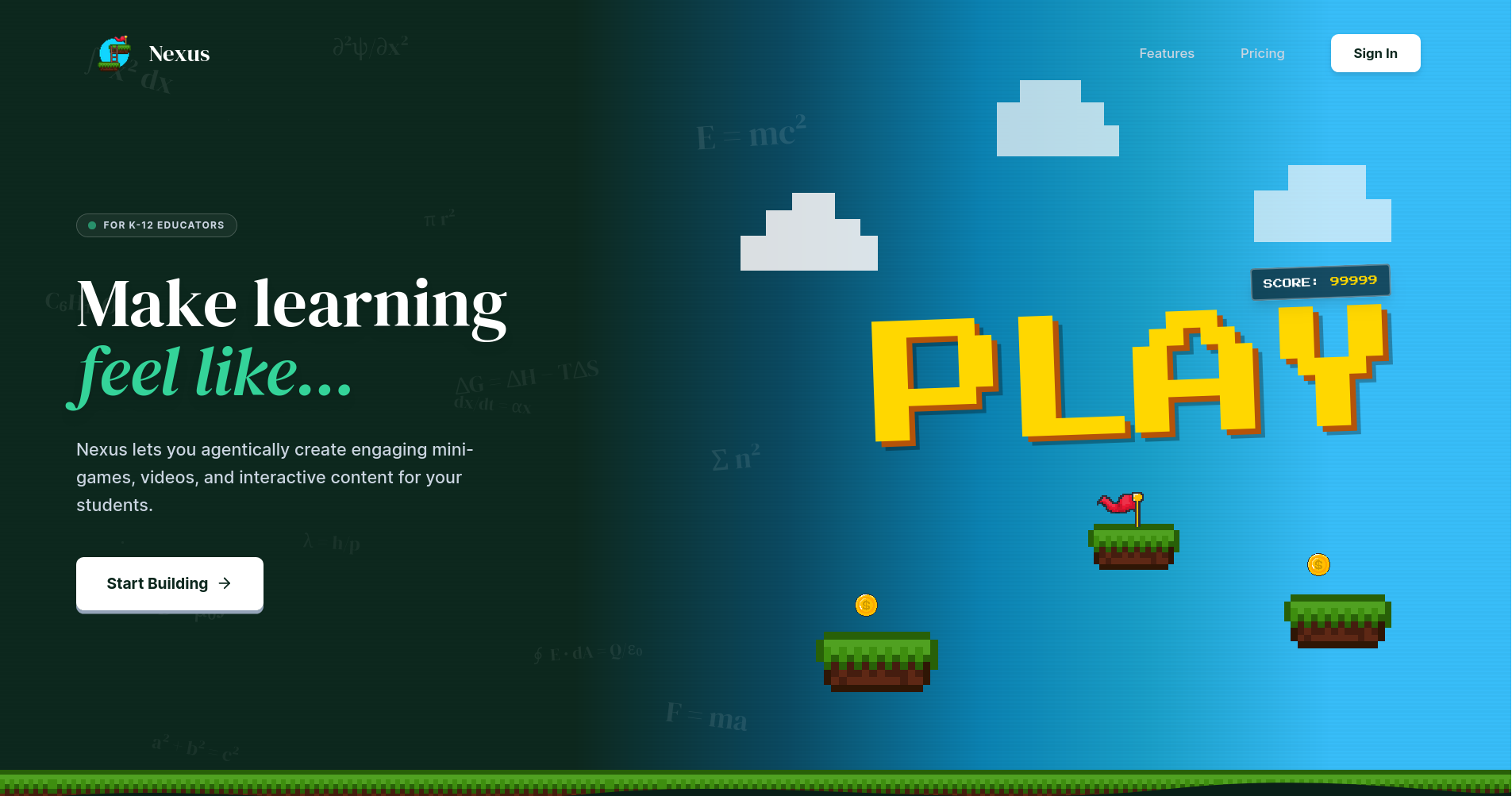
Landing Page UI
-
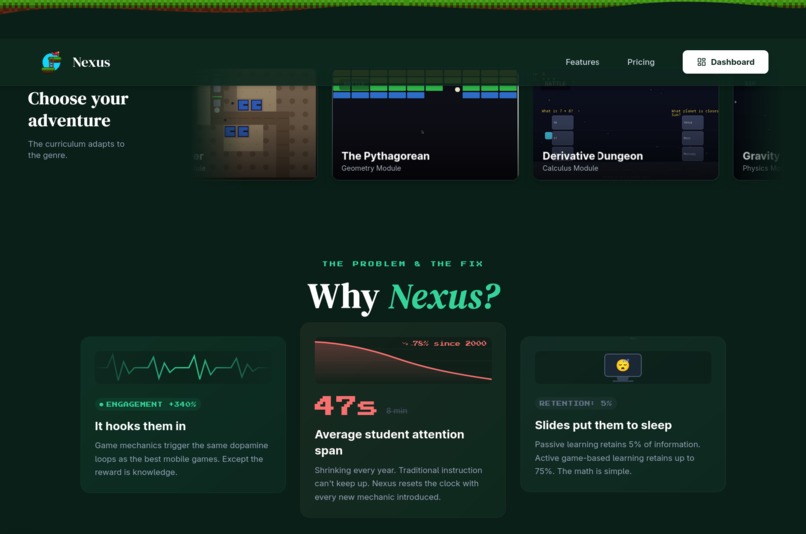
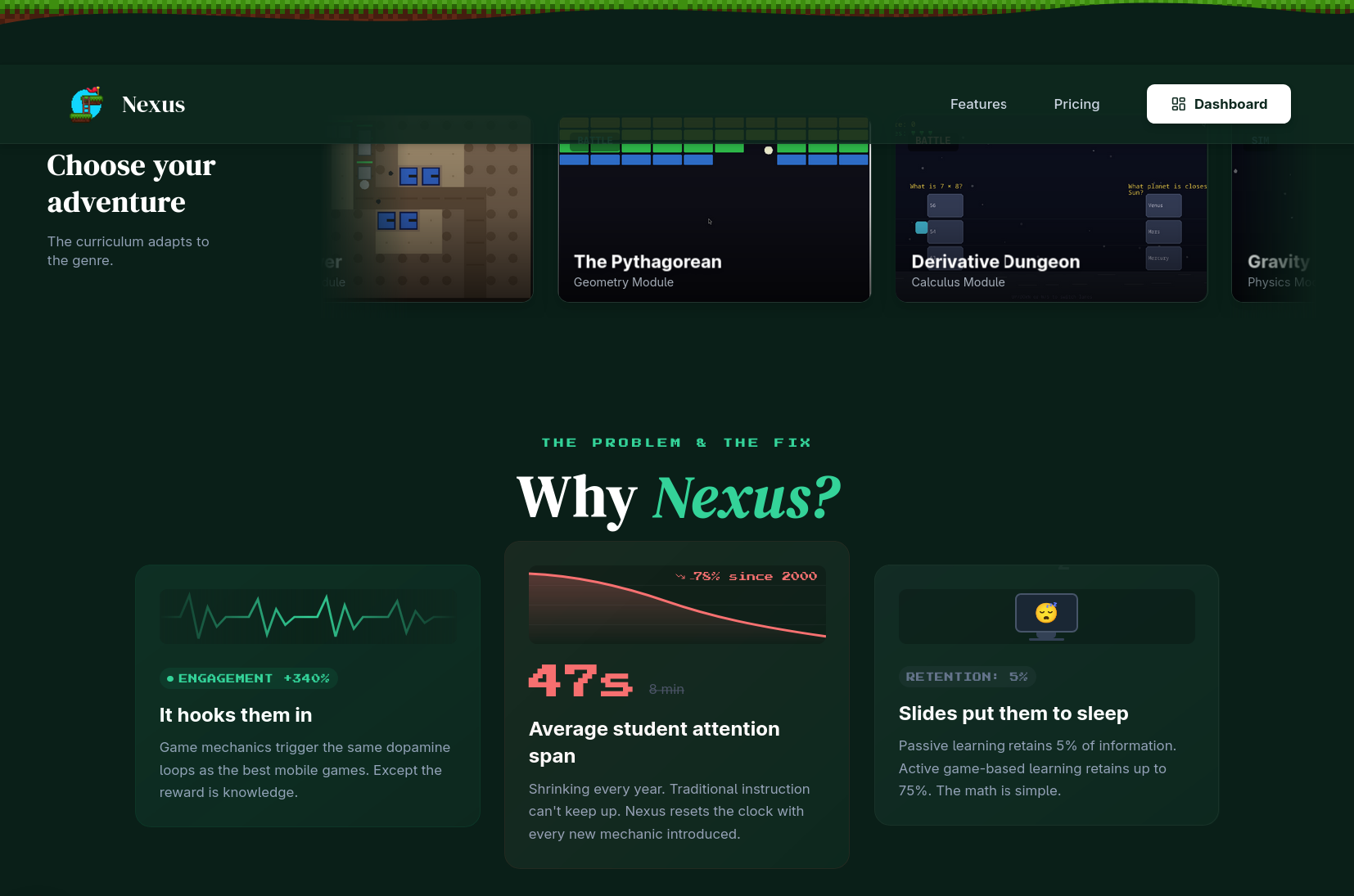
Sample Games, Landing Page Pt 2
-
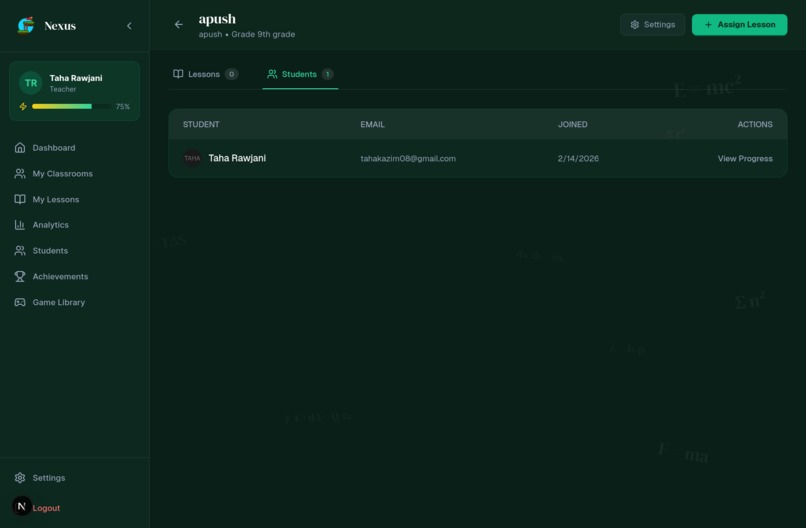
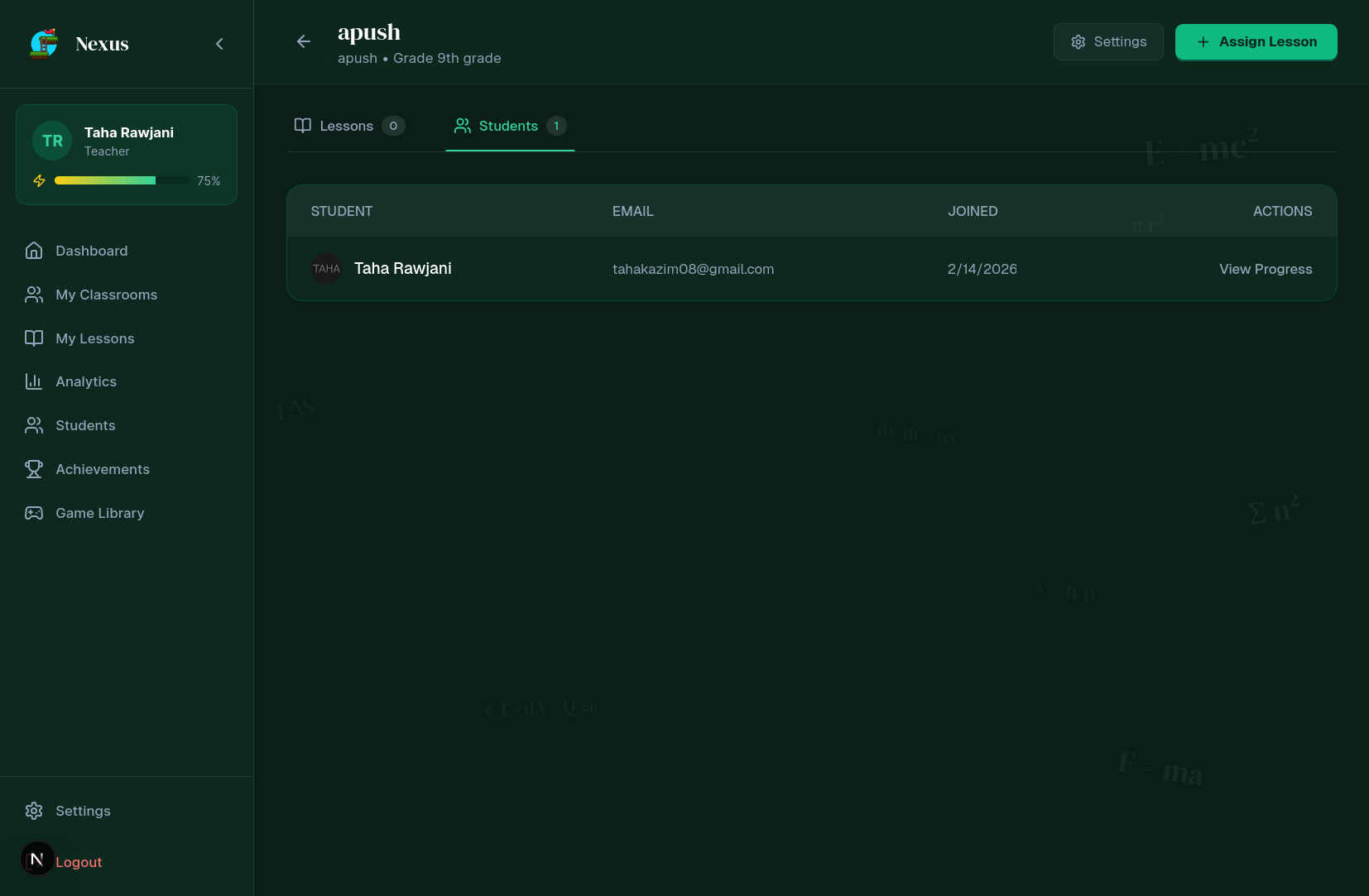
Classroom Manager
-
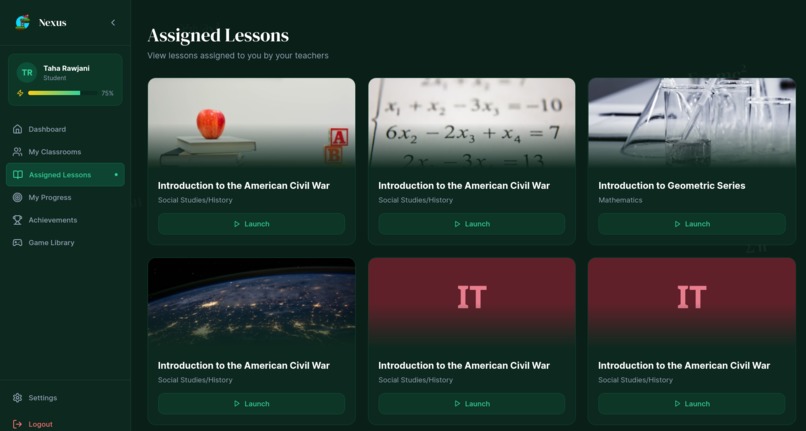
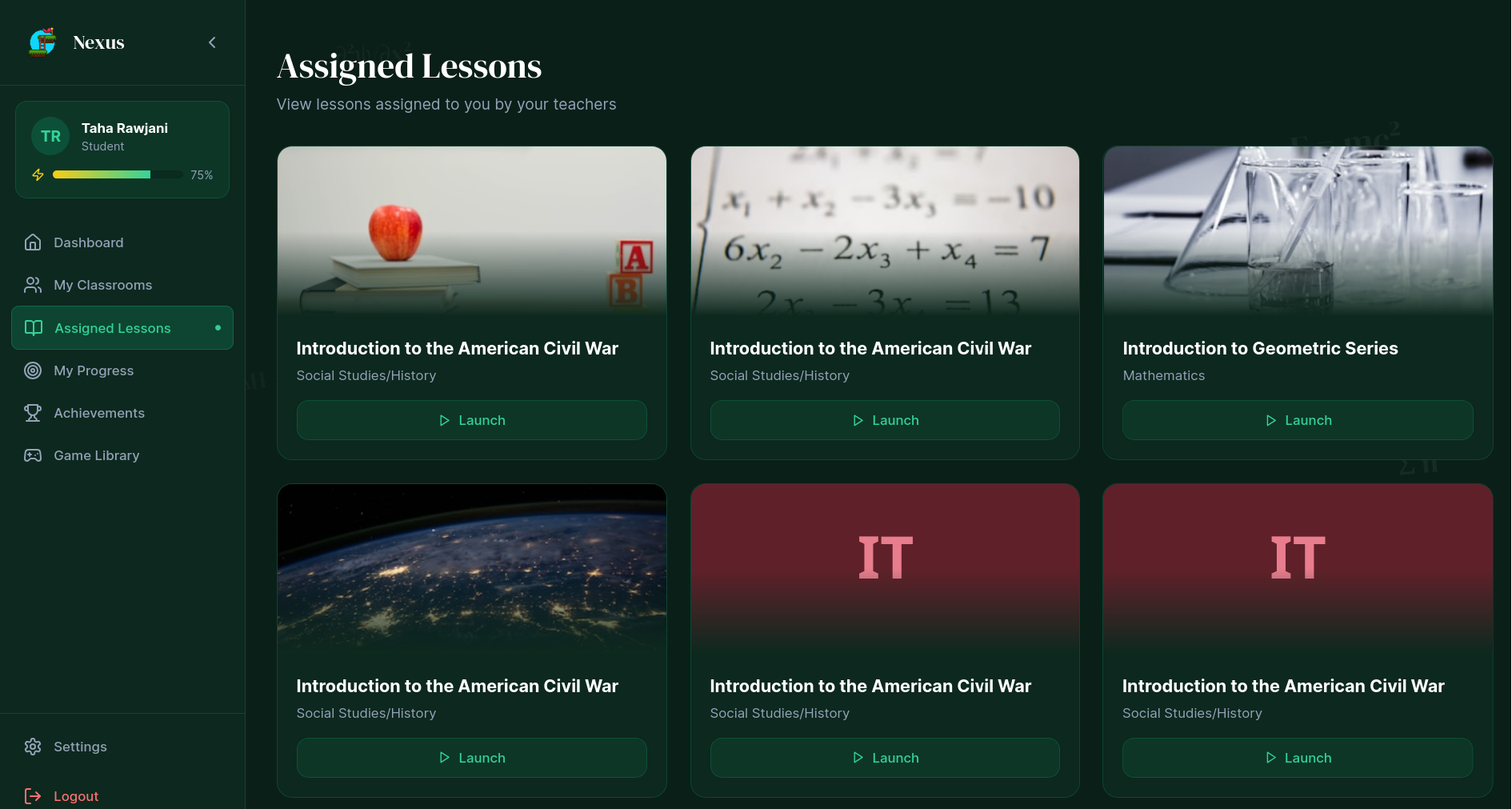
Teacher Lessons Dashboard
Inspiration
We are the co-founders of cognicade.org, an ed-tech startup that built 5+ games for education (environmental, digital safety, etc). We wanted to go bigger, and instead of making a standalone game for this hackathon, we decided to create an app that makes games. Also, I’ve always wanted to play around with Langgraph, and this project gave me a great excuse to learn. But foremost, we’re students, and we unfortunately also have short attention spans, and we’d definitely love it if our teachers let us play games in class 😀.
Also, it's Valentine's Day weekend—what better time to help students fall in love with learning again?
What it does
Nexus is an AI-powered platform that turns ordinary lesson plans into interactive games and animated learning experiences in under 2 minutes. Teachers upload a topic (PDF, DOCX, TXT, MD) and the system runs a langGraph pipeline with four stages: Design → Plan → Develop → Evaluate. This pipeline generates three outputs: an interactive game built on kaplay.js, a concept video rendered through Remotion, and thematic assets.
The interactive game deploys one of ten genre templates matched to subject matter—Tower Defense for cause-and-effect relationships, Quiz Runners for fact recall, and RPG for opposing concepts. Each template integrates a “Fact Check” where lesson content is able to drive gameplay progression. The concept video is programmatically rendered with ElevenLabs TTS narration and synchronized captions using subject-specific layouts. Assets are sourced through the Iconify API for vector sprites, Pollinations.ai for backgrounds, and AI-generated soundtracks to match the lesson.
Teachers access a Mission Control dashboard to upload syllabi, monitor pipeline status, and deploy to classrooms. The Analytics Suite tracks engagement, scores, playtime, and completion per student. Classroom management includes joint code generation and assignment to virtual classrooms. Supabase RBAC further enforces the role-based access by only giving teachers permission to create the lessons. Students learn by first watching the explanation video to understand the concept, then immediately launching into the browser-based game to test their knowledge. The Library Dashboard features an auto-scrolling marquee of assigned missions with glossmorphic UI elements. The Next.js-based platform is able to run on any device with no prior installation.
How we built it
There was a lot of caffeine involved.
We built Nexus using a multi-agent AI system powered by LangGraph to handle lesson analysis, game design, and content generation. Games are created in real time, using the Kaplay.js JavaScript framework. The core game generation engine runs on Google Gemini 3.0 Flash API. The LangGraph server is hosted on a DigitalOcean Droplet, running off a custom-made Python FastAPI.
We have 7 ‘agents’ or nodes that communicate with each other to make a game. We also used MCP tools for Retrieval-Augmented-Generation (RAG) to provide the agents with access to a vector database that allows efficient search through Kaplay.js documentation.
Tutorial videos are rendered with Remotion, using AI text-to-speech from ElevenLabs. For our main PostgreSQL database and Google OAuth, we used Supabase. The frontend (and backend) were primarily built with Next.js. On Supabase, buckets were also used to store assets and persistent game files. Next.js serverless API functions alongside Supabase edge functions were used for on-demand computing and APIs, whilst the DigitalOcean Fast API was up 24/7.
Challenges we ran into
Coordinating 7 AI agents to work together without stepping on each other was brutal—one of the biggest problems we ran into was that early versions of the agents' architecture had agents rewriting each other’s work, leading to infinite feedback loops. Our solution to this was strict state management with LangGraph, which adds limits on how much a single agent can do.
Another challenge was choosing a proper game engine. We started with Phaser, but that was too complicated for the AI to use. So, we switched to Kaboom.js, but that was deprecated, so then we found a fork—kaplay.js. However, this game engine was still extremely niche to the point where AI kept making many syntax errors whilst coding, so a RAG database was set up on the server side to assist the AI in real-time to efficiently do type checking while building, and to have ease of access.
The final challenge was organizing the entire website. We essentially had four separate projects that make up a platform: the frontend UI, the backend supabase, the video generator agent (remotion), and the game generator agent (langgraph). We only connected them together near the end, and thus had to design APIs and internal methods to preserve and transfer data, all whilst dodging several nuclear merge conflicts.
Accomplishments that we're proud of
We are incredibly proud of what we have done and shipped in such a short period of time. We have built a production-ready multi-agent system using LangGraph in a weekend. We generated full functional and playable HTML5 games with mechanics, scoring, and progression all implemented. We were also able to ship three complete AI systems in one platform: games, videos, and music. We’re also proud of deploying a full platform, including authentication, storage, database, and student portal, using Supabase. But most importantly, we’re happy that we learned and we’re leaving PatriotHacks as stronger coders than we came in.
What we learned
Through the development of Nexus, we learned how to use LangGraph to replace a single linear LLM chain with a cyclic StateGraph architecture (Design → Plan → Develop → Evaluate), allowing the agent to iteratively contribute to the game. We were also able to learn how to use Remotion to create videos through code and using an api call to Iconify for sprites. Learning Remotion allowed us to render React-based videos that were able to sync well with TTS and have dynamic captions. Using modular architecture was an important concept to learn as we utilized the Addon Injector pattern in Kaplay.js to reskin the same core mechanics across ten distinct genres without rewriting a single piece of code, meaning we were able to parallelize game creation. We also learned that Supabase RBAC must be enforced at both the UI level and server-side page routes. The single-layer security became insufficient because students were able to reach teacher-only tools, leading us to add a second layer of enforcement to make client-side restrictions harsher.
What's next for Nexus
In the short term, we are expanding way beyond simple game genres. We’d also like to try implementing multiplayer experiences, which could potentially incite competition to try learning more. The teachers will also be able to edit the AI-generated content directly in their browser, where they can tweak and adjust any information. The future, in the long term, we see for Nexus is that a teacher is able to import their lesson plan, and it builds a fully functional 3D animated video with the teacher explaining it through an AI avatar and a 3D game made through Unity. Assessments are embedded invisibly into the gameplay, and Nexus can become a marketplace where teachers can monetize their own lessons. We see Nexus as the operating system of education, which will lead to each lesson becoming more interactive and learning reaching its full capabilities by becoming as enticing as video games.
Built With
- digitalocean
- elevenlabs
- gemini
- kaplay.js
- langgraph
- next.js
- python
- remotion
- supabase


Log in or sign up for Devpost to join the conversation.