-
-
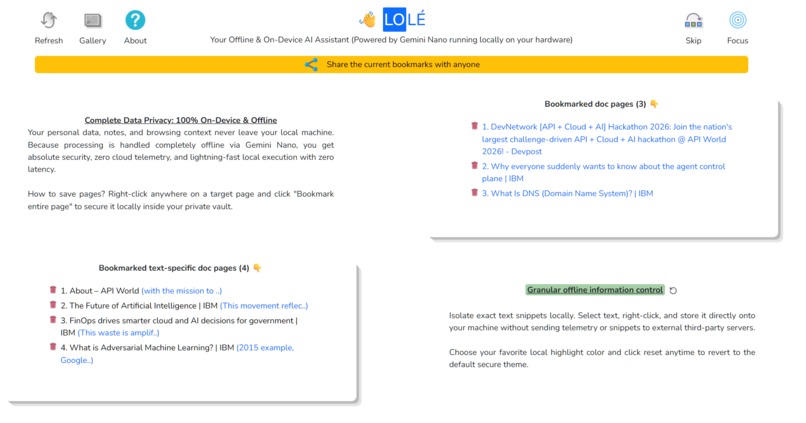
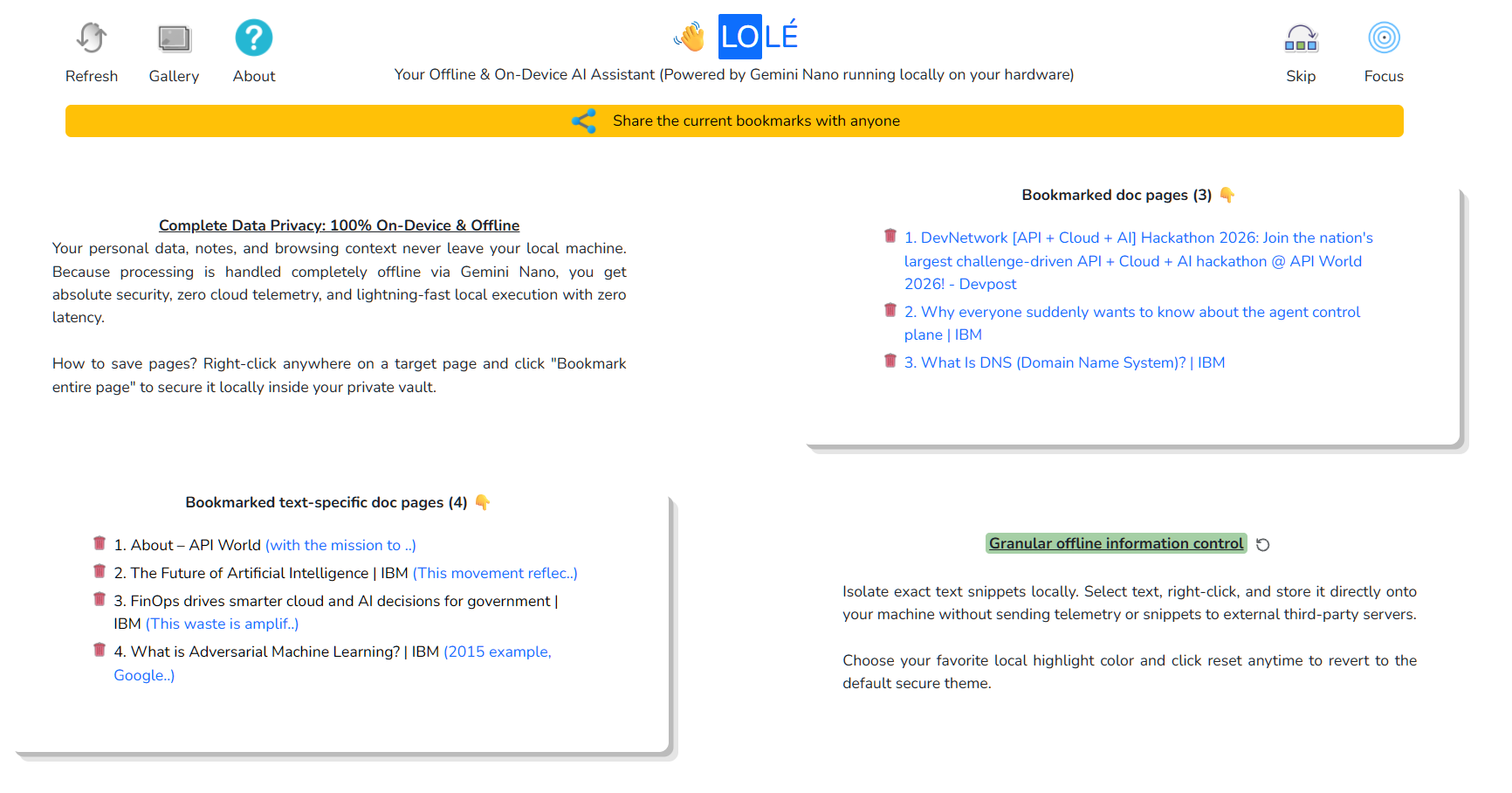
Landing page
-
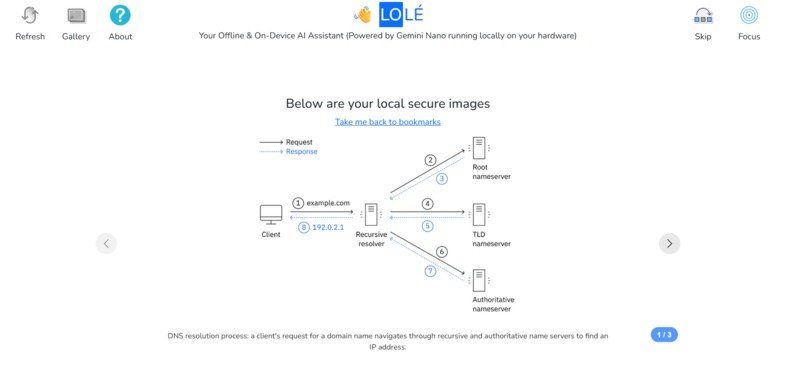
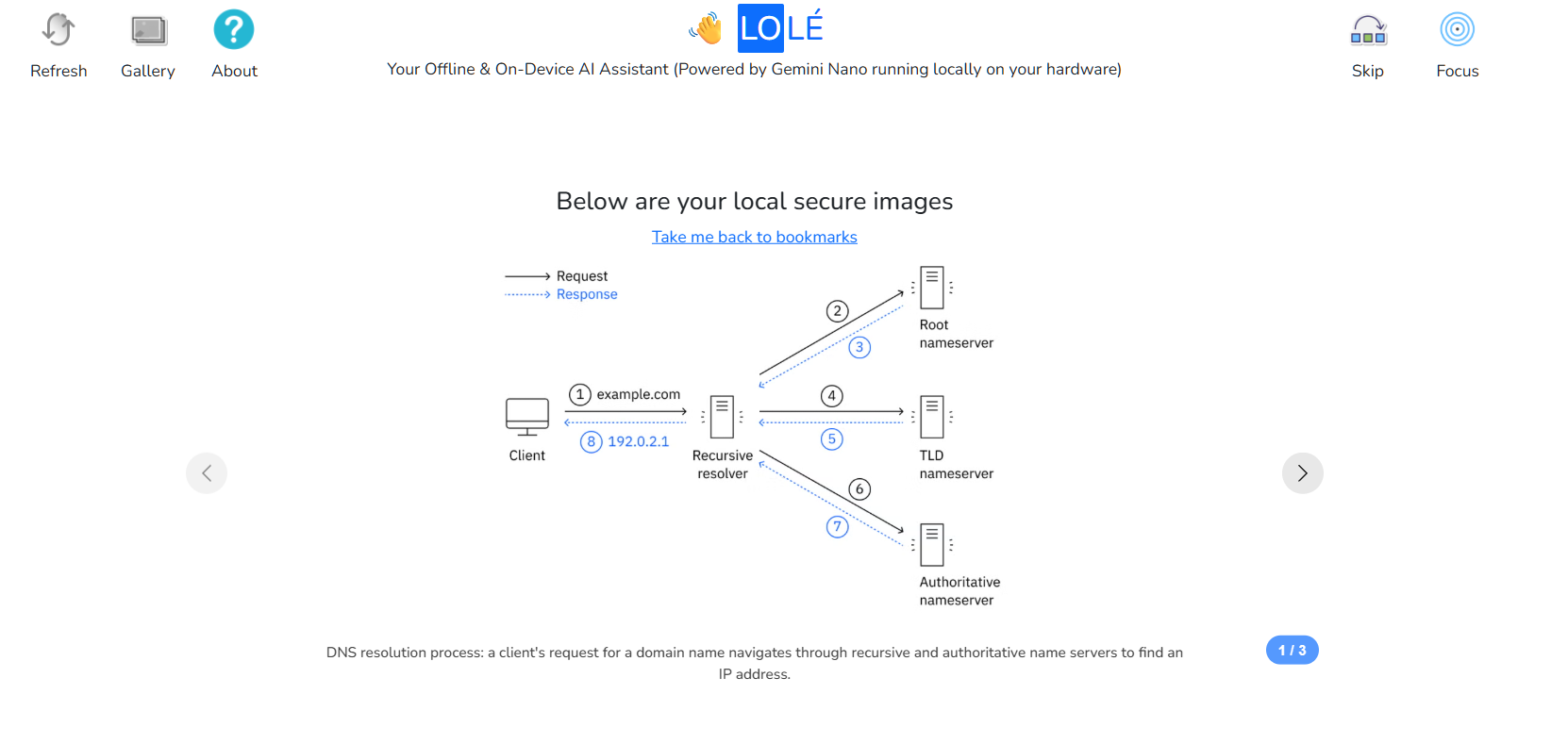
AI captioning for the saved images (only if the end user has enabled the browser AI)
-
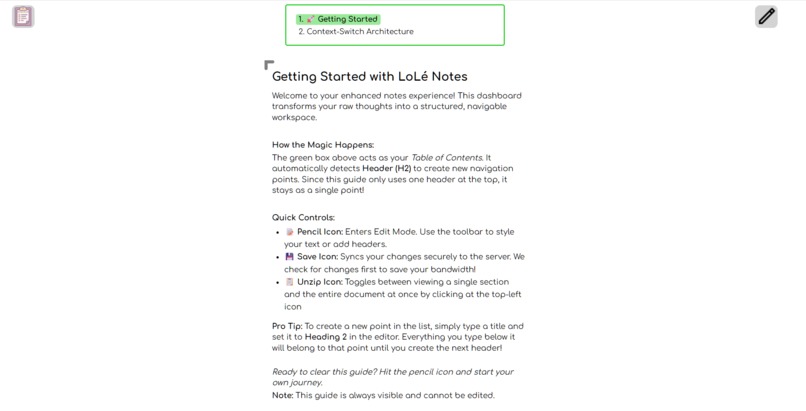
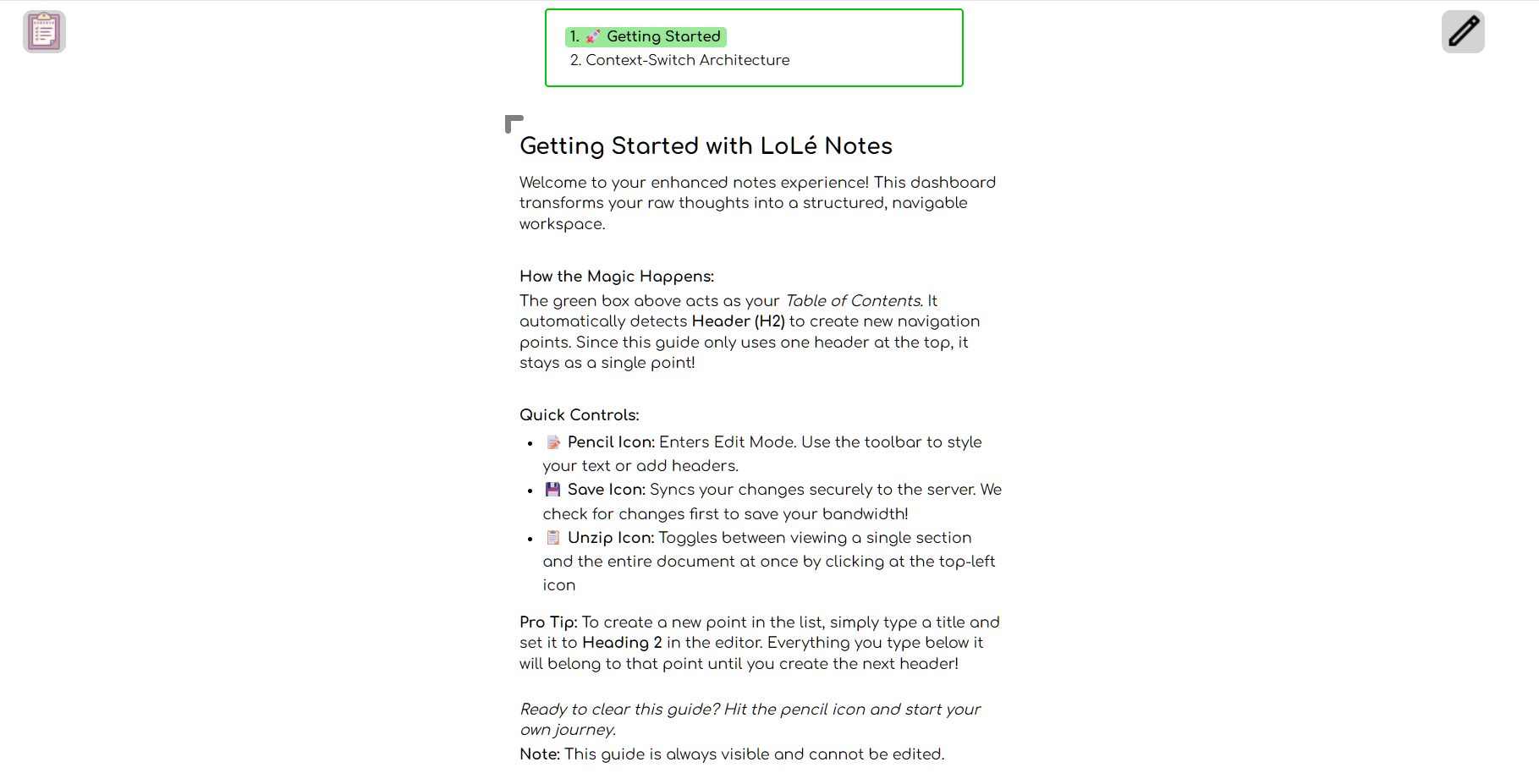
Notes section
-
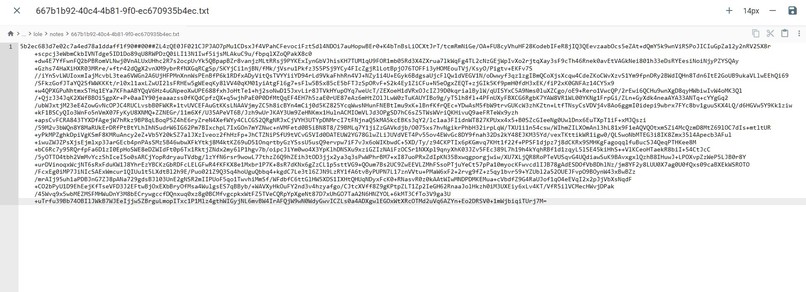
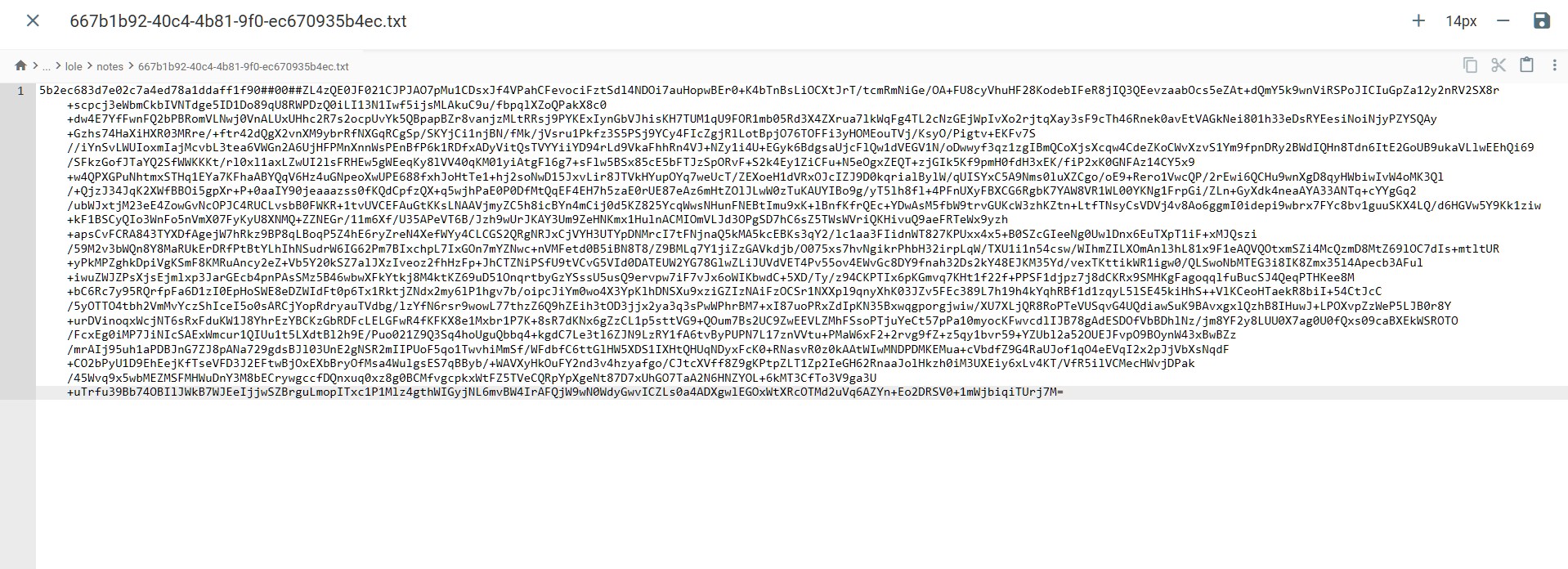
Notes being stored on the server in encrypted manner
-
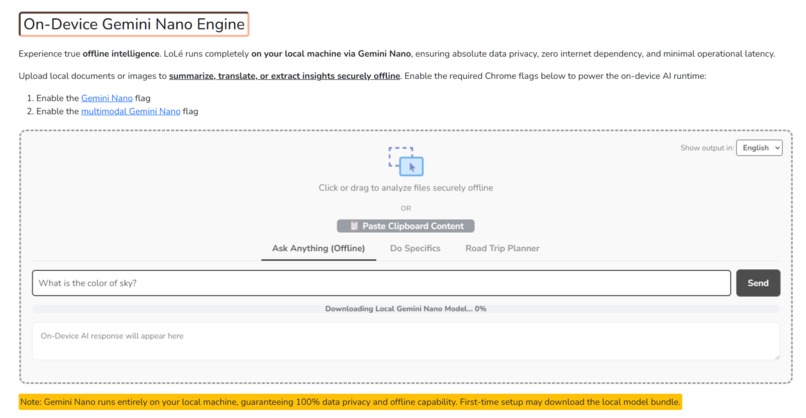
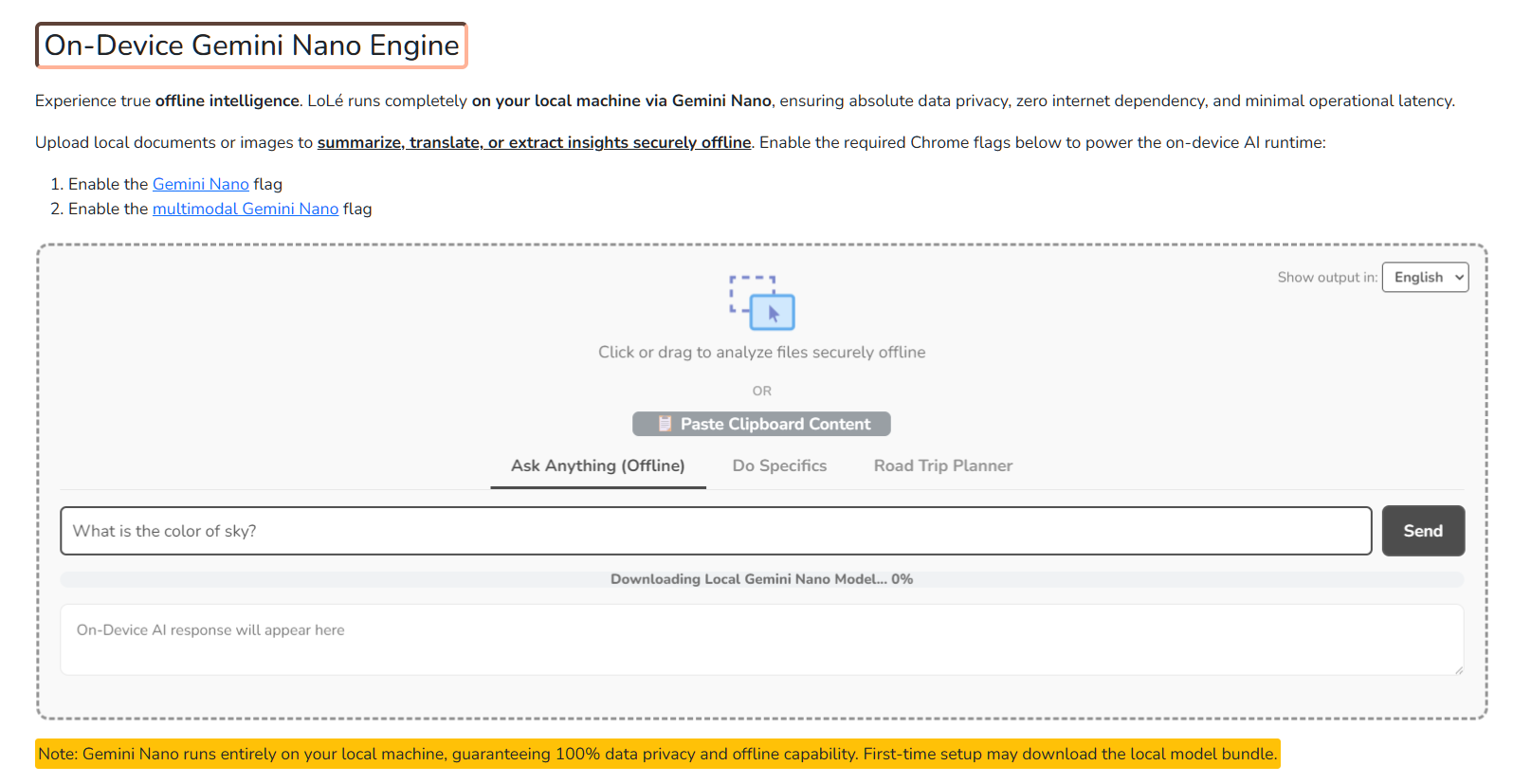
AI model being downloaded for the first-time users
-
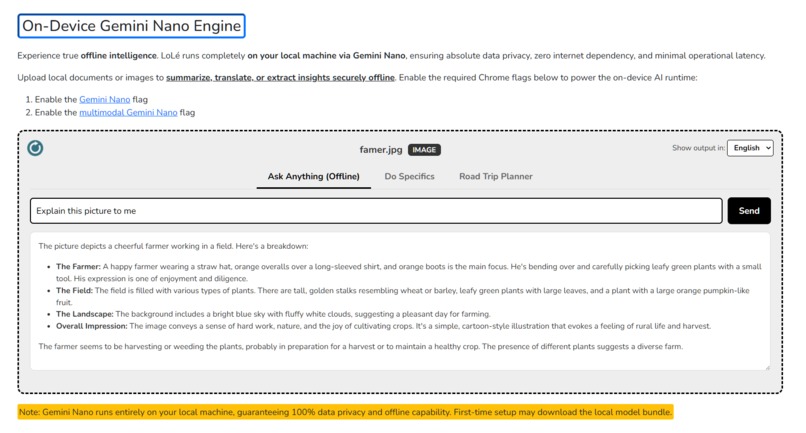
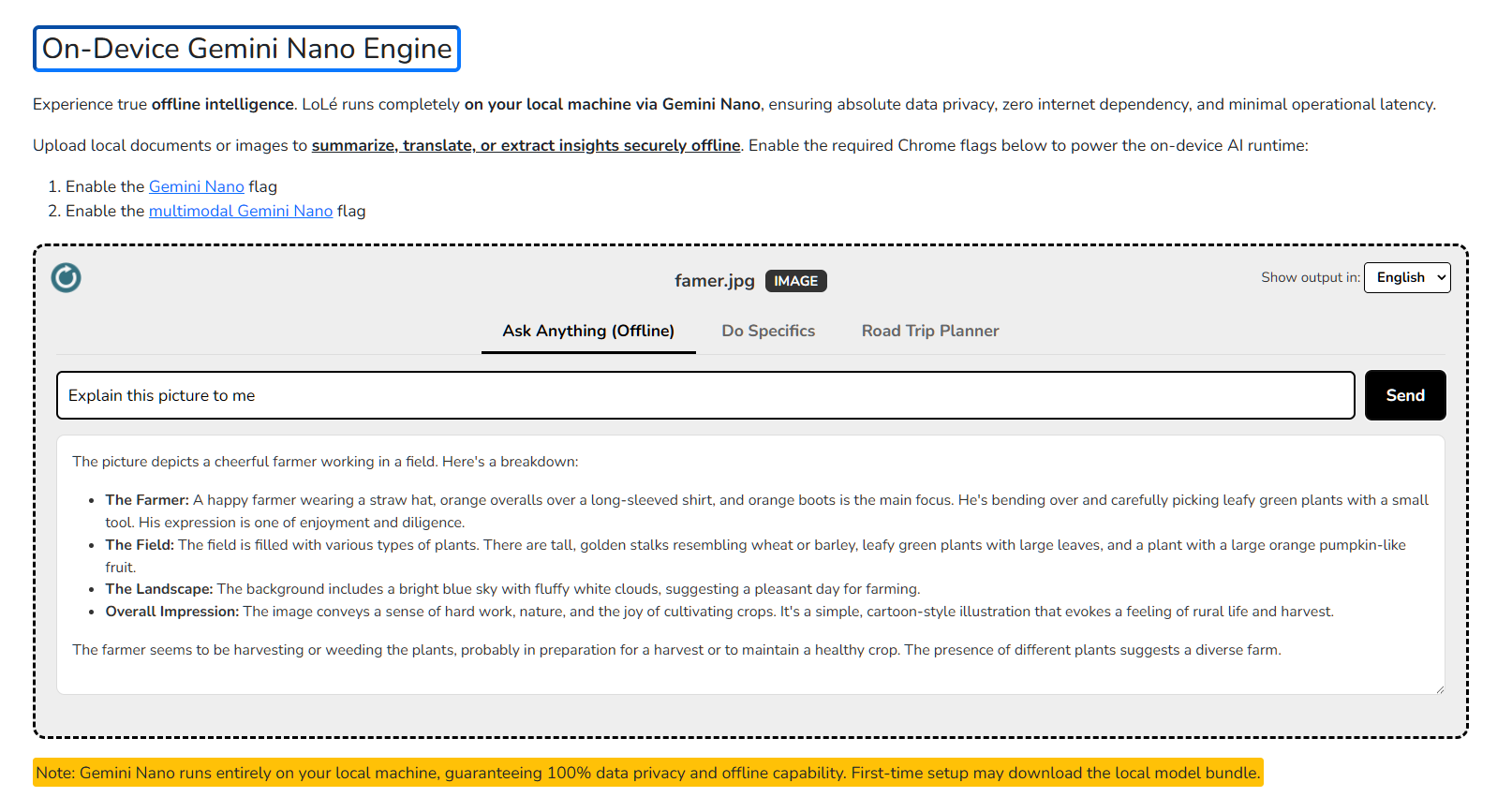
Image analysis being done by local AI
-
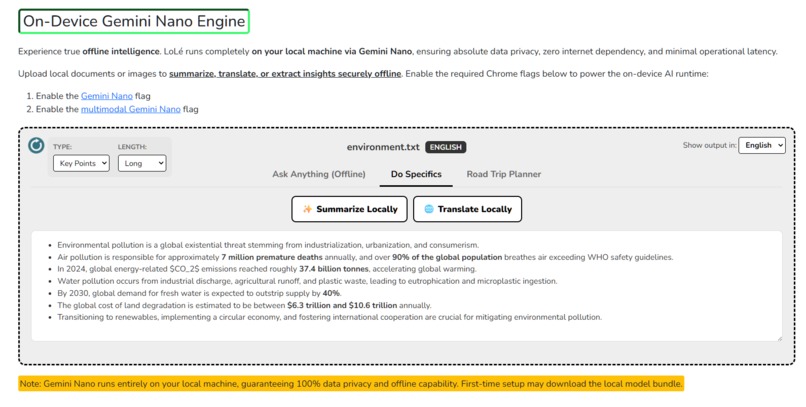
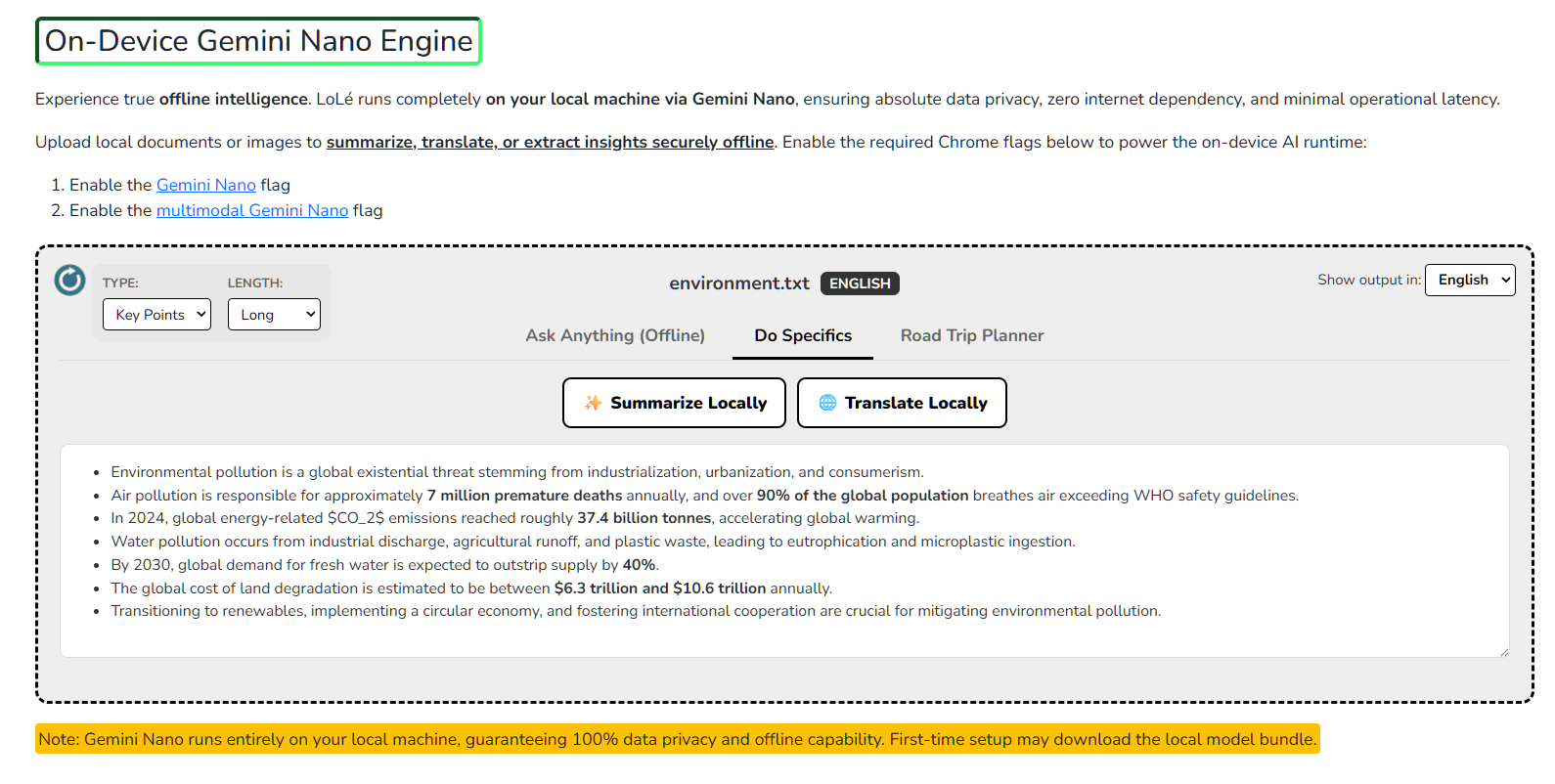
Summarization for a file
-
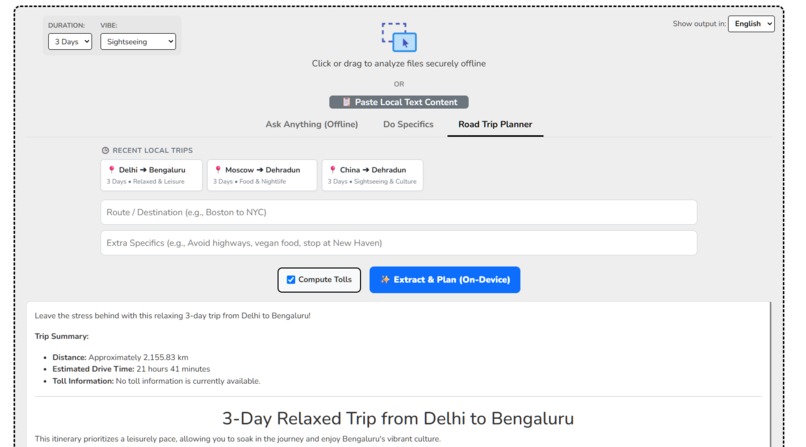
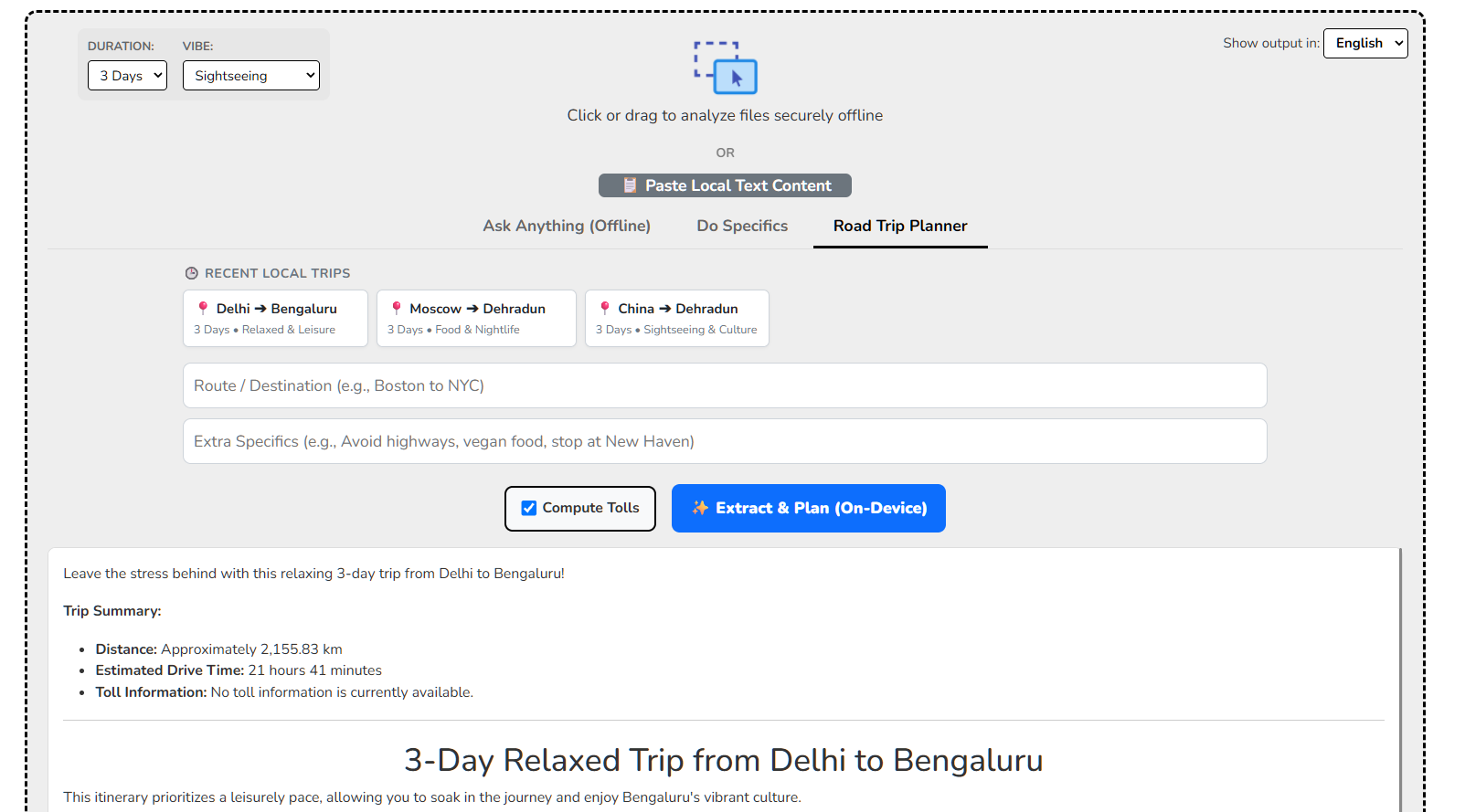
Road trip planner in action
-
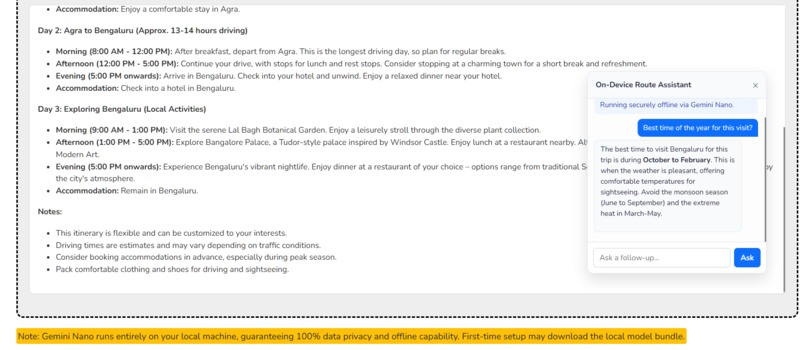
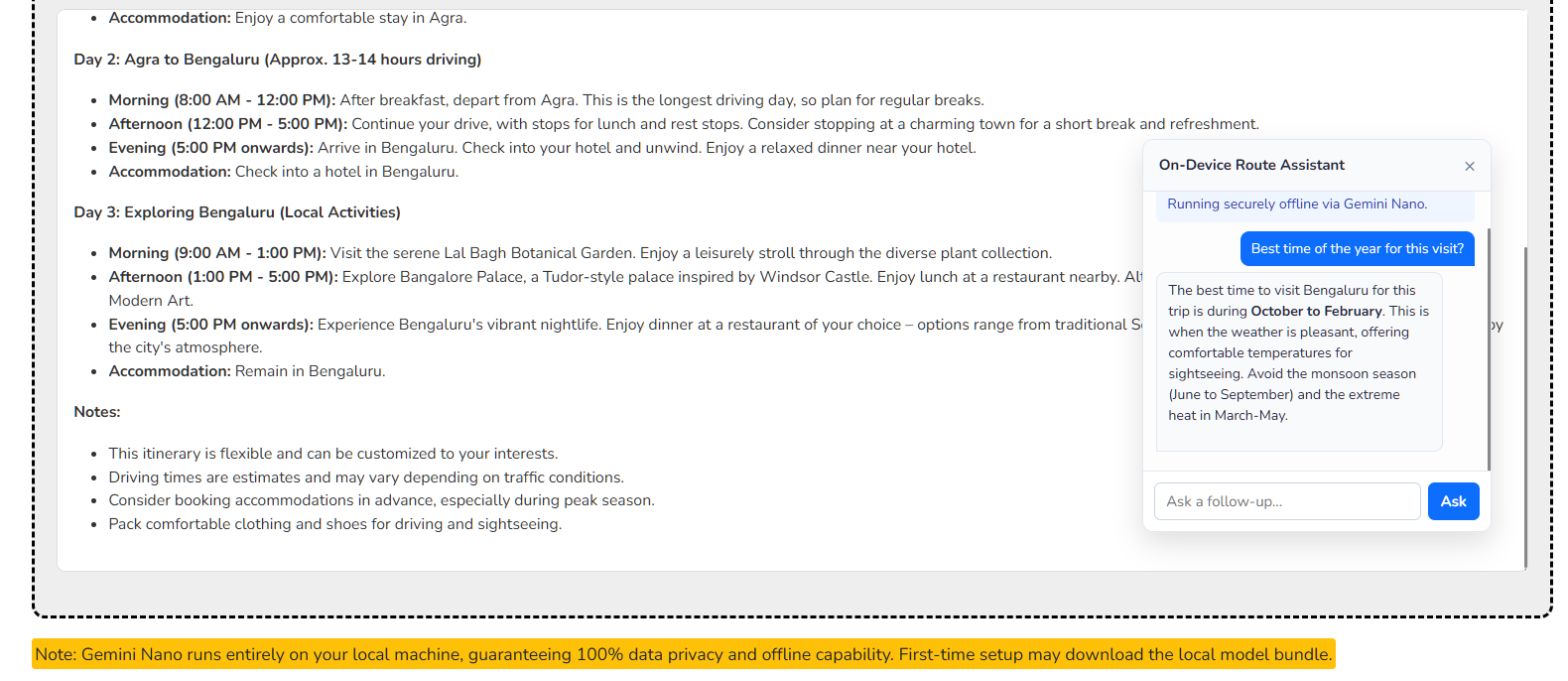
Follow up feature for trip planning
-
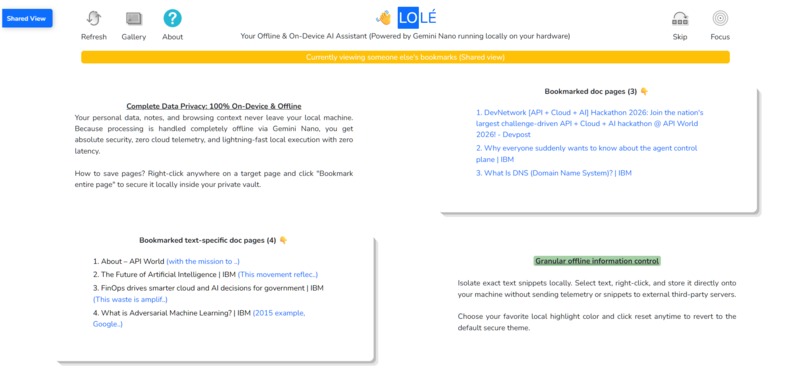
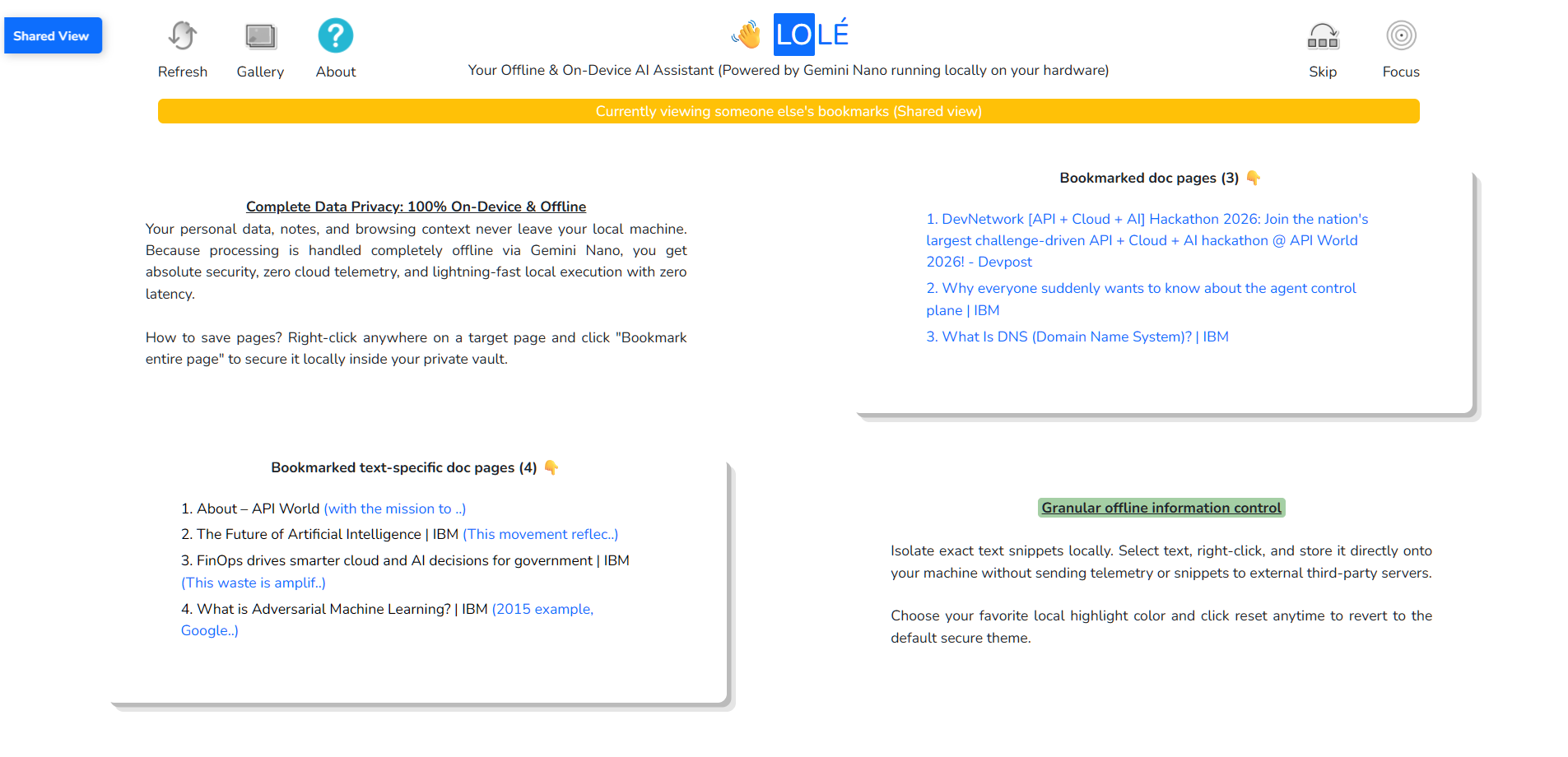
Share ability to let others see your stuff (view mode only)
Inspiration
Cloud-based AI models are incredibly powerful, but they come with a heavy cost: severe privacy vulnerabilities, high network latency, and complete dependence on an internet connection. I realised that for sensitive personal documents, private road trip plans, and granular web research, sending data to third-party servers was no longer acceptable. I wanted to build an intelligence layer that lives entirely on the user's machine—ensuring complete data sovereignty without sacrificing utility.
What it does
Nexus Local is a comprehensive Chrome extension that transforms the browser into an offline AI powerhouse, aligning perfectly with the push for on-device AI innovation.
1️⃣ On-Device Multimodal Vault: Users can upload PDFs, documents, and images directly into a local vault. Nexus Local uses the built-in Gemini Nano model to summarise, translate, and answer contextual questions about these files completely offline.
2️⃣ Granular Web Bookmarking: Instead of bookmarking whole pages, users can highlight specific text snippets, right-click, and save them locally. The AI can then synthesise this curated knowledge base.
3️⃣ Agentic Road Trip Planner: A hybrid feature that uses local AI to extract travel intent (origin, destination, vibe), securely fetches route geometry and tolls from a lightweight cloud endpoint, and then synthesises a highly personalised, day-by-day markdown itinerary completely on-device.
4️⃣ Contextual Sticky Chat: A responsive floating chat widget allows users to ask the local AI follow-up questions about their generated plans or uploaded documents, maintaining session memory without sending a single prompt token to the cloud.
How I built it
I built Nexus Local utilising JavaScript, HTML, and CSS, leveraging the modern Chrome Extension architecture (Manifest V3).
🟢Core AI Engine: I integrated Chrome's experimental built-in AI APIs (Prompt API, Summarizer API, and Translator API) to interface directly with the local Gemini Nano model.
🔵 UI/UX: I designed a modern glassmorphism interface with custom CSS animations (such as the "Neural Radar" loader) and dynamically injected it into the DOM to ensure a seamless, native-feeling experience.
🟣 Hybrid Architecture: While 95% of the extension runs offline, I engineered a specialised PHP backend hosted on GCP specifically to handle Google Maps Routes API calls. This ensures the heavy lifting of spatial geometry doesn't bog down the extension, while keeping all synthesis and intent extraction strictly local.
Challenges I ran into
The biggest hurdle was managing the asynchronous nature of on-device AI generation alongside network requests. Because local hardware processing speeds vary wildly from machine to machine, traditional time-based loading animations felt out of sync and jarring. I overcame this by designing an event-driven "Neural Radar" UI that strictly listens for actual model milestones (intent extraction -> cloud fetch -> synthesis) to update the interface. This guaranteed a perfectly synchronised user experience regardless of the user's hardware limitations. Furthermore, ensuring the AI model adhered strictly to formatting constraints without hallucinating conversational filler required aggressive prompt engineering and system instruction tuning.
Accomplishments that I'm proud of
I am incredibly proud of successfully orchestrating a truly privacy-first AI application. Getting multimodal inputs to process smoothly within the constraints of the browser's local sandbox, without crashing or hitting memory limits, was a massive technical win. I am also thrilled with the UI—building a complex, sticky follow-up chat widget that expands cleanly within the extension popup without breaking the layout was a great design milestone.
What I learned
Building Nexus Local fundamentally shifted how I view edge computing. I learned the intricacies of Chrome's newly released built-in AI APIs, particularly how to handle model downloading states and availability checks gracefully. I also deepened my understanding of DOM manipulation, asynchronous state management in vanilla JavaScript, and CSS isolation to ensure my extension's UI is robust and highly responsive.
What's next for Nexus Local
Moving forward, I plan to expand the Local Vault to support a wider array of file types and implement a local vector search so users can query their entire history of bookmarks and notes simultaneously, all while keeping 100% of the processing offline.
This marks my 5th DevNetwork hackathon participation. I have poured a massive amount of solo effort into pushing the boundaries of what on-device AI can do in the browser, and I truly hope to take home the grand prize this time! 😉
Built With
- chrome
- chrome-built-in-ai
- css3
- gemini-nano
- google-cloud
- gsap
- html5
- javascript
- localstorage
- on-device-ai
- php
- prompt-api
- summarizer-api
- translator-api


Log in or sign up for Devpost to join the conversation.