Inspiration
I kept hitting the same wall: I'd have a problem worth solving, but no clear path from "this is broken" to "here's what to build." Existing tools either dumped a wall of generic AI text or forced me into a rigid template. I wanted something that treated a problem like an engineer would — analyze it, explore options, then commit to a buildable plan.
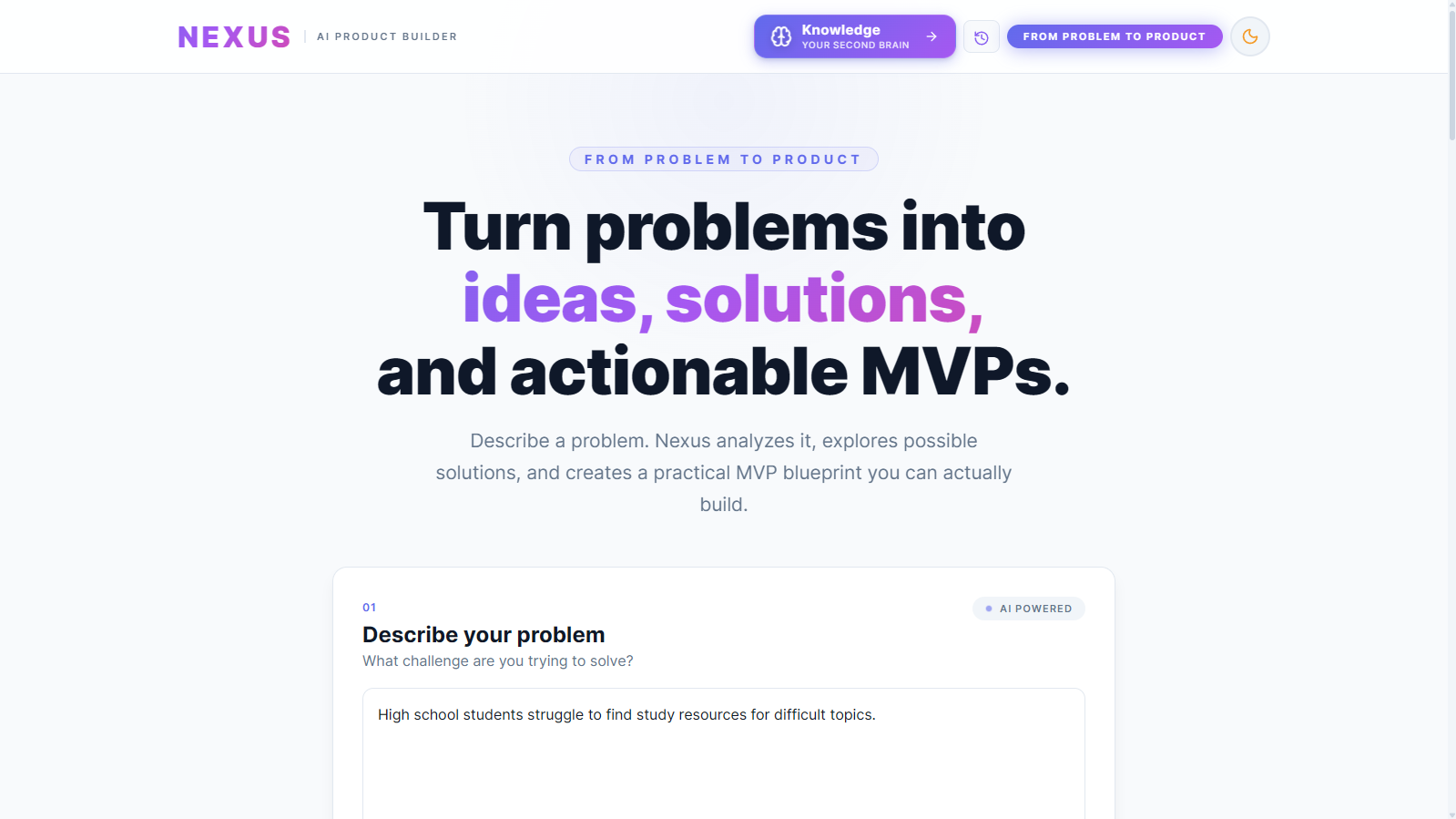
Nexus is that tool. It's also my answer to a second problem: I generate a lot of ideas, and they used to vanish into scattered notes. Nexus keeps every blueprint in a searchable, connected knowledge base.
What it does
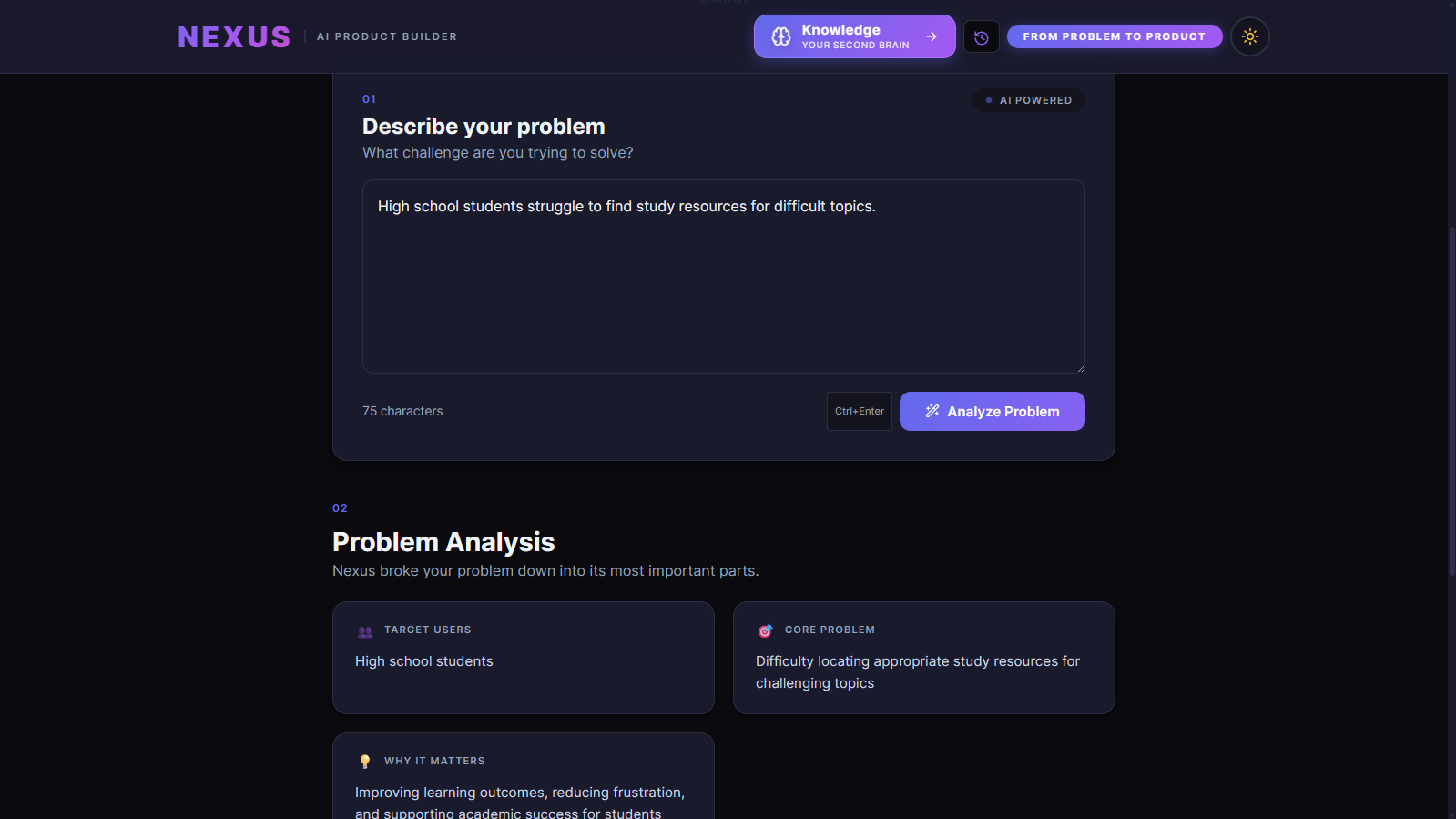
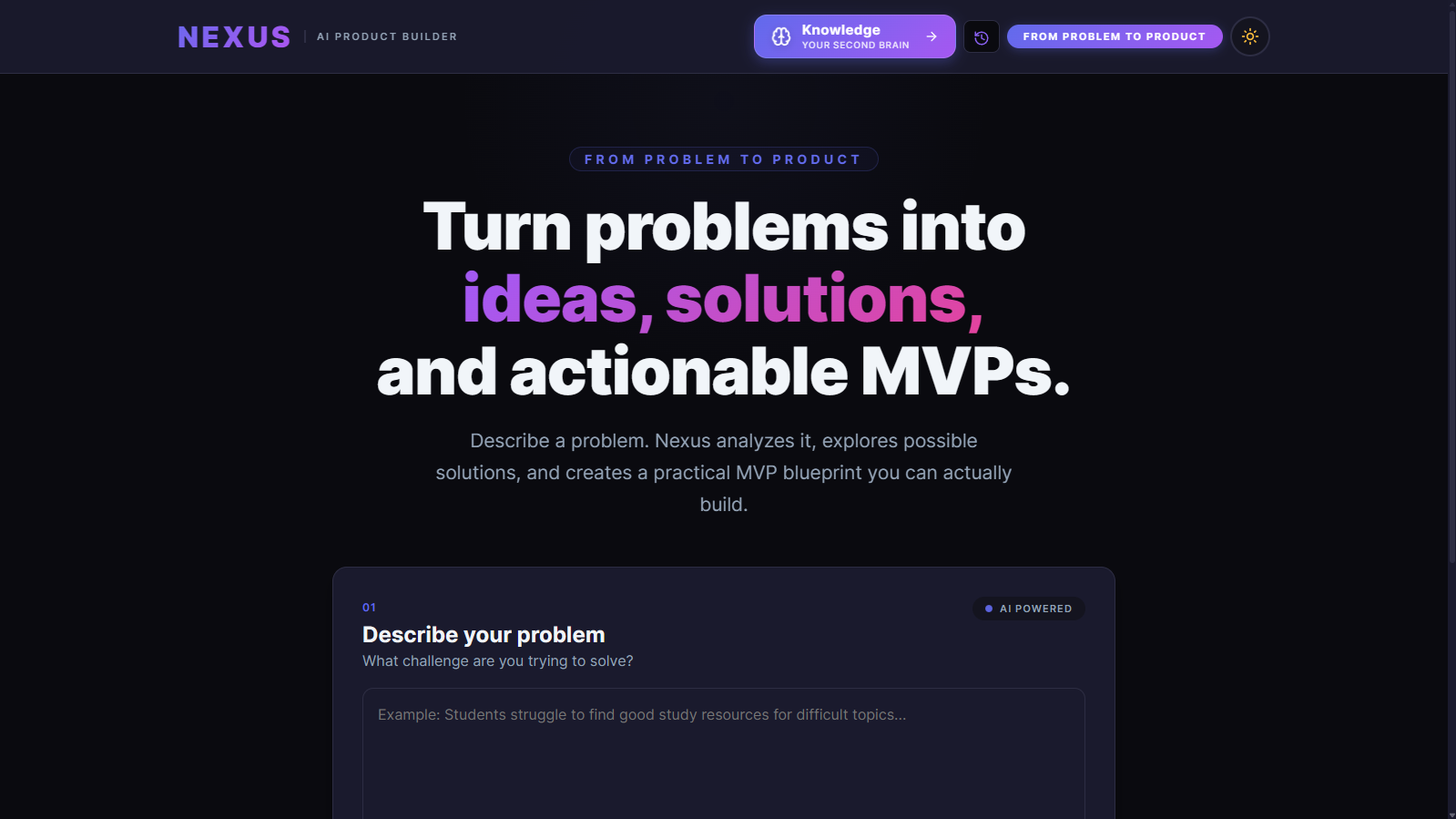
You describe a problem. Nexus runs it through a three-stage AI pipeline:
- Analysis — Gemini extracts pain points, root causes, affected users, and constraints
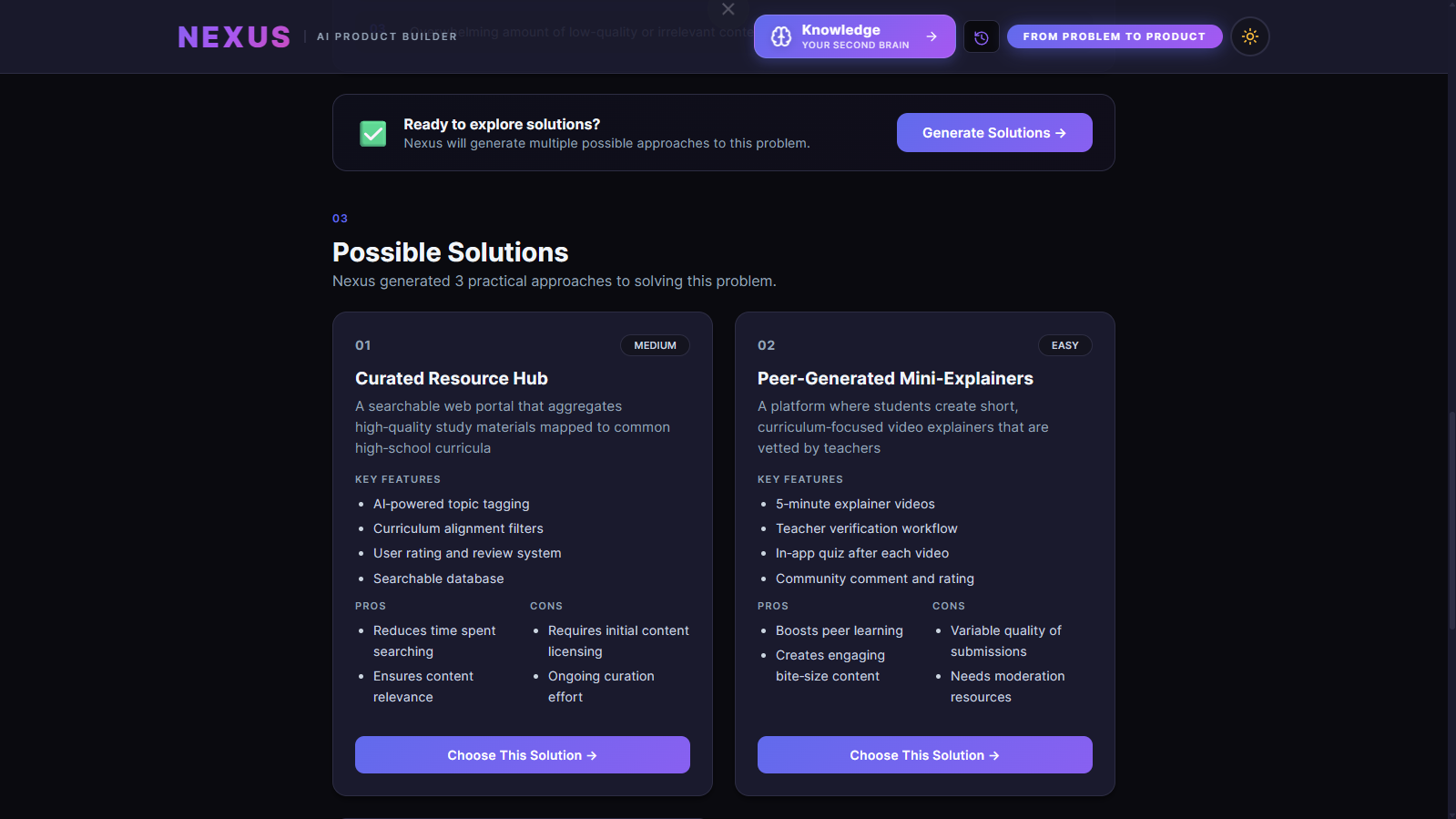
- Solutions — Gemini generates multiple approaches with confidence scores
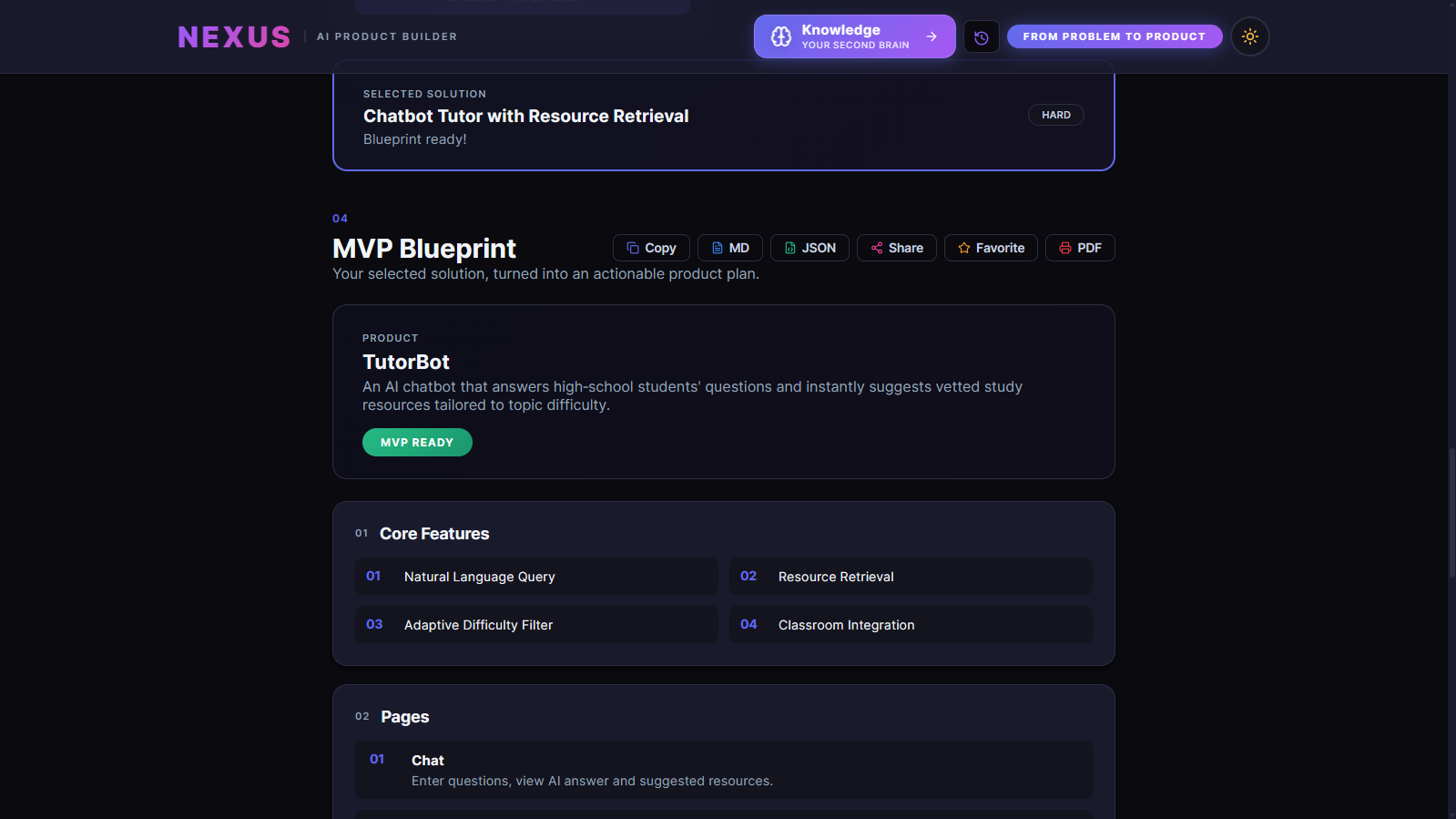
- Blueprint — Groq synthesizes the chosen solution into a full MVP spec: features, pages, tech stack, database schema, development tasks, and a recommended build order
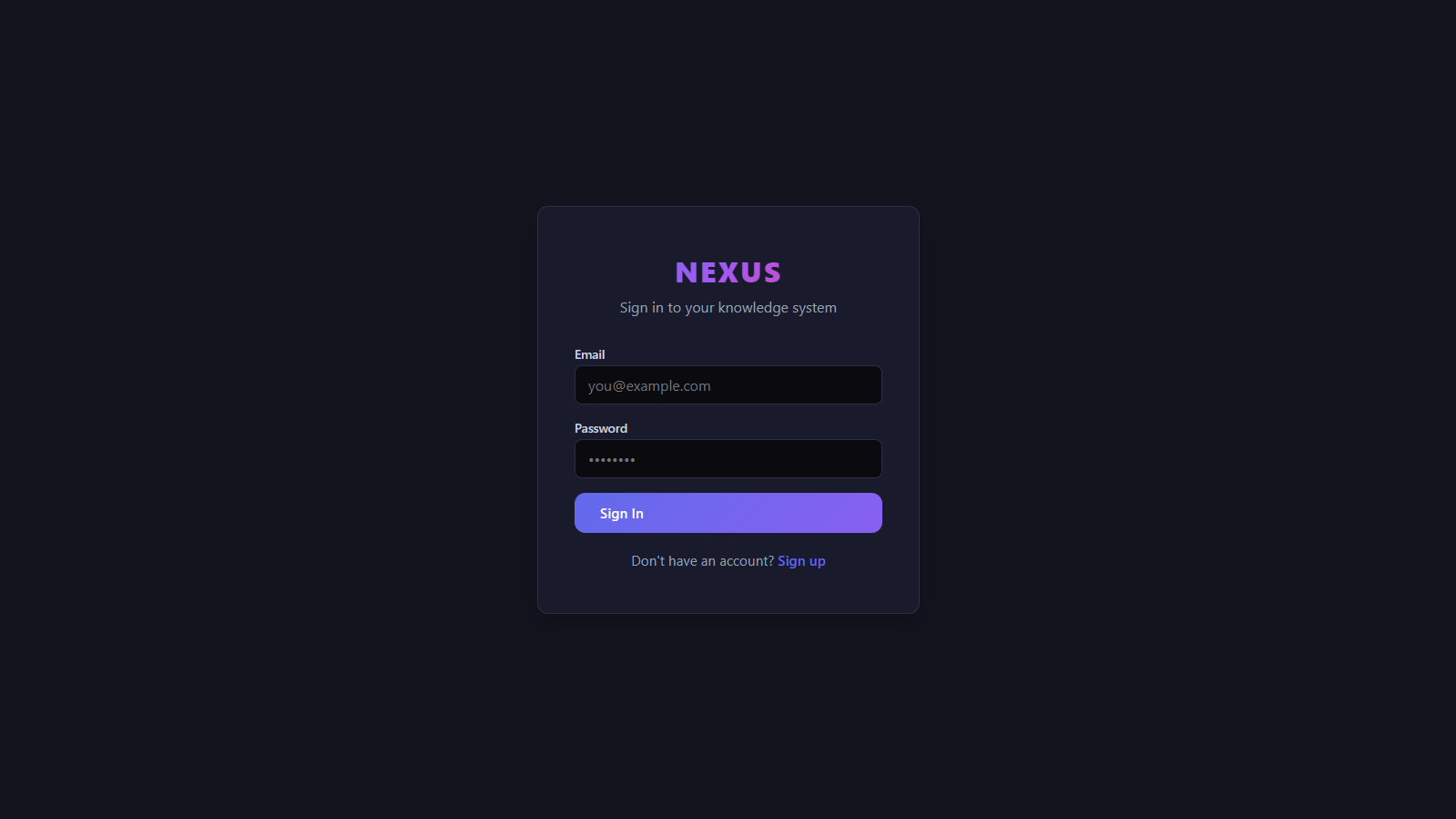
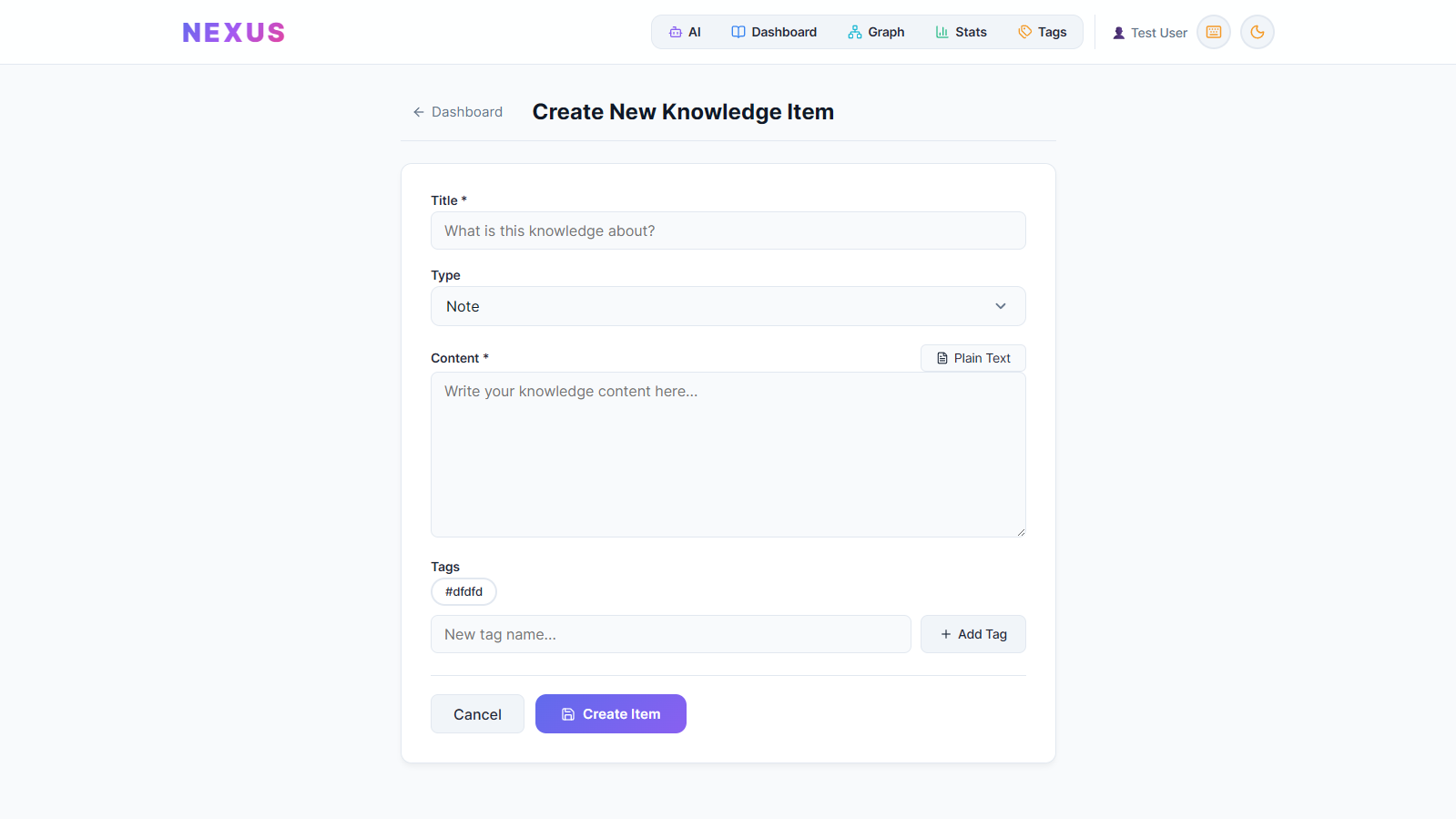
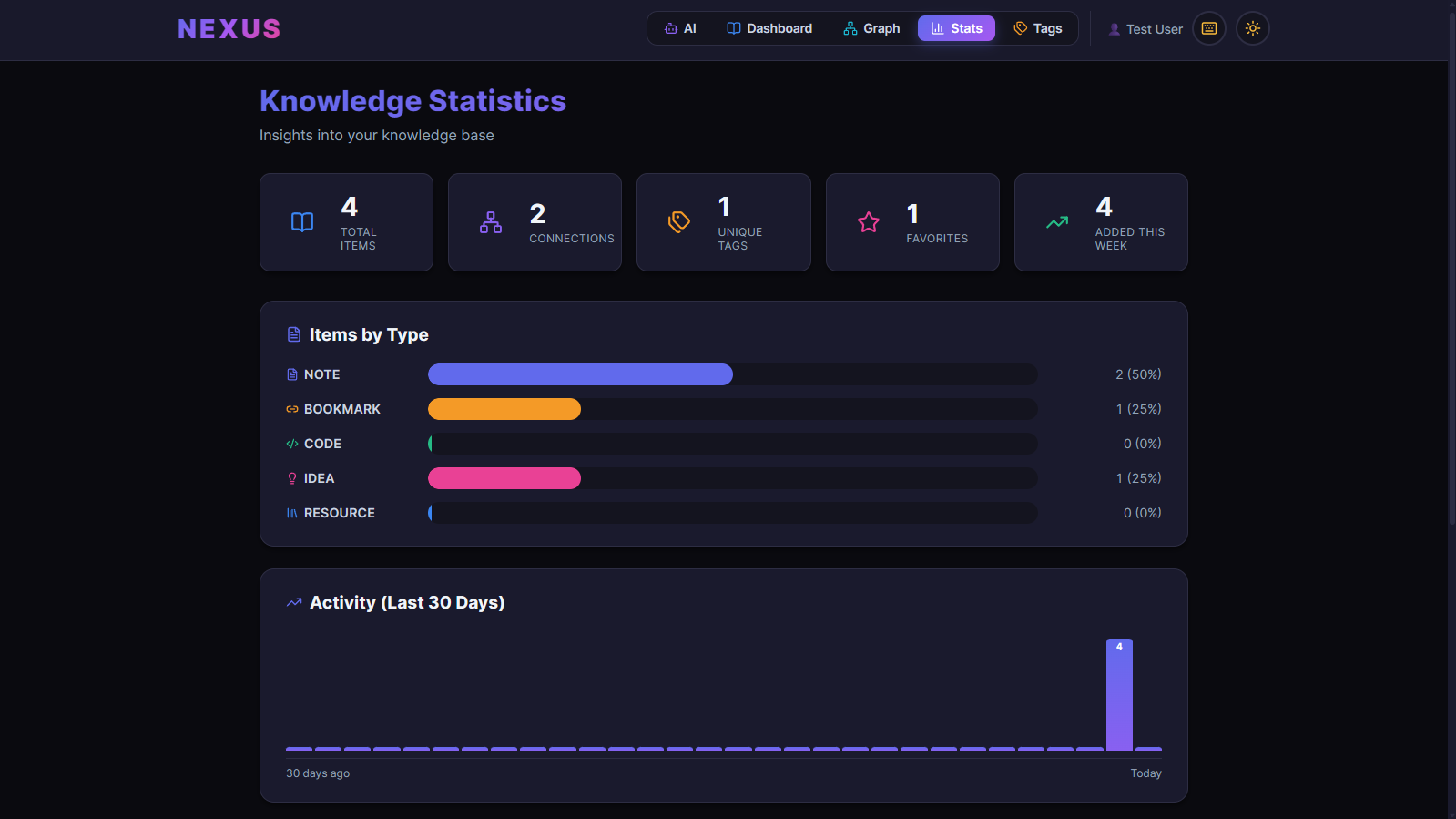
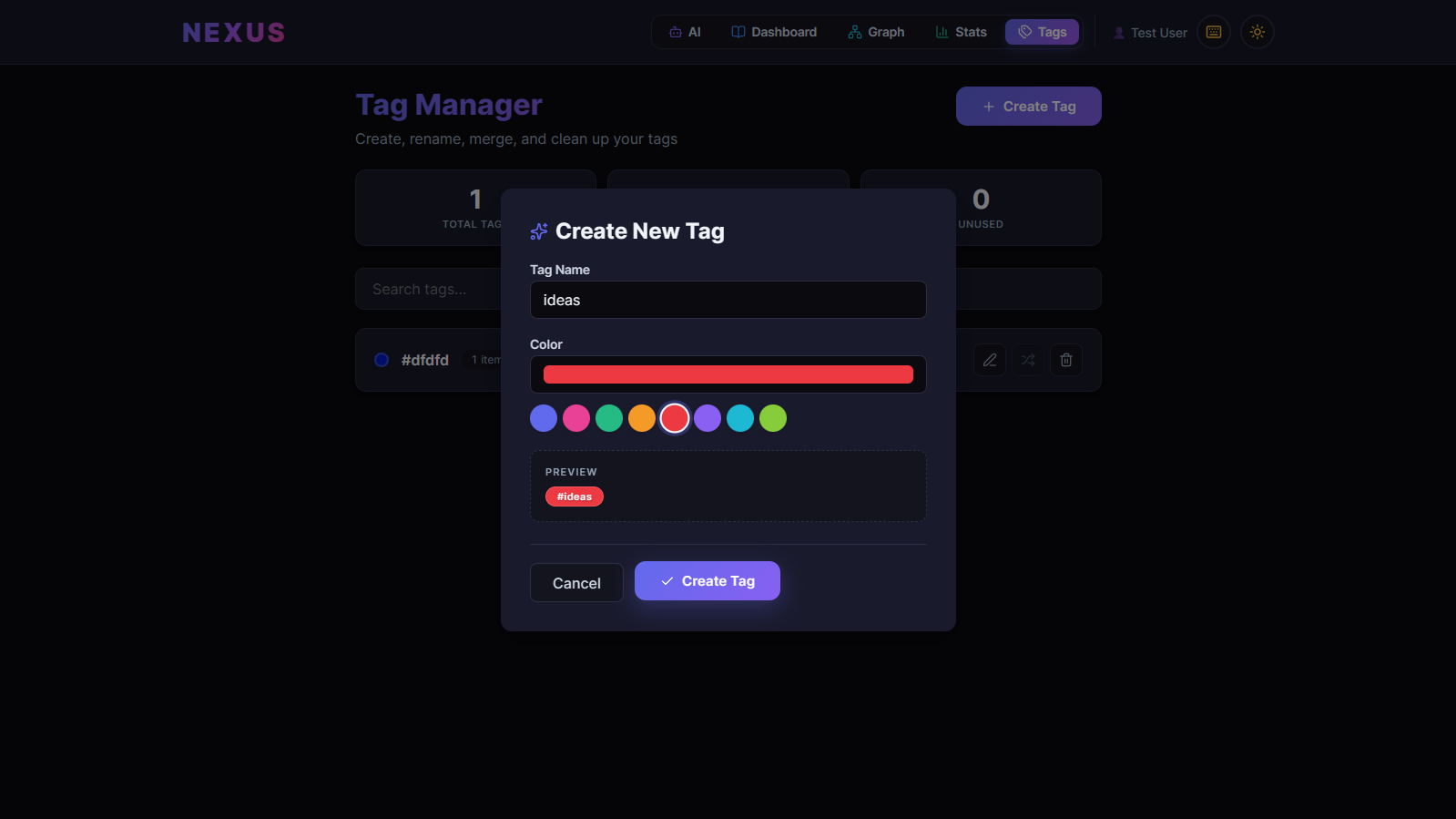
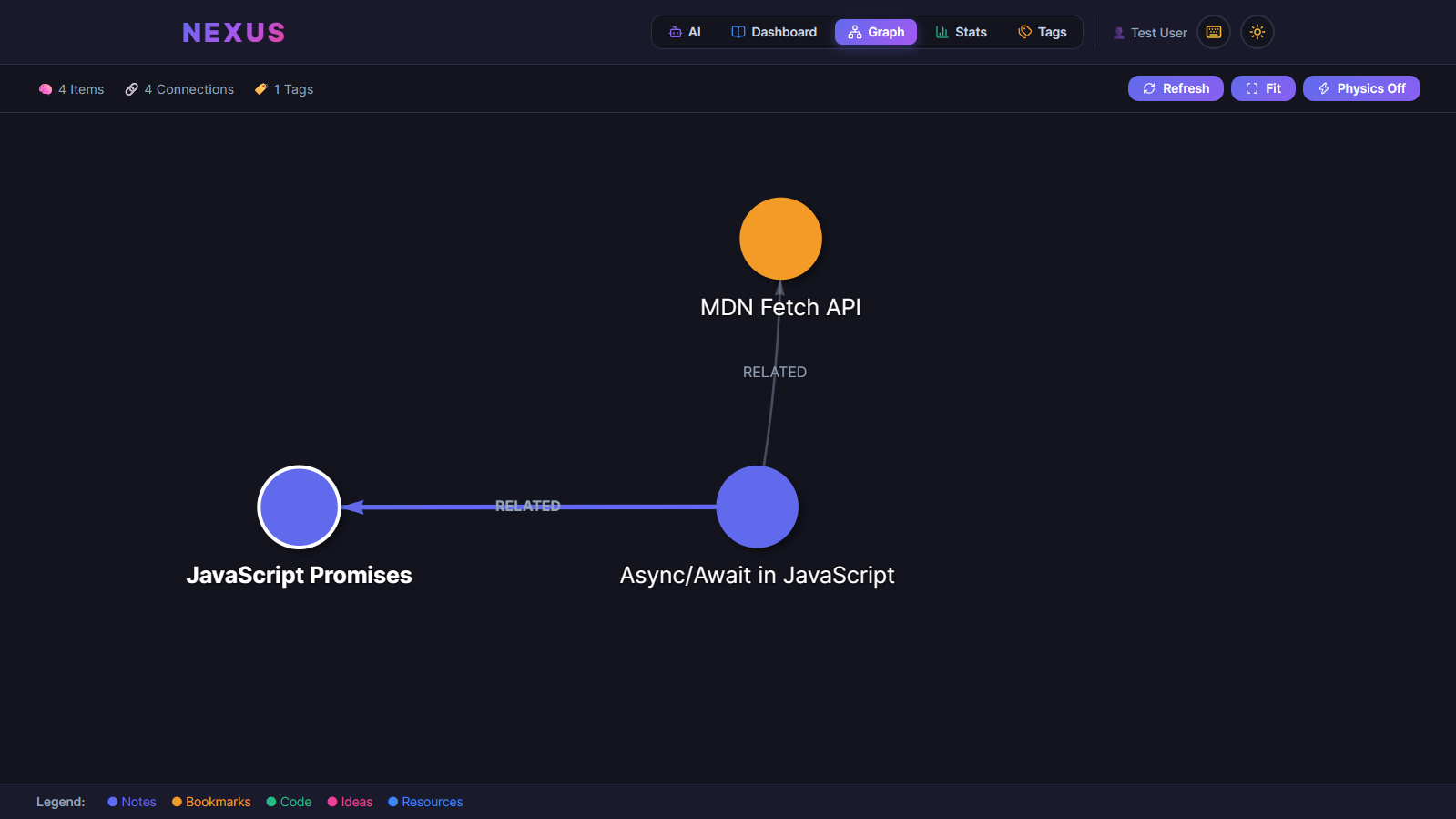
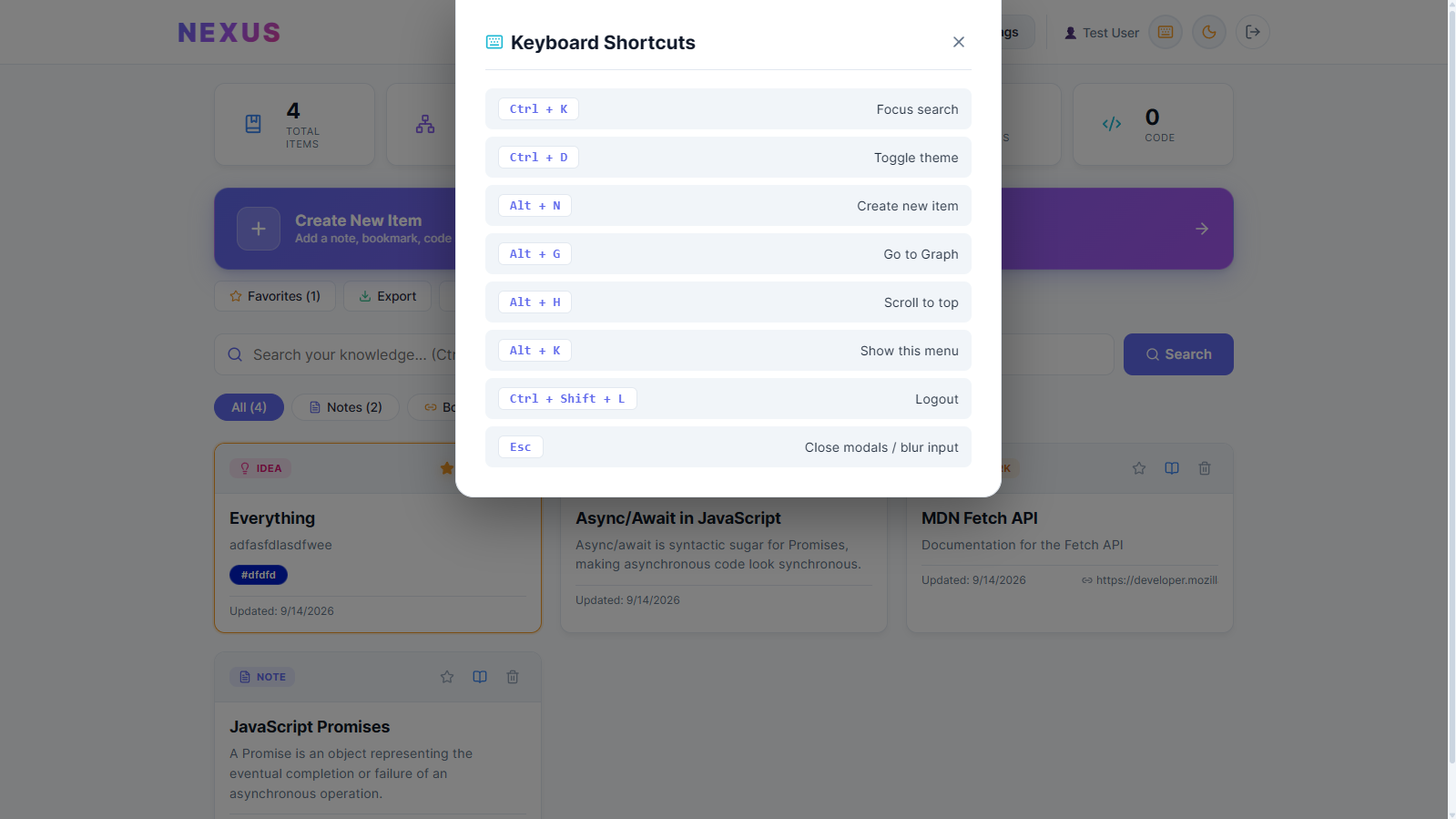
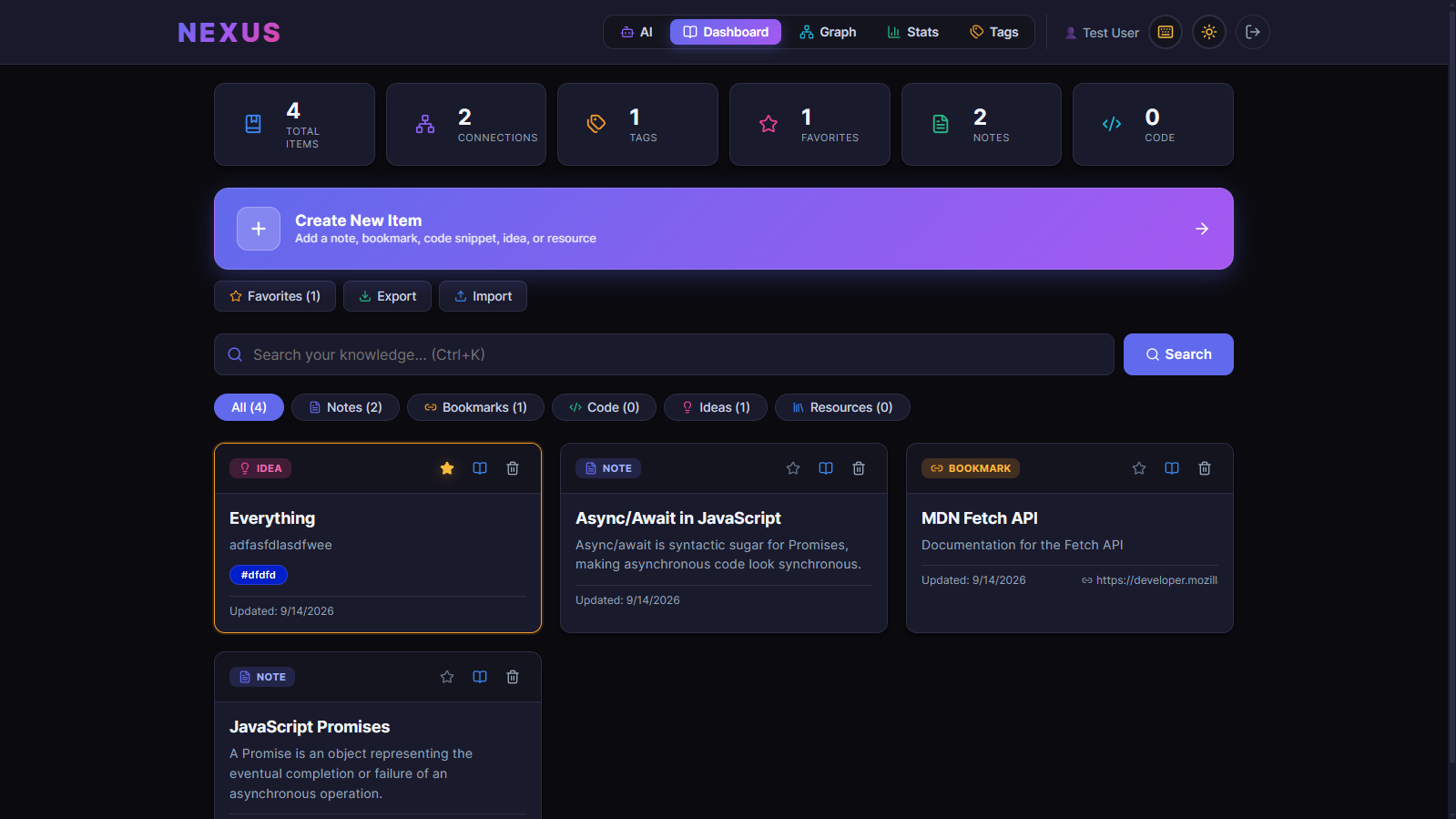
Every blueprint is saved to a personal knowledge base alongside notes, bookmarks, code snippets, ideas, and resources. That knowledge base supports tags, typed connections between items, a force-directed knowledge graph, a statistics dashboard, full-text search, favorites, JSON export/import, and shareable blueprint links.
How I built it
Frontend — React 18 + Vite. React Router for navigation, custom CSS with a design system (no UI framework). Lucide icons, vis-network for the graph, react-markdown for rendering.
Backend — Node.js + Express. JWT authentication with bcrypt hashing. Prisma ORM.
Database — PostgreSQL hosted on Neon, accessed through Prisma. I started on SQLite locally, then migrated to Postgres for production. The Prisma schema has four models: User, KnowledgeItem, Tag, and Connection.
AI — Google Gemini for problem analysis and solution generation; Groq (LLaMA/GPT-OSS) for blueprint synthesis. Both APIs return structured JSON that the frontend renders directly.
Deployment — Netlify (frontend), Render (backend), Neon (database). All three tiers on free plans.
The full stack is live at https://nexus-hadi.netlify.app — the backend runs on Render's free tier, so the first request after 15 minutes of idle takes ~30 seconds to wake. That's expected.
Challenges
Structured AI output. Getting Gemini and Groq to return reliable JSON — not prose wrapped in code fences, not partially-formed objects — took real prompt engineering. I had to be explicit about the schema, force JSON mode where possible, and validate on the client.
SQLite → Postgres in production. Neon gives two connection strings: a pooled one for runtime and a direct one for migrations. Configuring Prisma to use each correctly (url for runtime, directUrl for migrations) was the difference between a working deploy and a cryptic timeout.
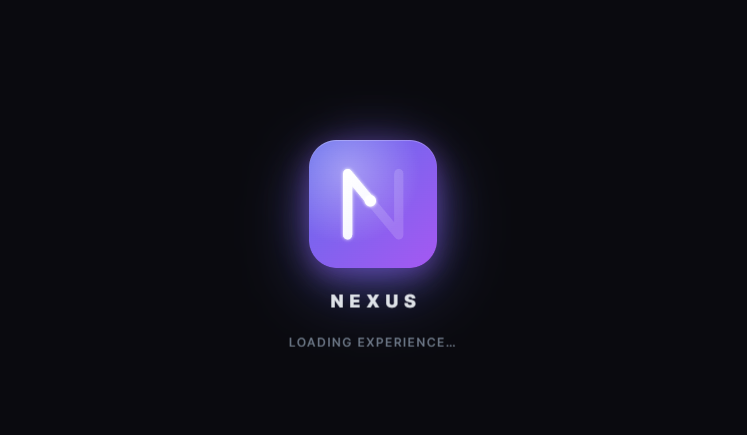
A loading animation that double-mounted. I built a custom branded loader — a snake that grows into the letter N, tracing the SVG path with a non-linear speed curve (burst → slow → burst). It kept restarting because two components (ProtectedRoute and the page itself) were each mounting their own copy. The fix: exactly one loader instance per navigation, and the animation always runs to completion even if the page loads faster.
SPA routing on Netlify. React Router paths like /knowledge/graph returned 404 on direct navigation because Netlify looked for a file. The fix was a _redirects file rewriting every path to index.html.
What I learned
- Prisma migrations in production are a different beast from
migrate dev—migrate deployruns idempotently on every deploy, which is exactly what you want on a serverless host. - Free-tier cold starts change how you design UX. The loader has to be worth watching if the backend might take 30 seconds to respond.
- Animation is product. The snake-grows-into-N loader cost me more iterations than the AI pipeline, and it's the thing people comment on first.
- Environment separation matters.
VITE_API_URLfor the frontend,DATABASE_URL/DIRECT_URLfor the backend, secrets never in git. Building this correctly the first time saved hours of debugging.
What's next
- Public shareable blueprint pages (currently URL-encoded, limited by length)
- Offline mode with IndexedDB
- Export to Notion / Obsidian
- Real-time collaboration on blueprints
- Chrome extension for quick capture
Nexus takes a problem and produces a plan you could start building today — in under two minutes.
Built With
- axios
- bcrypt
- css3
- express.js
- google-gemini
- groq
- html5
- javascript
- jwt
- llama
- lucide-icons
- neon
- netlify
- node.js
- postgresql
- prisma
- react
- react-markdown
- react-router
- render
- vis-network
- vite


Log in or sign up for Devpost to join the conversation.