Inspiration
AI assistants are becoming increasingly intelligent, yet most still struggle to turn conversations into meaningful, real-world actions. Our daily digital lives are fragmented across emails, calendars, task managers, development platforms, and system utilities. Switching between these applications creates unnecessary friction, while giving AI unrestricted access to them introduces serious security and privacy concerns.
We envisioned a different approach: What if one AI assistant could understand your intentions, coordinate your digital workspace, and execute tasks across multiple services—without taking control away from you?
Inspired by the evolution of Alexa+ and the possibilities of the Model Context Protocol (MCP), we created Nexus ⚡, an AI-powered personal workspace designed to bridge the gap between conversational intelligence and trustworthy action.
Our guiding principle was simple: AI should be powerful enough to act, but accountable enough to ask.
What it does
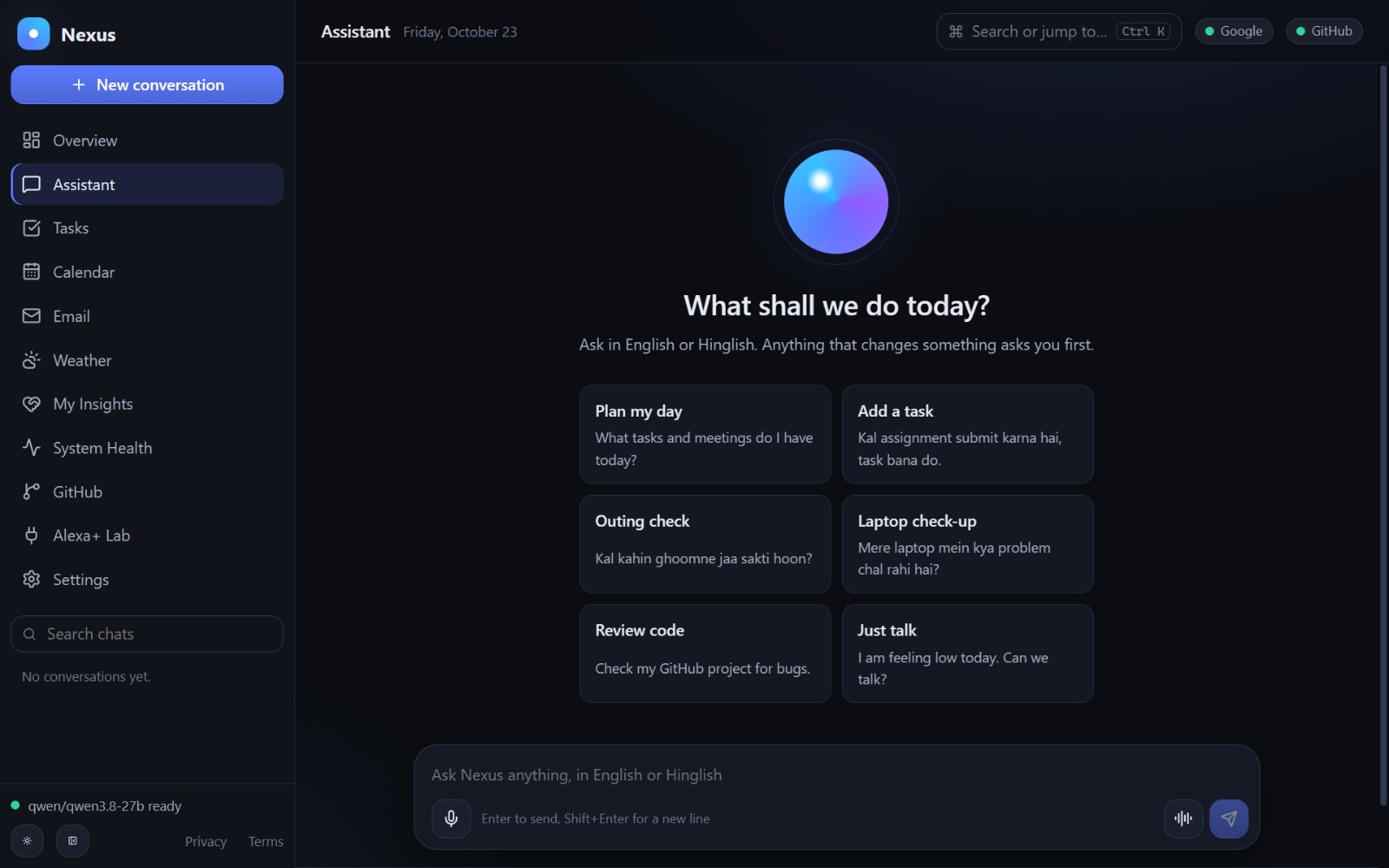
Nexus is an MCP-powered personal AI workspace that transforms natural-language requests into coordinated actions across productivity tools and connected services.
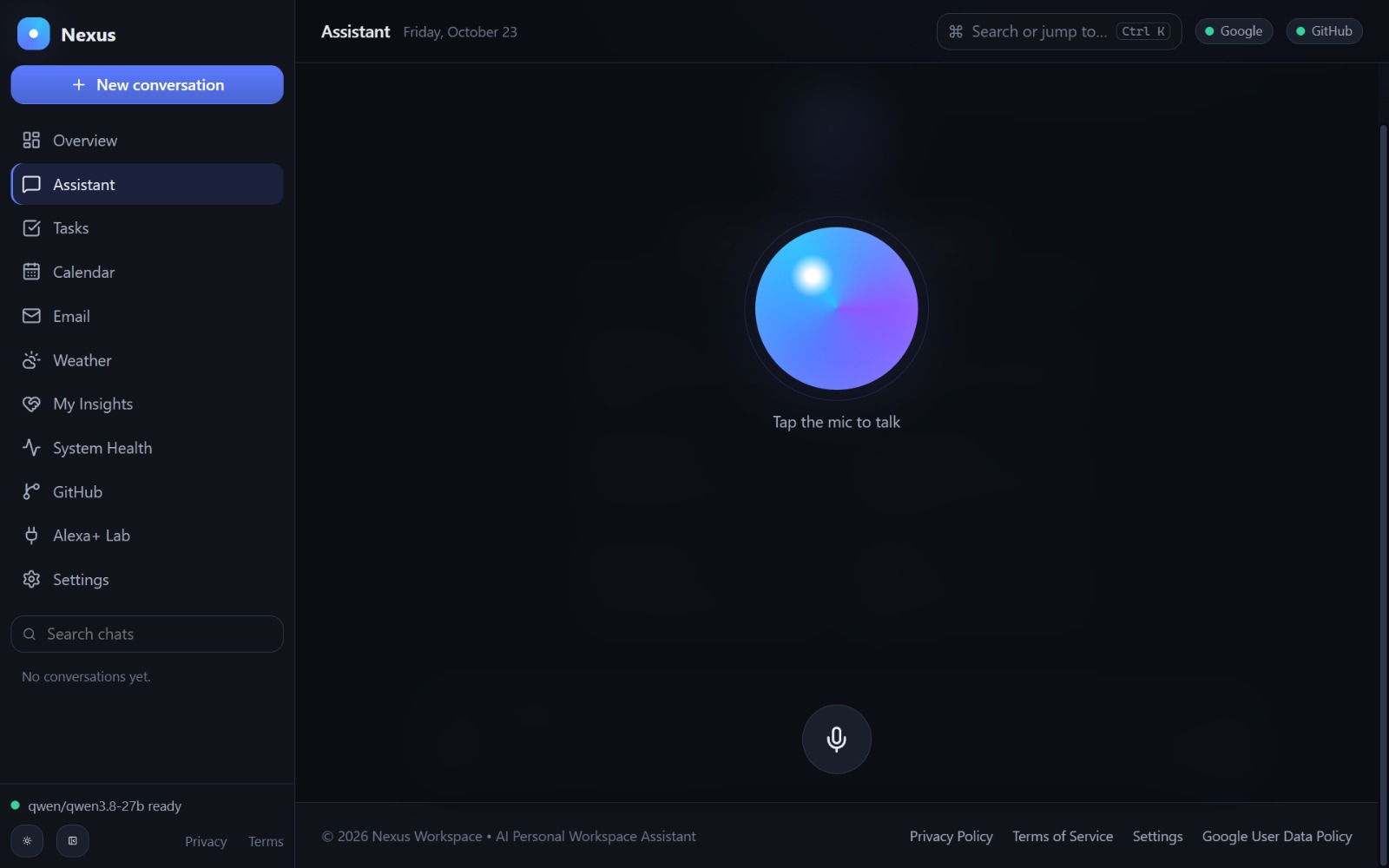
Instead of navigating multiple applications, users can interact with one intelligent assistant through text or multilingual voice commands.
Nexus brings together:
- AI-Powered Assistant: Conversational intelligence with streaming responses, contextual tool selection, and natural-language task execution.
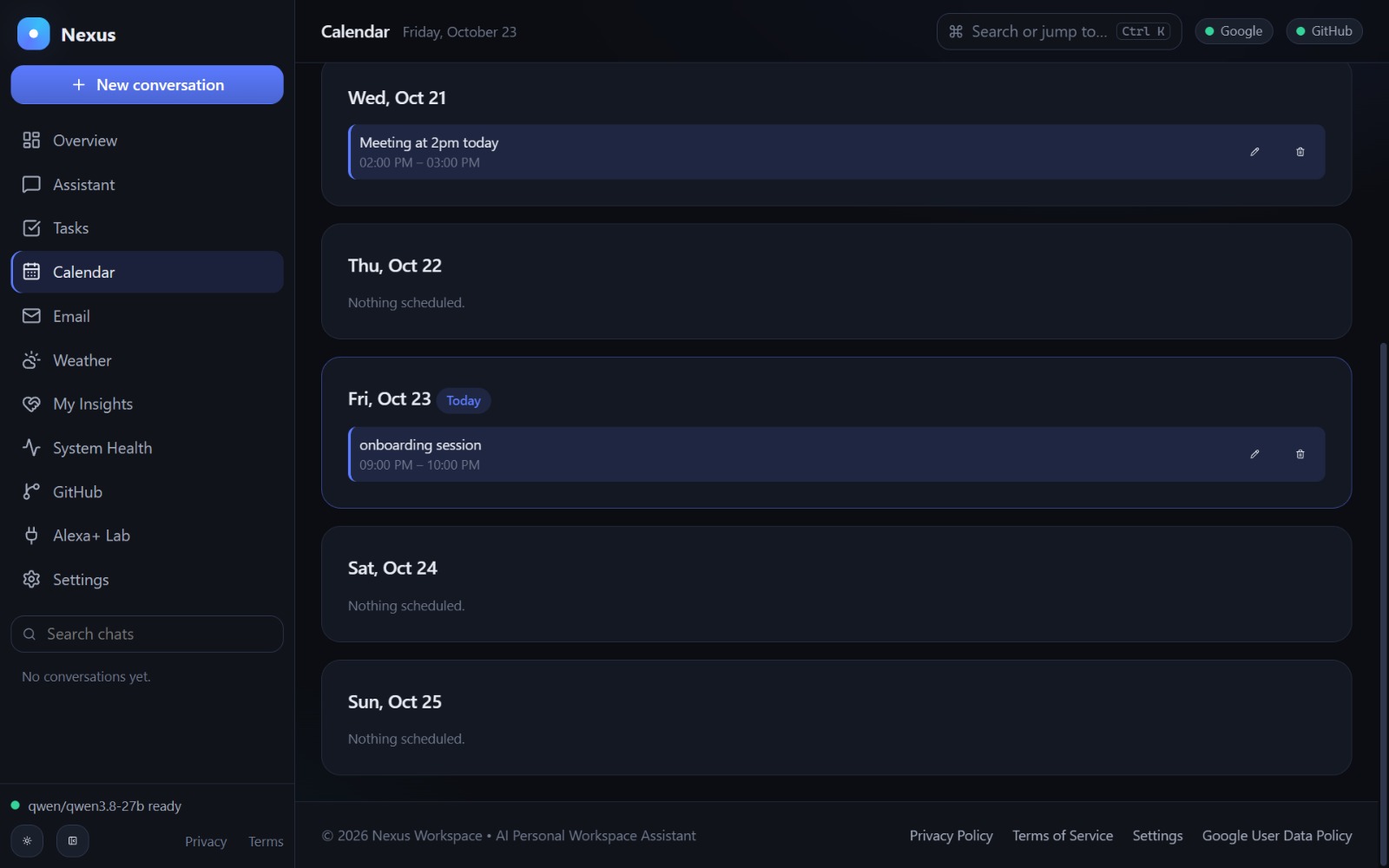
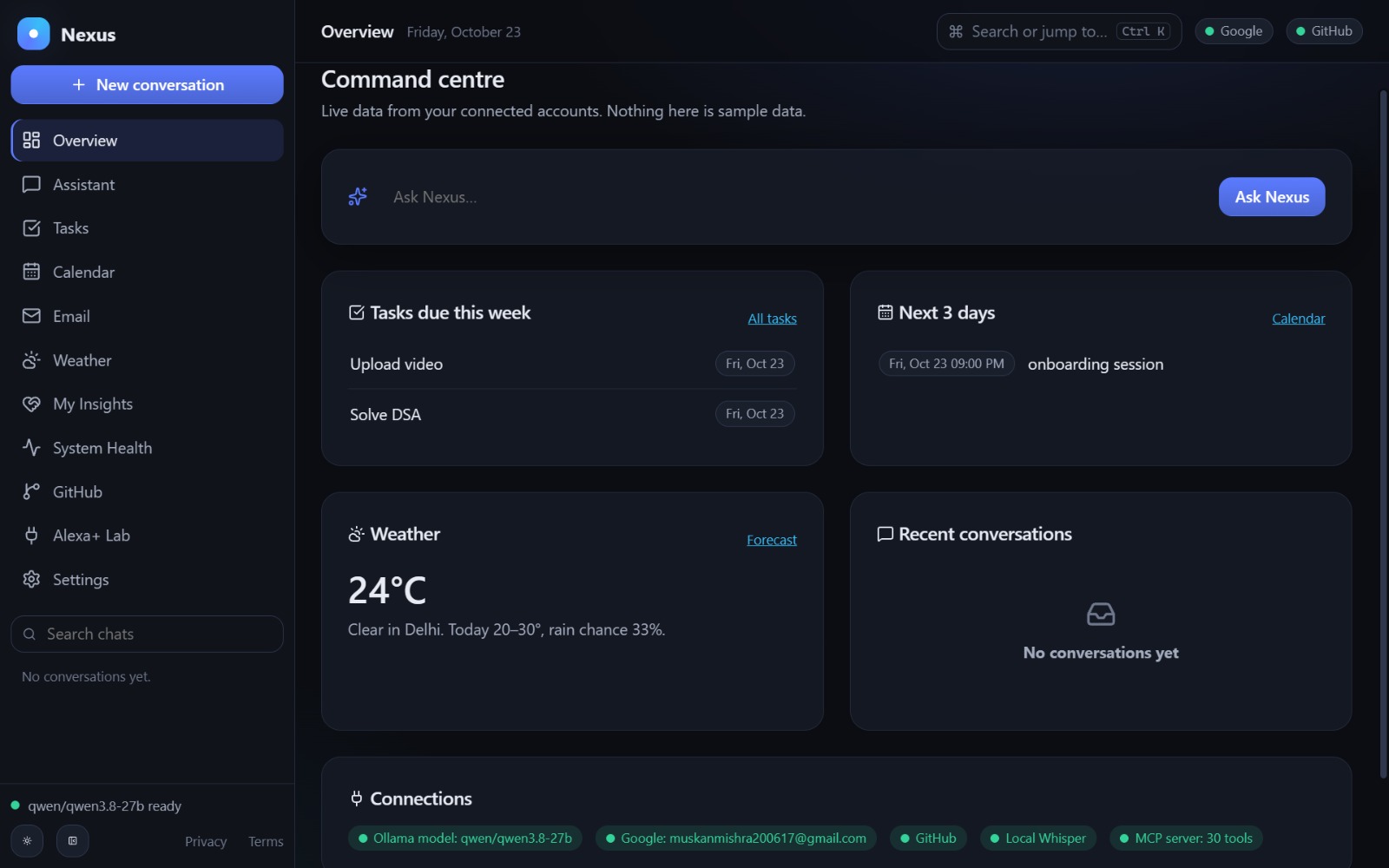
- Google Workspace Integration: Access Gmail, manage Google Calendar events, and organize Google Tasks through a unified interface.
- GitHub Intelligence: Explore repositories, analyze code changes, review code, and prepare pull requests.
- System Health Monitoring: Inspect CPU, memory, processes, and system maintenance recommendations for the environment running the backend.
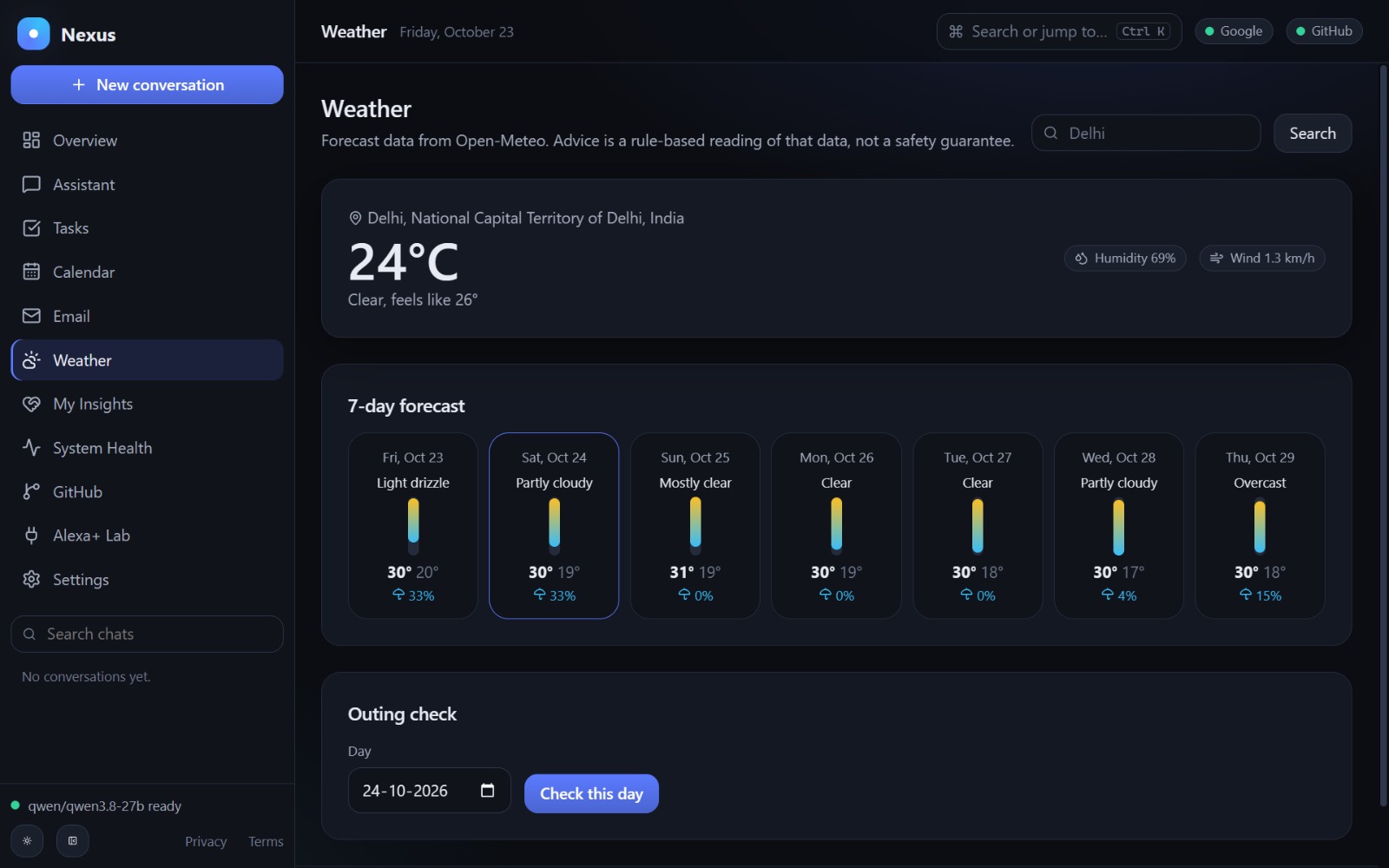
- Smart Weather Assistance: Retrieve forecasts and receive contextual recommendations for outdoor activities.
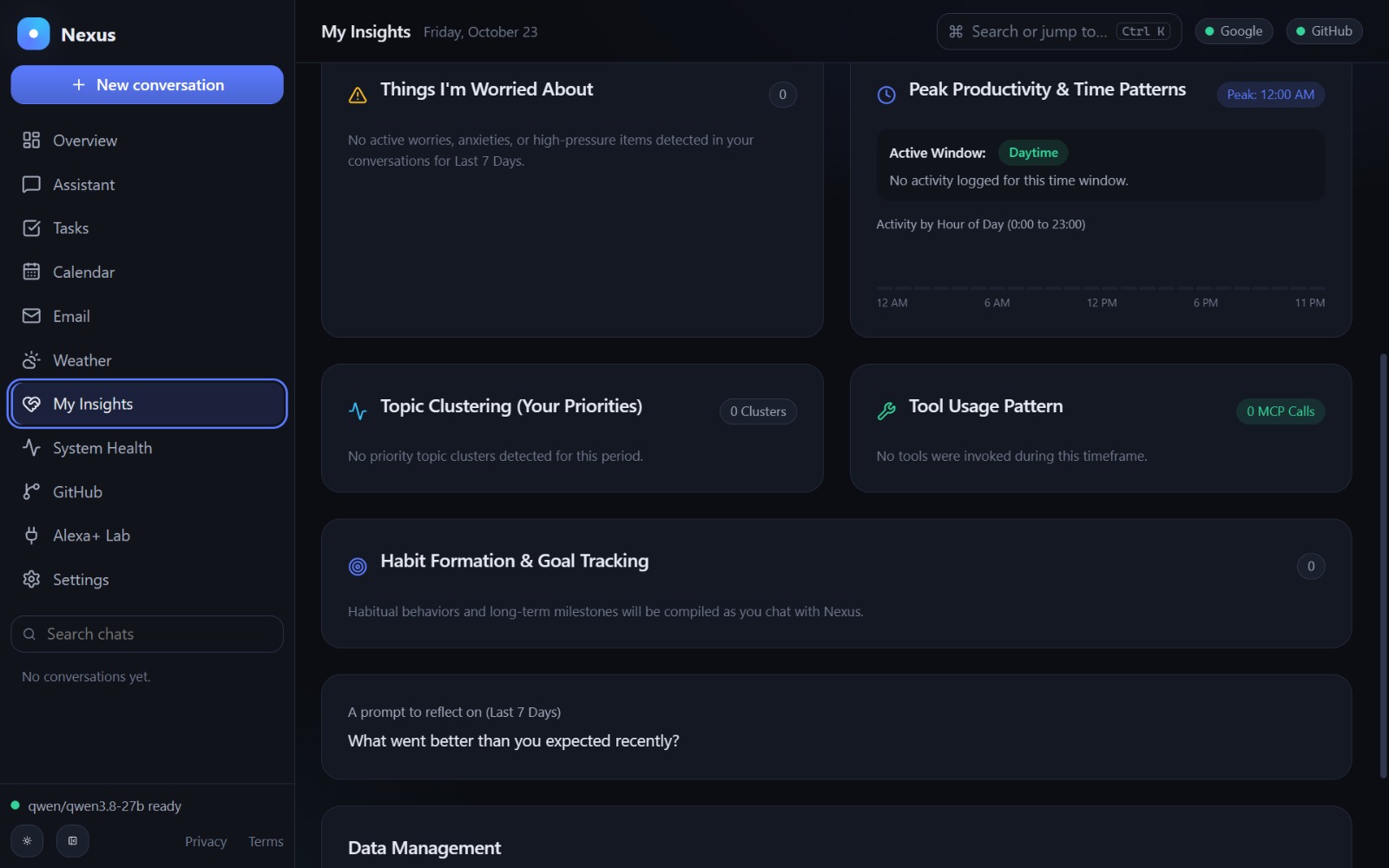
- Persistent AI Memory: Store and retrieve useful context across conversations.
- Multilingual Voice Interaction: Support spoken commands using speech transcription, including natural English and mixed-language expressions.
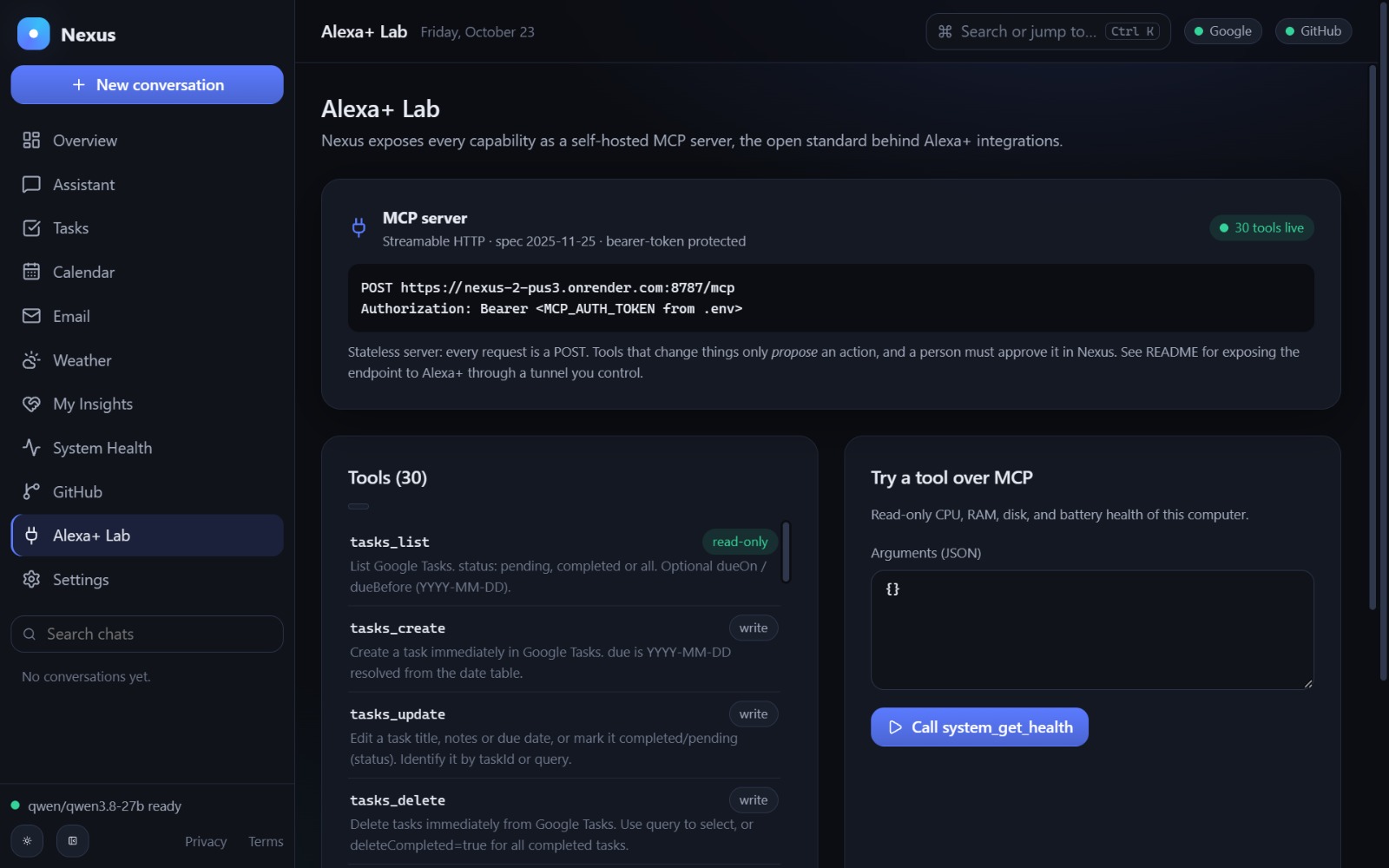
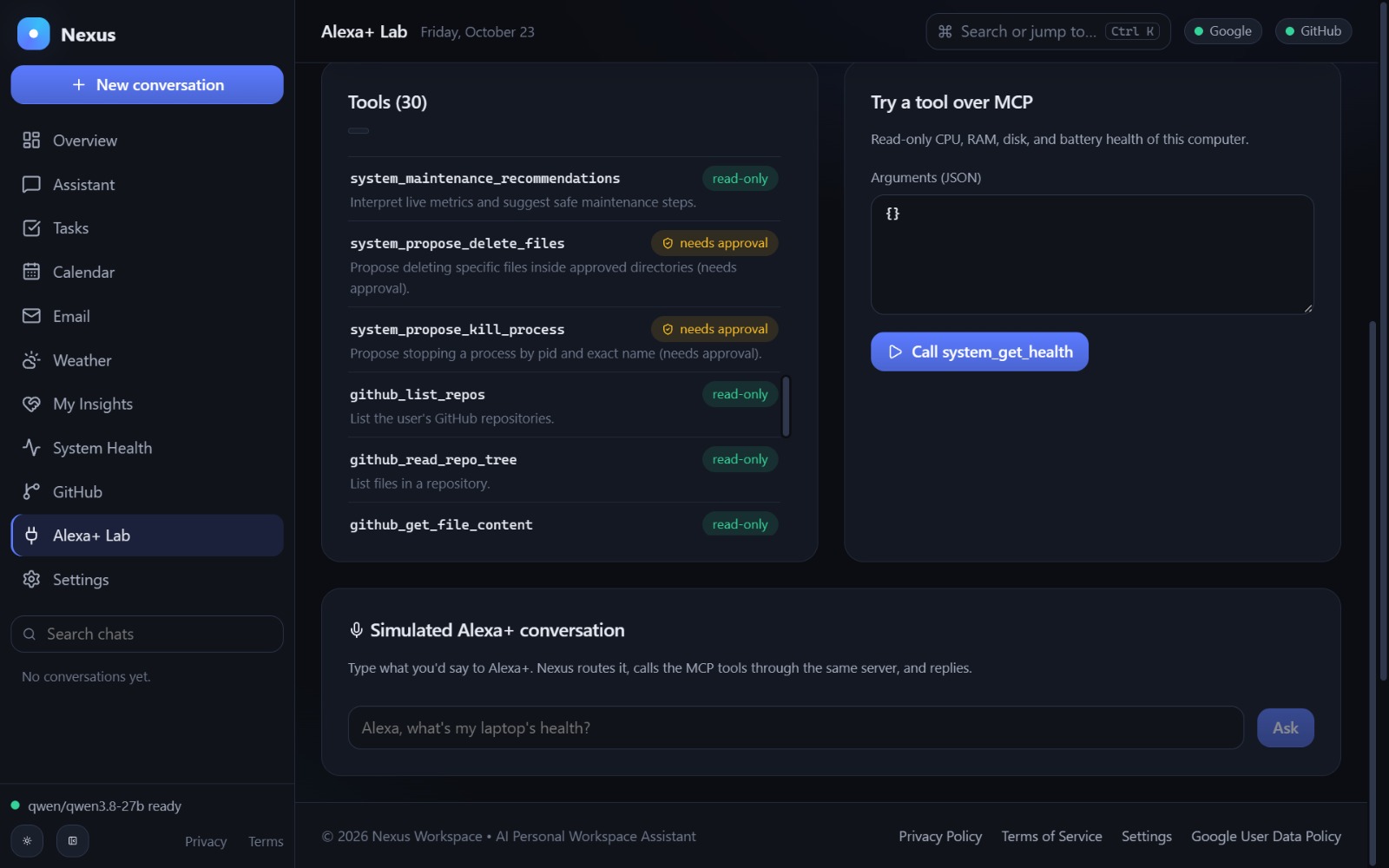
- Alexa+ Lab: An interactive environment for testing MCP tools and simulating Alexa+-style assistant interactions.
- Human-in-the-Loop Security: Sensitive actions, such as sending emails, deleting files, terminating processes, or creating pull requests, require explicit user approval.
For example, a user can ask:
"Schedule a team meeting for tomorrow at 10 AM."
Nexus interprets the request, identifies the relevant Calendar tool, and prepares the corresponding action.
The result is a unified workspace where AI doesn't just answer questions—it helps users get things done.
How we built it
We designed Nexus around a modular architecture combining modern web technologies, high-speed AI inference, and the Model Context Protocol.
Frontend
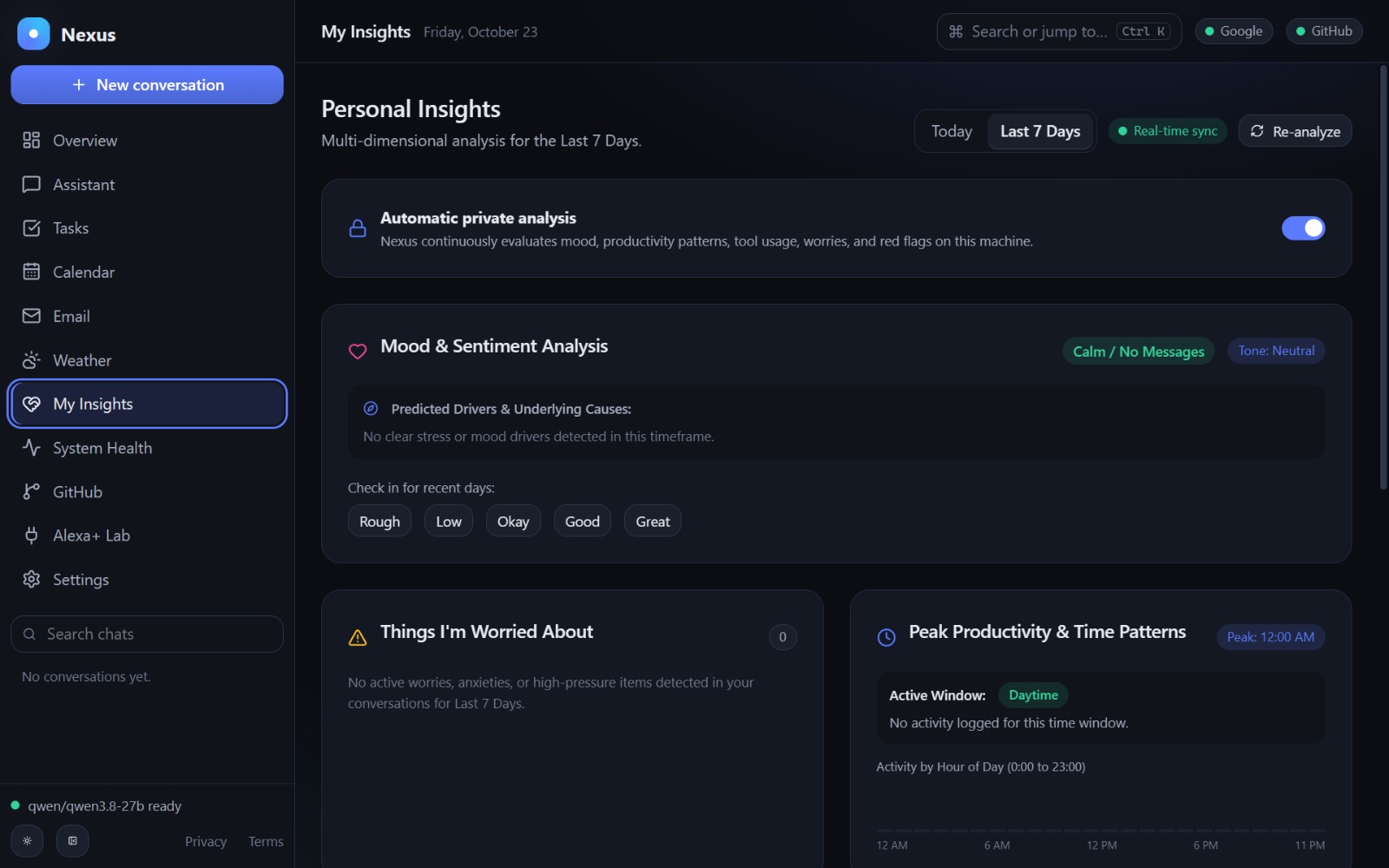
We built a responsive interface using React 19 and Vite 6, featuring 11 specialized modules covering the assistant, calendar, email, tasks, system monitoring, GitHub, insights, settings, and Alexa+ experimentation.
Backend and orchestration
Our backend uses Node.js 22 and Express 5 to handle authentication, sessions, API requests, AI orchestration, and tool execution.
An intelligent intent router identifies the relevant tools for each request, narrowing the available toolset from 30 registered tools to a focused selection of approximately 2–8 tools.
This approach helps reduce unnecessary tool exposure, improve efficiency, and simplify AI decision-making.
AI and voice processing
We integrated Groq Cloud for language-model inference and Whisper Large V3 for speech transcription, enabling conversational interactions and multilingual voice input.
We also implemented contextual date interpretation for requests containing phrases such as "tomorrow morning" and "next Friday's meeting."
Model Context Protocol (MCP)
At the core of Nexus is a self-hosted MCP server using the official MCP SDK and Streamable HTTP transport.
The server exposes 30 registered tools across Google Tasks, Calendar, Gmail, GitHub, weather, system utilities, memory, news, and action-status management.
These tools are accessible through our internal AI orchestrator and a protected external MCP endpoint, providing a foundation for integration with compatible AI clients.
Security architecture
We implemented multiple safeguards:
- AES-256-GCM encryption for stored OAuth tokens.
- Signed, HttpOnly session cookies and CSRF validation.
- Cryptographically protected approval proposals for sensitive actions.
- Expiring, single-use action approvals.
- Filesystem access restrictions and path-traversal protection.
- Post-execution verification to reduce false success claims.
- Secret redaction and audit safeguards.
Deployment and testing
We deployed Nexus on Render, configured Google OAuth integrations, and created automated tests covering MCP communication, security controls, tool routing, and response streaming.
Our documented test run reports 51 passing tests with zero failures.
Challenges we ran into
Building an AI assistant capable of interacting with real services introduced challenges beyond traditional chatbot development.
- Connecting AI reasoning with reliable tool execution
Language models can interpret instructions, but selecting the correct tool, validating parameters, and reporting accurate results require additional engineering.
We addressed this through deterministic tool routing, structured schemas, and post-execution verification.
- Preventing unsafe autonomous actions
Allowing an AI to send emails, delete files, or terminate processes without user confirmation creates serious risks.
We designed a human-in-the-loop approval system using cryptographic payload validation, expiration windows, and one-time execution controls.
- Implementing MCP interoperability
Building a self-hosted MCP server required careful handling of protocol initialization, tool discovery, authorization, transport behavior, and schema validation.
We developed an external-client smoke test to validate these interactions.
- Managing Google OAuth and deployment
Integrating Gmail, Calendar, and Tasks required OAuth configuration, permissions management, redirect URI handling, and secure token storage.
Deploying the application also required adapting environment variables and authentication settings to a production URL.
- Local system monitoring versus cloud deployment
Nexus initially supported local-first workflows. After deploying the backend to Render, system diagnostics reflected the cloud execution environment rather than a visitor's personal device.
This reinforced an important architectural lesson: personal-device monitoring requires a separately authorized local agent, not unrestricted browser access.
- Supporting natural multilingual commands
Human instructions are often informal, incomplete, or mixed across languages. Understanding expressions such as "tomorrow morning" or "the meeting next Friday" required additional date interpretation beyond simple keyword matching.
Accomplishments that we're proud of
Our biggest achievement is building an assistant architecture that connects AI reasoning with real productivity tools while keeping meaningful user control.
We are especially proud of:
- 30 MCP tools organized into a reusable, extensible tool registry.
- 11 integrated workspace modules in a unified responsive application.
- A self-hosted MCP server supporting external-client discovery and tool invocation.
- Human-approved execution for consequential operations.
- Multilingual interaction designed around natural everyday communication.
- Real Google Workspace and GitHub integrations rather than relying entirely on simulated tools.
- 51 passing automated tests covering critical protocol and security behavior.
- An interactive Alexa+ Lab that demonstrates the MCP integration concept through simulated assistant workflows.
Most importantly, we moved beyond a conversational prototype toward a functioning system that combines AI, external tools, security, and an accessible user experience.
What we learned
Developing Nexus changed how we think about AI assistants.
Intelligence alone is not enough. A useful assistant needs reliable integrations, clear execution boundaries, and verifiable outcomes.
We gained hands-on experience with MCP server development, AI tool orchestration, OAuth authentication, API integration, encrypted credential management, streaming responses, and production deployment.
We also learned that security must be built into the architecture from the beginning—not added after functionality is complete.
Another important insight was the value of interoperability. By exposing capabilities through MCP, Nexus can evolve beyond a single interface and potentially serve multiple compatible AI clients.
Above all, we learned that the most valuable AI experiences combine natural interaction, practical automation, and user trust.
What's next for Nexus
Our vision is to evolve Nexus into a secure, extensible AI workspace that works across devices, applications, and intelligent assistant ecosystems.
Our next priorities include:
- Deeper Alexa+ integration
Move beyond the current Alexa+ simulation environment toward direct integration with Alexa+ where supported, using Nexus's MCP capabilities to enable richer voice-driven workflows.
- Cross-device personal intelligence
Develop an optional, permission-based desktop agent to monitor local system health and support authorized device-level operations.
- Multi-agent task coordination
Introduce specialized agents for scheduling, communication, development, and productivity that can collaborate on complex workflows.
- Expanded integrations
Connect additional services such as Slack, Notion, cloud storage, and other productivity platforms through reusable MCP tools.
- Smarter contextual memory
Improve personalized recommendations, long-term context retrieval, and proactive productivity insights while maintaining user control over stored information.
- Production security and scalability
Strengthen multi-user isolation, persistent infrastructure, observability, and authorization for broader deployment, alongside completion of applicable third-party API verification requirements.
Our Vision
Nexus is our step toward a future where AI assistants do more than understand commands—they coordinate meaningful actions across the digital world, securely and with humans in control.
We believe the next generation of AI assistants should be interoperable, multilingual, action-oriented, and trustworthy.
Nexus — One Workspace. Connected Intelligence. Human Control.
Built With
- aes-256-gcm
- express.js
- github-api
- gmail-api
- google-calendar-api
- google-oauth-2.0
- google-tasks-api
- groq-cloud
- javascript
- mcp-sdk
- model-context-protocol-(mcp)
- natural-language-processing
- node.js
- open-meteo-api
- qwen-3
- react
- render
- rest-apis
- server-sent-events-(sse)
- sqlite
- streamable-http
- vite
- voice-ai
- whisper-large-v3



Log in or sign up for Devpost to join the conversation.