Inspiration
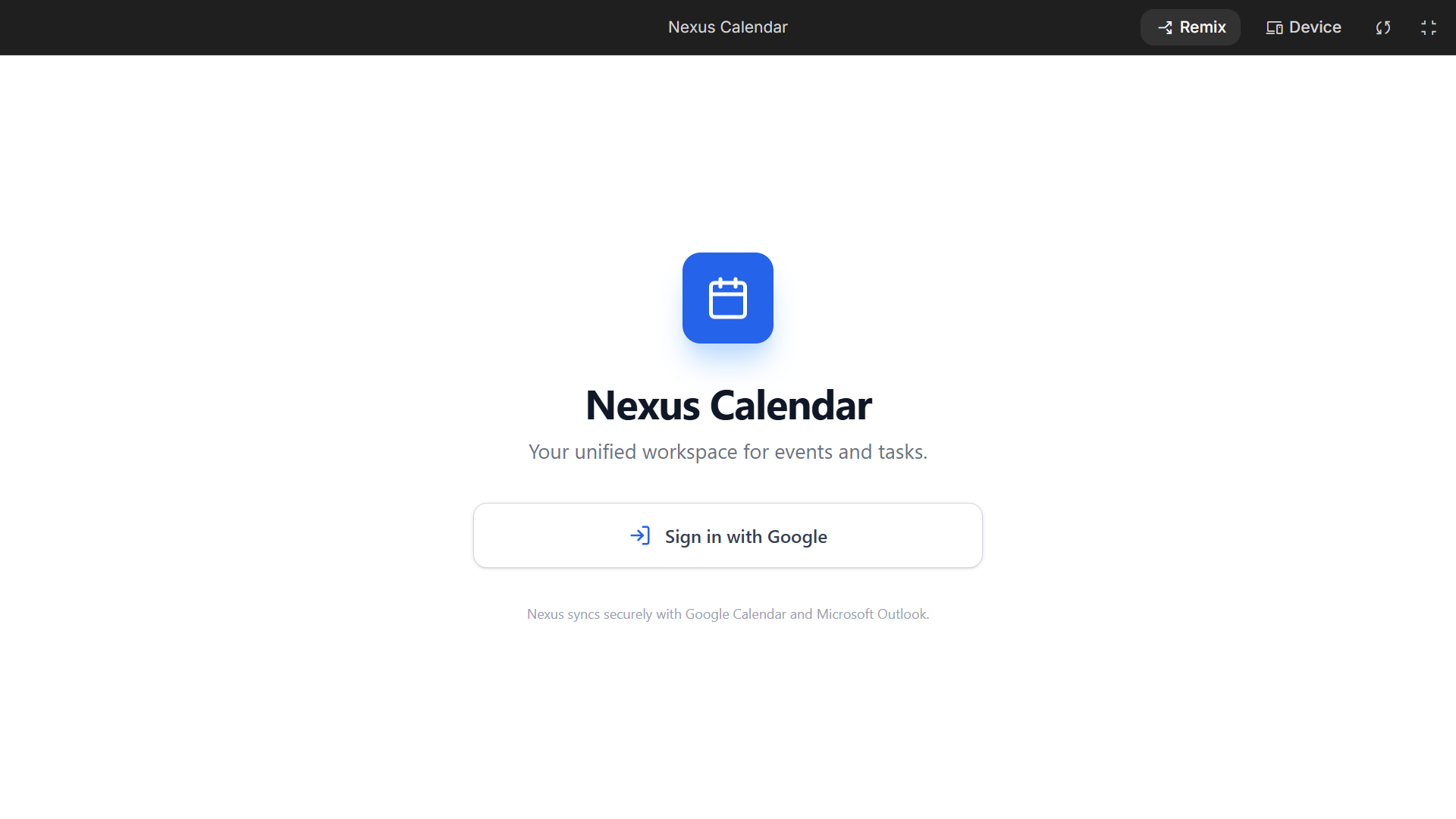
We live in an era of tool fragmentation. On any given day, a student or professional cycles through Google Calendar for schedules, Notion for notes, To-do-list for tasks, and Slack for communication. This constant context-switching causes mental fatigue, leading to what we call "productivity friction."For the hackathon, we wanted to build a definitive cure for this problem. We envisioned Nexus Calendar-not just as another passive grid to log events, but as a central, intelligent command center that merges scheduling, task execution, note-taking, and team collaboration into a singular, unified experience.
What it does
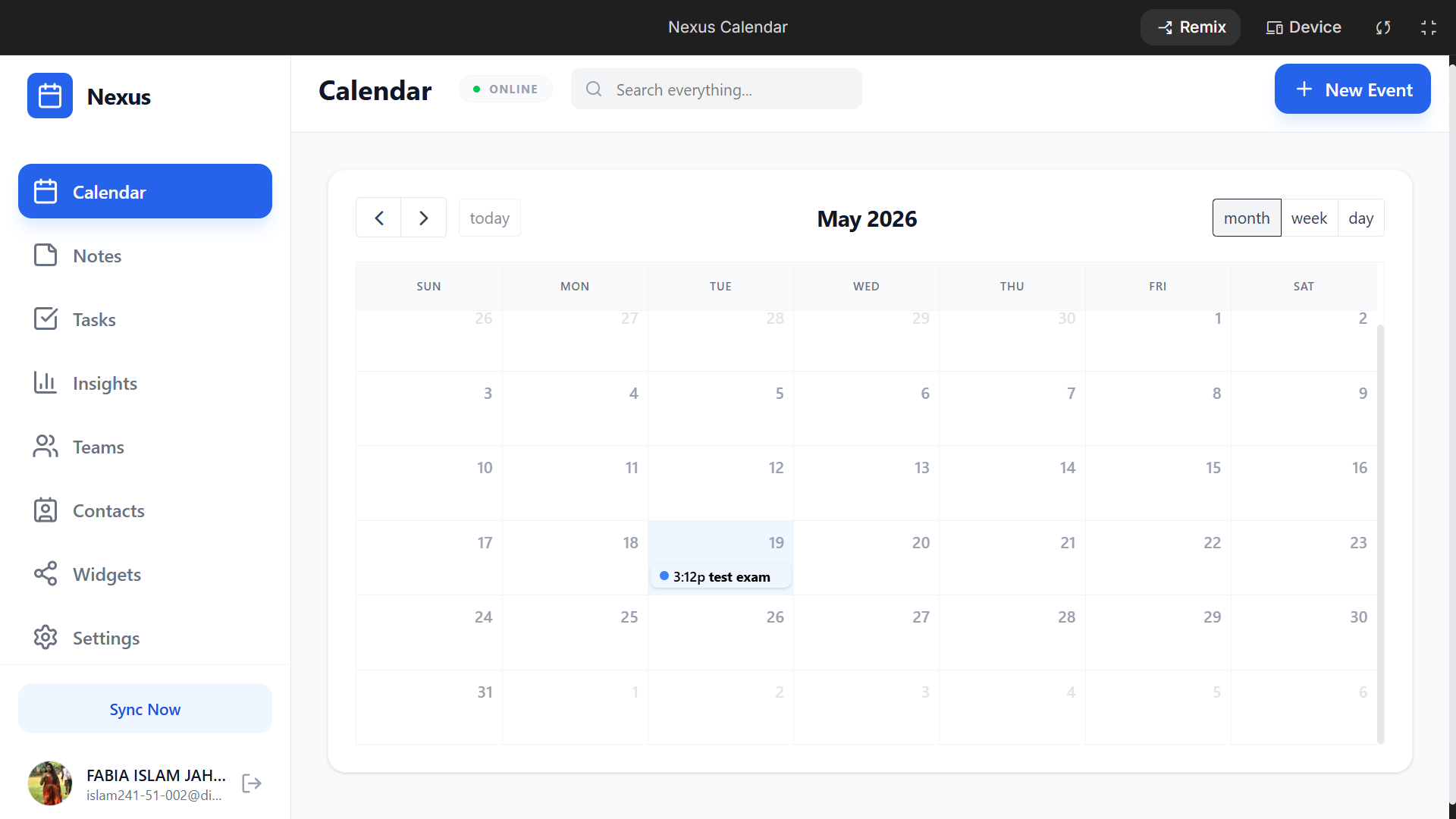
Nexus Calendar is a modern, all-in-one workspace designed to keep users in their flow state. Key features include:
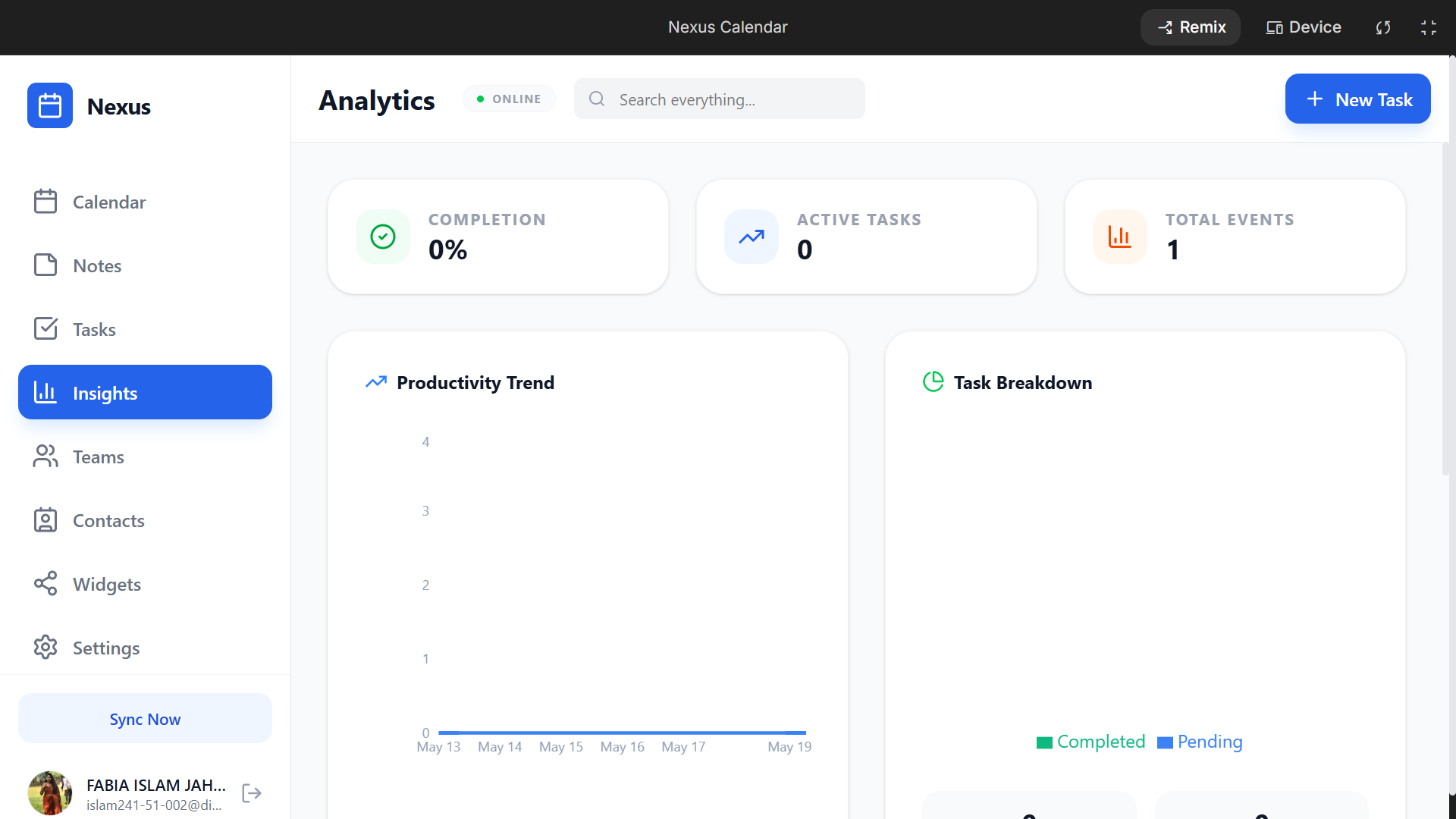
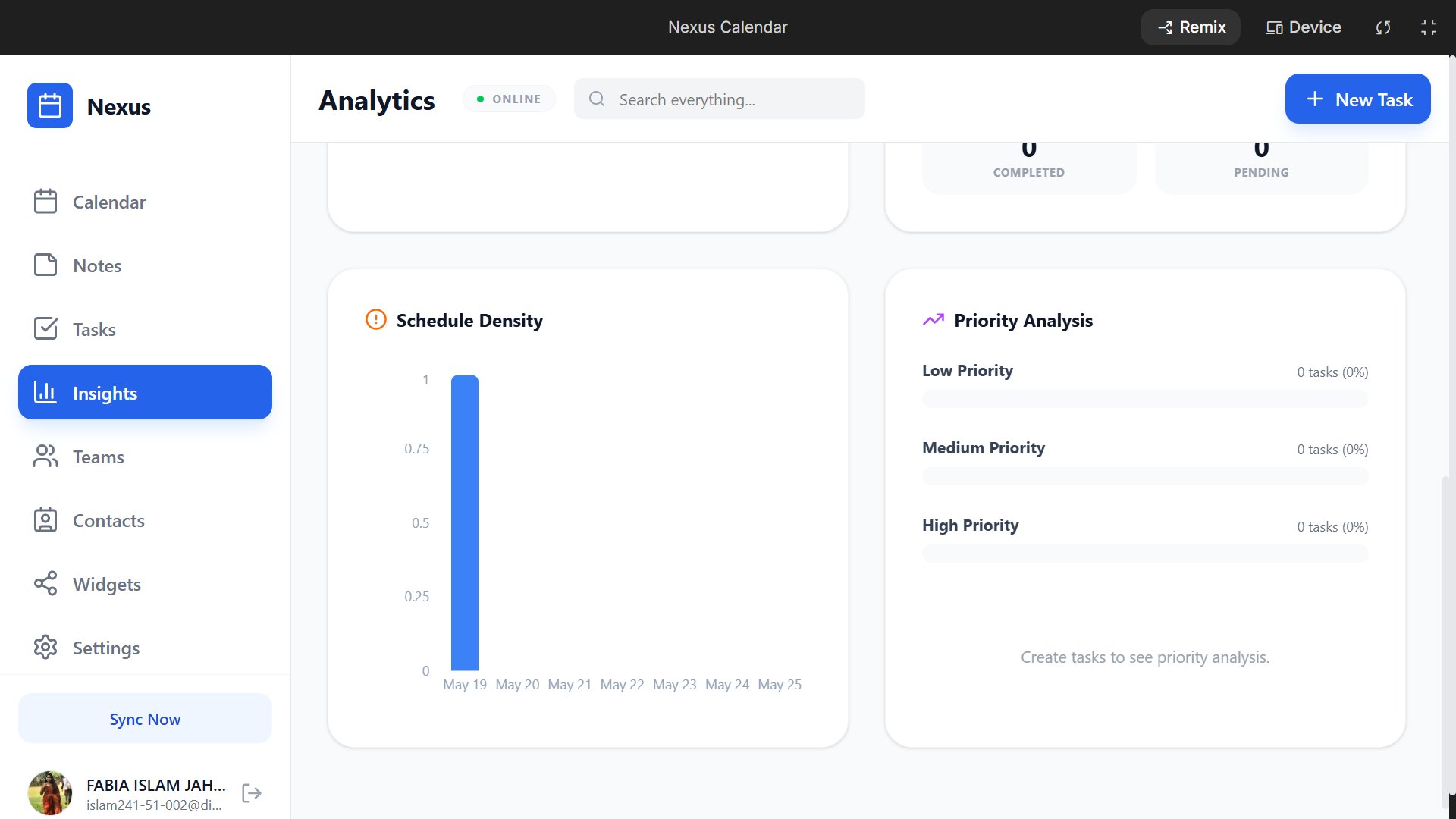
Intelligent Calendar Component: Clean month, week, and day views equipped with seamless event scheduling and real-time status syncing. The Nexus Core Suite: Embedded modules for Notes, Tasks, Contacts, and Teams directly alongside the calendar grid-no tab switching required. AI Insights Engine: An automated analyzer that reads your current workload, commitments, and deadlines to provide tailored daily focus strategies. Customizable Widgets: Modular UI blocks that let users surface information that matters most to them.
How we built it
We engineered Nexus Calendar from scratch with a focus on minimalist aesthetics and rapid data processing.
Frontend Architecture: Developed using React and Next.js, leveraging Tailwind CSS for the slick, modern, high-contrast dark UI. State Coordination: We implemented centralized state management to ensure that creating a Note or assigning a Task instantly propagates updates across the Teams and Calendar layouts. AI Engine: Powered by the Gemini API to run asynchronous background analysis on user schedule patterns.
To back our "Insights" panel with mathematical rigor, we formulated a Cognitive Load Index ($L$) to prevent user burnout. The AI uses this formula to determine if a user's schedule is realistic:
$$L = \alpha \left( \frac{\sum_{i=1}^{n} D_i \cdot P_i}{H_{available}} \right) + \beta \cdot C_s$$
Where:
- $D_i$ is the duration of task $i$.
- $P_i$ is the priority weight of the task (ranging from $1$ to $5$).
- $H_{available}$ is the remaining free hours in the workday.
- $C_s$ represents the count of fragmented, isolated gaps between meetings (context-switching blocks).
- $\alpha, \beta$ are balancing coefficients determined by user preferences.
If $L > 1.0$, the Insights widget automatically triggers a warning and suggests batching similar tasks together.
Challenges we ran into
- UI Clutter vs. Feature Richness: Cramming seven distinct views (Calendar, Notes, Tasks, Insights, Teams, Contacts, Widgets) into a single sidebar dashboard without overwhelming the user interface was a major design obstacle. We solved this with precise spacing, collapsible states, and consistent typography.
- Asynchronous AI Latency: LLMs can take a moment to generate recommendations. We structuralized our prompt boundaries to return strict JSON formatting, allowing our frontend widgets to parse and render data incrementally without lagging the UI.
- Time-Zone & Grid Syncing: Handling overlapping edge-case dates across international standard times while maintaining fluid click-and-drag grid performance required rigorous date-object mathematics.
Accomplishments that we're proud of
- Seamless Convergence: We successfully built a functional, cohesive ecosystem where everything is accessible within one click.
- The Visual Aesthetic: Achieving a beautiful, premium visual identity that rivals world-class productivity tools within the short timeline of a hackathon.
- Actionable Insights: Moving past generic AI chatbots to deliver a structured analytics dashboard that reads the user's schedule and acts as an executive assistant.
What we learned
- Context-Rich Prompting: We discovered that restricting AI payloads to deterministic JSON schemas is crucial when building reliable, UI-driven data blocks.
- The Power of Monolithic UI Design: Keeping all core functionalities in a single application window significantly reduces user friction and increases the perceived speed of data manipulation.
- Dynamic Time Management: Gained massive technical insights into complex grid rendering and temporal data synchronization in React.
What's next for Nexus Calendar
Nexus Calendar is just beginning. In our pipeline, we plan to implement:
- Autonomous Smart Scheduling: Allowing the AI to automatically rearrange tasks around a newly incoming, urgent team calendar invite.
- Deep Integrations: Bidirectional syncing pipelines for Google Workspace, Microsoft Outlook, and GitHub Issues.
- Mobile Companion App: Bringing the Nexus Dashboard experience to iOS and Android using a cross-platform mobile framework.

Log in or sign up for Devpost to join the conversation.