-
-
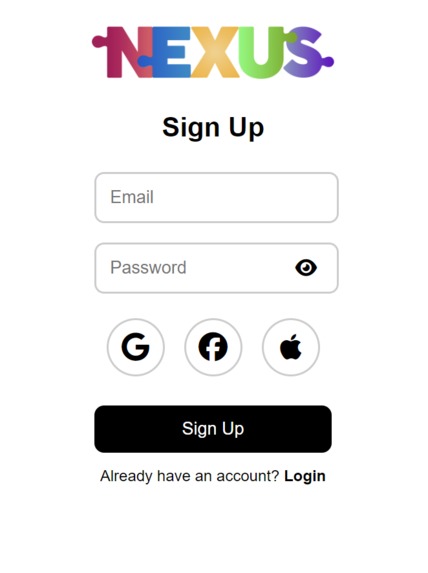
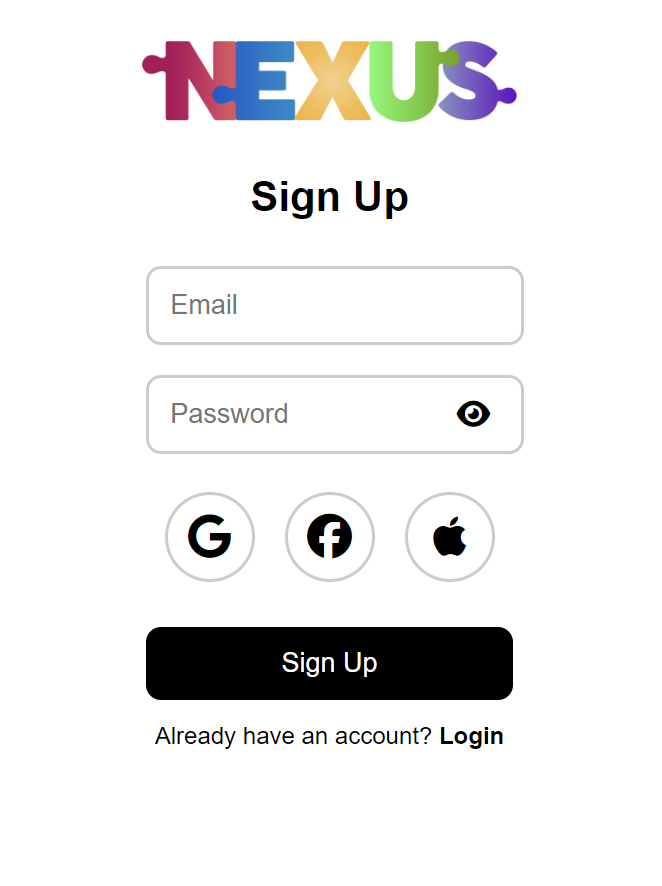
Sign Up Interface
-
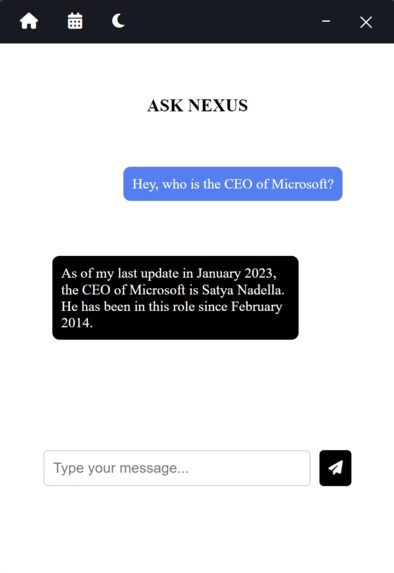
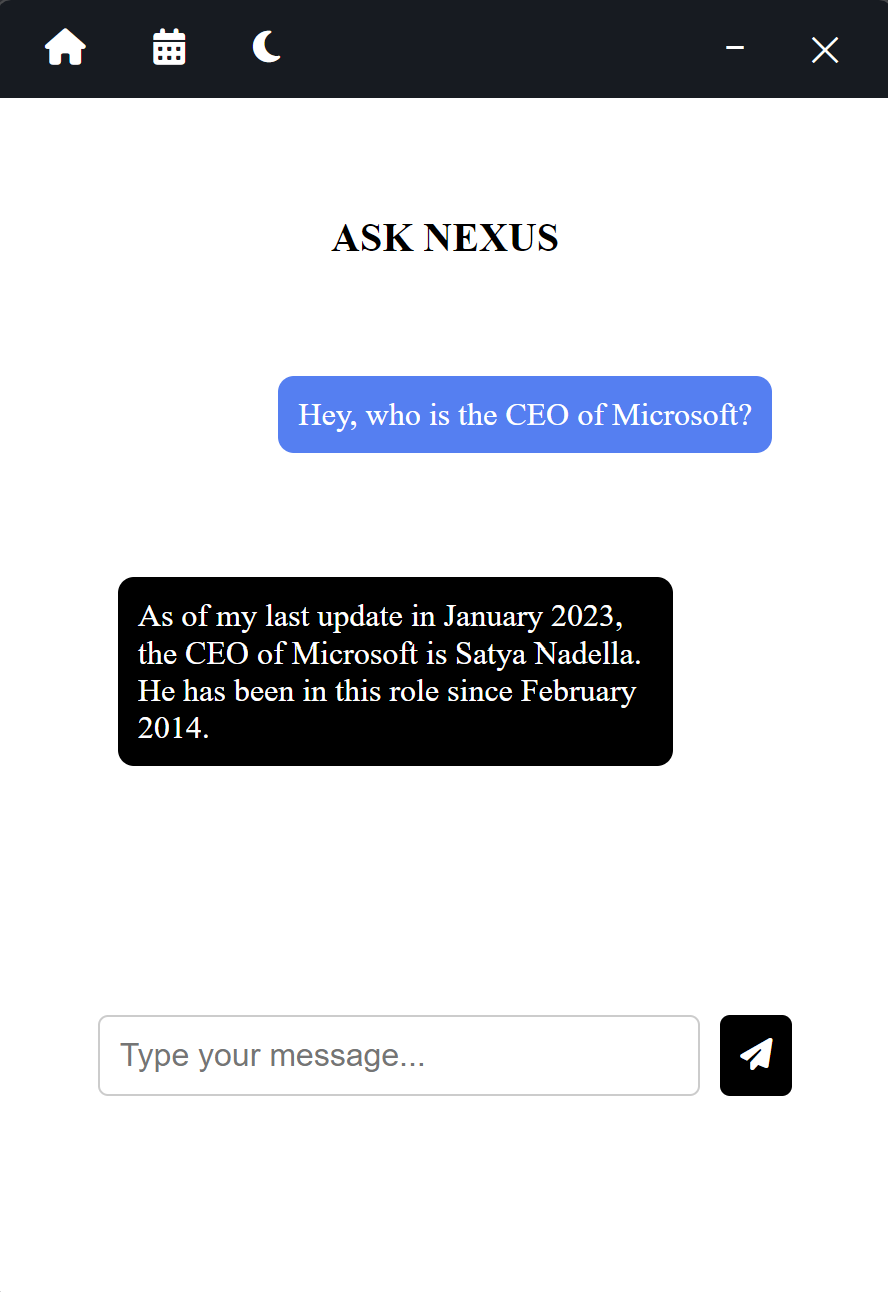
Ask Nexus
-
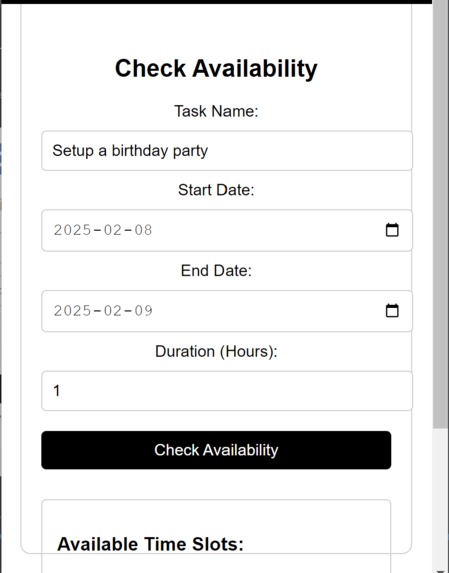
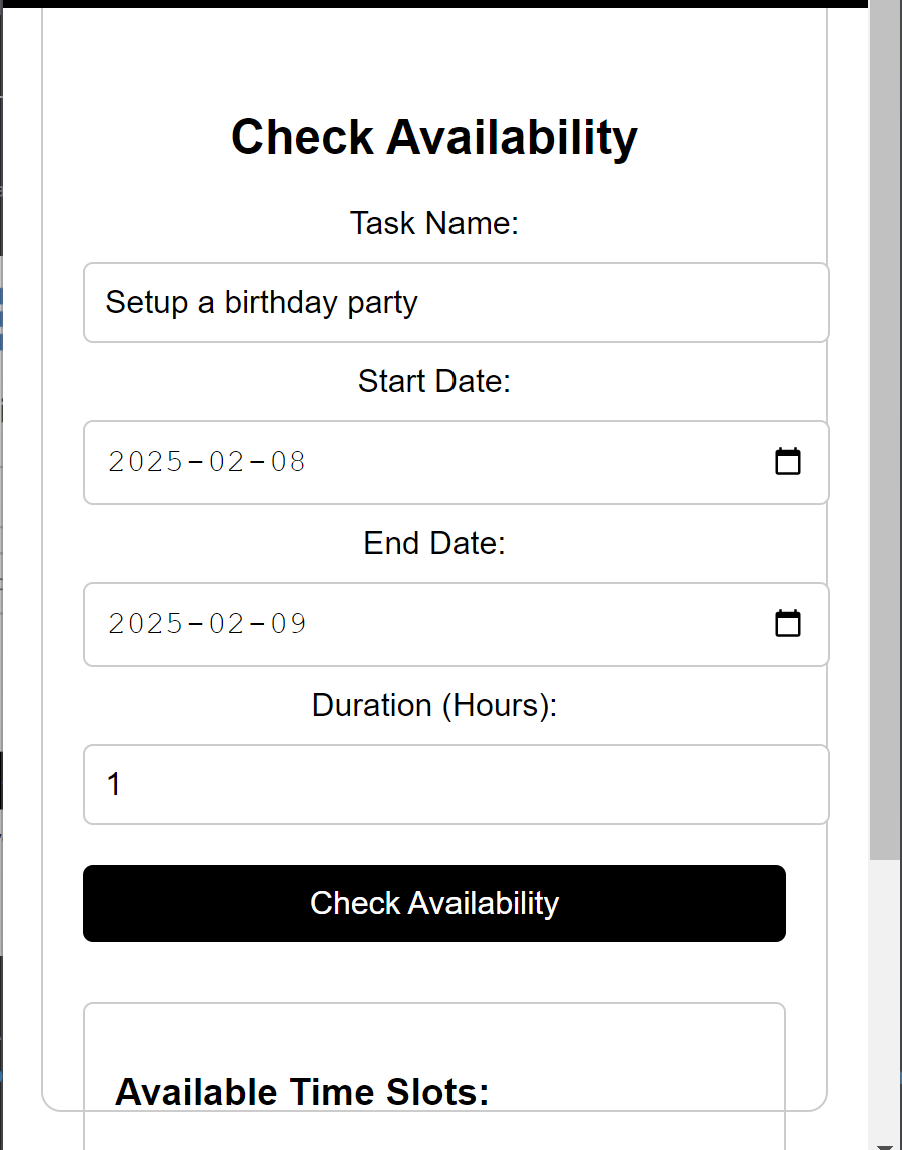
Nexus Event Planner
-
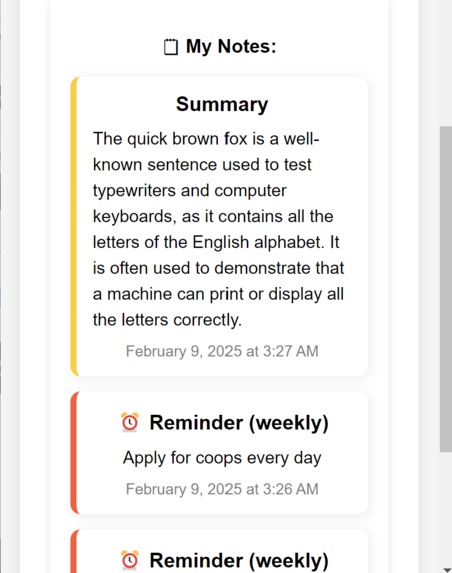
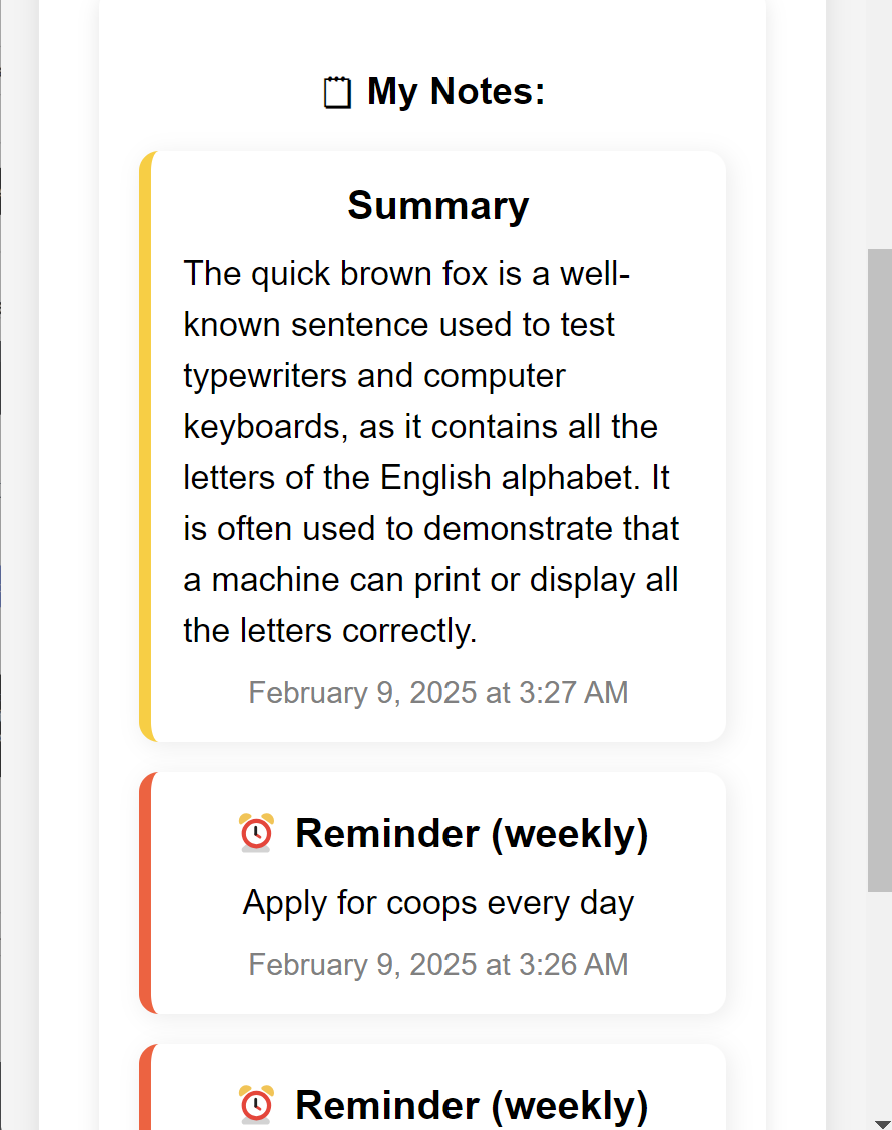
Nexus Notes
Group 36
- Vincent Wong
- Shams Haroon
- Tommy D. Michallidis
- Jay Caithesan
Inspiration💡
We envisioned a centralized, AI-powered productivity hub to simplify note-taking, document management, and task tracking while integrating smart assistance. Inspired by tools like Microsoft Copilot, Apple Notes, and chat-based AI systems, Nexus AI combines these features into a single, easy-to-access Electron.js desktop application, streamlining workflows for users.
What it does 🔍
Nexus AI is a desktop AI assistant that boosts productivity through:
- 🔐 Nexus Vault – Securely store and access important documents.
- 📝 Nexus Notes – Note, Reminder and Summarizing text feature.
- 📅 Nexus Event Planner – Sync schedules to track upcoming events and check for availability.
- 🤖 Ask Nexus – An AI chatbot that answers questions to your hearts desire.
Unlike traditional productivity tools, Nexus AI runs persistently in the background, enabling users to interact with their data instantly.
How we built it 🛠️
- Frontend: Built with Electron.js and CSS for a clean, modern user interface.
- Backend: Powered by Node.js for local file handling, data storage, and AI integration.
- AI Features: Chatbot functionality that processes user queries using Cohere.
- Data Management: Integrated Firebase authentication for user management, with local storage for documents and notes. Integration with a Pinecone vector database
- Development Tools: Collaboration and task tracking via GitHub, Azure, and more!
Challenges we ran into 🚧
- ⚡ UI/UX Optimization: Designing a custom title bar and ensuring a modern, draggable window.
- 🔄 State Management: Guaranteeing persistent note storage across sessions.
- 📂 File Handling: Implementing drag-and-drop functionality for document uploads in the Vault.
- 📌 AI Integration: Building a chatbot that dynamically understands and interacts with saved documents.
Accomplishments that we're proud of 🏆
- Developed a fully functional, lightweight Electron app.
- Designed an intuitive puzzle-themed UI to make navigation engaging.
- Created a custom draggable title bar with interactive icons.
- Implemented a real-time chatbot for user queries and document-based responses.
- Built a file storage system supporting drag-and-drop uploads.
What we learned 📚
- Electron.js Fundamentals: Managing window behavior, UI customization, and process communication.
- Azure Logic Apps & Cohere: Access to calendars and analyzing as well as providing available dates according to the user's preferences.
- Pinecone Database: Utilized a vector database and RAG for accurate query's and hallucination prevention.
- AI Assistant Logic: Structuring chatbot interactions and document query handling efficiently.
- UX Design: Crafting an optimized interface for an AI-powered productivity hub.
- State Management: Ensuring seamless data persistence across app sessions.
What's next for Nexus AI 🚀
The amount we were able to complete within 24 hours just how much potential this project has for the future. We plan to add more accessibility within our Nexus Event Planner to allow the user to modify events such as their description, times and removal of events. We also plan to add things such as speech-to-text within Nexus Notes. Many more features are being planned for the future!


Log in or sign up for Devpost to join the conversation.