-
-
Overall
-
Login
-
Login_Running_Web
-
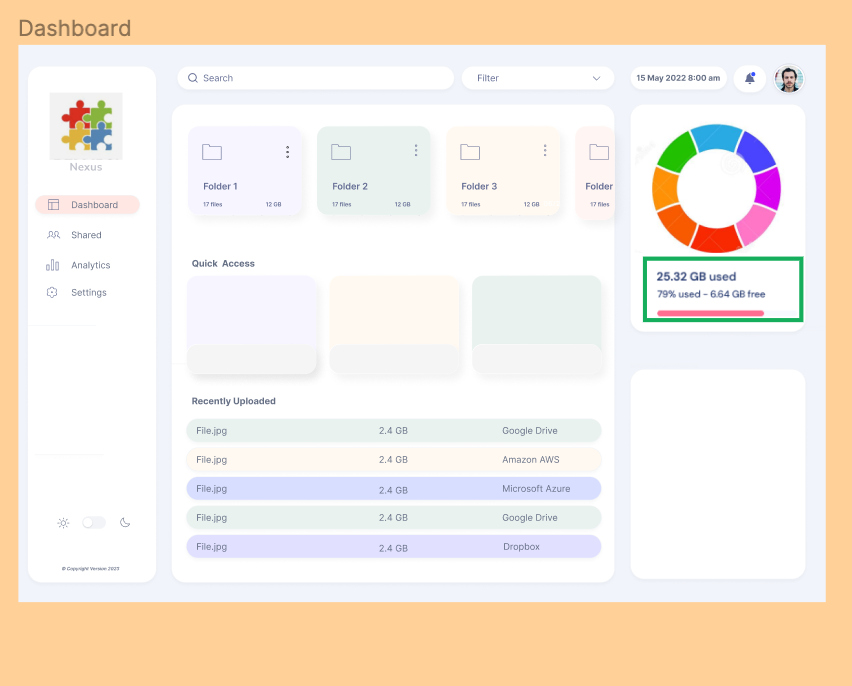
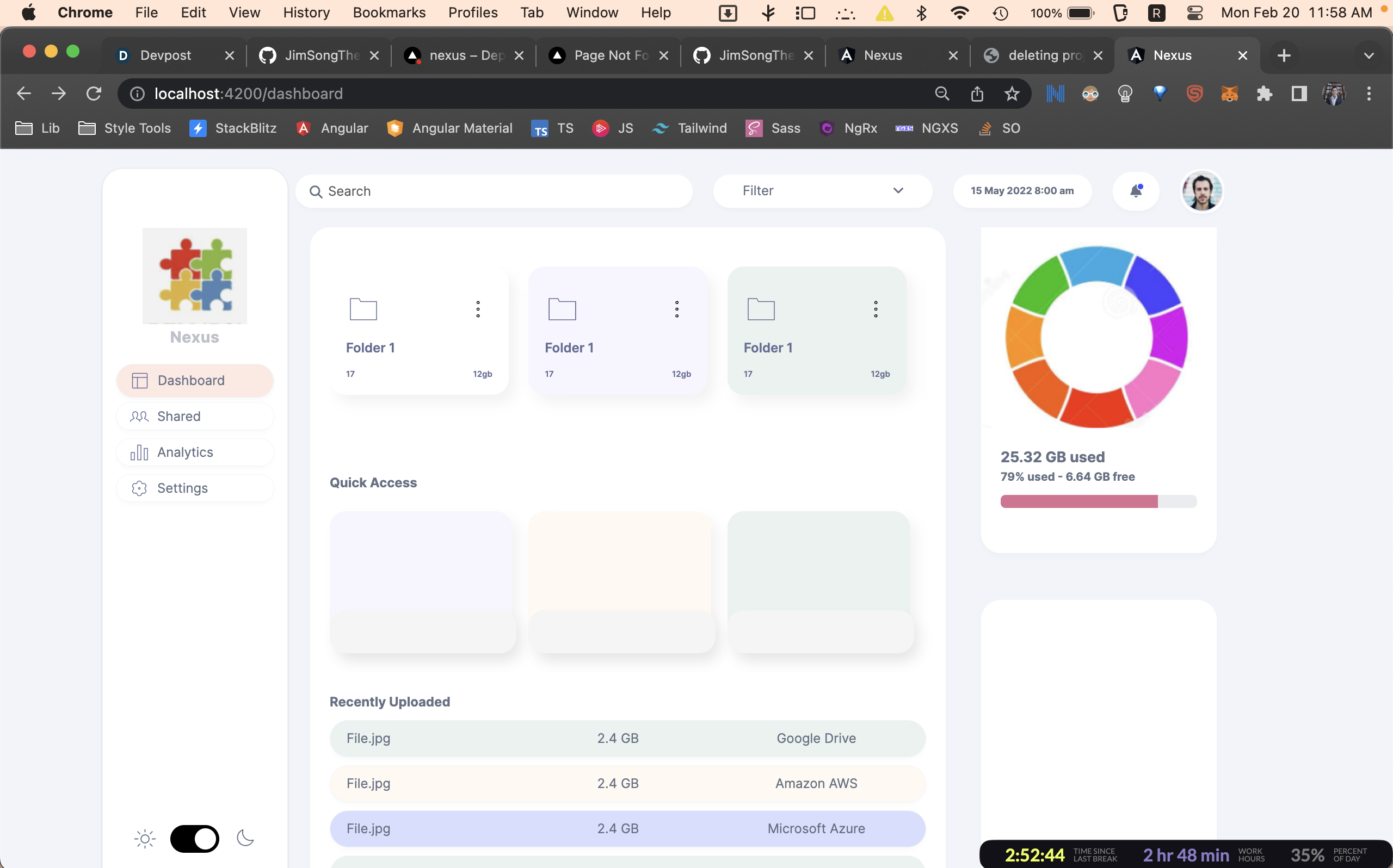
Dashboard
-
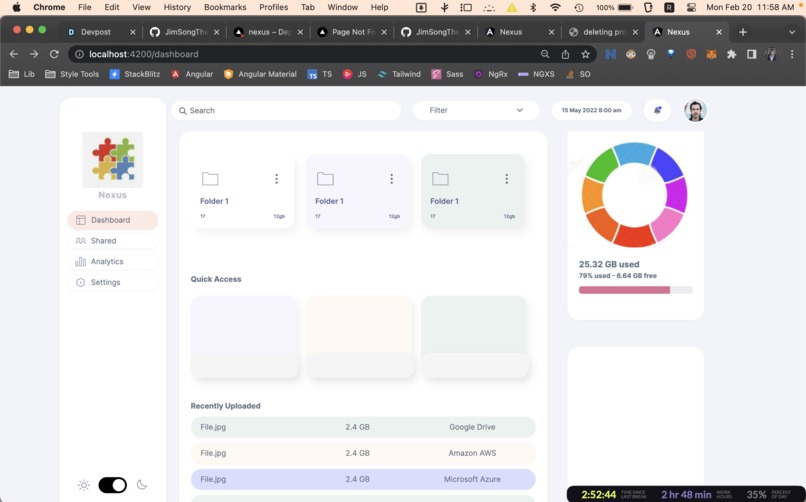
Dashboard_Running_web


Welcome to Nexus! 🚀🌩️👨💻
Inspiration
We were inspired to create Nexus because we noticed a lack of user-friendly cloud storage dashboards that could effectively visualize the contents of different cloud storage providers. We wanted to create a platform that could provide real-time monitoring and support for multiple cloud storage providers while also ensuring the privacy and security of sensitive data.
What it does
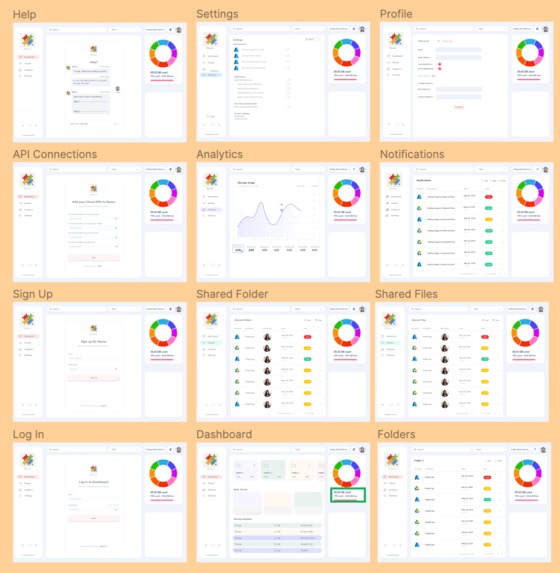
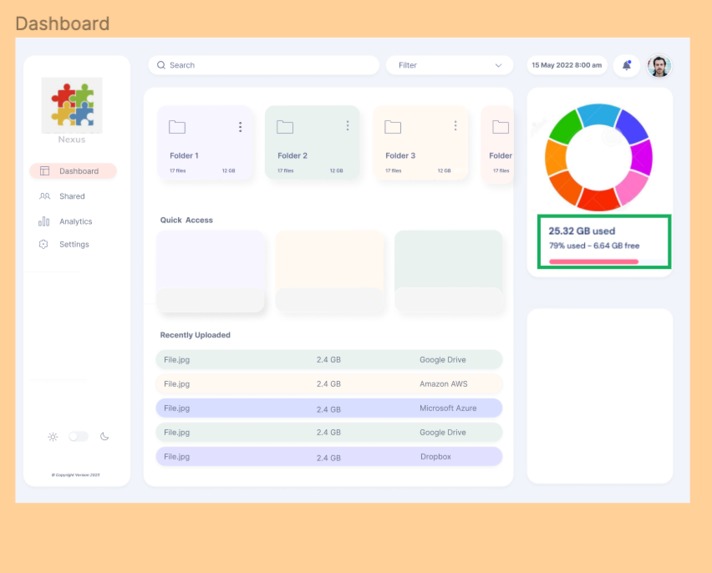
Nexus is a dashboard for managing cloud storage environments, such as Google Drive, OneDrive, and Dropbox. It provides a unified view of your content across multiple cloud storage providers, an easy-to-use interface for managing and organizing cloud storage resources, and robust security features to ensure the privacy and security of sensitive data.
Functions ⚒️
- 📊 Real-time monitoring and visualization of cloud storage usage metrics
- 🌐 Support for multiple cloud storage providers
- 💻 Easy-to-use interface for managing and organizing cloud storage resources
- 🔒 Robust security features to ensure the privacy and security of sensitive data.
How we built it
We built Nexus using a combination of Angular on the frontend, REST APIs on the backend, and Sass (or Less) for CSS preprocessing. We used Angular Material to provide a modern and responsive UI, and we integrated the backend with different cloud storage providers using their APIs. We also prioritized security throughout the development process, implementing robust measures to protect sensitive data.
Challenges we ran into
One of the main challenges we faced was integrating the APIs of different cloud storage providers, which required significant research and experimentation to get right. We also had to deal with complex data structures and large datasets, which posed additional challenges in terms of performance and scalability.
Accomplishments that we're proud of
We're proud of creating a dashboard that provides a user-friendly and secure way to manage cloud storage resources across multiple providers. We're also proud of the technical achievements we made in terms of integrating multiple cloud storage providers and creating a responsive and intuitive UI.
What we learned
We learned a lot about the complexities of working with cloud storage systems and the importance of robust security measures to protect sensitive data. We also gained valuable experience in integrating different APIs and working with large datasets.
What's next for Nexus
In the future, we plan to add support for more cloud storage providers and additional features to further enhance the usability and functionality of Nexus. We also plan to continue improving the security of the platform and staying up-to-date with the latest best practices in cloud storage and web application development.
Tech Stack
This project uses the following technologies:
- Angular on the frontend
- REST APIs on the backend using Springboot
- Sass (or Less) for CSS preprocessing
Design
The design for this project can be found on Figma: https://www.figma.com/file/dlP4wMXdzC0pikoE5FA4fC/Nexus?node-id=0%3A1&t=ToEznYobRr1aghEN-1
Development
To get started with the development of this project, you will need to have the following tools installed on your computer:
- Node.js
- Angular CLI
Once you have these tools installed, you can follow these steps to set up your development environment:
- Clone the repository to your local machine
- Navigate to the Nexus folder and run
npm installto install all required dependencies - Navigate to the NexusAPI folder and run
mvn spring-boot:runto start the backend server - Run
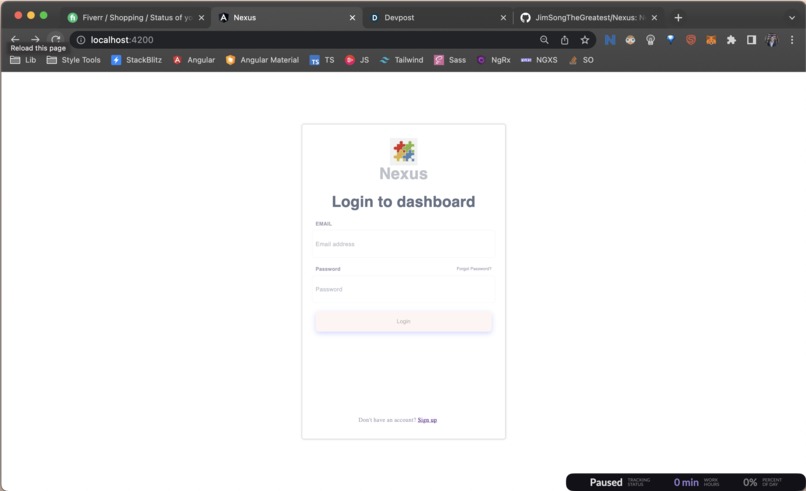
ng servein the Nexus folder to start a local development server for the frontend - Open your browser and navigate to http://localhost:4200 to access the dashboard
Contributing
This project is open-source and welcomes contributions from the community. If you are interested in contributing, please feel free to fork this repository and submit a pull request.
License
This project is licensed under the MIT License.
Built With
- angular.js
- material
- restapi
- sass
- springboot
- svg


Log in or sign up for Devpost to join the conversation.