-
App logo
-
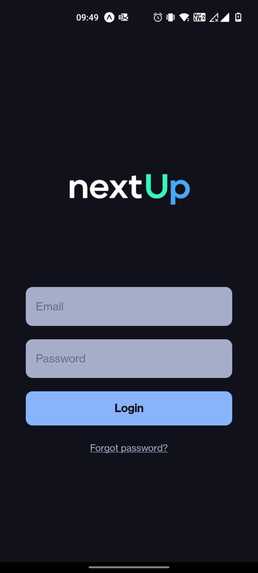
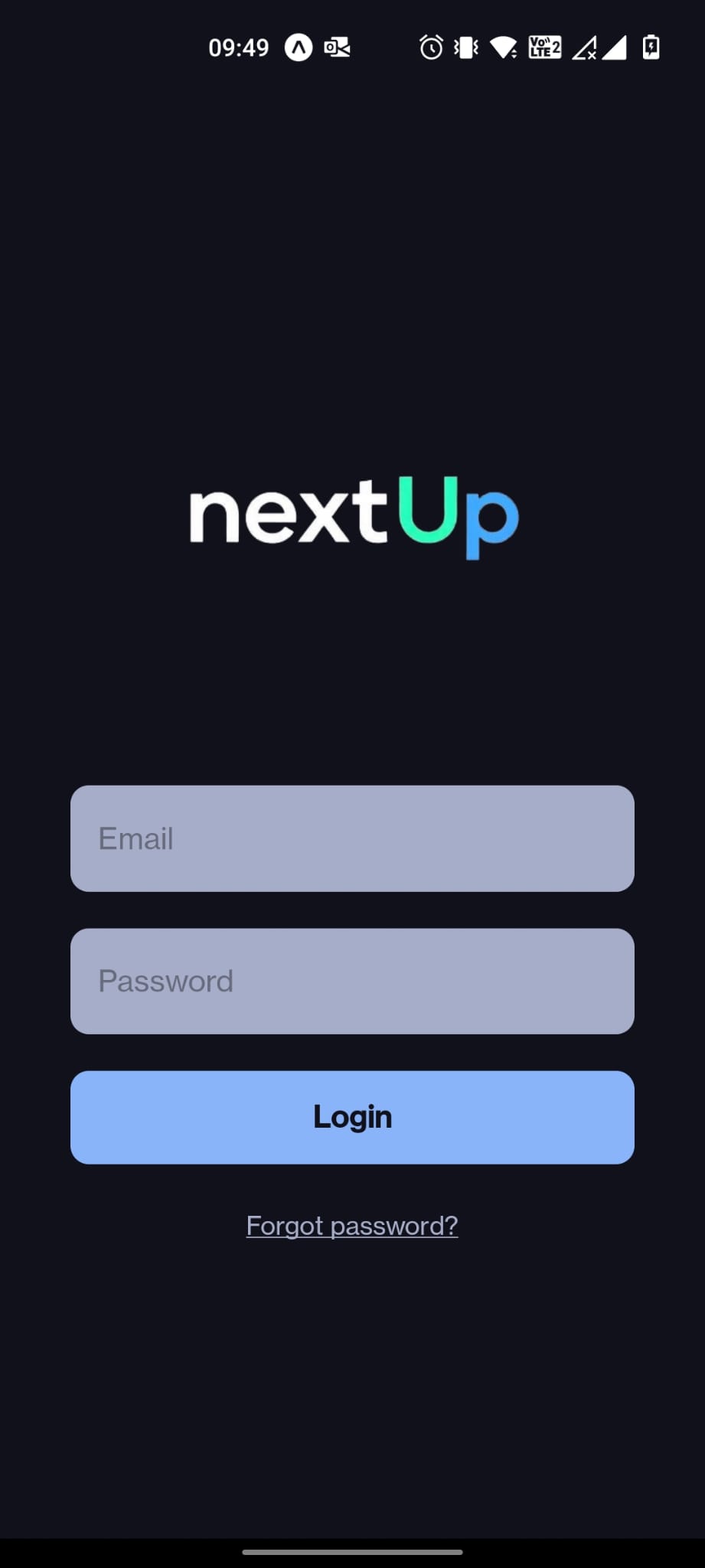
Auth screen
-
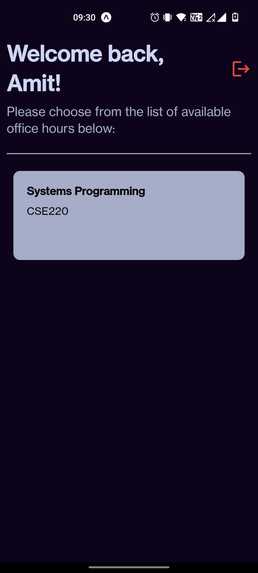
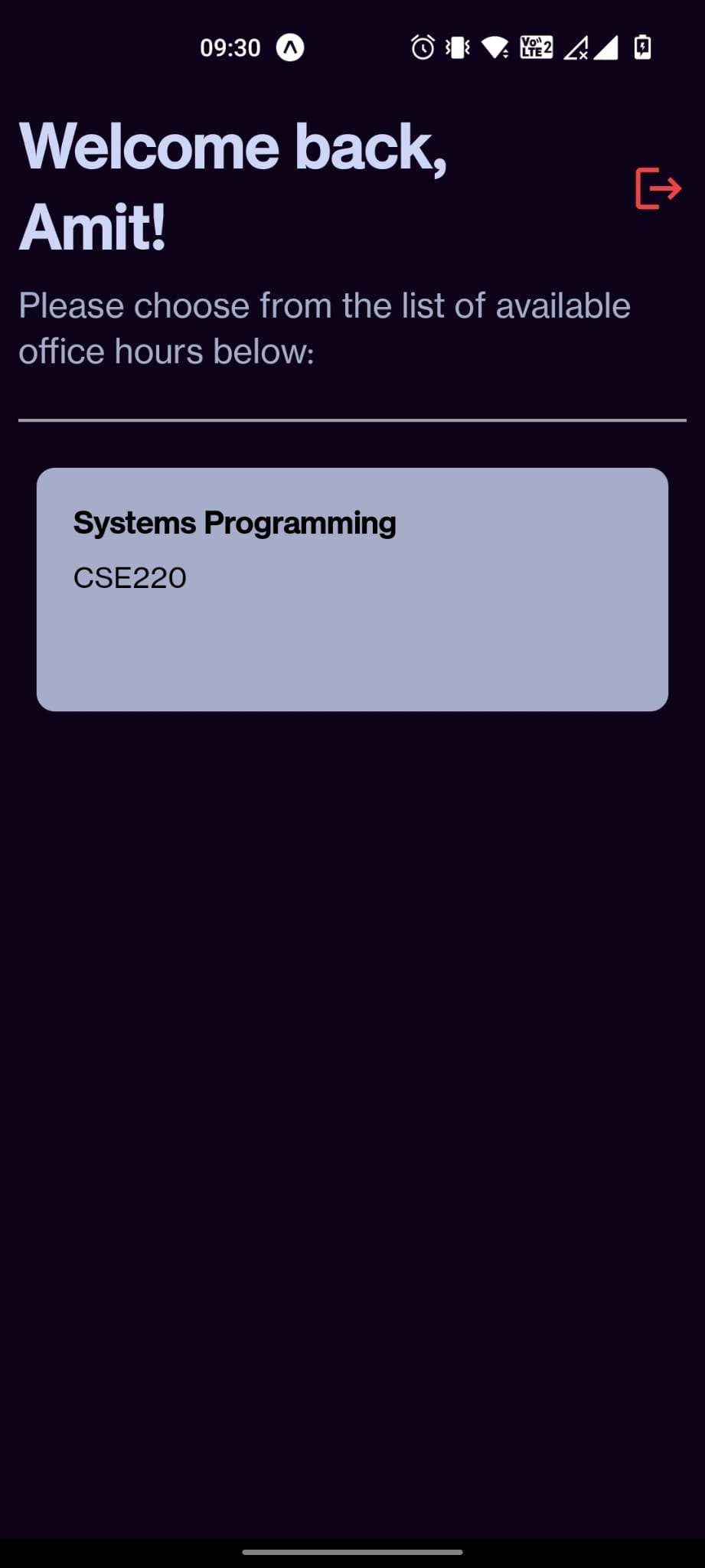
List of classes
-
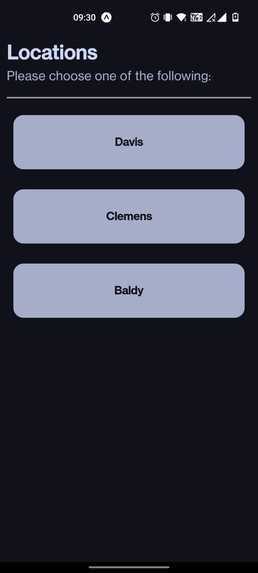
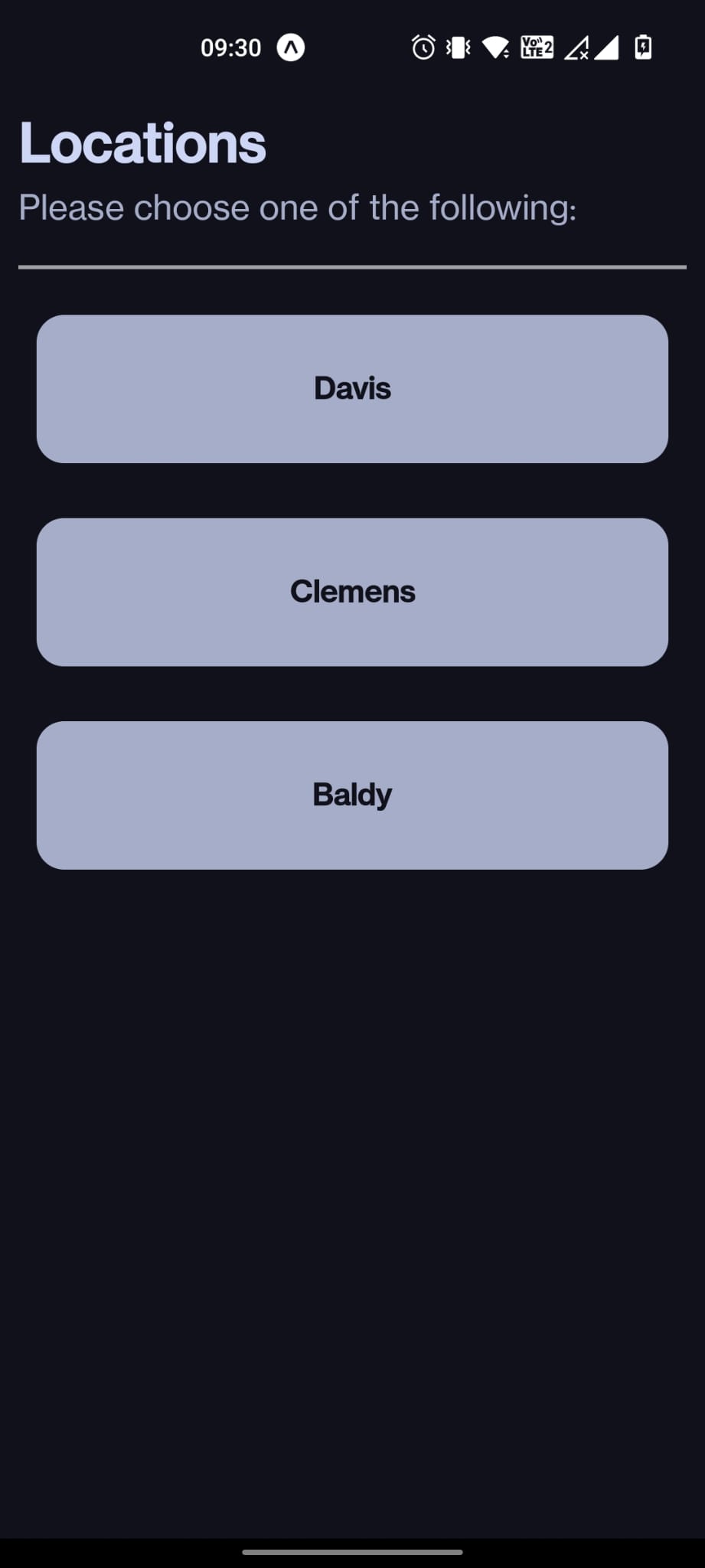
List of locations for a class
-
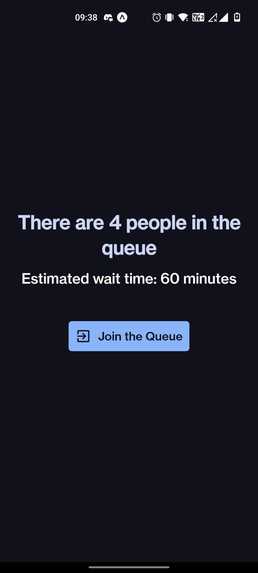
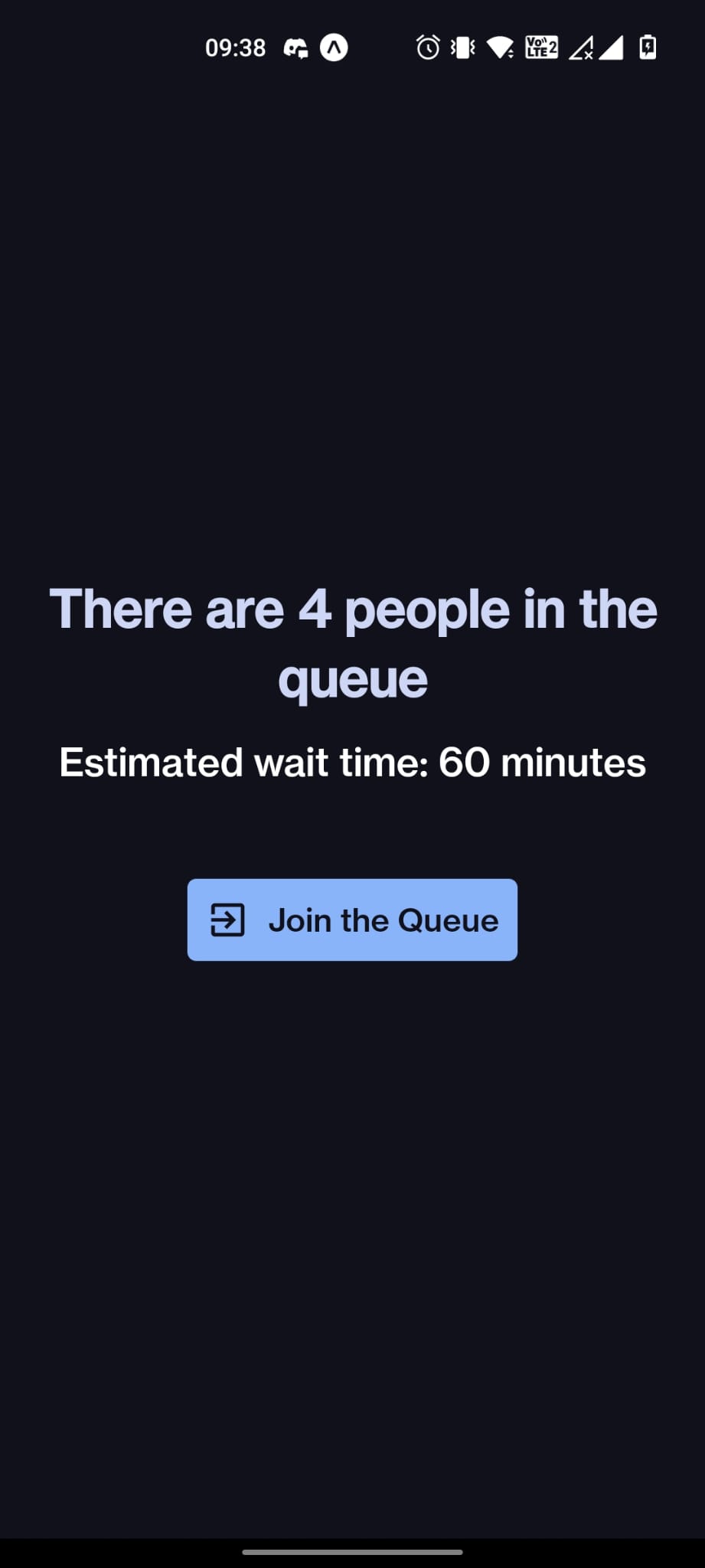
Student view prior to entering queue
-
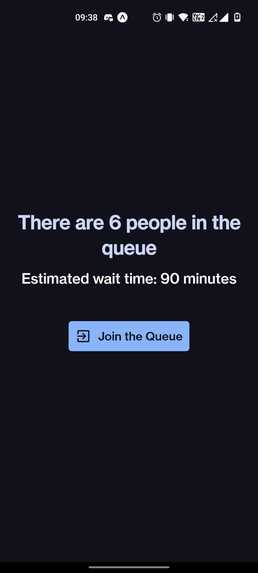
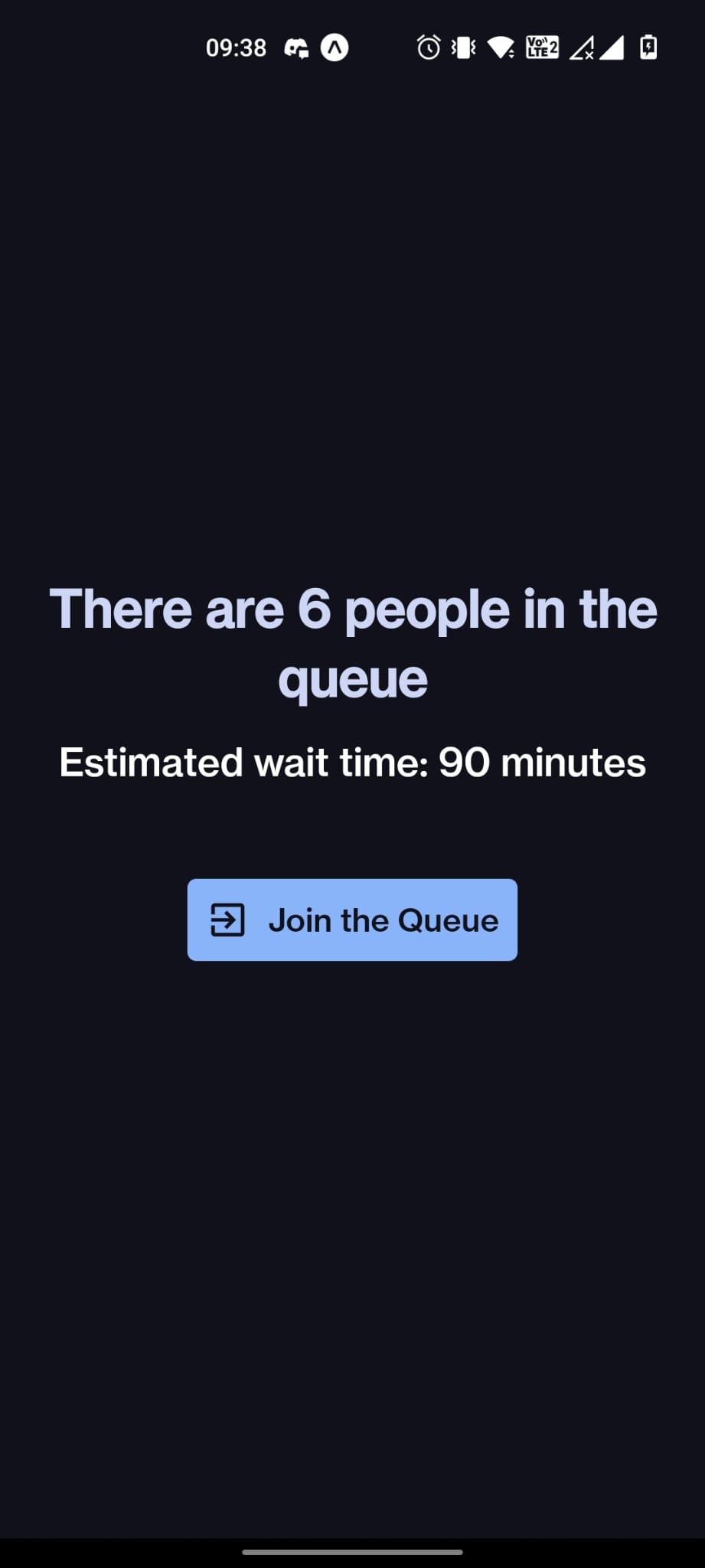
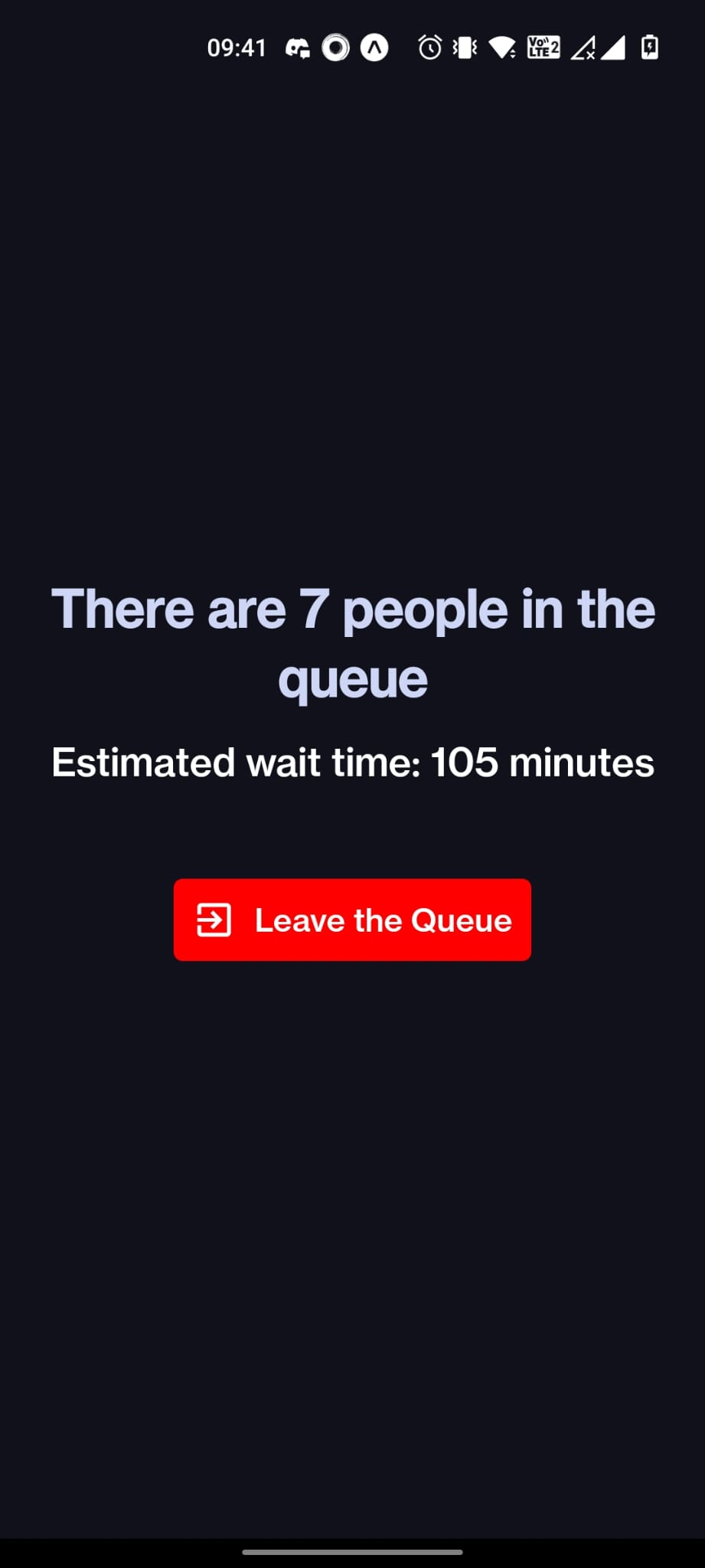
Wait time updates as there are more people in queue
-
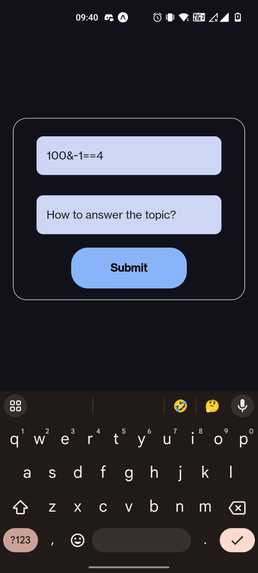
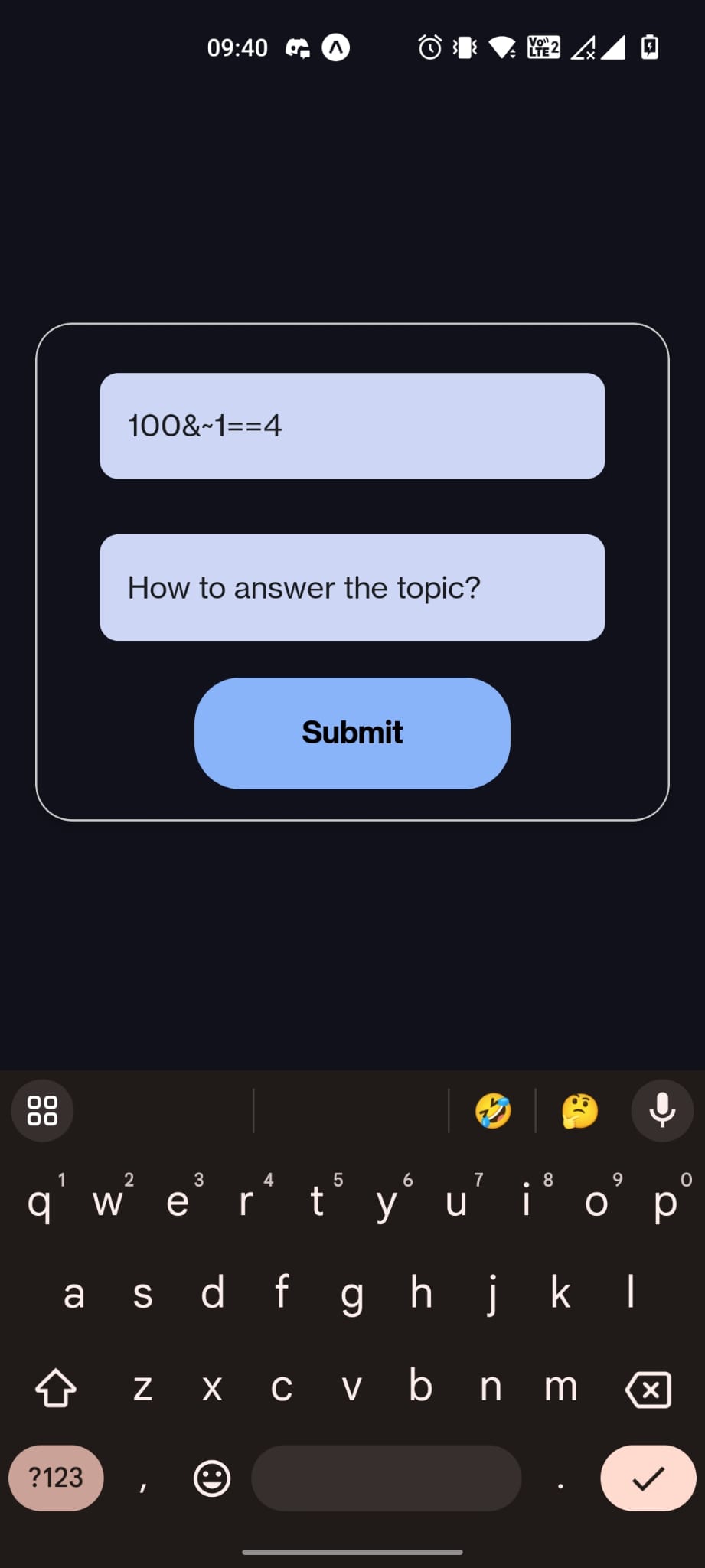
Add form for students
-
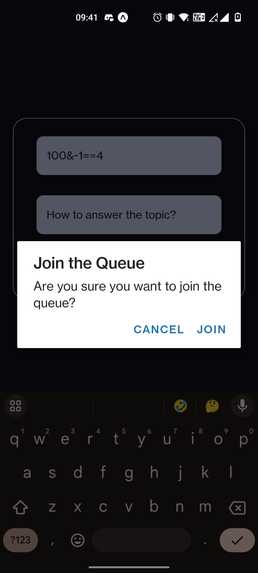
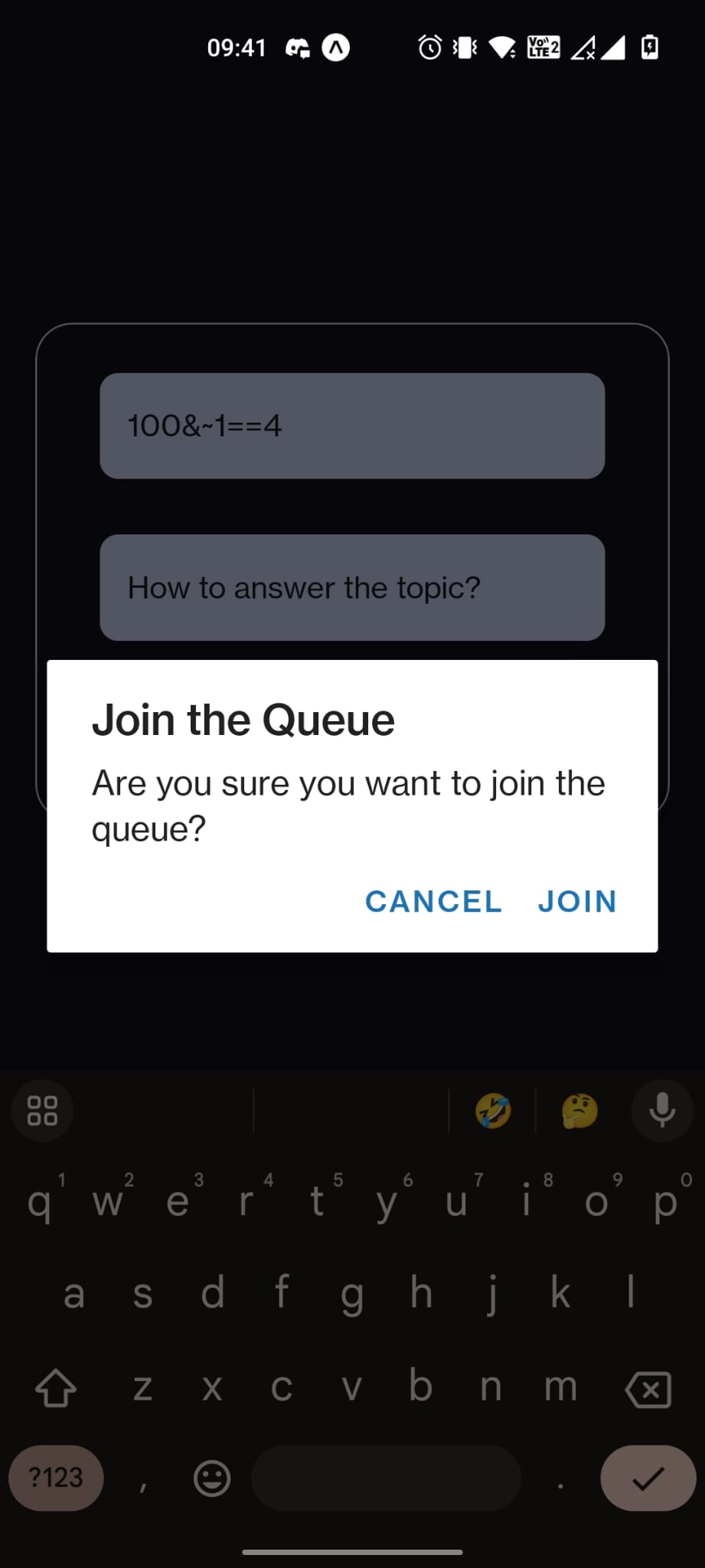
Student confirmation to enter queue
-
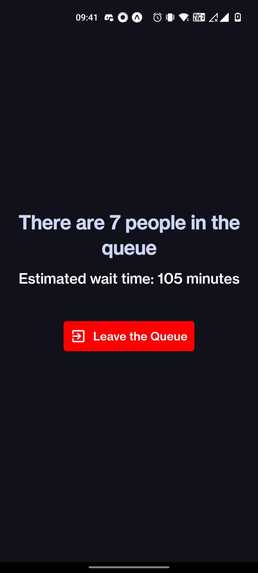
Student screen after entering queue
-
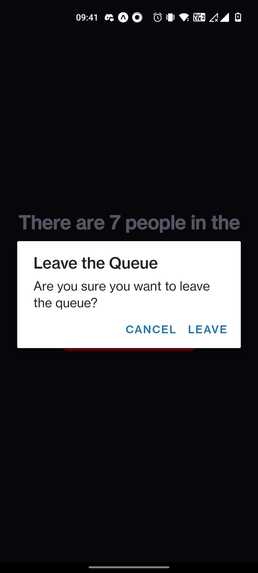
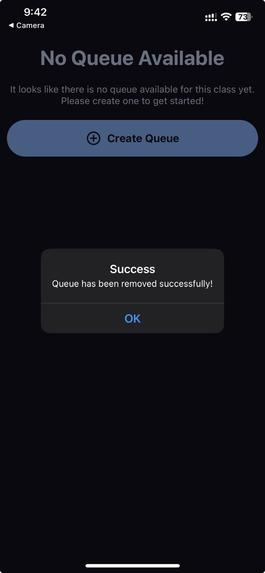
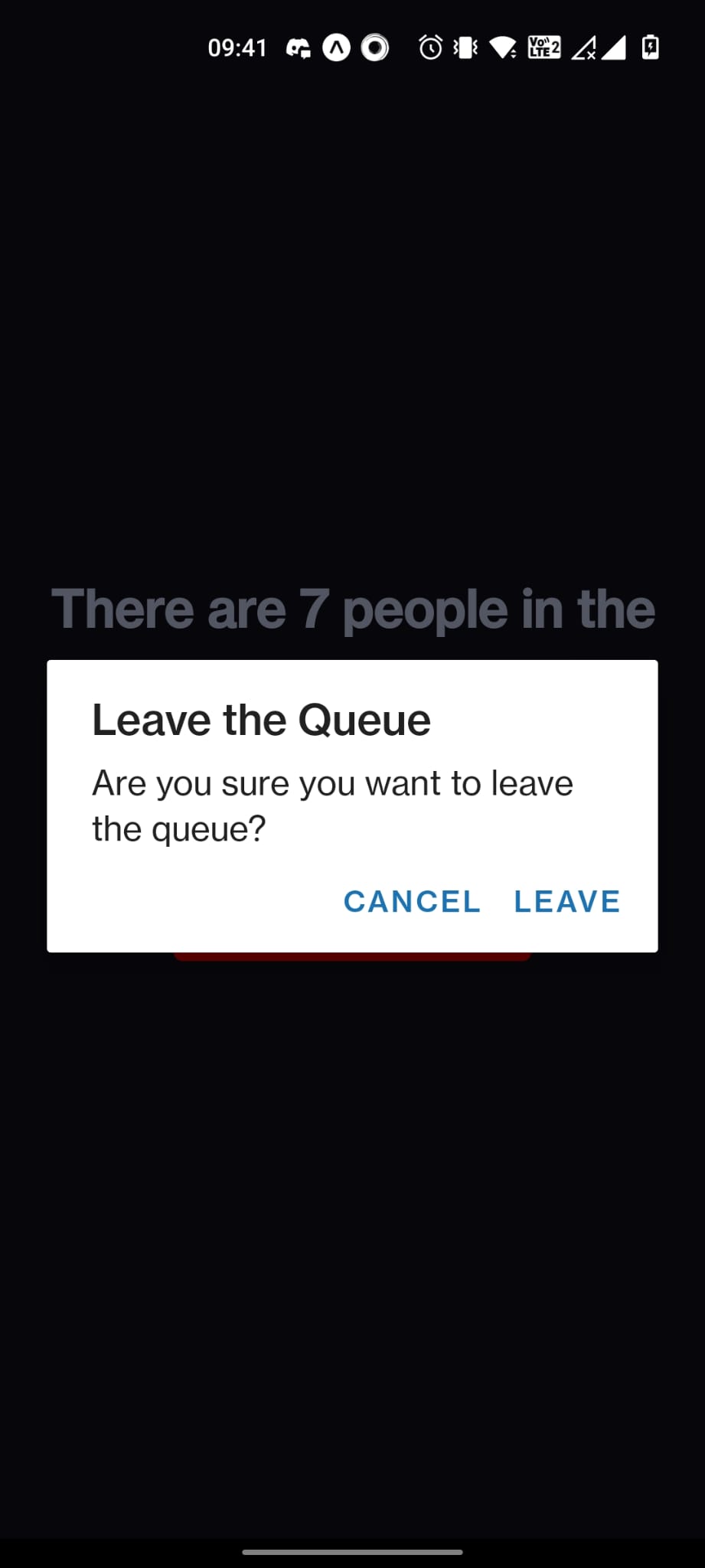
Student confirmation to remove from queue
-
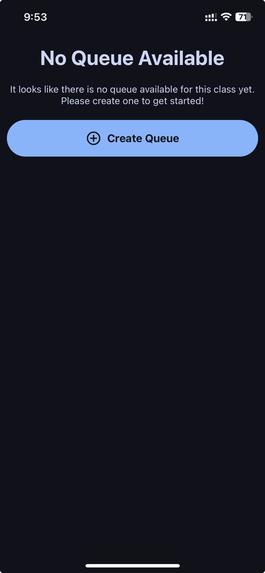
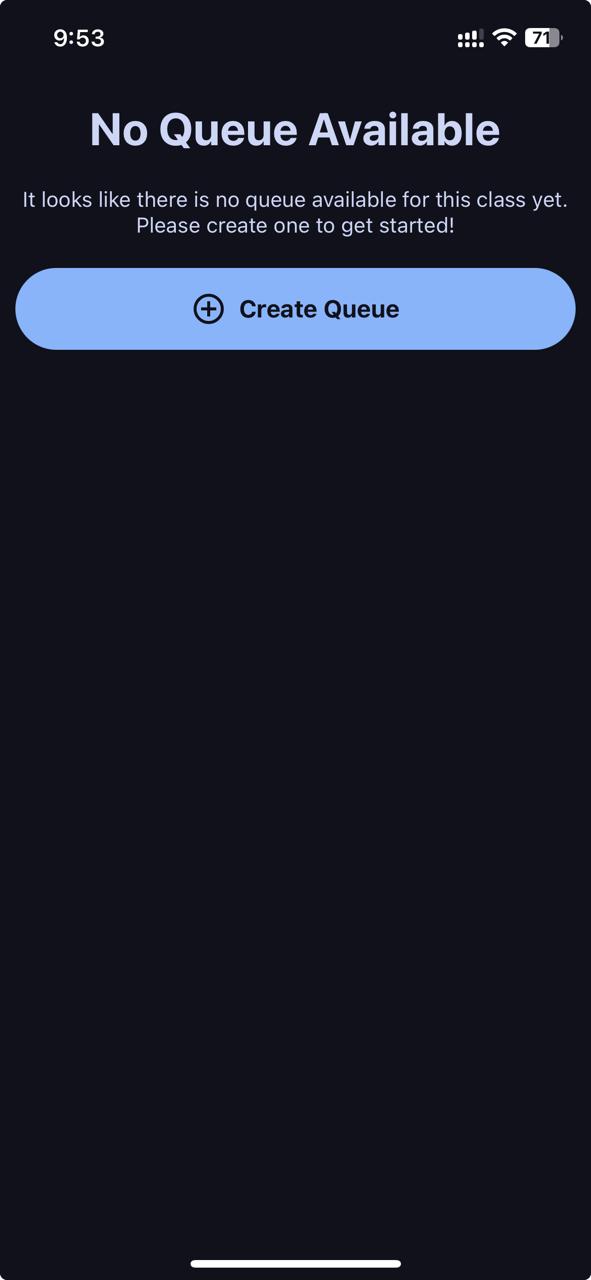
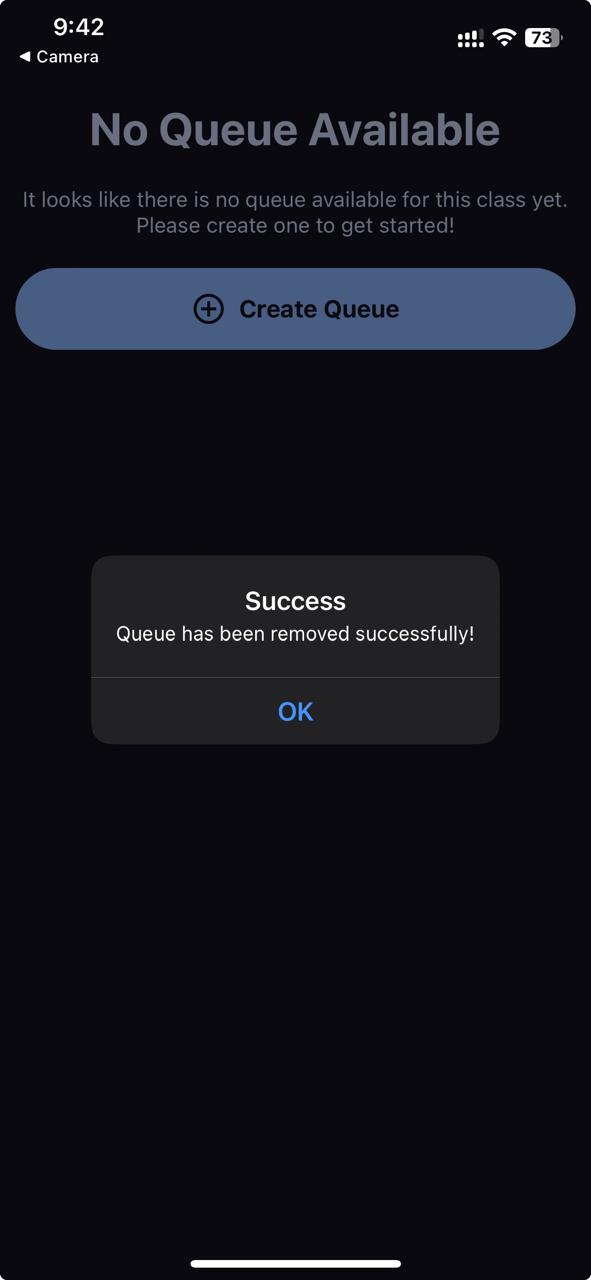
TA view when no queue has been initialized
-
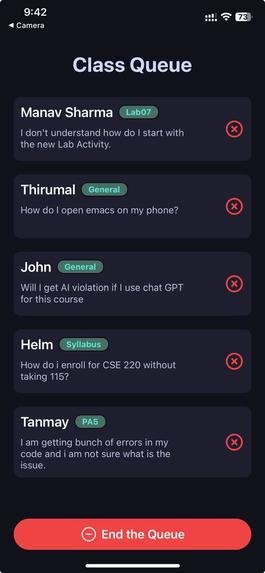
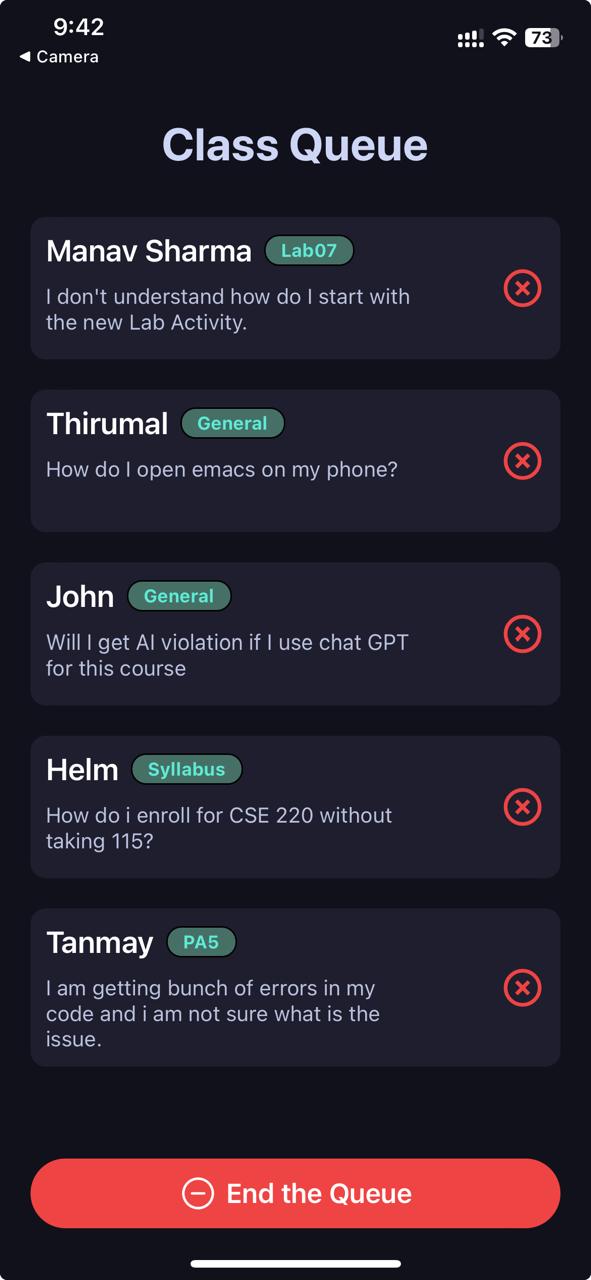
TA view of active queue
-
TA closing a queue
Inspiration
- The inspiration behind our project came from the need to revamp the office hours queue for CSE 220. As it is now, students have to write their name on a whiteboard in the room on the 3rd floor of Davis (aka Carl's Corner). This line frequently gets very long, which leads to students either cramming their name towards the bottom of the board, or drawing an arrow back to the top to utilize free space. This queue is only available to students who are physically in the room, which means that if the room is packed, students would very likely end up arriving to office hours only to leave empty-handed. This predicament can be seen across many other CSE courses as well, so we wanted to try and solve it.
What it does
- The app provides a fresh take on the whiteboard queue, where students can not only add themselves to the queue of any class, but also see how many people are currently in the queue, along with the estimated wait times per student (calculated using the times a student enters and exits the queue). If a student changes their mind, they can easily remove themselves from the queue, and furthermore, TAs can remove students who have been helped at the press of a button.
How we built it
- We decided to create a mobile app using React Native and Expo for our frontend, and Supabase for our backend and database. We organized the app into screens, which included:
- Authentication
- Classes the student is currently enrolled in.
- Class Locations, in the case where a single class can hold office hours in multiple rooms across campus.
- Student Specific Screens for adding and removing themselves to/from the queue.
- Add Form where students can enter a tag and a question, and their name is pulled from their login.
- TA Splash Screen which gives a tile view of the current queue. Each queue entry includes the student name, an assignment tag, the question they want to ask, and a red "X" for the TA to remove the student from the queue after assisting the student.
Challenges we ran into
- One of the major challenges we faced was trying to link the app with the database. Given the number of screens we had and all the core functionalities we wanted to implement, there were definitely times where we got confused about which queues belonged to what class and how users, queues and classes could all tie in together. Combined with the ever increasing overnight fatigue, we definitely had our work cut out for us!
Accomplishments that we're proud of
- We were VERY excited when we finally got our last screen working as expected. There were a few times where we were close to giving up, but our belief in this idea and our excitement to see it through were key in helping us push through and get it done.
What we learned
- This hackathon allowed each of us to strengthen our skills in collaborating as a team, especially when trying to design and implement our app. We learned how to better use GitHub to integrate each of our changes together, and were able to practice effective communication in order to streamline our development process.
What's next for NextUP
- We have a lot of features that we want to implement in the future, including:
- UBIT authentication
- TA random code generator for location verification
- Website/web app version
- Important chat history with TAs
- TA schedule integration
- Improved statistics for students
- Optional feedback for students to give TAs (anonymized)
- ...and much more!
Built With
- expo.io
- javascript
- postgresql
- react-native
- reanimated
- supabase


Log in or sign up for Devpost to join the conversation.