-
-
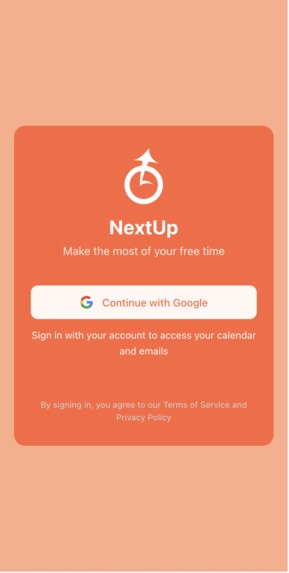
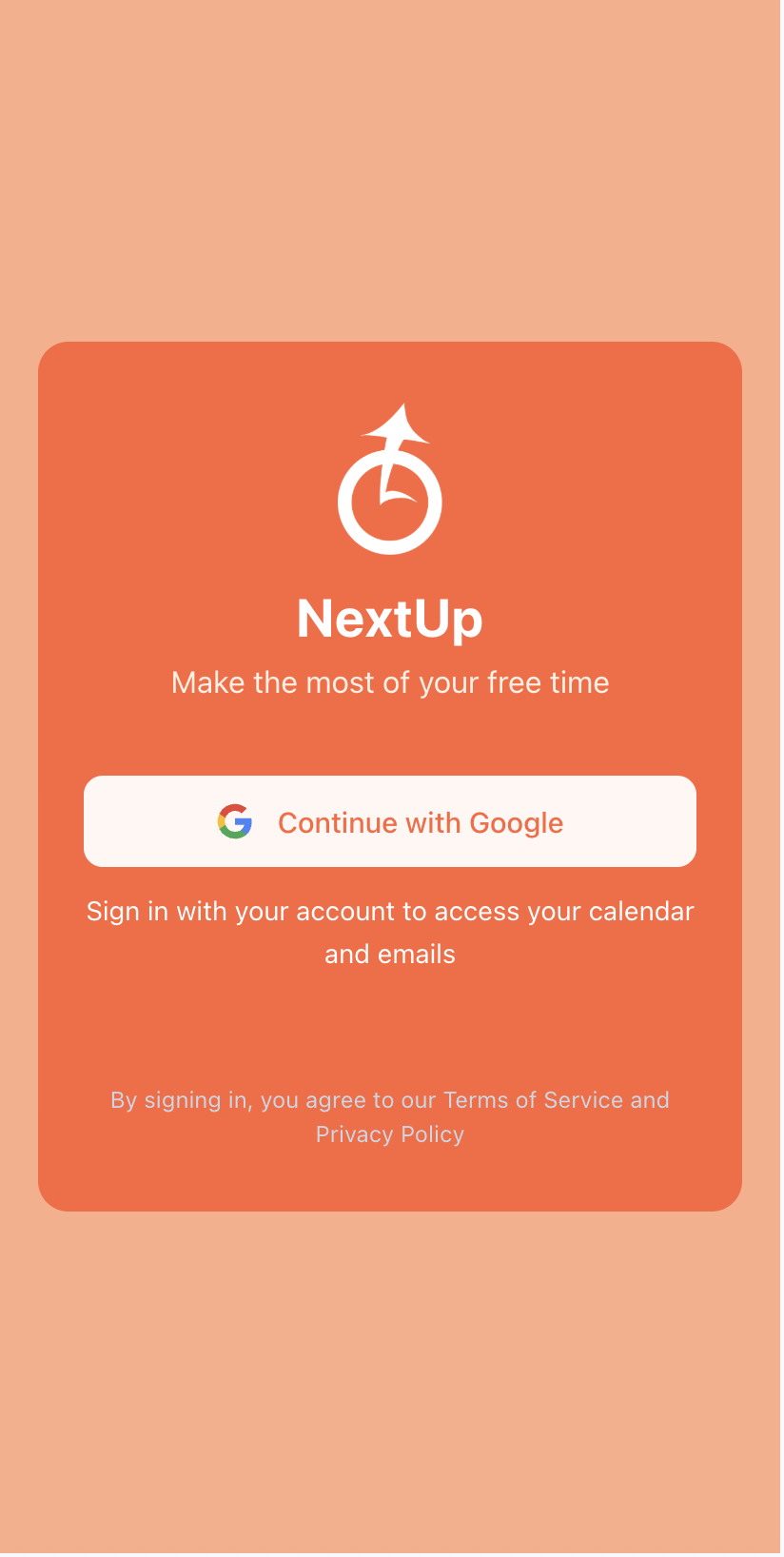
Login
-
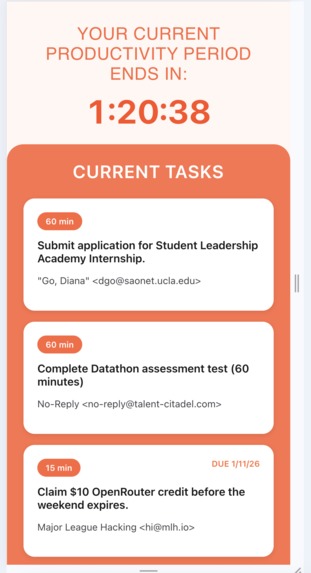
Landing page
-
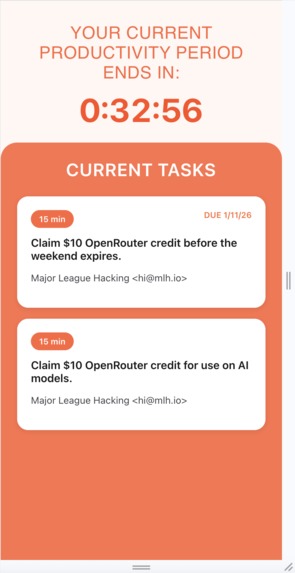
Changing activities based on decreasing time (pt. 1)
-
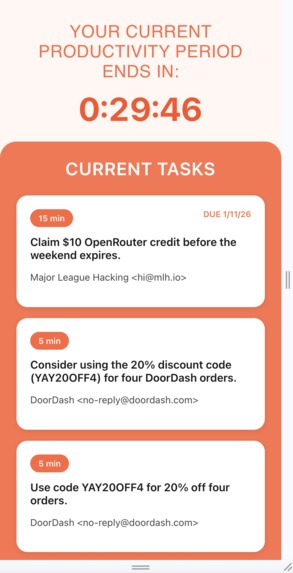
Changing activities based on decreasing time (pt. 2)
-
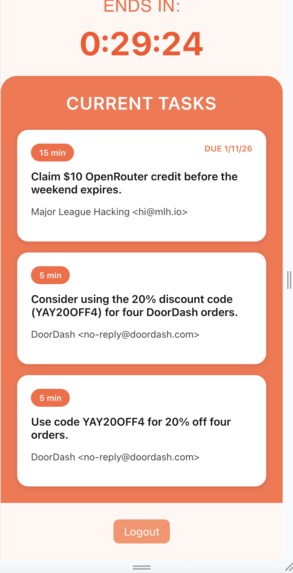
Logout button
-
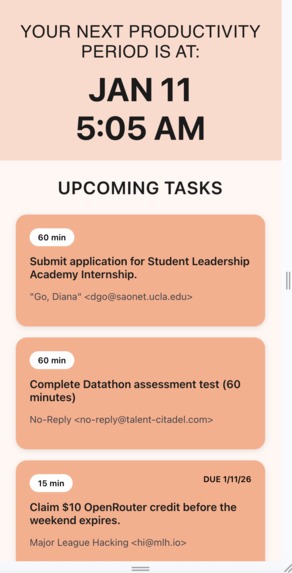
Outside a productivity period
-
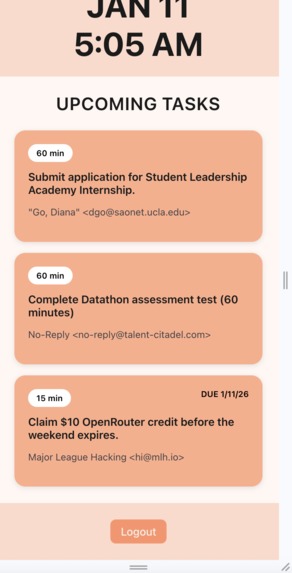
Logout (outside a productivity period)
Inspiration
We have all had those awkward periods of time in between classes which seem too short to get much done, yet are long enough to be a waste of precious time. Over the course of many school years, all those periods of 20 or 40 minutes add up to a large amount of potentially wasted time. We wanted to create something that would help us capitalize on this time that could be spent in a more valuable way than sitting outside our lecture hall scrolling on our phones.
What it does
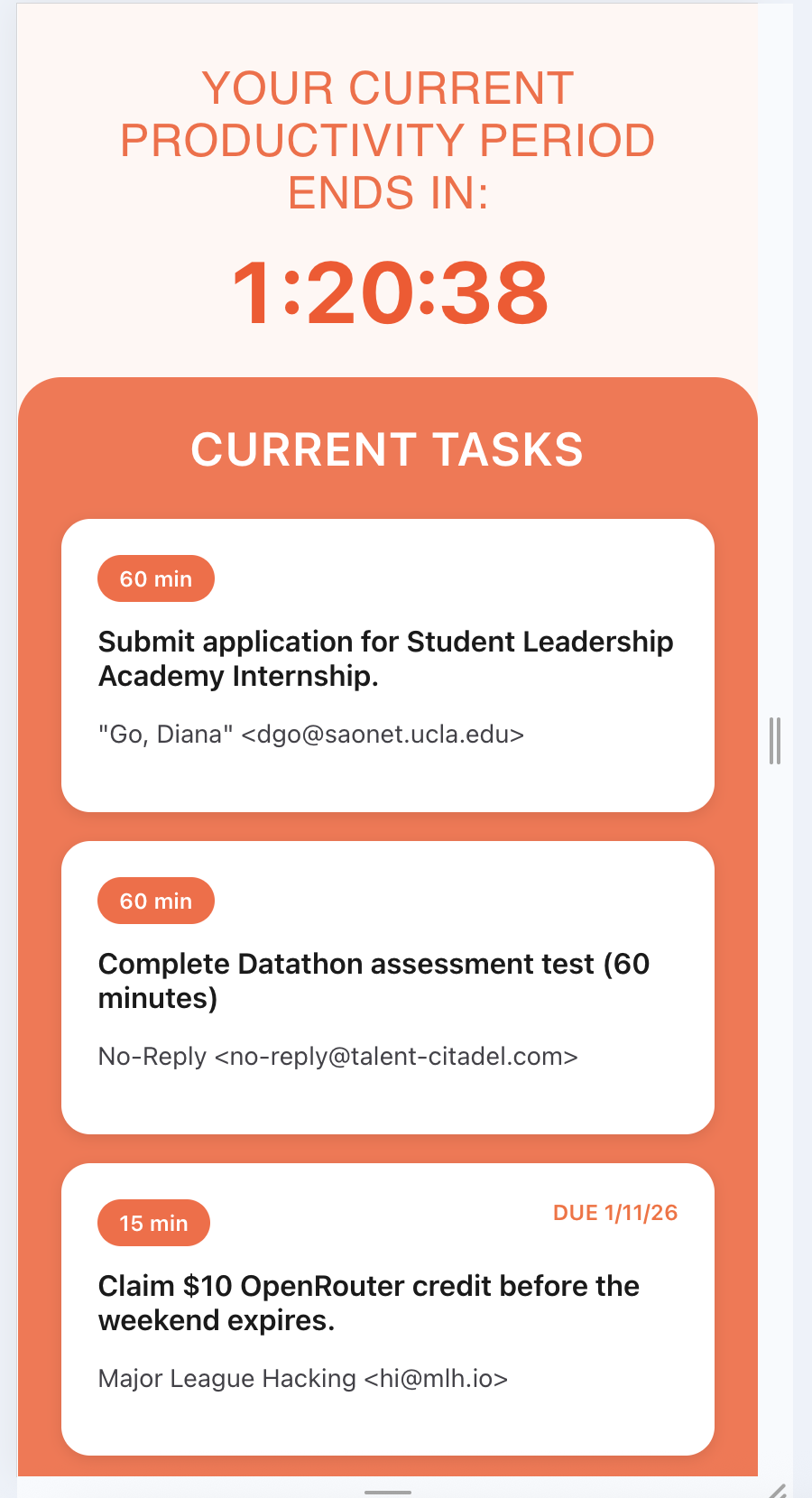
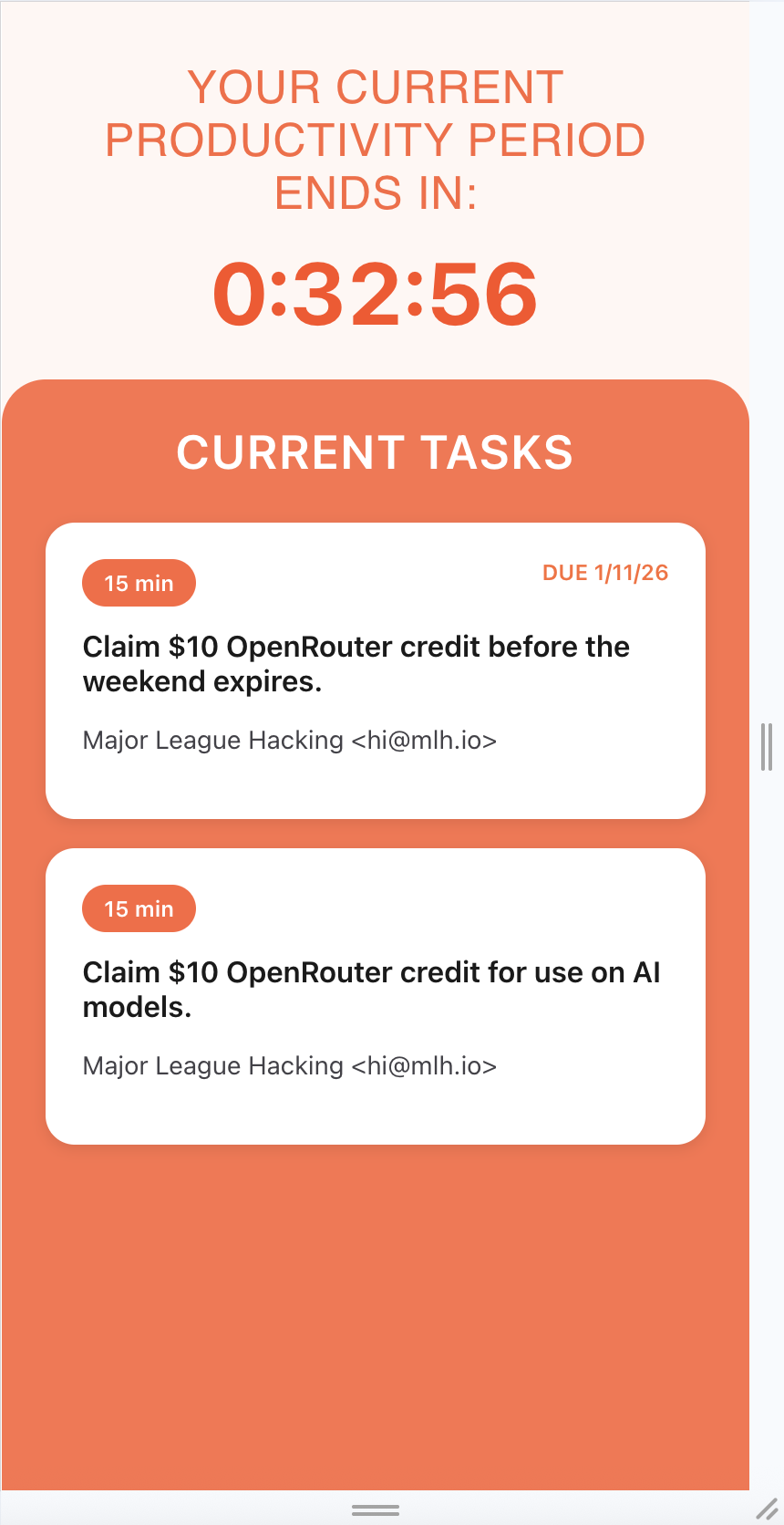
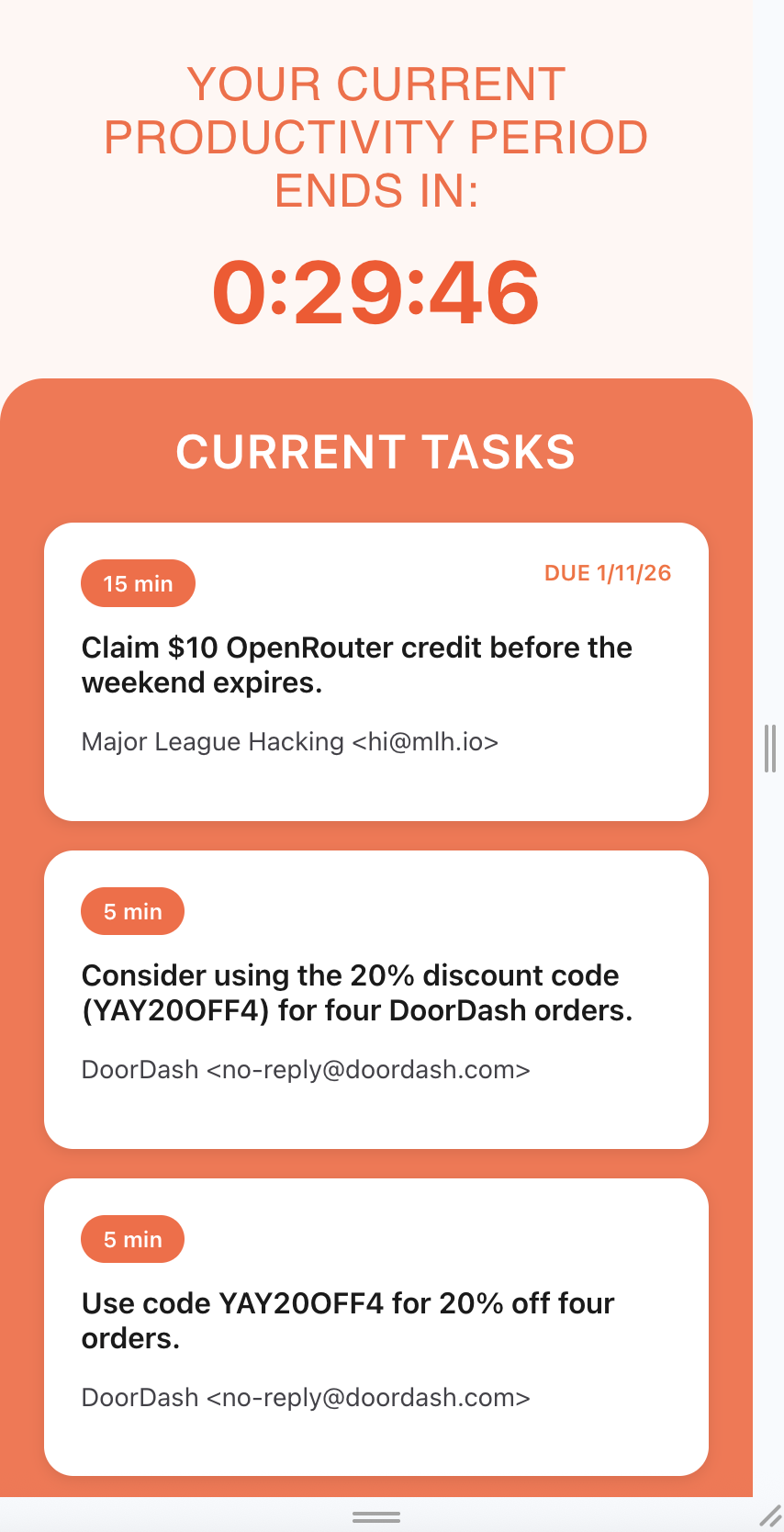
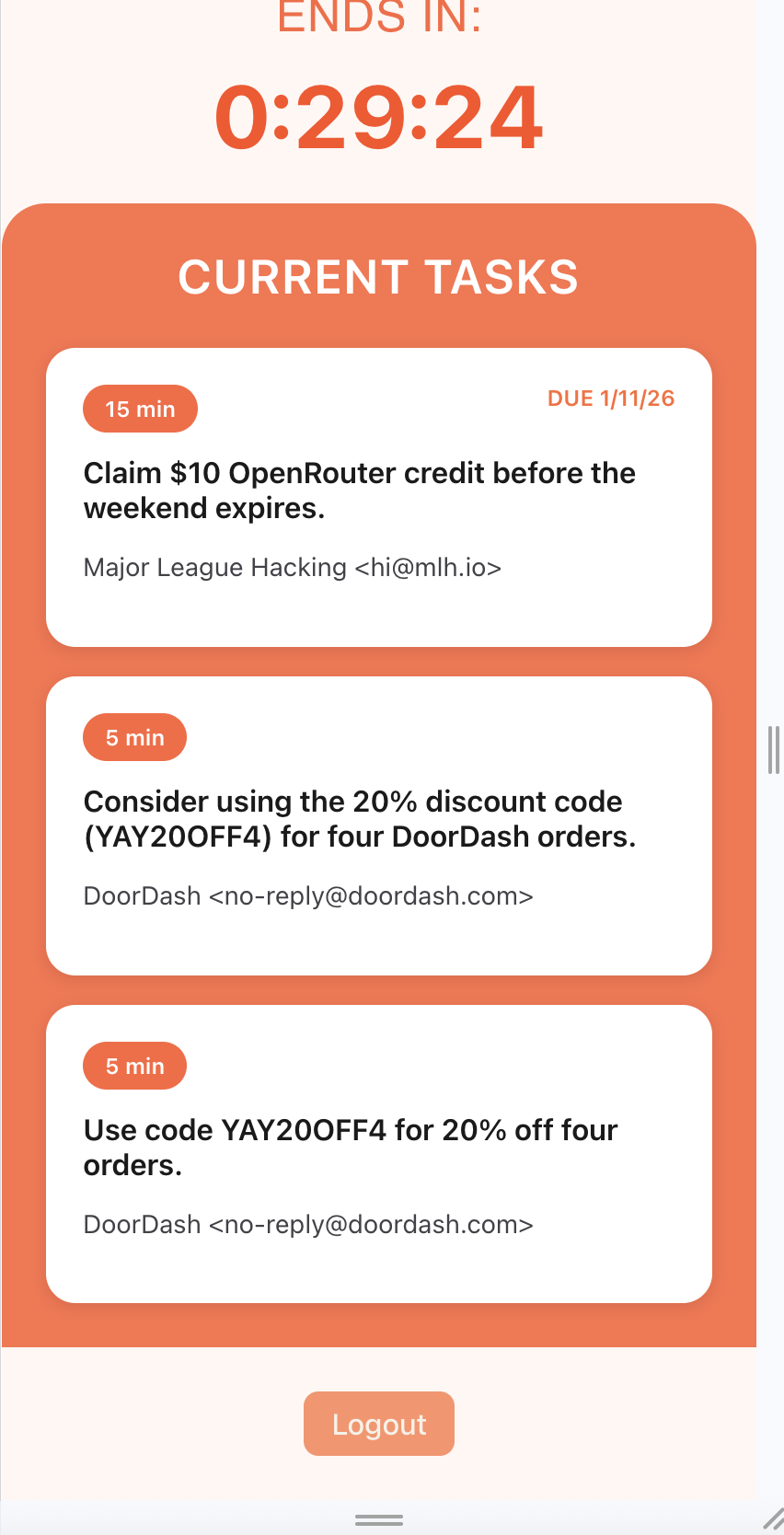
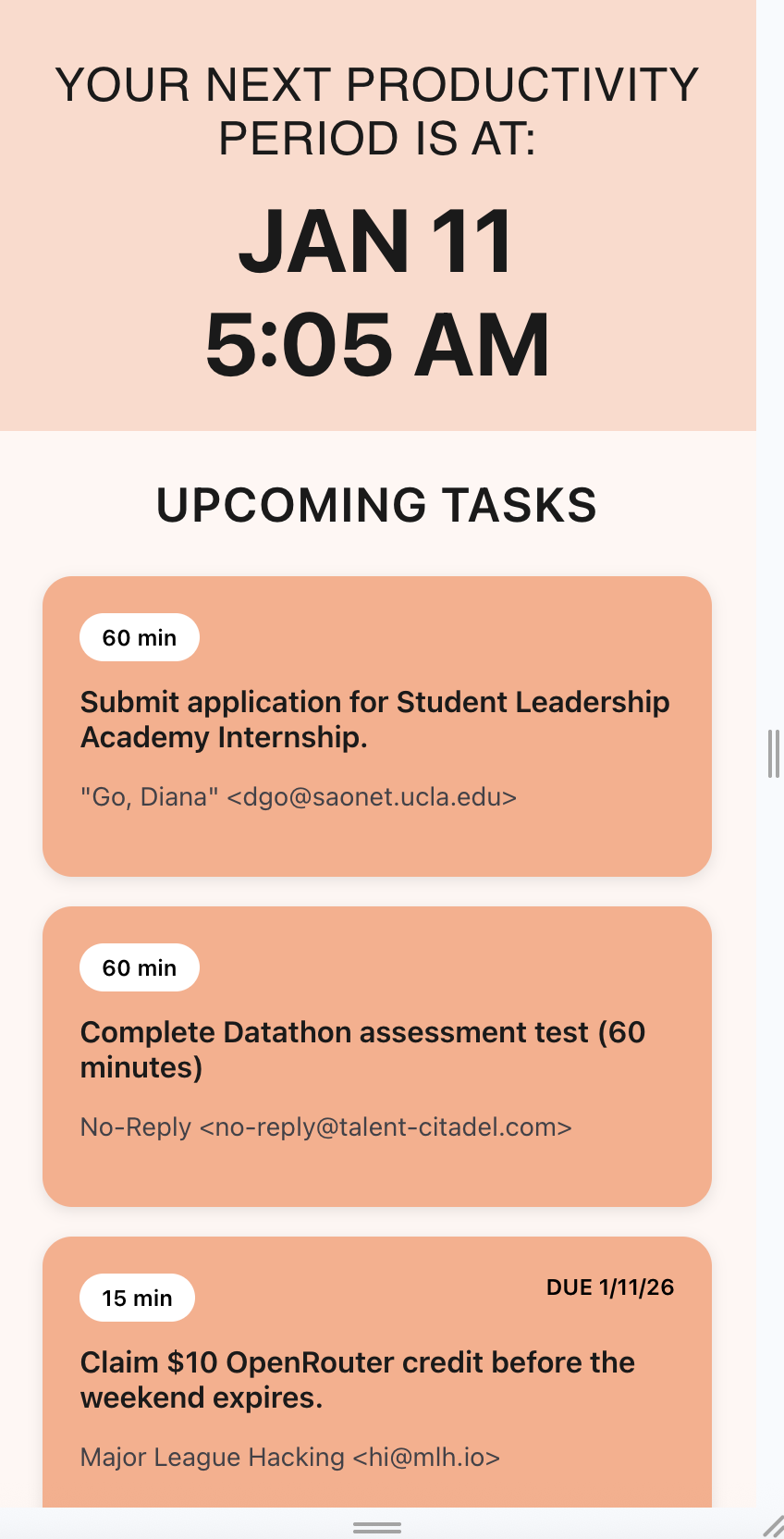
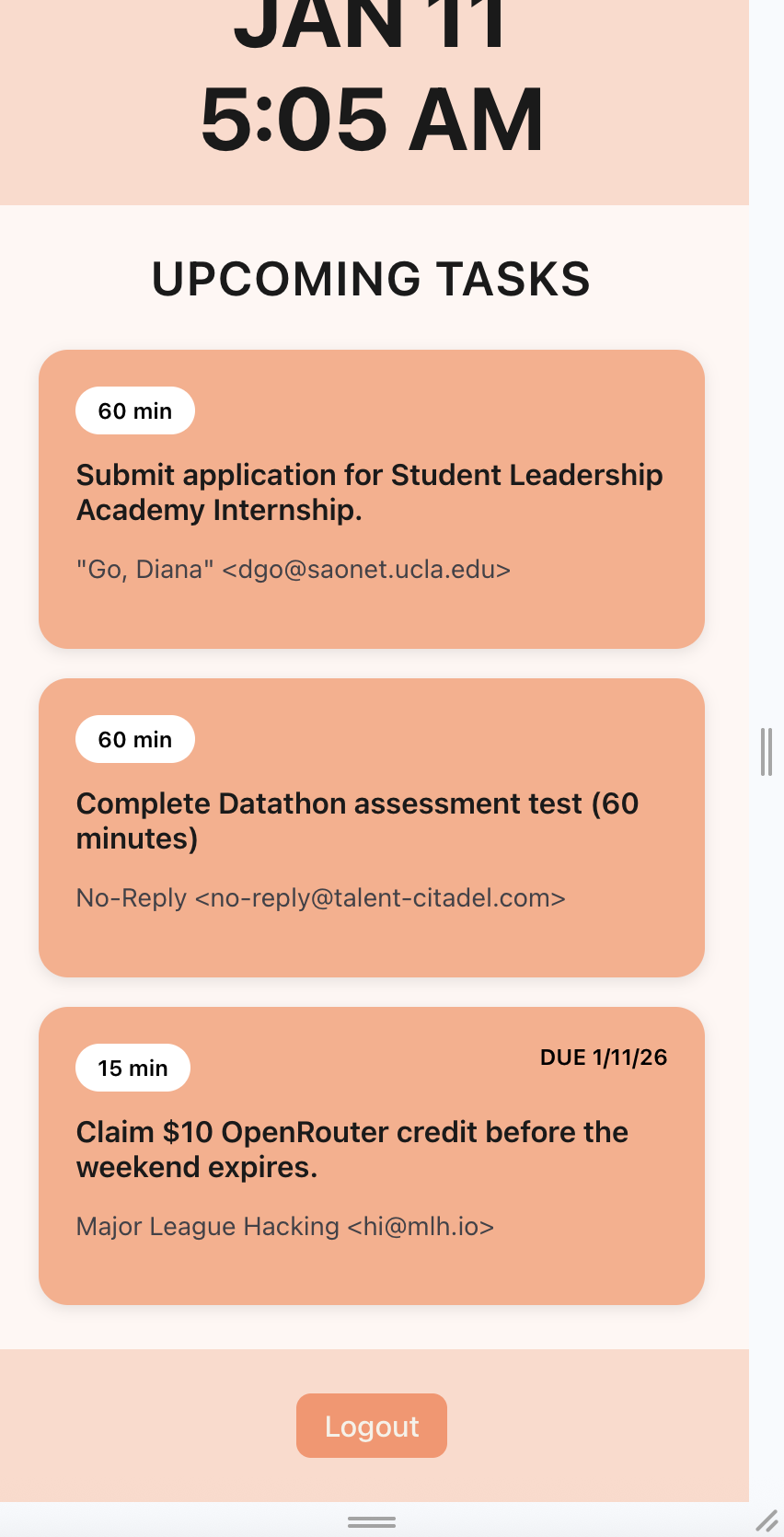
Using your Google Calendar, NextUp’s intelligent system automatically finds the gaps in your college class schedule to create “productivity periods” during which you can get work done. By parsing your recent emails, NextUp creates “tasks” with estimated completion times that you can easily view on the app’s homepage. When a productivity period rolls around, it will notify you of a few tasks that you can reasonably complete in that time. NextUp doesn’t impose any draconian limits on how you spend your time; it simply reminds you of the productive things you could be doing with it instead.
How we built it
Before beginning development, we decided to ask one of the sponsor representatives (Unwind) for some tips on our first hackathon. After receiving the advice to think of problems that we face as college freshmen, we spent 15 minutes independently brainstorming, reconvening to vote on the idea we liked the most. On the technical side, we decided to use the MERN (MongoDB, Express.js, React, Node.js) stack as a modern framework for web development that we wanted to gain practical experience in.
We prioritized a frictionless experience for the user throughout our development process, making choices like using a simple login, automatic syncing with calendar and email, and an unobtrusive notification pop-up. We developed our backend with Node.js and Express which handled API requests to Gemini and GCal and communication with our MongoDB database. Throughout the project, we used an iterative design process, starting with an MVP and adding features after testing and accounting for time constraints. We used GitHub to quickly share code between team members and avoid merge conflicts.
Challenges we ran into
This was many of our team members’ first time using React and Node.js, which came with its own set of challenges. We needed to quickly adapt to a new language and framework, and we always asked for help, whenever we needed it. In this specific project, we faced many issues with Google Calendar, from determining when an event on the calendar ended to determining what constituted a “break between classes”. After thorough debugging, we worked out the issues and were able to get the app in working state in time for submission.
While using the Gemini API, we faced a challenge where we hit the limit on free tokens per minute, and our app wouldn’t load for over five minutes. After some optimization, by limiting the amount of emails we would scrape each minute to 10/min, we significantly decreased the load time for our app while enabling tasks to be viewed only as they were needed.
Overall, we faced multiple development challenges throughout this project, but with collaboration and guidance, we were able to confidently work through them.
Accomplishments that we're proud of
Working with the MERN stack, integrating different Google API’s, adapting to new languages and frameworks, aiming to solve a problem relevant to our age group to improve their productivity, building a functioning web application under significant time constraints, striving for efficiency in our solution, and harnessing each other’s strengths constructively.
What we learned
Throughout this hackathon, we realised upholding good team communication was essential to success. We worked through team conflicts by listening to each other, incorporating diverse views, and collectively laying out a feasible plan of action for the given time frame. Additionally, we learned to problem-solve efficiently. We discovered the first step of producing a good solution was identifying a relevant problem. We made sure to investigate the root cause behind the biggest challenge that we were facing. This helped us create the most streamlined solution for our target audience, automating as many processes as possible.
As the day progressed, we understood the importance of time management, as we dealt with our increasing exhaustion while trying to complete a web application that we were proud to present. A large part of this was effective prioritisation – we focused on essential features first and developed less crucial ones later.
What's next for NextUp
We hope to eventually integrate the features of NextUp into a mobile application, using either the Swift or Flutter environments, to further decrease friction for the user. Instead of seeing a notification on a webpage on their phone, they could easily view the notification on the home screen of their phone, and make decisions from there. By making NextUp a mobile app, we could disincentivize any distractions that could arise from a user unlocking and using their phone (such as doomscrolling), helping them focus on maximizing the productivity of their day.

Log in or sign up for Devpost to join the conversation.