-
-
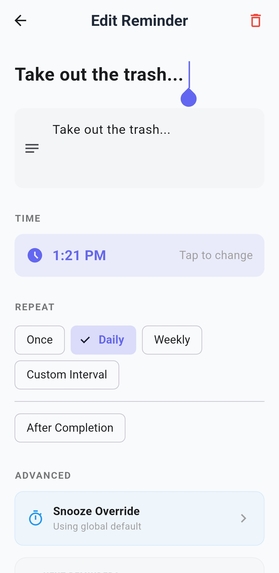
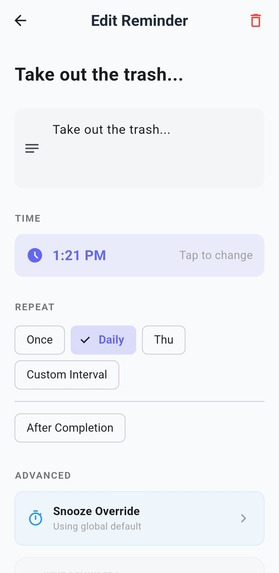
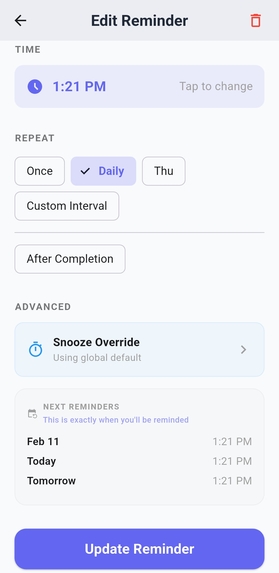
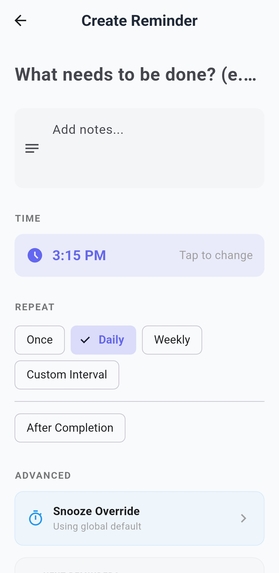
Edit Reminder Page
-
-
-
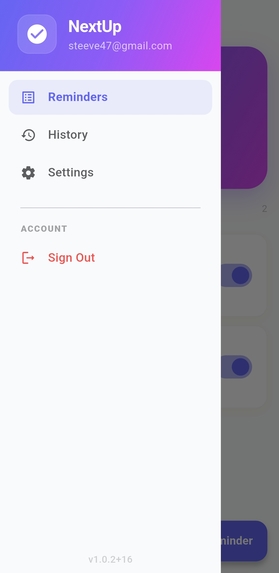
Side Menu
-
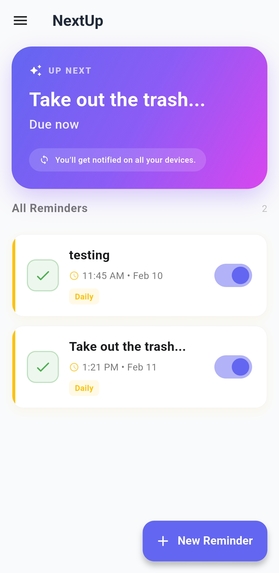
Homescreen and next reminder
-
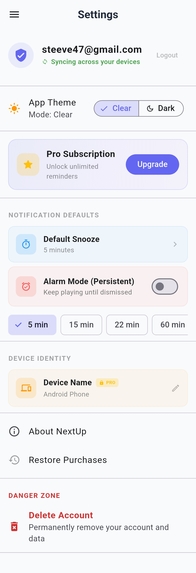
Settings Page
-
-
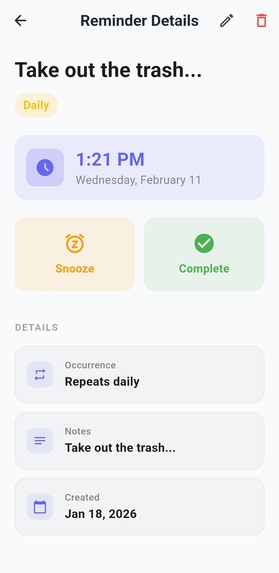
Reminder Details page
-
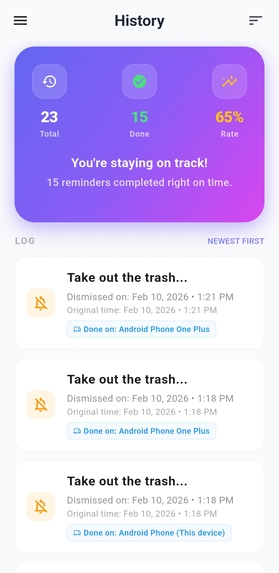
History Page


Inspiration
Most reminder apps assume life follows a fixed schedule. But many real-world tasks don’t happen at a specific time — they happen relative to the last time you did them. For example, watering plants two days after the last watering, or changing a filter a week after it was last replaced.
The inspiration for NextUP came from this gap. Instead of forcing habits into rigid time slots, we wanted reminders that adapt to actual behavior. The goal was to build a system where reminders are driven by state and completion, not just timestamps.
What it does
NextUP is a cross-platform productivity app that supports dynamic, behavior-based reminders.
Key features include:
Reminders that trigger after completion rather than at fixed times
Real-time synchronization across all user devices
Cross-device action notifications (so users know when something was completed on another device)
Smart notification handling for both foreground and background states
A clean, modern UI designed for daily use
Instead of asking “When should this reminder fire?”, NextUP asks:
“What should happen after I finish this?”
How we built it
NextUP was built using a modern, scalable stack:
Flutter for a shared cross-platform UI
Firebase Firestore for real-time data synchronization
Firebase Cloud Functions to process reminder logic and broadcast cross-device updates
Firebase Cloud Messaging (FCM) for push notifications
RevenueCat for subscription and entitlement management
Reminders are modeled as stateful entities. When a user completes a reminder, the system calculates the next trigger time using:
next_trigger
completion_time + delay next_trigger=completion_time+delay
Each action records which device performed it, allowing the backend to notify other devices with clear, contextual messages.
To improve performance, Firestore listeners are initialized using idle-priority scheduling, ensuring the UI remains responsive during startup.
Challenges we ran into
Cross-device synchronization Keeping multiple devices perfectly in sync required tracking device-specific actions and broadcasting updates without duplication or confusion.
Notification edge cases Handling notifications consistently across foreground, background, and terminated states was complex, especially when actions originated on a different device.
Performance optimization Initializing real-time listeners too early caused subtle UI freezes. This was solved by deferring work until the UI thread was idle.
Production readiness Moving beyond a prototype required handling privacy policies, account deletion flows, internal and closed testing, and production configuration for subscriptions.
Accomplishments that we're proud of
Designing a reminder system based on completion-driven logic
Implementing reliable cross-device action notifications
Eliminating UI freezes through idle-priority scheduling
Shipping a fully production-ready app with proper privacy and testing setup
Building a system that feels simple to use while handling complex logic under the hood
What we learned
This project reinforced several key lessons:
State-driven systems are more flexible than time-driven ones
Cross-device consistency must be designed explicitly, not assumed
Performance issues often come from when work happens, not how
Production details (testing, privacy, subscriptions) are just as important as core features
Most importantly, we learned that productivity tools work best when they adapt to people — not the other way around.
What's next for NextUP
Planned next steps include:
More advanced reminder logic (chained and conditional reminders)
Improved analytics and insight into habit patterns
UI customization and theming options
Expanded platform support and deeper system integrations
NextUP is designed as a foundation, and this project is just the beginning.
🚀 Install NextUp (Closed Beta)
STEP 1: Join this Google group here: https://groups.google.com/g/shipyard-contest
STEP 2: Click below to activate testing
Join On Android: https://play.google.com/store/apps/details?id=com.next.up
Join On Web: https://play.google.com/apps/testing/com.next.up
STEP 3: Tap “Become a tester”
STEP 4: Install from Play Store
⚠️ Use the same Google account you joined with.
