Inspiration
Receiving information is not the same as being able to understand it.
An important letter can contain unfamiliar language, complicated instructions and deadlines buried in paragraphs. For someone facing literacy, language or cognitive barriers, that can make accessing an opportunity or service much harder.
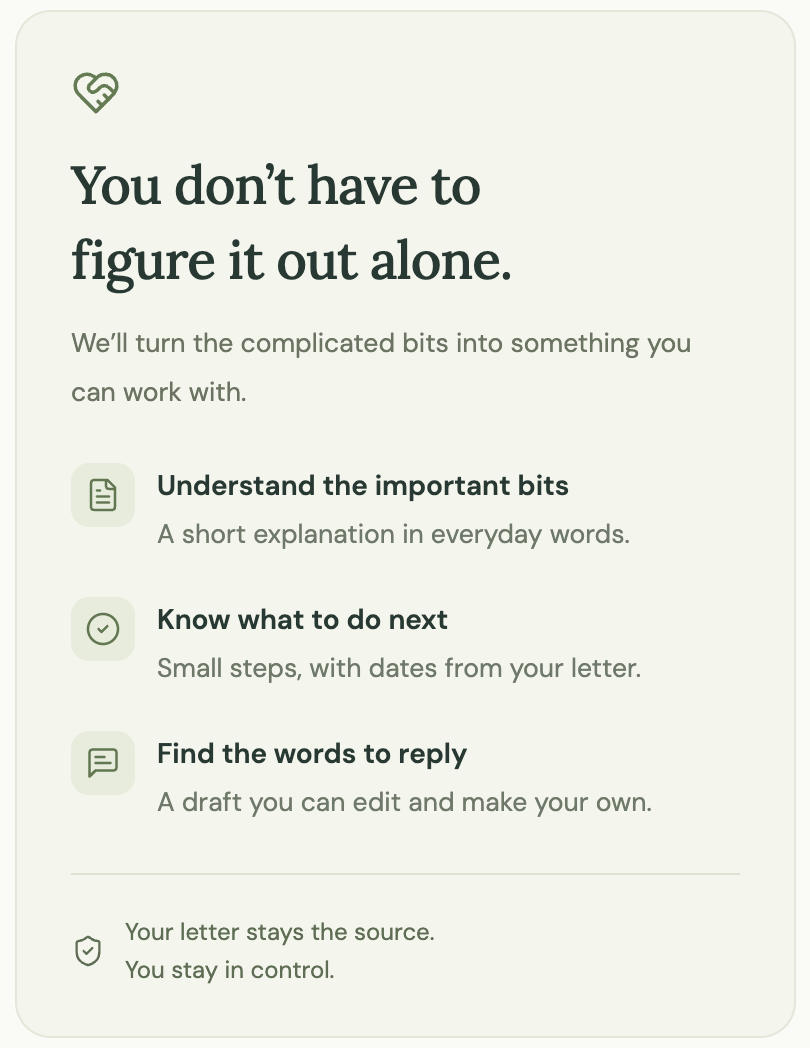
We built NextStep around a simple question: What if understanding a confusing letter was as easy as pasting it into a box or taking a photo?
What it does
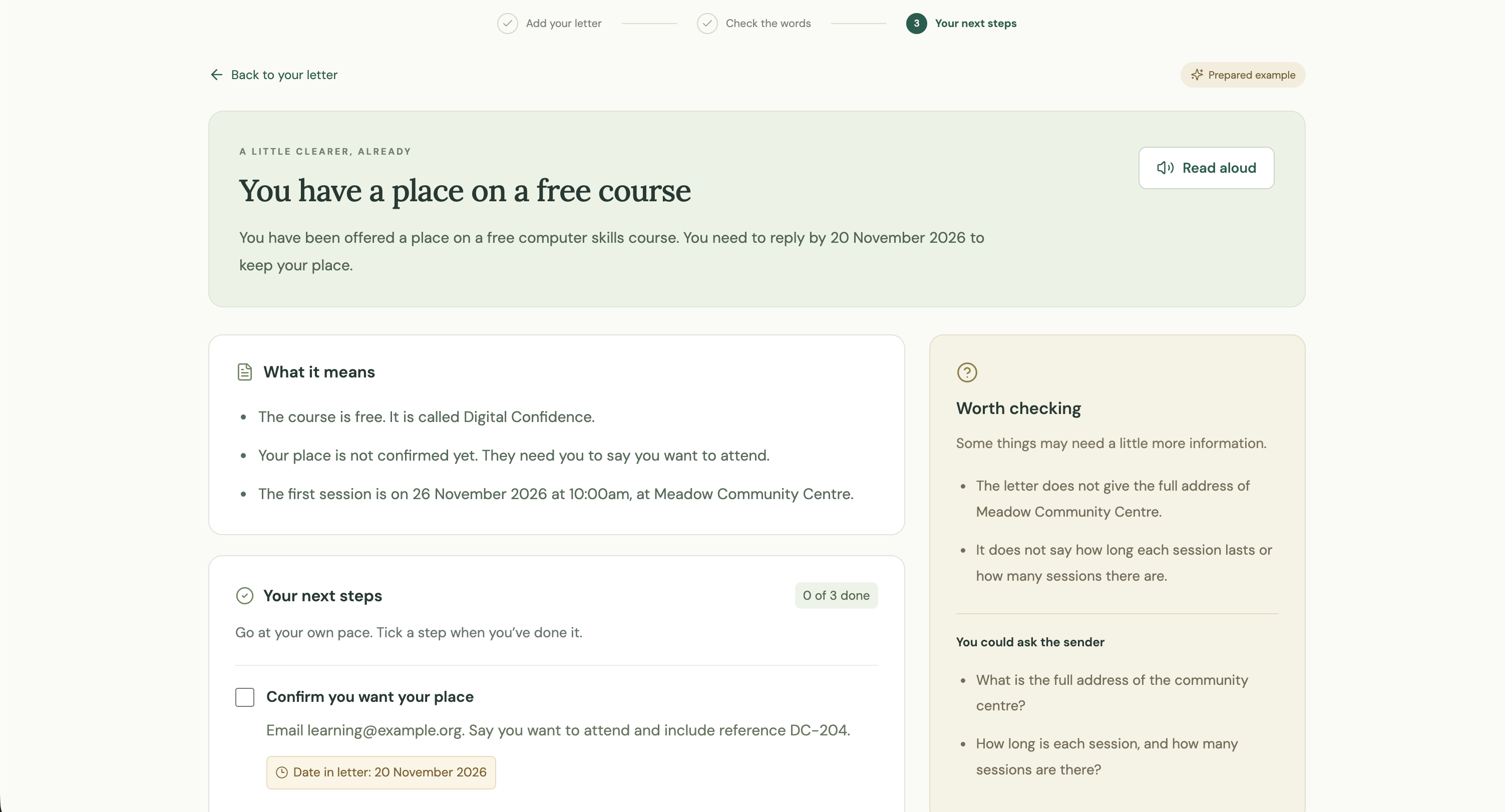
NextStep turns letters and messages into plain-English explanations and manageable next steps.
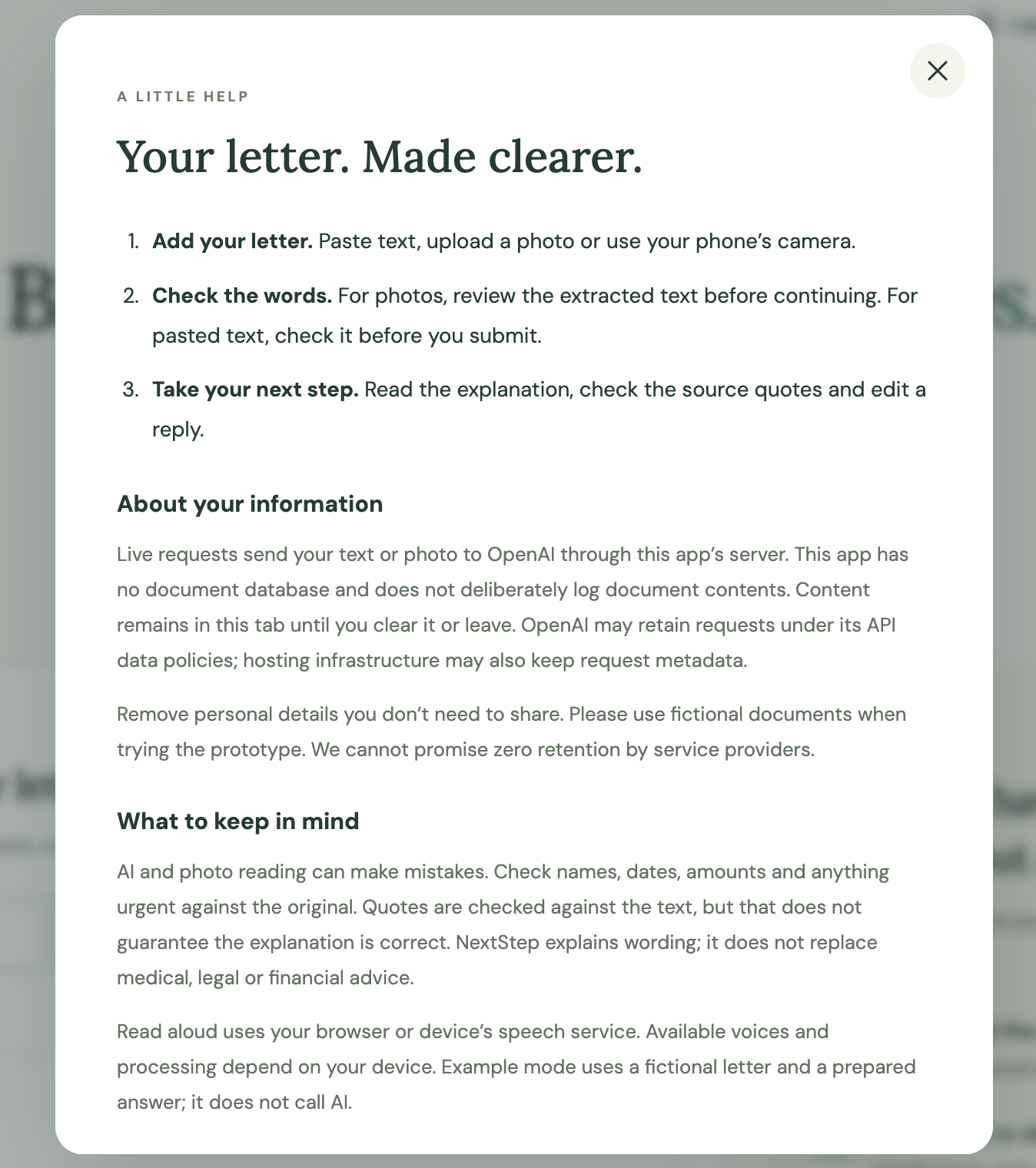
Users can paste text, upload a photo or use their phone’s camera. For photos, NextStep extracts the words and lets the user check them before continuing.
It then provides:
- A short explanation of what the document means.
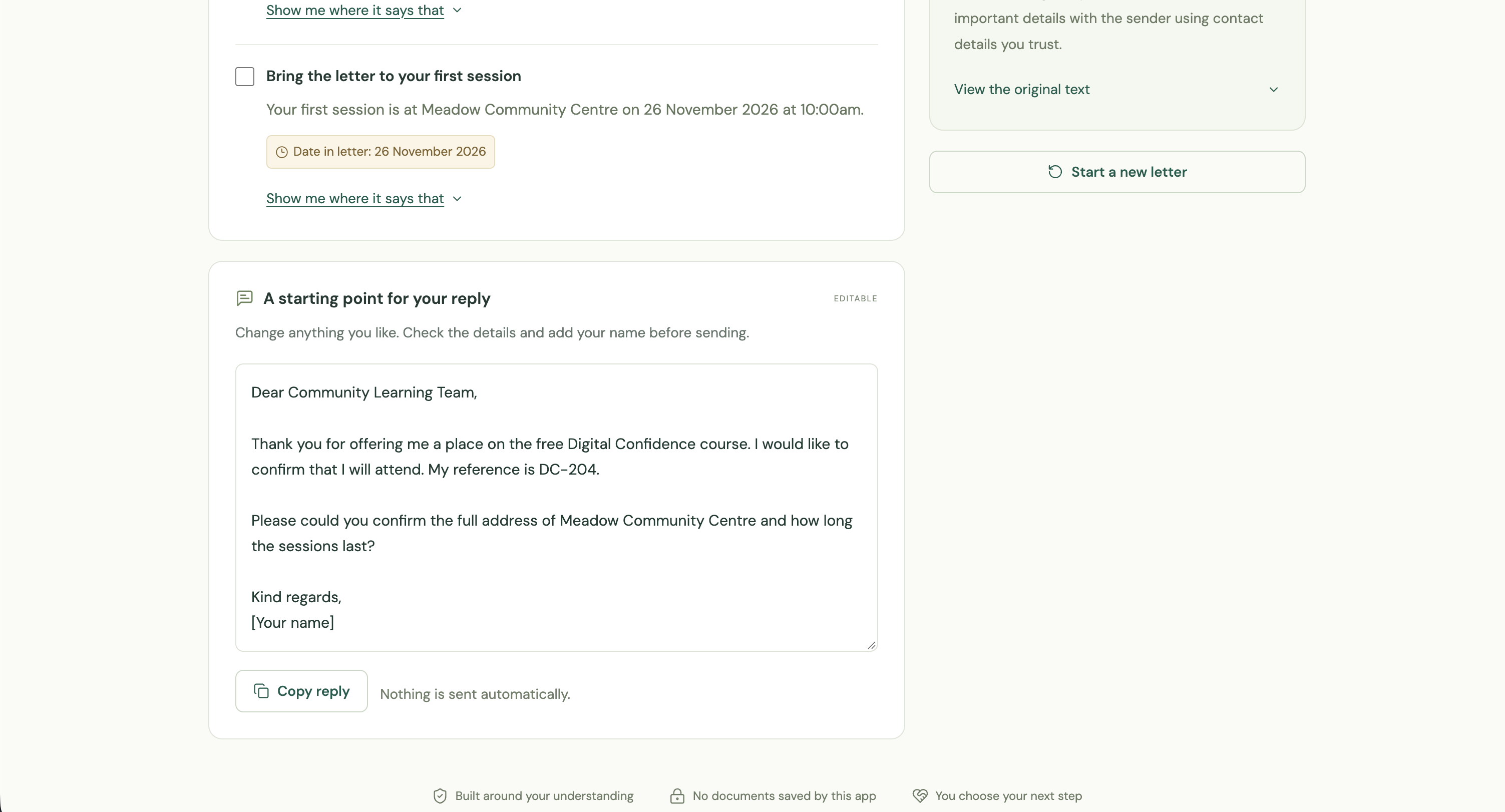
- An action checklist with dates supported by the letter.
- Expandable source quotes showing where each action came from.
- Missing information and questions to ask the sender.
- An editable reply that users can copy and send themselves.
Read-aloud support, larger text and a contrast control offer different ways to use the information. No account is required, and we deliberately built no document-saving or history feature.
How we built it
We built the interface using React, TypeScript and Vite, with Vercel hosting the application and its serverless API functions.
OpenAI’s vision capabilities transcribe document photos. A separate analysis request turns reviewed text into a structured explanation.
We use strict JSON Schema to define the response format. Server-side validation checks that action quotes appear in the submitted text and that displayed dates appear within their supporting quotes.
Images are resized in the browser before processing. Read aloud uses the browser’s speech synthesis capabilities. The API key stays on the server.
Challenges we ran into
Our biggest challenge was making AI responses reliable enough for a useful experience.
Early testing exposed incomplete action fields that caused the entire explanation to fail. We introduced strict structured output and changed validation so an incomplete step can be omitted with a visible warning, preserving the useful explanation.
Dates needed particular care. Unsupported date labels are now omitted and flagged for checking.
We also improved the transition from photo transcription to explanation, making it clearer that users should review the extracted text before continuing.
Accomplishments that we're proud of
We took NextStep from an idea to a publicly deployed prototype during the hackathon.
We verified live text analysis and photo transcription, tested a longer letter through the browser, and built 22 automated regression checks.
We are particularly proud of “Show me where it says that.” It gives users a way to inspect an action against the original wording instead of relying on an unexplained AI answer.
What we learned
Accessibility involves more than making text available. People also need to understand what it means and feel able to act.
We learned that valid JSON does not necessarily mean a usable response, and one successful demonstration does not establish reliability across different documents.
Source checks help make outputs inspectable, but they do not guarantee that an AI interpretation is correct.
What's next for NextStep
Our priority is testing with people who experience the barriers we are trying to address, including people with literacy difficulties, dyslexia and cognitive accessibility needs.
We also want to improve photo-reading accuracy, test more document types, and verify the experience across phones, screen readers and browser voices.
Future improvements could include multilingual explanations and user-controlled reading preferences. We will keep the core experience simple and continue without document saving or history.
Built With
- css3
- gpt-4.1-mini
- html5
- lucide
- node.js
- openai
- react
- typescript
- vercel
- vite
- web-speech-api

