-
-
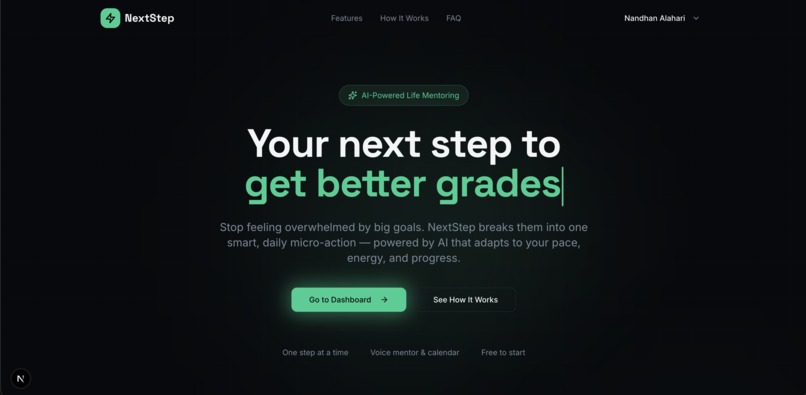
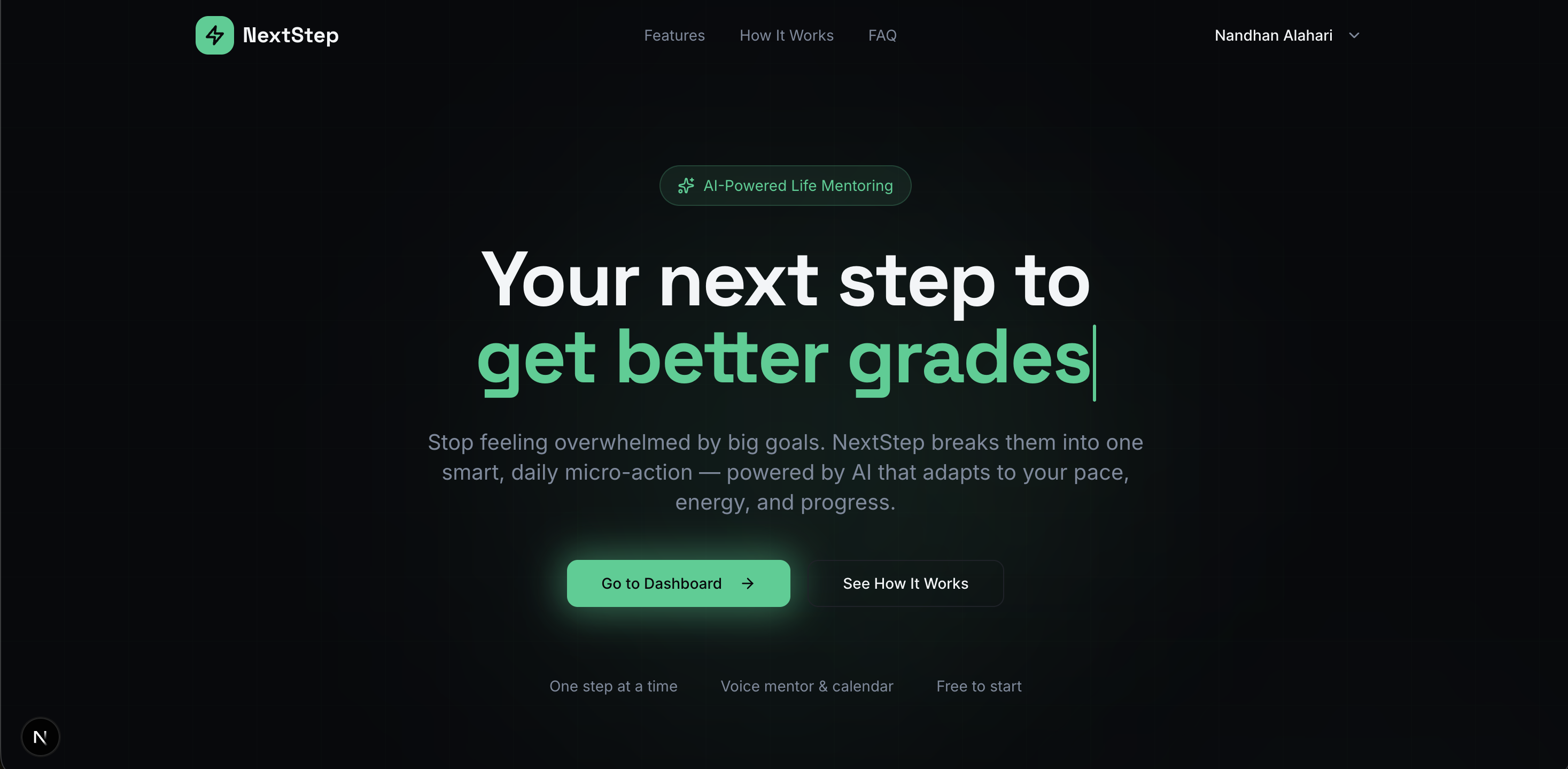
Home Page
-
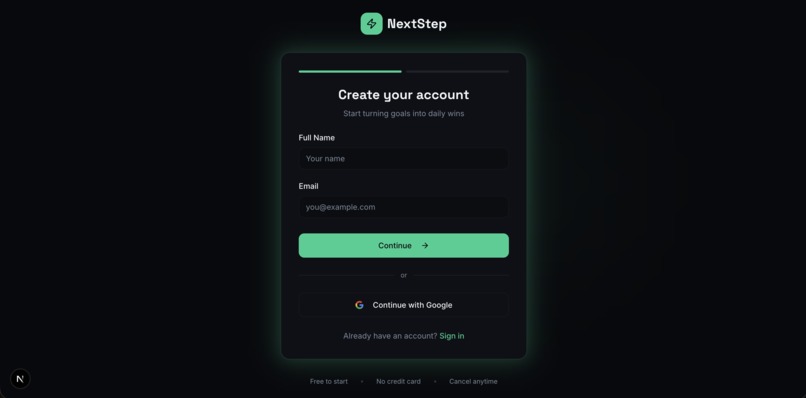
Sign Up
-
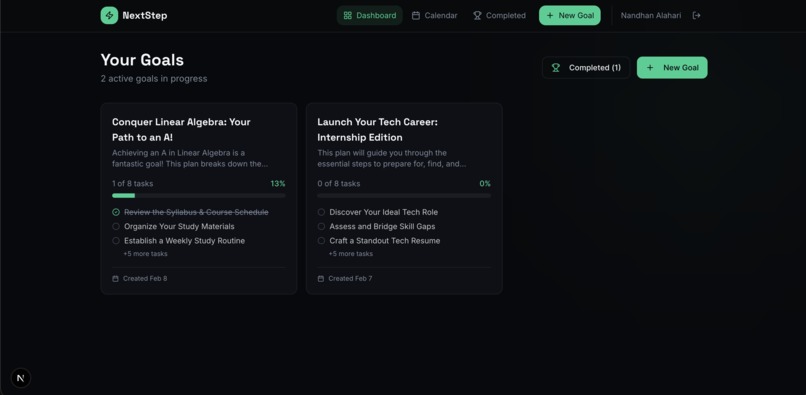
Dashboard
-
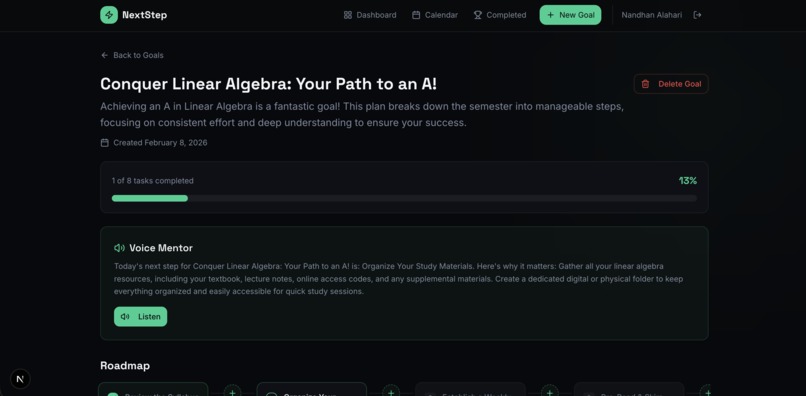
Goal
-
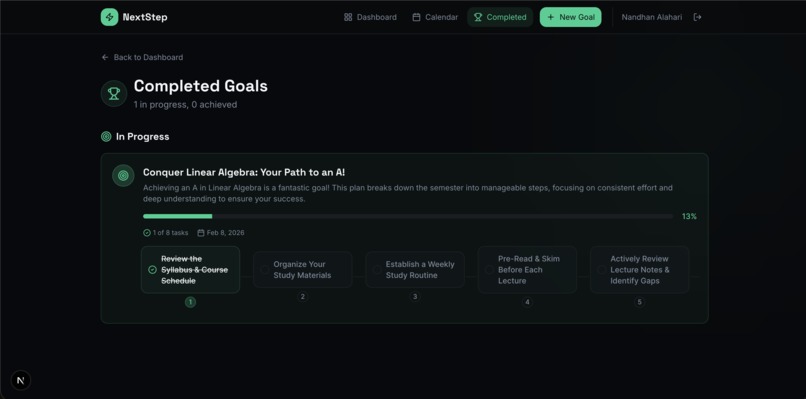
Completed/In Progress Goals
-
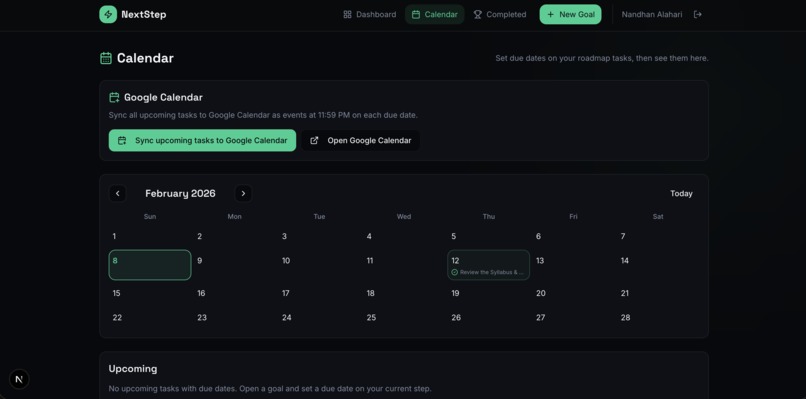
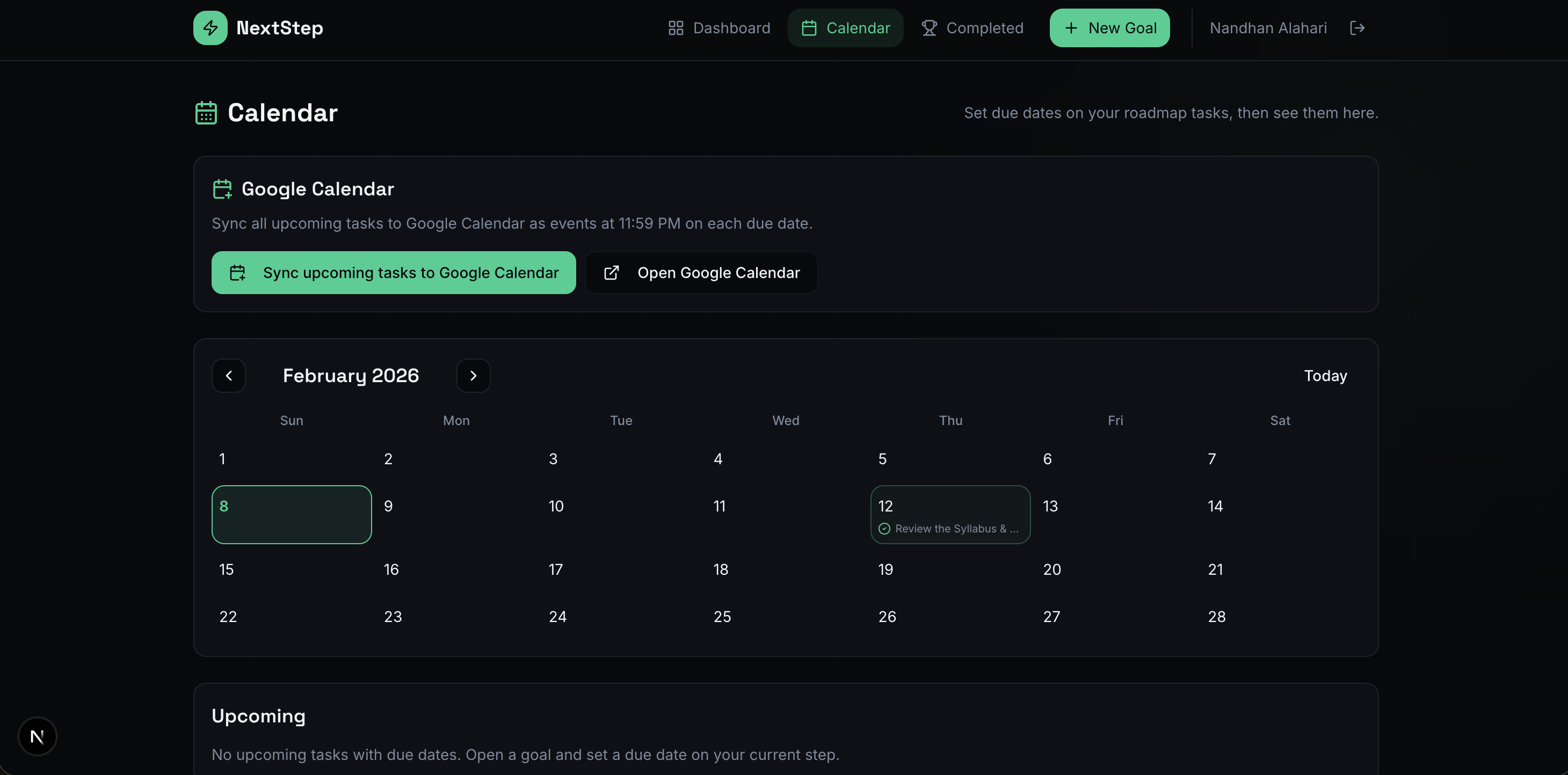
Calendar
-
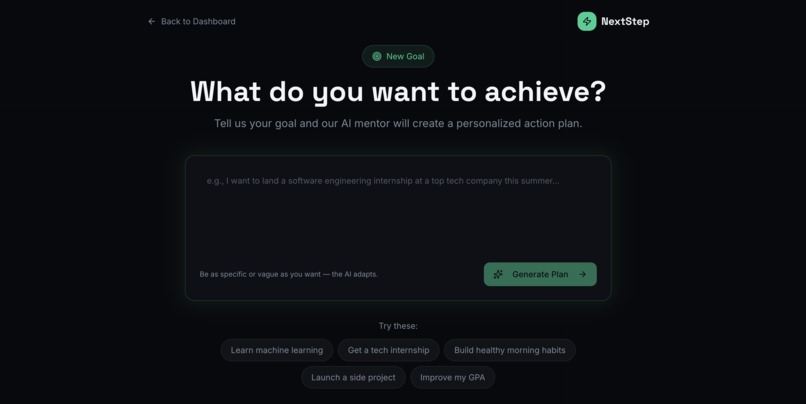
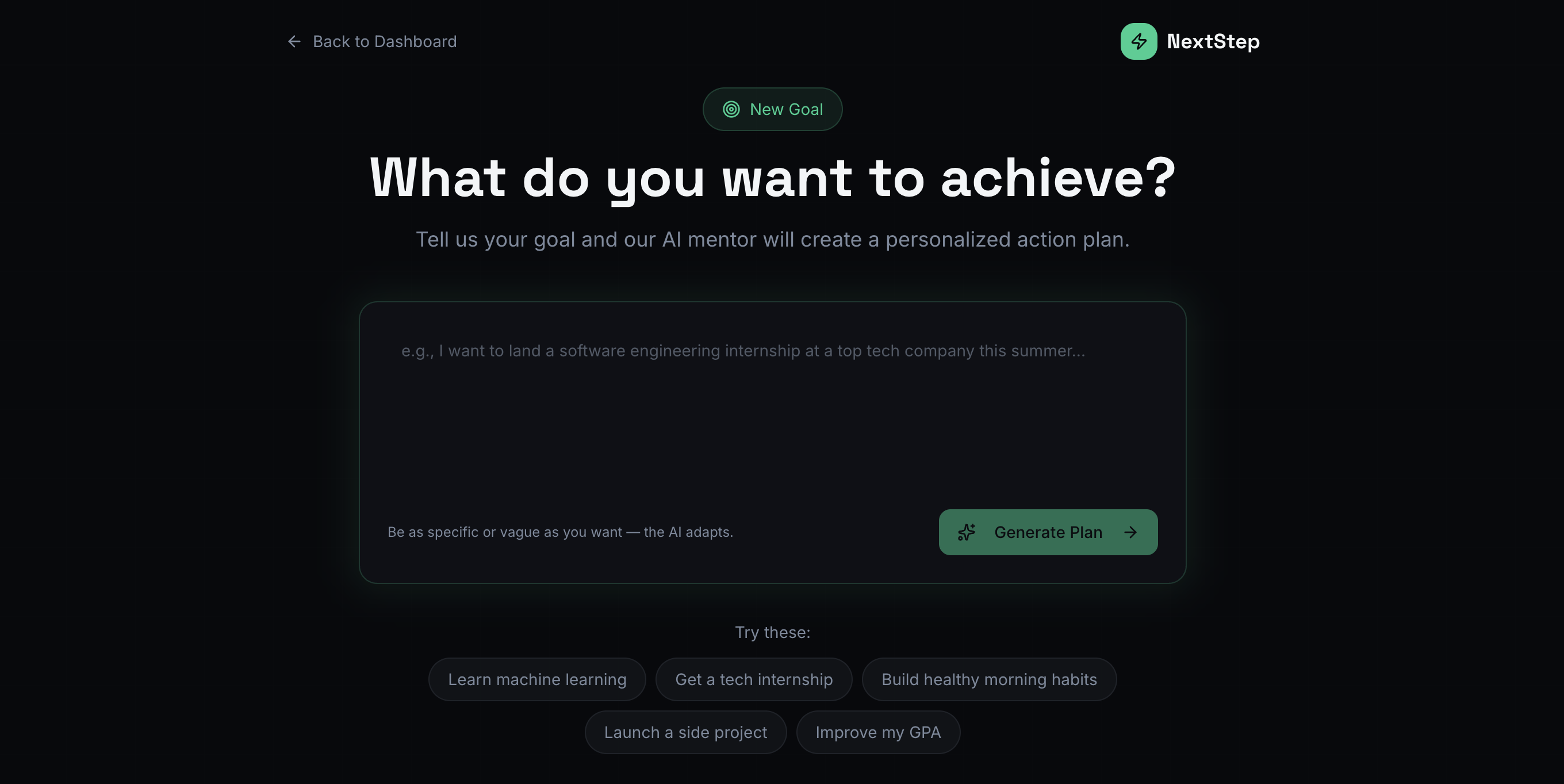
Setup New Goals
Inspiration
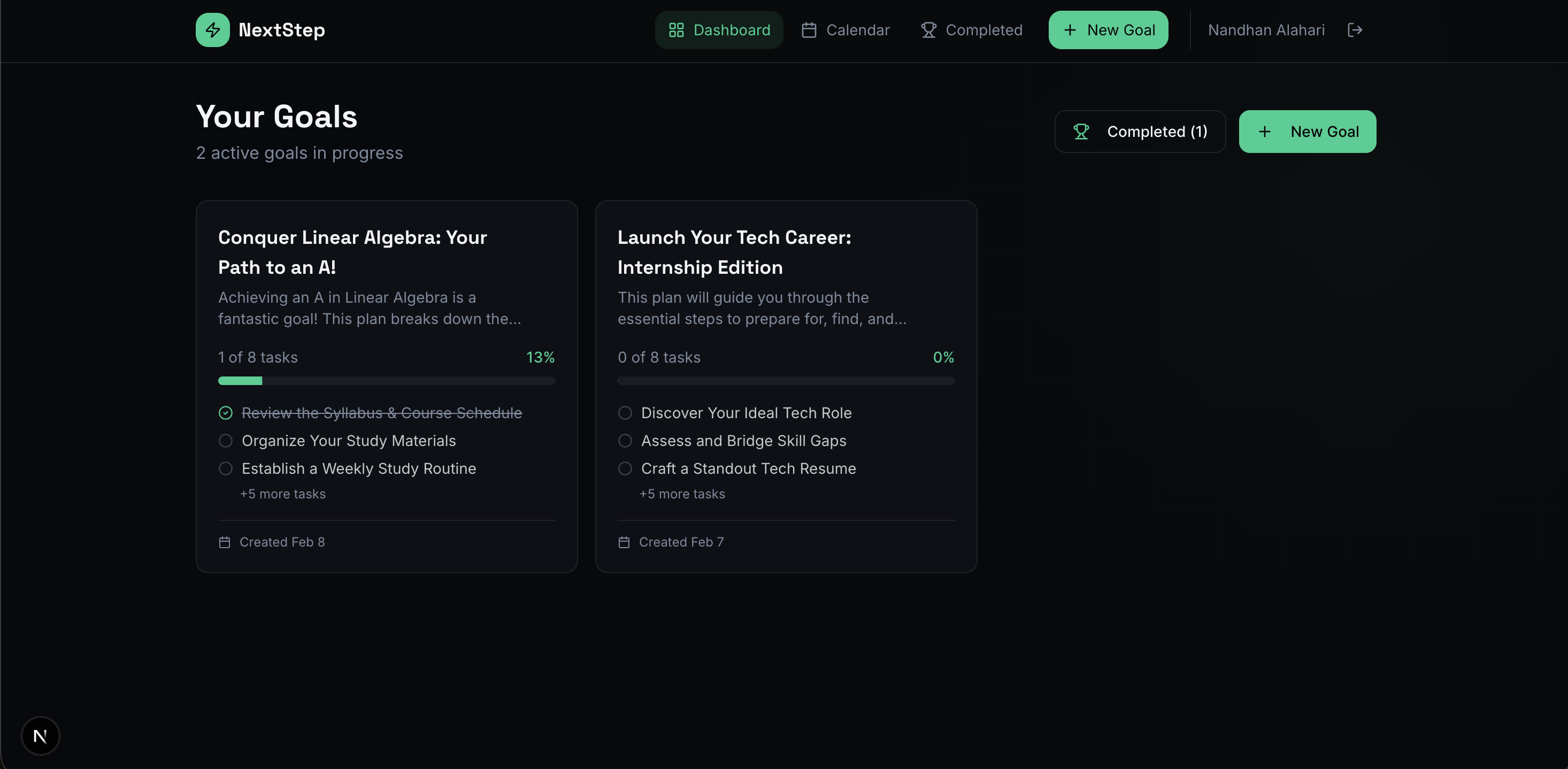
Big goals, like landing an internship or learning a new skill, often feel vague and overwhelming. Many people know what they want but not what to do next, so they stall or give up. I wanted an app that turns “someday” goals into a clear next step you can do today. NextStep is inspired by that idea: break goals into small, ordered tasks and guide users through them one at a time, with a bit of AI and voice support so it feels like having a mentor in your pocket.
What it does
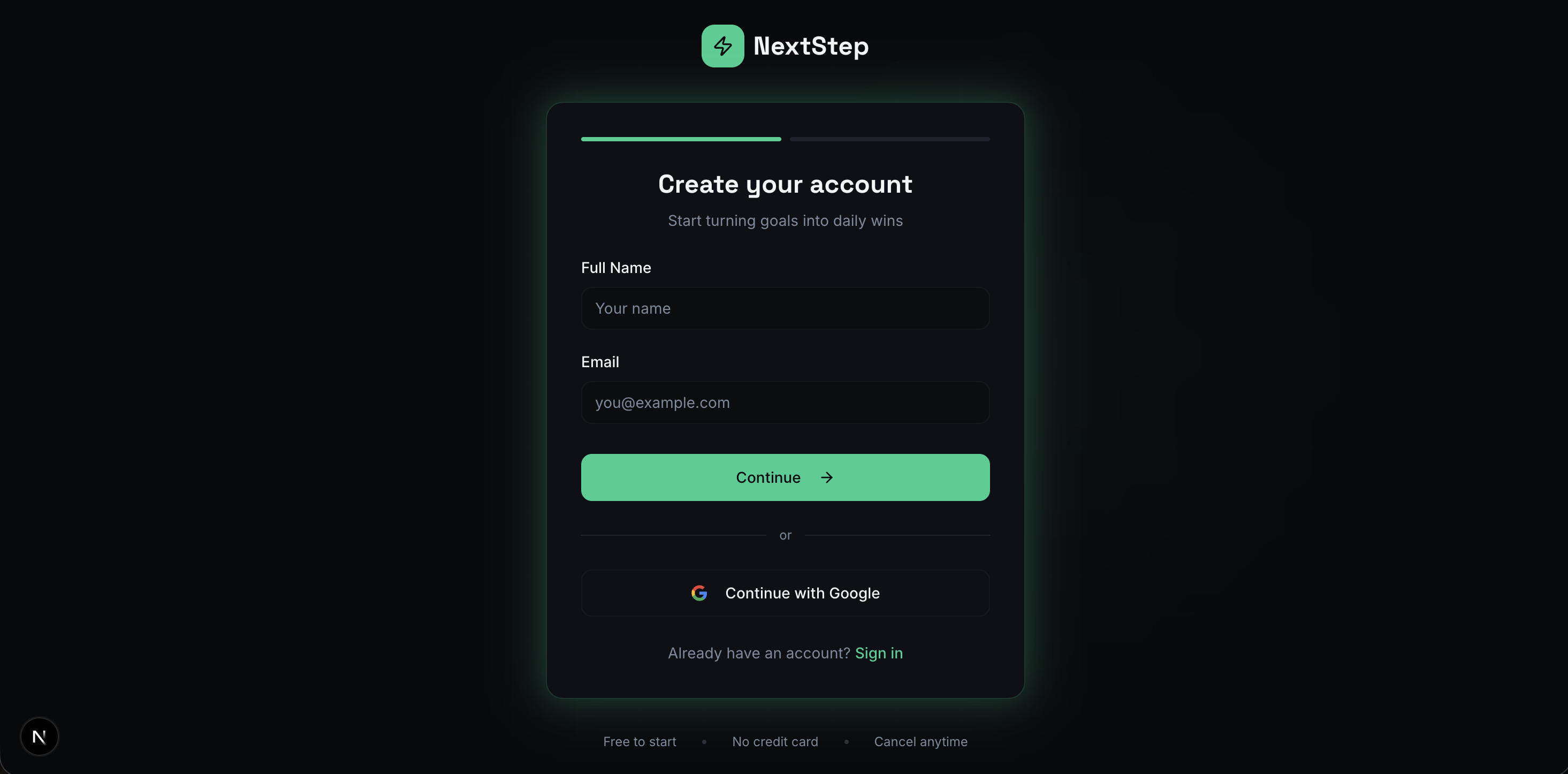
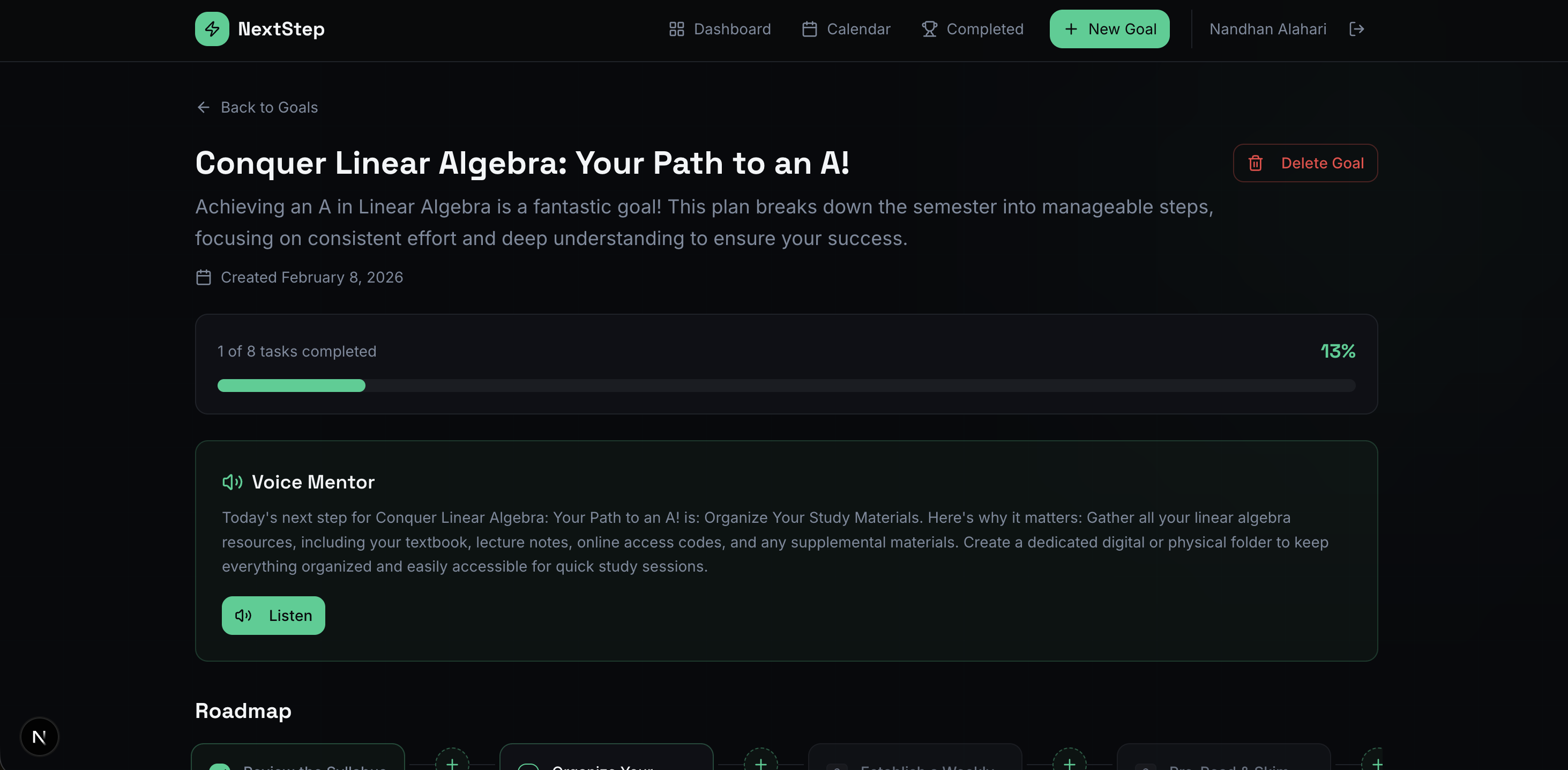
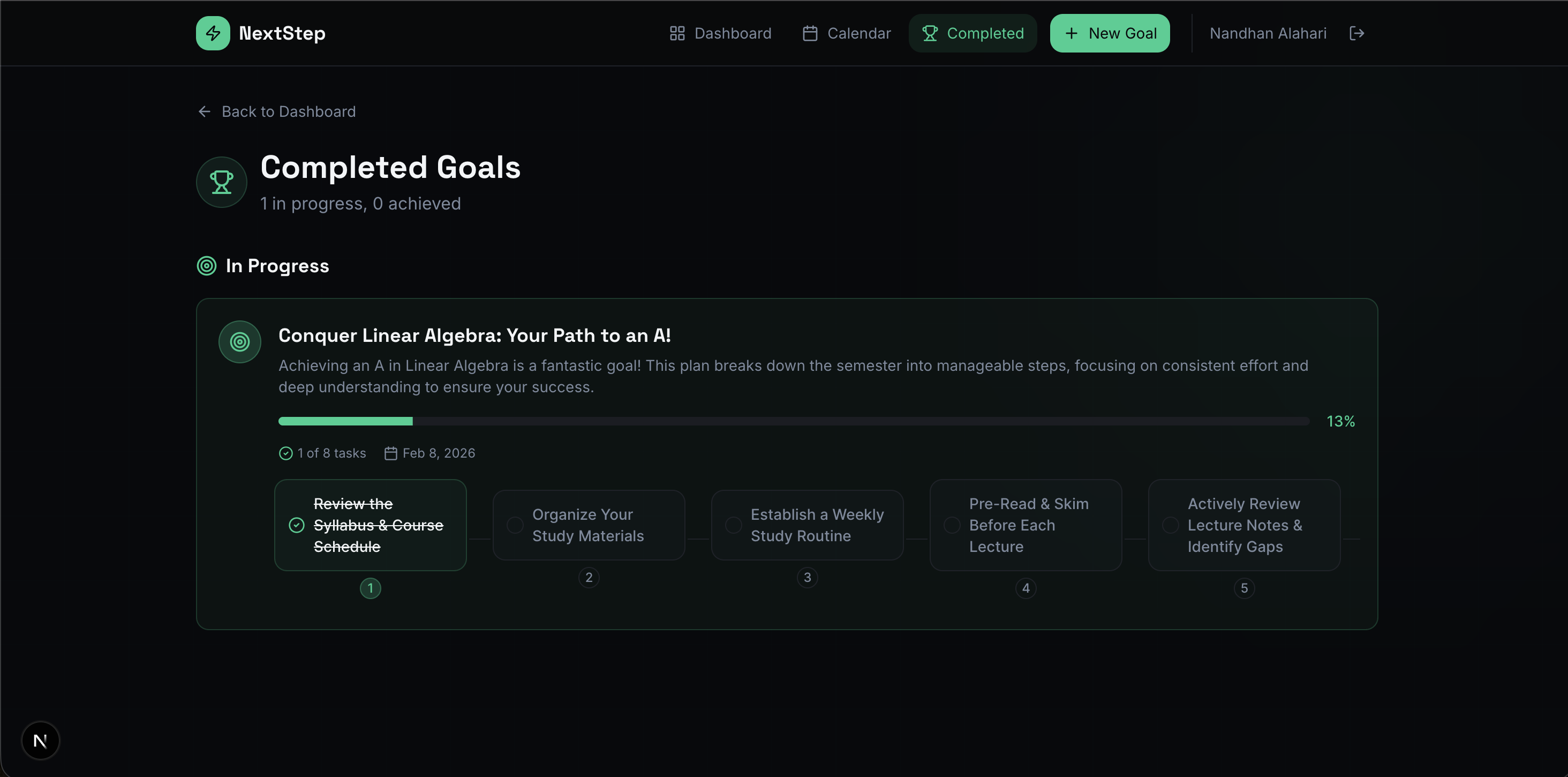
NextStep is an AI micro-mentor for your goals. You describe a goal (e.g., “Land a software engineering internship”); Gemini turns it into a step-by-step roadmap. You work through tasks in order, only the current step is active, and add a summary when you complete each one. A Voice Mentor (ElevenLabs) reads a summary of your current step so you can listen rather than read. You set due dates on tasks and see them in an in-app calendar (Upcoming and Completed). If you connect Google Calendar, tasks sync as events (e.g., 11:59 PM on the due date); when you clear a date, complete a task, or delete a task, the corresponding event is updated or removed. You can sign up with email/password or sign in with Google. When you finish a goal, you can add a short reflection (satisfaction and thoughts). The app keeps everything in sync, so your roadmap and calendar stay aligned.
How I built it
I built NextStep as a Next.js 16 (App Router) app with React 19 and TypeScript, styled with Tailwind CSS. The backend is Next.js API routes plus MongoDB for users, goals, and tasks. Auth is custom: JWT (jose) in an HTTP-only cookie and bcrypt for passwords; I added Google OAuth for Sign in with Google and for the Calendar scope. Goal-to-roadmap is powered by Google Gemini 2.5 Flash: the user’s goal is sent to the API, and I parse the response into a structured list of tasks. The Voice Mentor uses the ElevenLabs TTS API: I send the current step summary to our /api/tts route, which returns audio for the “Listen” button. For Google Calendar, I use the same OAuth client: one flow for sign-in (openid, email, profile) and one for calendar (calendar scope). When due dates are set, changed, or cleared, or when tasks are completed or deleted, I call the Calendar API to create, update, or delete events and store googleCalendarEventId on each task so I can keep a single event per task and avoid duplicates.
Challenges I ran into
- Google OAuth in testing mode: Only test users could sign in or use Calendar until I added their emails in the Cloud Console. I had to document that and consider verification for a public launch.
- Keeping Google Calendar in sync: I had to handle: setting a due date (create event), changing the date (update the same event), clearing the date (delete event), completing a task (delete event), and deleting a task (delete event). I also had to persist googleCalendarEventId on each task (including when using “Sync upcoming tasks”) so I always knew which event to update or delete.
- Duplicate events: If I didn’t store and reuse the event id, changing a due date created a second event. I fixed this by merging client/DB state in the PATCH handler and always updating the existing event when googleCalendarEventId was present.
Accomplishments that I'm proud of
- End-to-end product: Auth (email + Google), AI roadmap generation, voice guidance, in-app calendar, and two-way Google Calendar sync in one app.
- One-step-at-a-time flow: Enforcing order (only the current task active, completion summary before moving on) and reflecting that in the UI and data model.
- Calendar sync behavior: One event per task: create on set date, update on change, delete on clear/complete/delete, with no duplicate events when the user changes dates or re-syncs.
What I learned
I learned how to run two OAuth flows (sign-in vs. calendar) with one client and one callback, using state to decide whether to create a session or store calendar tokens. I got practice with the Google Calendar API (create, update, delete, all-day vs. timed events) and with keeping an external system in sync from a PATCH handler that can receive partial updates. I also improved our handling of React hydration and accessible markup (e.g., avoiding nested buttons and using role="button" where needed).
What's next for NextStep
- Reminders and notifications: Optional email or push when a task’s due date is coming up.
- Sharing and teams: Share a goal or roadmap with someone else (e.g., mentor or accountability partner) or collaborate on the same goal.
- Publish the OAuth app: Move out of Google’s testing mode so anyone can use Sign in with Google and Calendar without being added as a test user.
Built With
- bcrypt
- elevenlabs
- google-calendar-api
- google-gemini-2.5-flash
- google-oauth-2.0
- jwt-(jose)
- mongodb
- next.js
- react
- tailwind-css
- typescript


Log in or sign up for Devpost to join the conversation.