-
Hoping to meet a group of people who can make my dreams come through soo we can have nextpay mall as a group of company not just a demo.
Inspiration
NextPay Mall was inspired by the need for a fast, simple, and lightweight e-commerce platform that works smoothly even on low-end devices and slow internet connections. Many existing online shopping platforms are heavy and sometimes difficult to use, especially for users in regions with limited access to high-speed internet. I wanted to build something that feels like modern platforms such as Amazon or Jumia, but much more lightweight and easy to load.
What it does
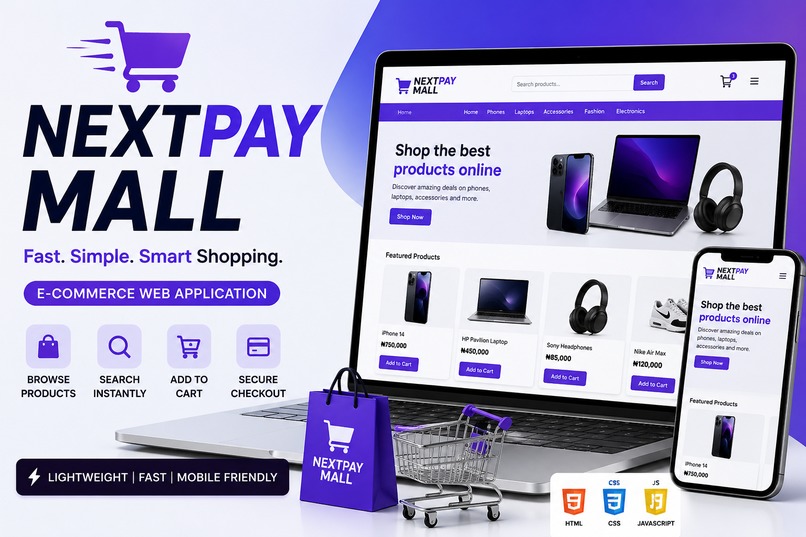
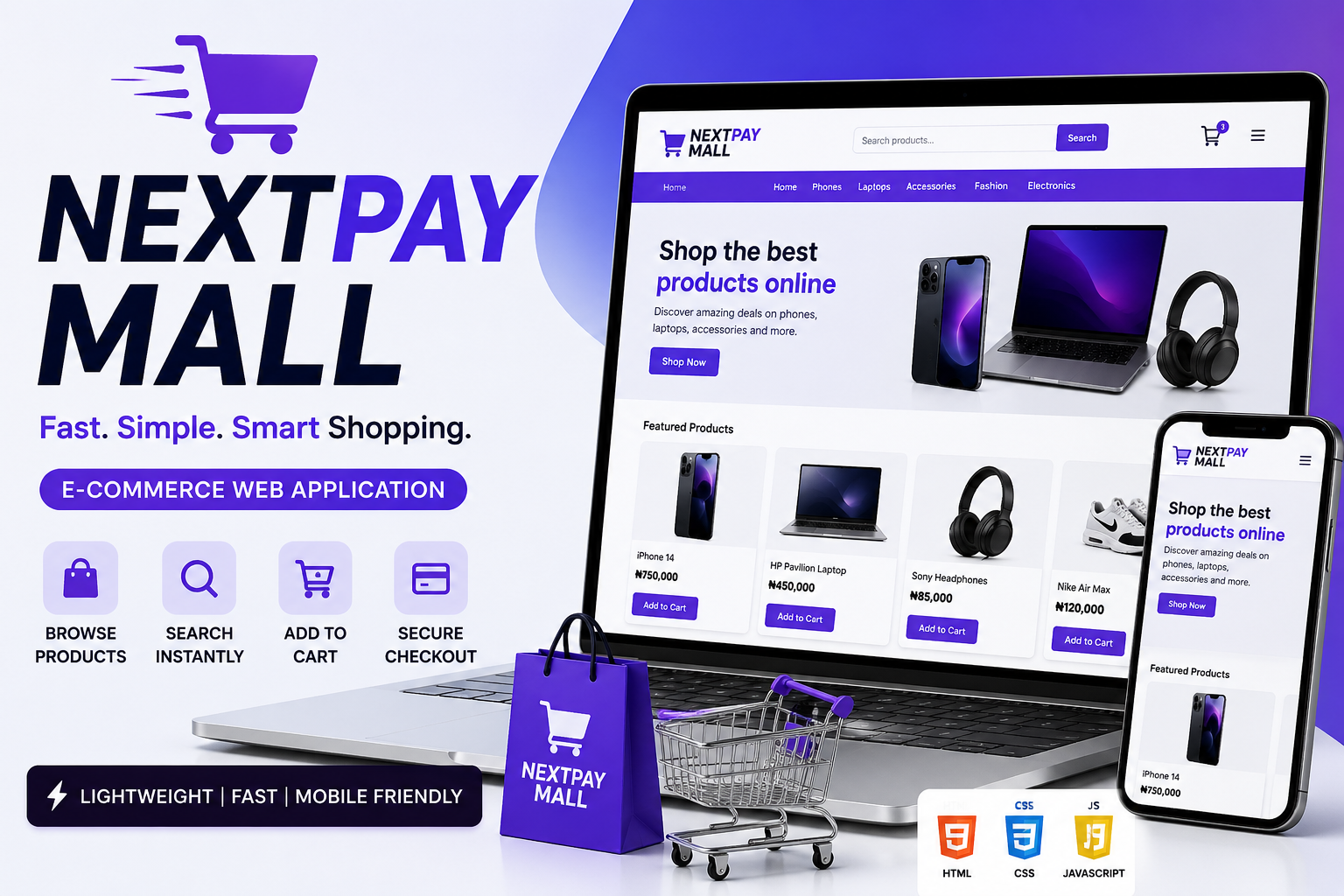
NextPay Mall is a lightweight e-commerce web application that allows users to browse products, search instantly, filter items by categories, add products to a shopping cart, view total price, and complete a simple checkout process. It is designed to work smoothly on both mobile and desktop devices with a fast and responsive interface.
How we built it
The project was built using: HTML for structure CSS for styling and responsive design JavaScript for functionality (cart, search, filtering) I used: A floating card UI design for a modern shopping experience A search system to filter products instantly A cart system with localStorage to store selected items A checkout feature to simulate order completion
Challenges we ran into
Some challenges I faced include: Making the cart system work smoothly with add/remove functionality Ensuring fast loading of product images Designing a clean UI that works well on both mobile and desktop screens Managing dynamic updates without a backend server I solved these by simplifying the logic and using efficient JavaScript methods like arrays and localStorage.
Accomplishments that we're proud of
We successfully built a fully functional shopping experience using only HTML, CSS, and JavaScript without a backend. We implemented a working cart system with add/remove features, real-time search filtering, category navigation, and a checkout flow. We are especially proud of the clean UI design, smooth user experience, and the use of localStorage to persist cart data even after page refresh.
What we learned
While building this project, I learned: How to design responsive user interfaces using HTML and CSS How to manage dynamic user interactions using JavaScript How to build a functional shopping cart system using arrays and localStorage How to implement search and category filtering for better user experience How to structure a real-world e-commerce application
What's next for nextpay-mall
In the future, we plan to improve NextPay Mall by adding real payment integration (such as Paystack or Stripe), user authentication (login and registration system), an admin dashboard for managing products, and a backend database for real-time product and order management. We also aim to scale it into a full-featured e-commerce platform that can support real businesses online.
Built With
- and-accessible-without-external-frameworks
- and-javascript-for-the-front-end.-it-uses-the-browser?s-localstorage-api-to-manage-cart-data-without-a-backend-and-is-deployed-using-github-pages.-the-project-runs-entirely-in-the-browser
- css
- databases
- fast
- github
- html
- javascript
- making-it-lightweight

