NextAgent - Your business AI agent
The bridge between your existing business tools and AI — without rebuilding anything.
The Problem
AI is the most transformative technology in a generation. But for most businesses, it can't touch the tools where actual work happens.

Only a tiny fraction of SaaS products — Slack, Shopify, Salesforce, Notion, Stripe — have official AI integrations. The rest? ERPs, admin panels, vendor portals, internal tools — completely disconnected from AI.
Where businesses actually spend their time
The AI industry focuses on tools that already have APIs. But that's not where the work is. The average mid-size company depends on 8-15 web-based tools daily, and the vast majority are closed systems with a browser UI as the only interface.
These aren't obscure tools. They're the backbone of daily operations:
- ERP systems — SAP, Oracle, or custom-built. Runs the entire supply chain. No public API.
- Internal admin panels — built by a contractor 5 years ago. No documentation. No one wants to touch the code.
- Vendor/supplier portals — login, check order status, create purchase orders. Each vendor has a different portal.
- Warehouse management (WMS) — inventory tracking, picking lists, shipping labels. Web interface only.
- Legacy CRMs — the sales team has used it for 8 years and refuses to migrate. Works fine, zero AI.
- Government compliance portals — tax filings, license renewals, regulatory reports. Form-based, manual.
- Accounting software — invoicing, reconciliation, payments. Locked behind a login with no API.
- Shipping platforms — tracking, label generation, dispatch. Different carrier, different portal.
- Industry vertical SaaS — healthcare, logistics, manufacturing tools built for a niche with no AI roadmap.
All have web UIs. All make HTTP API calls under the hood. None are accessible to AI. This is where NextAgent operates.
The daily reality: copy-paste across 8 browser tabs
A typical operations team member performs the same cross-system workflows every day. Each step is manual — log in, navigate, copy a value, switch tabs, paste it, click submit, wait, repeat.
 This isn't one workflow. It's dozens, every day:
| Workflow | Systems involved | Manual time | With NextAgent |
|---|---|---|---|
| Inventory check & reorder | WMS → ERP → Vendor portal → Storefront | 40 min/day | 30 seconds |
| Order reconciliation | Shopify → Warehouse → Accounting | 35 min/day | 30 seconds |
| Returns processing | CRM → Carrier portal → Inventory → Refund | 15-20 min per return | 1 minute |
| Vendor price updates | Email → Vendor portal → ERP → Storefront | 2-3 hours when it happens | 1 minute |
| Customer data sync | Website → CRM → Shipping → Accounting | 10 min per customer | 30 seconds |
| Compliance reporting | 3 systems → Government portal → File | 4+ hours monthly | 30 seconds |
The cost of doing nothing
These aren't edge cases — they're the core of daily operations. When you add them up across a team, the numbers are staggering.
| Metric | Value |
|---|---|
| Wasted time per employee | 520 hrs/year (2 hrs/day × 260 working days) |
| Copy-paste error rate | 3-5% — wrong SKU, wrong price, missed order |
| Team of 5 total waste | 2,600 hrs/year — a full-time employee doing nothing but data transfer |
| Opportunity cost | Staff doing manual data entry instead of customer service, strategy, growth |
The three paths to AI-powered operations and why two of them fail

Path 1: Custom API integration — reverse-engineer each tool's API, build a middleware layer, handle auth and edge cases, write tests, maintain it when the tool updates. Cost: $15-30K per tool, 4-8 weeks engineering. For 10 tools, that's $150-300K and 6-12 months before AI works. Too slow, too expensive.
Path 2: Screenshot-based agents (Anthropic Computer Use, OpenAI Operator, etc.) — the AI looks at screenshots and simulates mouse clicks. Sounds magical, but it's 8-15 seconds per action, costs $0.02-0.04 per action in vision tokens, and breaks when the UI changes, shows a CAPTCHA, or renders a loading spinner. Too slow, too brittle, too costly.
Path 3: NextAgent — record yourself using the tool for 5 minutes. NextAgent captures the HTTP calls the browser makes, reverse-engineers the API, and generates tool definitions the AI can call directly. Setup: 5 minutes per tool. Speed: 0.2-0.5 seconds per action. Cost: $0.003 per action. Fast, cheap, reliable.
The hidden insight: every web app already has an API
When you click "Submit Order" in your vendor portal, your browser doesn't send a click event to the server. It sends
POST /api/v2/orders { items: [...], shipping: "express" }. That HTTP call IS the API — it's just not documented, not public, and not designed for external use. NextAgent captures those calls and makes them usable.

What is NextAgent?
NextAgent is an AI agent platform that connects to the business tools your company already uses and makes them automatable by AI — without requiring any API documentation, developer access, or modifications to the existing tools.
Core idea: you show the AI how you use a tool by recording yourself, and the AI learns how to use it too.
How it works
The three-phase pipeline

Phase 1: Capture — "Show the AI what you do"
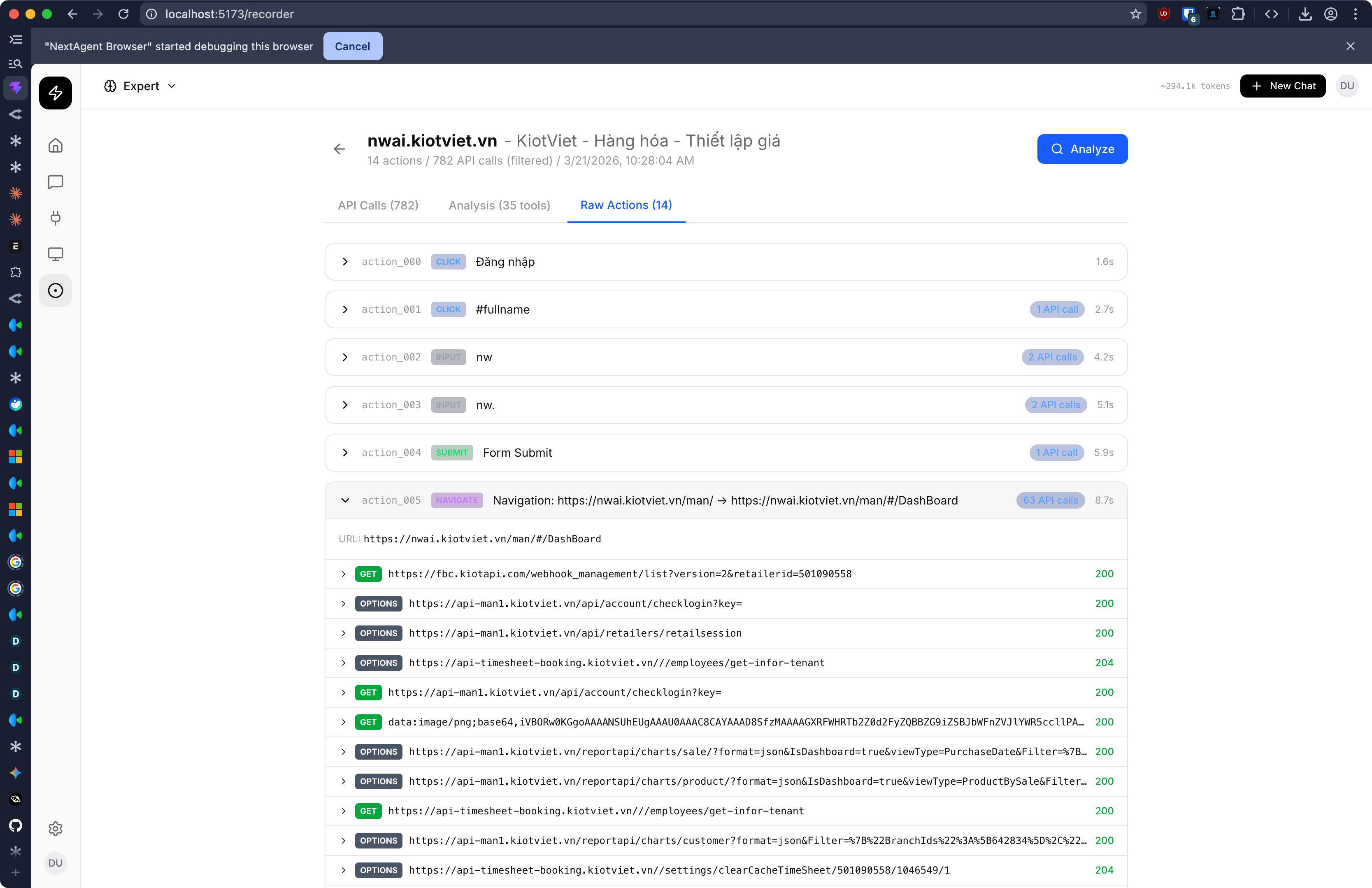
The user installs a Chrome extension and clicks "Record" before performing their workflow. While the user works normally, the extension captures three streams simultaneously:
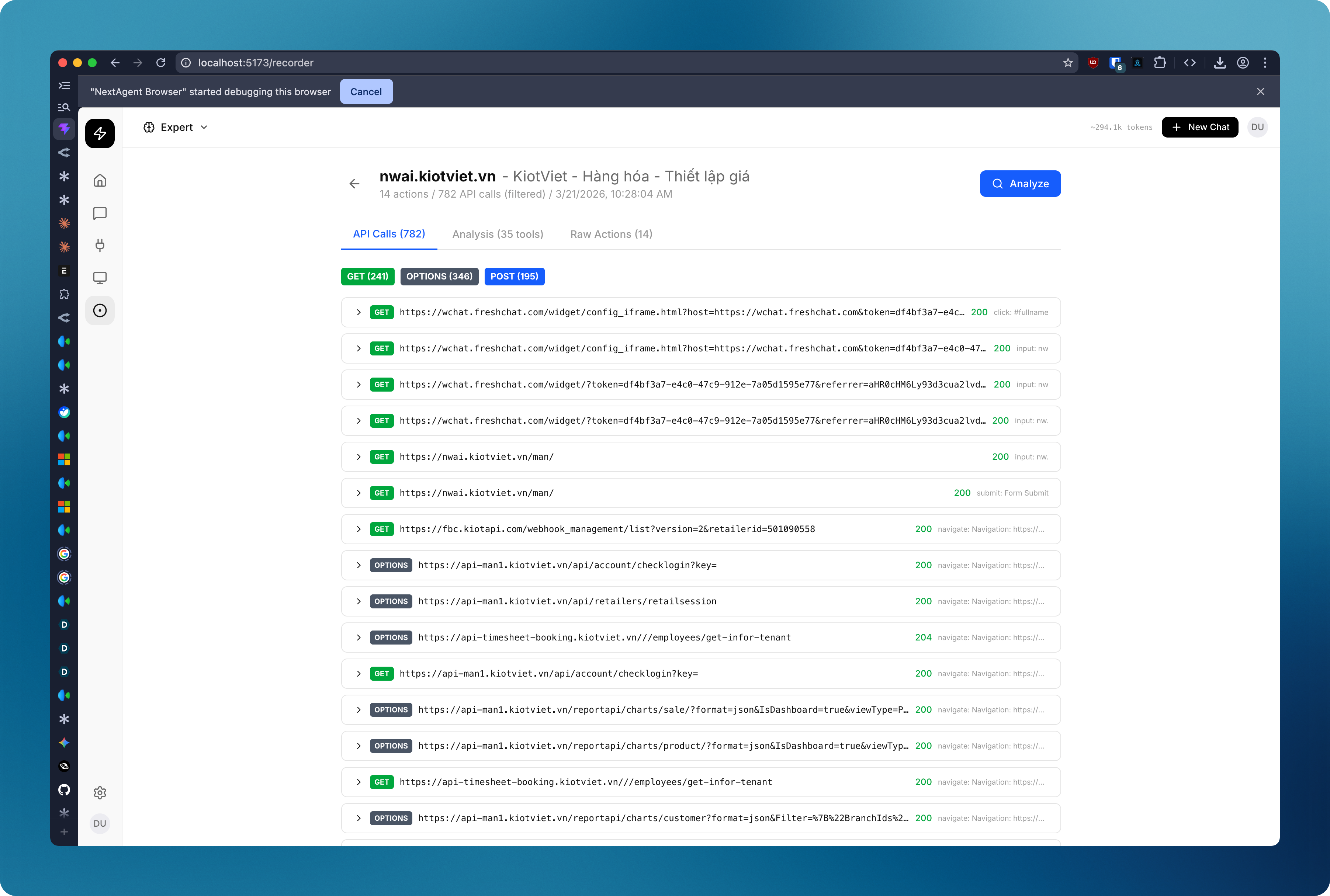
Network capture — every HTTP request the web application makes is intercepted via Chrome DevTools Protocol. The extension records the URL, method, headers, request body, response status, and response body. A multi-layer filter removes noise.
DOM event tracking — a content script listens for user interactions: clicks on buttons and links, form submissions, text input, and navigation events. For each interaction, it captures a CSS selector path, the element's visible text, and the surrounding HTML context.
Screenshot capture — on each meaningful user action, the extension takes a JPEG screenshot (~30-50KB). This provides visual context for understanding complex UIs.
These three streams are correlated by timestamp. A click at t=1200ms is linked to the API call that fires at t=1350ms.
The noise problem — and how we solve it
A single page load fires 200+ HTTP requests. Most are CSS, images, tracking pixels, and CDN fetches. NextAgent's multi-stage filter keeps only the real API calls.

| Filter stage | What it removes | Cumulative reduction |
|---|---|---|
| Content-type gate | Images, CSS, fonts, HTML pages | ~60% removed |
| Origin + URL pattern | Analytics, ads, CDN, third-party scripts | ~80% removed |
| Dedup + throttle | Polling, heartbeats, duplicate requests | ~90% removed |
| Result | 15-25 clean API calls per session |
Phase 2: Learn — "The AI figures out the API"

The recorded session is sent to Claude for analysis. The LLM receives the structured action data and performs:
- Endpoint normalization —
/api/users/482and/api/users/1057→GET /api/users/{id} - Schema inference — infers parameter types, required fields, enums, and defaults from samples
- Auth detection — identifies Bearer tokens, API keys, cookies, CSRF tokens from request headers
- Intent mapping — "user clicked Submit Order" → "Place a new order with line items"
- Workflow discovery — sequential actions grouped into multi-step workflows with data flow
- Merge on re-recording — new discoveries merged into existing profiles, not duplicated
The output is a site profile — a JSON document with tool definitions in JSON Schema format, ready for MCP.
Phase 3: Use — "The AI can now automate it"
The site profile's tools are served as a local MCP (Model Context Protocol) server. When a user chats, the AI sees the discovered tools alongside built-in tools and can call them directly.
When the AI calls search_products({ query: "wireless keyboard", in_stock: true }), the local MCP server resolves the endpoint, applies auth, makes the HTTP call, and returns the result — all in 200-500ms.

Why API-level beats screenshot-level
Products like browser automation agents take a different approach: they look at screenshots and simulate mouse clicks. NextAgent's API-level approach is fundamentally superior.

Screenshot analysis requires sending high-resolution images to a vision model for every step. API-level automation sends only structured text. The gap compounds at scale.
Full comparison
| Failure scenario | Screenshot agent | NextAgent (API) |
|---|---|---|
| Website redesign | Breaks — buttons moved | Unaffected — API unchanged |
| A/B test variant | May see different layout | Unaffected |
| Loading spinner | Must wait and retry | Instant API response |
| Pop-up / cookie banner | Gets confused | Unaffected |
| Anti-bot / CAPTCHA | Blocked entirely | Normal API traffic |
| Scale to 100 parallel | 100 browser instances needed | 100 HTTP calls (trivial) |
The design principle: Use vision to learn, use APIs to execute. NextAgent uses screenshots during exploration and recording (to understand the UI), but all execution happens at the API level — fast, cheap, and reliable.
Autonomous exploration
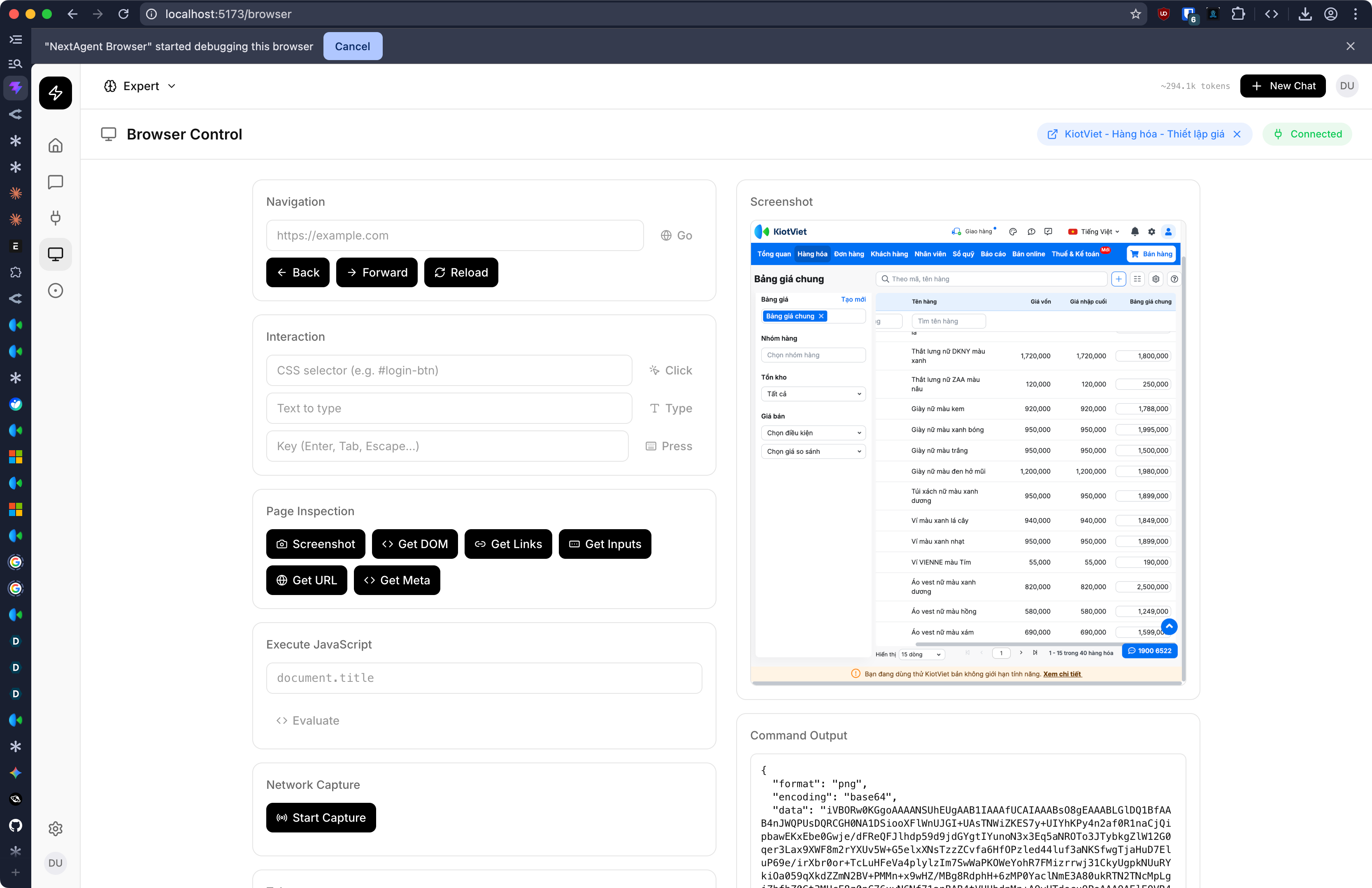
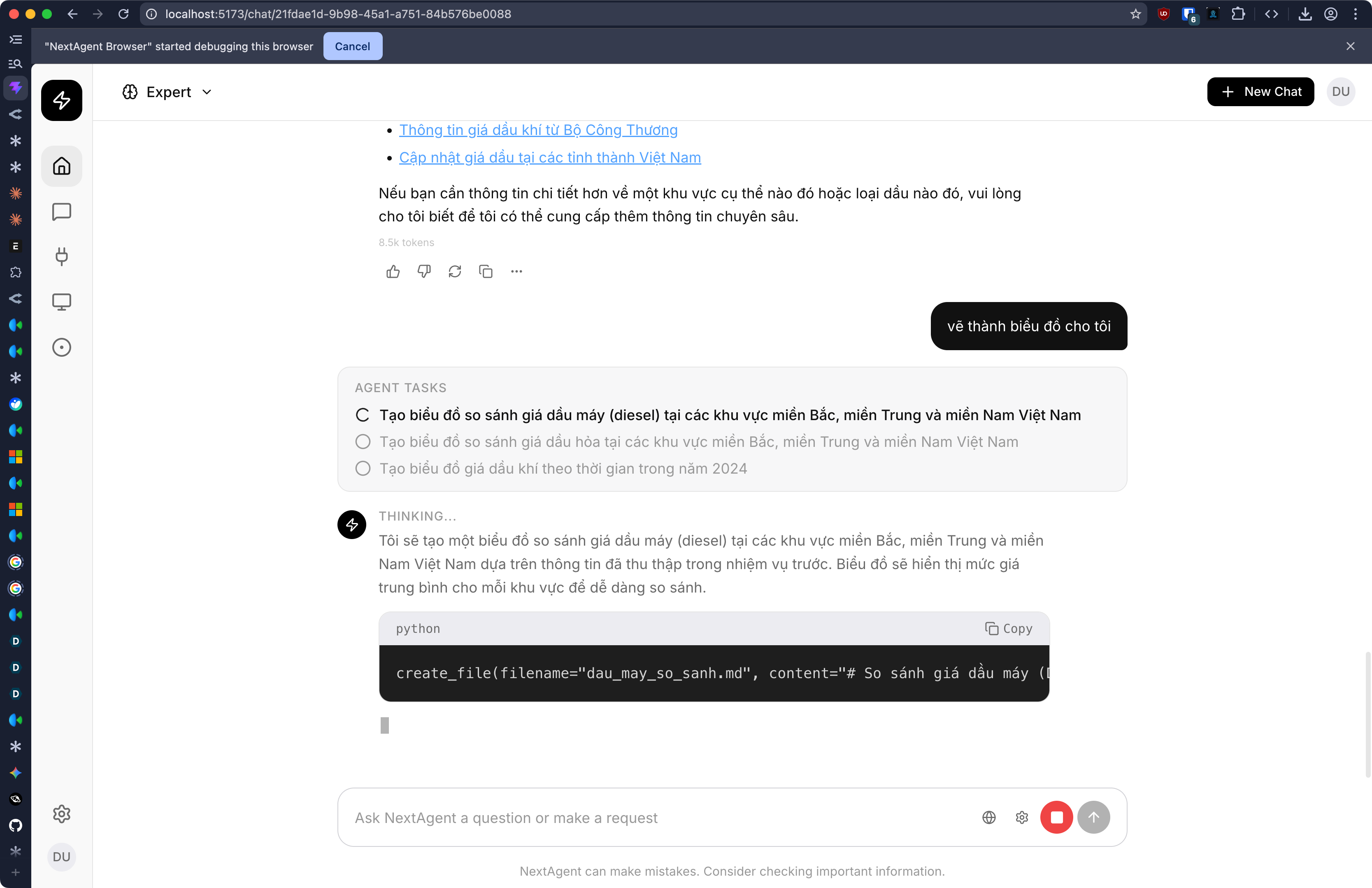
Beyond recording, NextAgent supports autonomous browser exploration. The user asks: "Find all product categories on nike.com" — and the AI agent:
- Opens a new browser tab to the URL
- Takes a screenshot and analyzes the page visually
- Extracts the navigation menu structure
- Hovers over each menu item to reveal dropdowns
- Screenshots each expanded state to read contents
- Compiles a structured list of everything found
- Closes the tab and returns results
The AI sees the page as a human would, reasons about what to explore next, and systematically extracts information — useful for competitive research, catalogue mapping, site auditing, and reconnaissance before recording.
A concrete example
A mid-size e-commerce company uses 8 web-based tools daily: Shopify admin, warehouse WMS, shipping portal, accounting software, customer support tool, analytics dashboard, vendor portal, and returns management.
Before NextAgent: 5 operations staff spend 2 hours/day each on cross-system manual workflows.
After NextAgent: Same workflows completed via natural language in minutes.
Annual cost to automate 8 business tools
| Approach | Annual cost | Time to deploy | Reliability |
|---|---|---|---|
| Manual labor (status quo) | $78,000/year | N/A | Human error rate 3-5% |
| Custom API integrations | $35,000/year | 6-12 months | High, but costly to maintain |
| Screenshot agents | $14,000/year | 1-2 weeks | Brittle — breaks on UI changes |
| NextAgent | $4,000/year | 1 day | API-level — immune to UI changes |
ROI calculation
| Factor | Value |
|---|---|
| Labor saved | 2 hrs/day × 5 staff × 260 days × $30/hr = $78,000/year |
| NextAgent cost | LLM tokens ~$200/month + infrastructure = $4,000/year |
| Net savings | $74,000/year |
| ROI | 20x in the first year |
Architecture

Technology
| Component | Technology | Purpose |
|---|---|---|
| Backend | NestJS + TypeScript | API server, chat streaming, tool execution |
| Frontend | React + Vite + Tailwind | Chat UI, browser control, recorder management |
| Database | PostgreSQL 16 | Conversations, tools, site profiles, recordings |
| Cache | Redis 7 | Streaming checkpoints, model cache |
| Auth | Keycloak 24 | JWT-based authentication |
| LLM | Claude Sonnet 4 via OpenRouter | Chat, tool calling, recording analysis |
| Extension | Chrome Manifest V3 | Network capture, DOM tracking, browser automation |
| Protocol | Model Context Protocol (MCP) | Tool interoperability standard |
Roadmap
Delivered (current codebase)
- Real-time streaming chat with tool execution
- Remote browser control via Chrome extension (25+ CDP commands)
- Agent task decomposition with multi-step planning
- File operations, web search, code execution tools
- External MCP server integration
- Network interception and footprint tracking
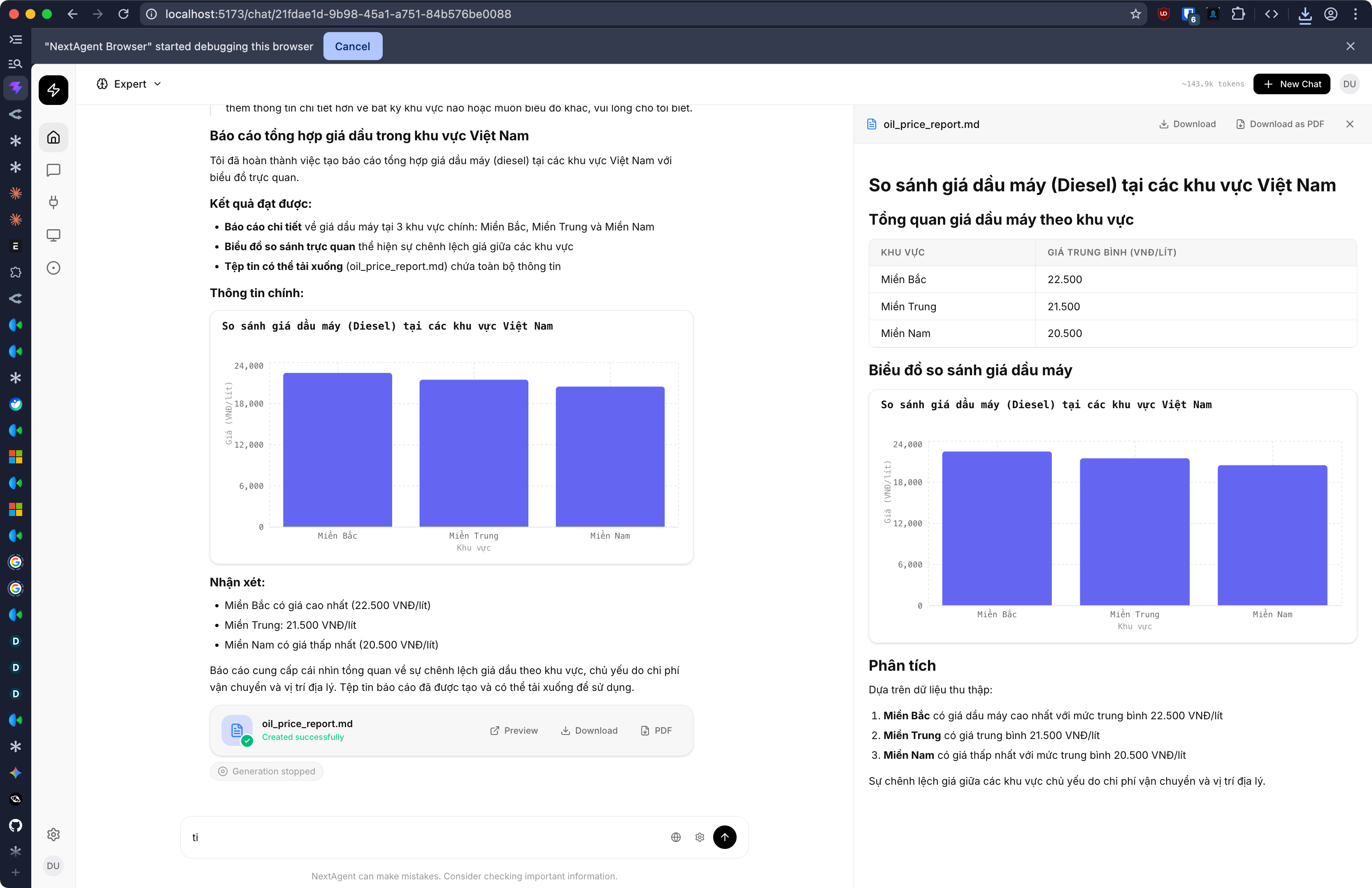
- PDF generation, chart rendering, interactive UI blocks
- BYOK (Bring Your Own API Key) support
- Long-term memory system
In development
- API Recording Engine — enhanced capture with screenshot + network + DOM correlation
- API Discovery Service — LLM-powered analysis of recordings into tool definitions
- Local MCP Server — serve discovered tools through the existing MCP pipeline
- Autonomous Browser Exploration — AI-driven site navigation with vision
- Recording merge — multiple sessions enriching the same site profile
Future
- Scheduled automation — recurring workflows on cron
- Multi-user tool sharing — team-wide discovered tool libraries
- Visual workflow builder — drag-and-drop composition of discovered tools
- Webhook triggers — start automations from external events
- OAuth flow handling — automatic token refresh for discovered APIs
- Mobile app support — extend beyond Chrome
- On-premise deployment — Docker-based self-hosted for security-sensitive industries
How to evaluate the impact
Before NextAgent
A staff member spends 2-3 hours daily on cross-system tasks: checking inventory in the WMS, creating purchase orders in the vendor portal, updating stock in Shopify, filing shipping requests, reconciling orders. Each task involves logging into a system, navigating to the right page, copying data, switching tabs, and pasting.
After NextAgent
The same staff member records each workflow once (30 minutes total). Now they say:
- "Check which products are below reorder point and create purchase orders"
- "Reconcile today's shipped orders between Shopify and the warehouse"
- "Find all returns from last week and update inventory accordingly"
Each previously took 20-40 minutes. With NextAgent: 30-60 seconds.
NextAgent because the fastest path to AI-powered operations isn't rebuilding your tools. It's teaching AI to use the ones you already have.
Built With
- ai
- nextjs
- openrouter


Log in or sign up for Devpost to join the conversation.