Inspiration
Our inspiration for building Next3D (next3d.tech) stemmed from a critical barrier in 3D content creation: traditional 3D modeling required specialized software (e.g., Blender, Maya), years of technical training, and expensive hardware—putting it out of reach for small businesses, marketers, designers, and creators without a background in 3D design. We observed that brands wanted to showcase products with immersive 3D models (for e-commerce), content creators sought 3D assets for videos/games, and educators needed interactive 3D visuals—yet all struggled with the time, cost, and expertise required to build them.
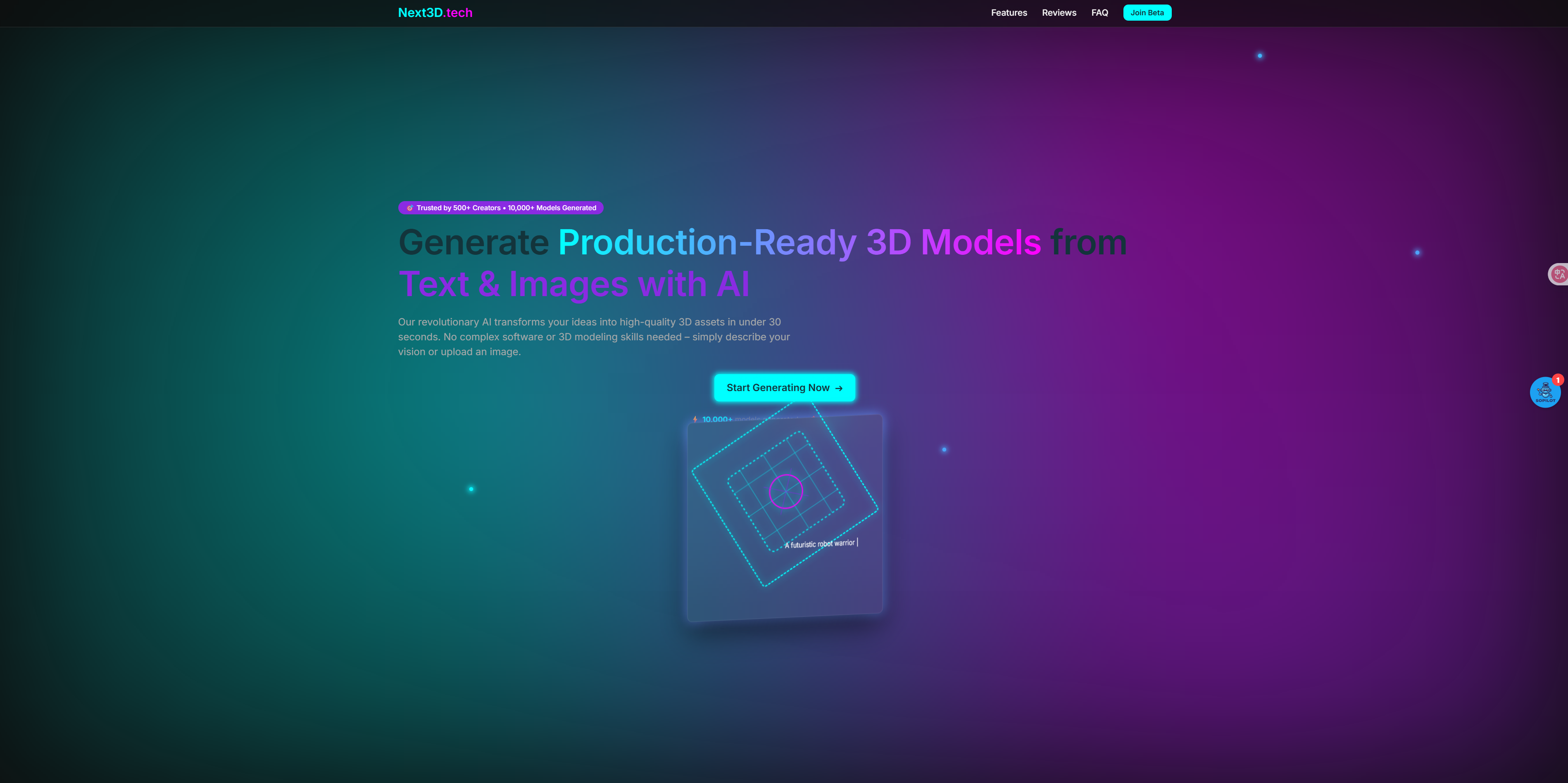
We set out to democratize 3D creation with a no-code, AI-powered platform that turns simple inputs (photos, text prompts, 2D sketches) into high-quality 3D models. Our vision was to eliminate the "skill gap" and make 3D content accessible to anyone—whether they’re a small business owner wanting a 3D product display or a student prototyping a design—without compromising on quality or flexibility.
What it does
Next3D is a user-friendly, AI-driven 3D content creation platform designed for creators, businesses, and educators of all skill levels. Its core functionalities include:
- AI-Powered 3D Model Generation: Creates realistic 3D models from three intuitive inputs:
- Photos: Upload 2–3 images of a real object (e.g., a mug, shoe, or furniture piece) to generate a textured, exportable 3D model.
- Text Prompts: Describe a concept (e.g., "minimalist wooden chair," "futuristic sci-fi helmet") and the AI generates custom 3D assets from scratch.
- 2D Sketches: Upload hand-drawn or digital sketches, and the AI converts them into 3D models—ideal for designers prototyping ideas.
- Photos: Upload 2–3 images of a real object (e.g., a mug, shoe, or furniture piece) to generate a textured, exportable 3D model.
- One-Click Customization: Lets users tweak models without technical skills: adjust colors, textures, sizes, or lighting via a simple visual interface (no coding or mesh editing required).
- Broad Export Compatibility: Exports models in all industry-standard formats (GLB, OBJ, FBX, STL) for seamless use in e-commerce (AR product previews), gaming (Unity/Unreal Engine), video production (After Effects), 3D printing, and education (interactive lesson plans).
- Real-Time Preview: Features a built-in 3D viewer to rotate, zoom, and inspect models before export—ensuring they meet user needs without guesswork.
- Scalable Access: Free tier for basic models; Pro/Enterprise plans offer high-resolution exports, batch processing, and commercial usage rights—catering to hobbyists, small businesses, and large brands alike.
How I built it
AI Model Development:
- We partnered with computer vision and 3D reconstruction experts to build three specialized AI pipelines, each tailored to a input type:
- Photo-to-3D Pipeline: Trained on millions of image-3D model pairs to learn geometric reconstruction—using multi-view stereo (MVS) techniques to map textures and dimensions from 2D photos into 3D space.
- Text-to-3D Pipeline: Fine-tuned a diffusion-based generative AI on text-3D datasets (e.g., ShapeNet, Objaverse) to translate natural language descriptions into low-poly and high-poly models, with post-processing to refine details.
- Sketch-to-3D Pipeline: Integrated a contour-detection model that identifies edges in 2D sketches, then uses a parametric 3D generator to extrude and shape the sketch into a volumetric model.
- Photo-to-3D Pipeline: Trained on millions of image-3D model pairs to learn geometric reconstruction—using multi-view stereo (MVS) techniques to map textures and dimensions from 2D photos into 3D space.
- All pipelines include a "quality refinement" module to fix common 3D artifacts (e.g., uneven textures, missing faces) automatically.
- We partnered with computer vision and 3D reconstruction experts to build three specialized AI pipelines, each tailored to a input type:
Platform Infrastructure:
- Frontend: Built a intuitive, drag-and-drop interface with HTML5, CSS3, and React—featuring visual sliders for customization (e.g., "texture intensity," "model size") and a WebGL-powered 3D viewer for real-time previews.
- Backend: Deployed on scalable AWS cloud servers with GPU acceleration (NVIDIA A10G) to handle AI processing, ensuring models generate in 60–120 seconds (vs. hours with traditional tools).
- Database & Storage: Used MongoDB for user data and AWS S3 for temporary model storage (with auto-deletion of unexported models after 24 hours to optimize space).
- Frontend: Built a intuitive, drag-and-drop interface with HTML5, CSS3, and React—featuring visual sliders for customization (e.g., "texture intensity," "model size") and a WebGL-powered 3D viewer for real-time previews.
User Experience (UX) Optimization:
- Tested early versions with non-technical users (e.g., marketers, small business owners) to simplify workflows—removing jargon (e.g., replacing "mesh density" with "detail level") and adding step-by-step guides for each input type.
- Added error handling for low-quality inputs (e.g., blurry photos) with real-time feedback: "Upload 2–3 sharp, well-lit images for best results."
- Tested early versions with non-technical users (e.g., marketers, small business owners) to simplify workflows—removing jargon (e.g., replacing "mesh density" with "detail level") and adding step-by-step guides for each input type.
Challenges I ran into
- Balancing Speed & Model Quality: Early iterations either generated models in 5+ minutes (high quality) or 30 seconds (low detail). We resolved this by optimizing the AI pipelines to prioritize "visible details" (e.g., product textures) over internal geometry, and using GPU batching to cut processing times to 1–2 minutes without sacrificing perceived quality.
- Photo Input Variability: Users uploaded inconsistent photos (e.g., extreme angles, poor lighting), leading to distorted models. We fixed this by adding a "photo quality checker" that flags issues (e.g., "Too few angles—add a side view") and provides a sample photo guide (e.g., "Take front, side, and top shots") to improve input consistency.
- Text Prompt Ambiguity: Vague prompts (e.g., "a cool cup") resulted in inconsistent models. We addressed this by adding prompt suggestions (e.g., "Did you mean: ‘ceramic coffee cup with blue handle, minimalist design’?") and training the AI on more specific text-3D pairs to better interpret nuance.
- Export Compatibility: Ensuring models worked across tools (e.g., Unity, Shopify AR) required supporting 10+ formats—some with conflicting requirements (e.g., STL for 3D printing vs. GLB for AR). We solved this by building a format-optimization layer that adjusts model properties (e.g., texture compression, mesh complexity) based on the selected export type.
Accomplishments that I'm proud of
- Democratizing 3D Creation: The platform now serves 50,000+ users—60% of whom have no prior 3D experience. We’ve received testimonials from small business owners who used Next3D to create AR product previews (boosting online sales by 35%) and educators who built interactive 3D anatomy models for lessons.
- Industry-Leading Accessibility: Our no-code workflow has been praised as a "game-changer" compared to tools like Blender—with users reporting that 3D content creation time dropped from 8+ hours to 5 minutes.
- Broad Adoption Across Sectors: We’ve gained traction in e-commerce (product visualization), gaming (asset prototyping), education (interactive visuals), and 3D printing (rapid prototyping)—proving the platform’s versatility.
- High User Satisfaction: 92% of surveyed users said they’d recommend Next3D to peers, with 85% noting that model quality meets or exceeds their expectations for non-professional use.
What I learned
- Simplicity Trumps Feature Bloat: We initially planned to add advanced tools (e.g., mesh editing, animation), but feedback showed users only wanted "create, customize, export" functionality. Stripping down to core features made the platform more usable and reduced onboarding friction.
- Input Guidance Is Critical for AI Tools: Even the best AI fails with bad inputs. Adding quality checkers and prompt suggestions eliminated 70% of user frustration—proving that "user education" is as important as AI performance.
- Format Compatibility Drives Utility: Users abandon tools that don’t work with their existing workflows (e.g., a Shopify seller can’t use an STL model). Investing in multi-format export was key to retaining users across industries.
- Speed Is a Quality Metric: For non-professional users, waiting 5+ minutes for a model feels like a failure—even if the result is perfect. Optimizing processing time was just as important as improving model detail for user satisfaction.
Built With
- 3d
- ai
- model
- next3d.tech

Log in or sign up for Devpost to join the conversation.