Inspiration
Many to-do apps show the whole list and ask users to organise it before they can start. When someone is behind, that wall of tasks is the problem: choosing where to begin costs more energy than the task itself, and items like "finish history essay" are too vague to start. Research on executive function and task initiation describes the same freeze, and it is worse for anyone who also has to fight the interface (keyboard-only or screen-reader users, low vision, dyslexia). So the user Next Up is designed for is a tired student with too much on their plate who needs to know what to do in the next 10 minutes, and nothing else.
What it does
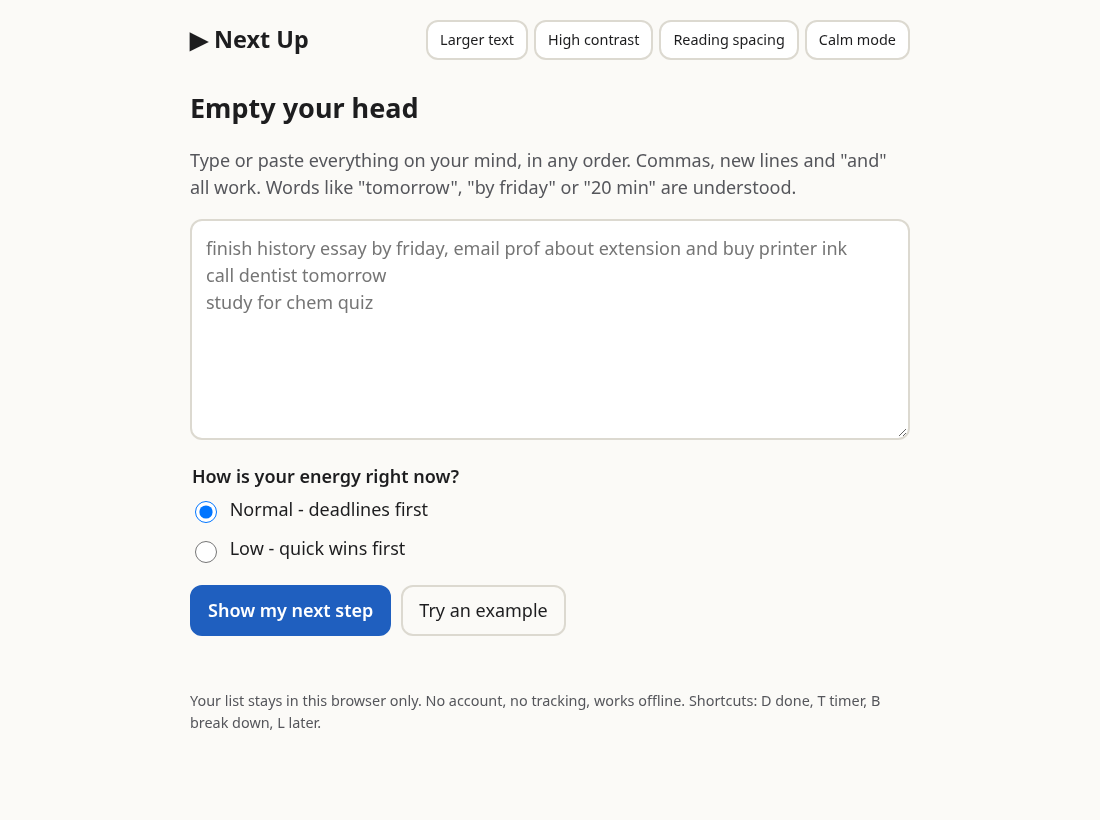
- Brain dump in plain language: type everything in any order. It splits on new lines, commas and "and", and understands "tomorrow", "by friday", "in 3 days", "11/2", "20 min", "2h" and "urgent".
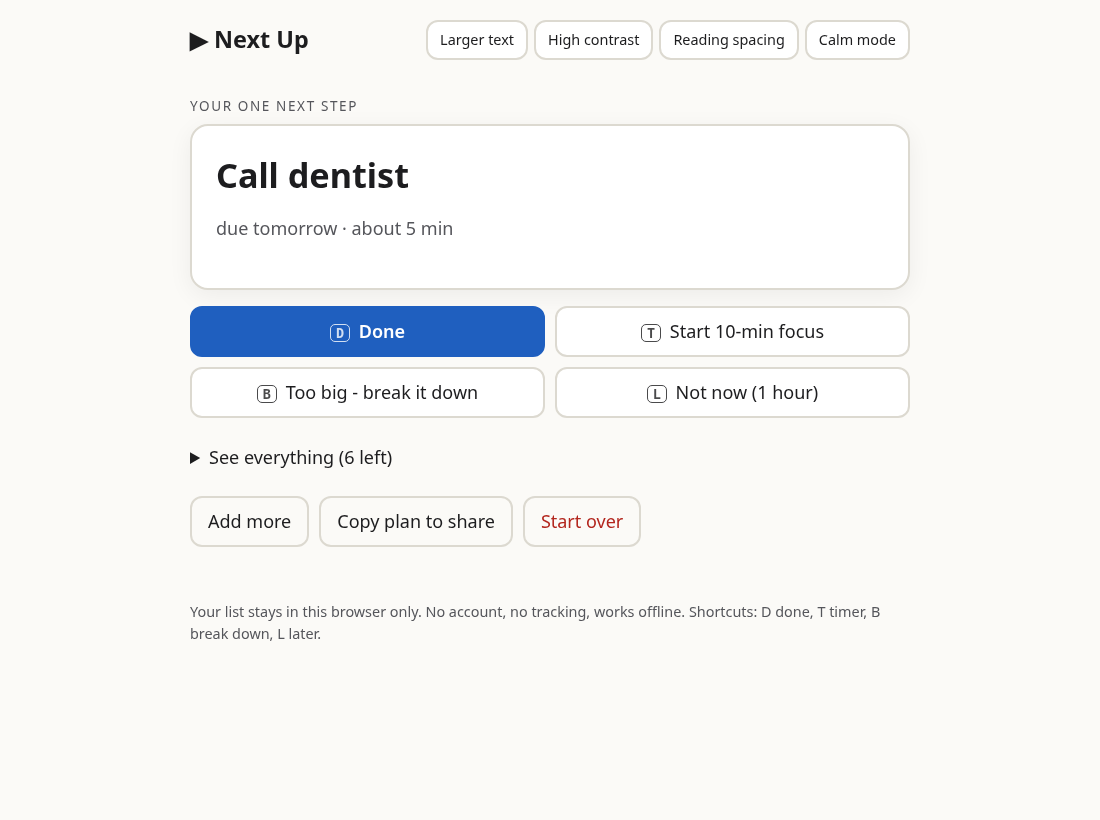
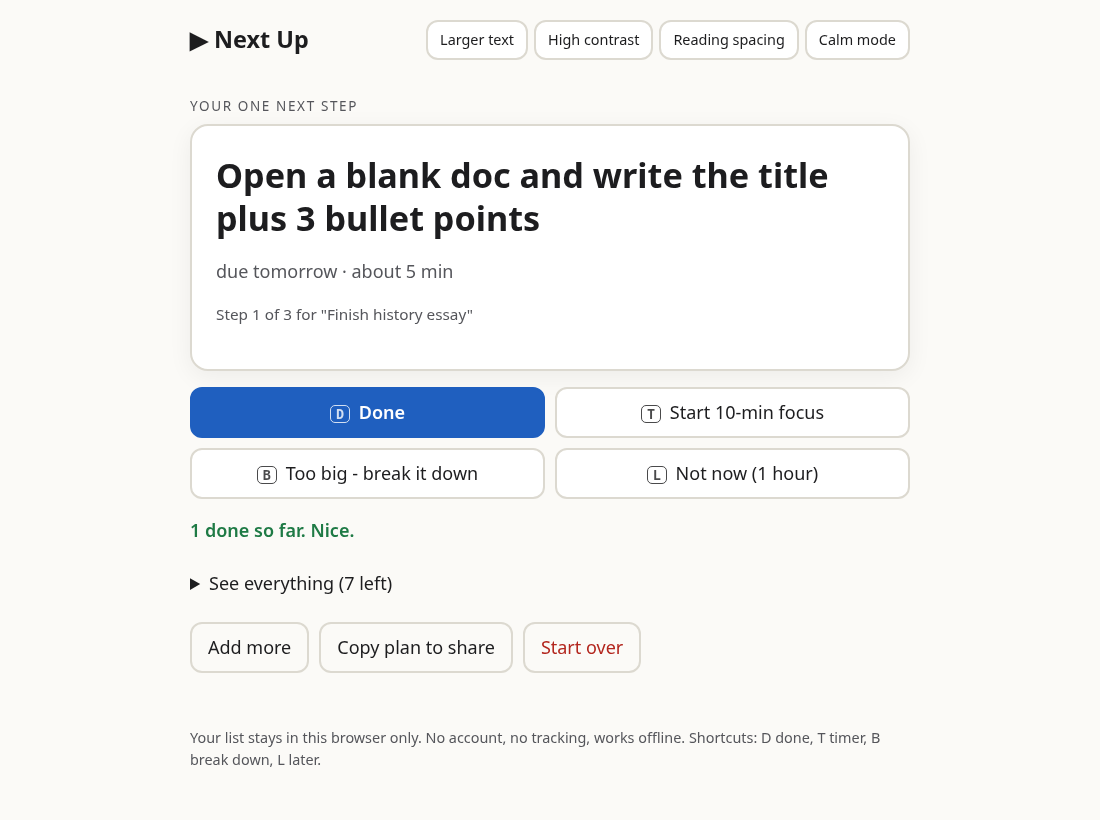
- Shows ONE step: the most pressing task from deadline, urgency and effort, with everything else folded away.
- Low-energy mode: quick wins (calls, emails, payments) first to build momentum.
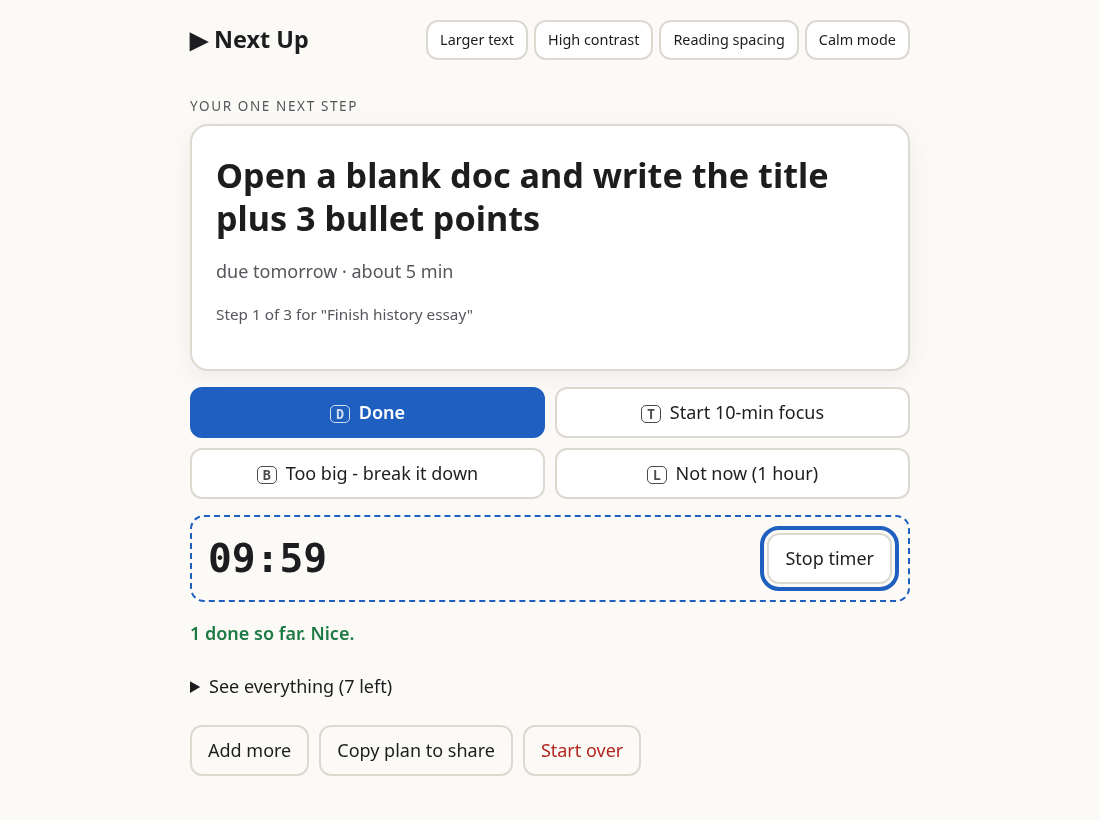
- Too big? Press B: a vague task becomes three tiny concrete steps ("Open a blank doc and write the title plus 3 bullet points"), and those come first.
- 10-minute focus timer that announces "5 minutes left" and "time is up" to screen readers, with an optional chime and vibration.
- Not now: parks a task for an hour.
- Copy plan to share: a plain-text plan to send a teacher, parent, coach or teammate (the "confusing handoff" problem).
Accessibility
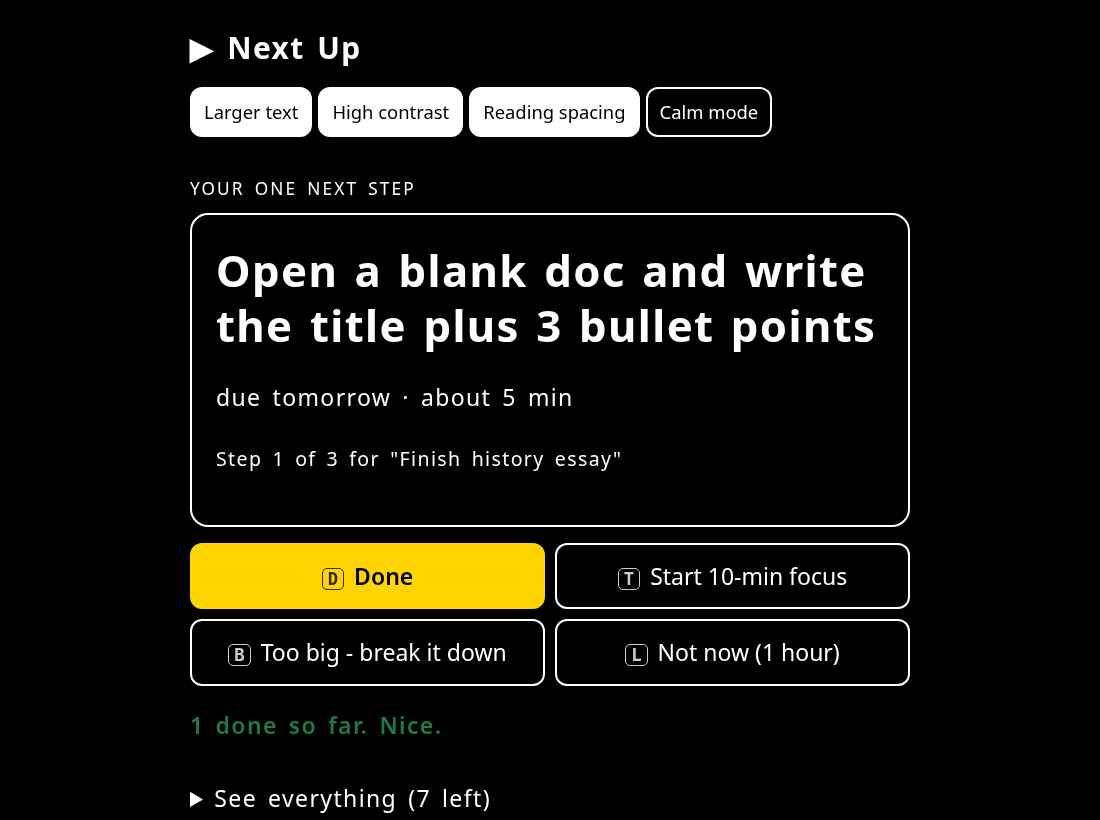
Fully keyboard operable (D done, T timer, B break down, L later, skip link, visible focus). Focus moves to each new step and every change is announced through an aria-live region. Larger text, high contrast, reading spacing for dyslexia, calm mode (no sound or animation); respects reduced-motion and dark mode. 44px touch targets. No account, no network calls, no tracking; data stays in the browser and works offline.
How it was built
Plain HTML, CSS and ES modules with no dependencies or build step. All parsing, prioritising and break-down logic lives in pure functions in src/logic.js, covered by 7 Node unit tests. A puppeteer + Chrome end-to-end script checks 14 behaviours, including live announcements, keyboard shortcuts, persistence across reloads, accessible names, touch-target size and zero console errors.
Challenges
Natural-language splitting without an AI service: "email prof and buy ink" must become two tasks, but "salt and pepper" must not. The app splits on "and" only before an action verb. Prioritising was the other: a pure deadline sort made low-energy evenings worse, so energy mode gives short tasks a strong boost.
Accomplishments
A to-do app that hides most of your to-do list, and works the same with a mouse, a keyboard or a screen reader.
What was learned
Accessibility is mostly about where focus goes and what gets announced, not colours. And breaking a task into a first physical action ("open a blank doc") matters more than any scheduling algorithm.
What's next
More break-down templates, Korean language parsing, and an optional calendar export.
Tools, credits and AI assistance
Built with AI coding assistance (code generation, tests, copy). No AI or external service runs inside the app. Puppeteer-core is used only for testing. All code is original and created during the event period (Oct 22, 2026). MIT licensed.
Demo video: https://github.com/777sun77/nextup/blob/master/docs/demo.mp4
Built With
- css3
- html5
- javascript
- localstorage
- node.js
- puppeteer
- service-worker
- web-audio-api

Log in or sign up for Devpost to join the conversation.