-
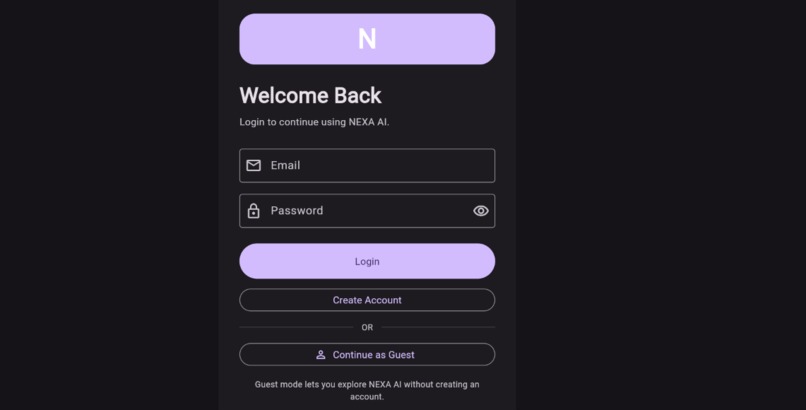
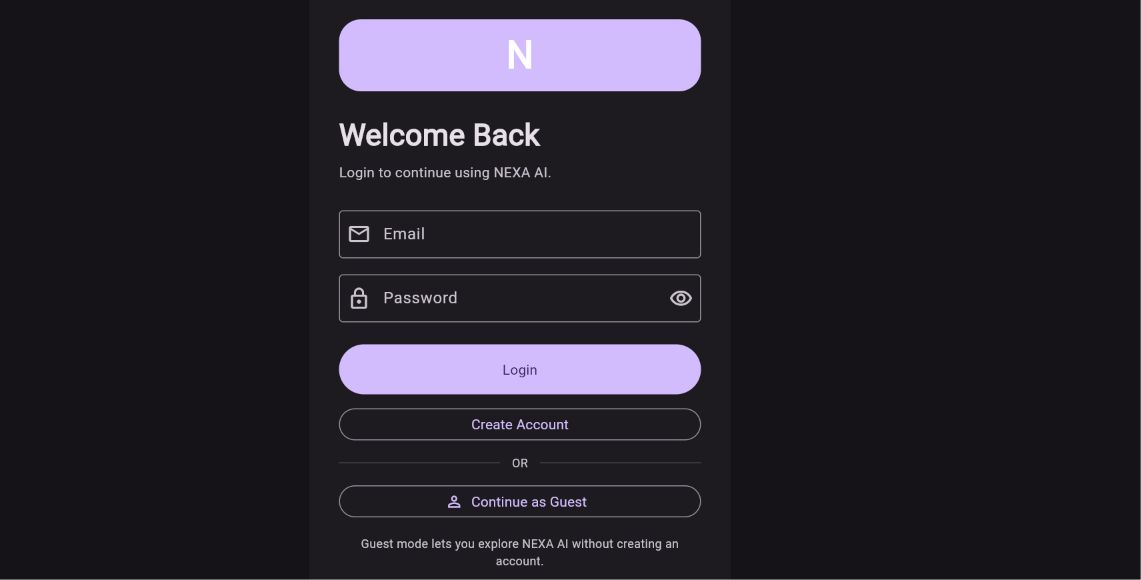
Secure & Simple Login — Your Personal NEXA Experience
-
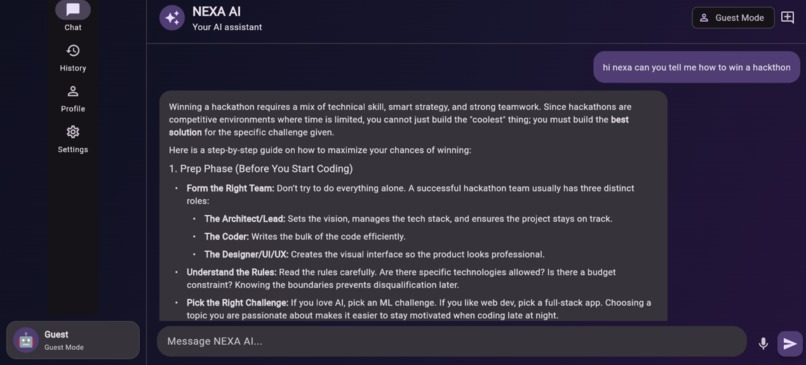
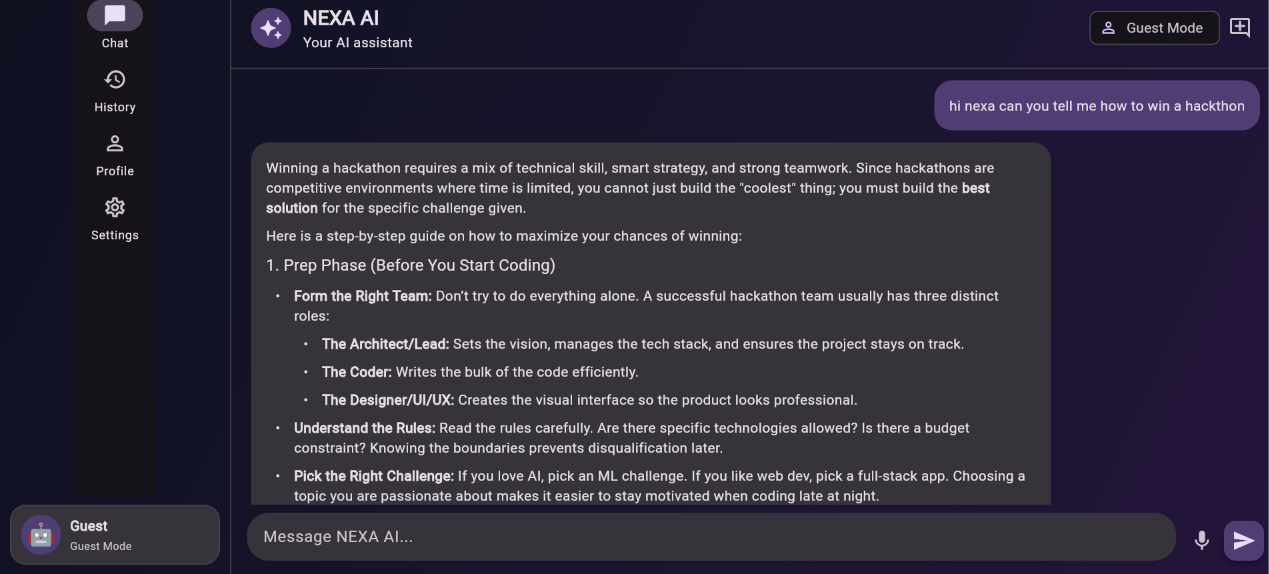
NEXA AI — Your Personalized AI Assistant
-
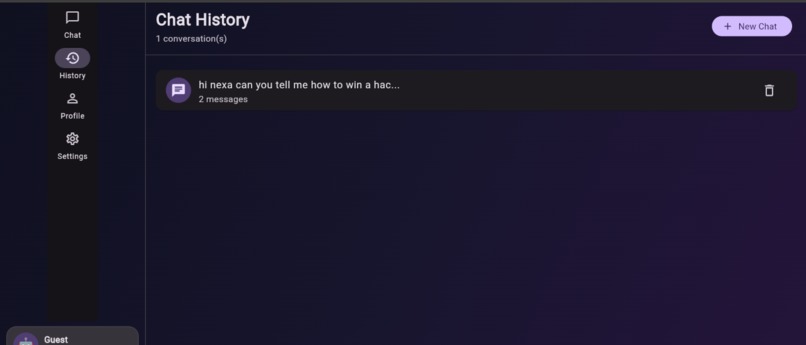
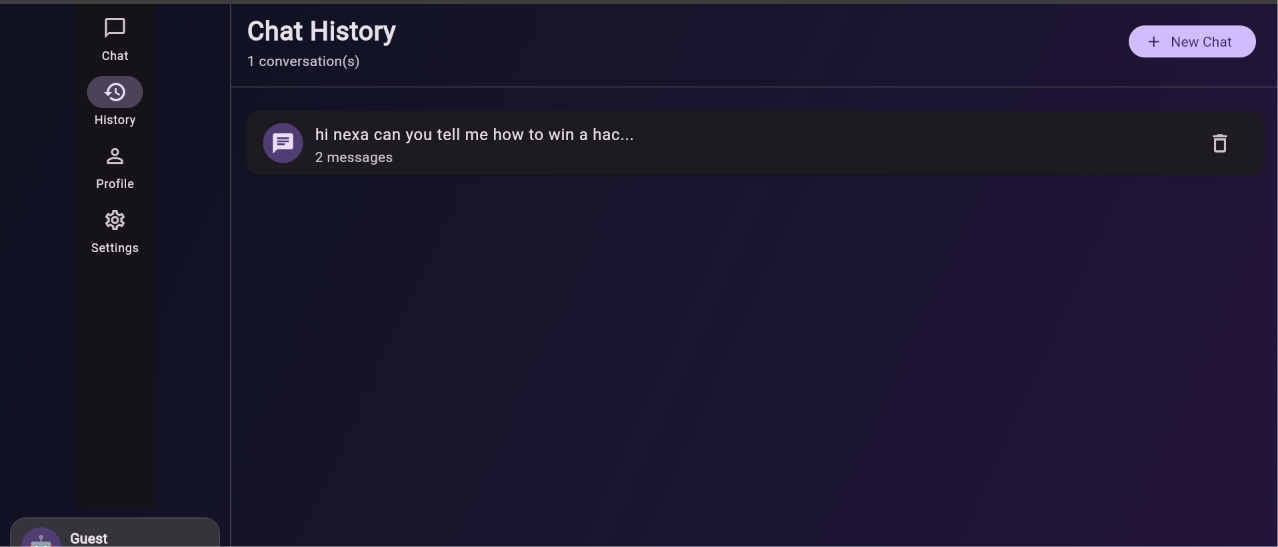
Conversation History — Keep Track of Your AI Conversations
-
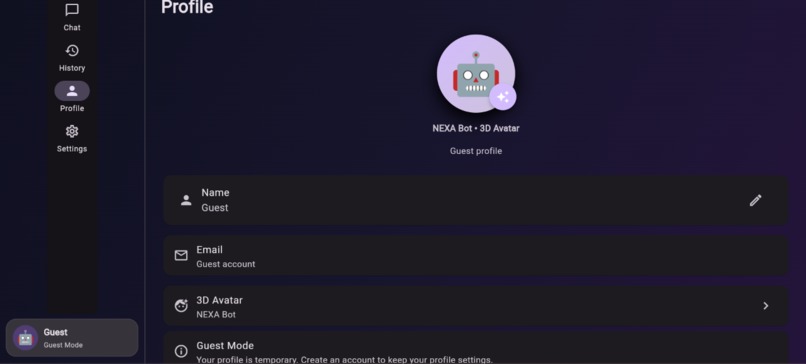
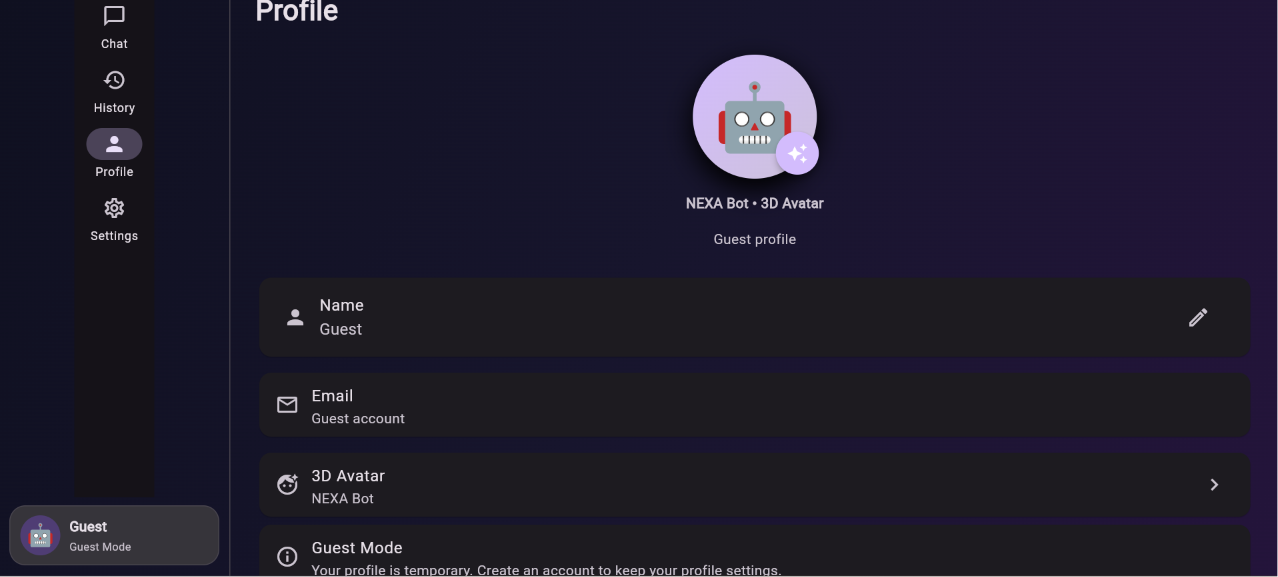
Personalized Profile — Make NEXA Your Own
-
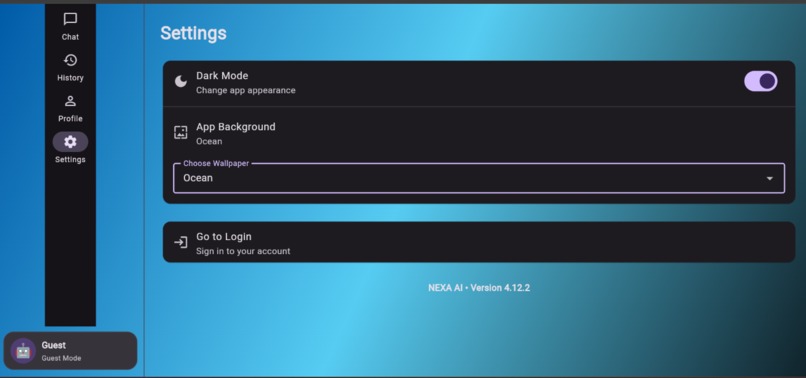
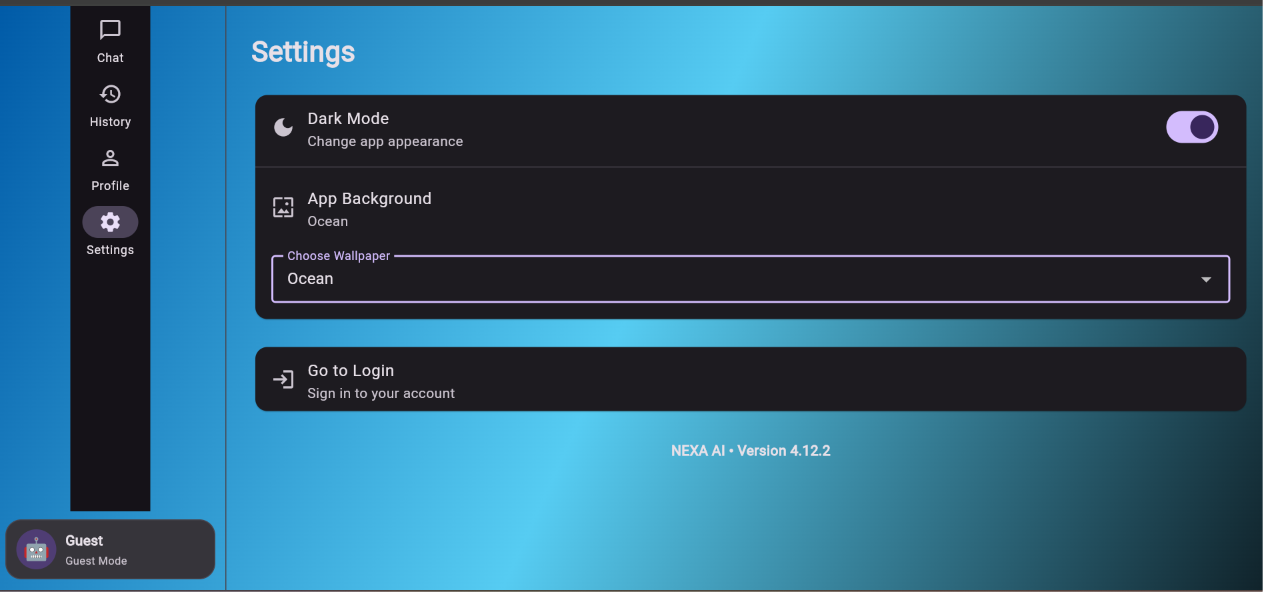
Personalization & Settings — Customize Your NEXA Experience
NEXA AI
NEXA is a personalized AI assistant designed to make interacting with AI more natural, accessible, and personal.
Instead of being limited to a traditional text-only chatbot, NEXA combines AI conversation, voice interaction, user profiles, conversation history, and personalization in a single application.
Why we built NEXA
AI assistants are becoming part of everyday life, but many chatbot experiences still feel like simple question-and-answer interfaces. We wanted to build something that feels more like a personal assistant while keeping the interface simple and easy to use.
NEXA was created to explore how conversational AI, voice interaction, and personalization can work together in one application.
What NEXA can do
- 💬 AI-powered conversations
- 🎤 Speech-to-text voice input
- 🔊 Text-to-speech responses
- 🔁 Replay AI responses without asking the question again
- 📚 Conversation history
- 🔐 User authentication
- 👤 Personalized user profiles
- 🖼️ Profile picture support
- 🤖 Custom AI avatars
- 🌙 Dark mode
- 🎨 Interface personalization
- 👥 Guest mode
How it works
The application is built with Flutter and communicates with a FastAPI backend.
When a user sends a message, NEXA sends the request to the backend, which communicates with an AI model through OpenRouter. The response is then displayed in the Flutter application.
For voice interaction, speech-to-text converts the user's spoken words into text before sending them through the same conversation system. Text-to-speech allows users to listen to an AI response and replay it whenever they want.
Conversation and personalization features allow NEXA to provide a more complete assistant experience rather than functioning as only a basic chatbot.
Technology
NEXA is built using Flutter and Dart for the application interface, Python and FastAPI for the backend, OpenRouter for AI model access, and supporting technologies for authentication, local persistence, speech recognition, and text-to-speech.
Challenges
One of the biggest challenges was integrating several independent features without breaking the existing chatbot experience. We had to carefully connect authentication, conversation history, voice input, text-to-speech, profile customization, and the backend API while keeping the application easy to use.
Another challenge was designing voice interaction so that users can listen to an answer repeatedly without having to ask the AI the same question again.
What we learned
Building NEXA helped us understand how a real AI application is structured beyond simply calling an AI API. We worked with frontend development, backend APIs, authentication, local data persistence, speech technologies, API integration, error handling, and user experience design.
NEXA is an ongoing project, and we plan to continue improving its voice capabilities, intelligence, personalization, and overall user experience.

Log in or sign up for Devpost to join the conversation.