-
-
-
-
-
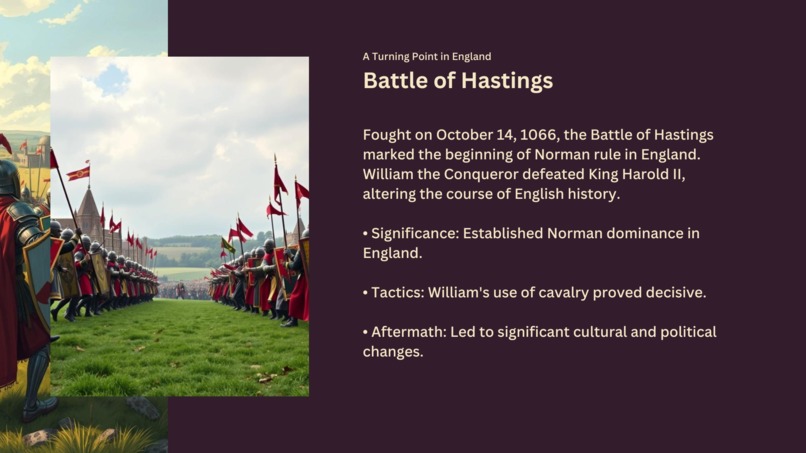
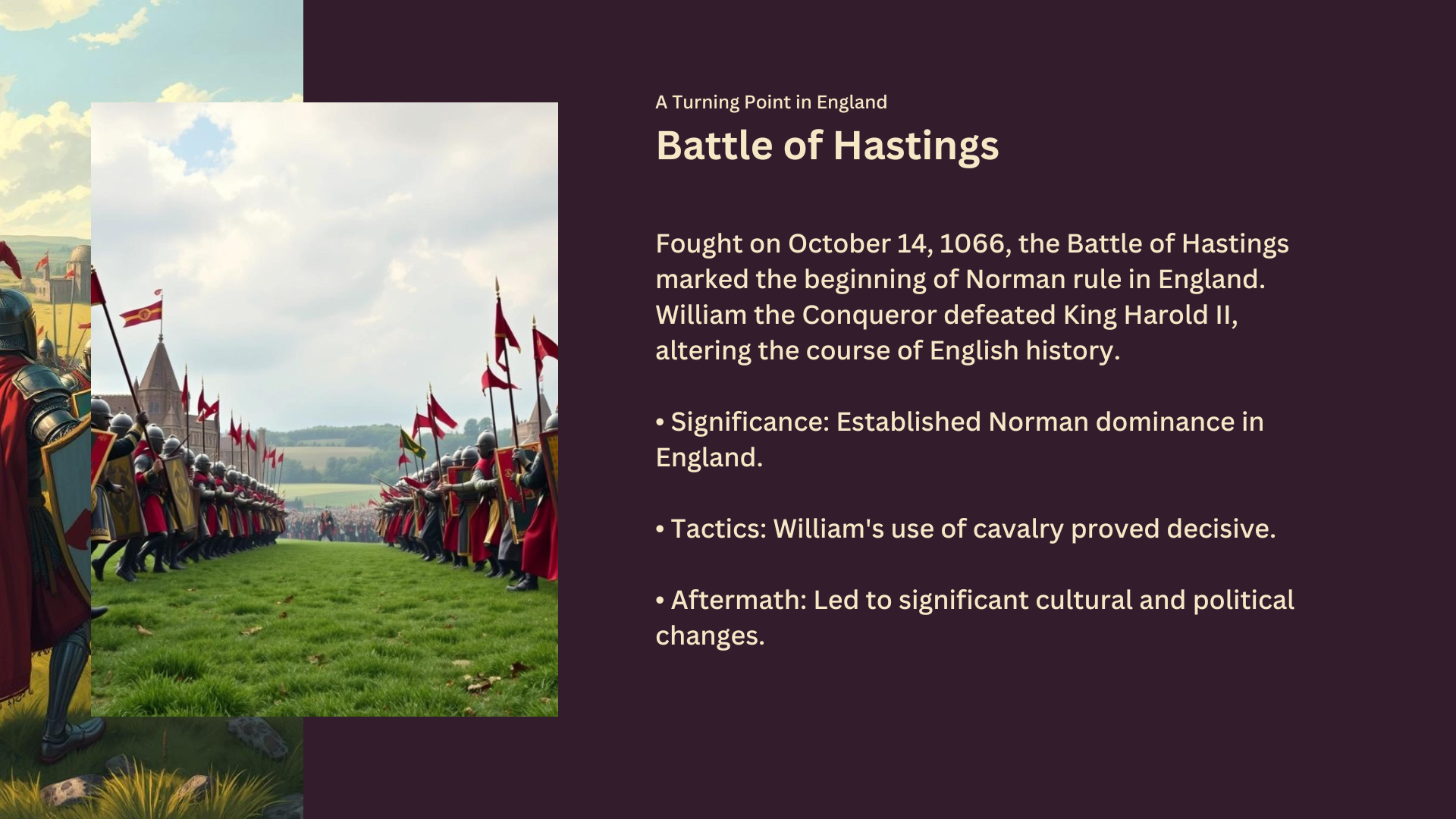
"Famous Battles: Battle of Hastings", Slides generated by PresentIt
-
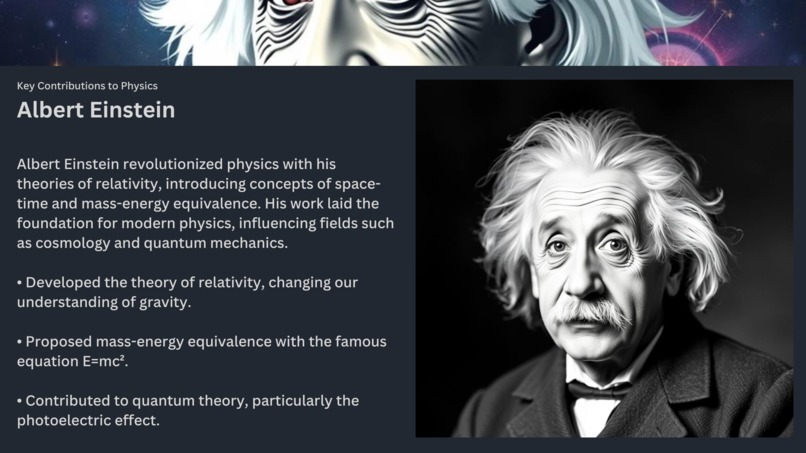
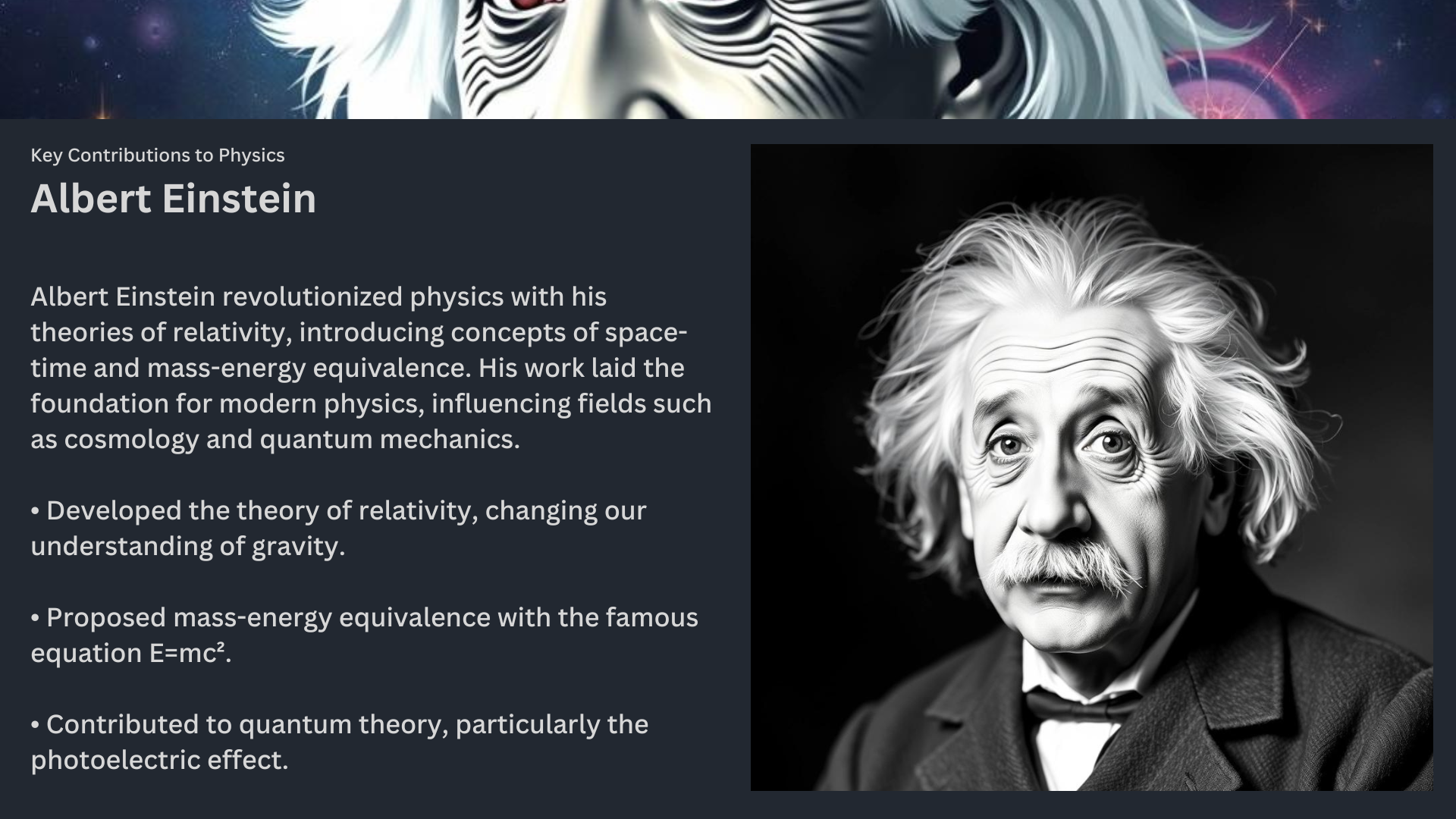
"Famous Scientists: Albert Einstein", Slides generated by PresentIt
-
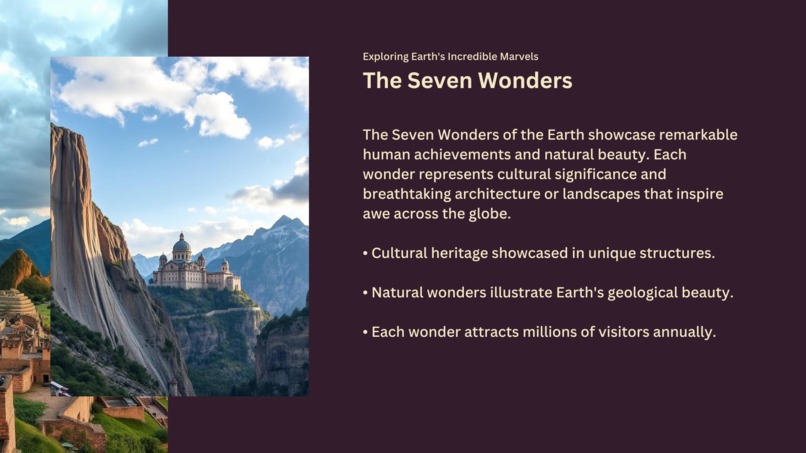
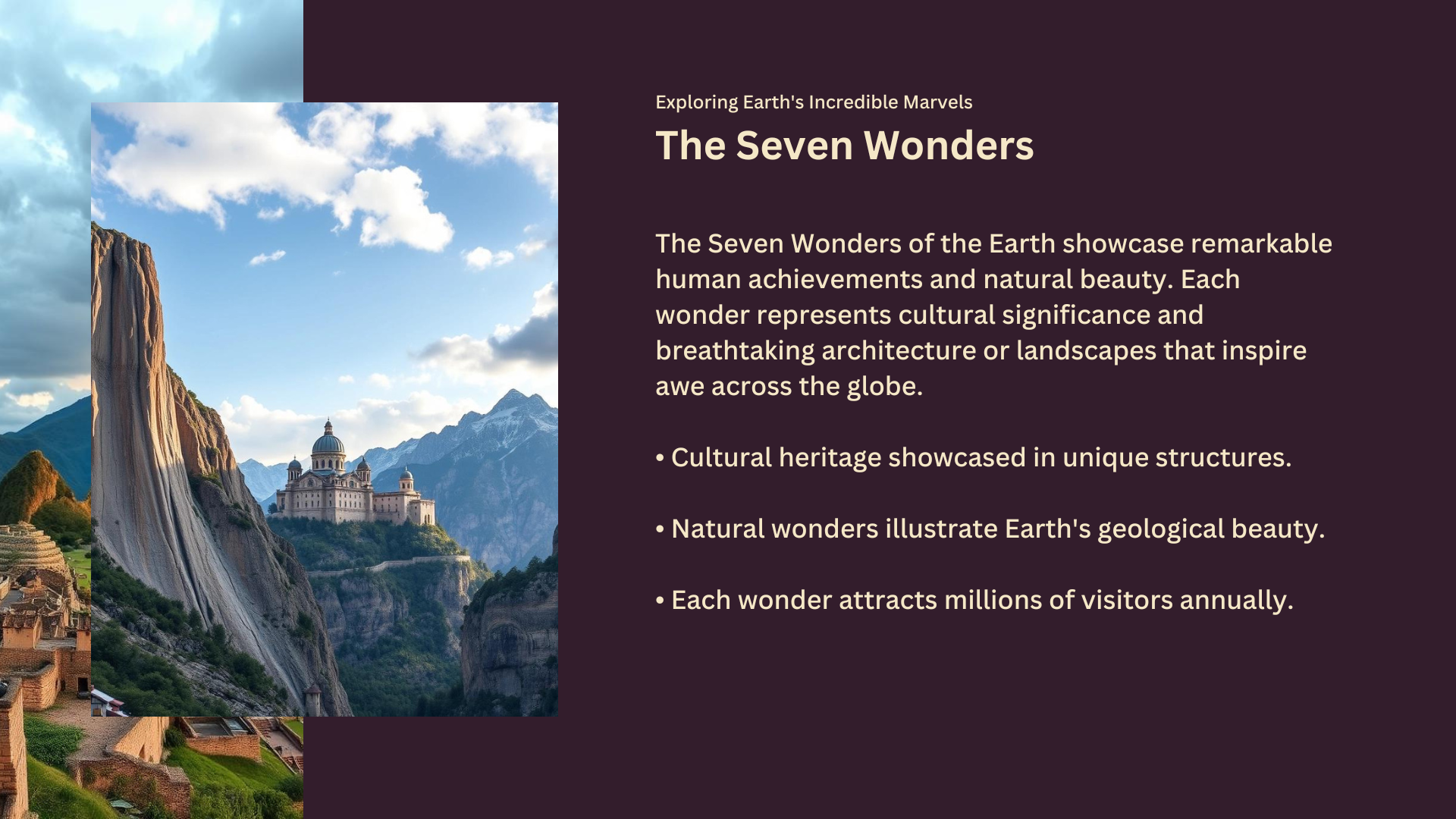
"Seven wonders of the Earth", Slides generated by PresentIt
Inspiration
PresentIt was born out of a desire to simplify the process of creating engaging, professional-quality content for modern digital platforms. Both of our college and work requires us to create presentations/videos on various topics, and we've wasted a lot of time researching, reviewing, rewriting, and reorganising our slides even when using some other AI tool to generate presentations.
Below are some of the points that pushed us to make PresentIt:
- They have an overcomplicated UI/UX
- Requires us to create a new account on login
- Limits the amount of AI credits we're allowed to use
- Creates slides in layouts or style that does not look formal and is not appreciated at our college
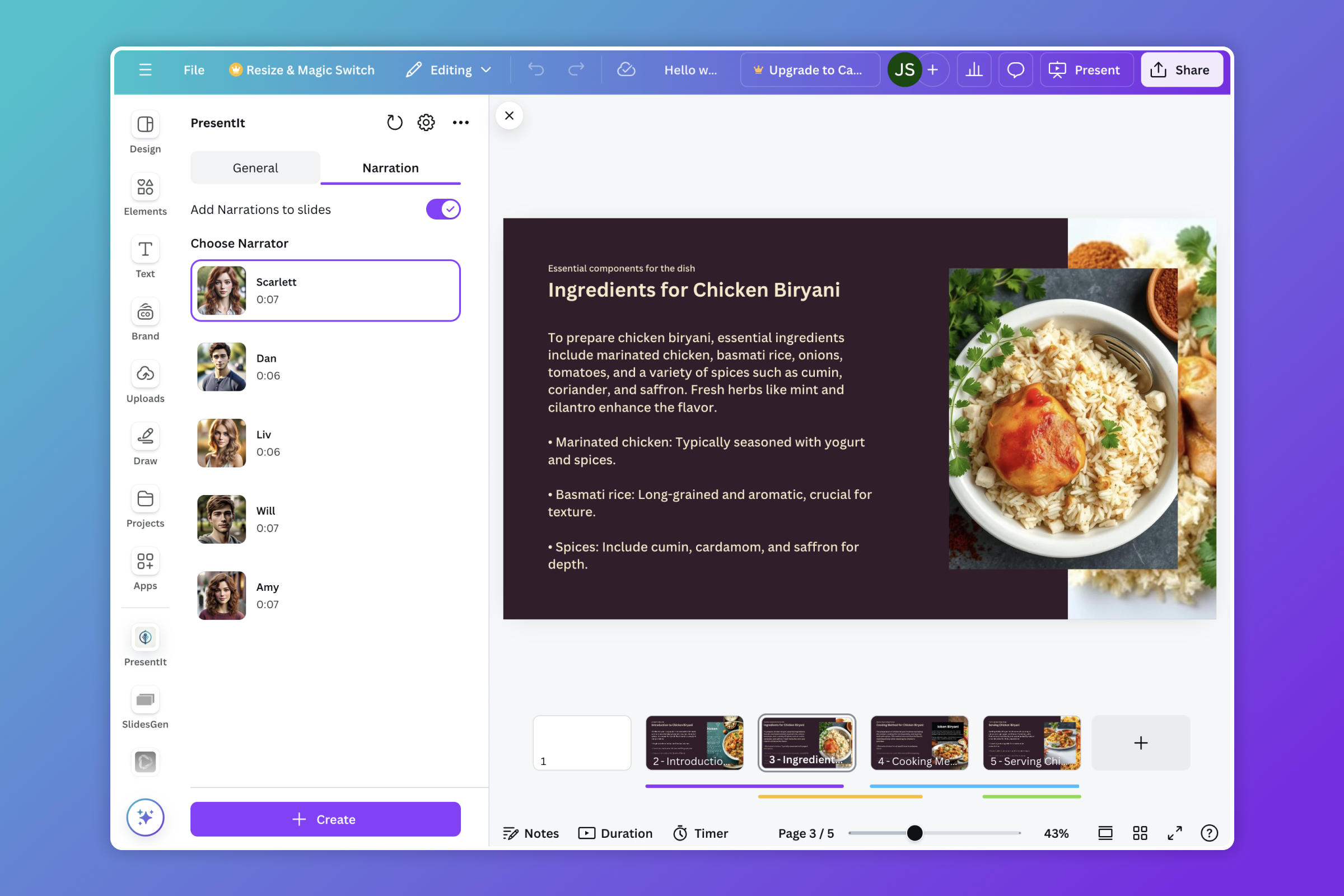
- Do not include narrations that can be listened to post submission or during slideshowing our presentation
Furthermore, other platforms don't offer the vast array of editing tools and flexibility that Canva provides as part of creating our slides. Therefore, PresentIt came into existence, just the sweet spot, where a simple UI/UX meets simplistic AI generated slides for presentations all without leaving Canva.
What it does
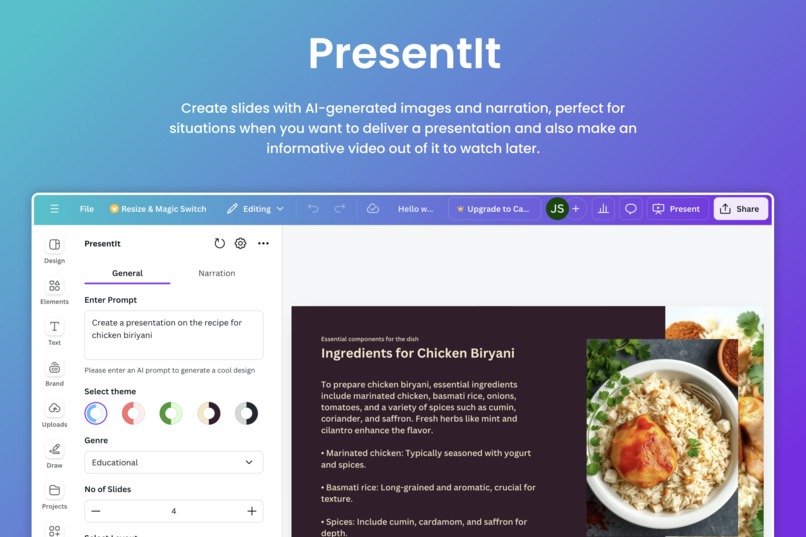
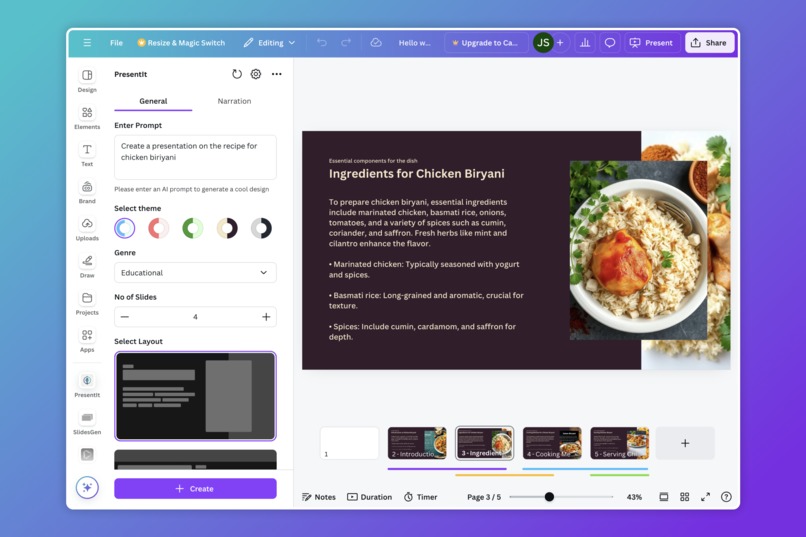
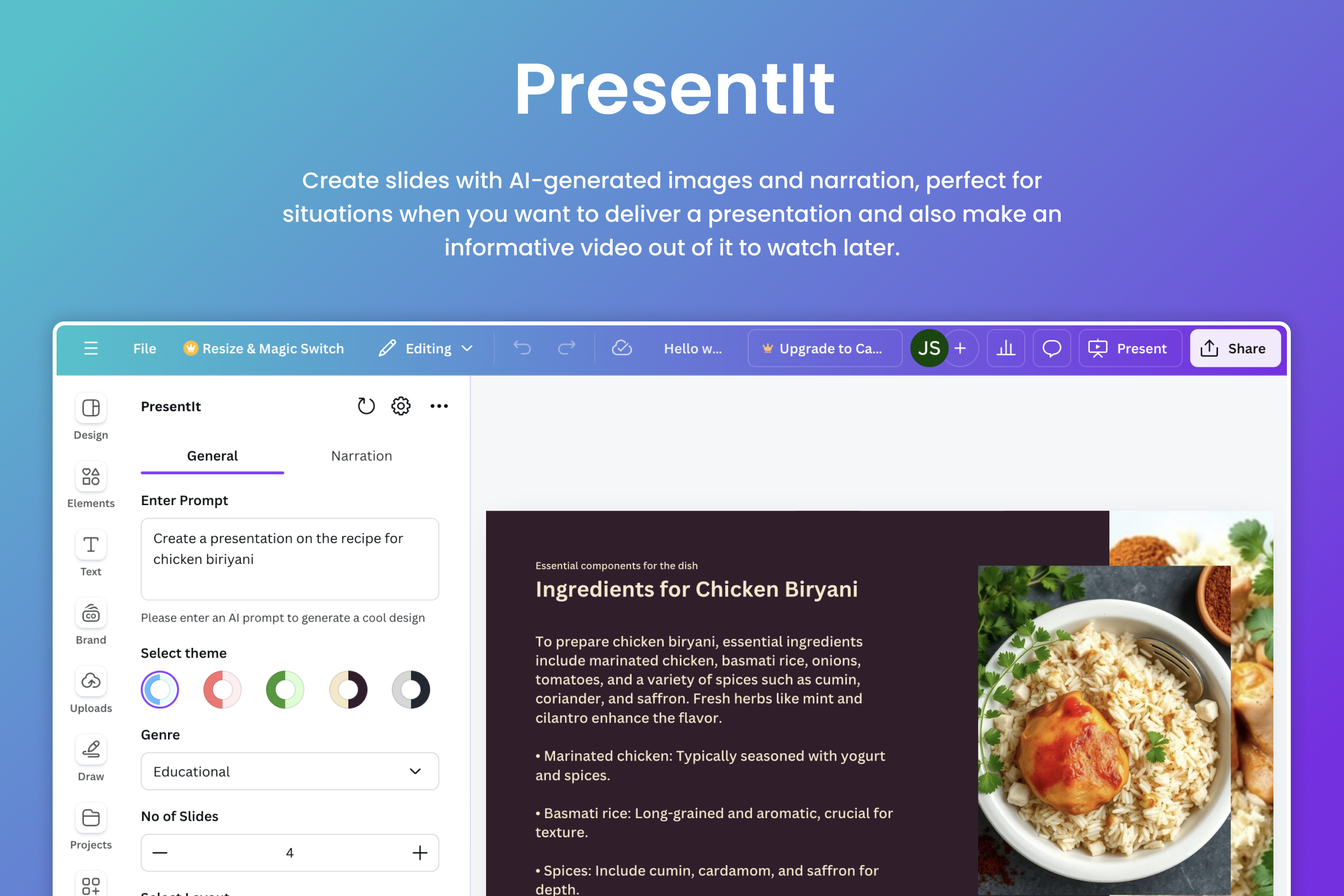
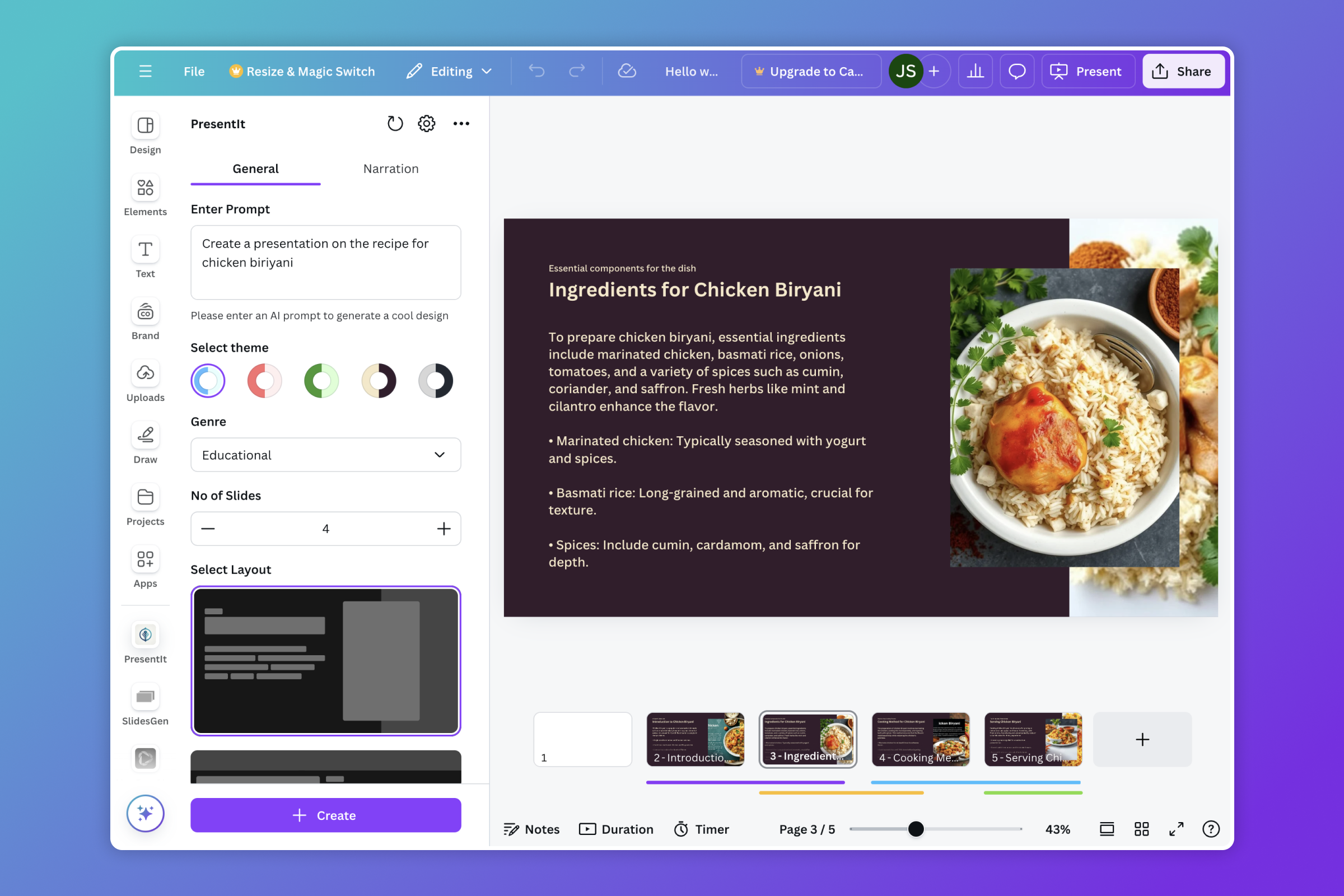
PresentIt is an AI-powered tool that integrates seamlessly with Canva, enabling users to create beautifully designed slides with AI-generated images, professional narration, that can exported even as video content. Whether you're preparing a presentation or crafting a social media video, PresentIt handles the heavy lifting by automating the design, writing and narration processes.
Here's what PresentIt offers that we believe makes it special and easy to use:
- Simple user experience with an interface familiar to Canva's design language
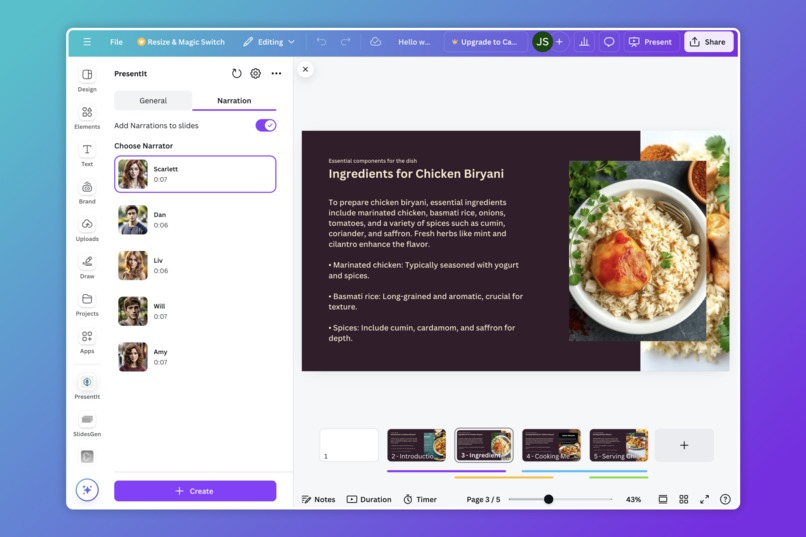
- Multiple voices for AI generated narrations
- High quality AI generated images
- Focused content based on the provided context
- Pre-defined layouts and color themes
- No login required
How we built it
To build PresentIt, we have incorporated several technologies and APIs in order to make it possible:
Frontend:
- ReactJS
- TypeScript
- Axios
- Canva SDK - Mainly
@canva/app-ui-kit,@canva/asset,@canva/designfor UI components and following Canva's own design language
Backend:
- Python
- FastAPI
- Google Cloud: For backend deployment and CI/CD
Generative AI Models
- gpt-4o-mini: For content generation
- flux.1-schnell: For photo-realistic image generation
- Unrealspeech: For audio narrations in 5 different voices
Challenges we ran into
Among the challenges we encountered, we successfully resolved most of them. However, there are some that we couldn't address immediately. We've listed all the challenges below, regardless of whether they were resolved, as they represent areas we'll tackle in the future as we continue to make progress.
Generating AI content in bulk: Previously we were using DSPy, and we noticed that the AI was having a tough time understanding the context, and would often generate the same content for nearly every slide it generated, and it would take around 60-90 seconds to generate the content for each of these slides. After tons of experimenting, out of nowhere, right while we were looking for a solution OpenAI came out with their Structured outputs feature that helped us a lot, which allowed us to generate all the content for the slides in just one API call.
Prompt Engineering: Engineering the prompts was a big challenge that we faced while working on this project, as maintaining context became a real big challenge for us. We tried solving this by asking the AI to summarise the content, and then moving on with the next slide, yet we noticed the AI repeating content from the previous slides. Context loss due to summarisation is a really annoying problem and we ended up just using all of the content from the previous 3-4 slides in order maintain context without using up too many tokens absurdly. In the future we plan on summarising the content for the first few slides, keeping the original content in between, and then the user prompt in case the request is big so that the AI can generate original and unique slides more accurately and can plan ahead based on just the right amount of context it needs for creating the presentation.
Creating relevant photo-realistic images: This is an important challenge that we're still working on, as we were working on this we noticed a trending model on huggingface called Flux, we're currently trying to finetune and create our own version of flux, but in the meantime we incorporated the model using the inference API. This model is quite fast and helps generate some really high quality images related to the content, though there are sometimes when the model gets confused due to text overload and generates some very random images but still it works majority of the times.
AI Generated Voice Narrations: For this we had to research a lot trying to find the best model with the right voice, but that was not the challenge we were trying to solve as we found a solution and it was pretty easy to solve. Our main goal with narrations were to record a small clip of the user's voice and cloning their voice to create narrations, we soon realised that it was possible but it took a long time with pre-existing models and the worst part of it was the accent. We recorded our indian accent voices and got back our own voices speaking in an american accent, this problem ended up being a far more bigger challenge than we anticipated and we hope to solve this in the future.
Overall slowness: Eventhough we brought down the slowness for AI content generation for each slides from around a minute and half per slide to close to 30 secs per slide, we wish to improve further, this requires more prompt engineering and creating finetuned models that are built specifically for writing presentations. Models like these could become industry standards as there's very few opensource models that help in generating content for presentations and return it in json format as quickly as possible.
Accomplishments that we're proud of
Despite facing numerous challenges, we've achieved several milestones that significantly enhance the functionality and user experience of PresentIt.
- Seamless Integration: Successfully integrated AI-generated content, images, and narration within Canva’s user-friendly interface.
- Efficient Content Generation: Reduced AI content generation time from over a minute per slide to approximately 30 seconds, improving overall user efficiency.
- Workaround Development: Overcame limitations within the Canva SDK by developing effective workarounds, ensuring the app functions smoothly even with existing constraints.
- High-Quality Outputs: Achieved a high standard of AI-generated images and narrations that align with the intended content, providing users with professional-grade materials.
Requests to the Canva team
Here are some issues we faced while working with the Canva SDK, it's by far one of the best SDKs we have worked with, but we understand it is fairly new and definitely a lot of features are yet to be made which made us follow some work arounds and left us in wonder when these features are going to be available. Now in case there is something mentioned below that we missed while reading docs do point it out to us, we hope you'll appreciate this feedback!
Inability to set page duration: Our main goal with this project was to be able to export videos directly after the AI is done running, the user can review the presentation once, make some changes and export. Now with the added feature of narrations, we noticed that based on the content we found in the documentation after looking a lot, we were unable to change the page duration, which caused our narrations to overlap with each other. For now our solution was to create shorter & speedier narrations, such that the user won't have to work too much to manually modify the duration before presenting or exporting the slides.
AudioCards are not selectable: In the documentation we found that AudioCards are selectable but while coding, we realised that they were not so we had to write our own UI based code to show borders when an audiocard in the narrator selector is clicked.
Edit Inactive Pages: While working on this project we noticed that all the functions to add images or audio or any sort of content applies specifically to the current/active slide the user is on. So while our AI is running if the user changes their active slide, the app will start modifying the unintended slide, so we wish there was a way to refer to another slide using some sort of slide ID that could help us make sure that the app is writing content where it is supposed to be.
Events: Though we did not really explore a lot of use-cases with events, but it'd be a good to have feature, this might be a huge ask given the app closes as soon as the sidebar closes, but edit events, page change events, and more on the frontend are needs that developers can definitely take advantage of to build great user experiences.
Resizing is not allowed: Currently one of the issues we faced while developing this was that we were not allowed to resize the pages programmatically which we wish we could be able to. If not resize then there should be an option to only make the app available specifically for given aspect ratios. For now we have specifically blocked the users from the UI in other page dimensions, as it currently is only available for 1920x1080 dimension, but we have added the option to allow them to create a new presentation with the right dimensions right from the app itself.
What we learned
The development process provided us with deep insights into AI-driven content creation, prompt engineering, and the intricacies of platform integration.
- Prompt Engineering: Learned the importance of carefully crafted prompts to maintain context and avoid content repetition in AI-generated slides.
- Context Retention: Discovered that context retention is crucial for accurate content generation, leading us to experiment with various strategies to preserve context without excessive token usage.
- Image Generation Challenges: Understood the difficulties in generating relevant photo-realistic images and the need for further fine-tuning of models like Flux for improved results.
- Voice Narration Complexities: Realized the challenges in AI voice cloning, particularly in maintaining accents, which remains a future goal for enhancement.
What's next for PresentIt
Our future plans for PresentIt involve expanding features, improving current functionalities, and addressing unresolved challenges.
- Further SDK Integration: There's tons of features that the amazing Canva SDK offers that we didn't have in mind to previously use but now we do, we have brainstormed some ideas like allowing users to modify the AI generated narration content, and edit the slide content after the AI is done running, in case the user changes their mind about the theme and layout.
- Experiment with TTS Models: Continue researching and figuring out ways to use and build AI models to handle voice cloning with accurate accents and faster processing times so that in the future it would seem like the user created and narrated the presentation without sounding too robotic.
- Expanded Platform Support: Expand PresentIt' capabilities to support additional platforms, particularly focus on creating more responsive content as in generate content for other page dimensions as well, specifically instagram posts/reels and youtube shorts. Currently it is specifically designed for 1920x1080.
- Optimized Performance: Continue refining prompt engineering and AI models to further reduce content generation times and enhance the quality of outputs.\
- Support for AI generated visualisations: One of our main goals is to make PresentIt enterprise ready, such that the user can use an advanced version of PresentIt that would allow us to create content based on data provided by the user. There are projects like LIDA that allow in generating high quality data visualisations, which can be super helpful for engineers and PMs who are planning on creating AI generated content that incorporates business metrics and analytics.
- More experiments with latest opensource models
- Find use-cases for the Canva Connect API
Built With
- axios
- canvaappssdk
- fastapi
- flux
- generative-ai
- google-cloud
- gpt-4o-mini
- python
- react
- texttospeech
- typescript
- unrealspeech


Log in or sign up for Devpost to join the conversation.