-
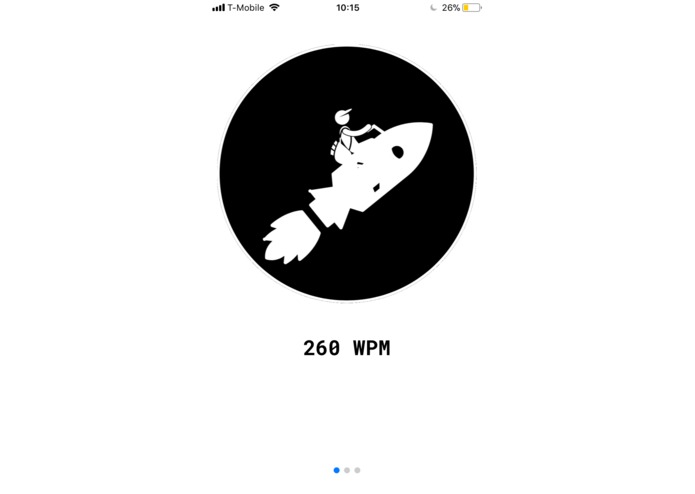
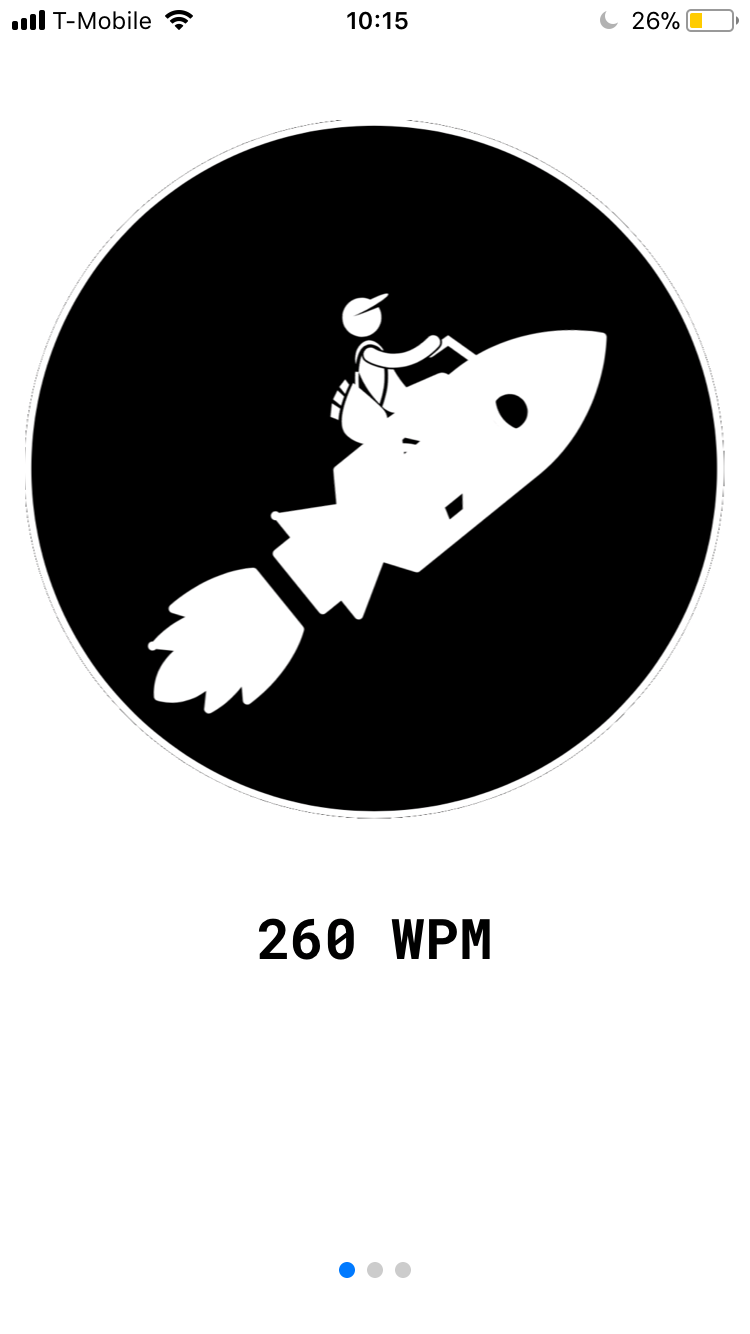
Home screen
-
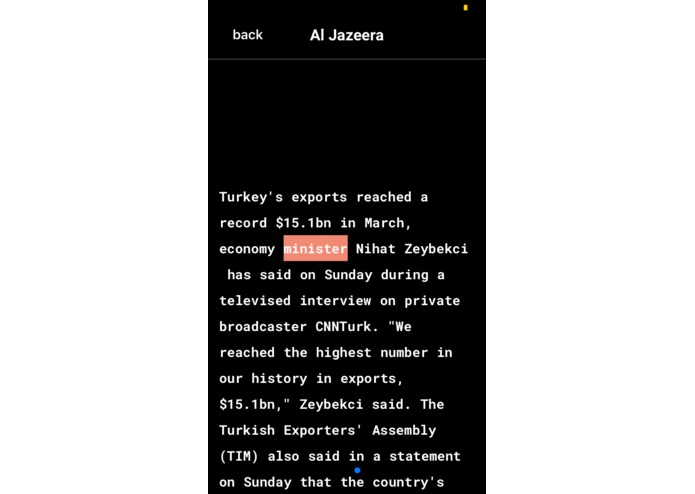
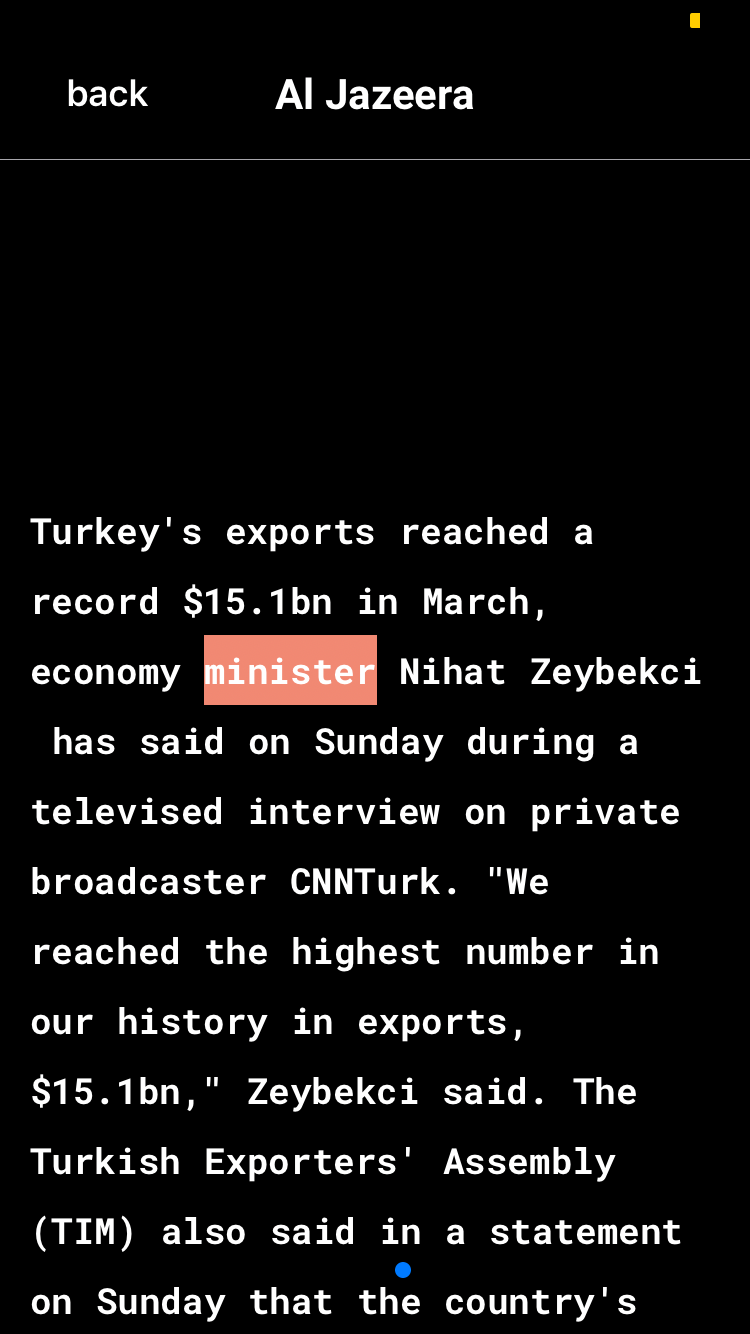
Auto-scrolling reader screen
Inspiration
We wanted to remove the burden from browsing the news and staying up to date, while try to do something different from the myriad of news summarizing apps out there. Most of these apps require a long period of undivided attention on the user's part, which is the main reason why many people turn to _ video news _ nowadays. There must be a way to make it easy to maintain the focus on reading, and perhaps increase the user's reading speed, using a sleek, appealing interface.
What it does
It downloads your morning briefing and displays an autoscrolling text view that forces you to read at a given speed. Moreover, the current word is highlighted so that you keep your eyes on the current word and avoid reading back-and-forth or dozing off. After 2 minutes of reading, it speeds up by an additional 10 words per minute, so your reading speed improves as you are informed of the day.
How we built it
We used an Expo project running React Native. The UI is made with Nativebase. The news are pulled from News API and Event Registry.
Challenges we ran into
Maintaining a state machine for the UI was a true challenge. There were many undefined states that we needed to handle. React Native also has stability issues: the lack of support for some nested Text objects limited our UI flexibility.
Accomplishments that we're proud of
The fact that the app works is indeed a surprise to most of the members! Moreover, effort went into the design and the choice of the logo.
What we learned
It is important to identify the MVP features early and double down on those before moving on to auxiliary features.
What's next for NewsPeed
A business model, dictation, additional dyslexic reader options. For the last one, we observe the fact that many dyslexia-therapy apps use a similar word-flashing and highlighting feature. By researching the specific requirements for a dyslexic reader app, we can add features that accomodate dyslexic users.
Log in or sign up for Devpost to join the conversation.