-
-
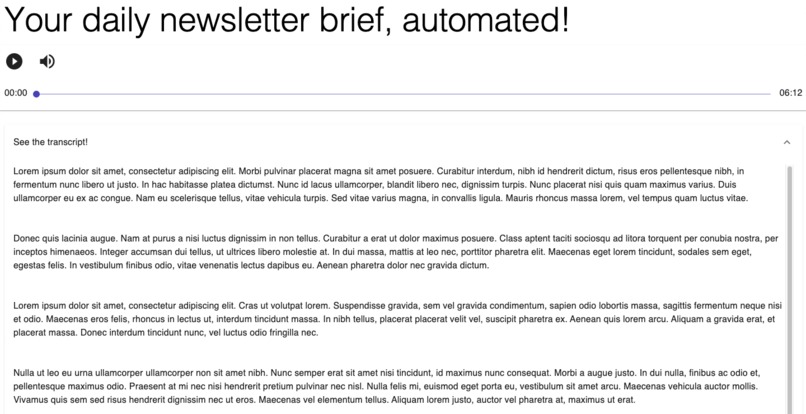
A charming placeholder
-
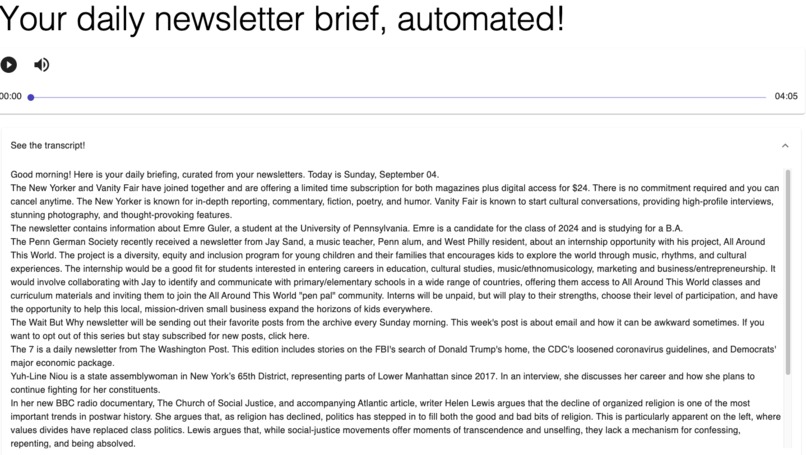
The final product (sans placeholders!)
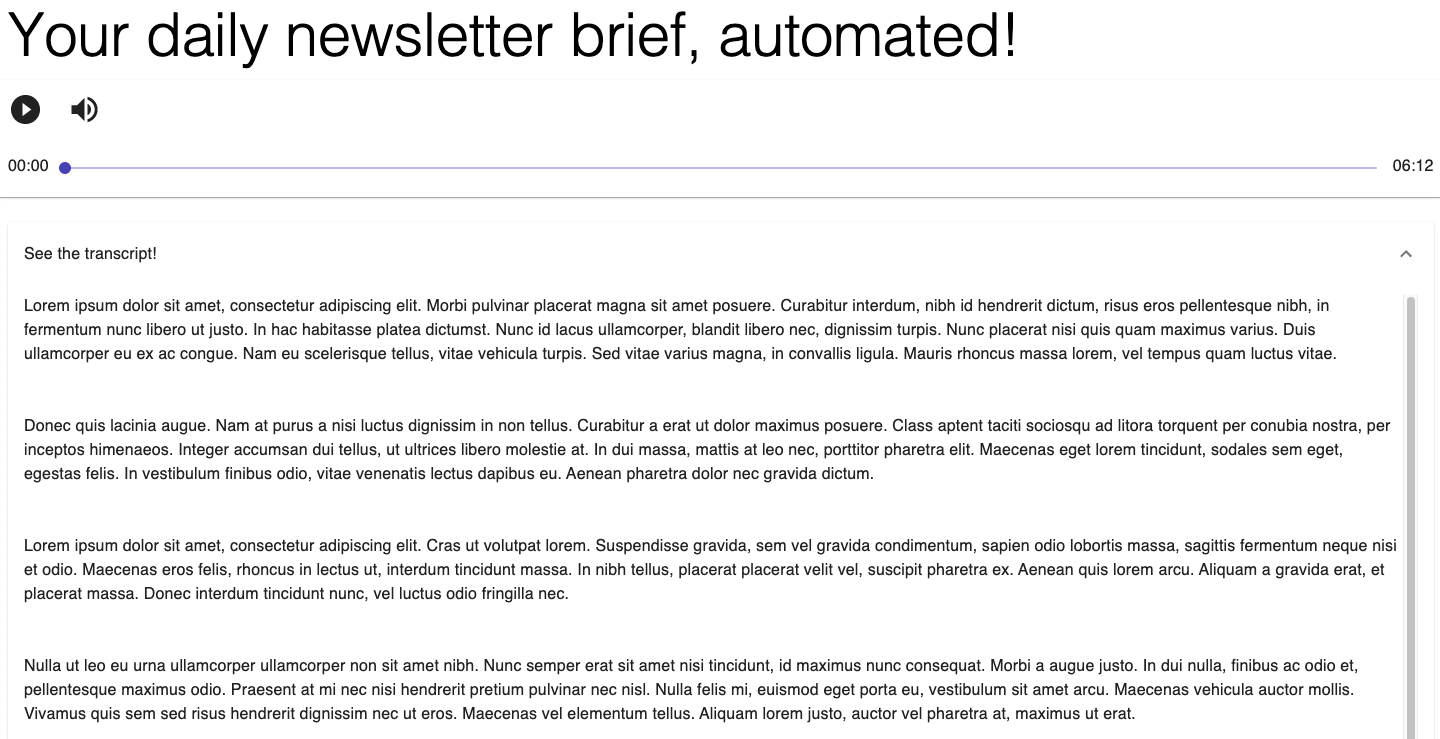

How to use
First, you need an OpenAI account for a unique API key to plug into the openai.api_key field in the generate_transcript.py file. You'll also need to authenticate the text-to-speech API with a .json key from Google Cloud. Then, run the following code in the terminal:
python3 generate_transcript.py
cd newscast
npm start
You'll be able to use Newscast in your browser at http://localhost:3000/. Just log in with your Gmail account and you're good to go!
Inspiration
Newsletters are an underpreciated medium and the experience of accessing them each morning could be made much more convenient if they didn't have to be clicked through one by one. Furthermore, with all the craze around AI, why not have an artificial companion deliver these morning updates to us?
What it does
Newscast aggregates all newsletters a Gmail user has received during the day and narrates the most salient points from each one using personable AI-generated summaries powered by OpenAI and deployed with React and MUI.
How we built it
Fetching mail from Gmail API -> Generating transcripts in OpenAI -> Converting text to speech via Google Cloud -> Running on MUI frontend
Challenges we ran into
Gmail API was surprisingly trickly to operate with; it took a long time to bring the email strings to the form where OpenAi wouldn't struggle with them too much.
Accomplishments that we're proud of
Building a full-stack app that we could see ourselves using! Successfully tackling a front-end solution on React after spending most of our time doing backend and algos in school.
What we learned
Integrating APIs with one another, building a workable frontend solution in React and MUI.
What's next for Newscast
Generating narratives grouped by publication/day/genre. Adding more UI features, e.g. cards pertaining to indidividual newspapers. Building a proper backend (Flask?) to support users and e.g. saving transcripts.

Log in or sign up for Devpost to join the conversation.