-
-
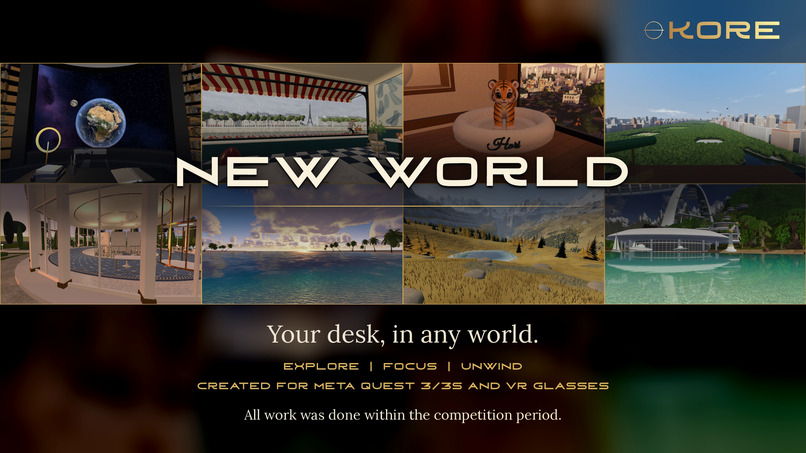
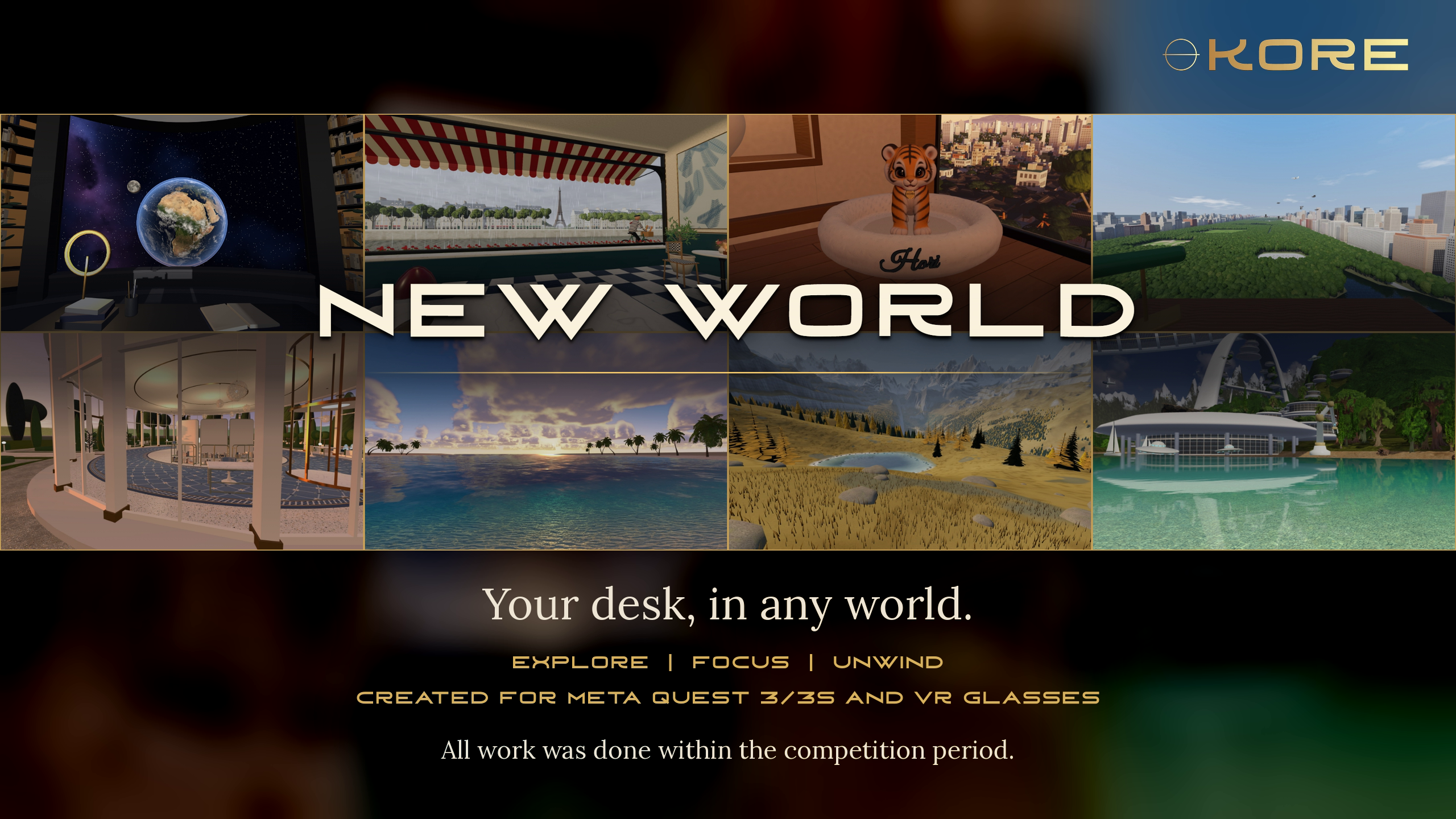
New World: your desk, in any world. Created for Meta Quest 3/3S and VR glasses. All work was done within the competition period.
-
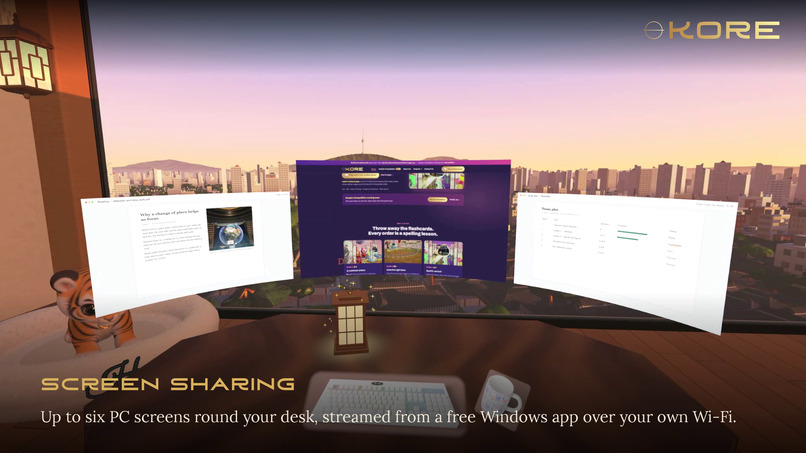
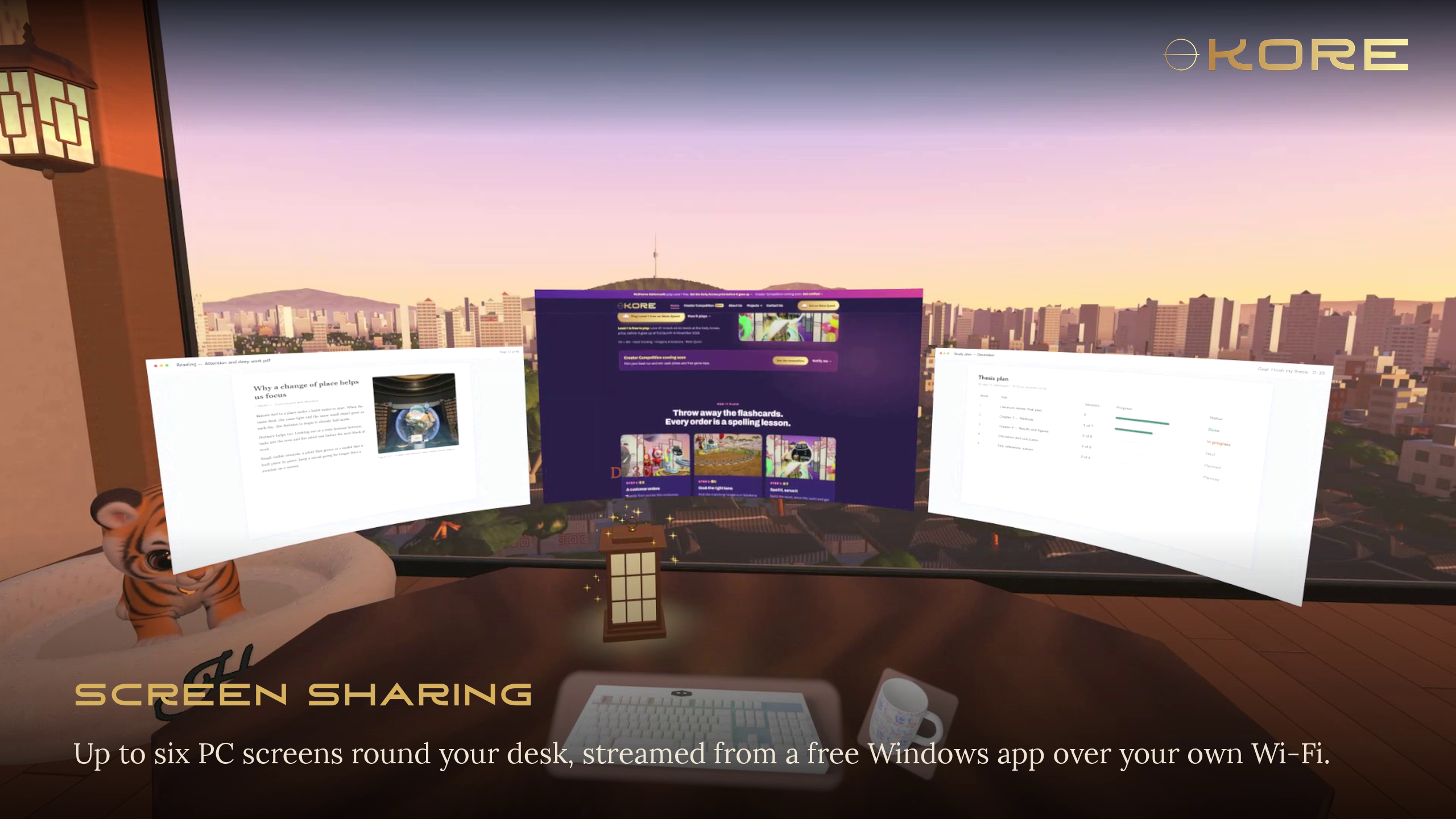
Screen sharing: your PC's screens round your desk, streamed from a free Windows app over your own Wi-Fi.
-
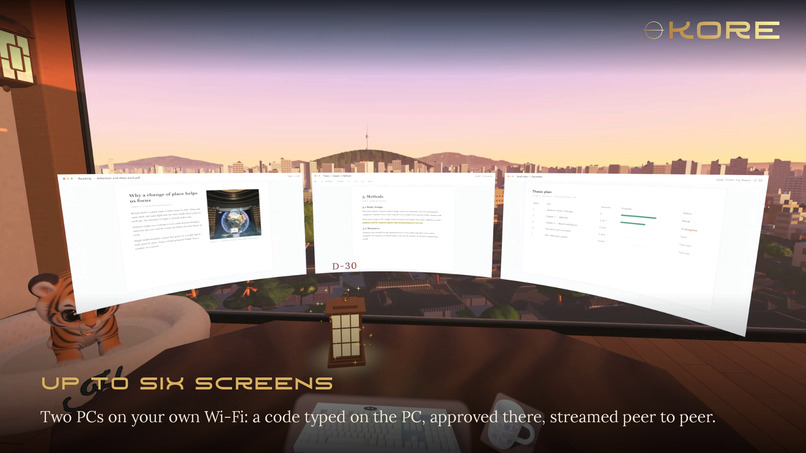
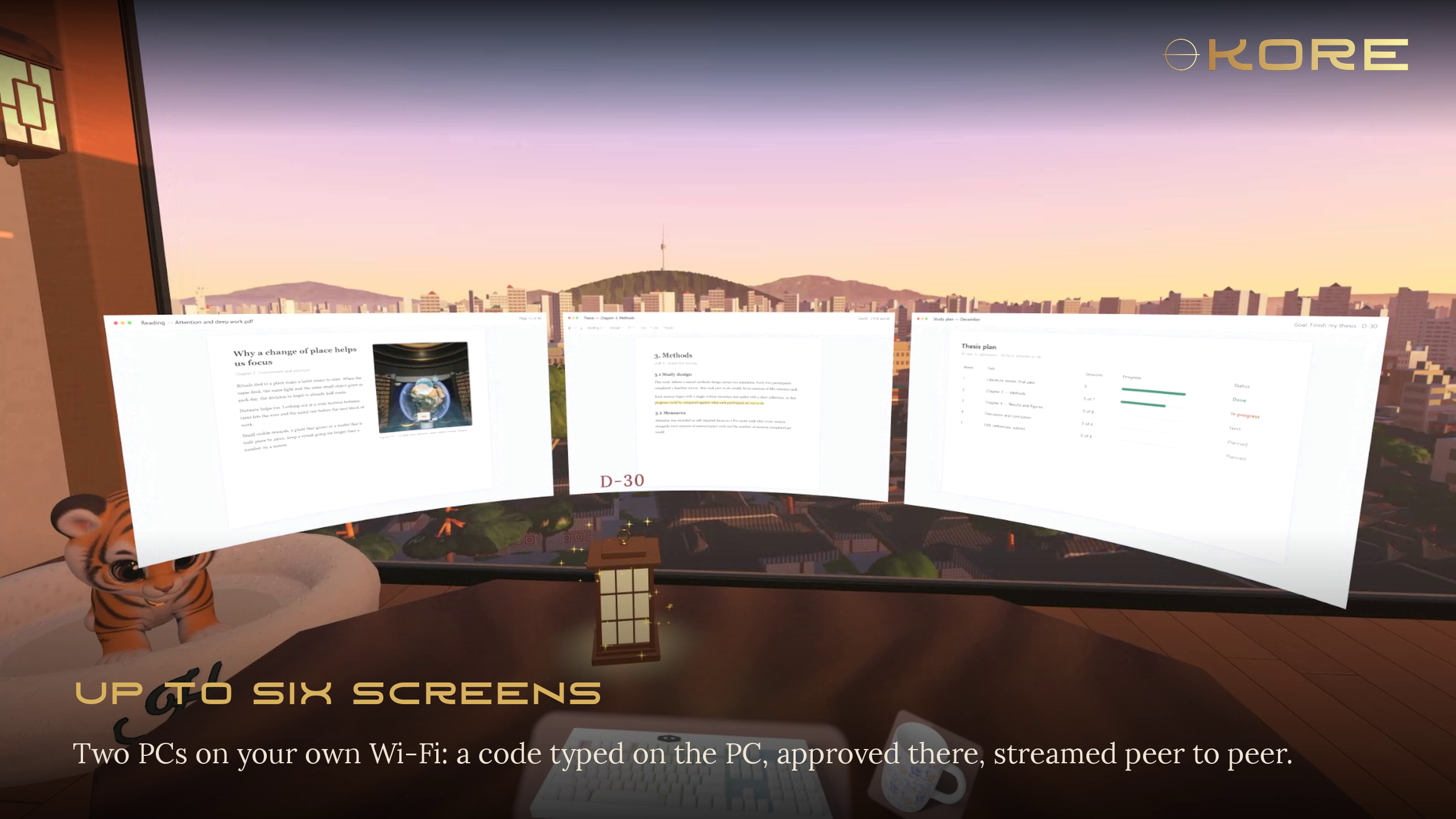
Up to six screens: two PCs on your own Wi-Fi, a code typed on the PC, approved there, streamed peer to peer.
-
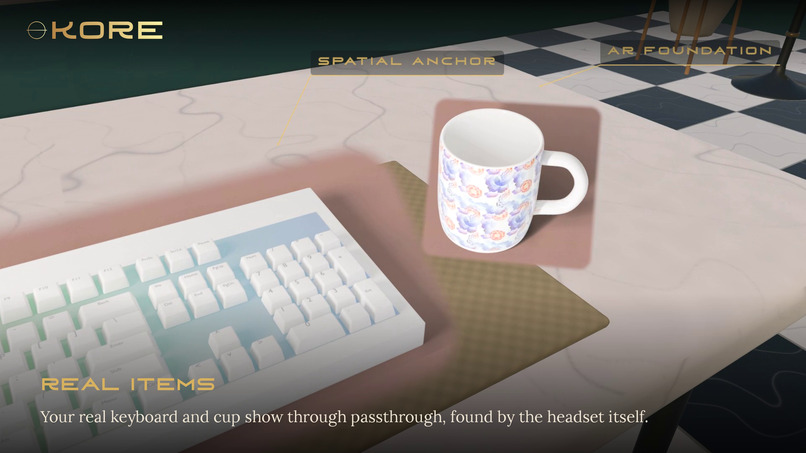
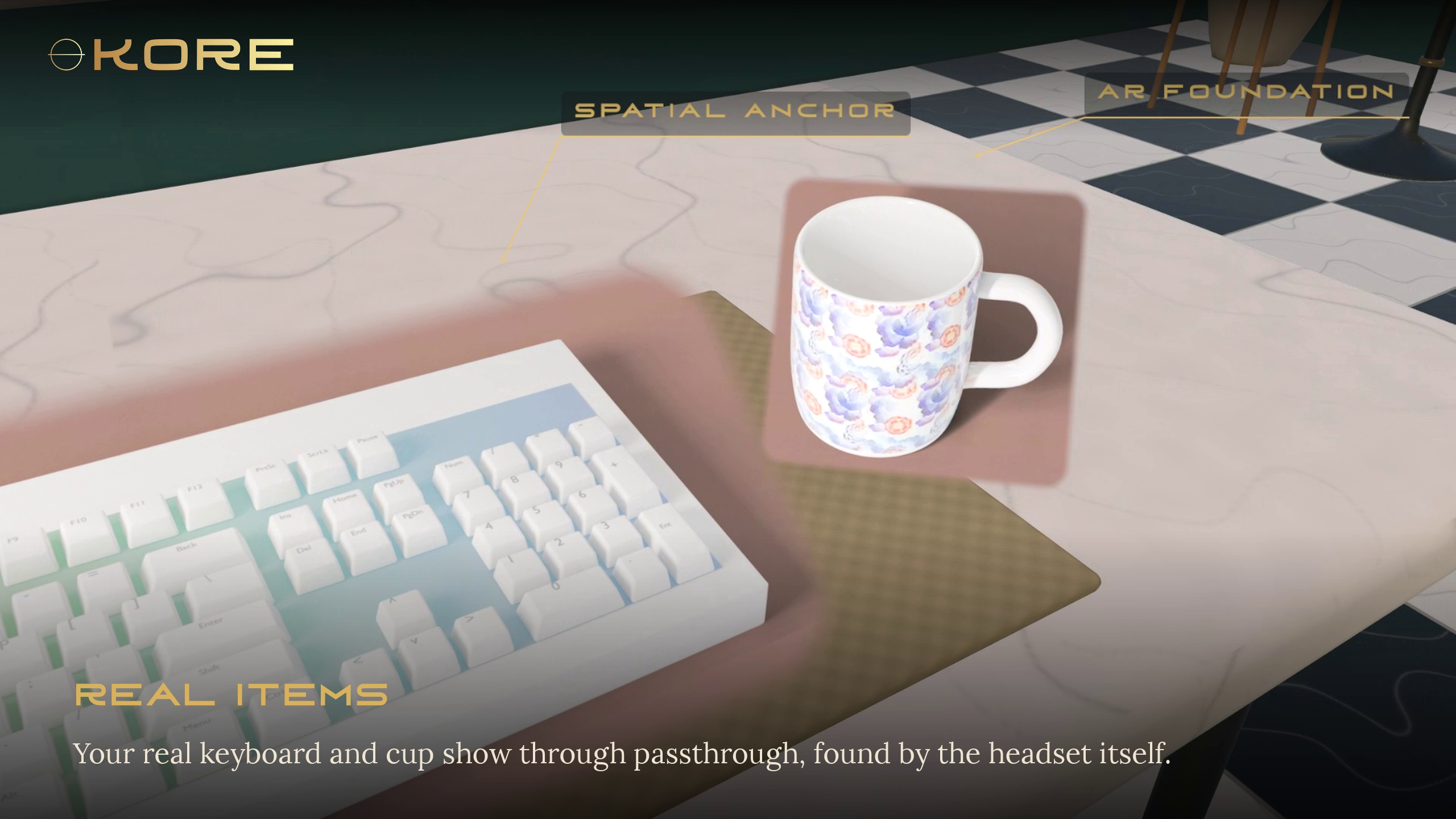
Real items: your real keyboard and cup show through passthrough, found by the headset itself.
-
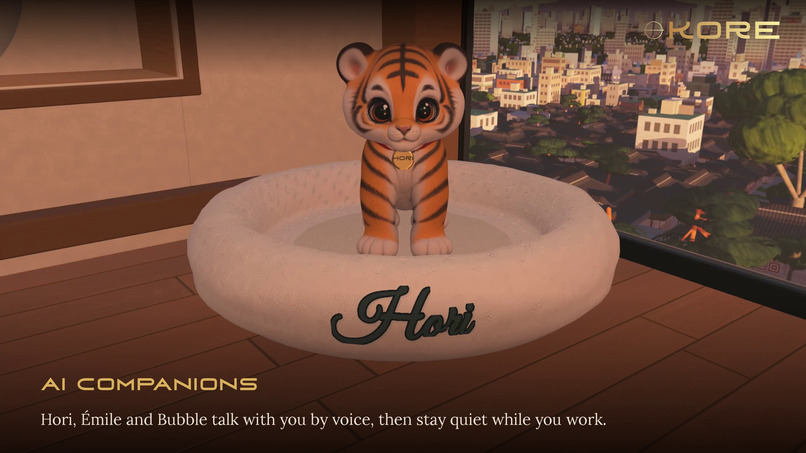
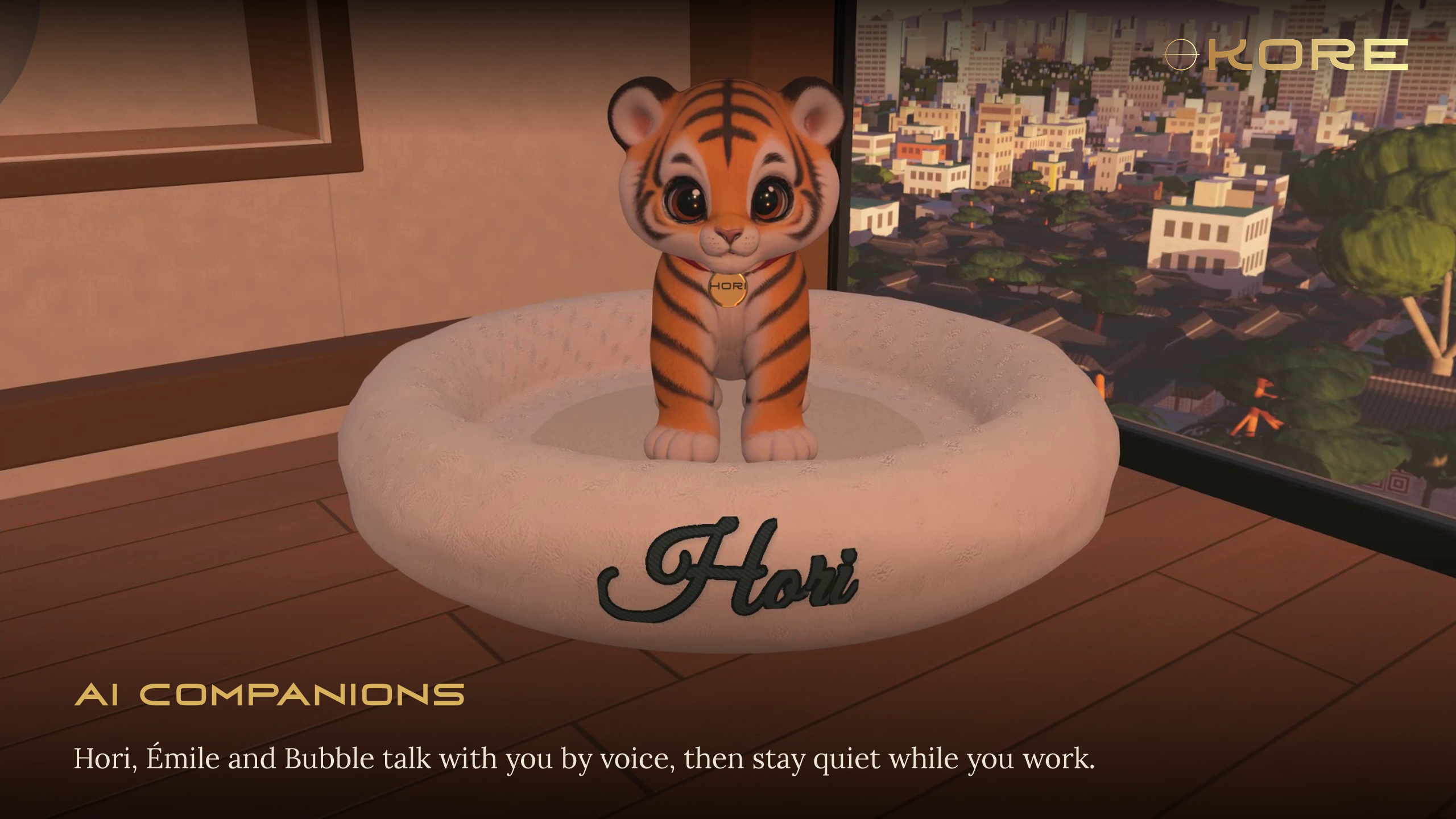
AI companions: Hori, Émile and Bubble talk with you by voice, then stay quiet while you work.
-
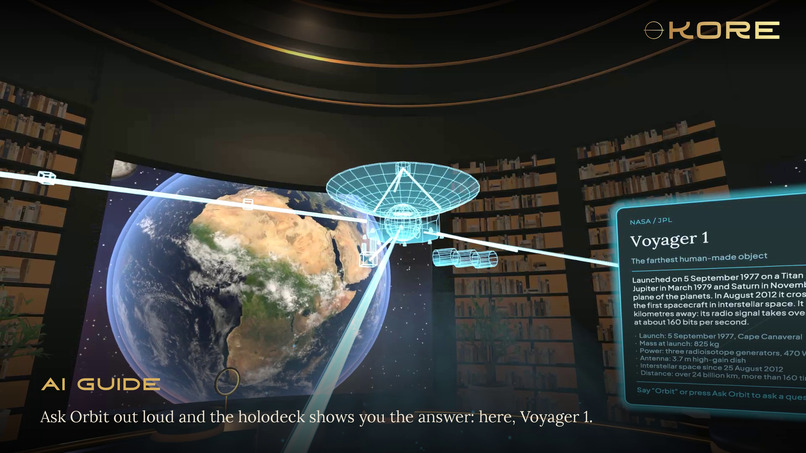
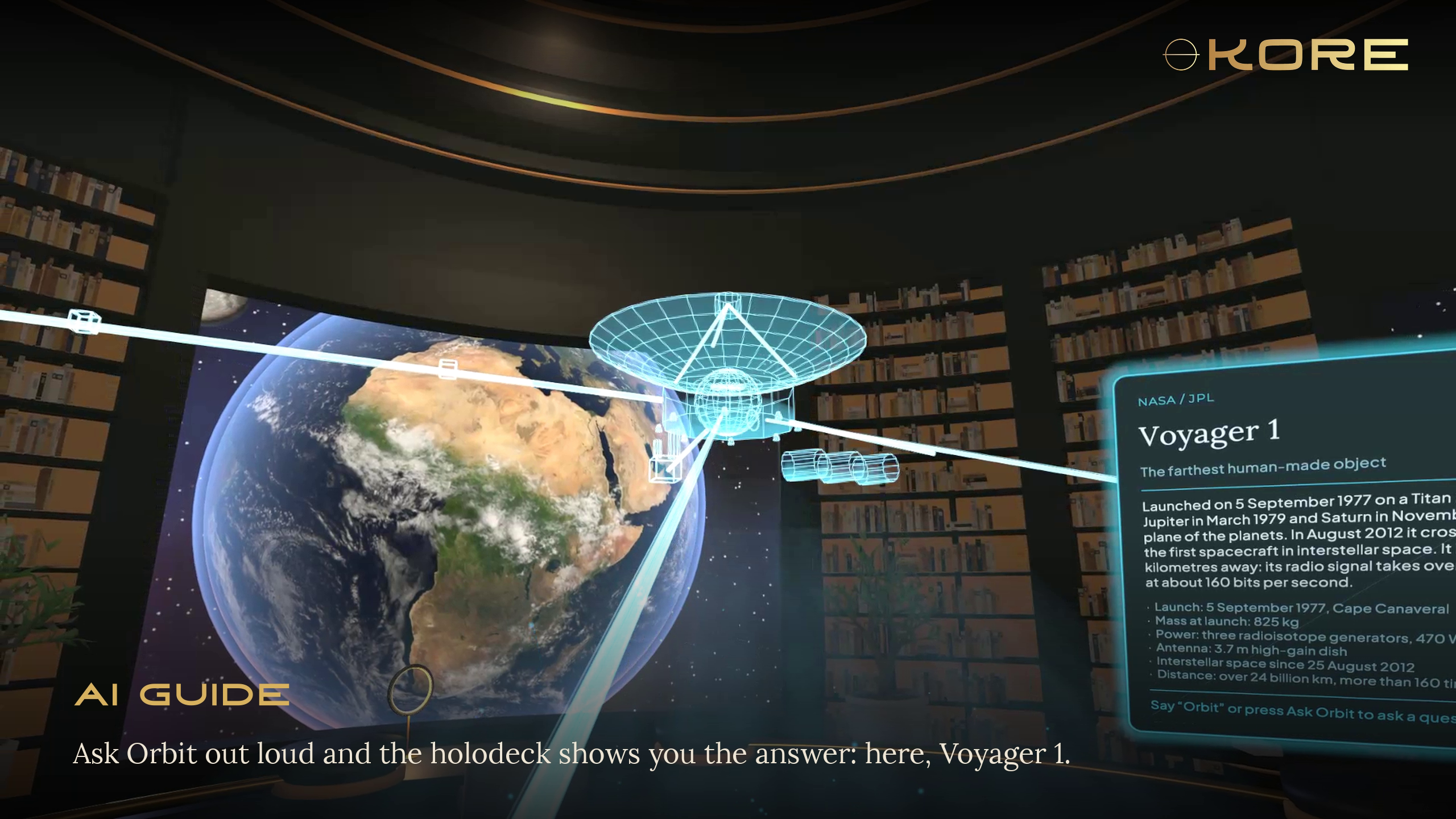
AI guide: ask Orbit out loud and the holodeck shows you the answer, here Voyager 1.
-
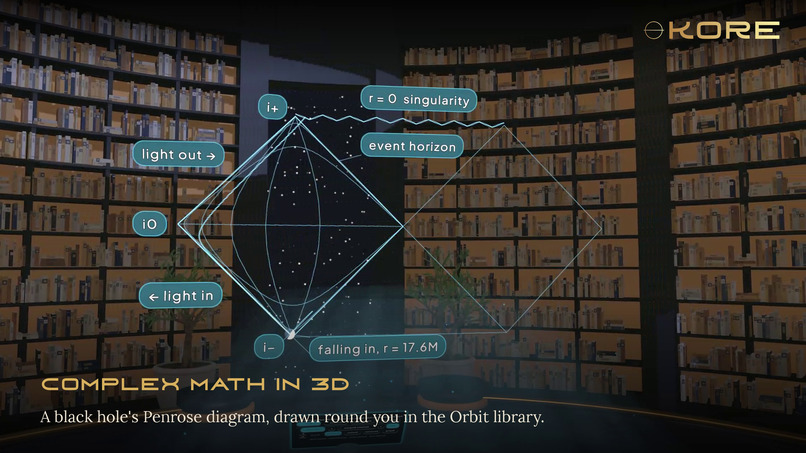
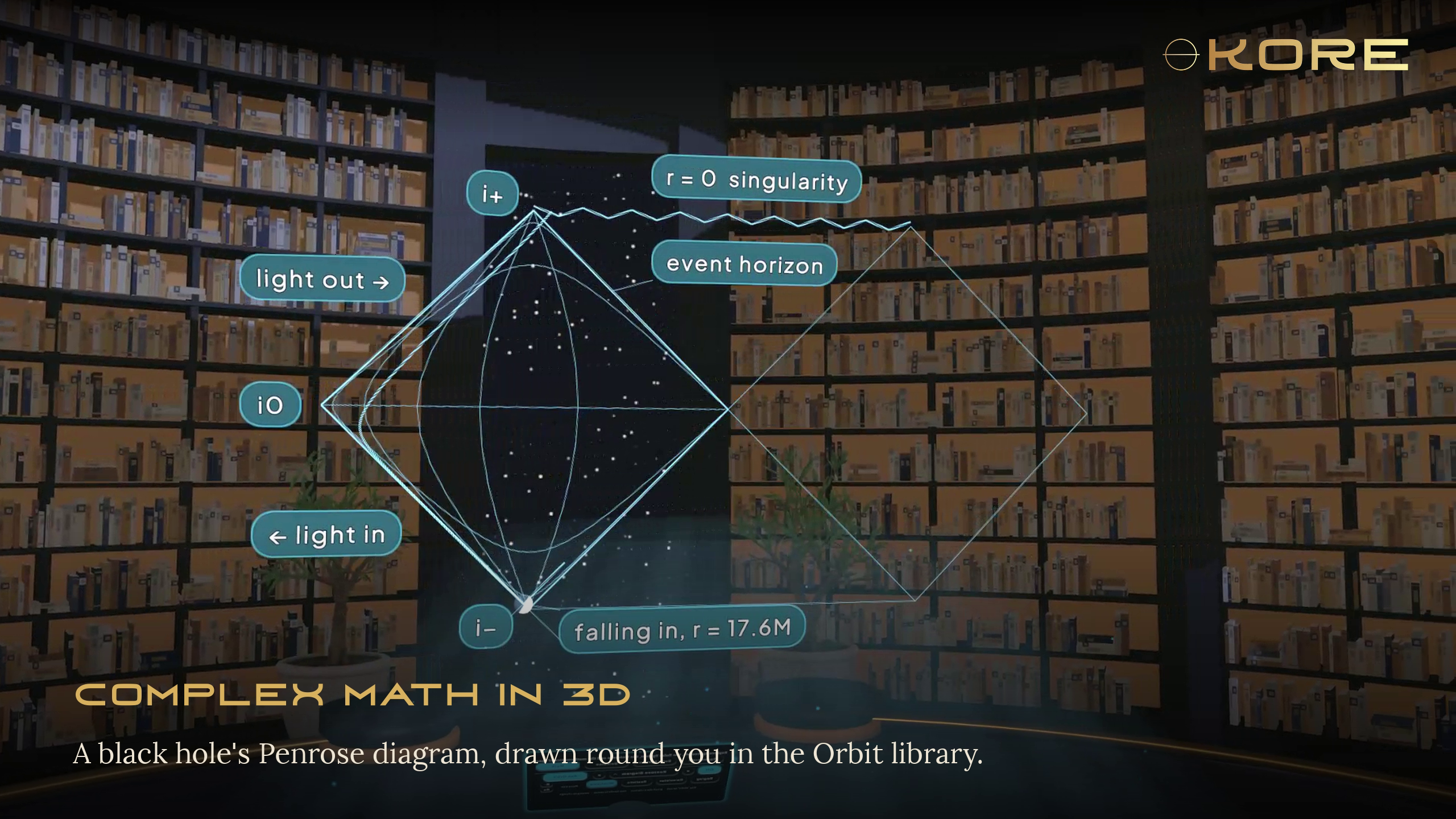
Complex math in 3D: a black hole's Penrose diagram, drawn round you in the Orbit library.
-
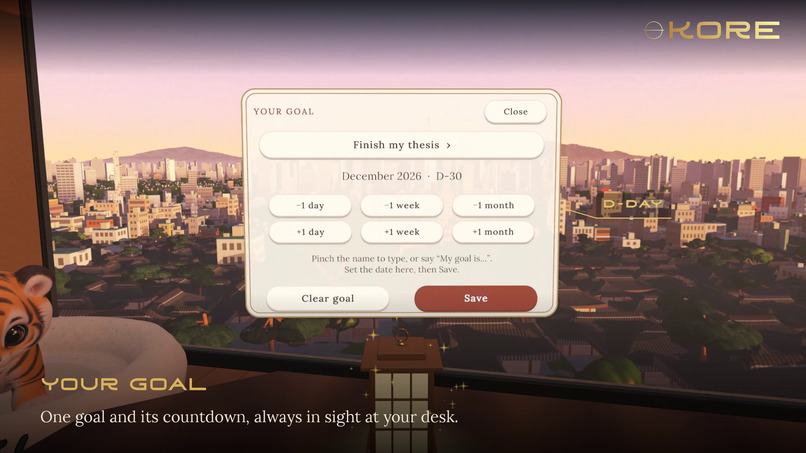
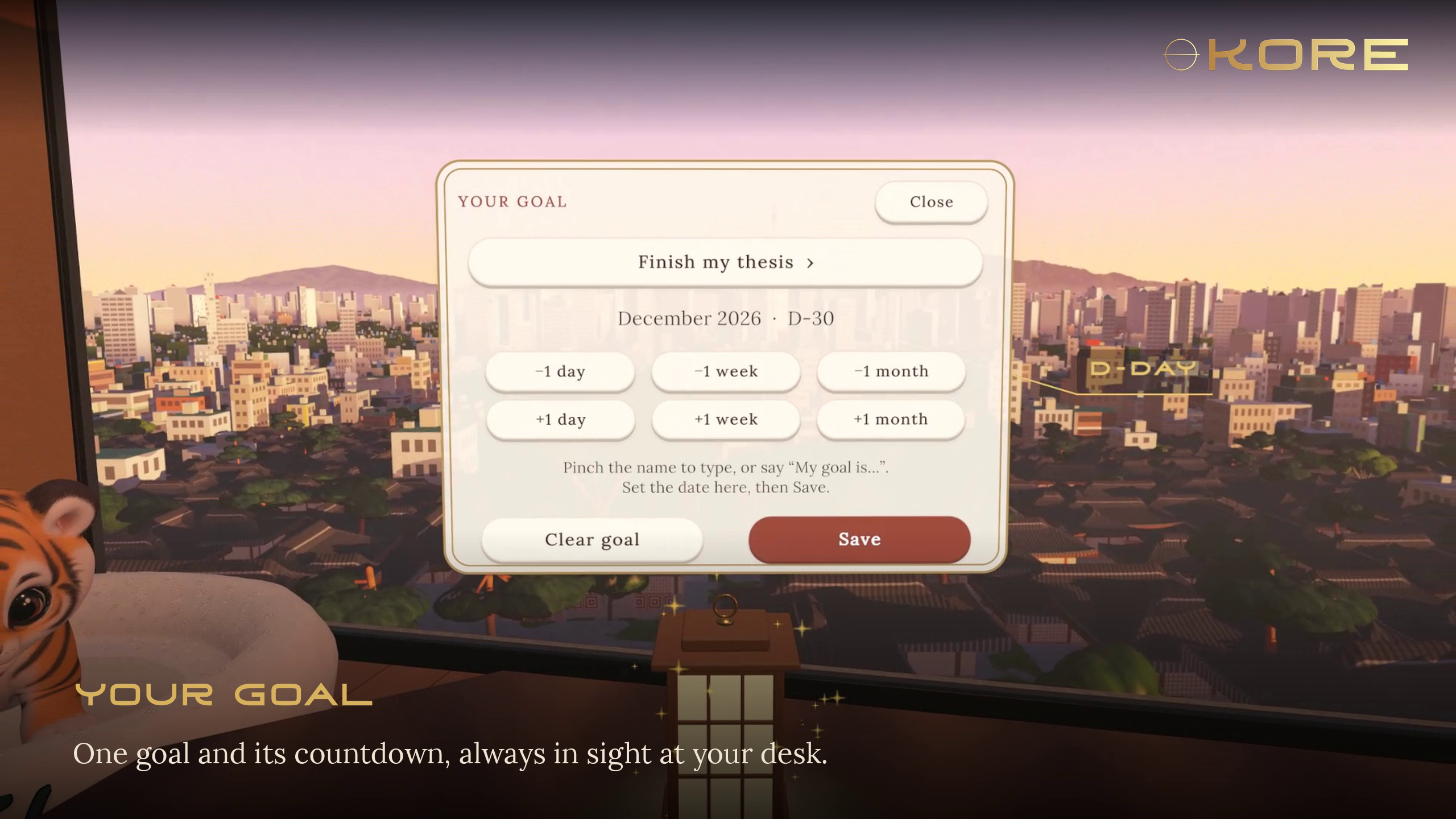
Your goal: one goal and its D-day countdown, always in sight at your desk.
-
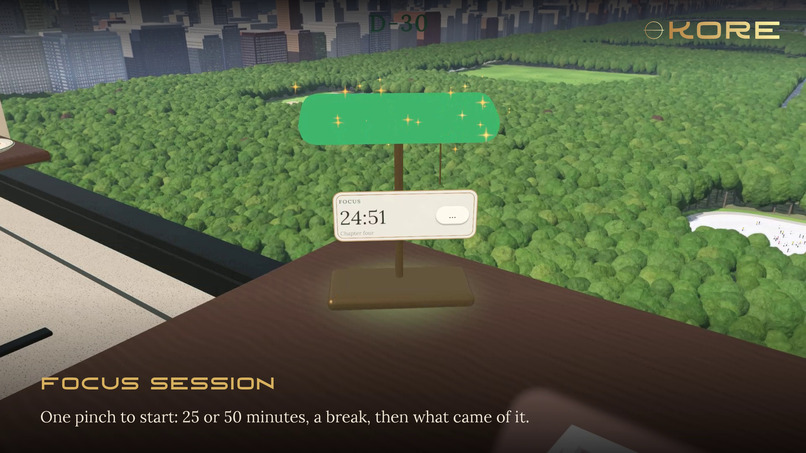
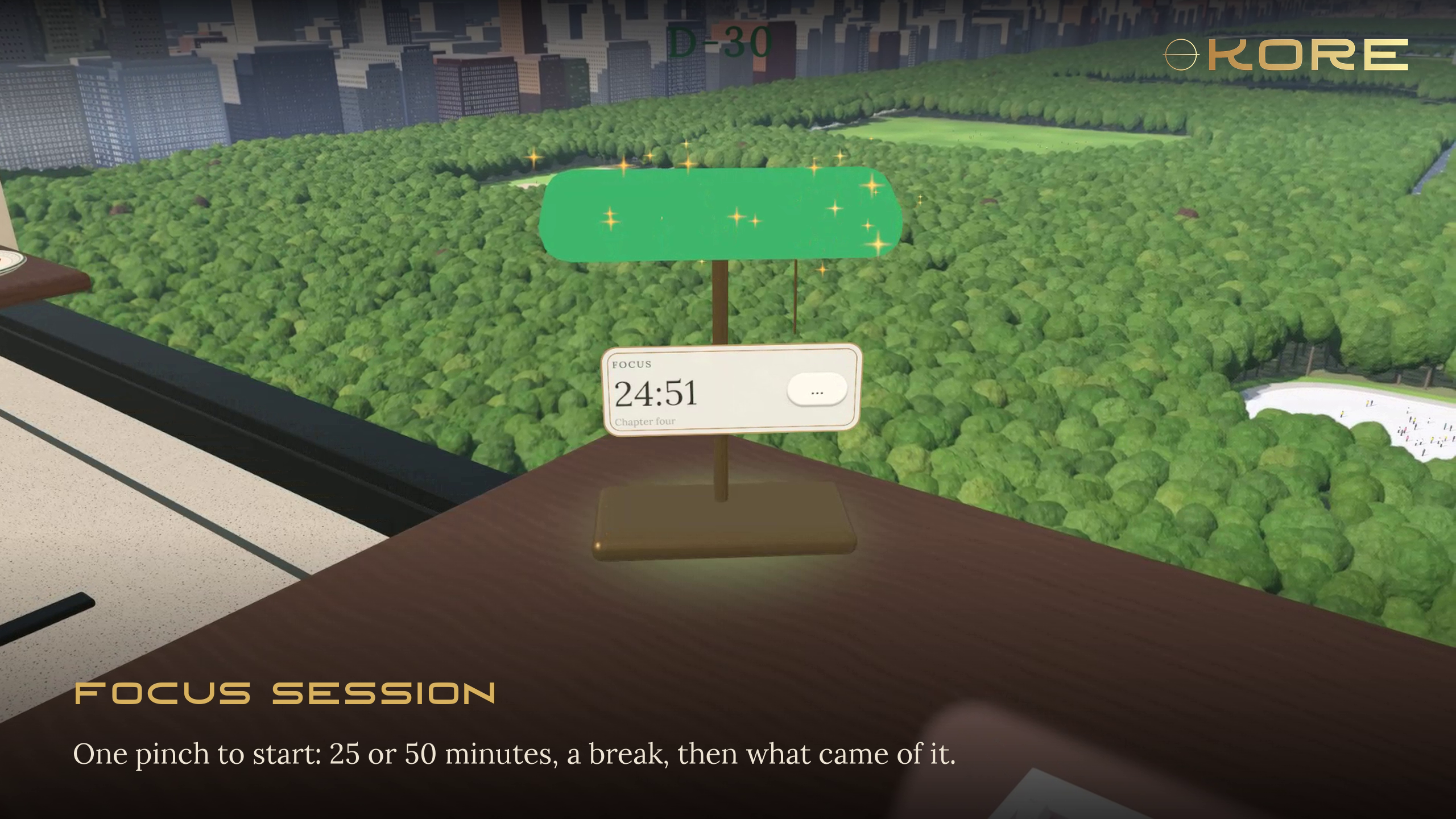
Focus session: one pinch to start, 25 or 50 minutes, a break, then what came of it.
-
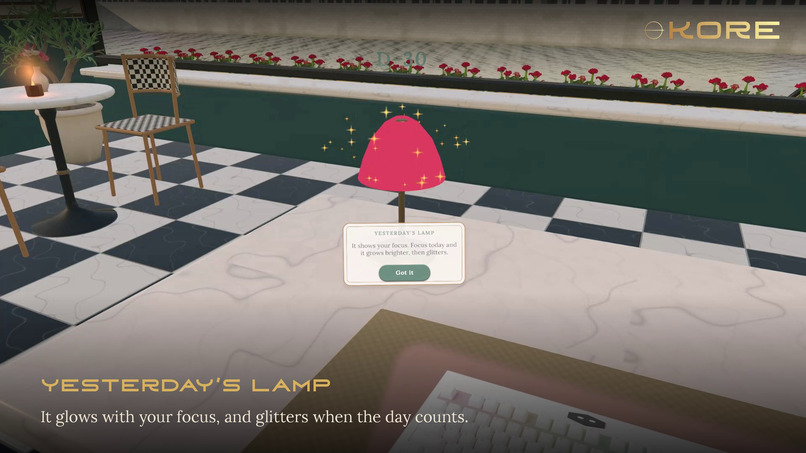
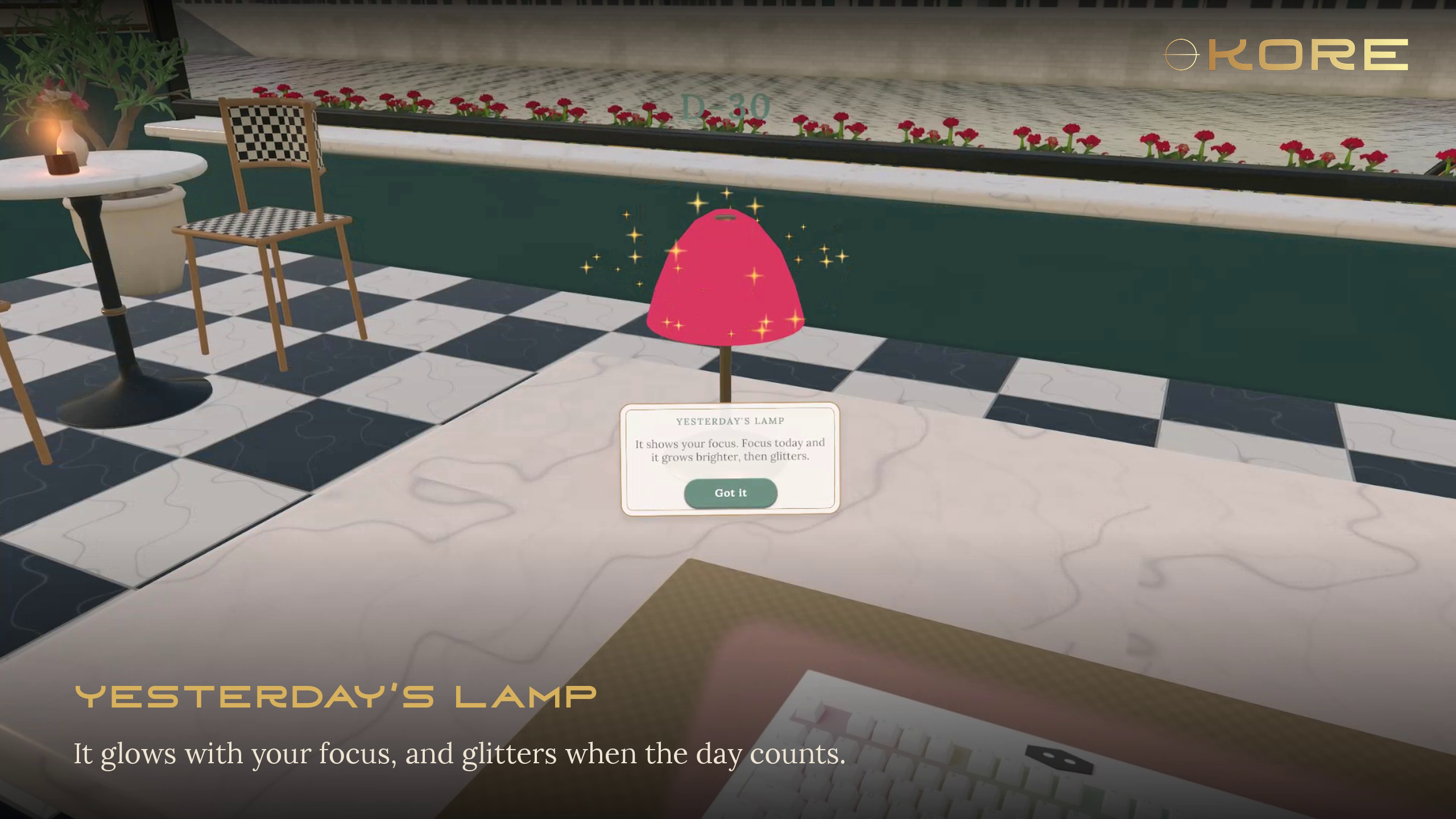
Yesterday's lamp: it glows with your focus, and glitters when the day counts.
-
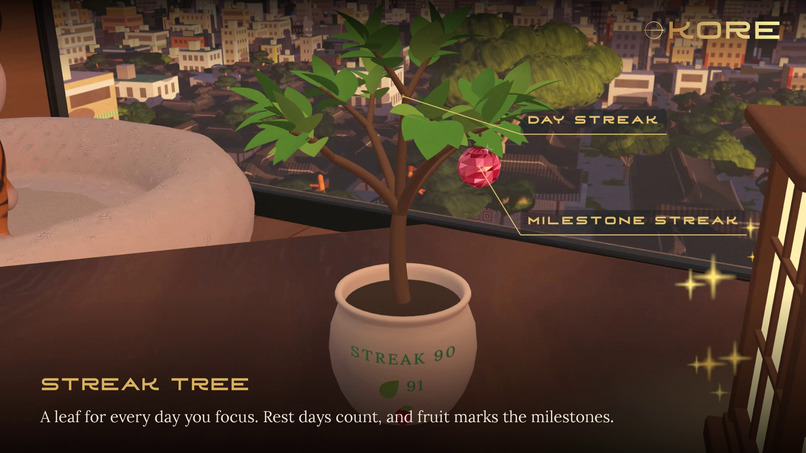
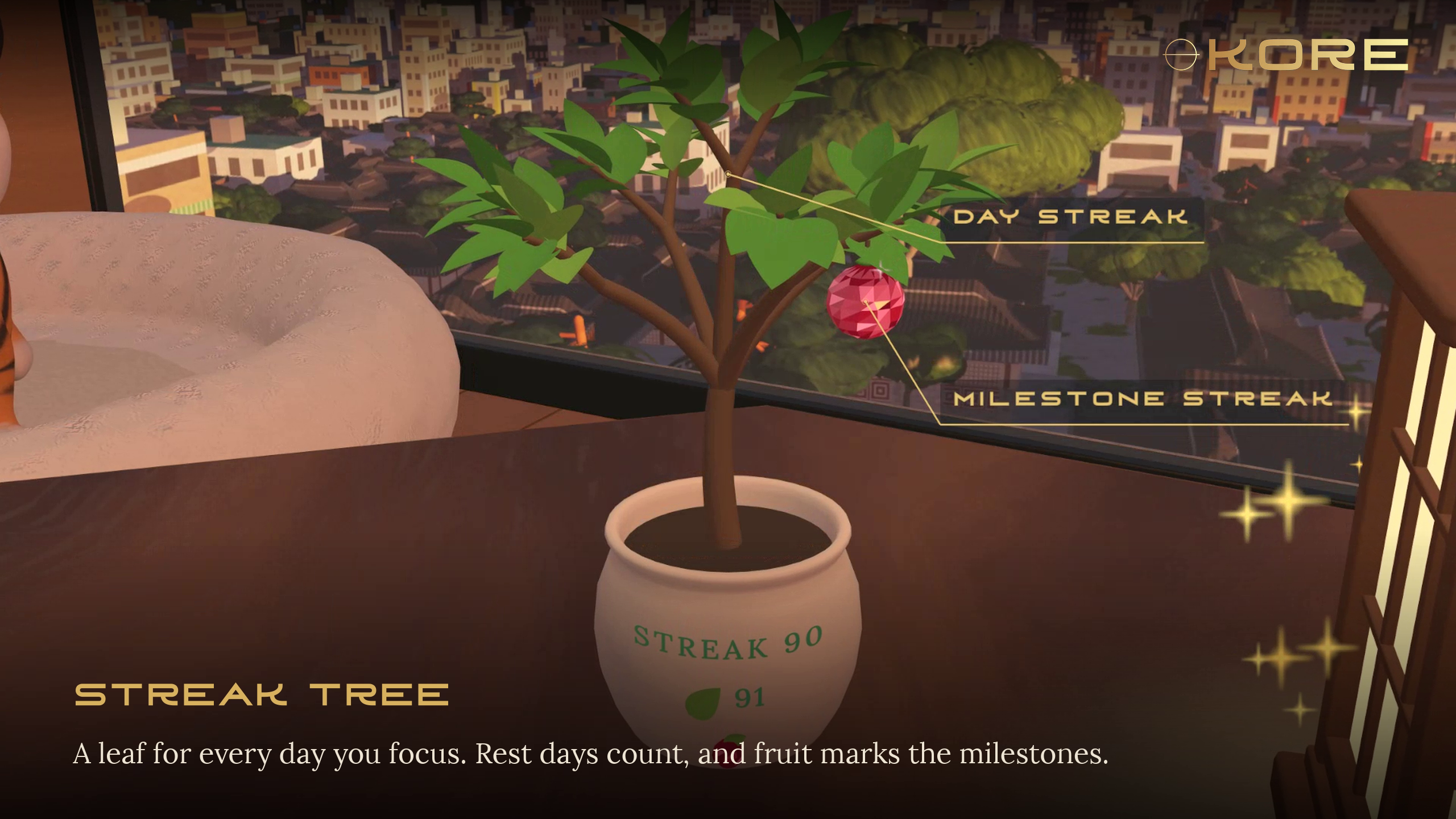
Streak tree: a leaf for every day you focus. Rest days count, and fruit marks the milestones.
-
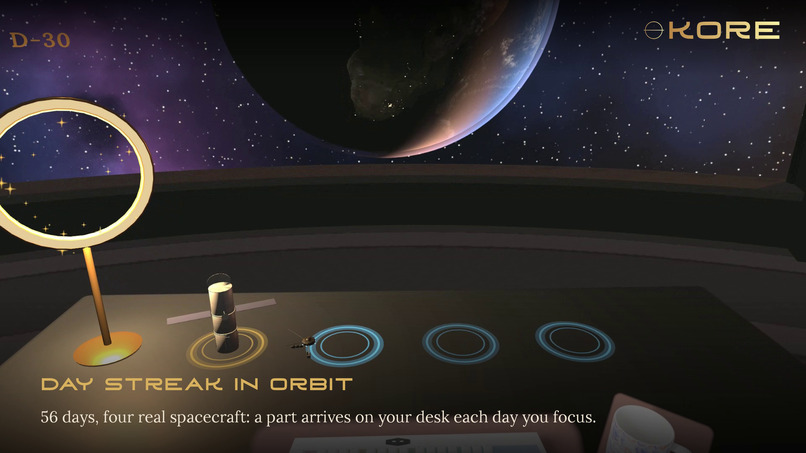
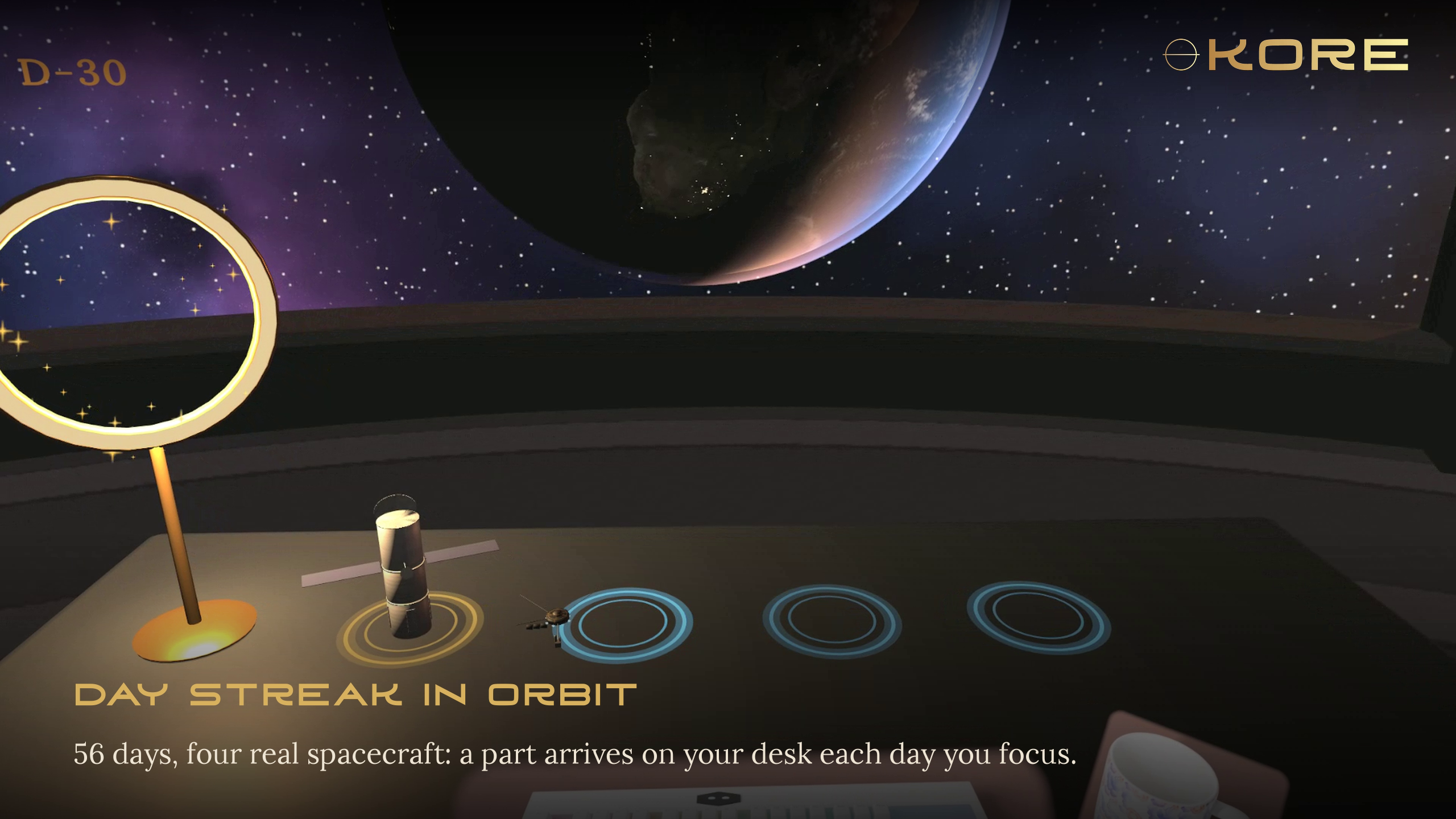
Day streak in Orbit: 56 days, four real spacecraft, a part arrives on your desk each day you focus.
-
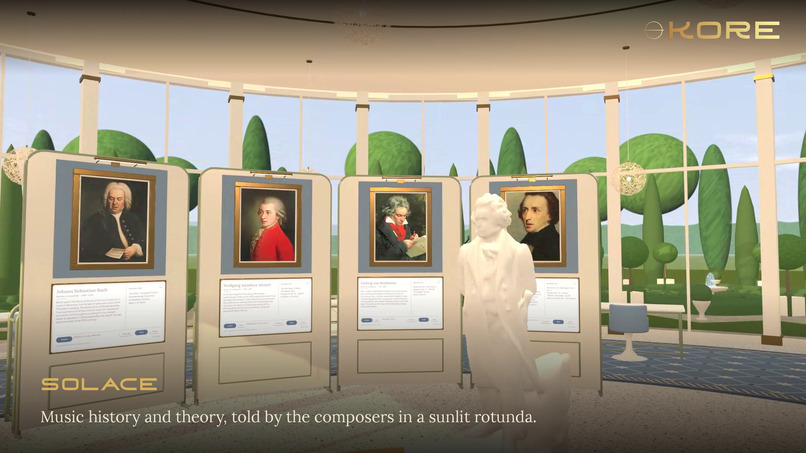
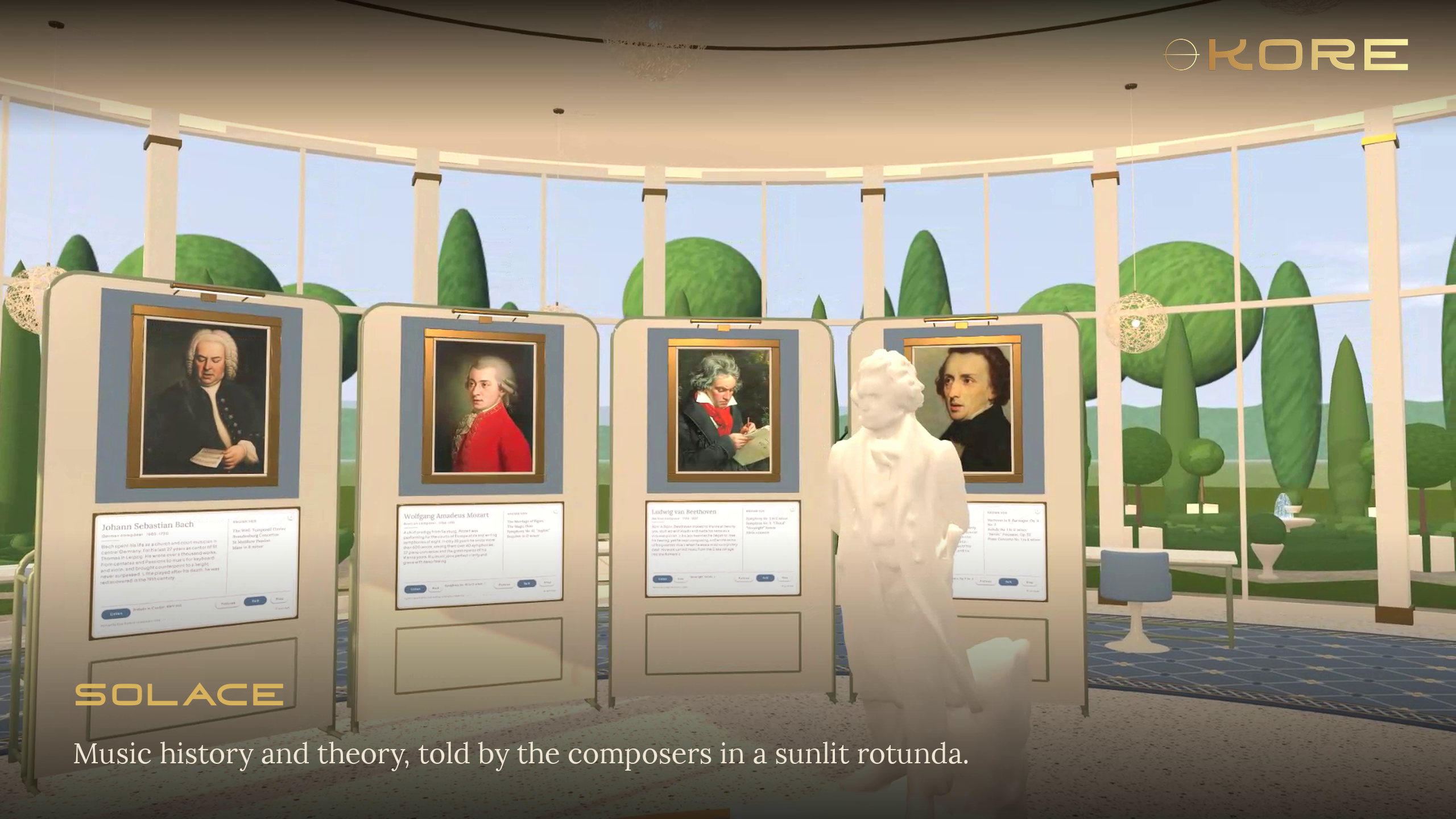
Solace: music history and theory, told by the composers in a sunlit rotunda.
-
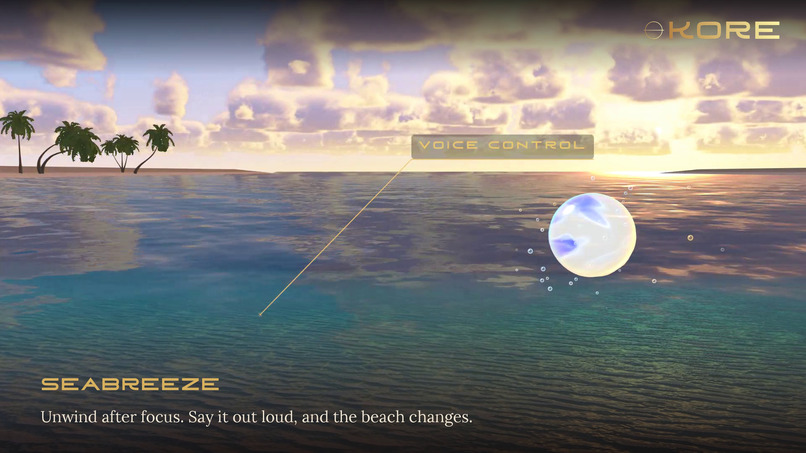
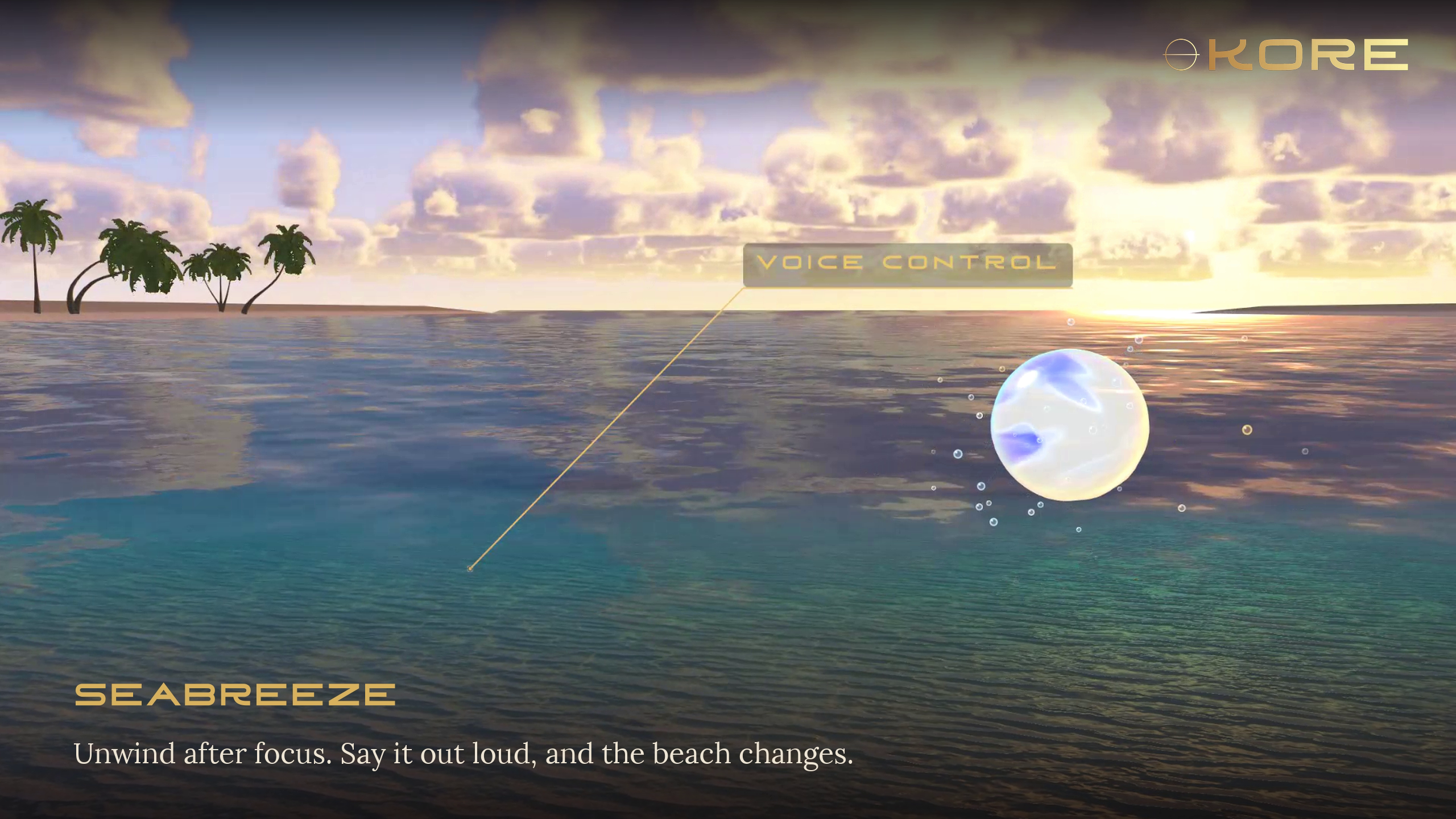
Seabreeze: unwind after focus. Say it out loud, and the beach changes.
-
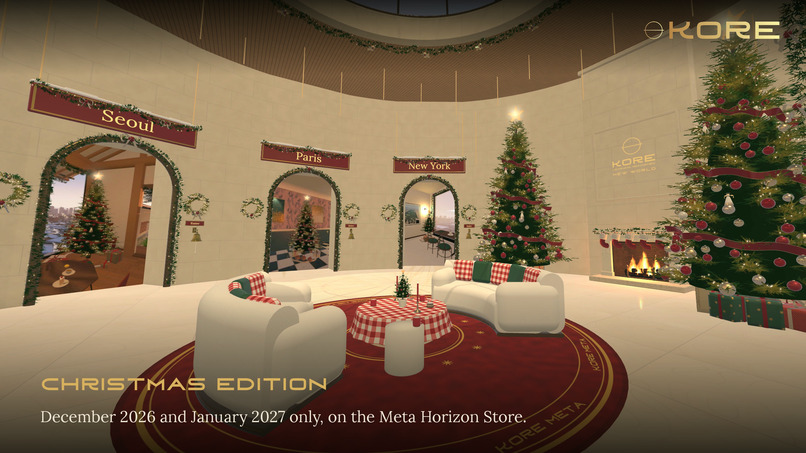
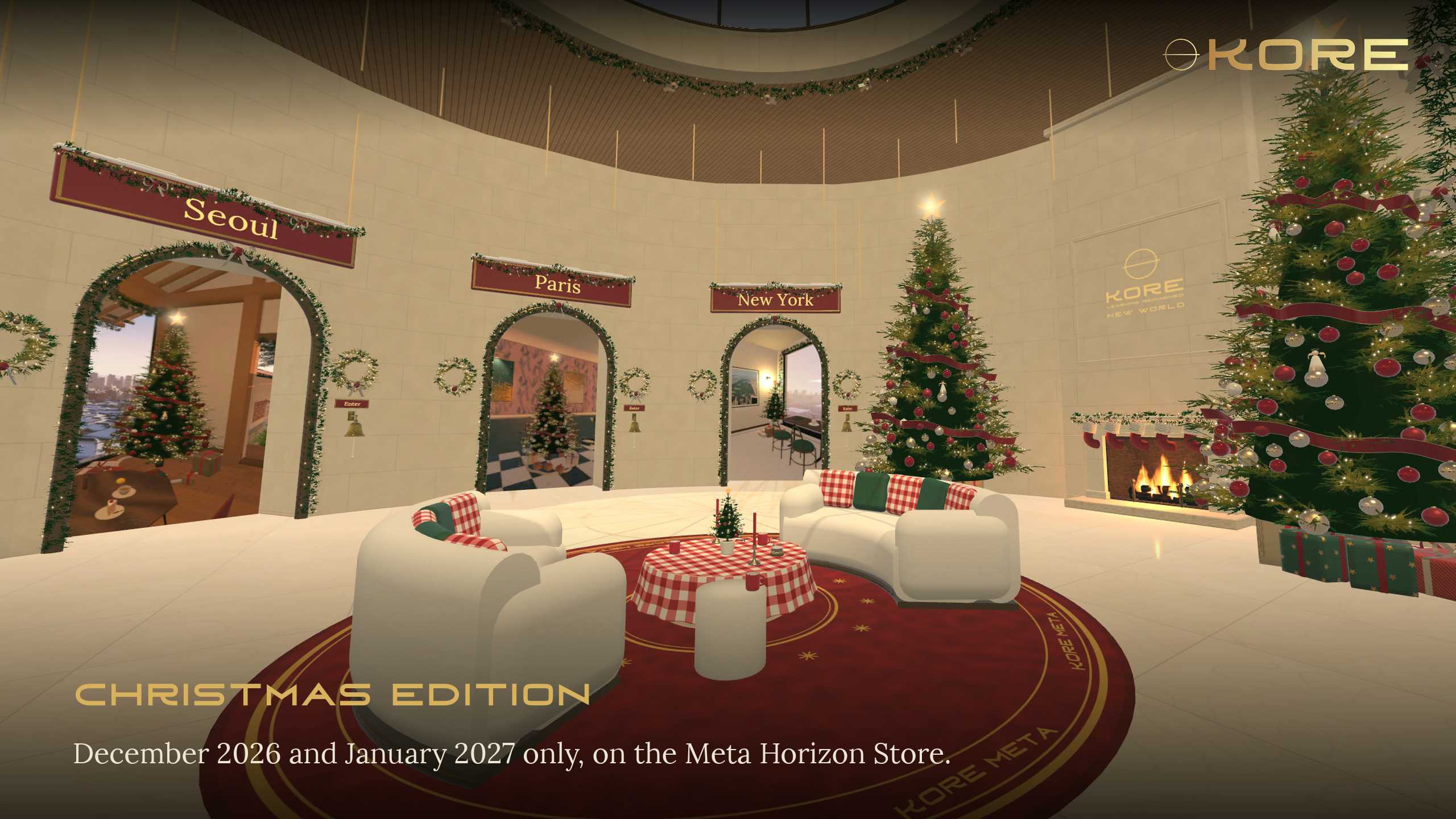
Christmas Edition: a separate app on the Meta Horizon Store, launching December 2026, available December and January only.
Inspiration
People study and work with a stranger on YouTube, a phone timer and a streak they keep breaking. It works because three things work: a place that feels like work, a ritual that starts and ends, and company. A phone gives you the timer. Only a headset can give you the place, keep your real desk in it, and put someone quiet beside you.
What it does
New World is a seated, hands-first productivity space for Quest 3 and 3S: your study desk in nine places, from a library orbiting the Earth to a hanok tea room above Seoul, a café over Central Park and a palm lagoon. You choose where you work and how it feels; New World gives you the ritual that gets the work done.
- Timed focus sessions. One pinch to start: name your task, pick 25 or 50 minutes, work, take the break, then say what came of it and your next step. The lobby offers that next step tomorrow.
- A goal with a D-day. One goal and its countdown stay in sight at your desk, so every session points somewhere.
- Your PC, at the desk. A free Windows companion app streams up to six screens from two PCs, with sound, peer to peer on your Wi-Fi, after a six-digit code and approval on the PC.
- Your real desk, through passthrough. The session card sits on your real table, found from the headset's room model and remembered with a spatial anchor. Your real keyboard and cup show through passthrough windows that follow them, so you can type and drink without taking the headset off.
- An environment you control. Pick the place, the light (morning, afternoon, sunset, night, or your real clock) and the music. Each place remembers your choice.
- Consistency you can see. Yesterday's lamp glows with how much you focused and glitters when the day counted. A streak tree grows a leaf for every focus day; rest days count, and a missed day can be earned back. In Orbit, a fleet of real spacecraft arrives one part a day over 56 days.
- Company that knows when to be quiet. Orbit, Hori the tiger cub and Bubble the puppy talk by voice, then go silent while you work. Orbit acts: ask for Falcon 9 and the holodeck flies its mission, stage separation and landing included.
How we built it
Unity 6 with Unity OpenXR Meta and AR Foundation. XR Hands and XR Interaction Toolkit for pinch, poke and grab, with a fresh-press rule so a held pinch never fires the next panel; Meta thumb microgestures for tap-aim-tap teleport and swipe turns. Scene planes with semantic labels pick the table; an OpenXR spatial anchor keeps it. Our Real Objects package detects chosen items on-device (Inference Engine, YOLOX-Nano) from passthrough camera frames held only in memory. Screens use WebRTC from an Electron companion. A frame governor steps quality to protect 72 Hz. Voice uses Meta's Voice SDK; free conversation goes through our relay to Claude. Every place is generated by editor scripts.
Challenges we ran into
Quiet is hard: a listening companion interrupts, so the session is the boss. Finding tables in rooms we never saw. Five screens plus passthrough cutouts inside a 13.9 ms frame budget.
Accomplishments that we're proud of
A whole session, start to finish, with hands alone, and controllers work too. Passthrough that matters: your table, keyboard and cup, not a backdrop. Take the AI away and the app is still whole: sessions, notes and streaks need no network.
What's next
- Early Access in January 2027. New World opens in Early Access on the Meta Horizon Store in January 2027.
- Worlds that scale. Every place is generated by editor scripts, so each one can grow. We will divide them into smaller worlds offered as packages, each with more and deeper content.
- Christmas Edition, December 2026. The Lobby, Paris, Seoul and New York dressed for a white Christmas, with carols: a separate app on the Meta Horizon Store, launching in December 2026 and available for December and January only.
- Your own AI account, and notes that become Orbit's break questions.
Built inside the window (New Experience)
New World did not exist before 24 September 2026. The first file and commit are dated 15 October 2026. Everything in the build was made since, and the Christmas Edition too: both were created within the competition period.
Try it (for judges)
Hands first; controllers work too. Sit at a table if you can. On first launch, allow the microphone and the spatial data permission: it lets the session card stand on your real table.
- You arrive in the lobby. Follow the short welcome, or pinch Skip.
- Pinch Focus, then Orbit. You land at your desk facing the Earth.
- Pinch the goal plate and type a goal and a D-day.
- On the desk card, pinch Name your task, then 25 min (or 10 min for a quick look).
- Say "Orbit, note: revise chapter four". A note appears; pinch it and stick it on the wall.
- Ask "Orbit, show me Falcon 9's mission" and watch the stages separate on the holodeck.
- At the end, pinch Done, Made progress or Continue later. The lamp and the first part of Hubble appear on the desk.
With a Windows PC (optional): install New World Desktop: download the Windows installer (Google Drive may say it can't scan the file for viruses: choose Download anyway). The installer is not signed yet, so if Windows SmartScreen appears, choose More info, then Run anyway. Keep the PC on the same Wi-Fi, pinch Bring my computer in the lobby, type the six-digit code on the PC and approve.
To move: tap your thumb on your index finger to aim, tap again to teleport; swipe to turn. Without internet, sessions, notes and streaks all work; only conversation with the companions needs a connection.


