Inspiration
The digital overload is real - we spend hours scrolling through lengthy articles, documentation, and web content. While working on complex coding projects, I found myself constantly switching between multiple technical documentation tabs, trying to extract key information. This inspired me to create TabSum AI - a Chrome extension that harnesses the power of Google's Gemini Nano to transform how we consume web content.
What it does
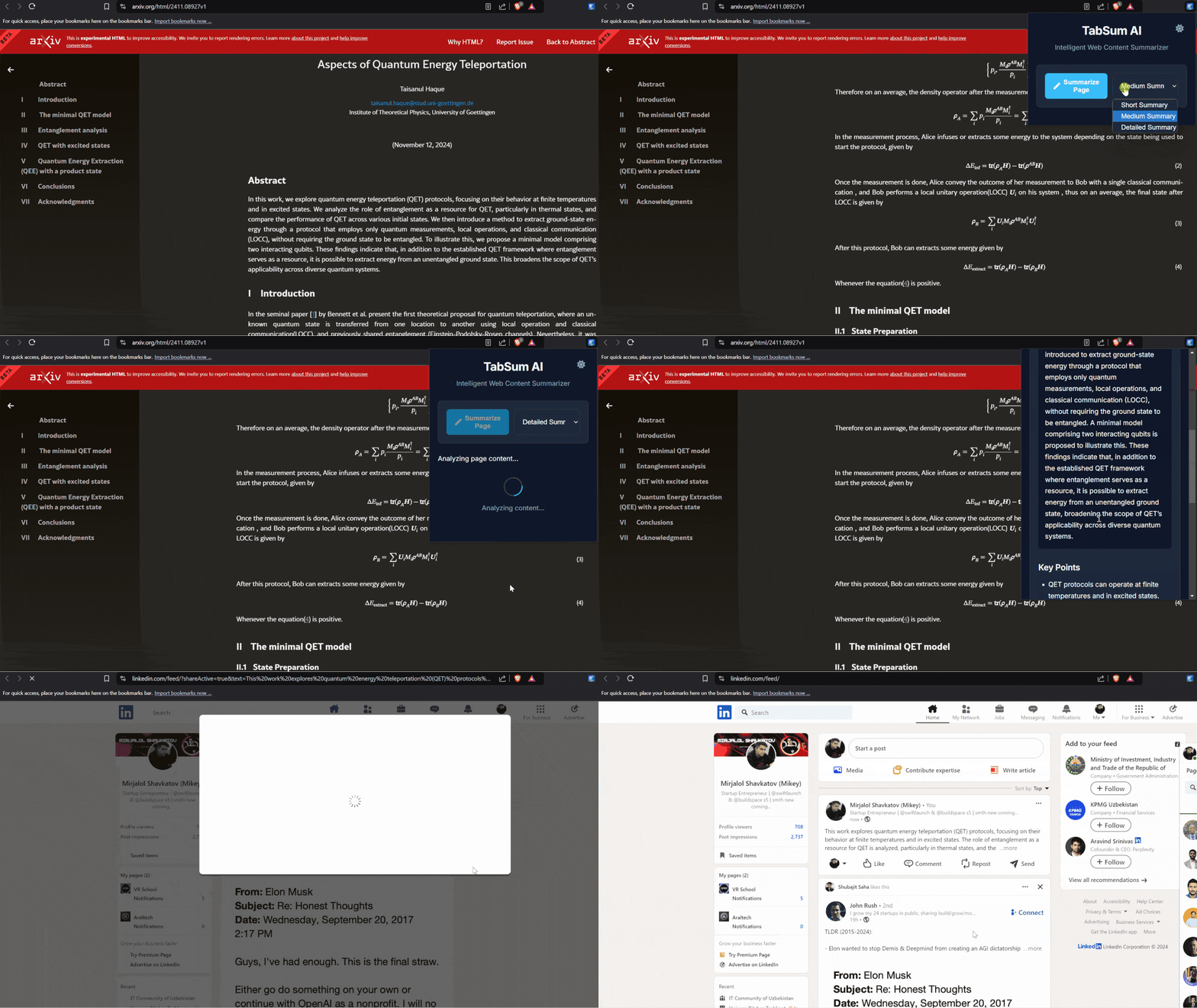
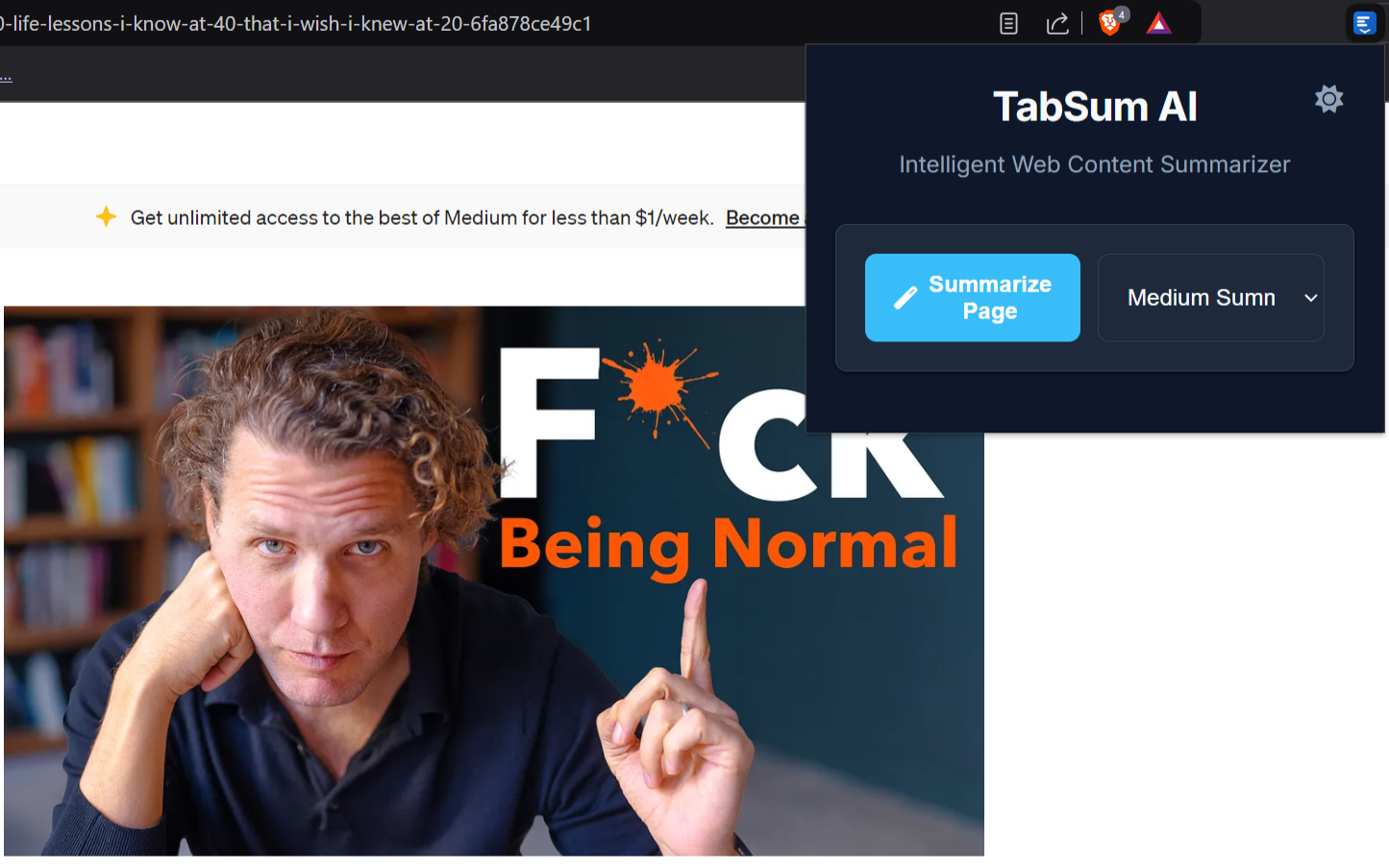
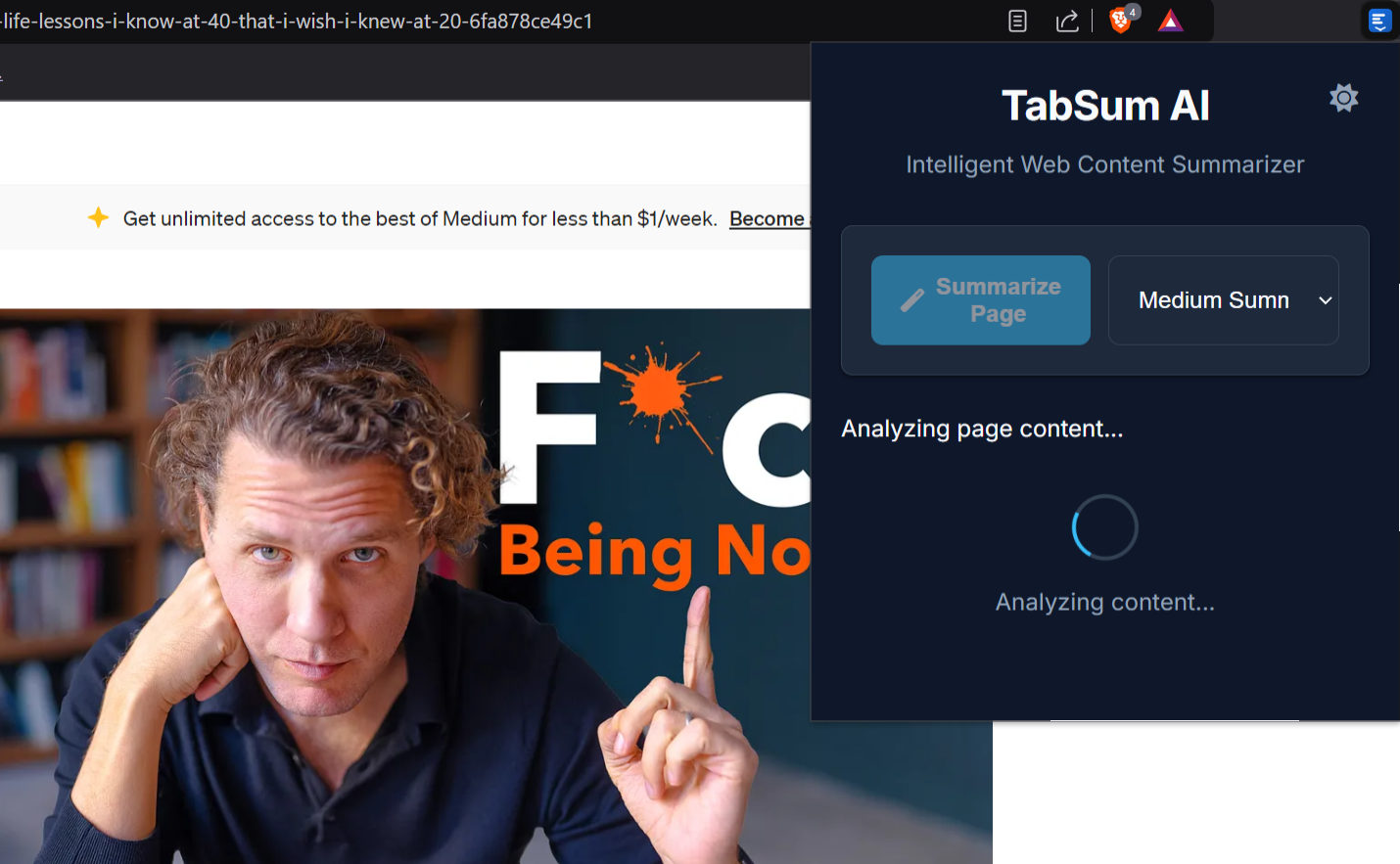
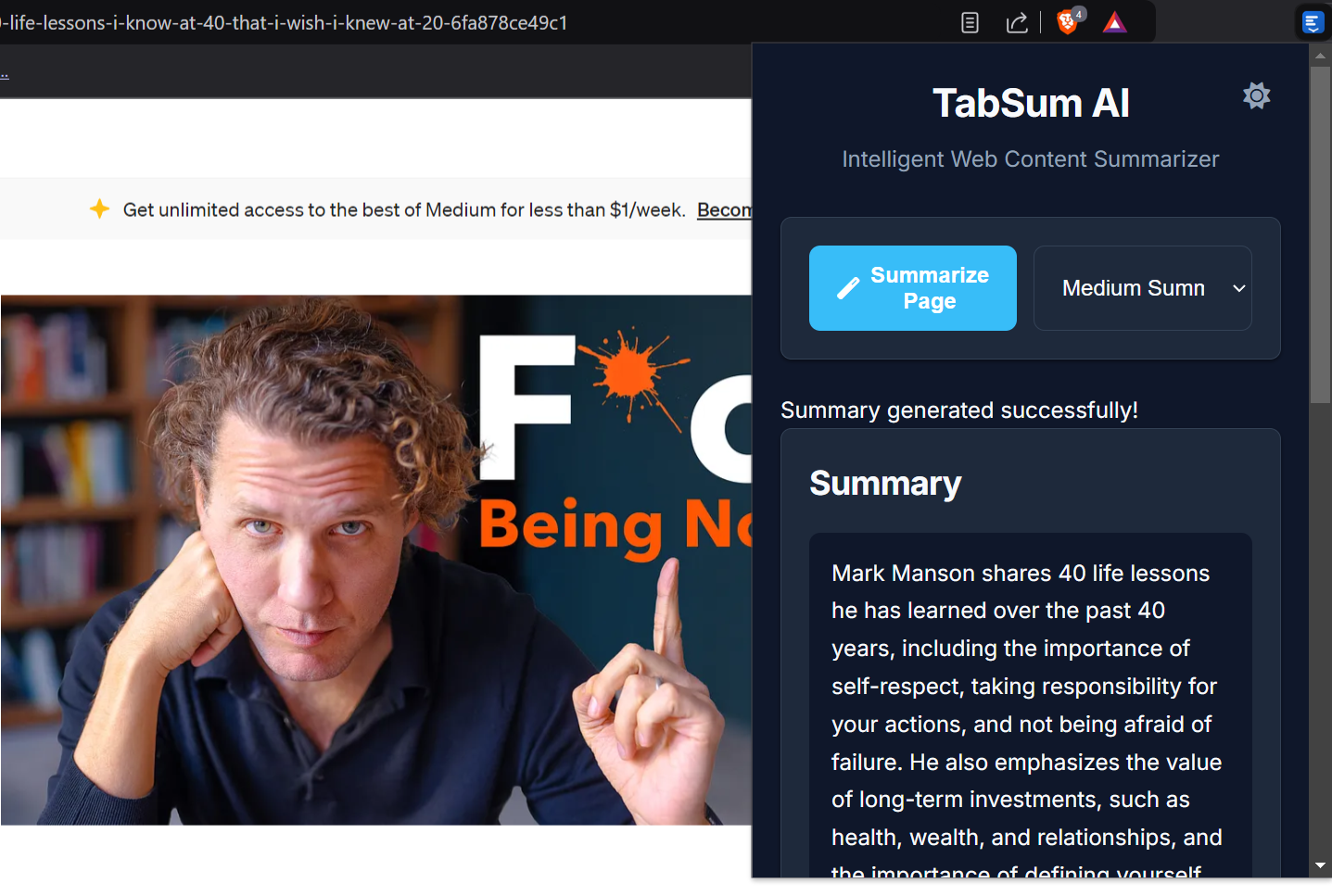
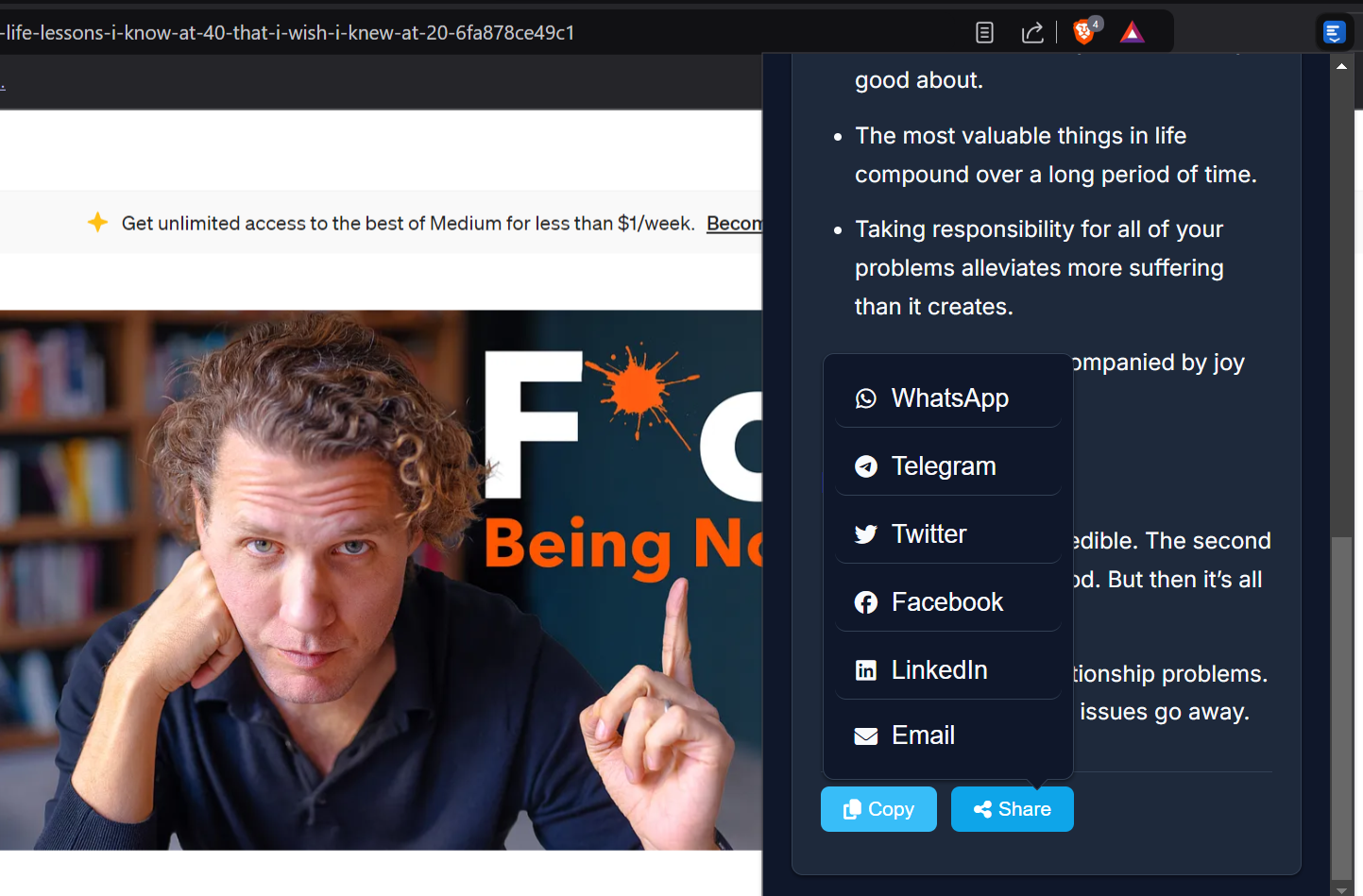
TabSum AI is an intelligent Chrome extension that provides instant, AI-powered summaries of any webpage with just one click. Key features include:
- Smart summarization with adjustable detail levels (short/medium/detailed)
- Key points extraction for quick understanding
- Multi-language support
- Dark/Light theme adaptation
- Share summaries directly to popular platforms
Clean, modern interface with seamless Chrome integration
How we built it
Frontend: Modern JavaScript (ES6+) with a focus on Chrome's design principles
AI Integration: Leveraged Chrome's built-in Gemini Nano model through the Summarization API
Architecture: Event-driven background script for efficient tab management
Testing: Comprehensive Jest test suite with Chrome API mocks
CI/CD: Automated GitHub Actions pipeline for seamless deployment
Multi-browser Support: Manifest V3 for Chrome/Edge, with Firefox compatibility
Challenges we ran into
- Optimizing AI response time while maintaining quality summaries
- Handling diverse webpage structures and content types
- Managing extension permissions for security
- Implementing robust error handling for API interactions
- Ensuring consistent performance across different browsers ## Accomplishments that we're proud of
- Created an intuitive UI that feels native to Chrome
- Achieved high-quality summaries using Chrome's built-in AI
- Built a comprehensive testing infrastructure
- Implemented secure API key management
- Developed cross-browser compatibility
Maintained high code quality standards
What we learned
Deep insights into Chrome's built-in AI capabilities
Best practices for extension development
Importance of user-centric design
Techniques for optimizing AI response time
Strategies for cross-browser compatibility
Value of comprehensive testing
What's next for TubSum AI
- Advanced customization options for summary styles
- Offline summarization capabilities
- Integration with note-taking applications
- Enhanced multilingual support
- Context-aware summarization
- Browser-specific optimizations
- Integration with additional Chrome AI features
Built With
- ai-powered
- babel
- browser
- chrome-extension-api
- chrome-prompt-api
- chrome-summarization-api
- chrome-write-api
- cross-browser-support
- css3
- eslint
- gemini-nano
- git
- github-actions
- html5
- javascript
- jsdom
- manifest-v3
- shadcn
- webpack


Log in or sign up for Devpost to join the conversation.