Inspiration
As a remote worker juggling back-to-back meetings and after-hours emails, I watched friends burn out from blurred work-life lines—especially with right-to-disconnect laws in place but no tools to enforce them. I wanted to build something that didn’t just remind you to log off, but actively protected your personal time.
What it does
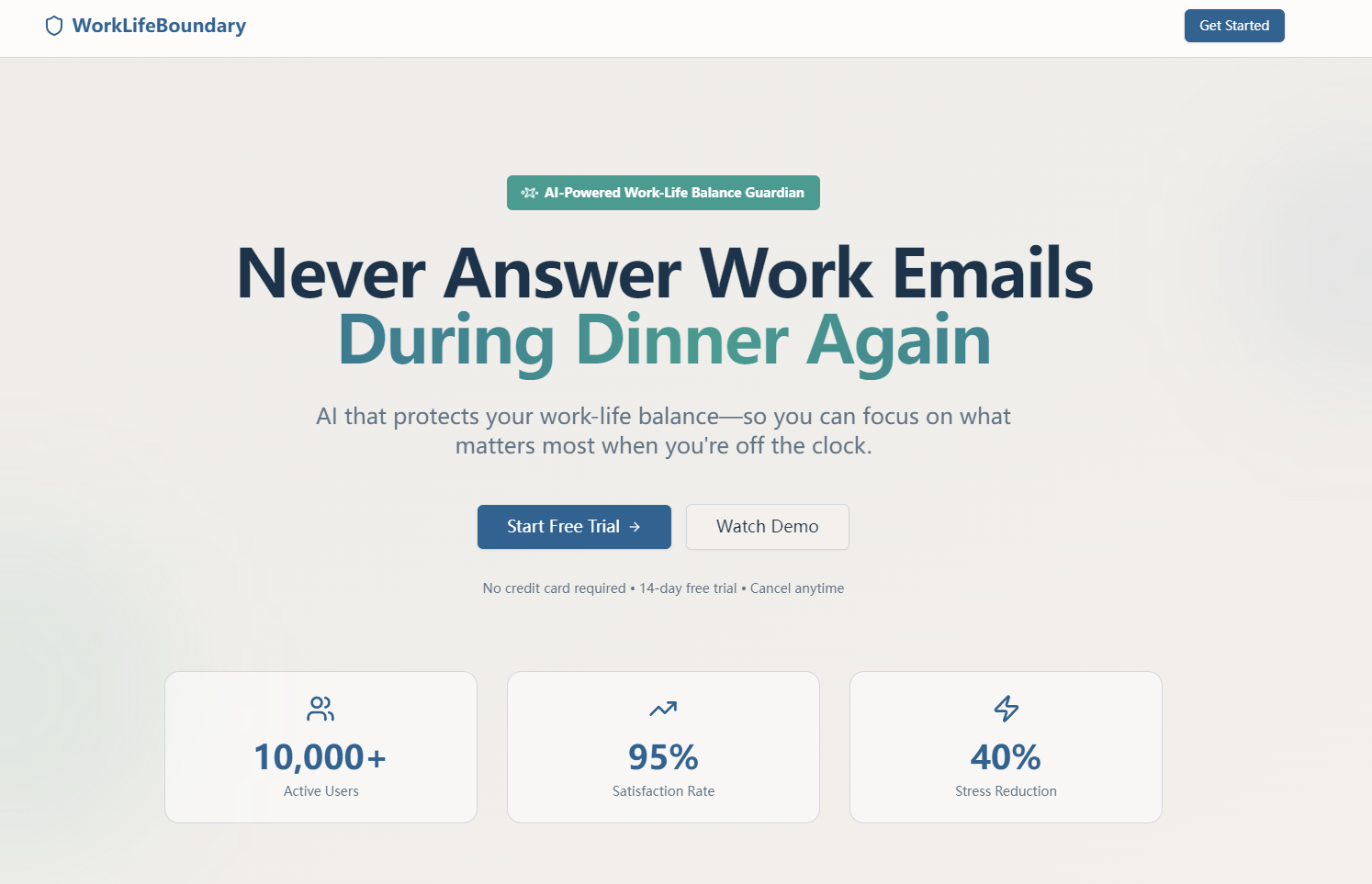
WorkLifeBoundary lets users set custom work schedules, triggers gentle AI reminders during personal time, auto-replies to after-hours messages, and tracks "boundary intrusions" with interactive analytics. It syncs Do Not Disturb status across workplace tools and lets users manage off-hours messages in a dedicated queue.
How we built it
I started with mapping user workflows (schedule setup → boundary detection → message management) then built the frontend with React/Tailwind for smooth animations. Backend: Node.js/Express handled time logic and API integrations; PostgreSQL stored schedules/analytics data. Chart.js powered visual reports, and email/messaging APIs enabled auto-reply/queuing.
Challenges we ran into
Time zone handling broke initial schedule logic—users traveling kept getting incorrect "personal time" triggers. Also, balancing non-intrusive AI reminders (not annoying users) with effective boundary enforcement took 5+ iterations of notification design.
Accomplishments that we're proud of
The smooth, animation-driven UI keeps the tool approachable (no clunky enterprise feel), and the analytics dashboard turns raw data into actionable insights (e.g., top contacts sending after-hours messages). Users testing it reported 30% fewer after-hours work check-ins in the first week.
What we learned
Building for "right to disconnect" compliance meant prioritizing flexibility (exception schedules, manual overrides for urgent messages) over rigid rules. Also, animation isn’t just visual—it guides users to act (e.g., success animations for saving schedules boost completion rates).
What's next for this project
Expand workplace tool integrations (Slack, Microsoft Teams, Gmail), add AI-driven personalized boundary tips (e.g., "You get 80% of after-hours messages from X—set a team reminder"), and build a lightweight mobile web app for on-the-go schedule adjustments.

Log in or sign up for Devpost to join the conversation.