-
-
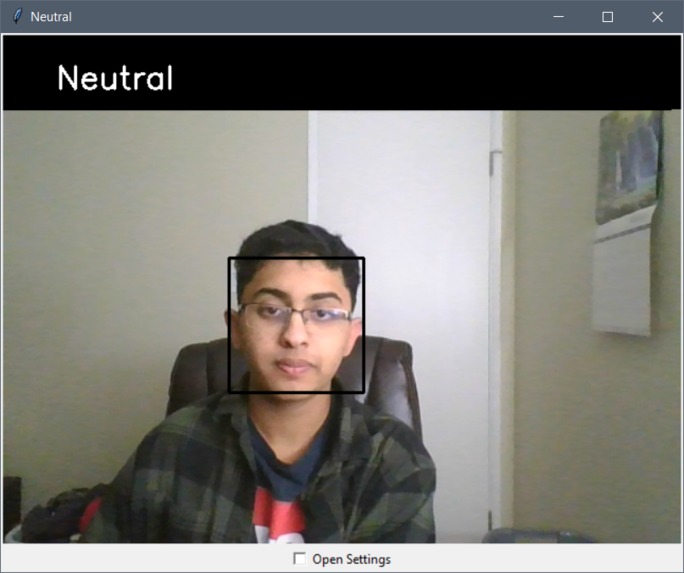
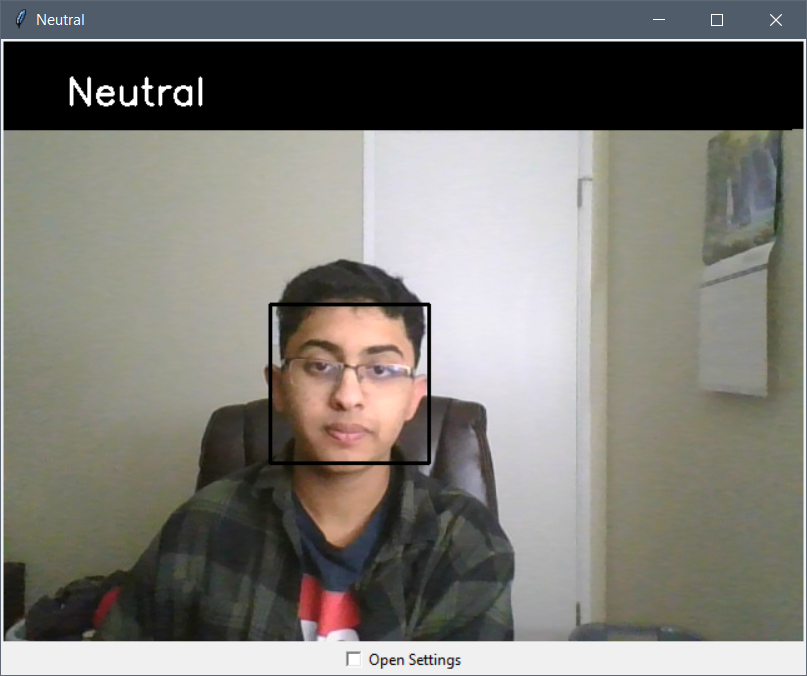
Detecting Neutral position
-
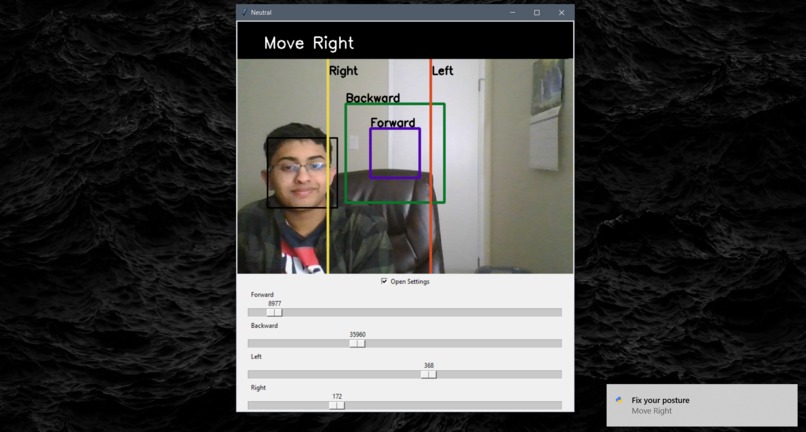
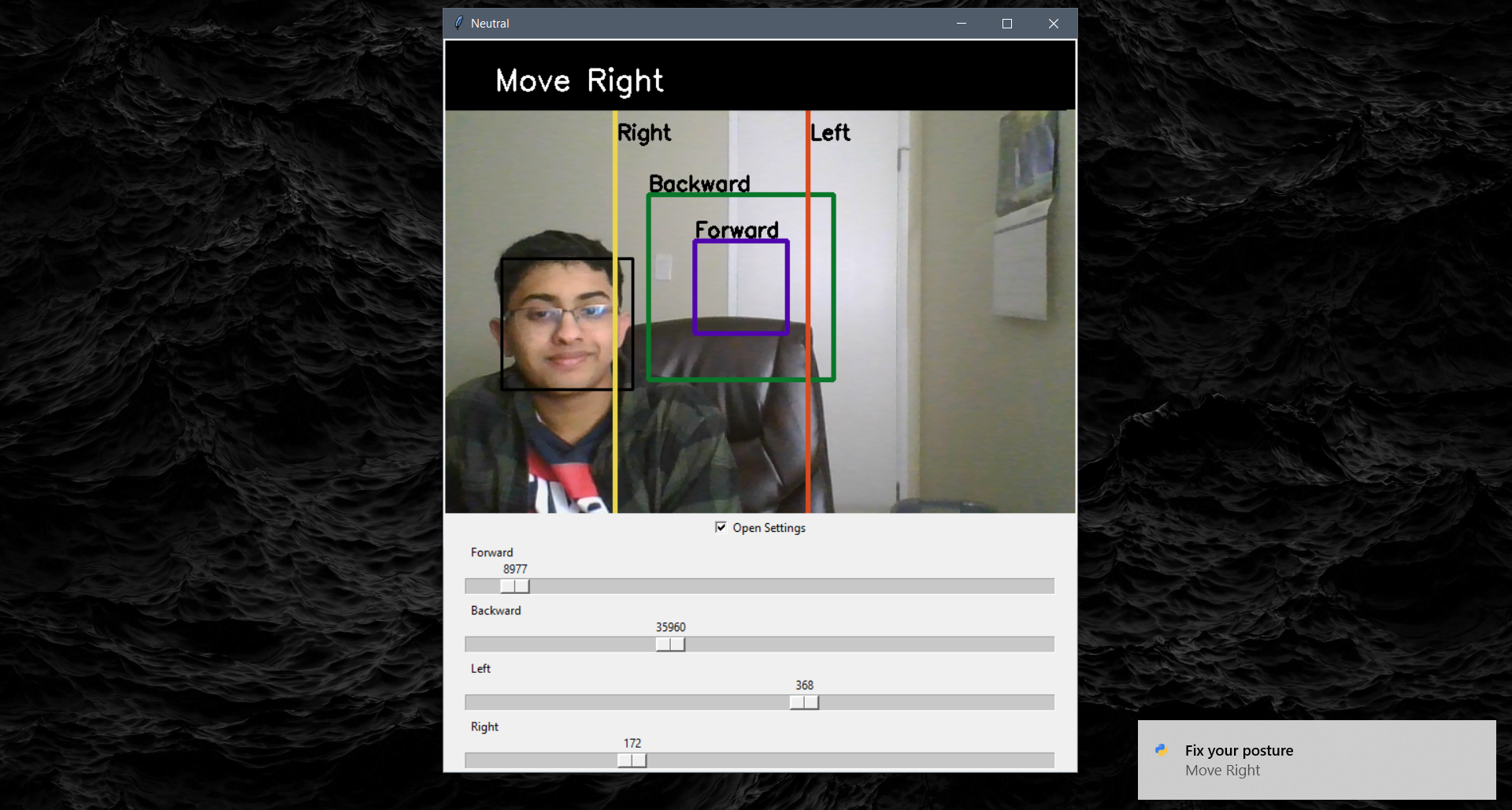
Detecting poor posture and displaying a notification
Website: oneneutral.tech
Inspiration
We are becoming increasingly more dependent on technology for our work and have to sit in front of computers all day. With the ongoing pandemic, most people are now forced to work and attend calls for long hours in front of computers, so right now, we are more dependent on technology than ever. While sitting in front of computers for too long, people’s postures gradually deteriorate and poor posture can lead to a variety of health problems such as back pain, neck pain, headaches, poor sleep, disrupted digestion, and even lack of motivation. Furthermore, I myself developed a posture problem known as the Anterior Pelvic Tilt after sitting in front of the computer for too long, which essentially makes you look like you have an abnormally large backside. I wanted to fix this problem and wanted a cheap way to do so and so, Neutral was built!
What it does
Neutral uses your webcam to detect your face's position/orientation on the screen, classifies it into an instruction to improve your posture, and notifies you accordingly. You can minimize the Neutral window while you are working and it will notify you every time you are slouching or excessively straining your neck with six basic instructions: "Move Right" if your are slouching to the left, "Move Left" if your are slouching to the right, "Lean Forward" if you are too close to the screen, "Lean Backward" if you are bending backward too much, "Straighten Head" if your head is not straight, and "Neutral" for a good posture. Finally, if you have a different computer setup (maybe your computer is closer or angled in a direction), you can use the settings to modify the "bounds" to fit your position better.
How it was built
Neutral is a Computer Vision program written in Python. It uses OpenCV's face Haar Cascades to detect your face's position and orientation in front of the computer. It also uses Tkinter for the easy-to-use GUI so you can modify any settings needed to suit your computer setup and win10toast to give Toast Notifications whenever you are sitting in a bad posture.
Challenges
It took some time to combine the Tkinter video display with OpenCV's face detection. Also, connecting all the GUI elements to OpenCV's video elements took up some time but other than that, the libraries were smooth to use.
What I learned
This was the first time I used Tkinter so getting to explore Python's popular GUI library was a worthwhile experience! I also got to familiarize myself with OpenCV's drawing functions (to display instructions on the screen) a bit more.
What's next for Neutral
- Perhaps train the model a bit more for better face detection and add more categories to classify face positions and orientations.
- This one is a bit harder but maybe detecting the person's 3D environment to better classify hard-to-detect posture problems.
- Adding extra settings so people with more particular posture problems can use Neutral for their specific needs.

Log in or sign up for Devpost to join the conversation.